




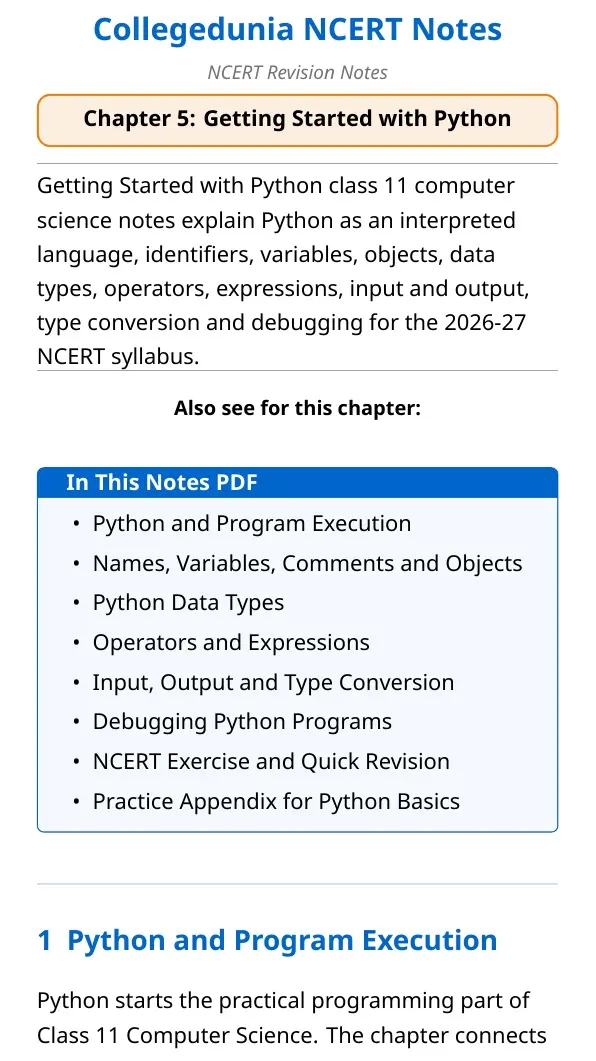
NCERT Notes for Class 11 Computer Science Chapter 5 Getting Started with Python help students revise Python basics, identifiers, variables, data types, operators, input, output, type conversion and debugging for the 2026-27 NCERT syllabus.
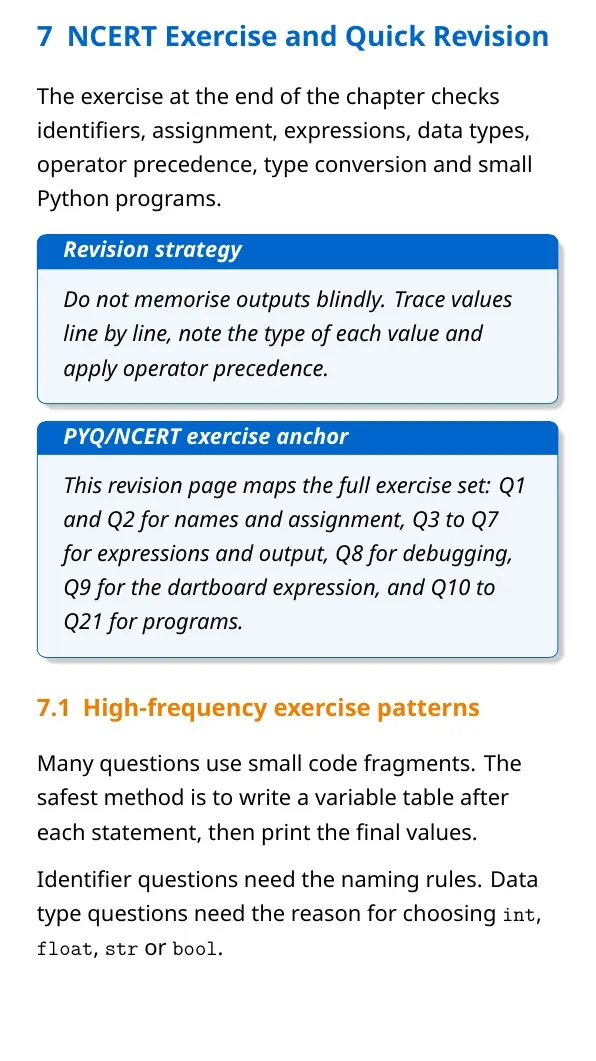
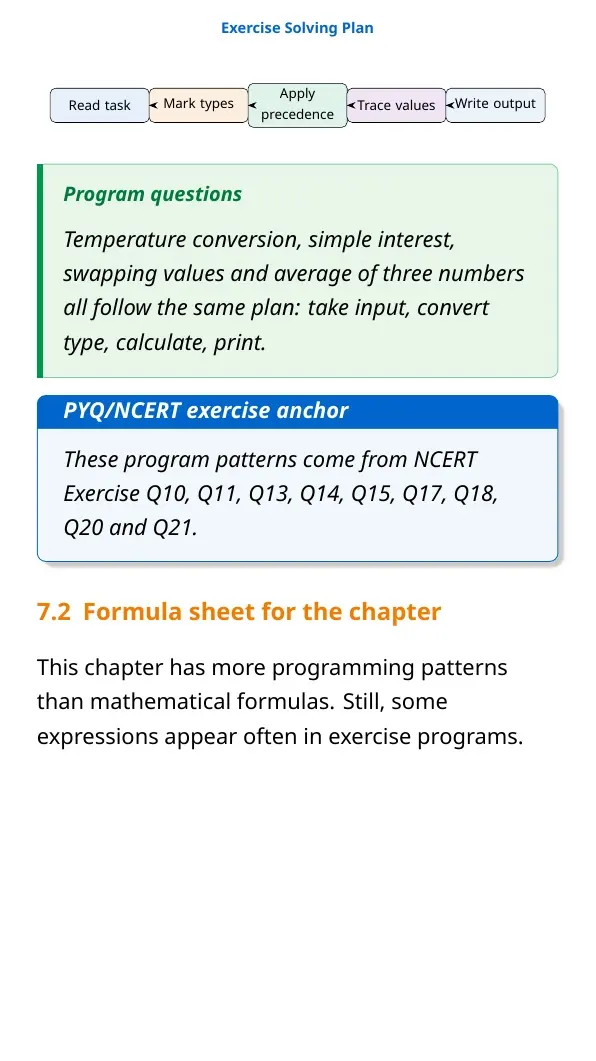
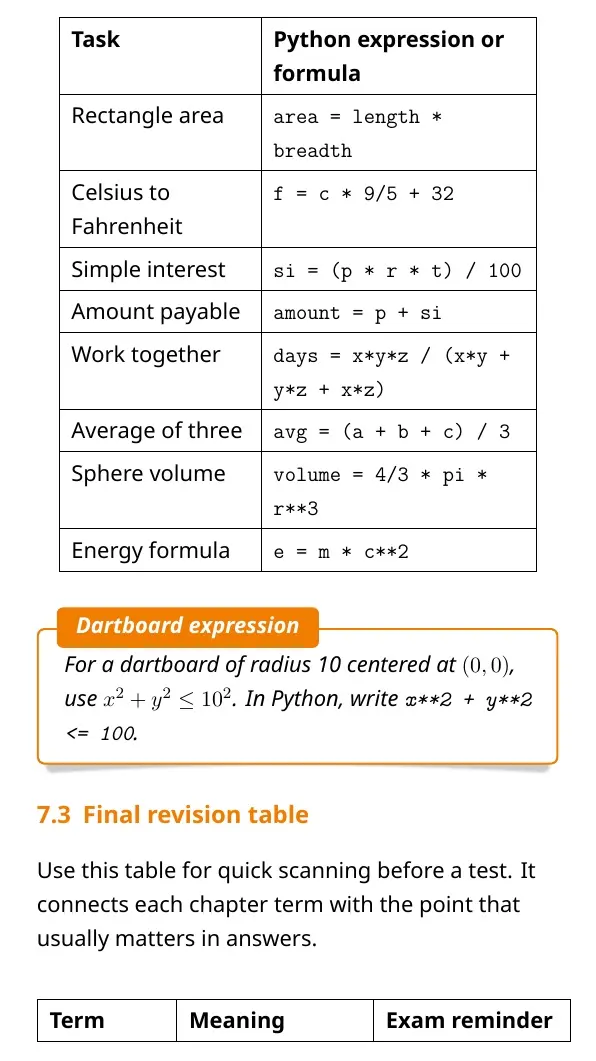
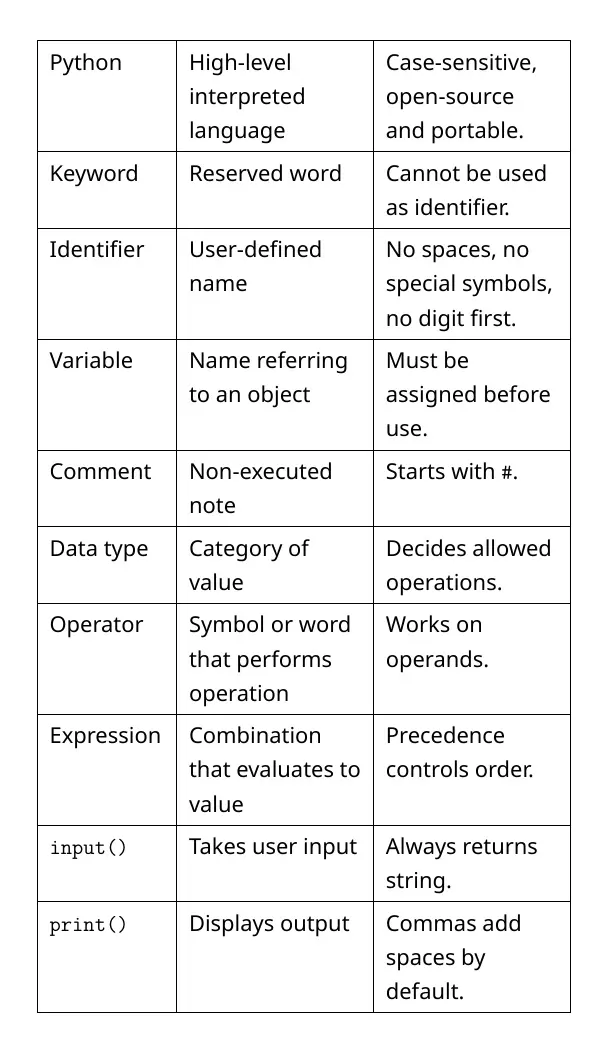
- PDF included: 22 pages with tables, program-flow diagrams and quick revision boxes.
- Key focus: Python modes, keywords, identifiers, objects, operators and type conversion.
- Best use: read the PDF once, then solve NCERT output and program questions.
Student Feedback: In a Collegedunia survey of 10,820 Class 11 students conducted before the 2026 exams, most students said type conversion and output tracing needed one extra revision before tests.
Getting Started with Python Notes Overview for Class 11 Computer Science
Getting Started with Python explains how students move from algorithms to real Python programs. The chapter covers the Python interpreter, script files, keywords, identifiers, objects, data types, operators, expressions and errors.
| Area | What to revise | NCERT cue |
|---|---|---|
| Program basics | Source code and interpreter | Python runs statement by statement |
| Naming | Keywords, identifiers and variables | Case-sensitive names matter |
| Data | Numbers, strings, lists, tuples, sets, dictionaries and None | Each value has a type |
| Errors | Syntax, logical and runtime errors | Debugging removes mistakes |
Python Execution Modes and Program Flow
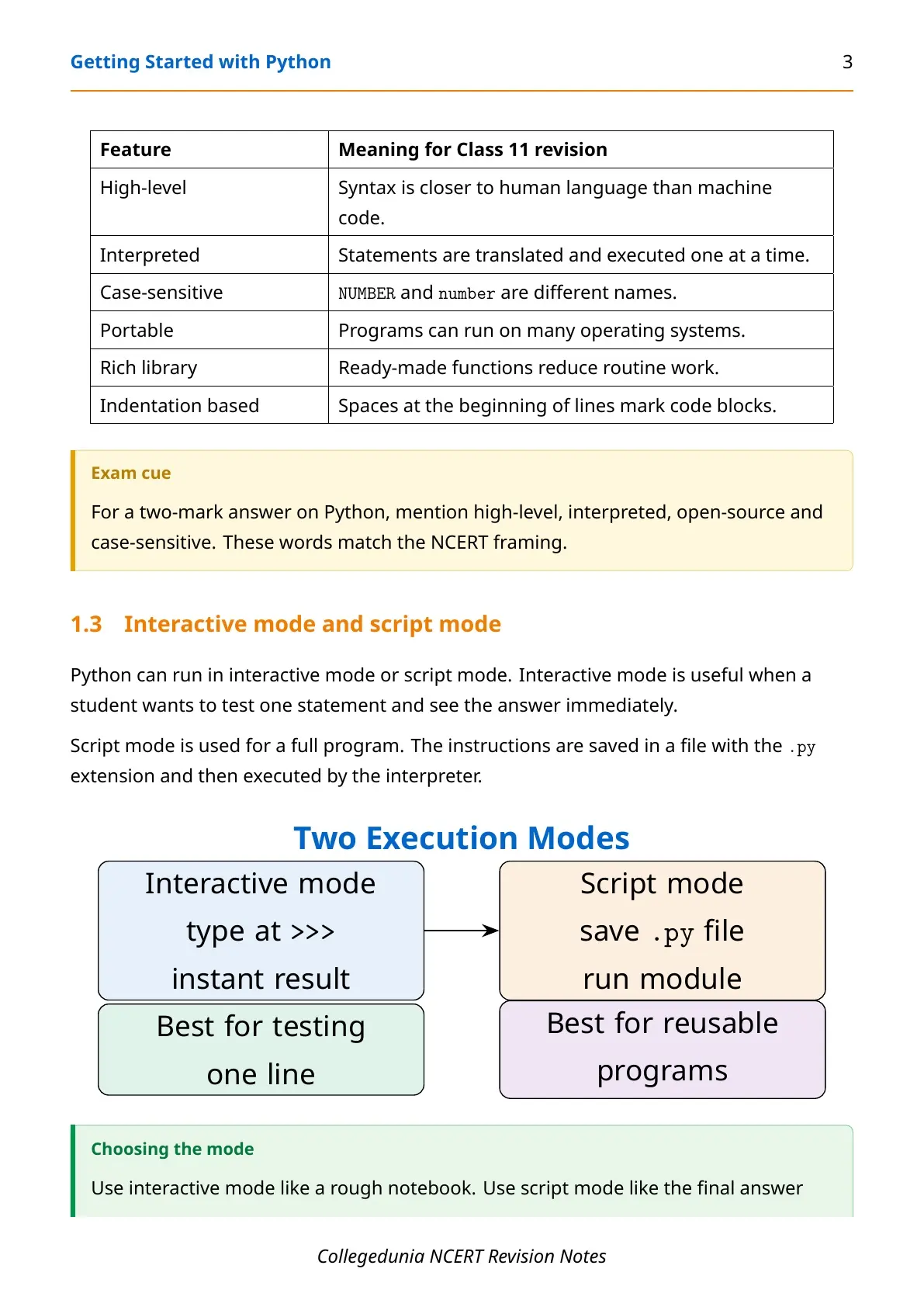
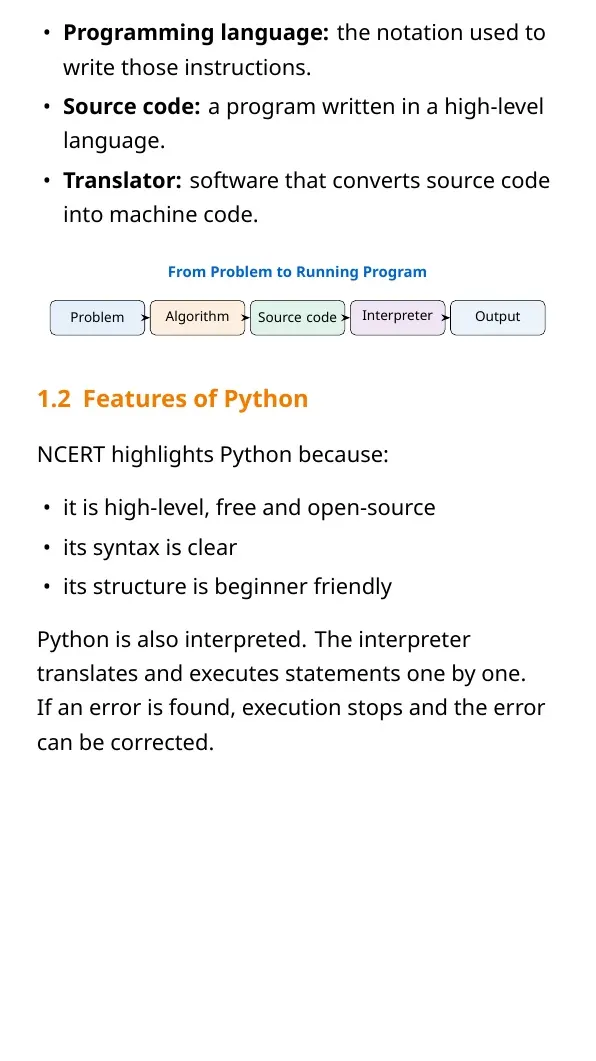
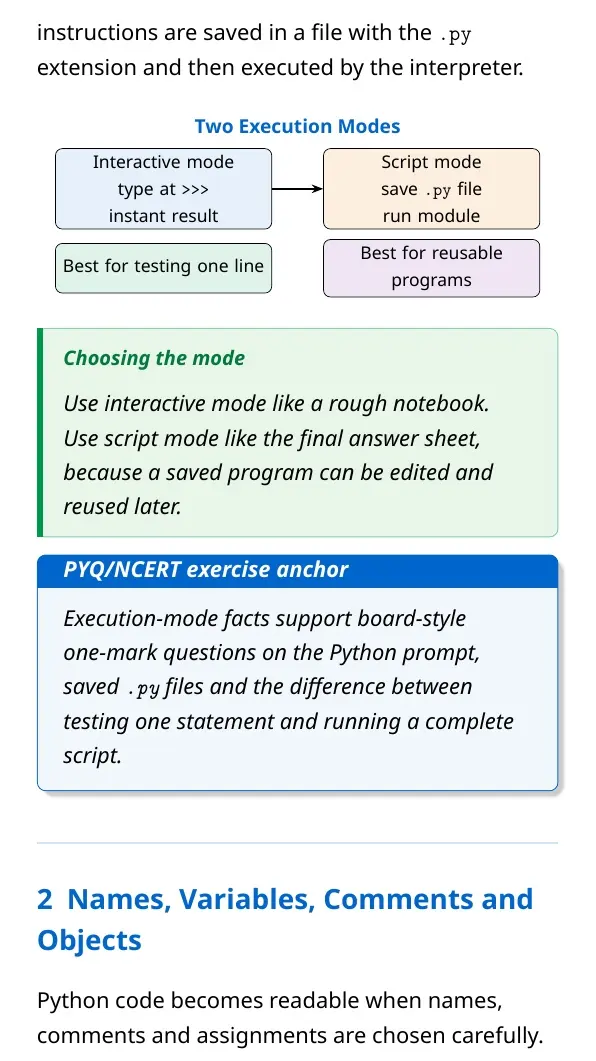
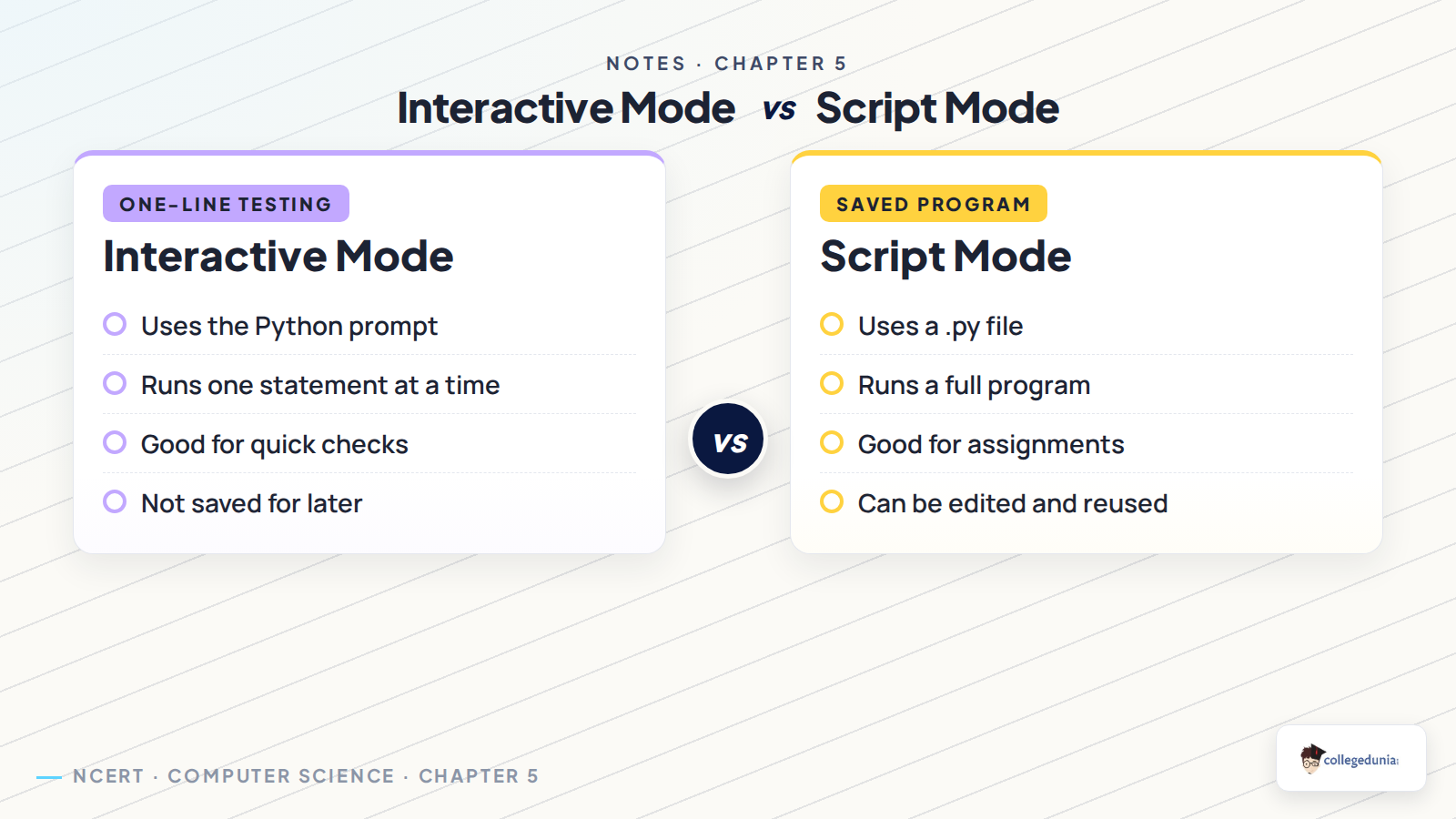
Python can run in interactive mode or script mode. Interactive mode is best for testing one line. Script mode is best for saving a full program in a .py file.
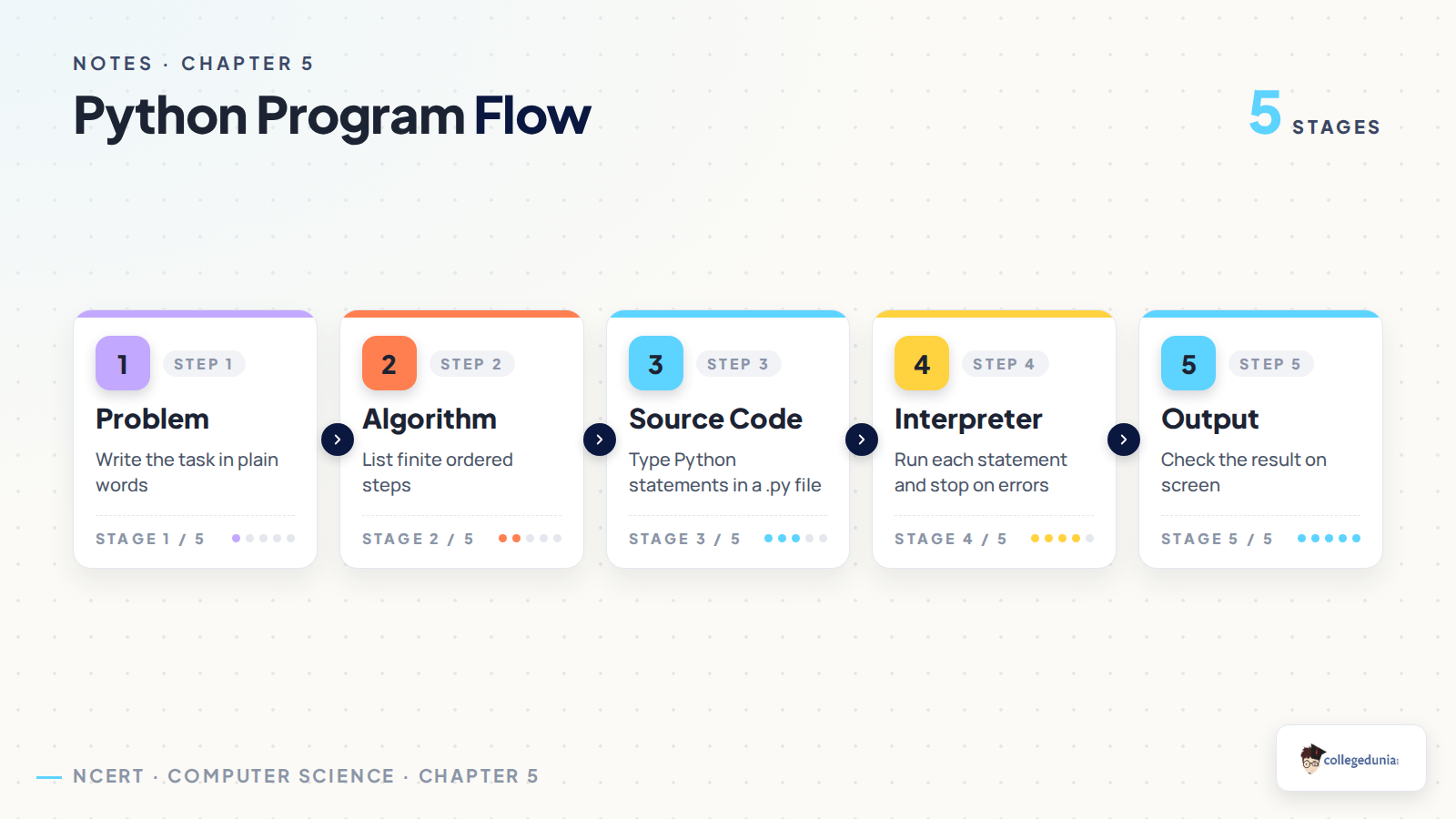
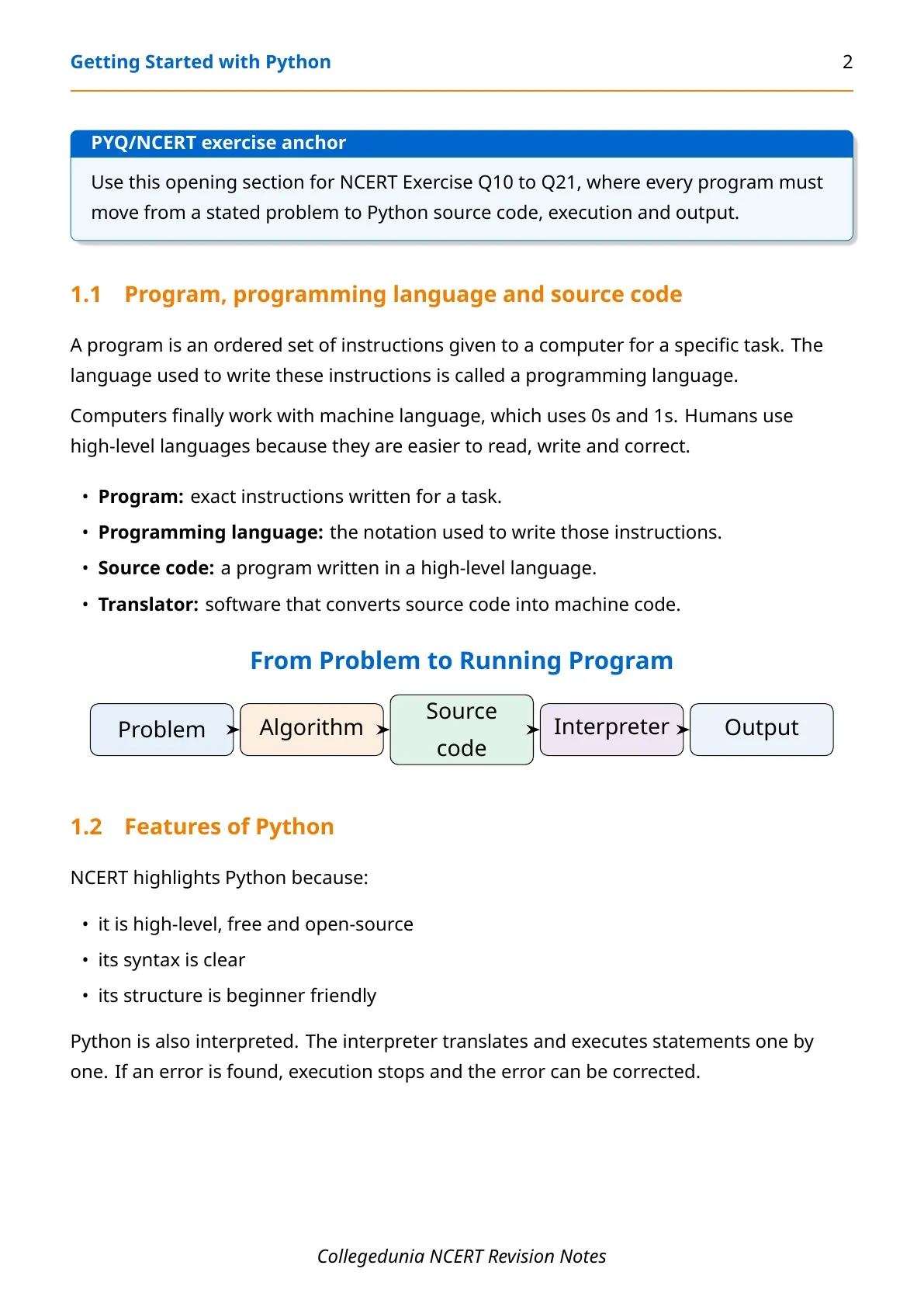
- Problem: write the task in clear words.
- Algorithm: list finite ordered steps.
- Source code: write Python statements in a file.
- Interpreter: run statements and stop when an error appears.
Interactive mode helps with quick checks, but script mode is better for assignments and reusable programs.
Keywords, Identifiers, Variables and Objects
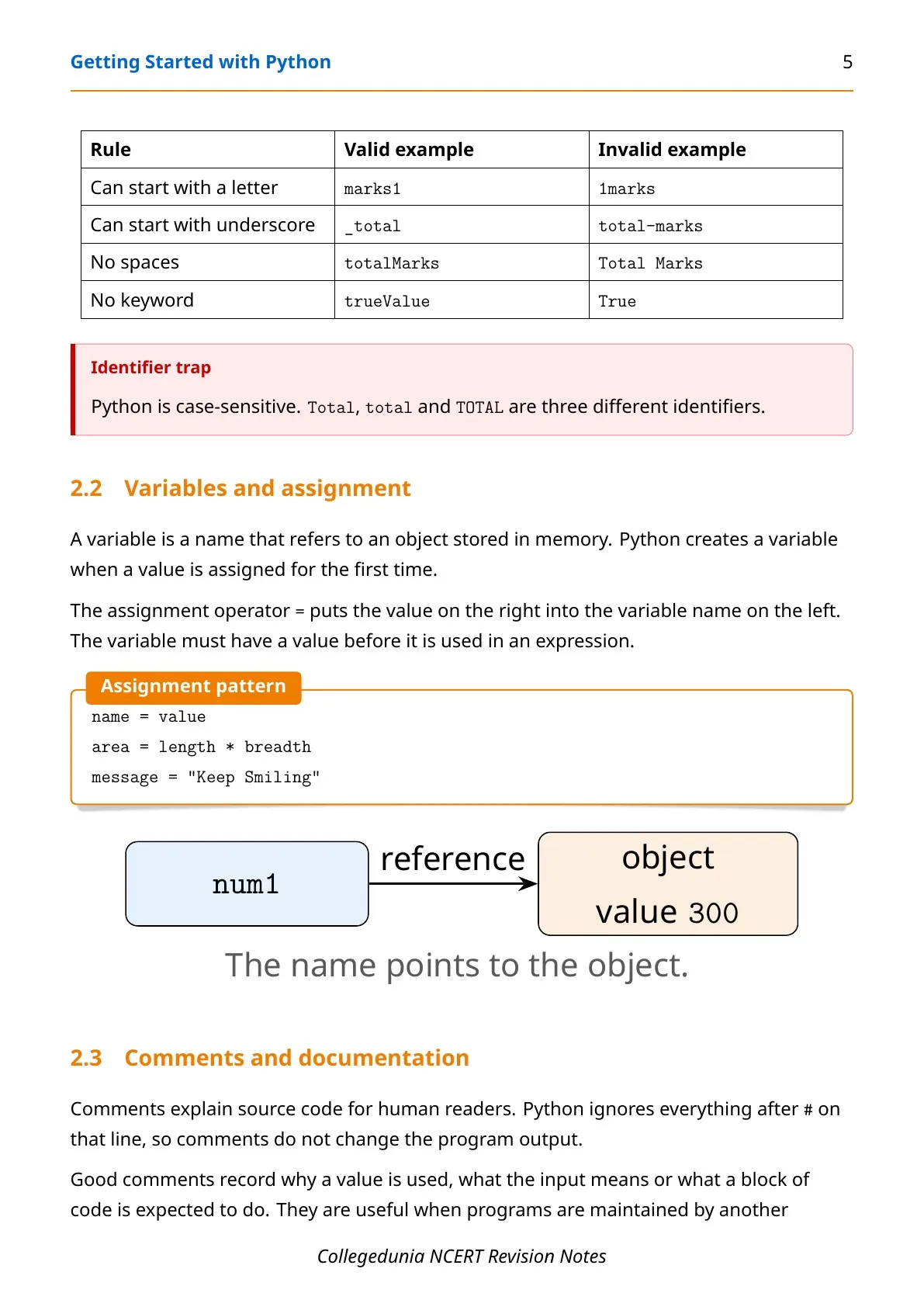
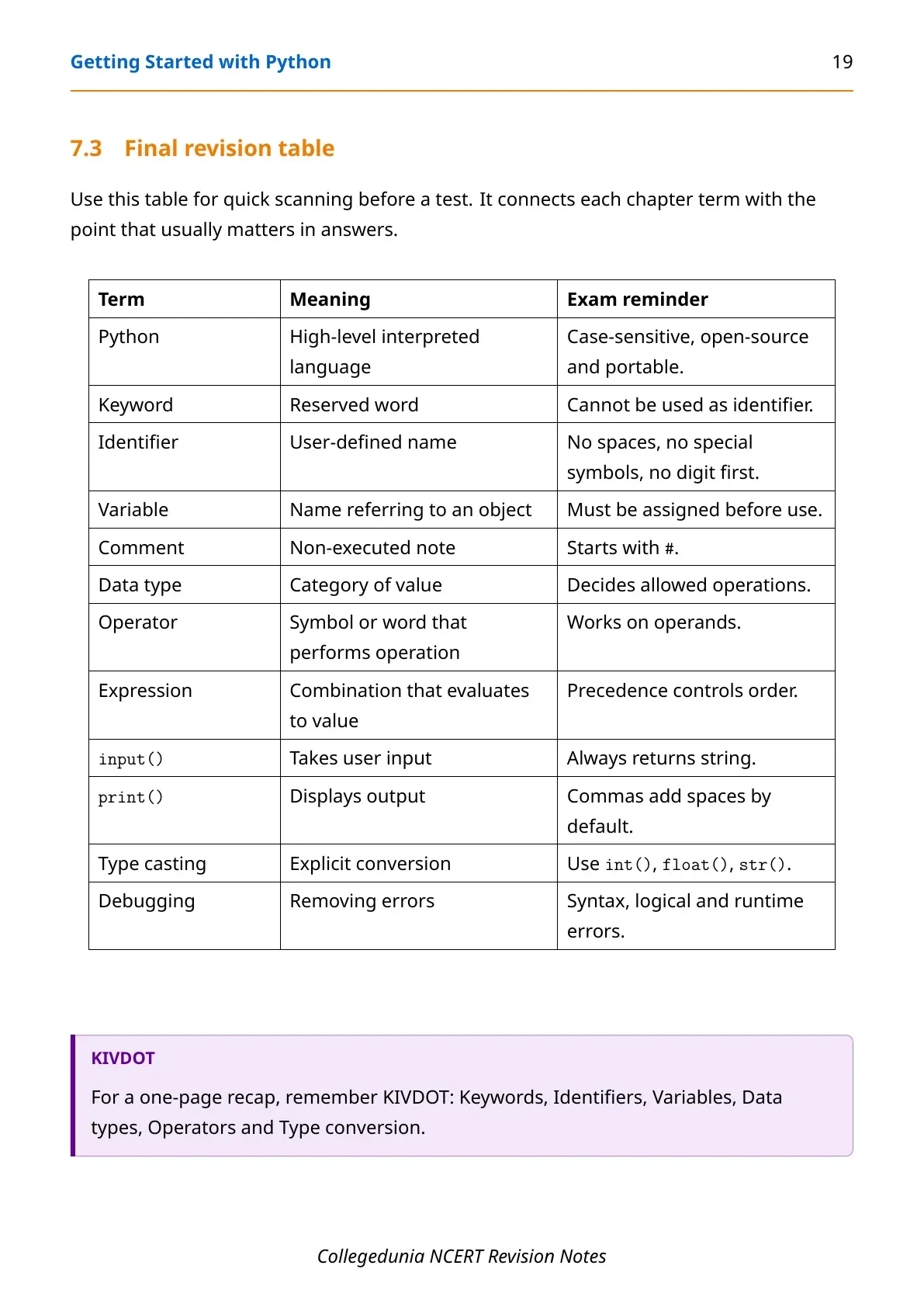
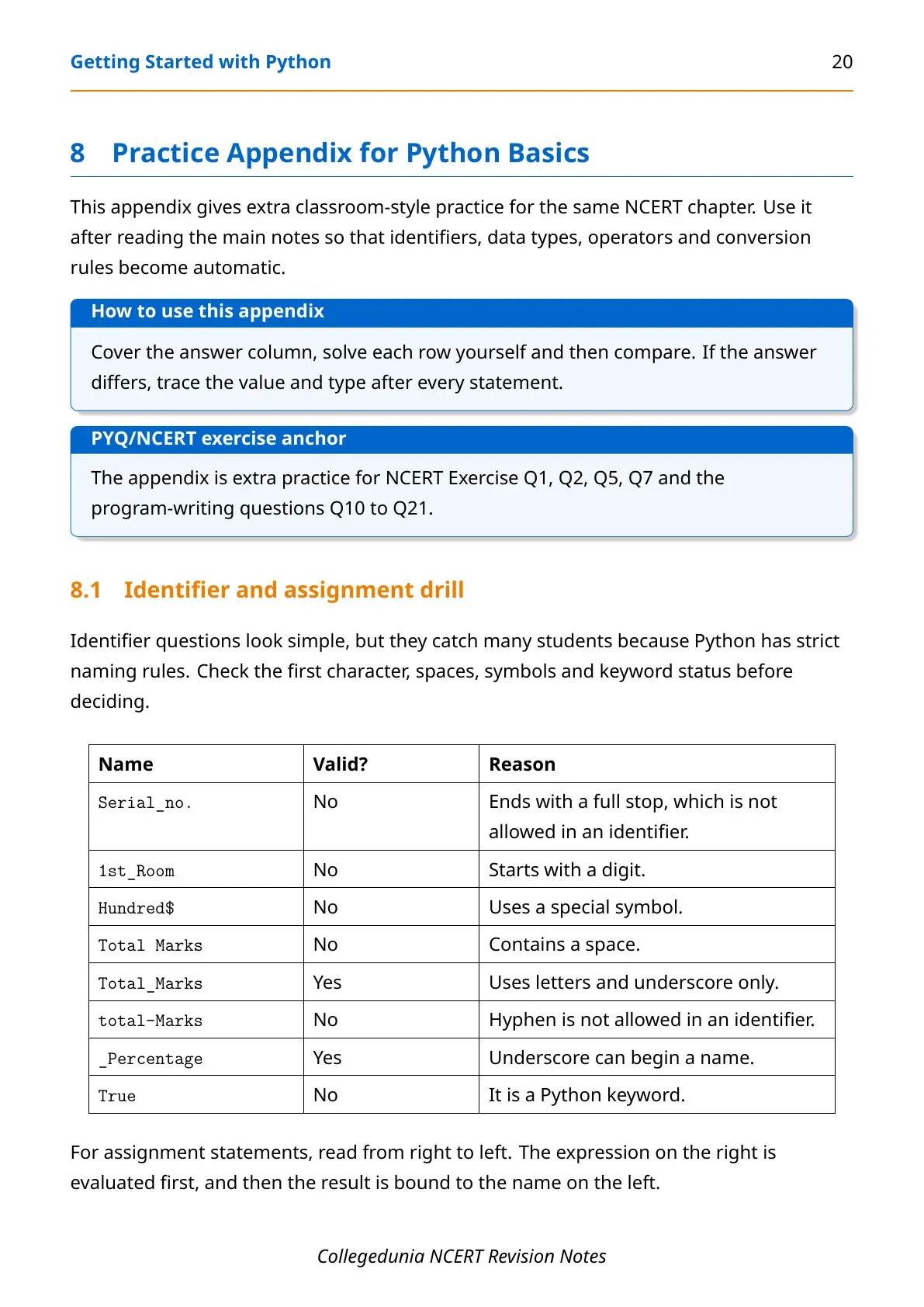
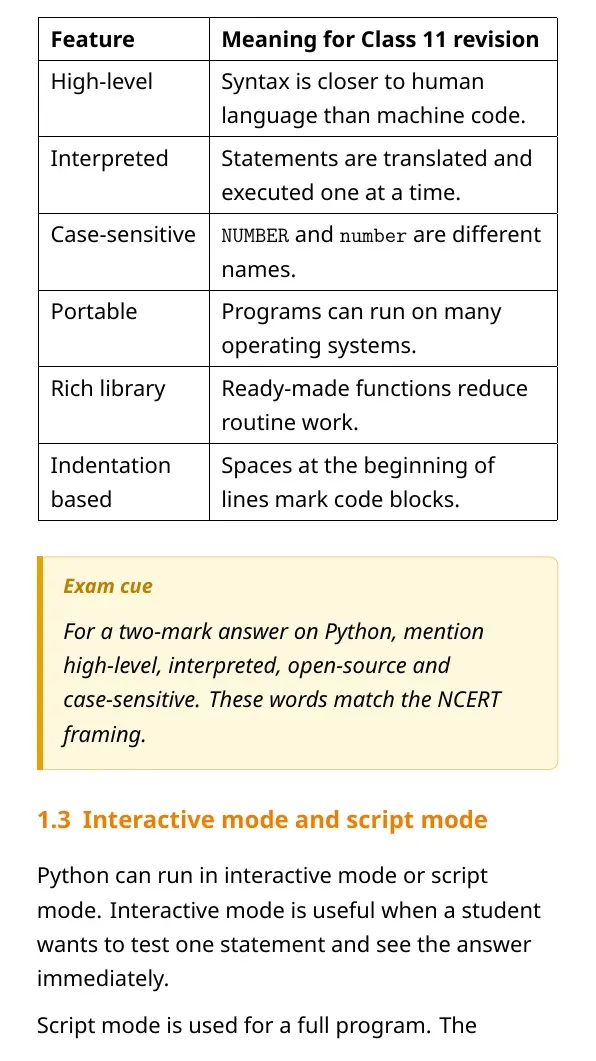
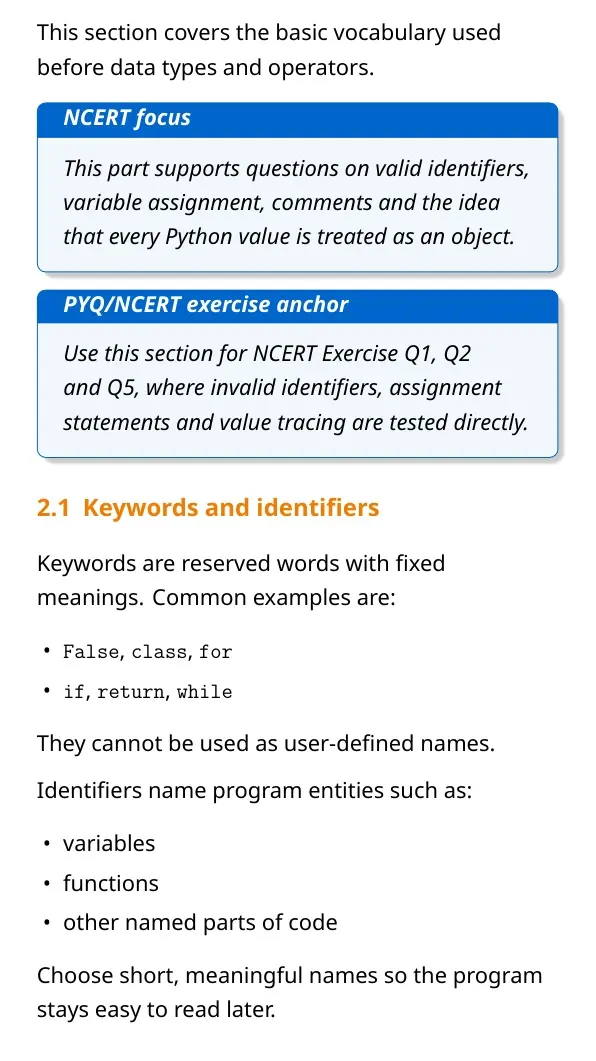
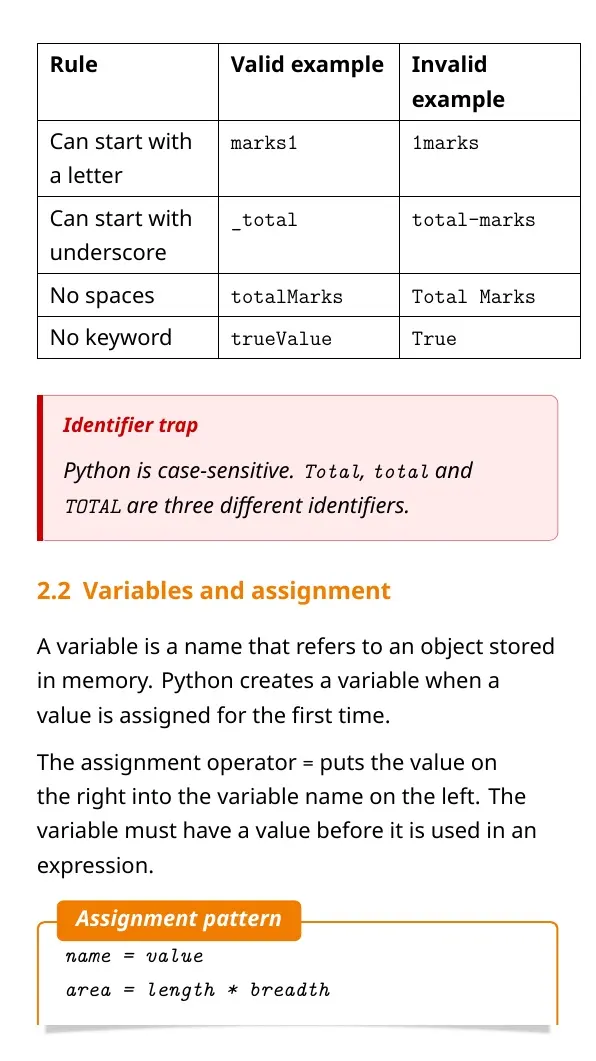
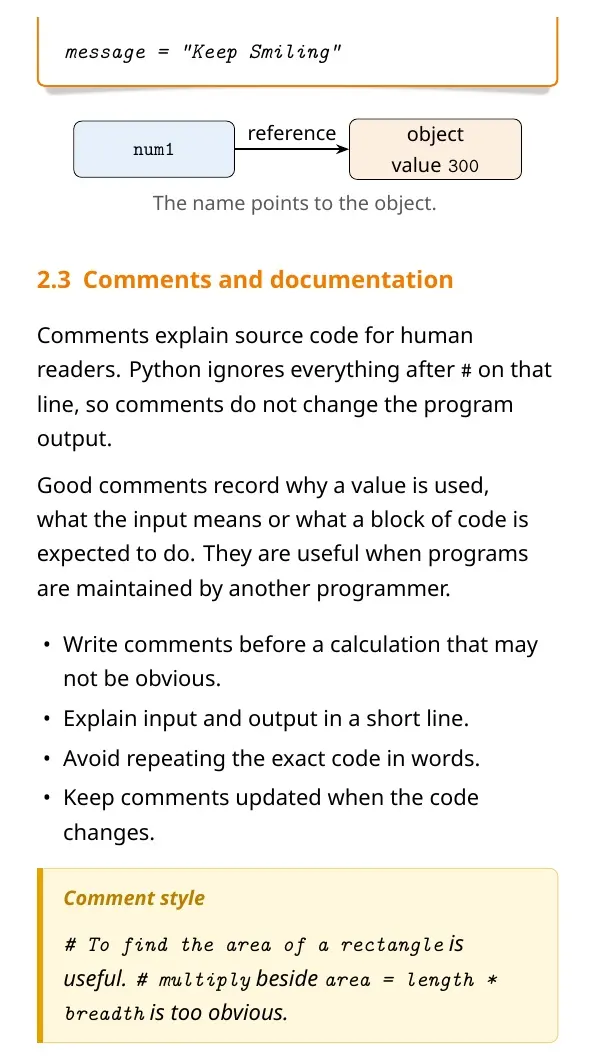
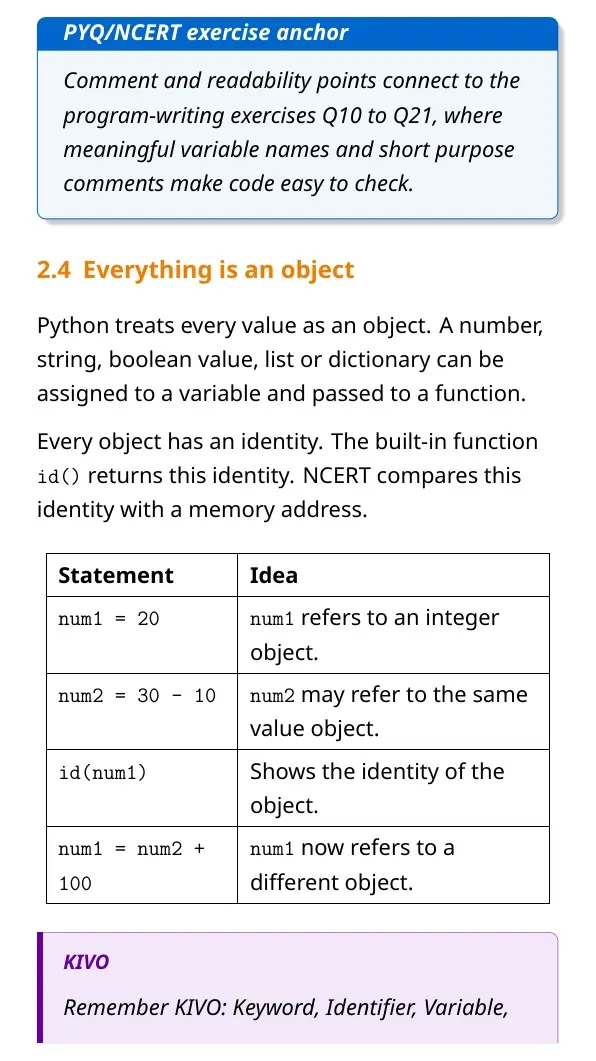
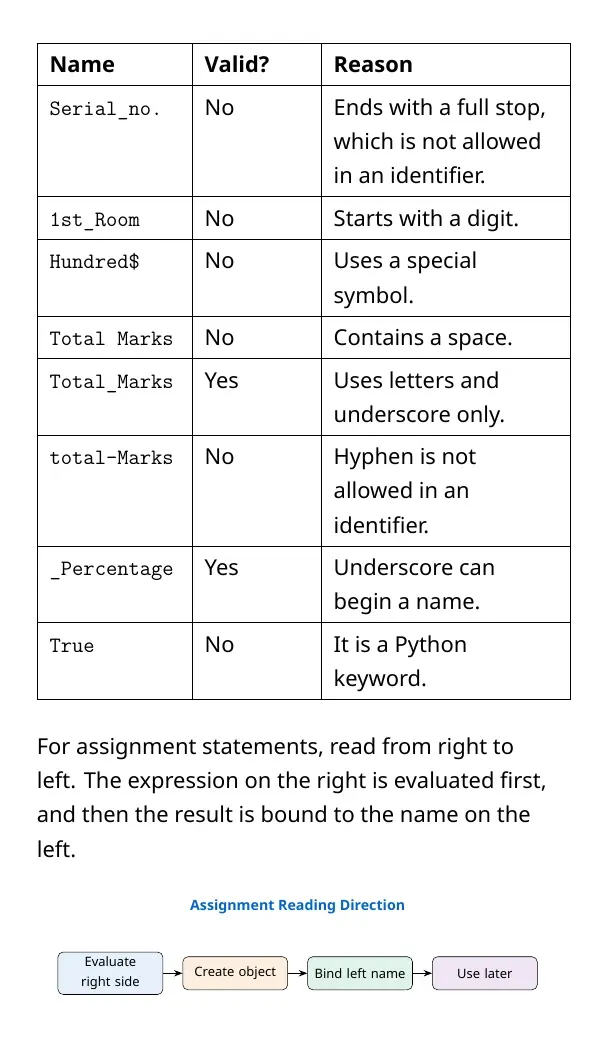
Keywords are reserved words with fixed meanings. Identifiers are user-defined names for variables, functions and other program parts. Python is case-sensitive, so total and Total are different names.
| Rule | Valid example | Invalid example |
|---|---|---|
| Starts with a letter | marks1 | 1marks |
| Can use underscore | total_marks | total-marks |
| No spaces | totalMarks | Total Marks |
| No keyword | trueValue | True |
Python Data Types and Mutability
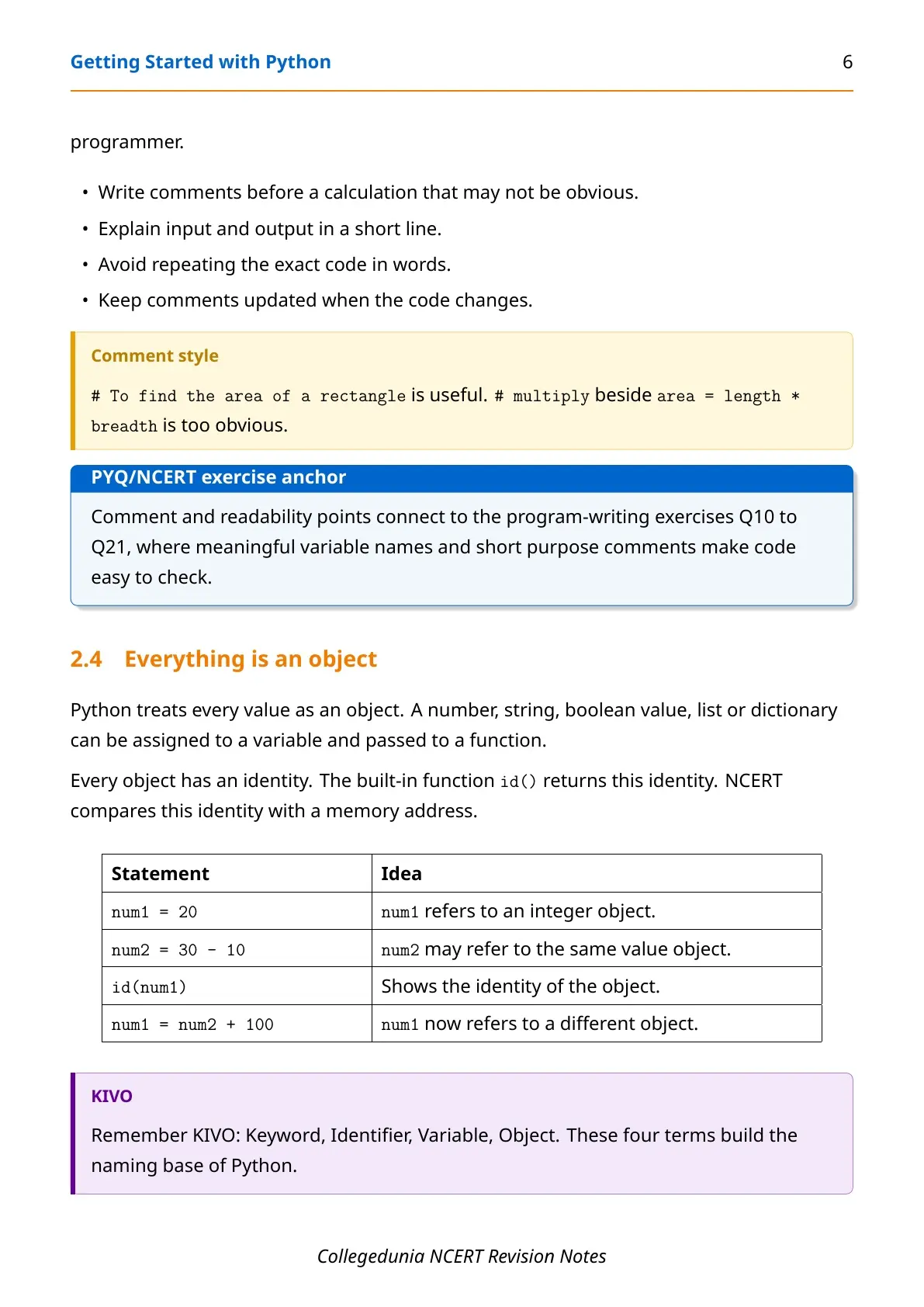
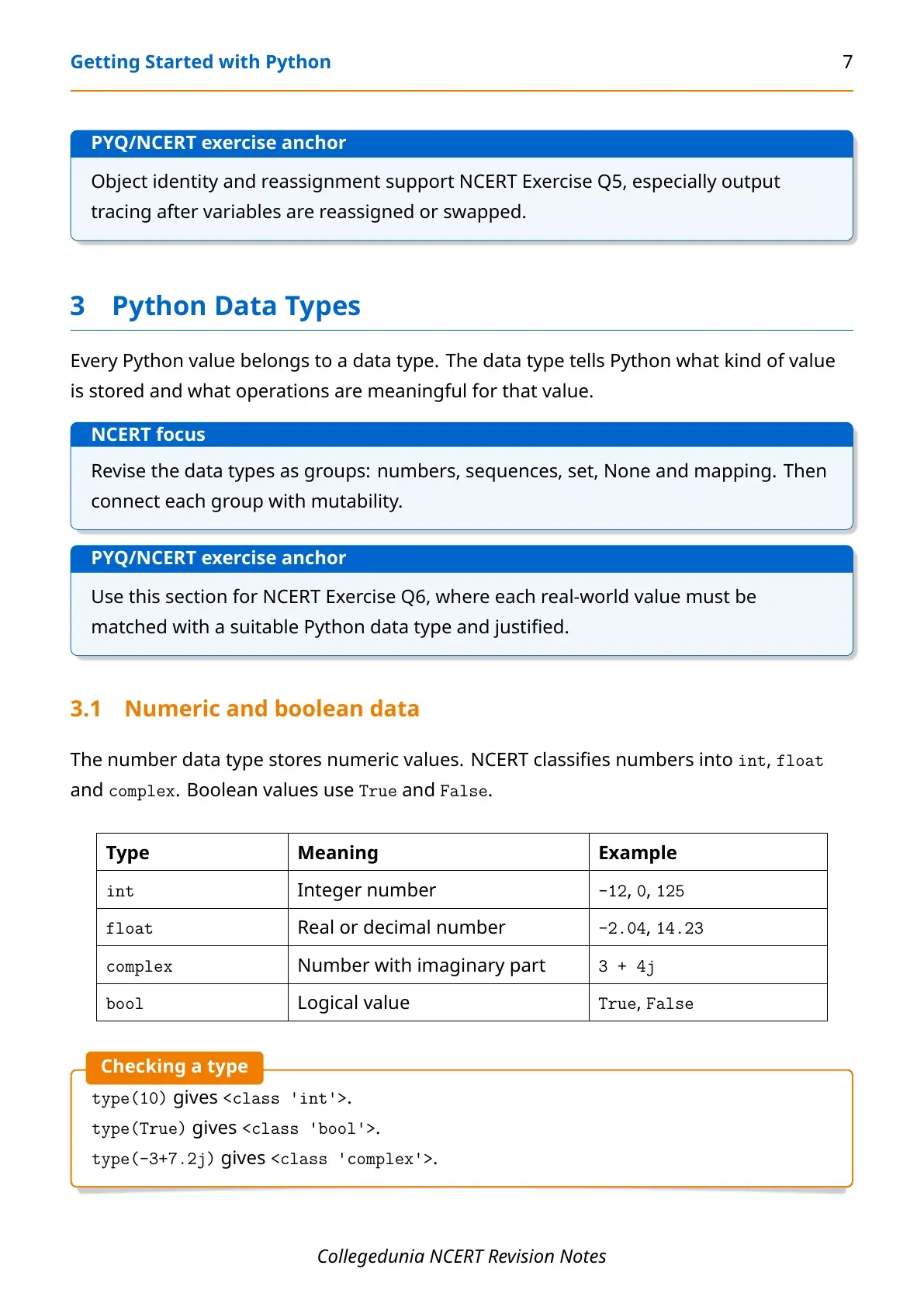
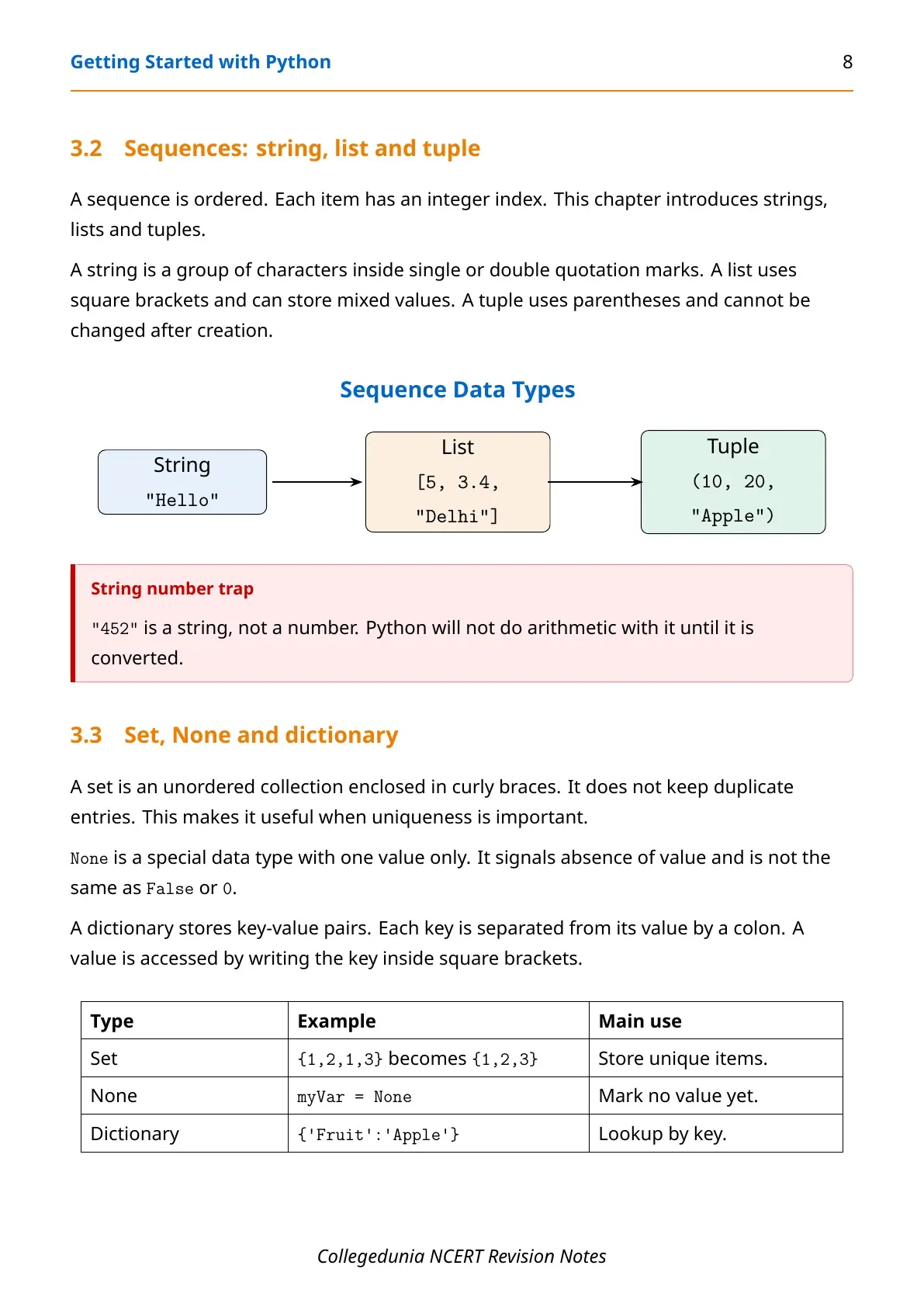
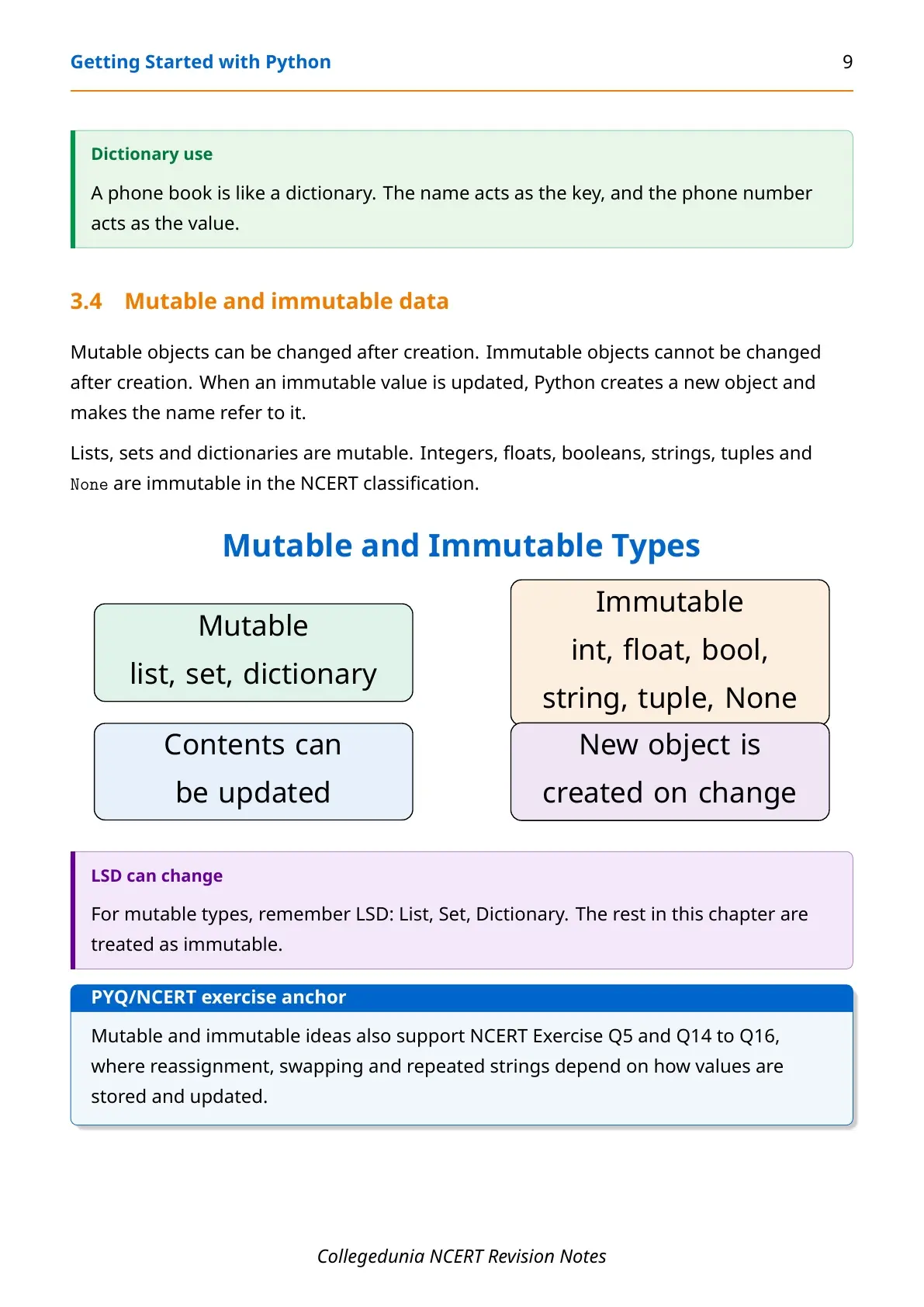
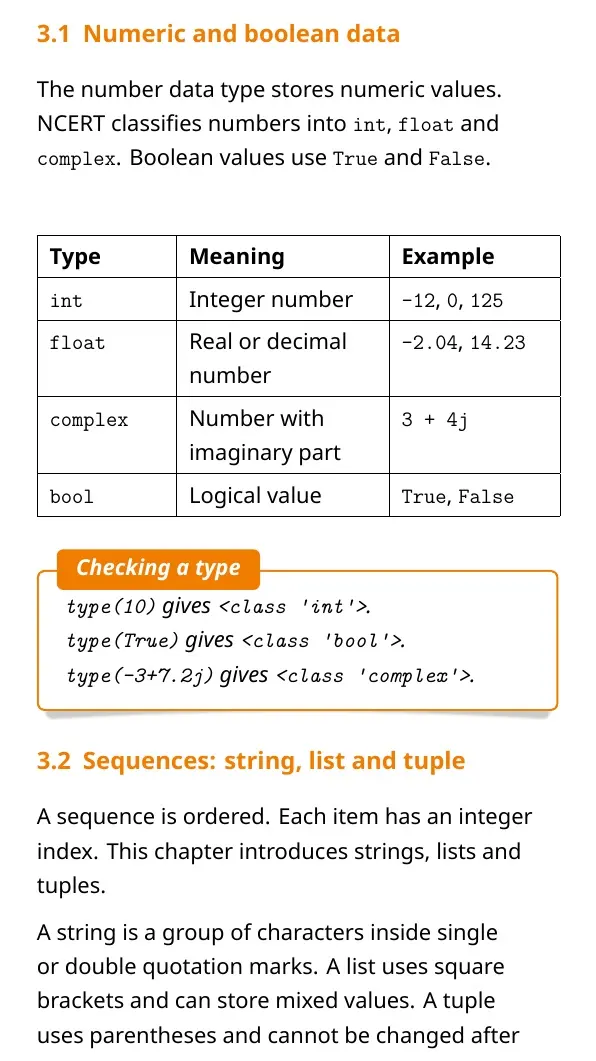
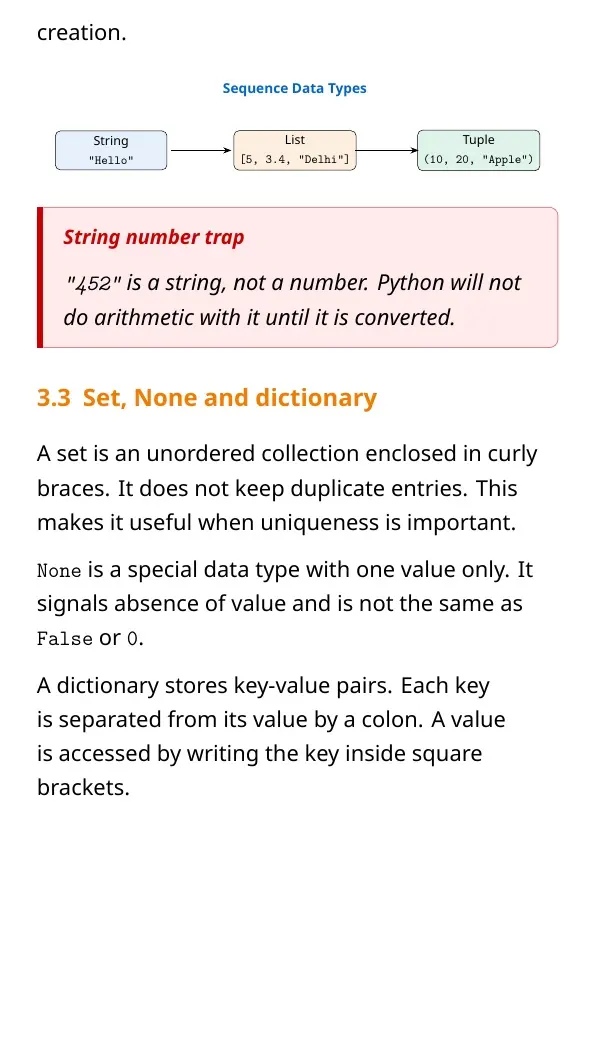
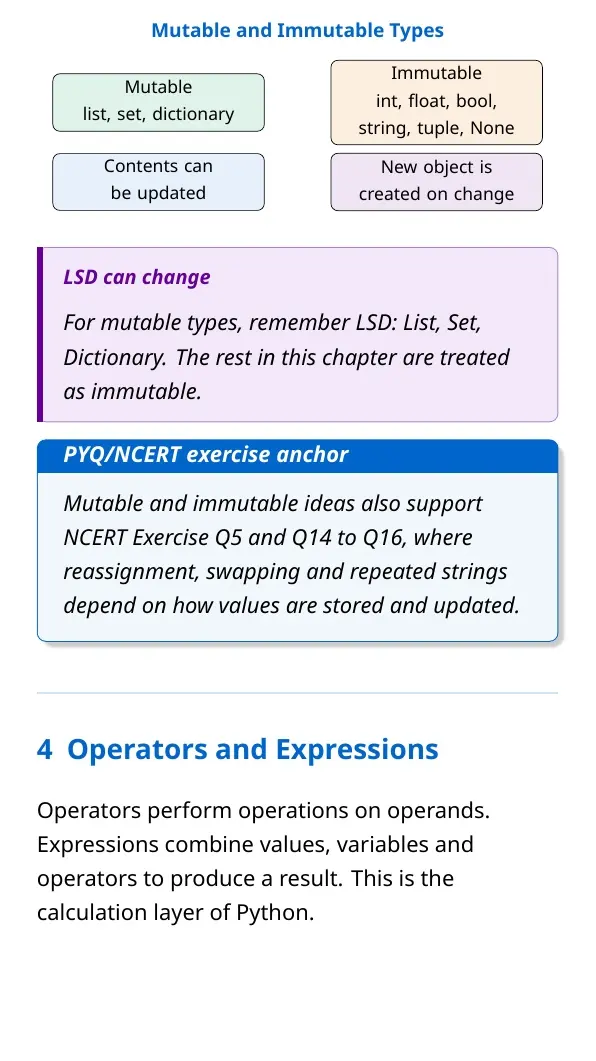
Every value in Python has a data type. Number types include int, float, complex and bool. Sequences include strings, lists and tuples.
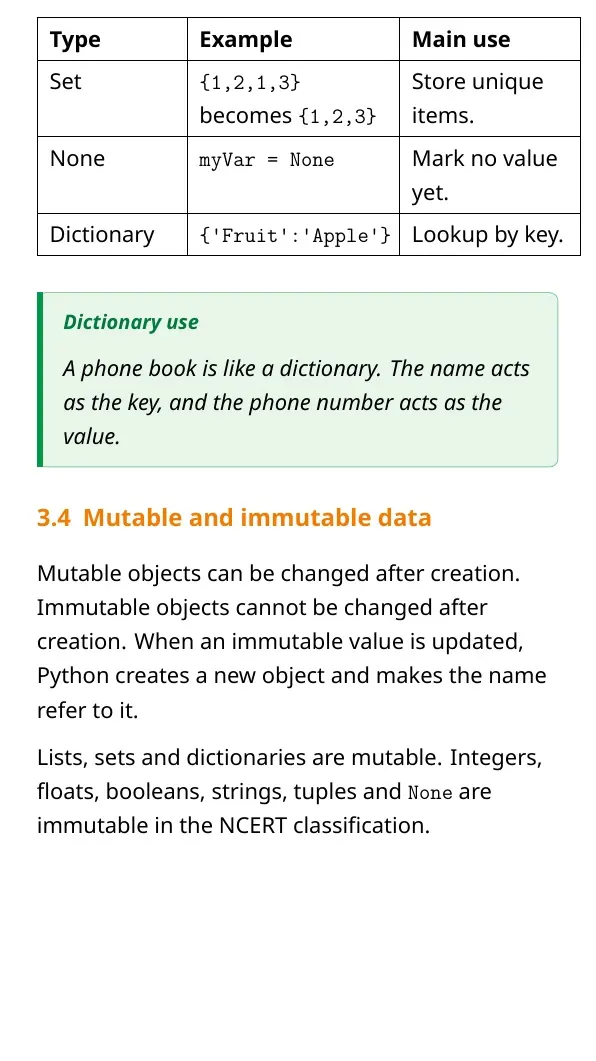
- Mutable types: list, set and dictionary can be changed.
- Immutable types: int, float, bool, string, tuple and None do not change in place.
- Dictionary: stores key-value pairs for fast lookup.
- Set: stores unique values and removes duplicates.
The easiest memory line is LSD can change: List, Set and Dictionary are mutable.
Operators, Expressions and Precedence
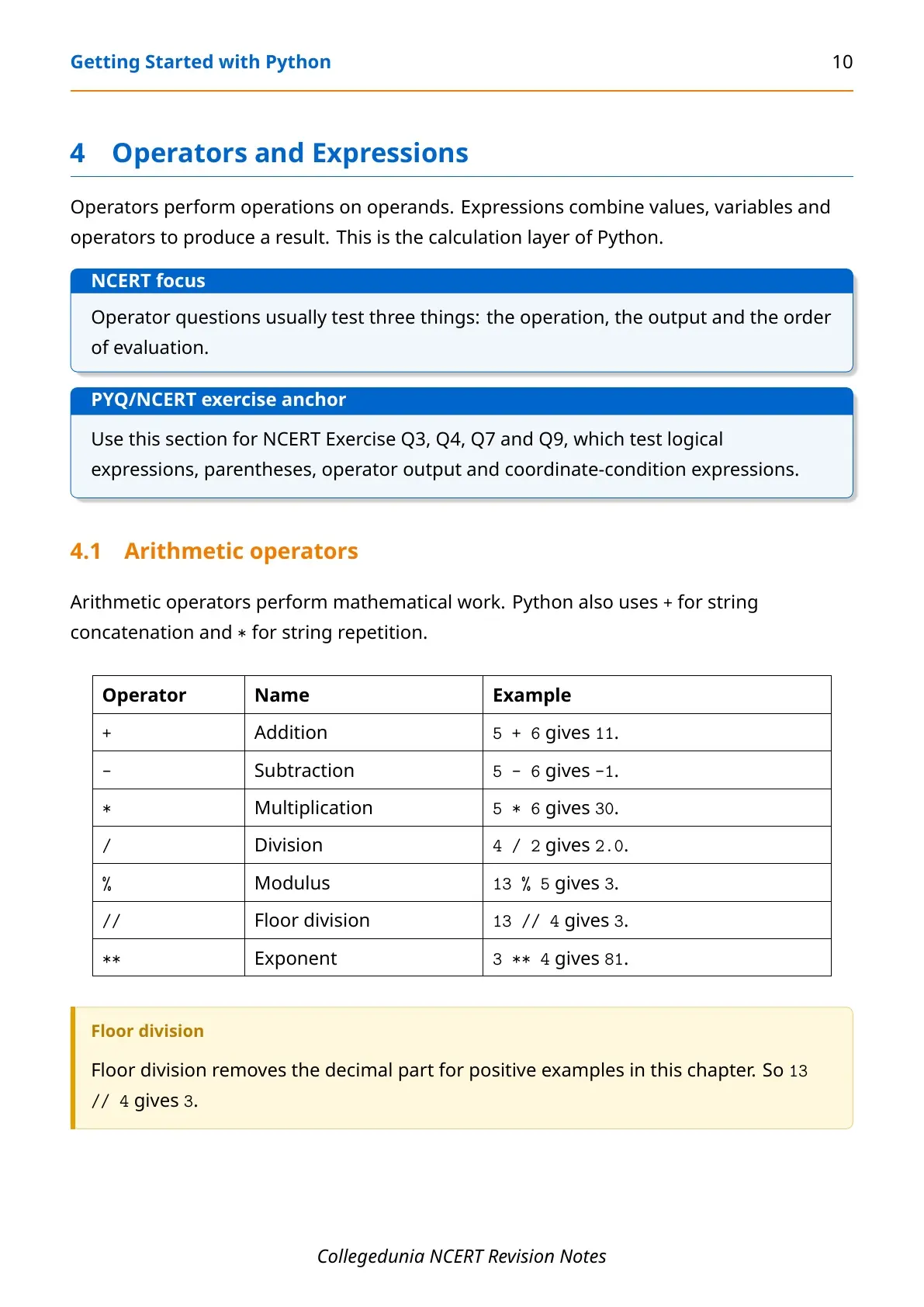
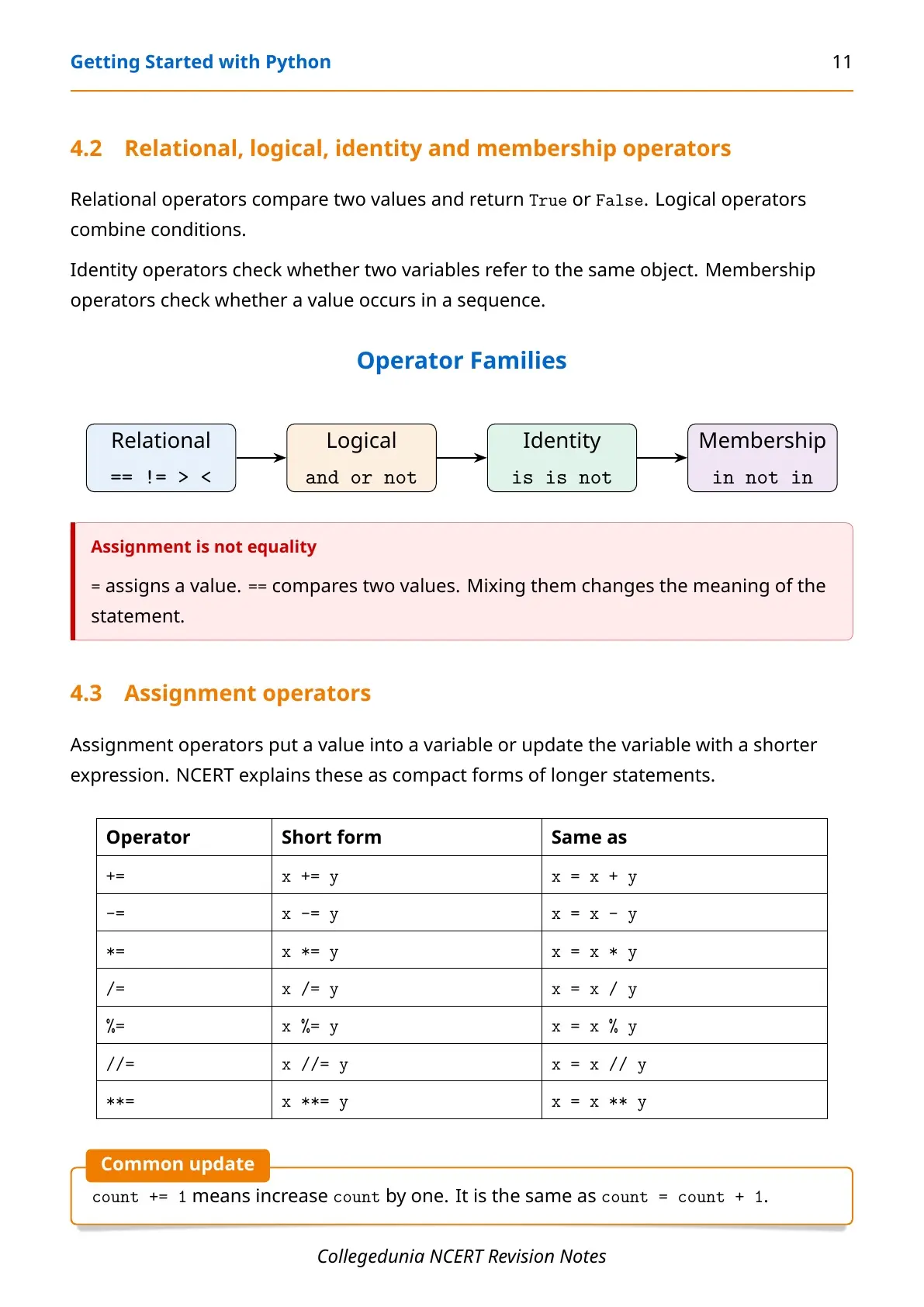
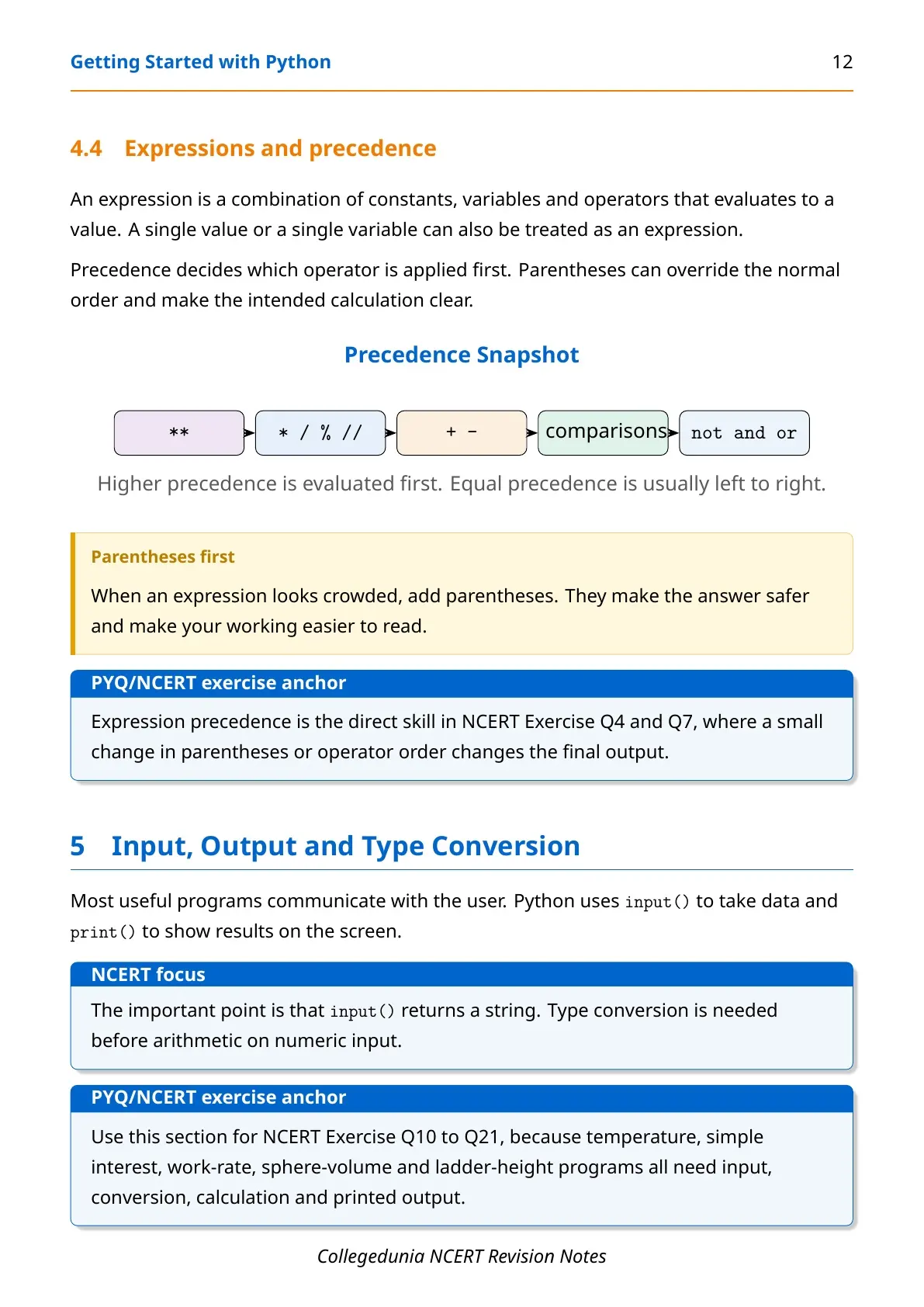
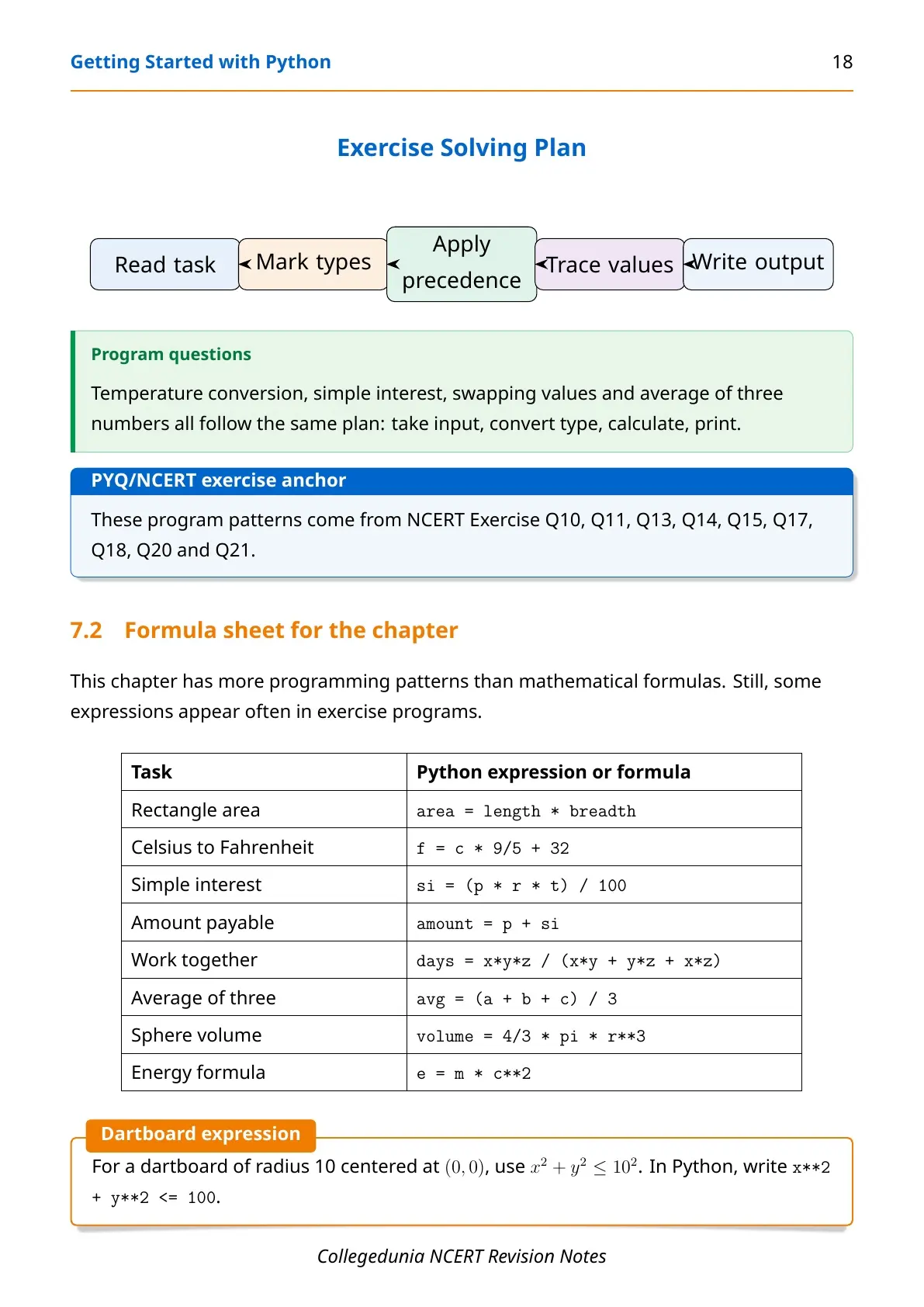
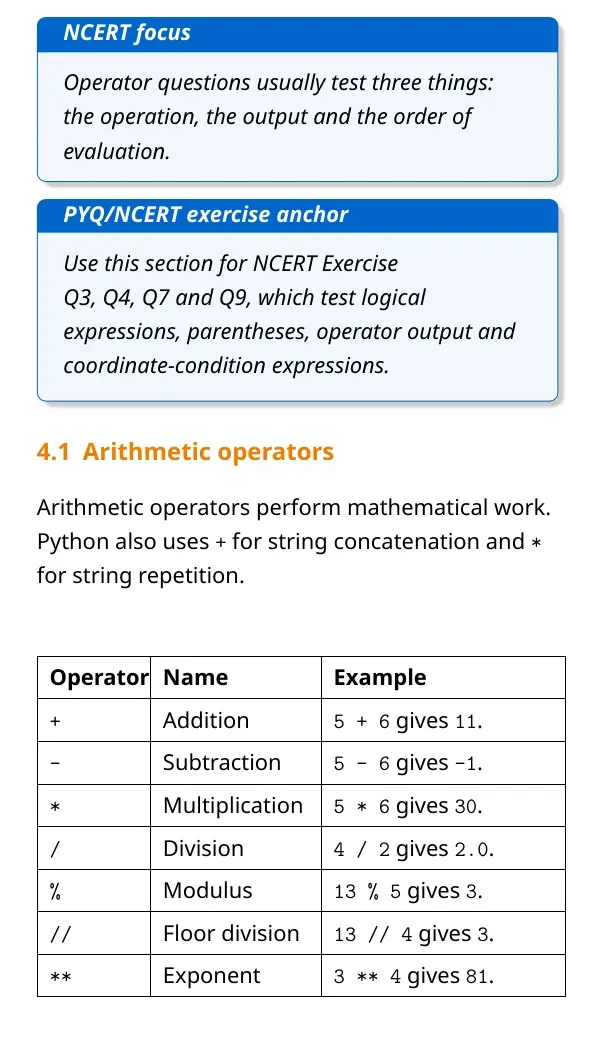
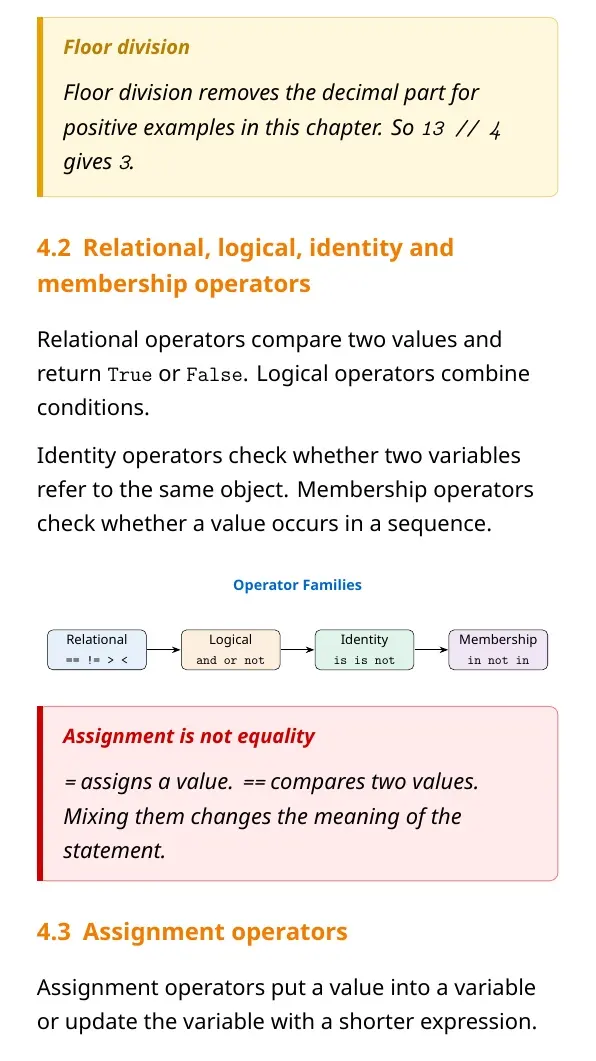
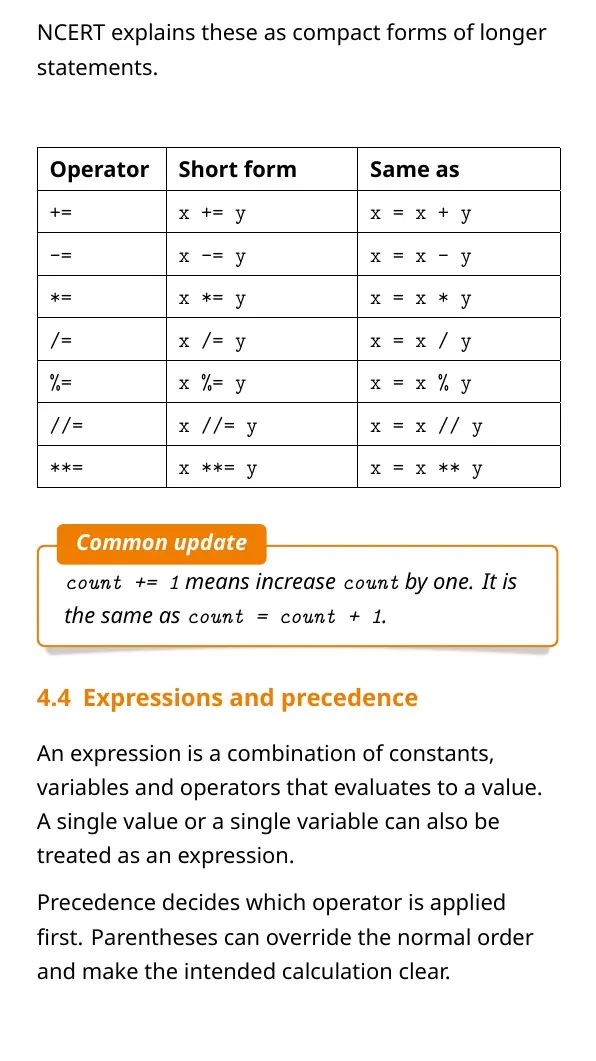
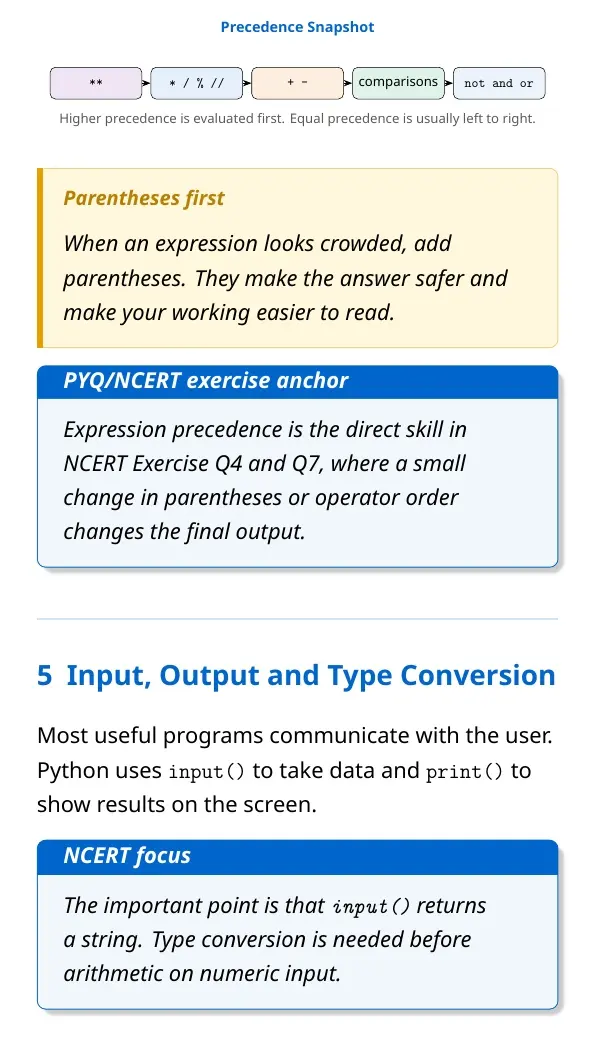
Operators work on values called operands. Expressions combine values, variables and operators to produce a result. Parentheses should be used when the order must be clear.
| Operator group | Examples | Revision point |
|---|---|---|
| Arithmetic | + - * / % // ** | Use for calculations and string operations |
| Relational | == != > < >= <= | Return True or False |
| Logical | and or not | Combine conditions |
| Membership | in, not in | Check whether a value is in a sequence |
Tip: = assigns a value, but == compares two values.
Input, Output, Type Conversion and Debugging
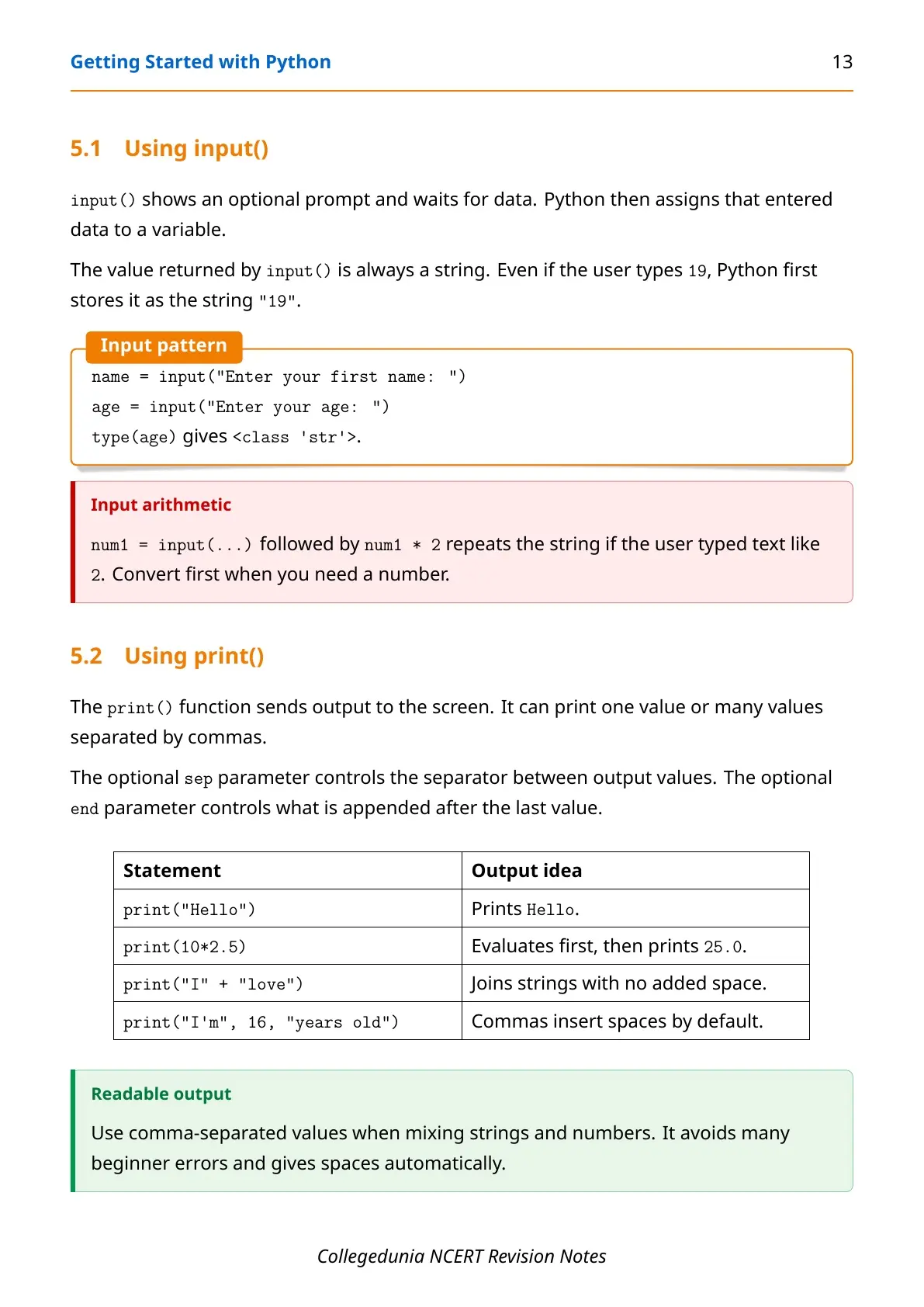
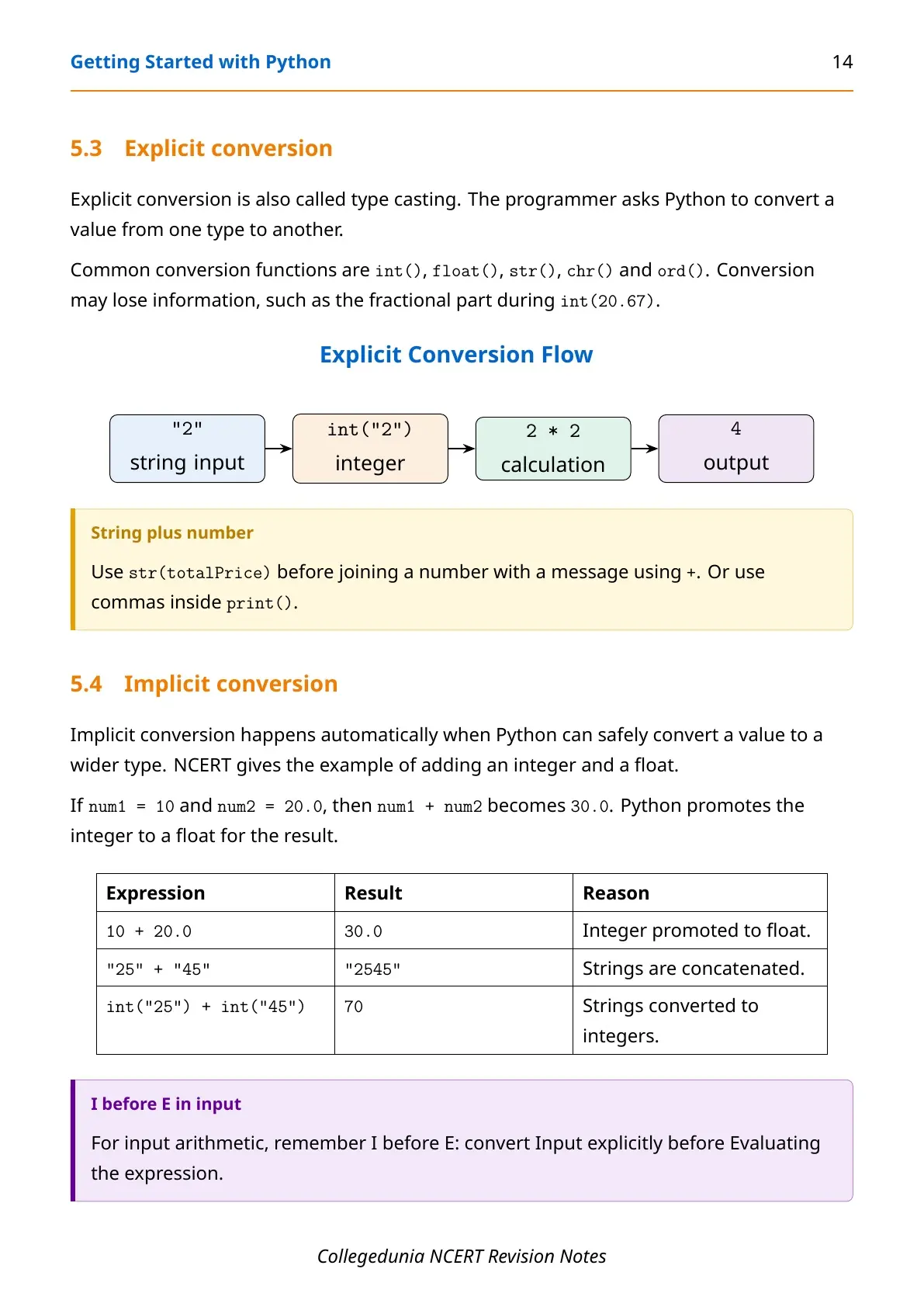
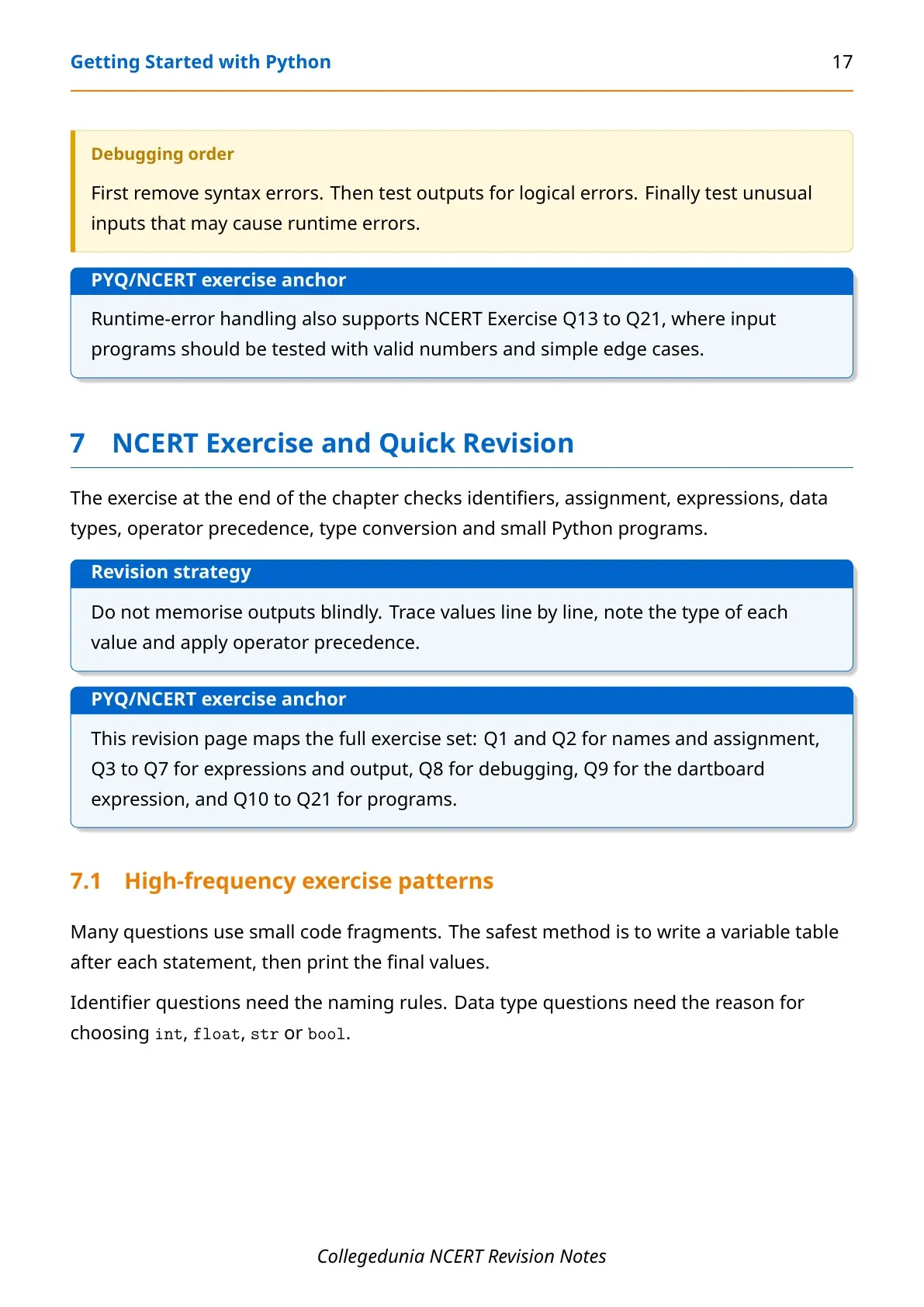
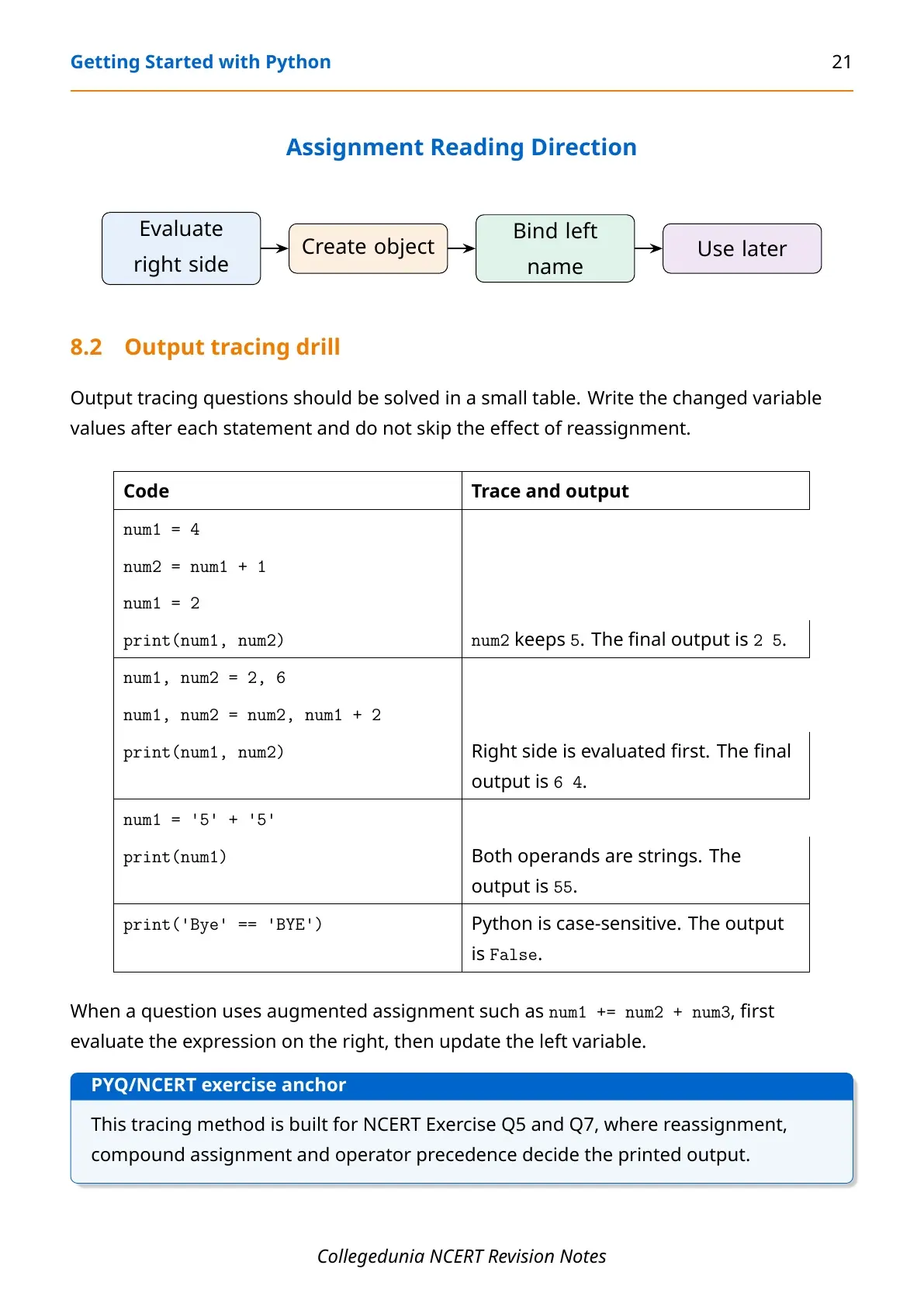
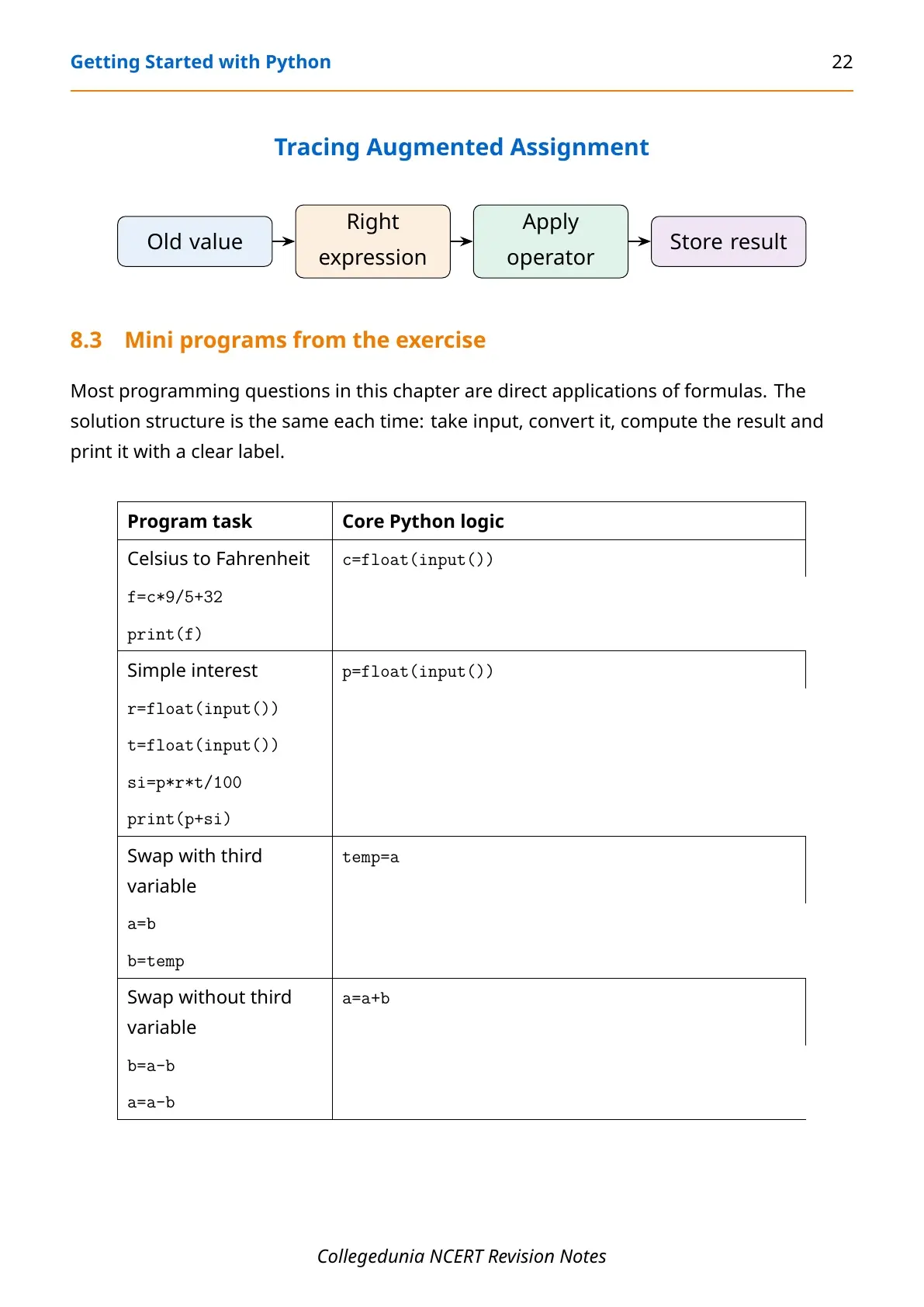
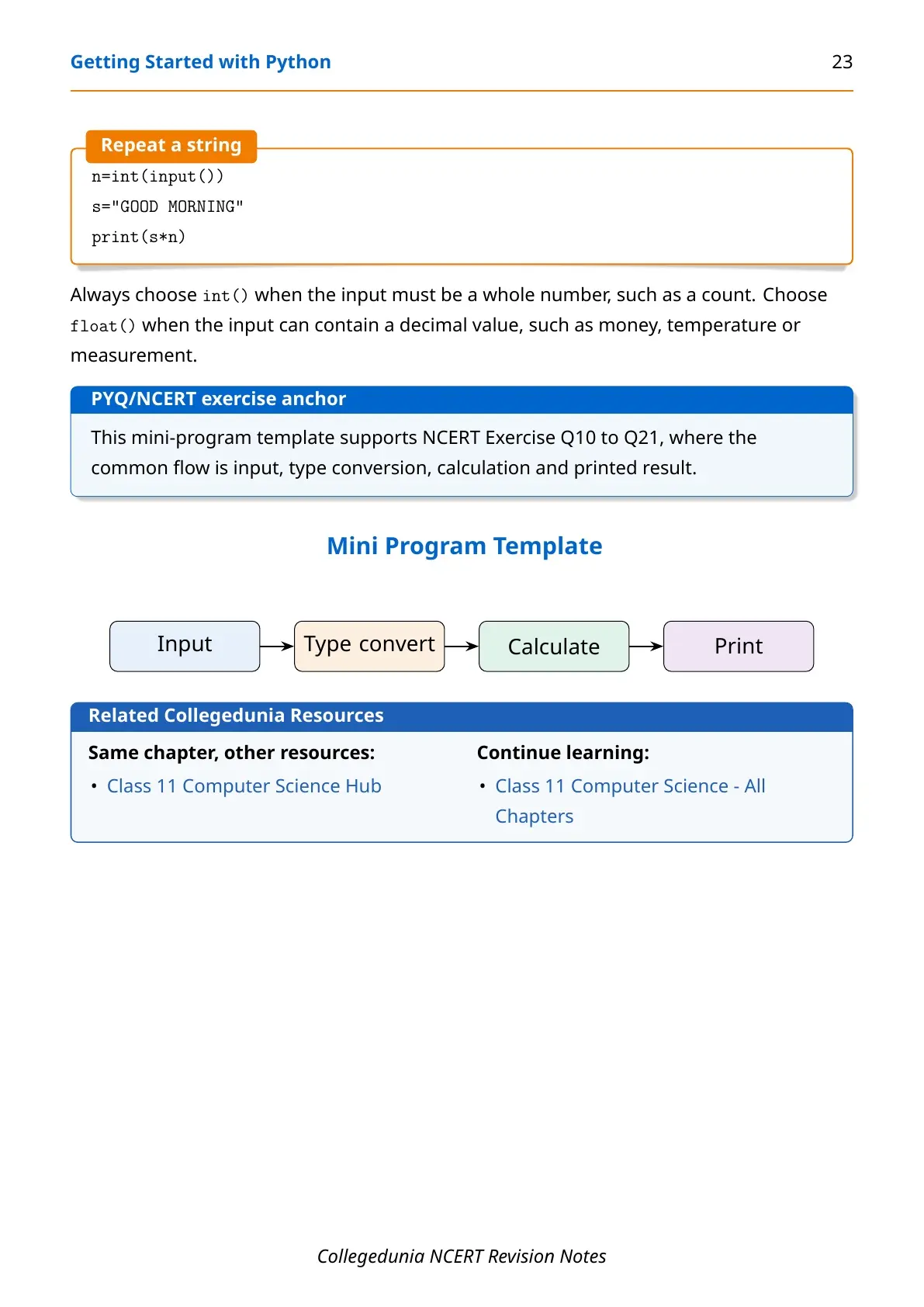
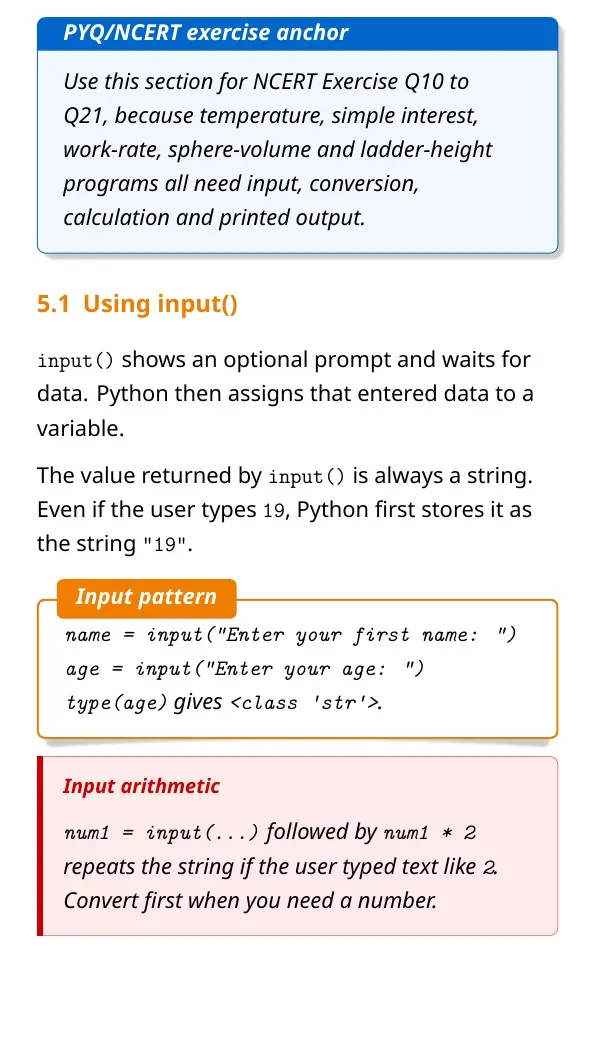
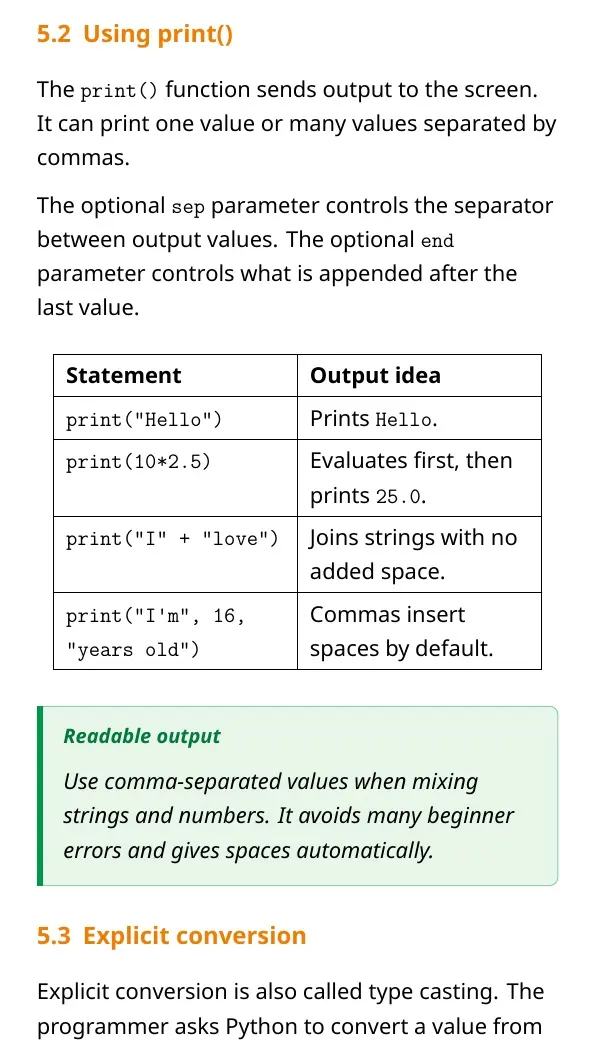
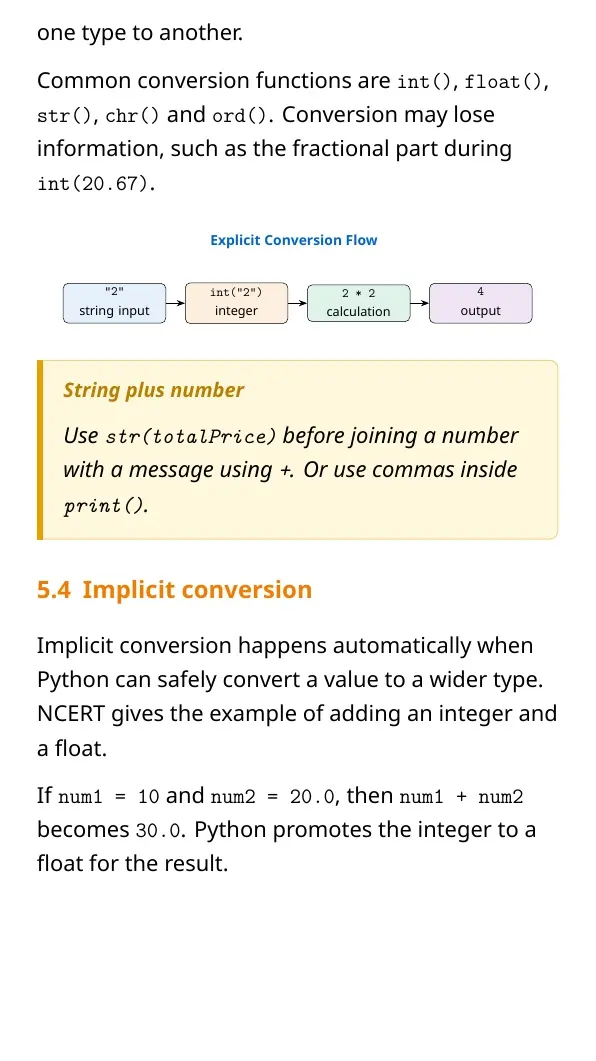
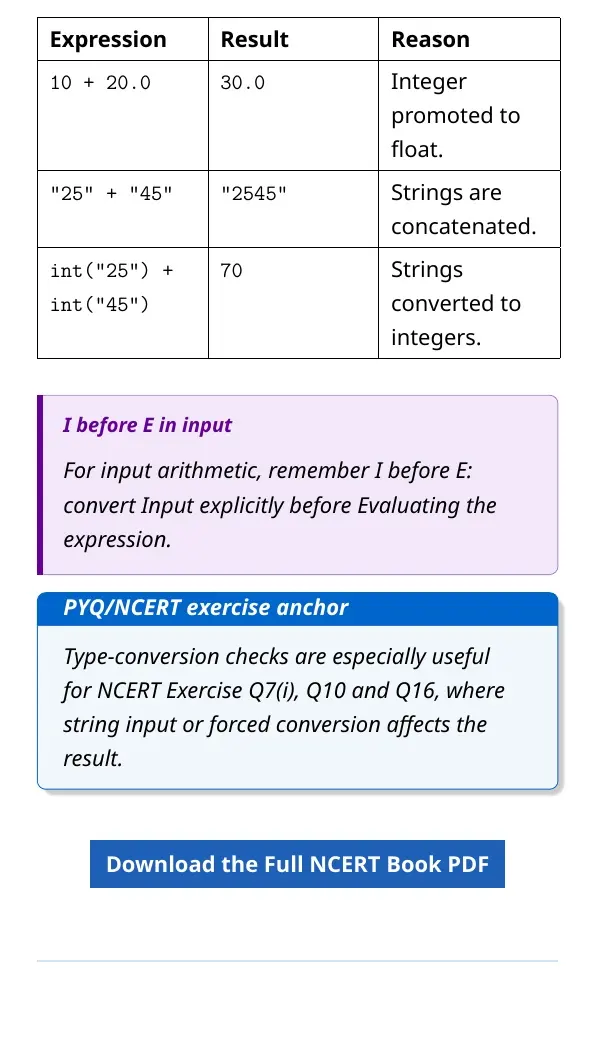
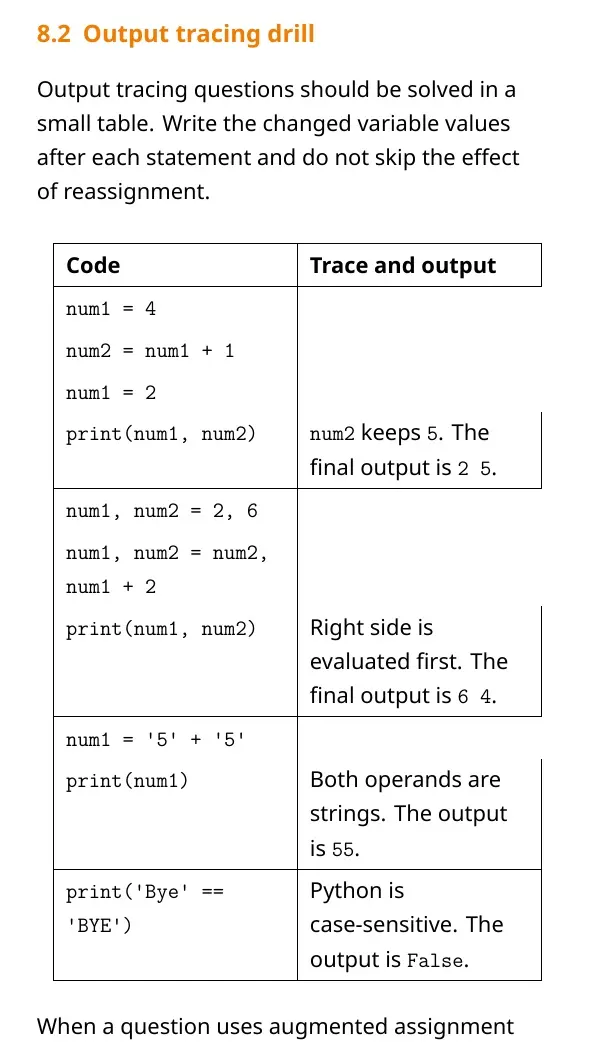
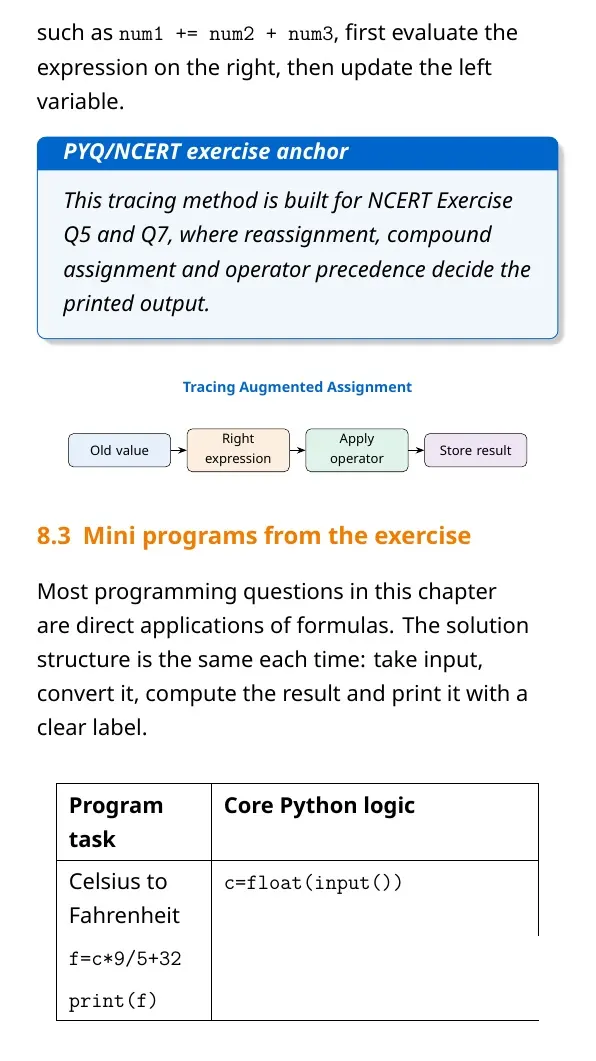
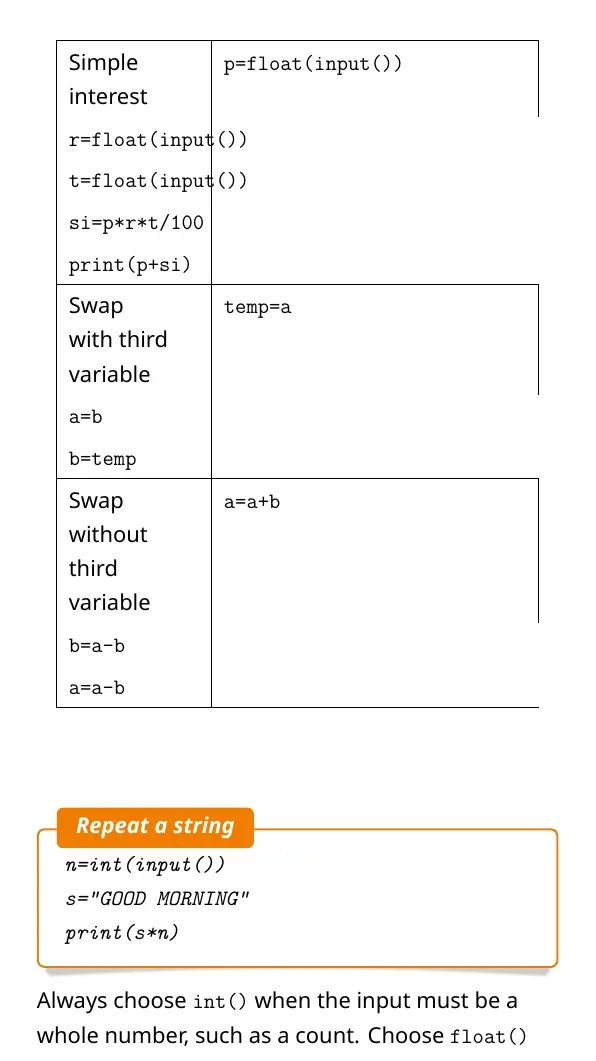
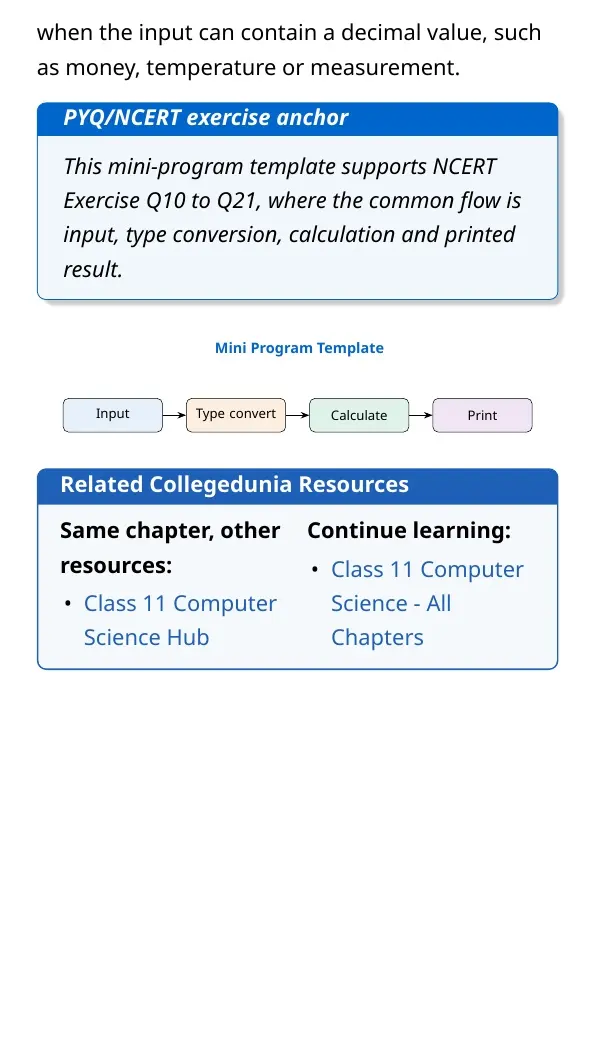
The input() function always returns a string. Students need int() or float() before arithmetic on user input. The print() function shows output on the screen.
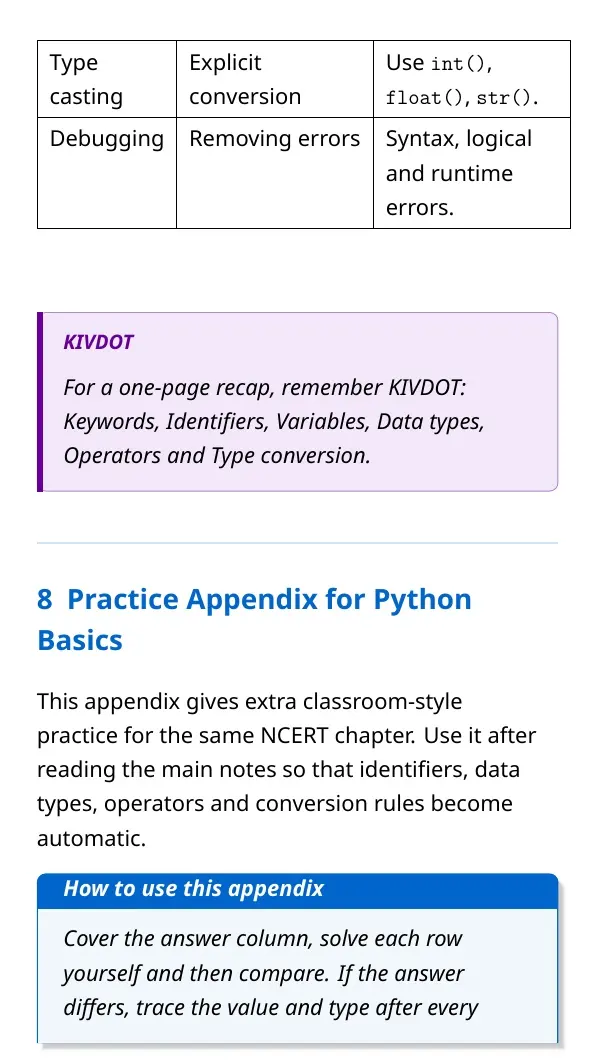
- Explicit conversion: the programmer writes
int(x),float(x)orstr(x). - Implicit conversion: Python promotes a value safely, such as int to float.
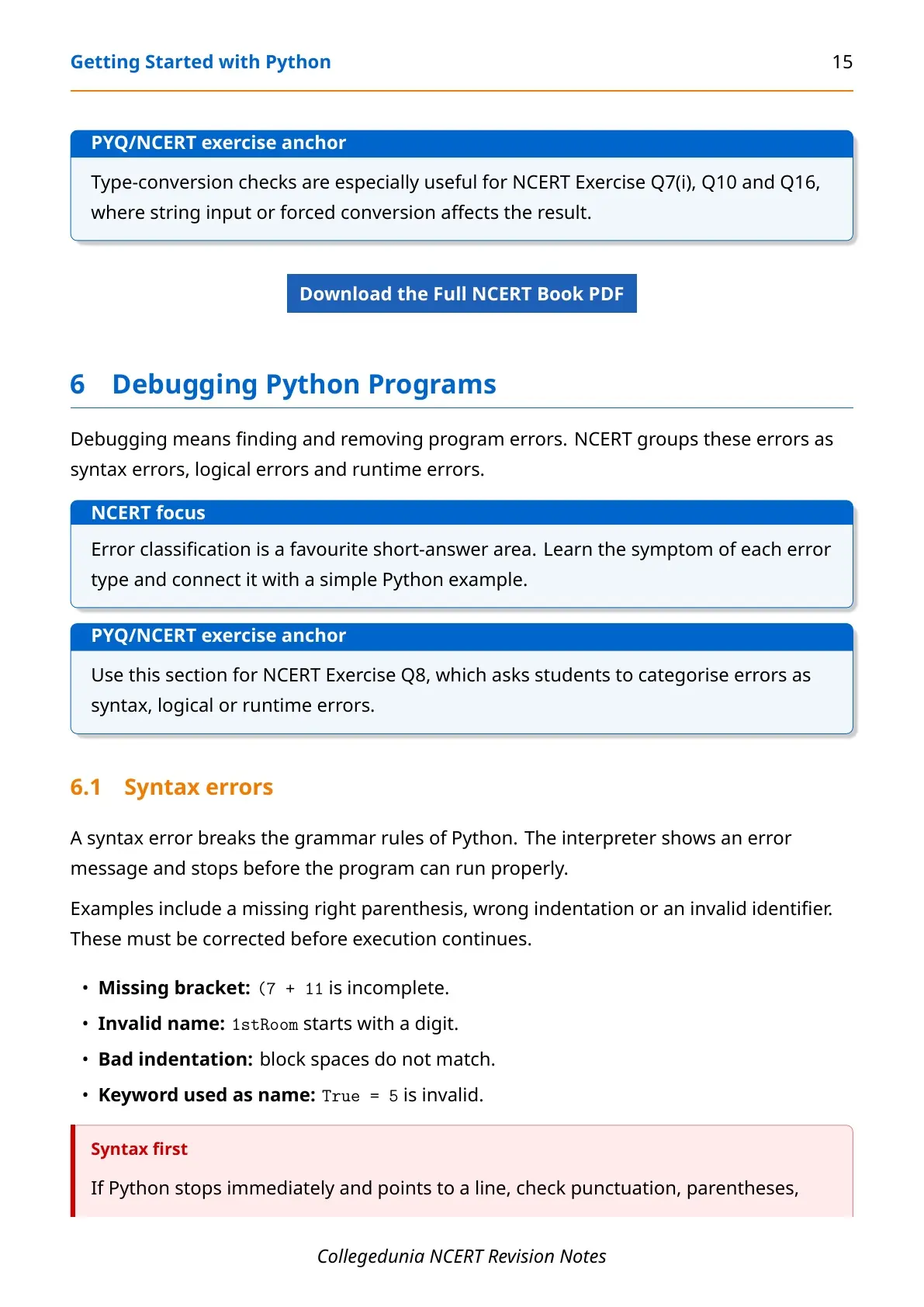
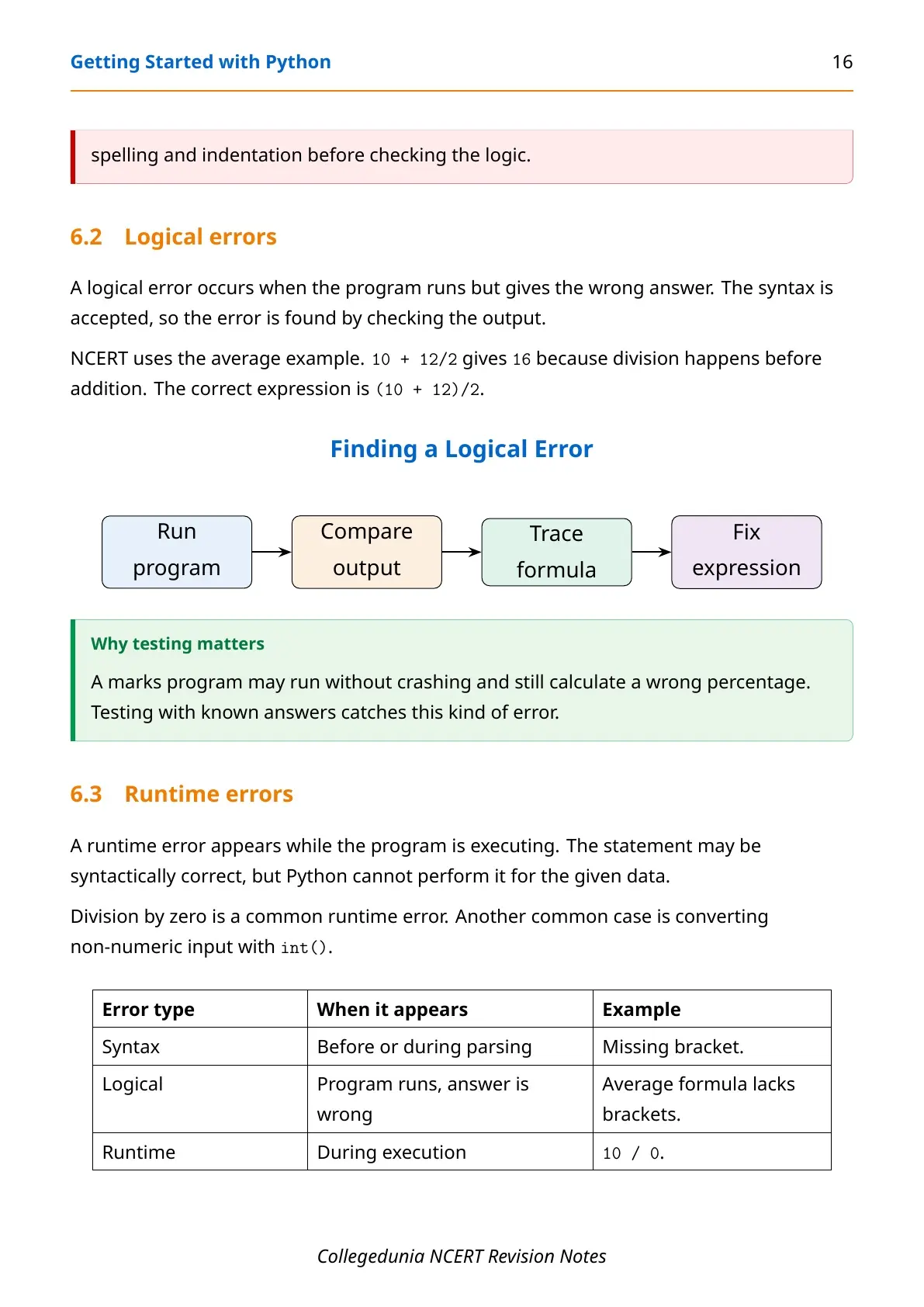
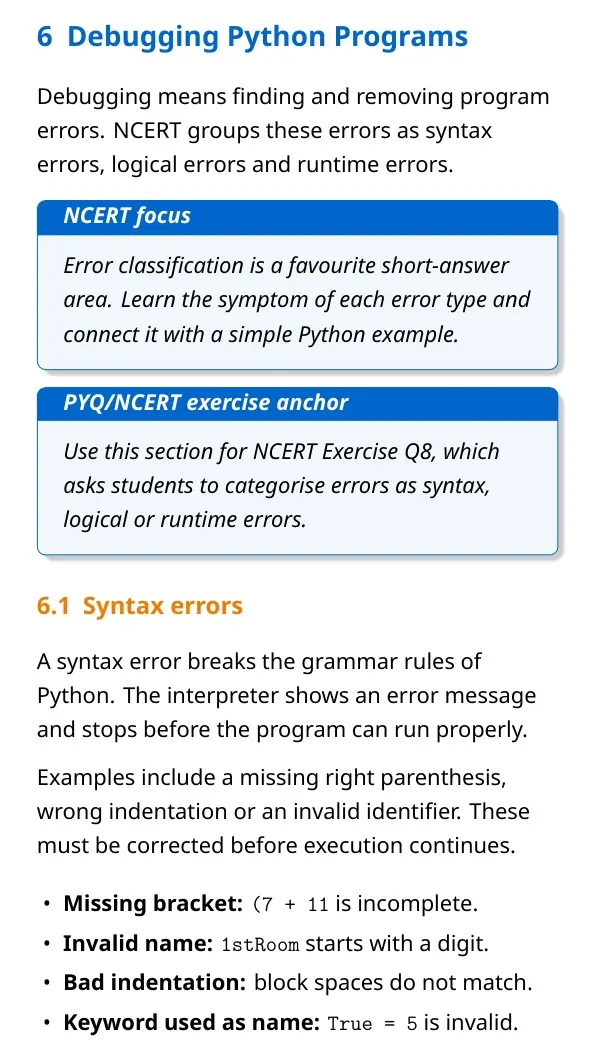
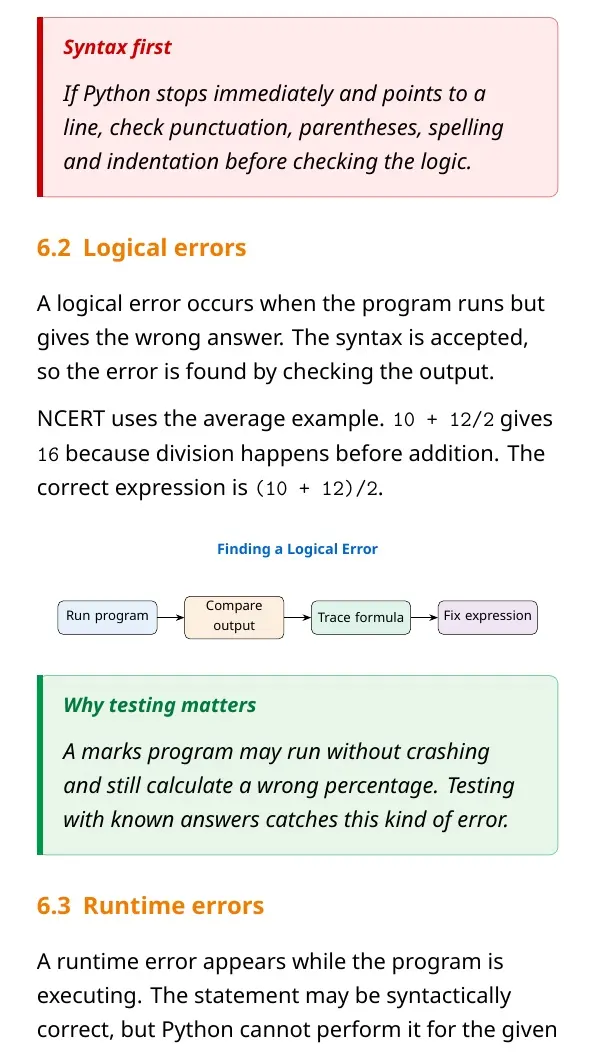
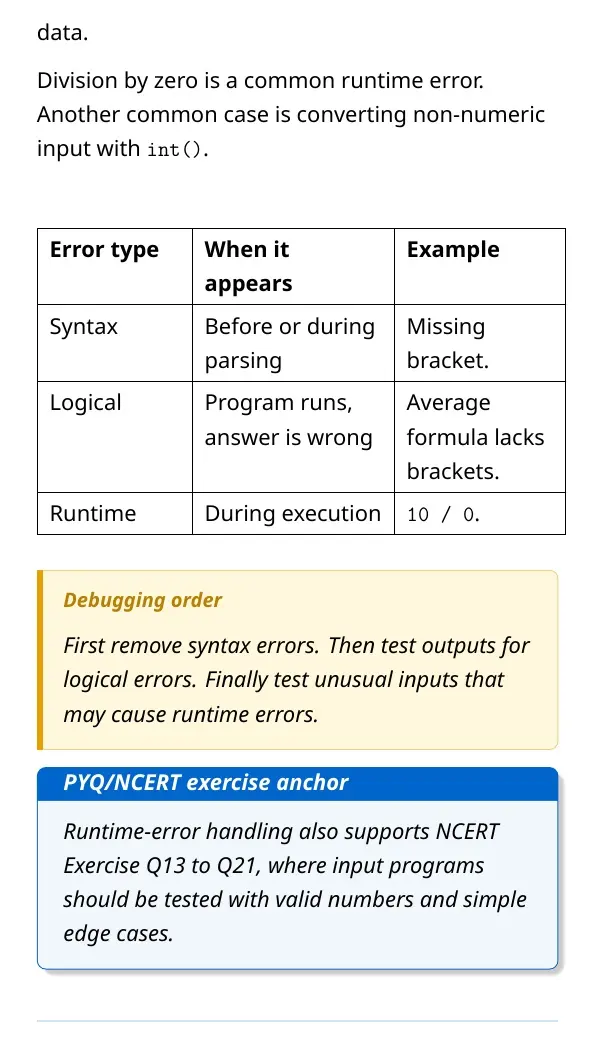
- Syntax error: Python rule is broken.
- Logical error: program runs but gives the wrong output.
- Runtime error: execution stops because Python cannot complete the operation.
Getting Started with Python Quick Video Recap
Source: Magnet Brains on YouTube
Use this video after reading the PDF once. Pause at examples on variables, keywords and input so you can match them with the revision tables above.
Related NCERT Class 11 Computer Science Resources
| Resource | Use it for | Link |
|---|---|---|
| NCERT Book PDF | Official chapter reading | Getting Started with Python Book PDF |
| NCERT Solutions | Exercise answers and output questions | Getting Started with Python NCERT Solutions |
| Handwritten Notes | Quick handwritten revision | Getting Started with Python Handwritten Notes |
Class 11 Computer Science Notes for All Chapters
| Chapter | Notes Link |
|---|---|
| Chapter 1 Computer System | Computer System Notes |
| Chapter 2 Encoding Schemes and Number System | Encoding Schemes and Number System Notes |
| Chapter 3 Emerging Trends | Emerging Trends Notes |
| Chapter 4 Introduction to Problem Solving | Introduction to Problem Solving Notes |
| Chapter 5 Getting Started with Python | Current chapter notes |
Getting Started with Python Computer Science Notes FAQs
Ques. What is covered in Getting Started with Python Class 11 notes?
Ans. These notes cover Python execution modes, keywords, identifiers, variables, objects, data types, operators, expressions, input, output, type conversion and debugging.
Ques. What is the difference between interactive mode and script mode?
Ans. Interactive mode runs one statement at the Python prompt. Script mode saves many statements in a .py file and runs the full program.
Ques. Why does input() need type conversion in Python?
Ans. input() returns a string. Use int() or float() before arithmetic so Python treats the entered value as a number.
Ques. What are the three main error types in Python?
Ans. The three main error types are syntax errors, logical errors and runtime errors.



Comments