




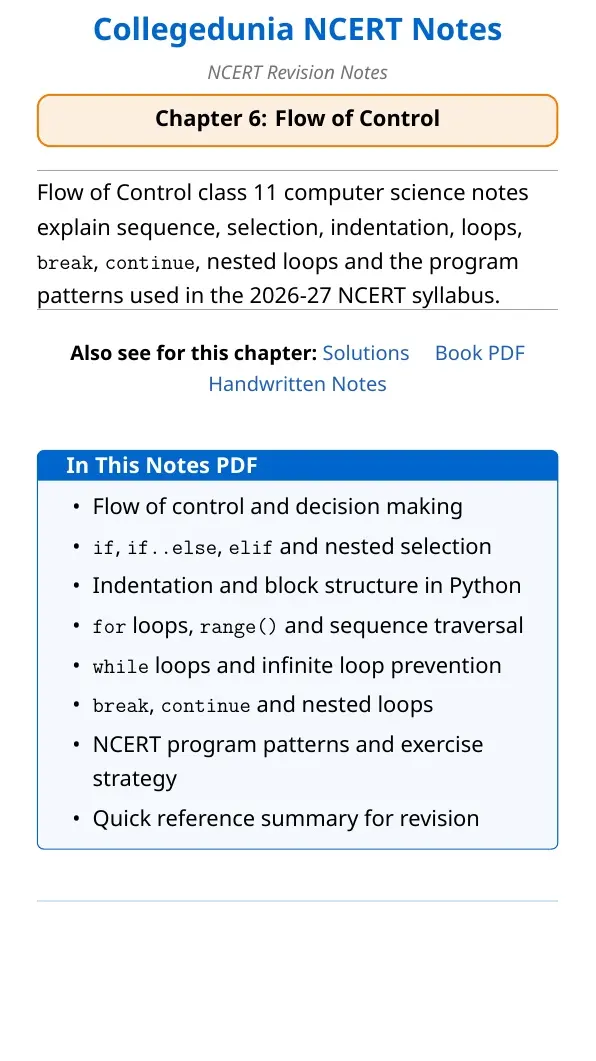
NCERT Notes for Class 11 Computer Science Chapter 6 Flow of Control help students revise sequence, selection, indentation, loops, break, continue and nested loops for the 2026-27 NCERT syllabus.
- PDF included: 22 pages with flowcharts, program patterns and quick revision boxes.
- Key focus: if-else, elif, range(), for loop, while loop and nested loops.
- Best use: read the PDF once, then trace NCERT output questions by hand.
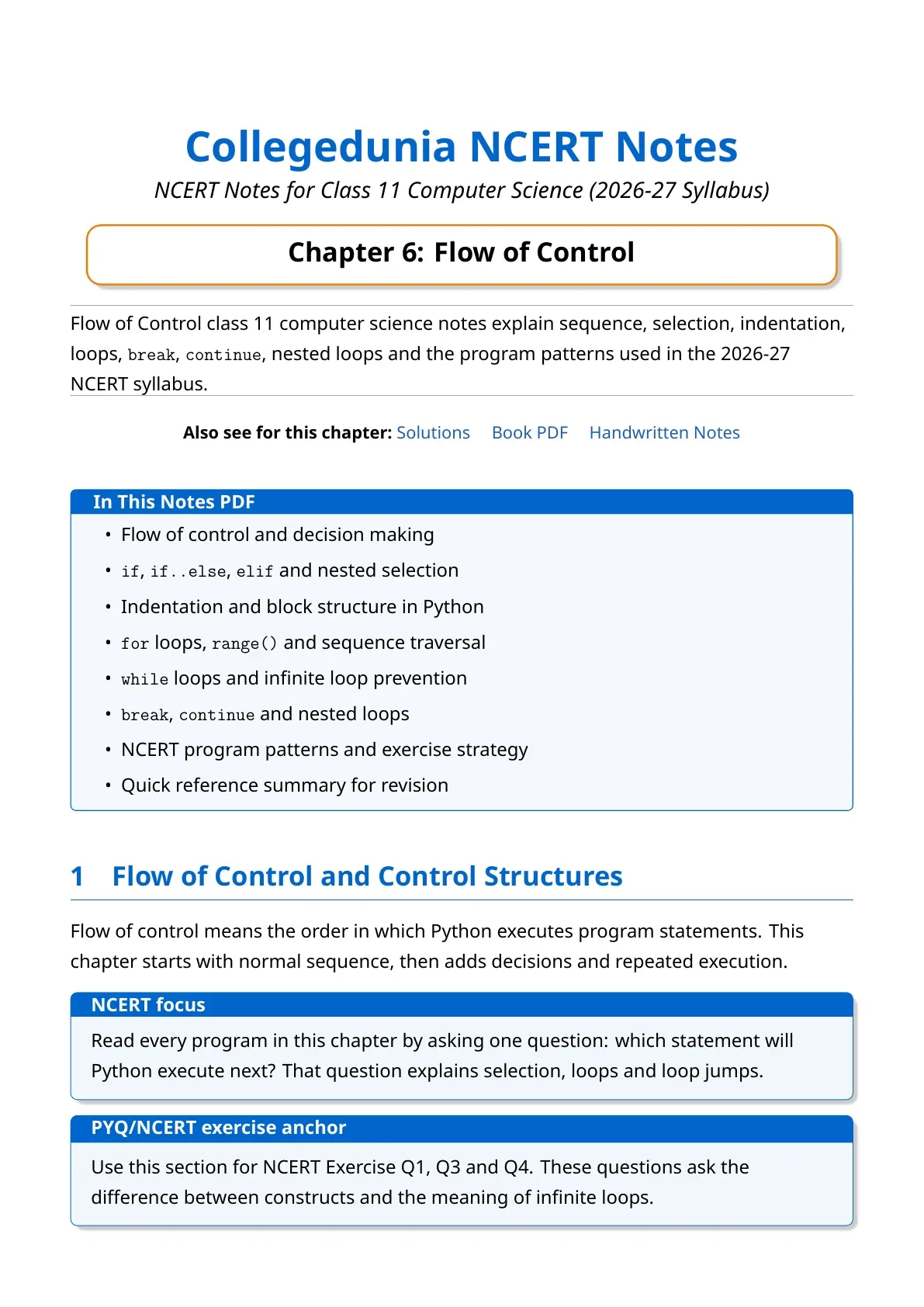
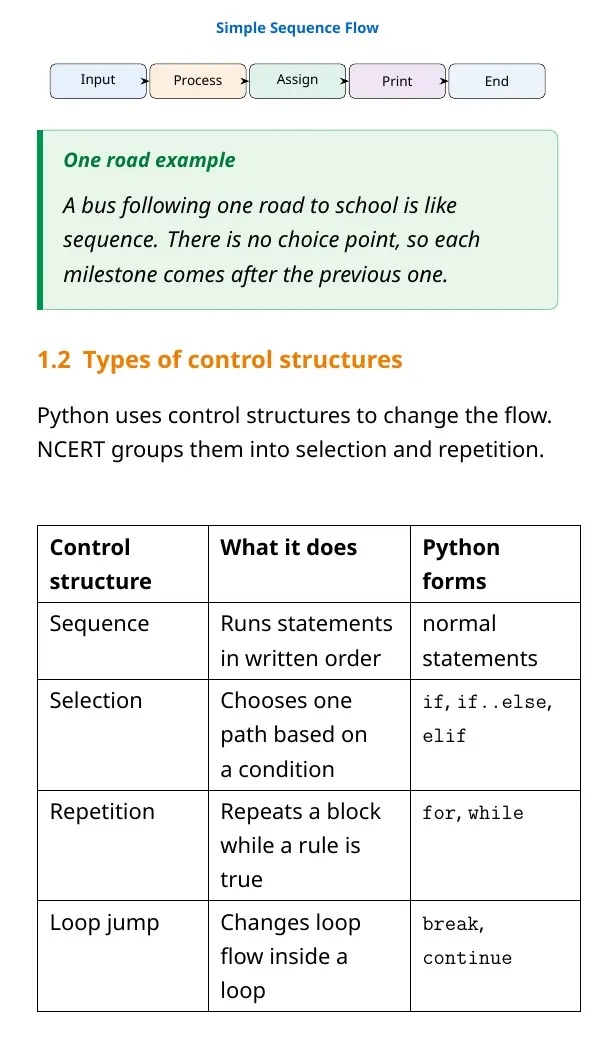
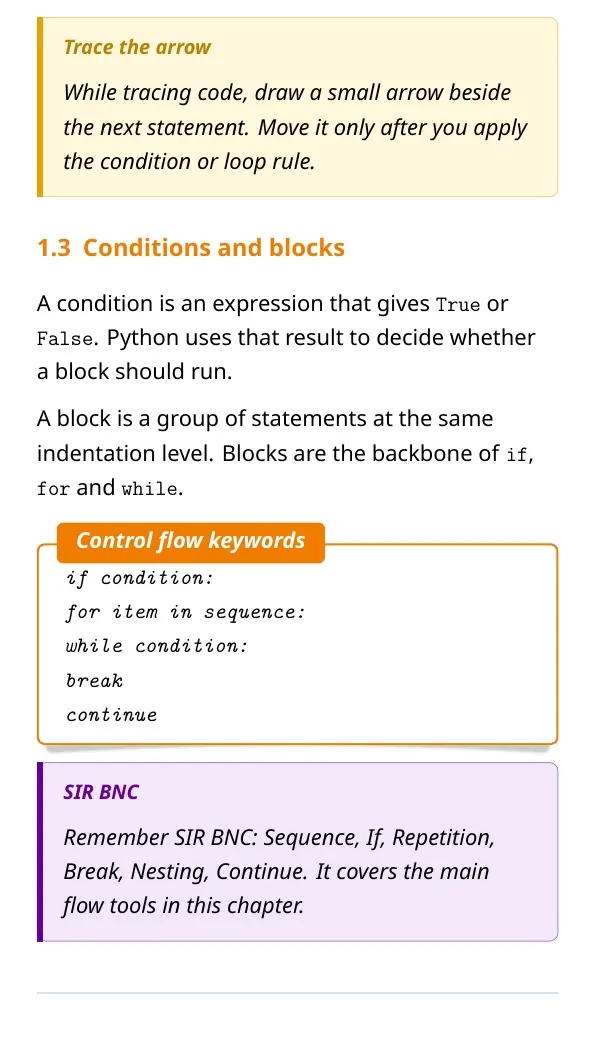
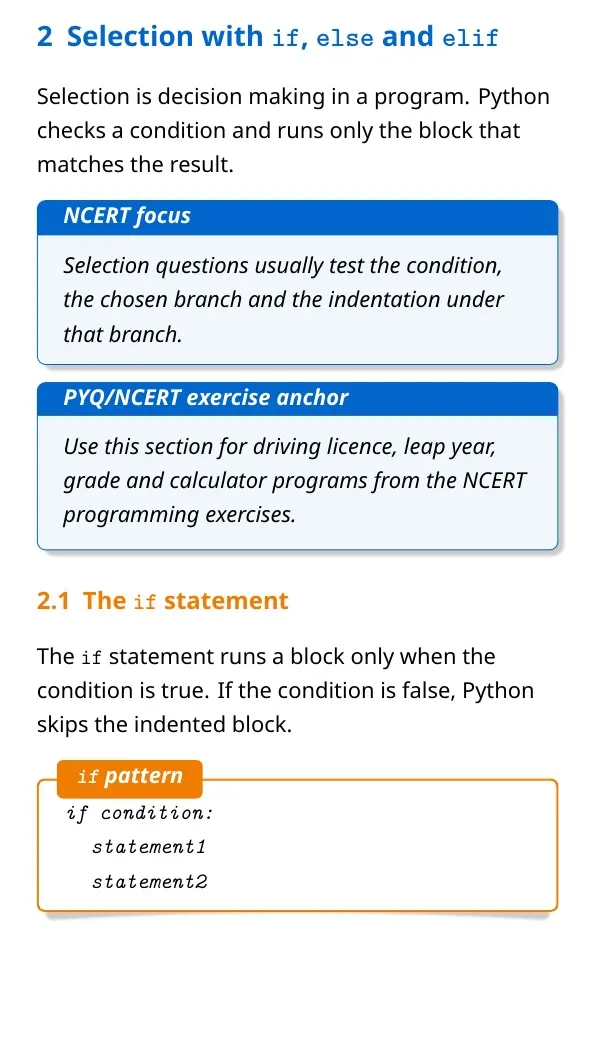
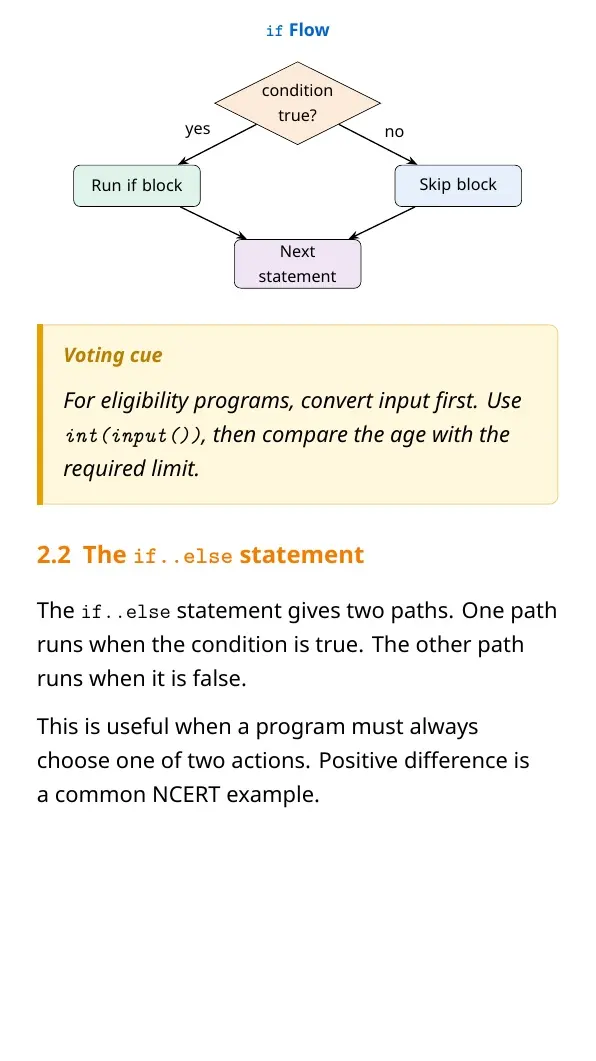
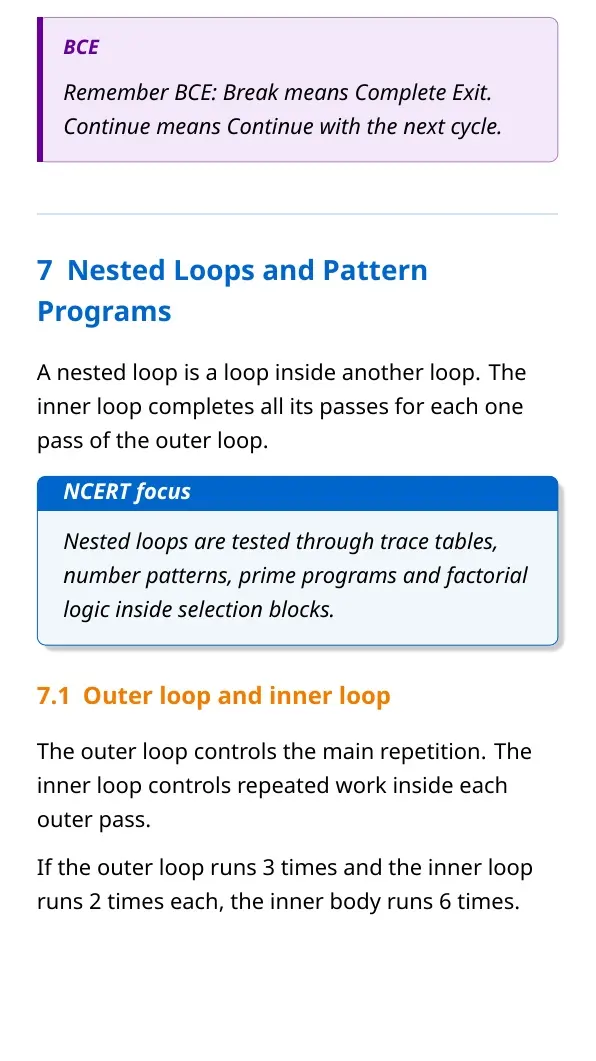
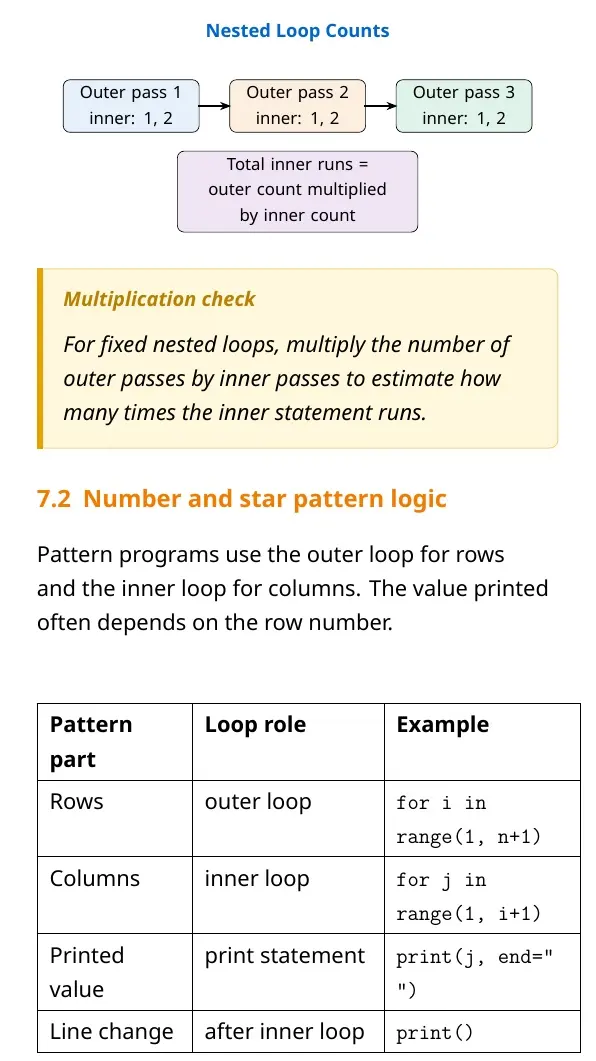
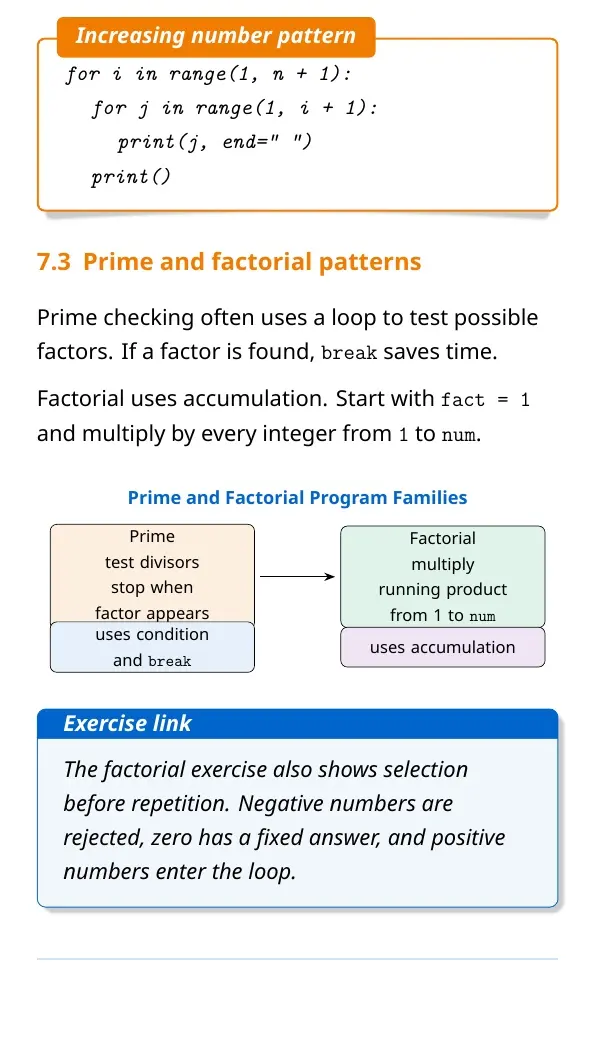
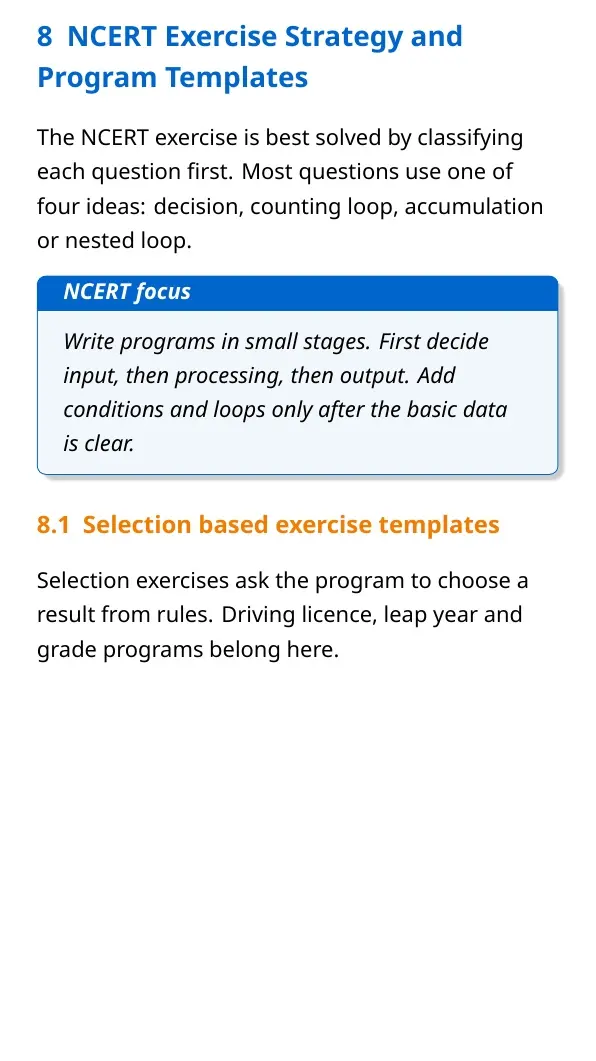
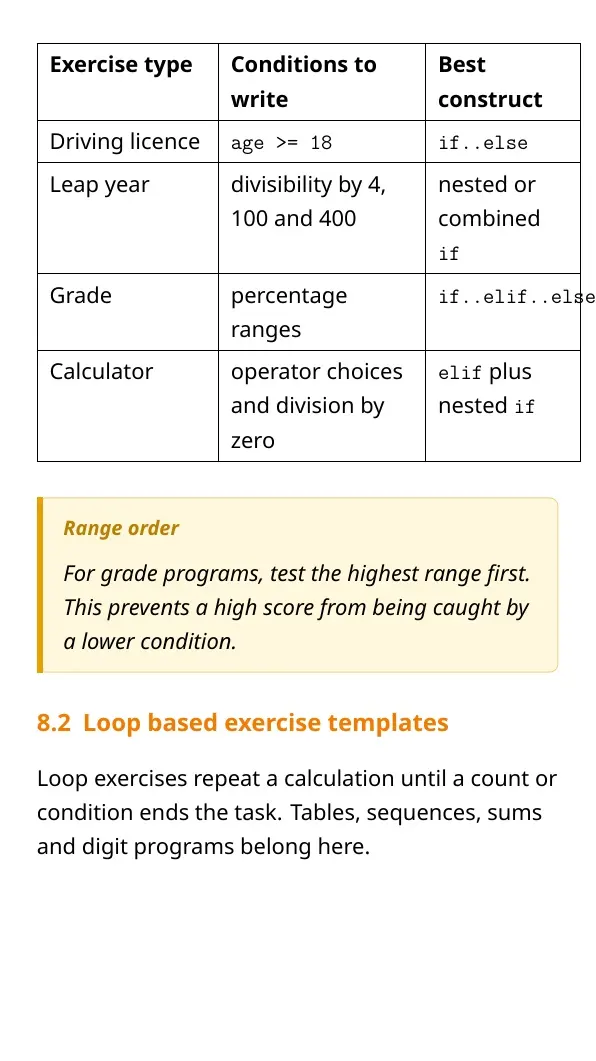
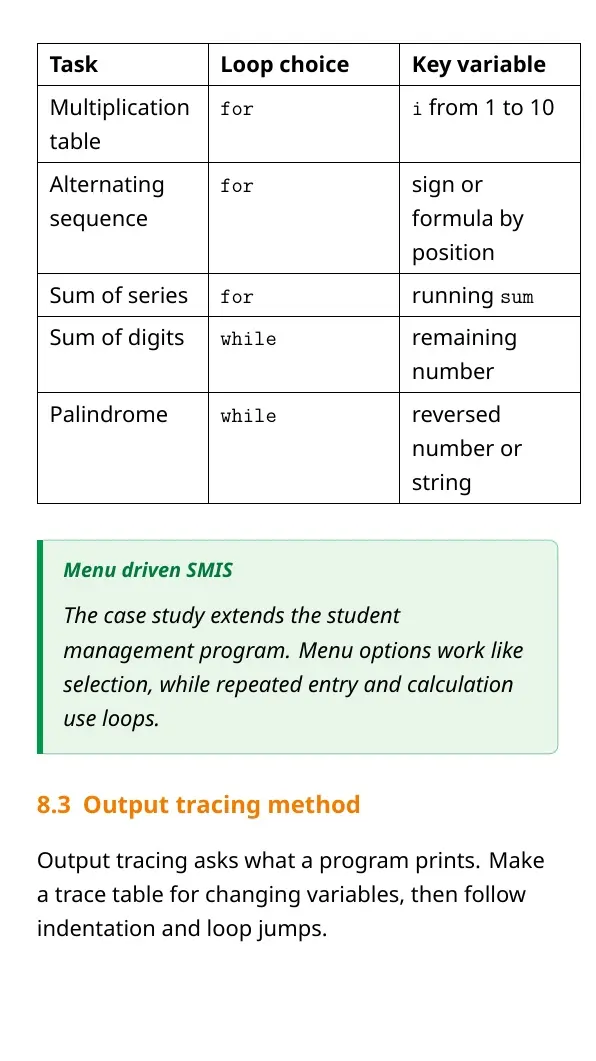
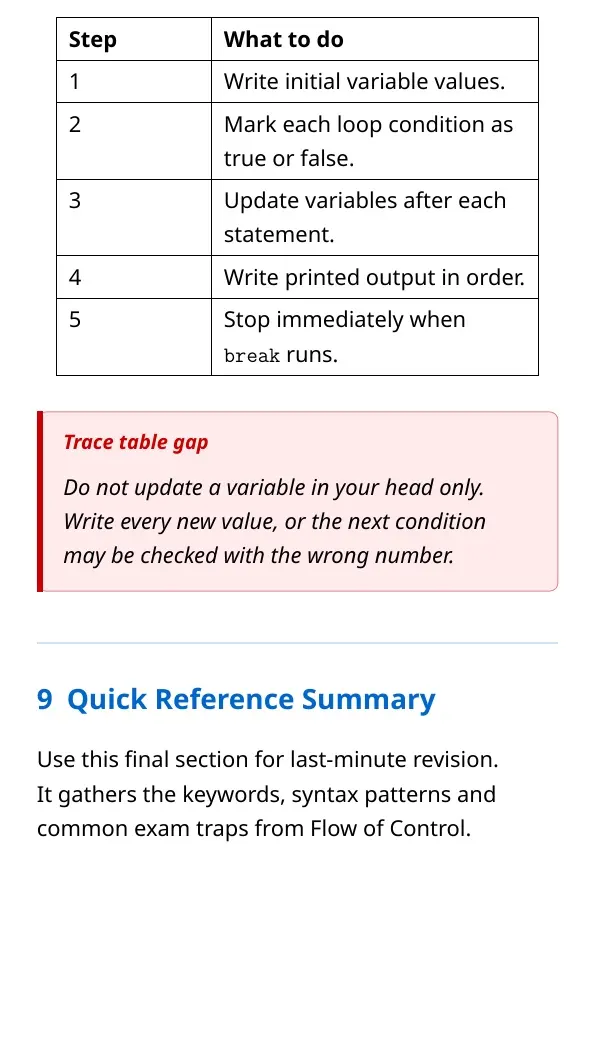
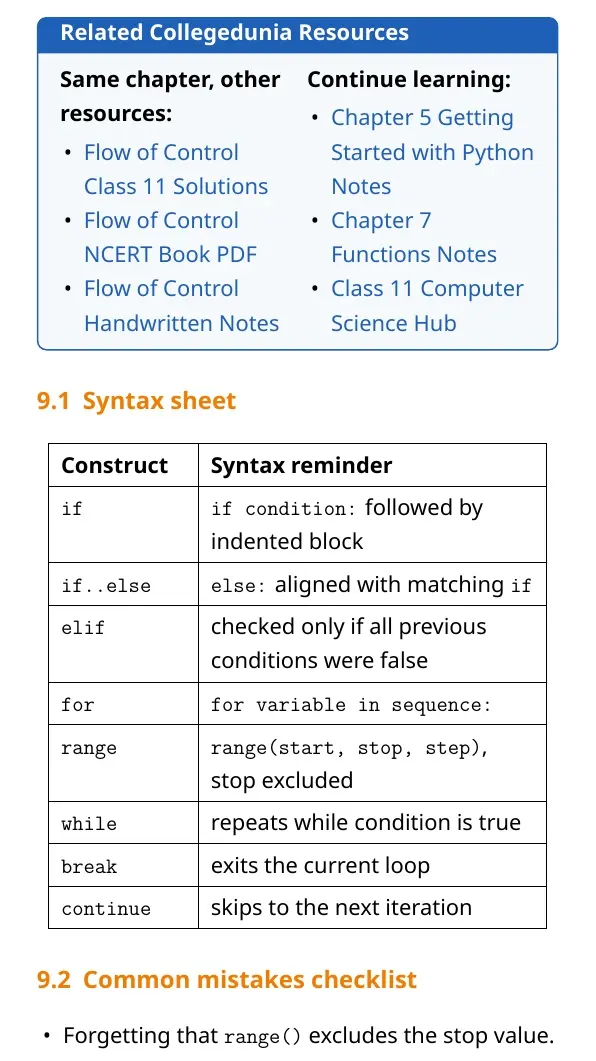
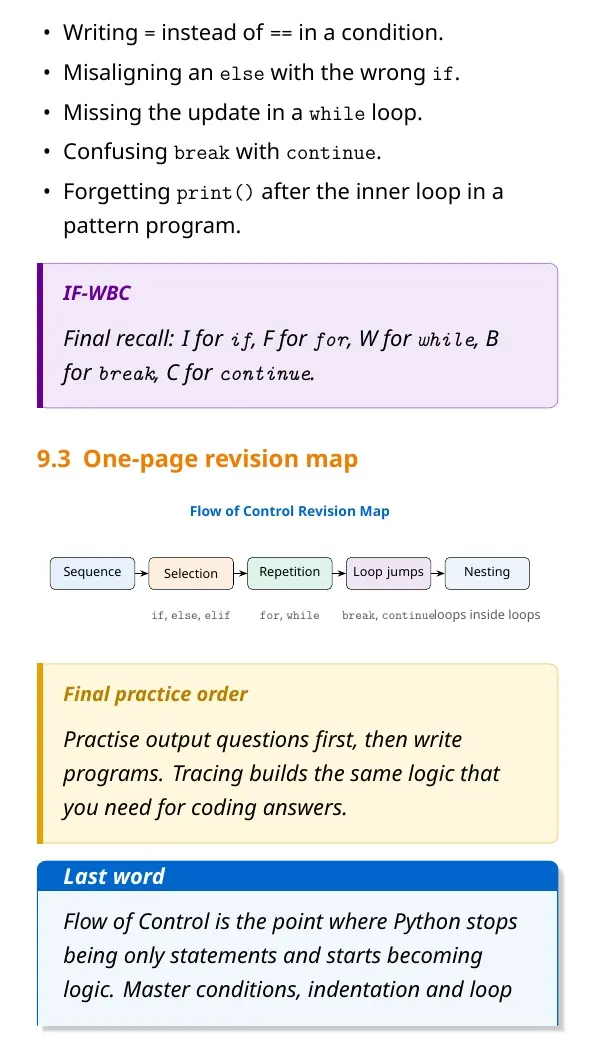
Each Flow of Control notes PDF is prepared for Class 11 students who need clean Python logic, exam-ready syntax and quick program tracing practice.

Student Feedback: In a Collegedunia survey of 10,940 Class 11 students conducted before the 2026 exams, most students said nested loops and output tracing needed the most practice.
Flow of Control Notes Overview for Class 11 Computer Science
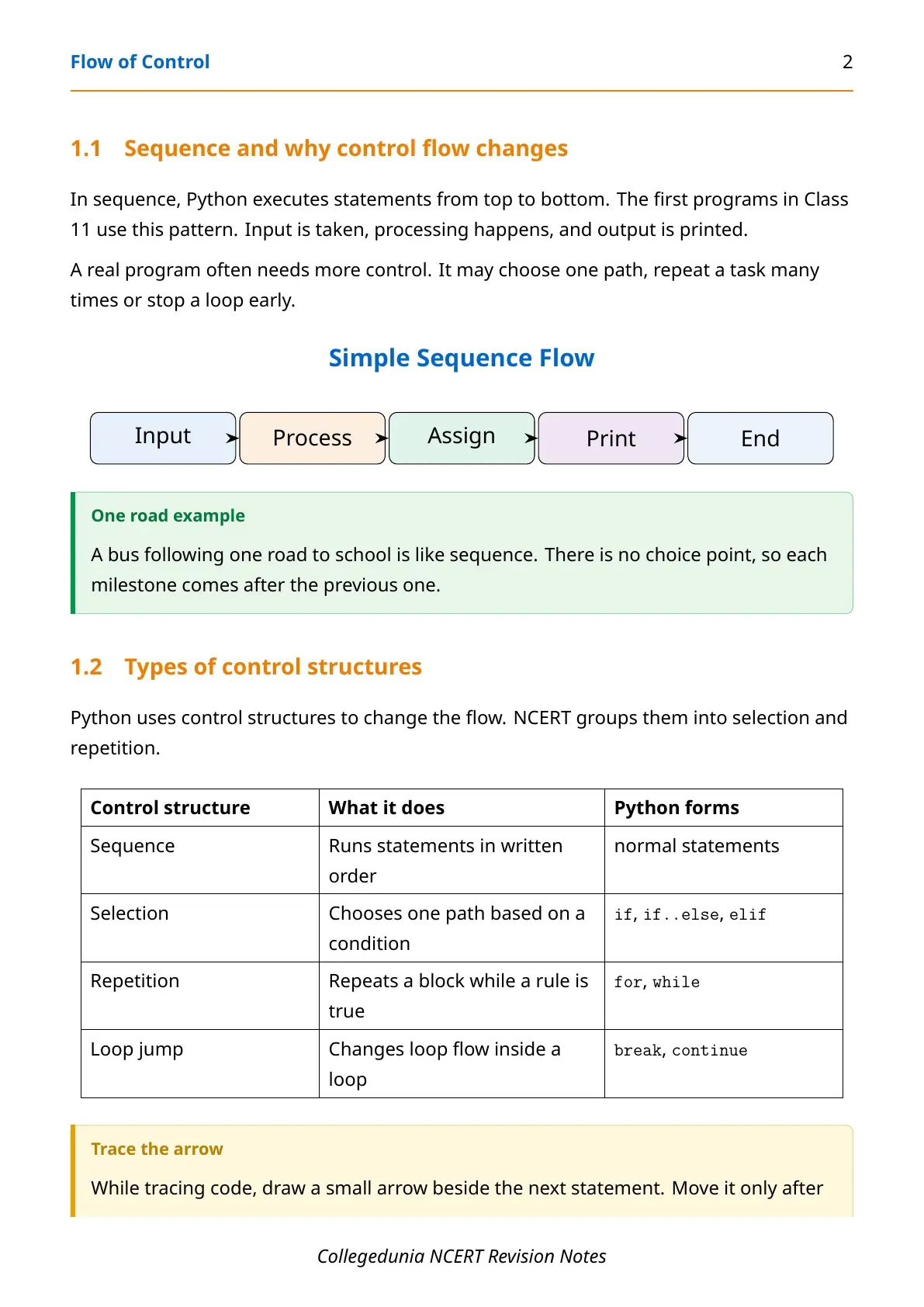
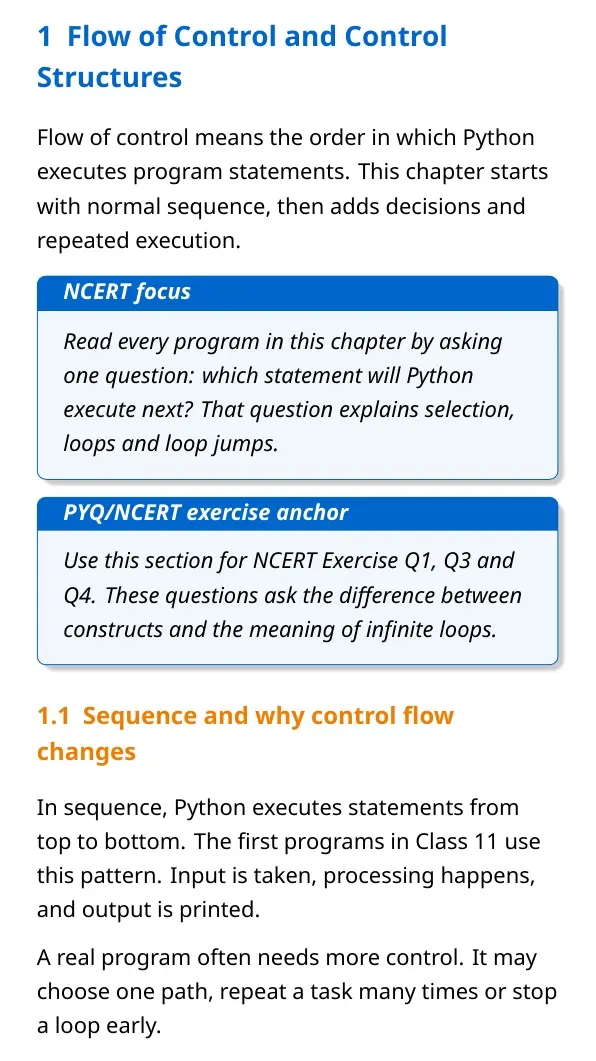
Flow of Control explains how Python chooses the next statement. The chapter starts with sequence, then covers decisions and repeated execution.
| Area | What to revise | NCERT cue |
|---|---|---|
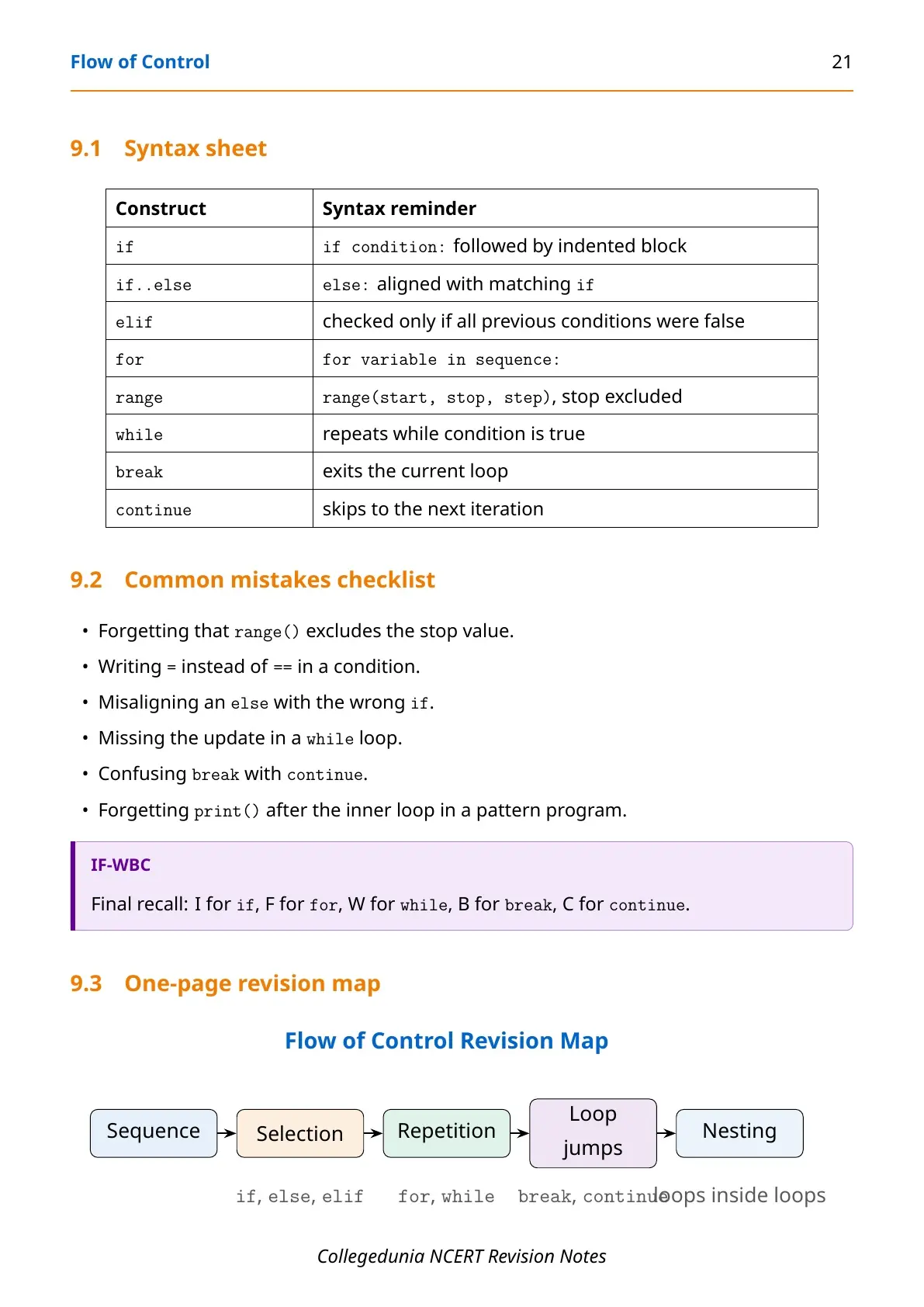
| Selection | if, if-else, elif and nested if | Decision making in programs |
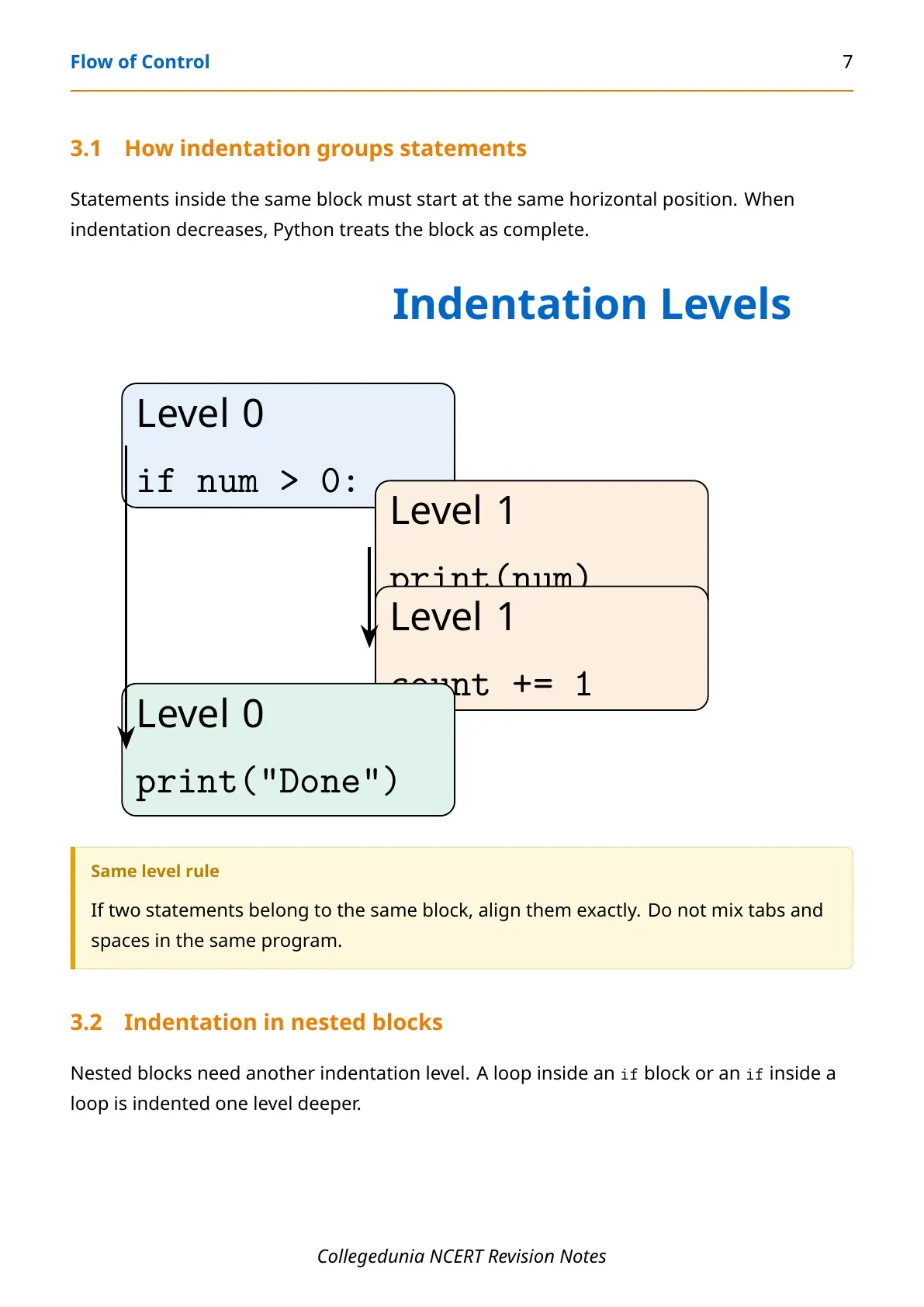
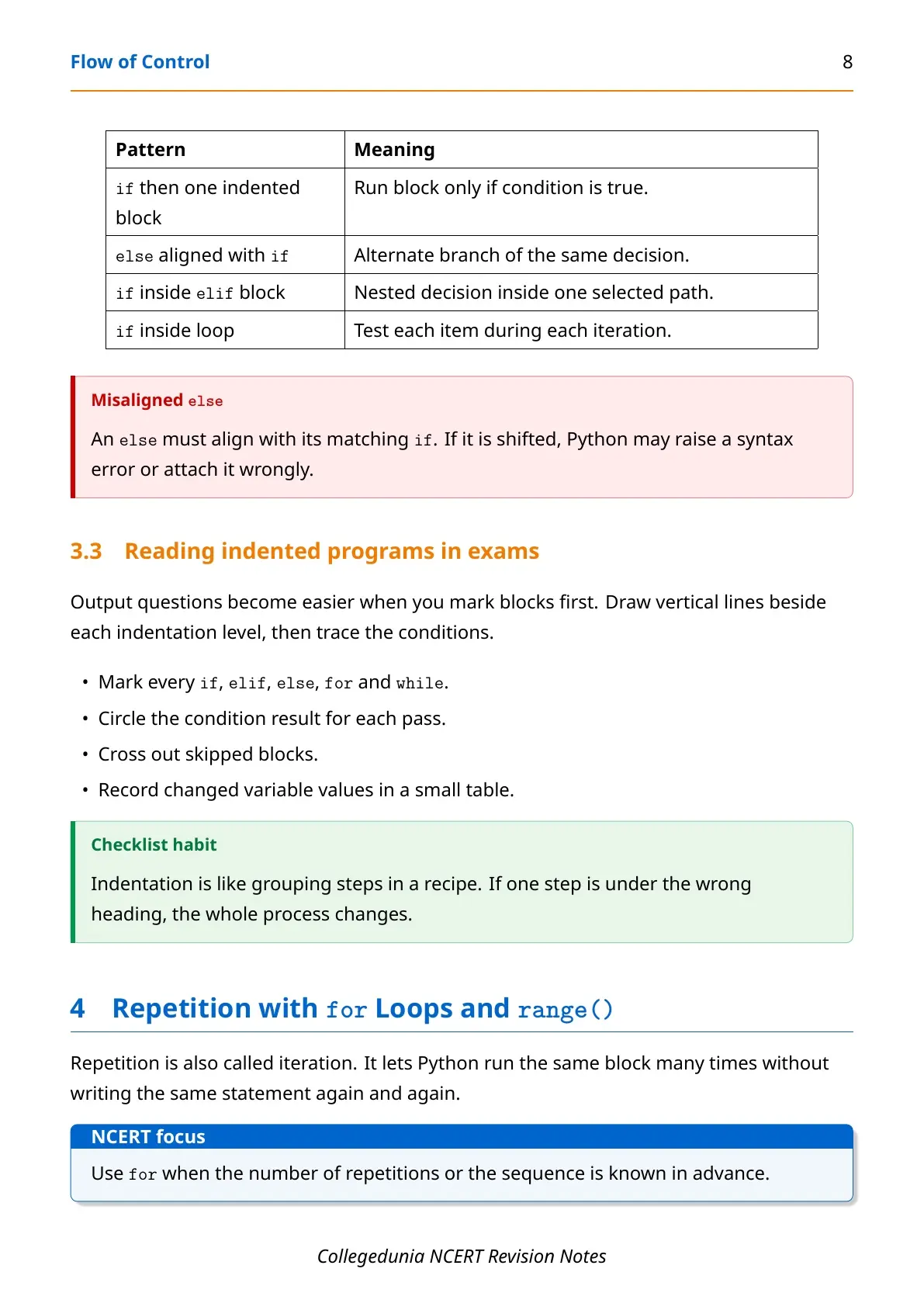
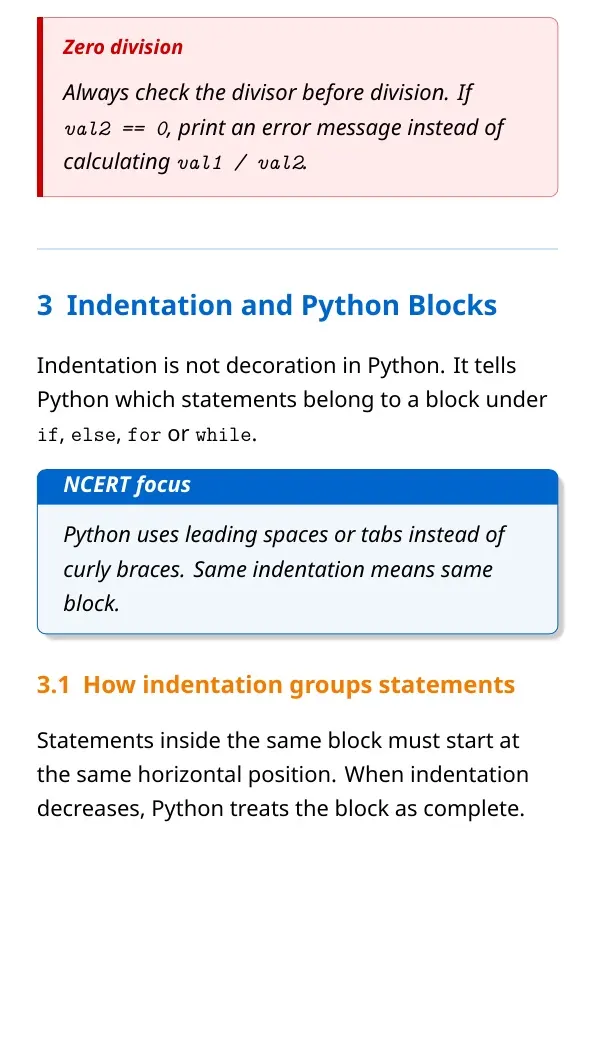
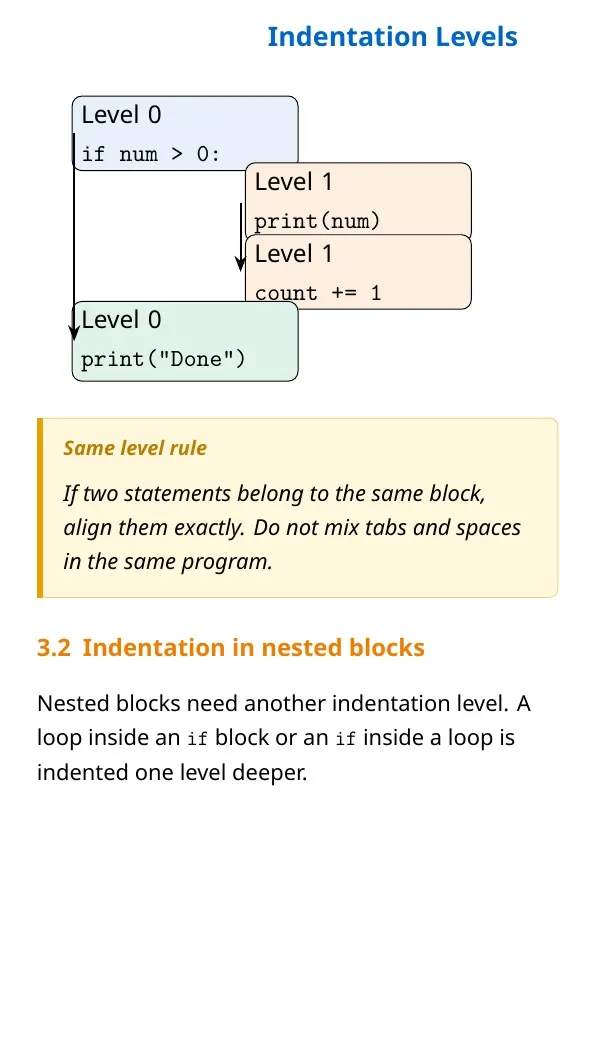
| Indentation | Blocks at the same level | Python uses spaces instead of braces |
| Repetition | for, range() and while | Repeat a block under a condition |
| Loop control | break, continue and nested loops | Exit, skip or repeat inner blocks |
Selection and Indentation in Flow of Control
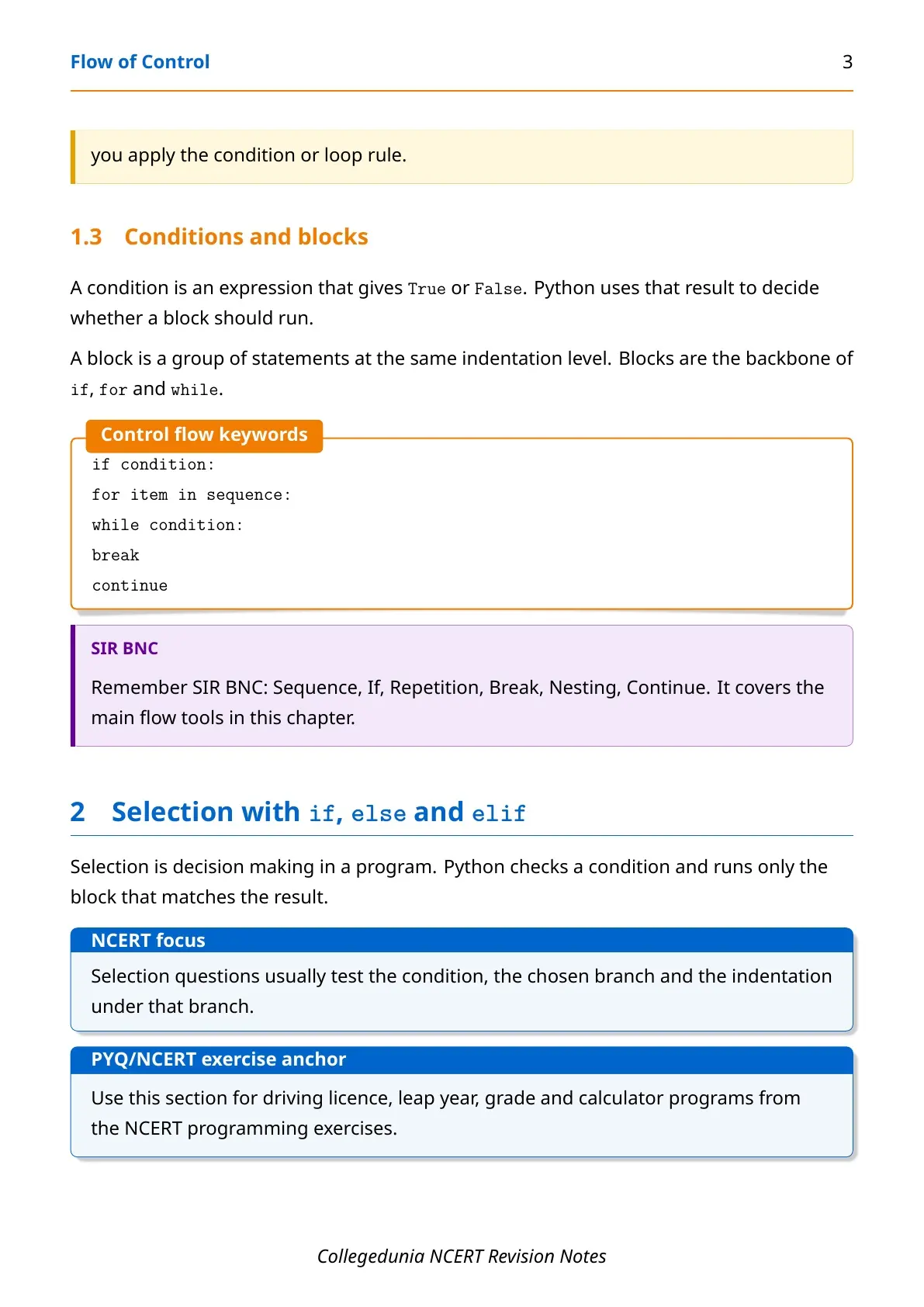
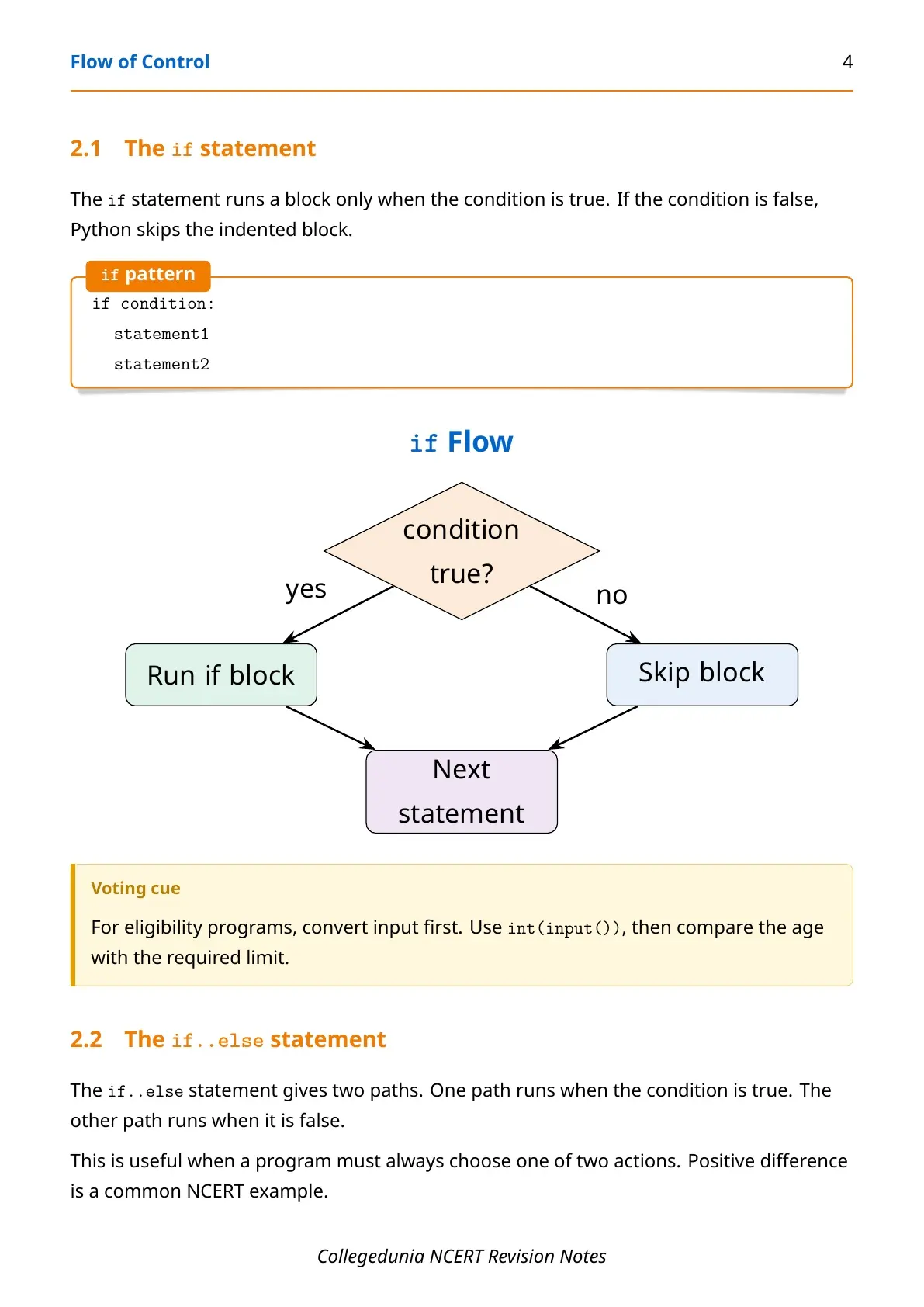
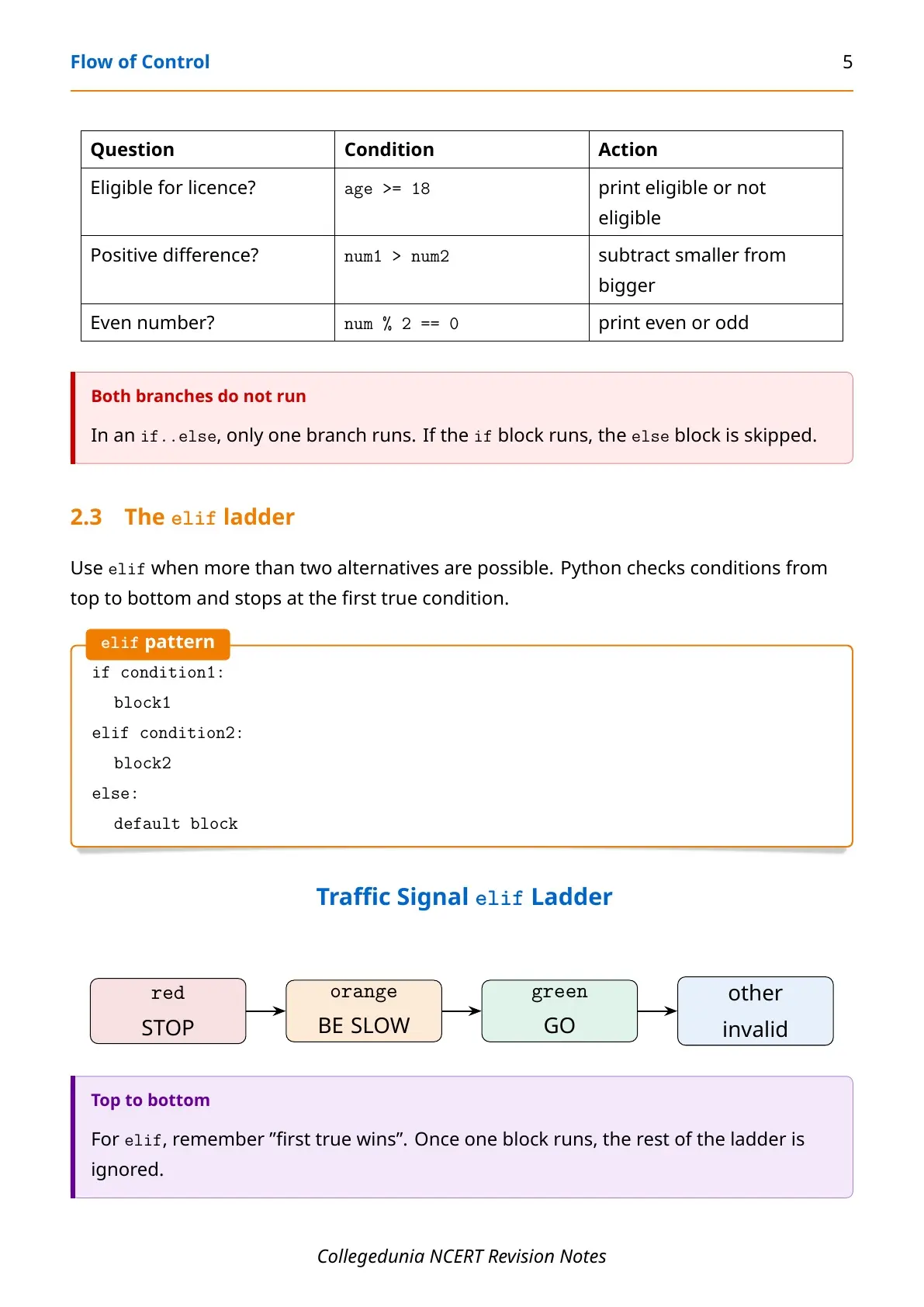
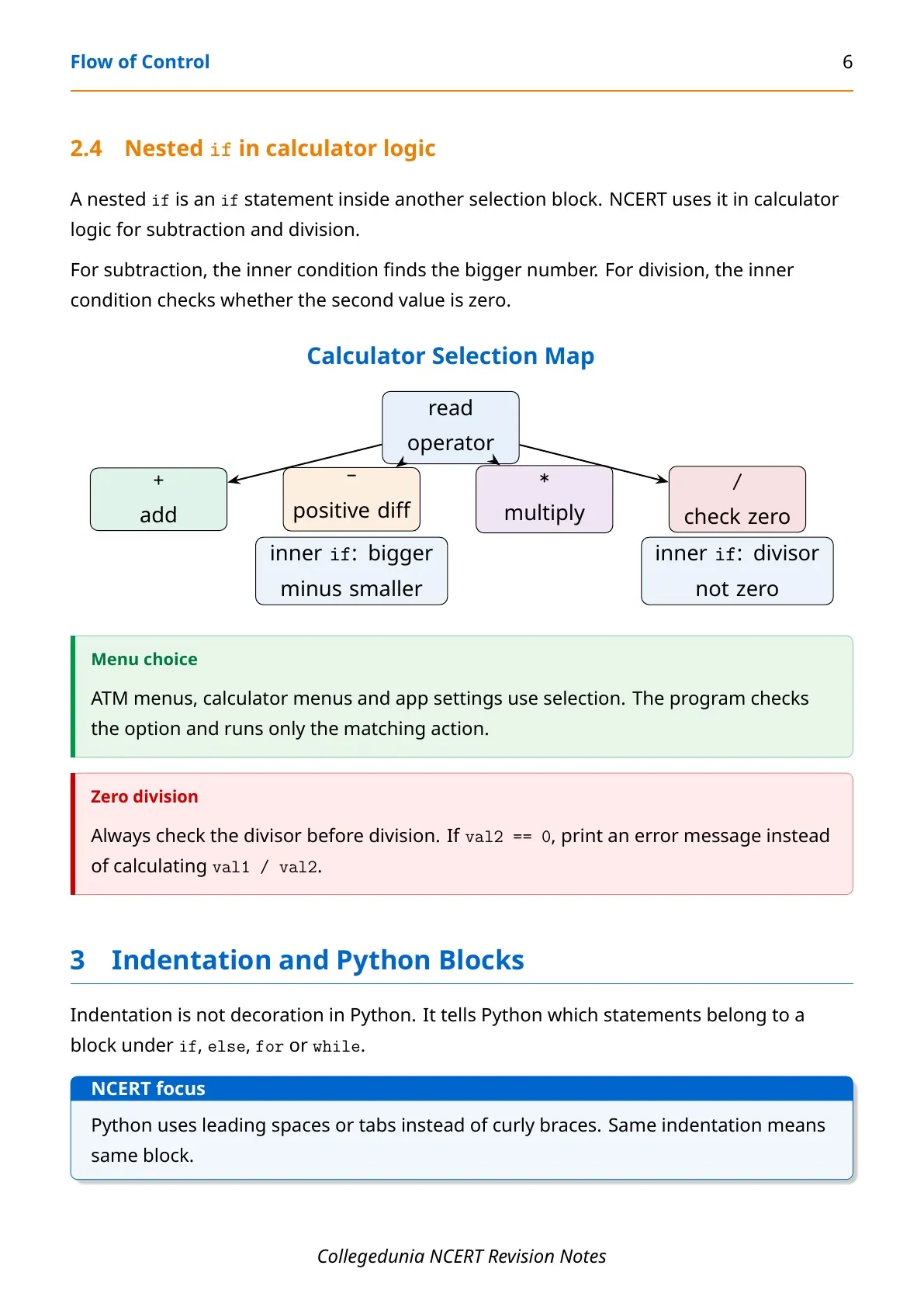
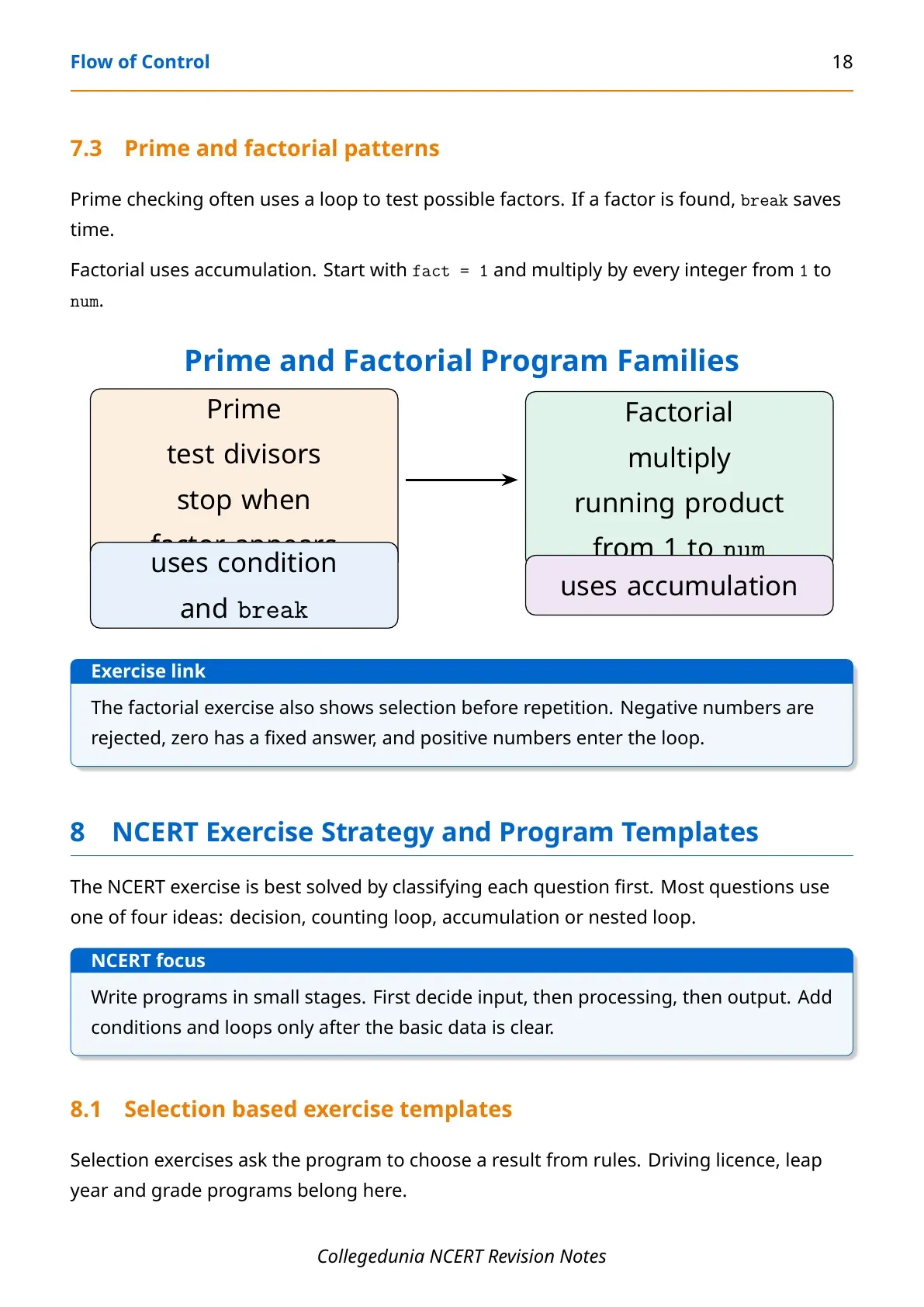
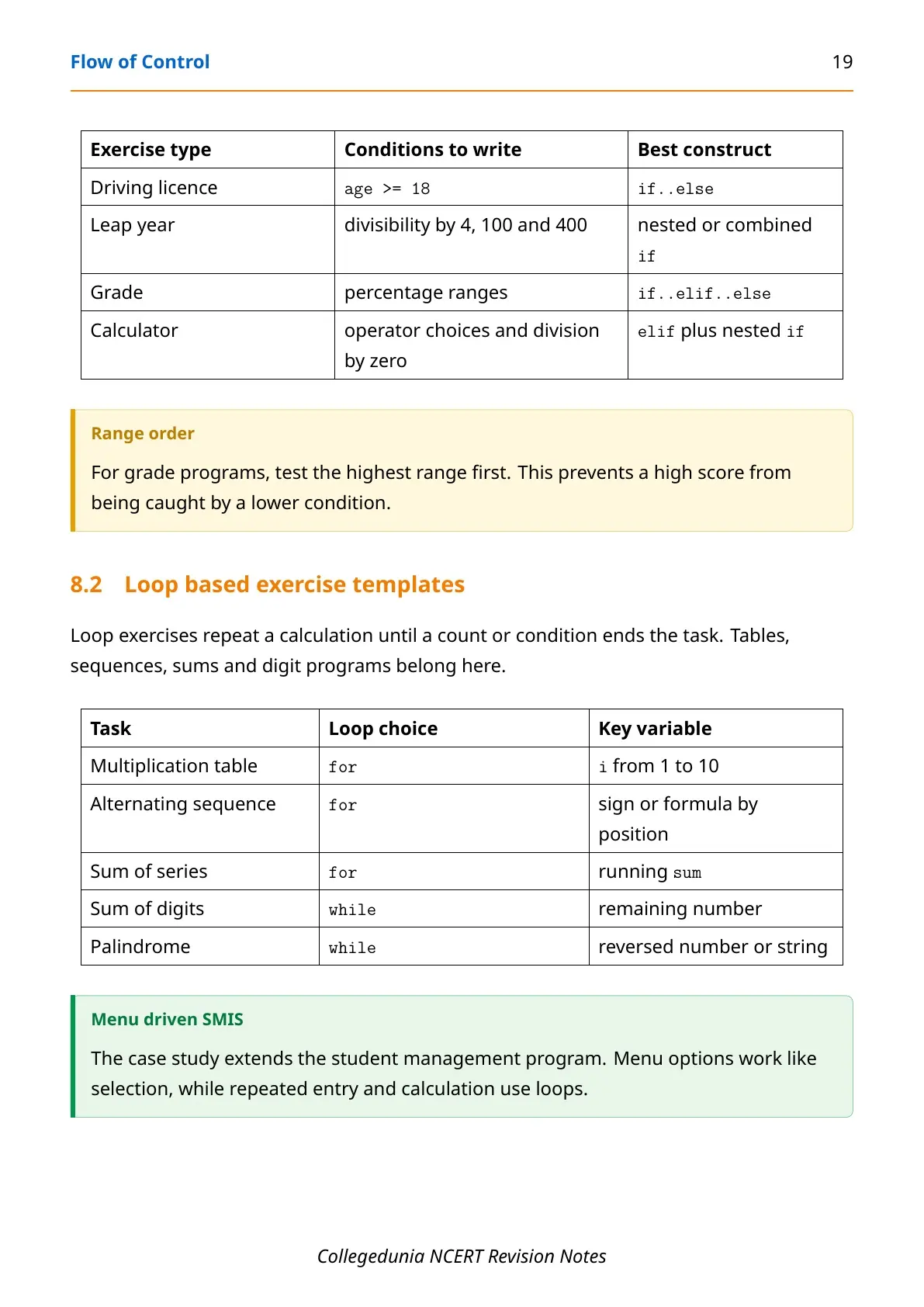
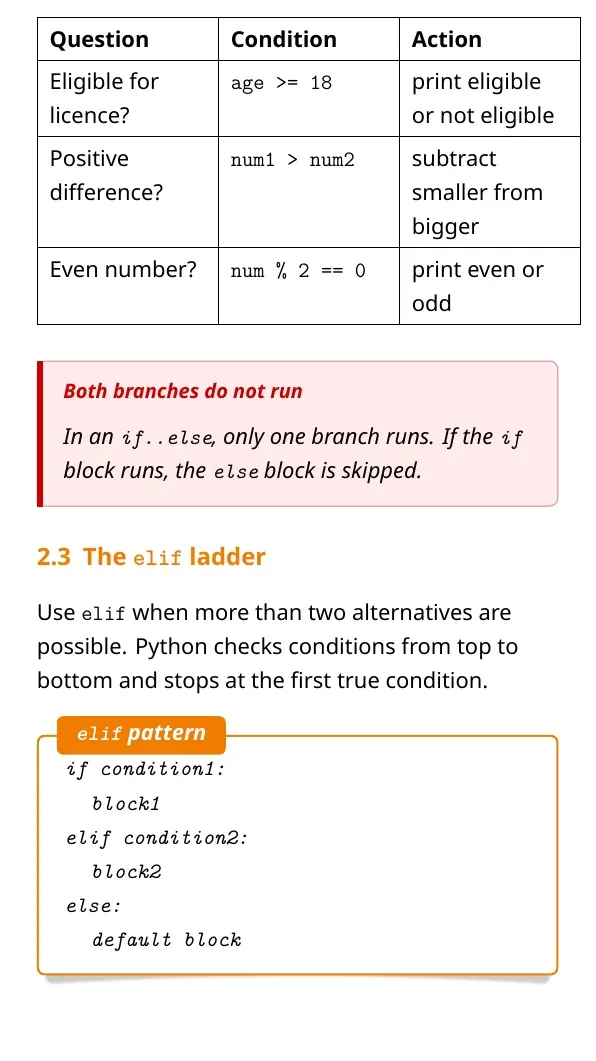
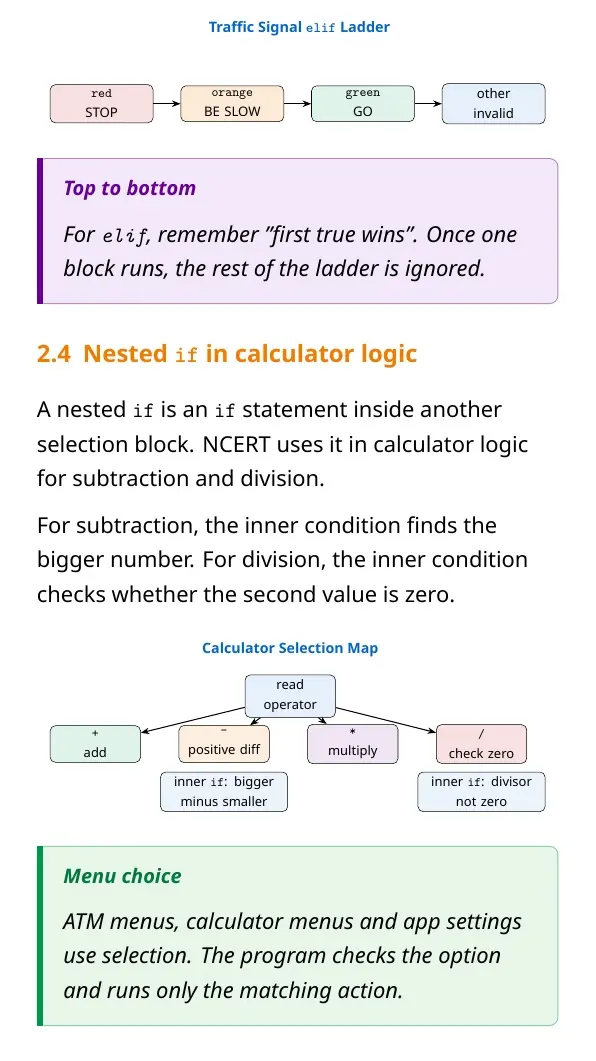
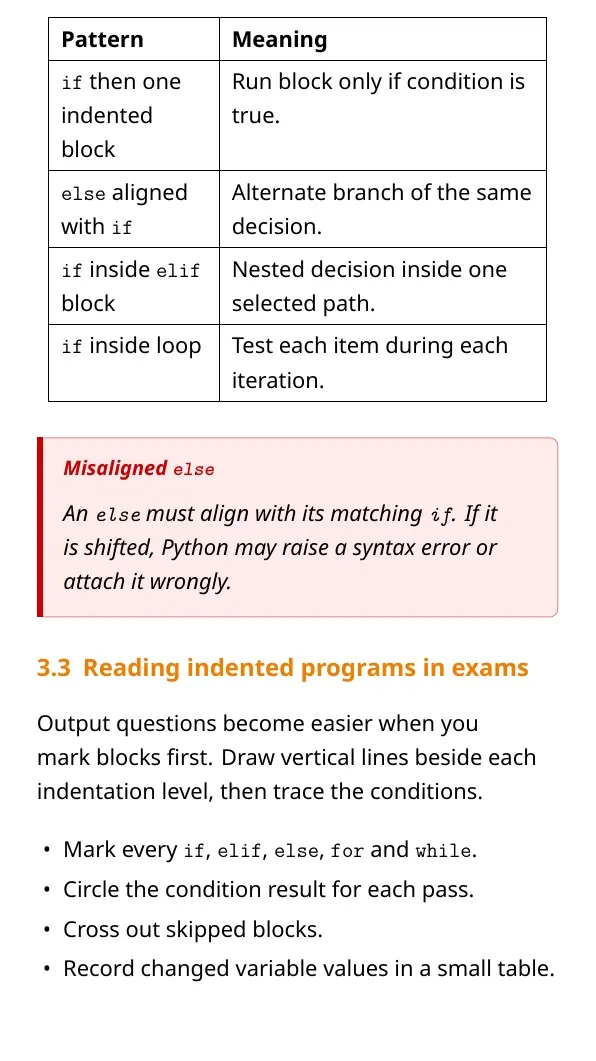
Selection uses conditions that return True or False. Use if for one path, if-else for two paths and elif for many choices.
- if: runs a block only when the condition is true.
- else: runs when the if condition is false.
- elif: checks the next condition in a ladder.
- Indentation: groups statements into the same block.
The safest tracing rule is simple: first mark the block, then test the condition.
Loops, Break and Continue in Flow of Control
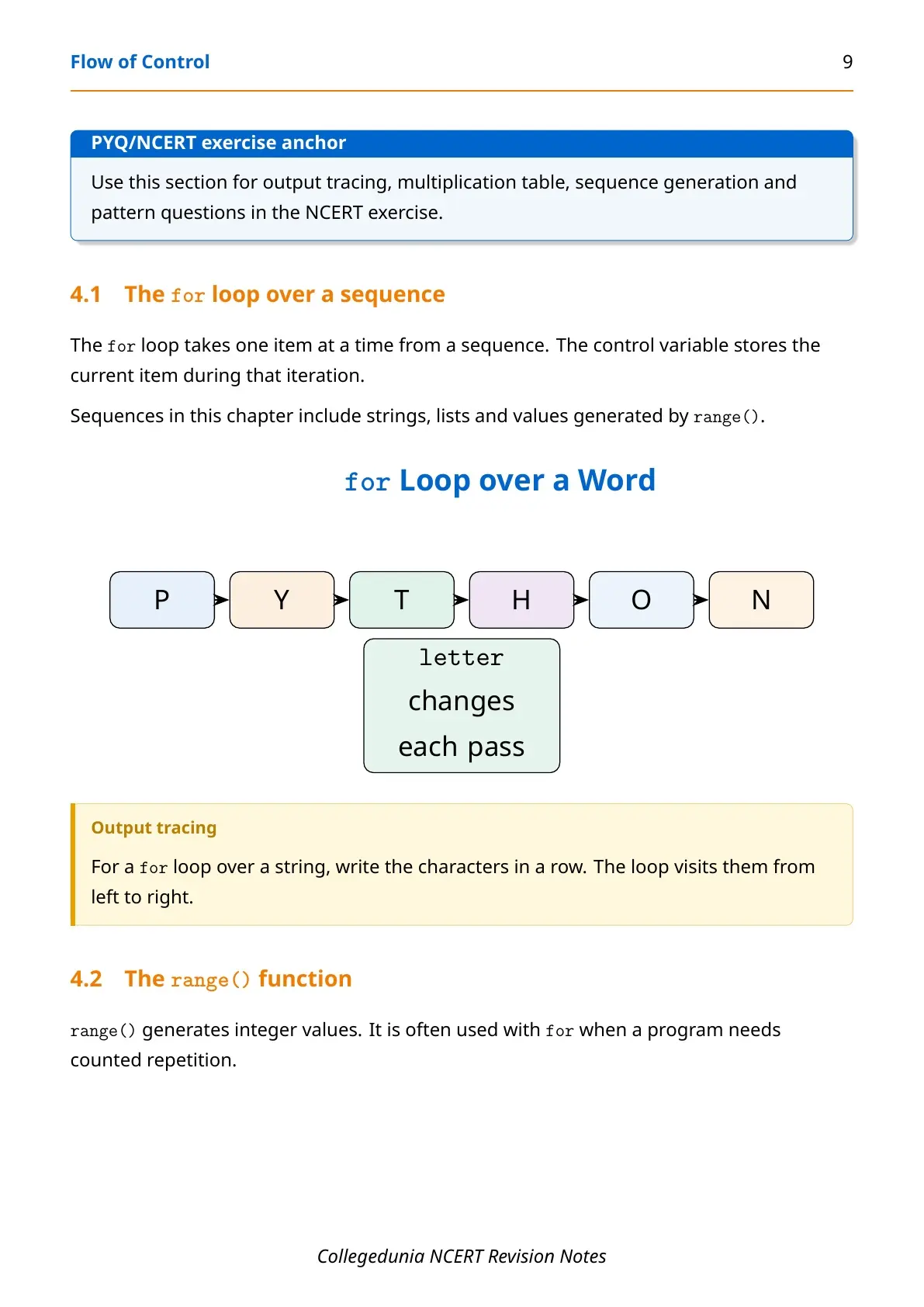
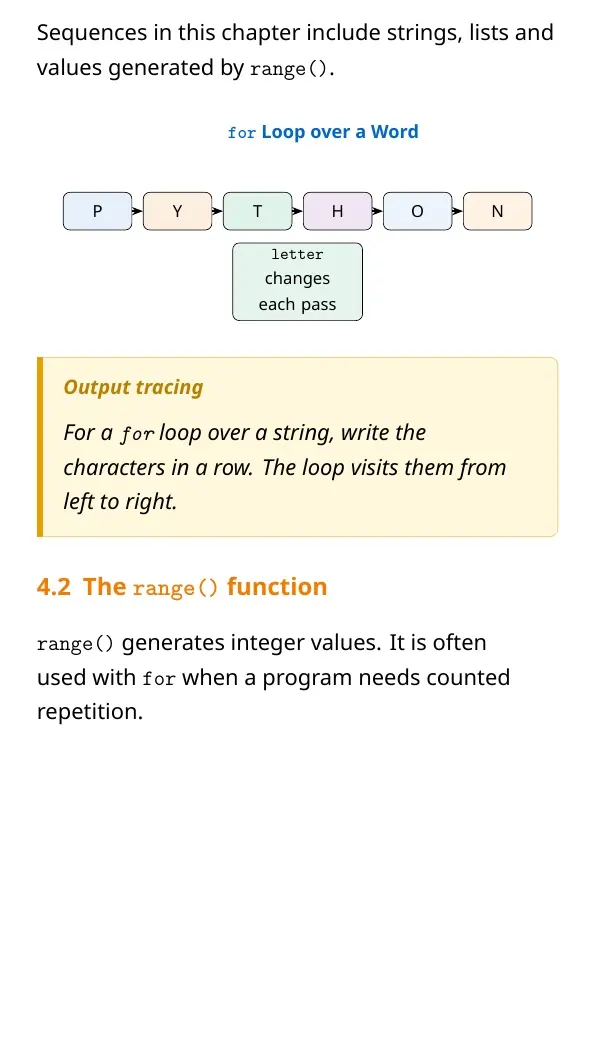
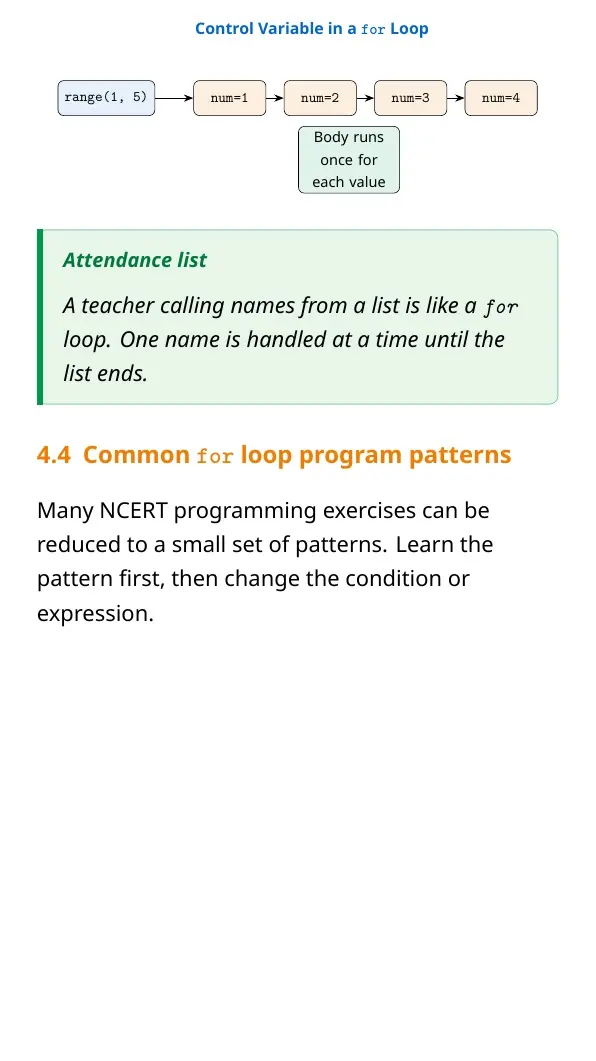
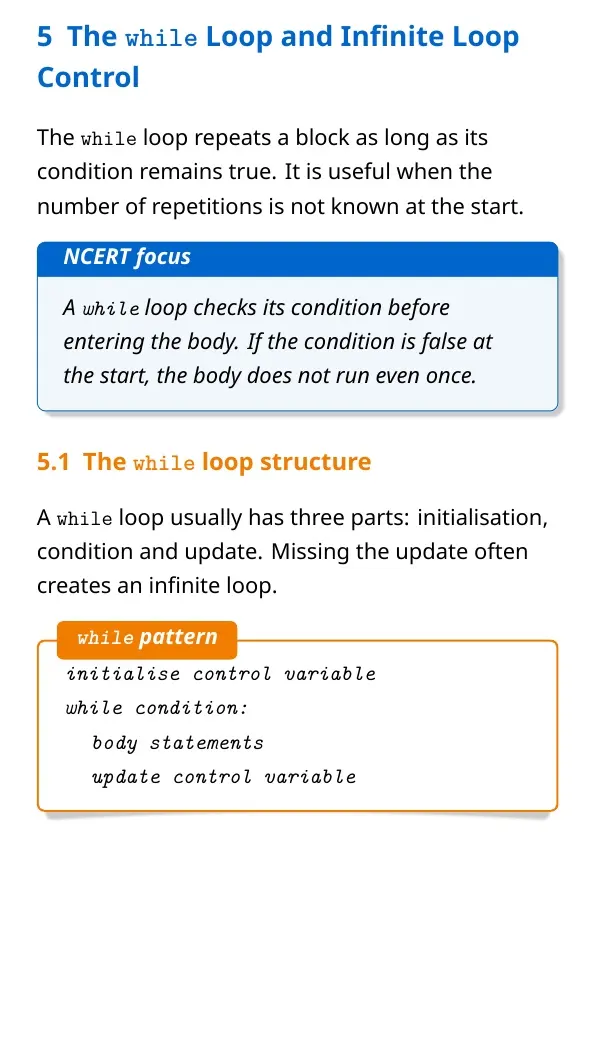
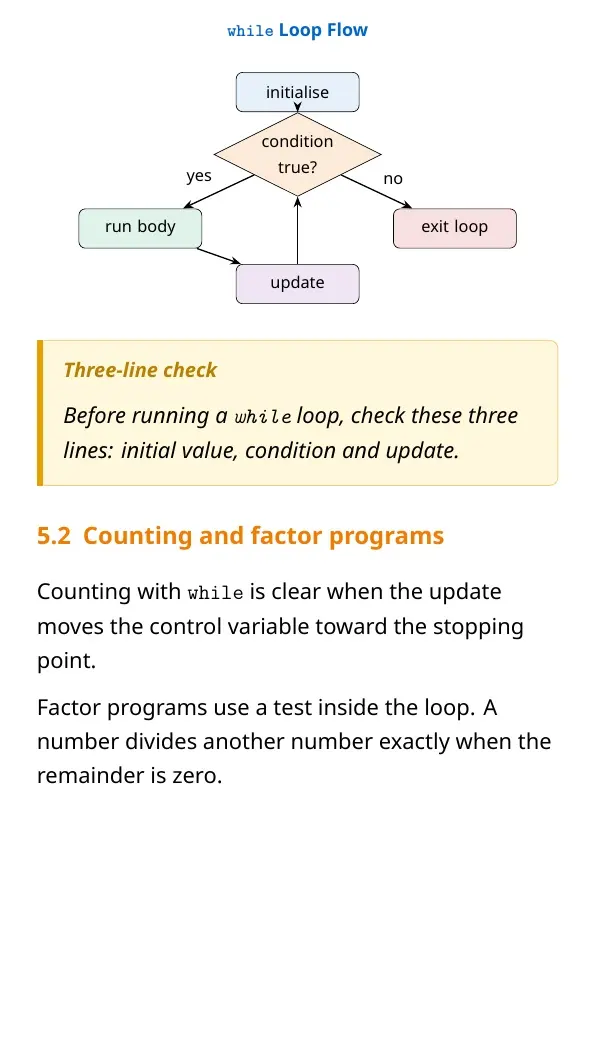
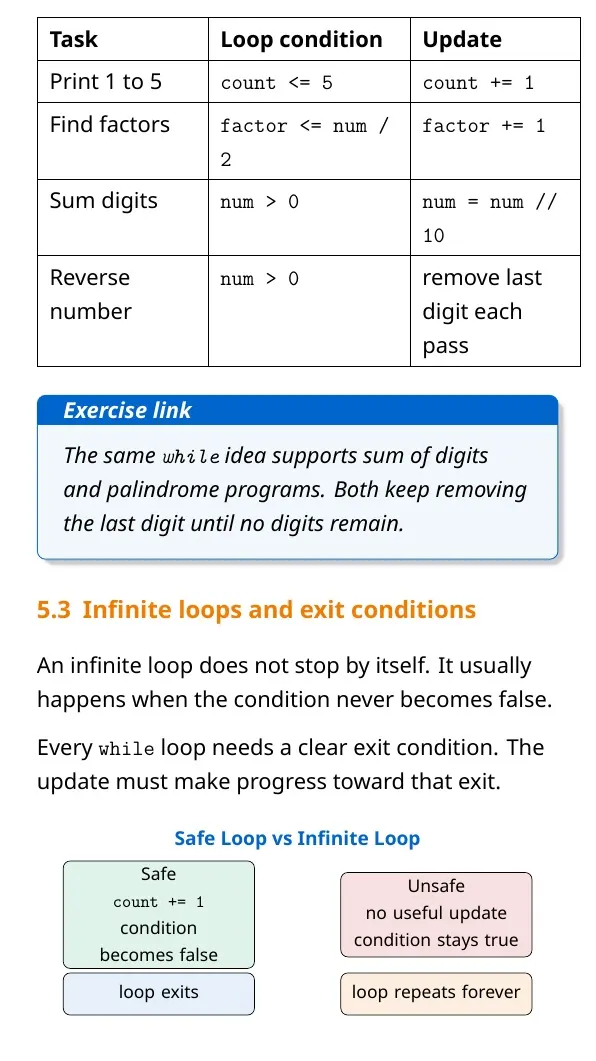
A for loop works well when the sequence is known. A while loop works well when the stopping condition controls the repetition.
| Tool | Use | Common mistake |
|---|---|---|
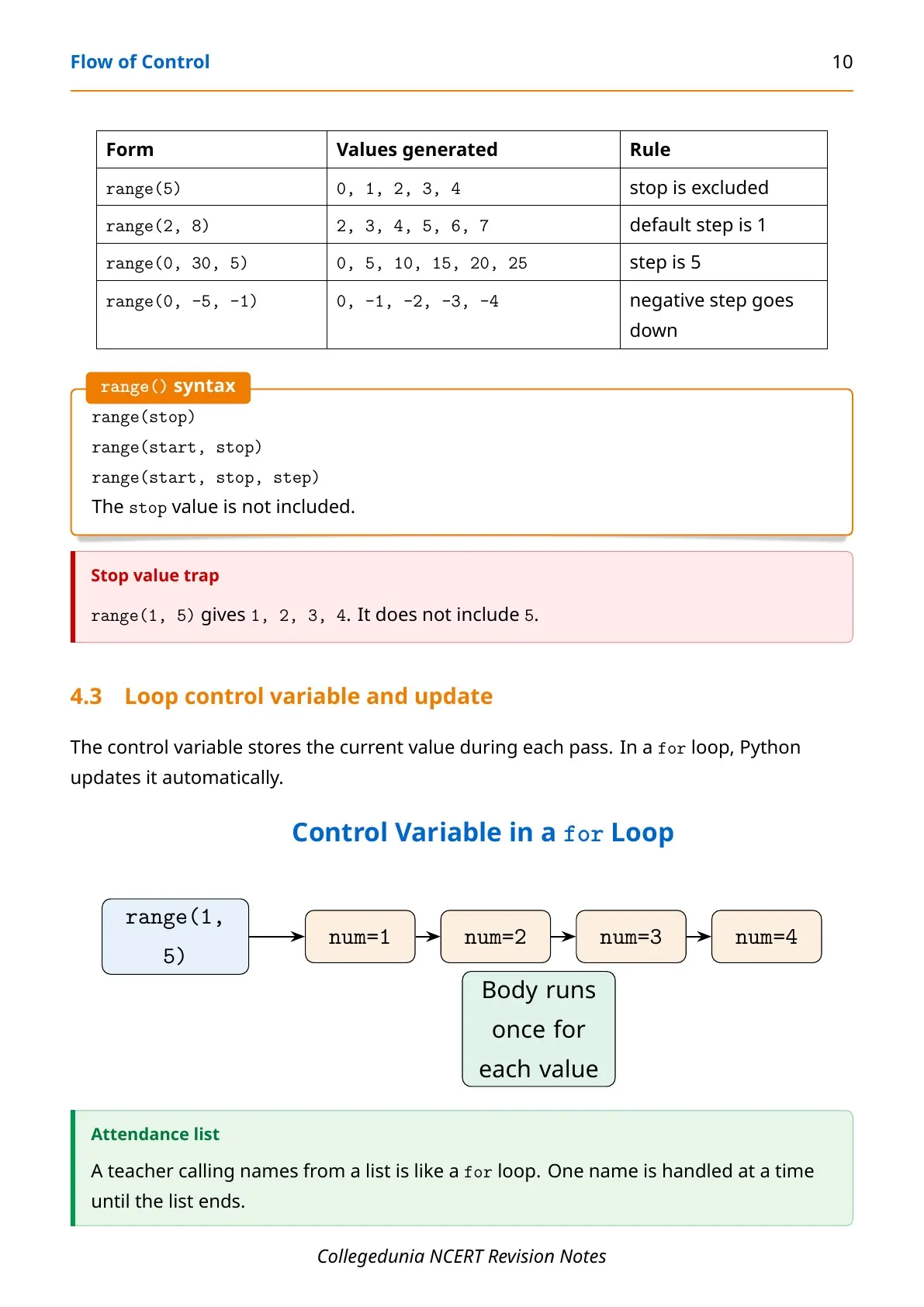
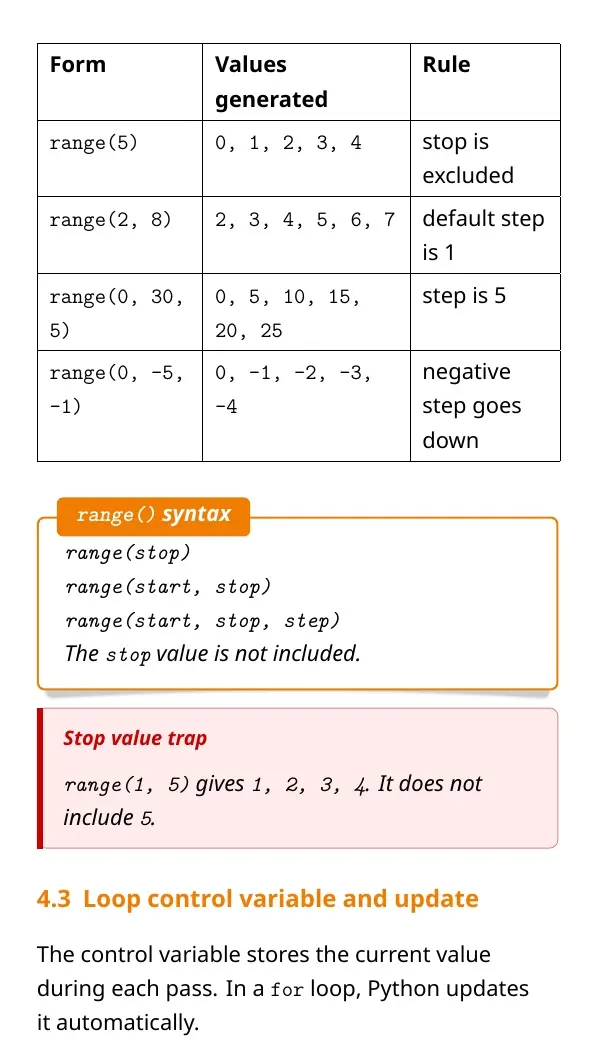
range() | Generate integer values | Forgetting stop is excluded |
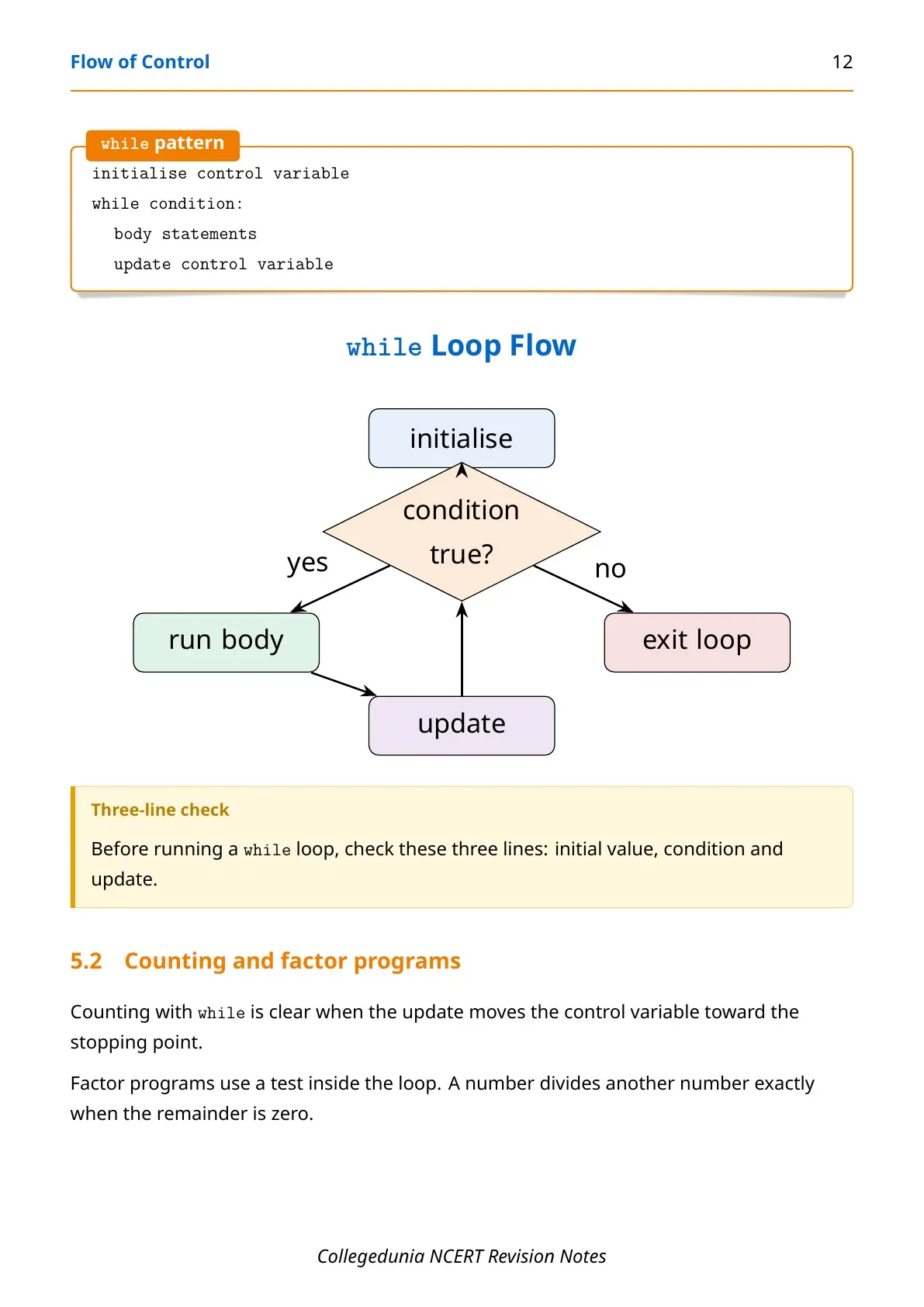
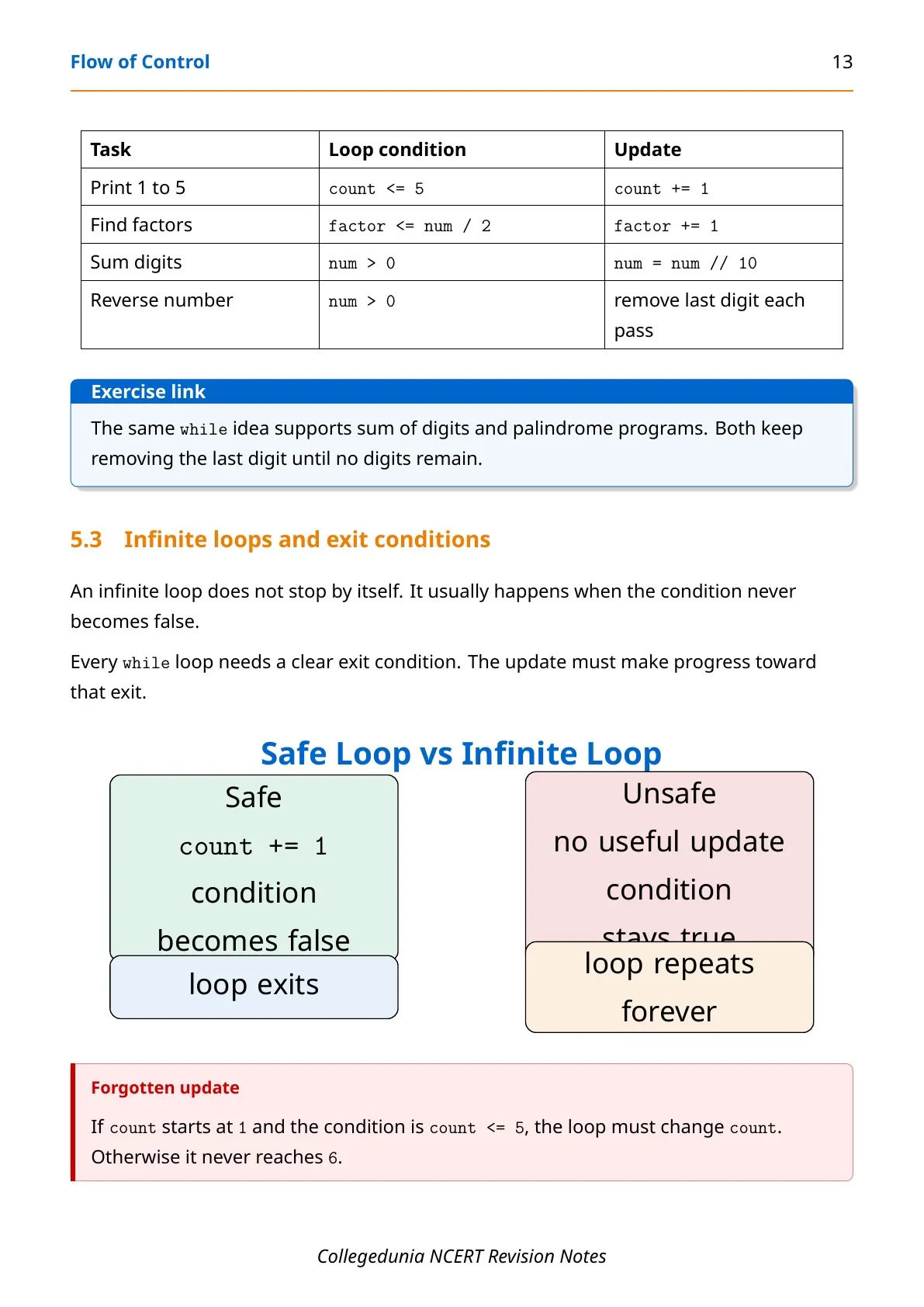
while | Repeat while a condition is true | Missing the update |
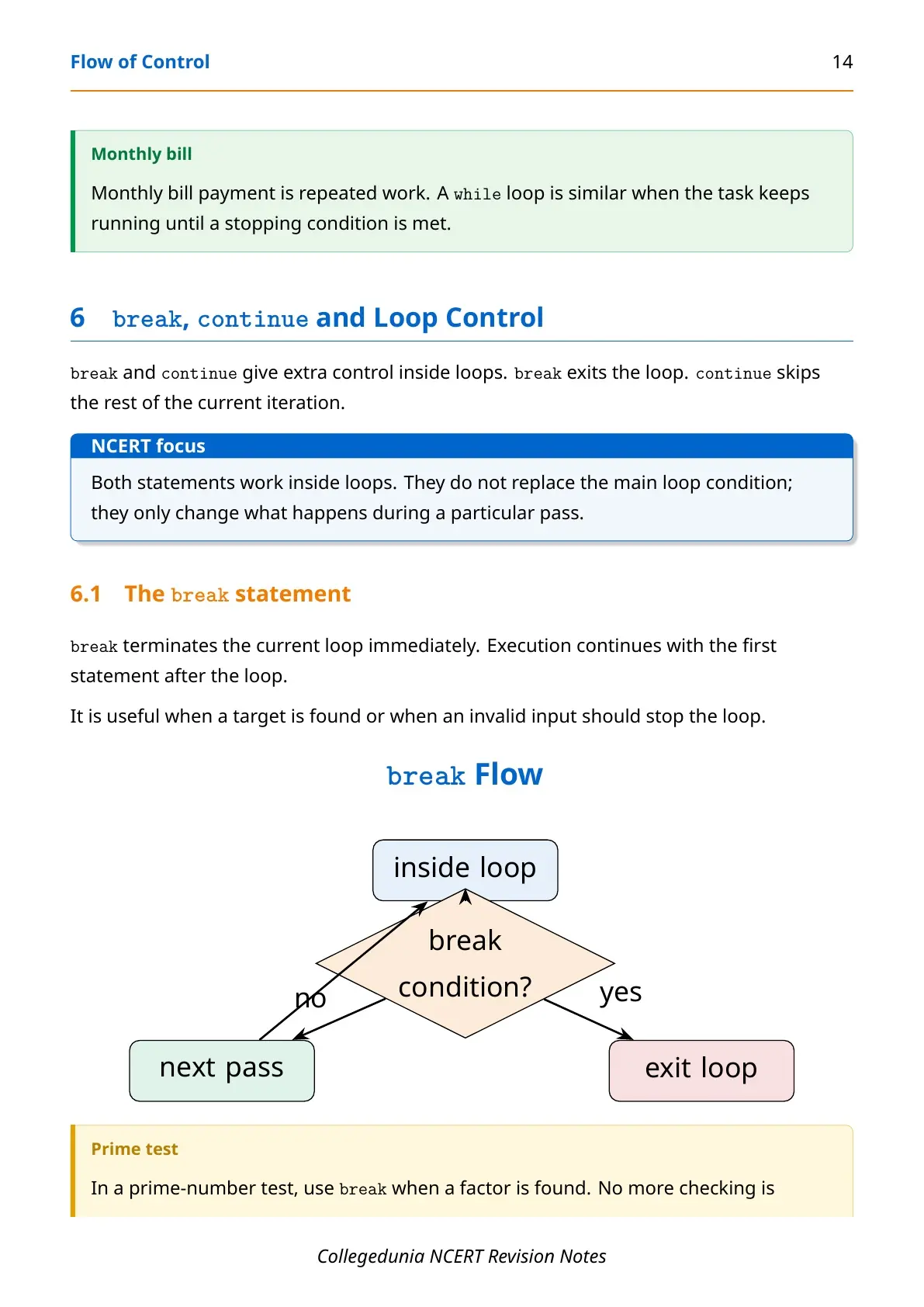
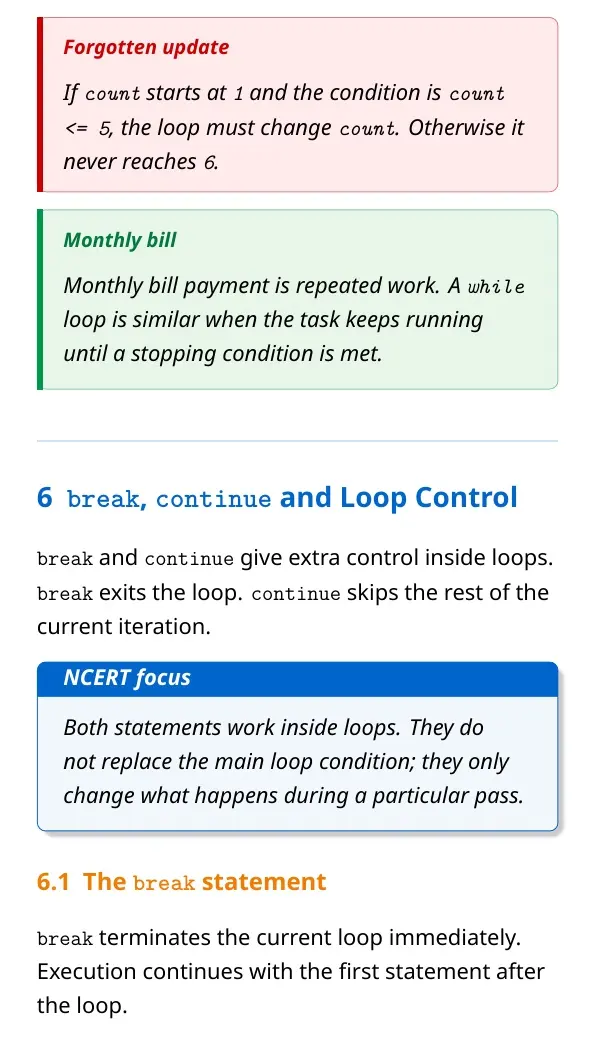
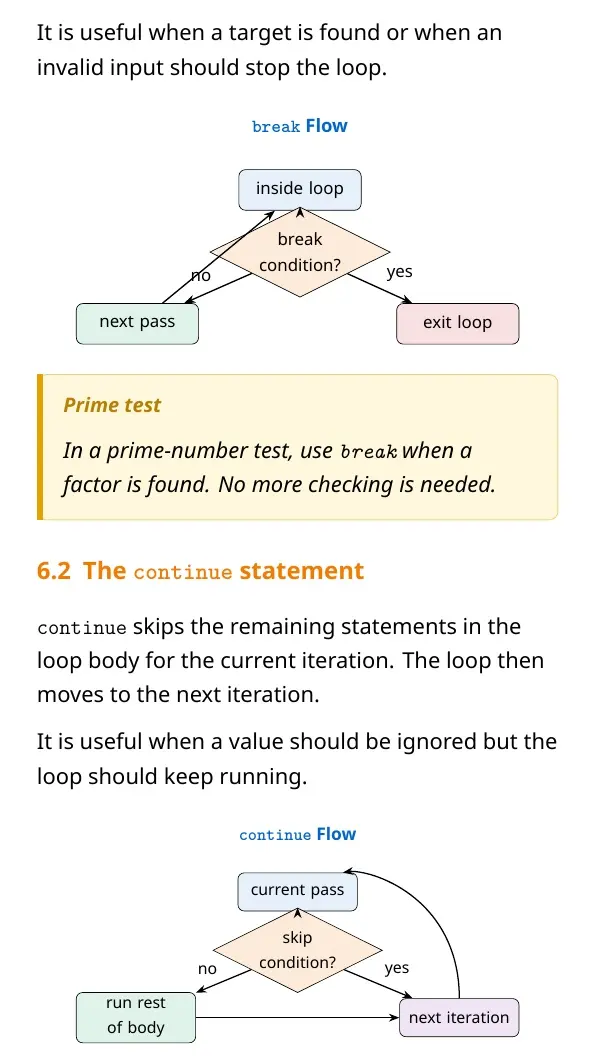
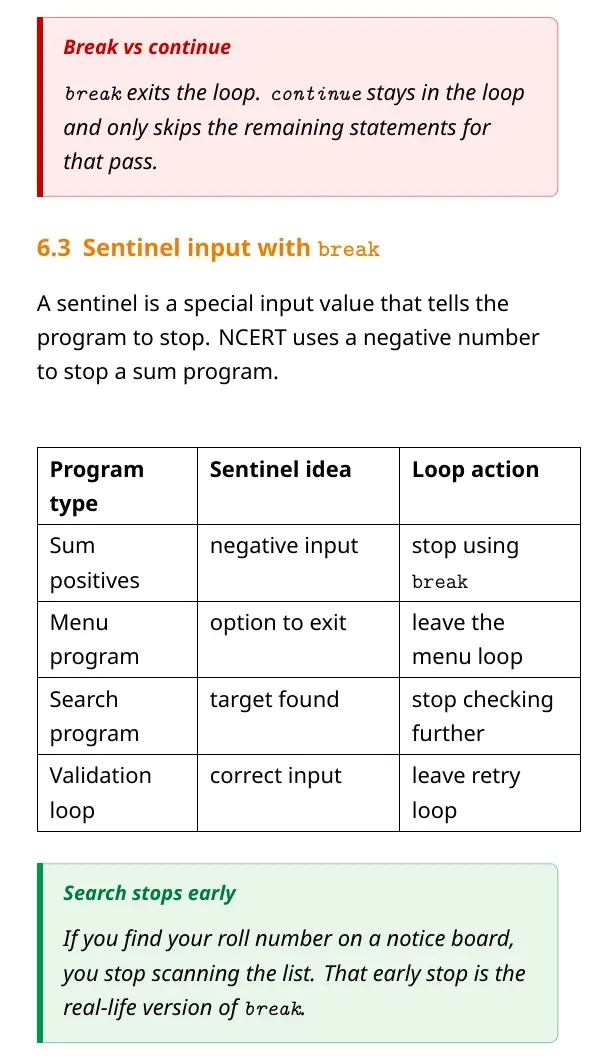
break | Exit the current loop | Using it when only a skip is needed |
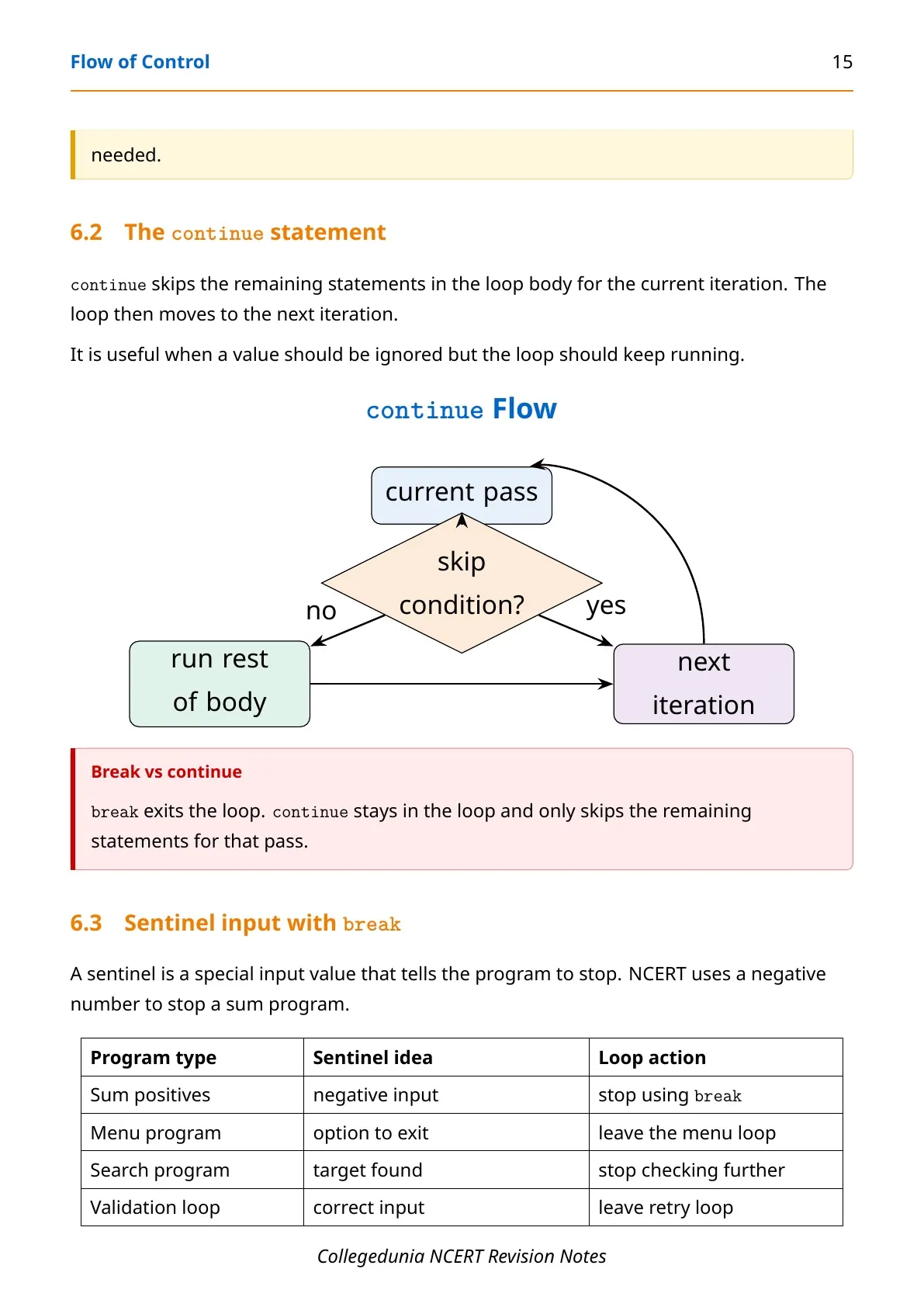
continue | Skip to the next iteration | Thinking it exits the loop |
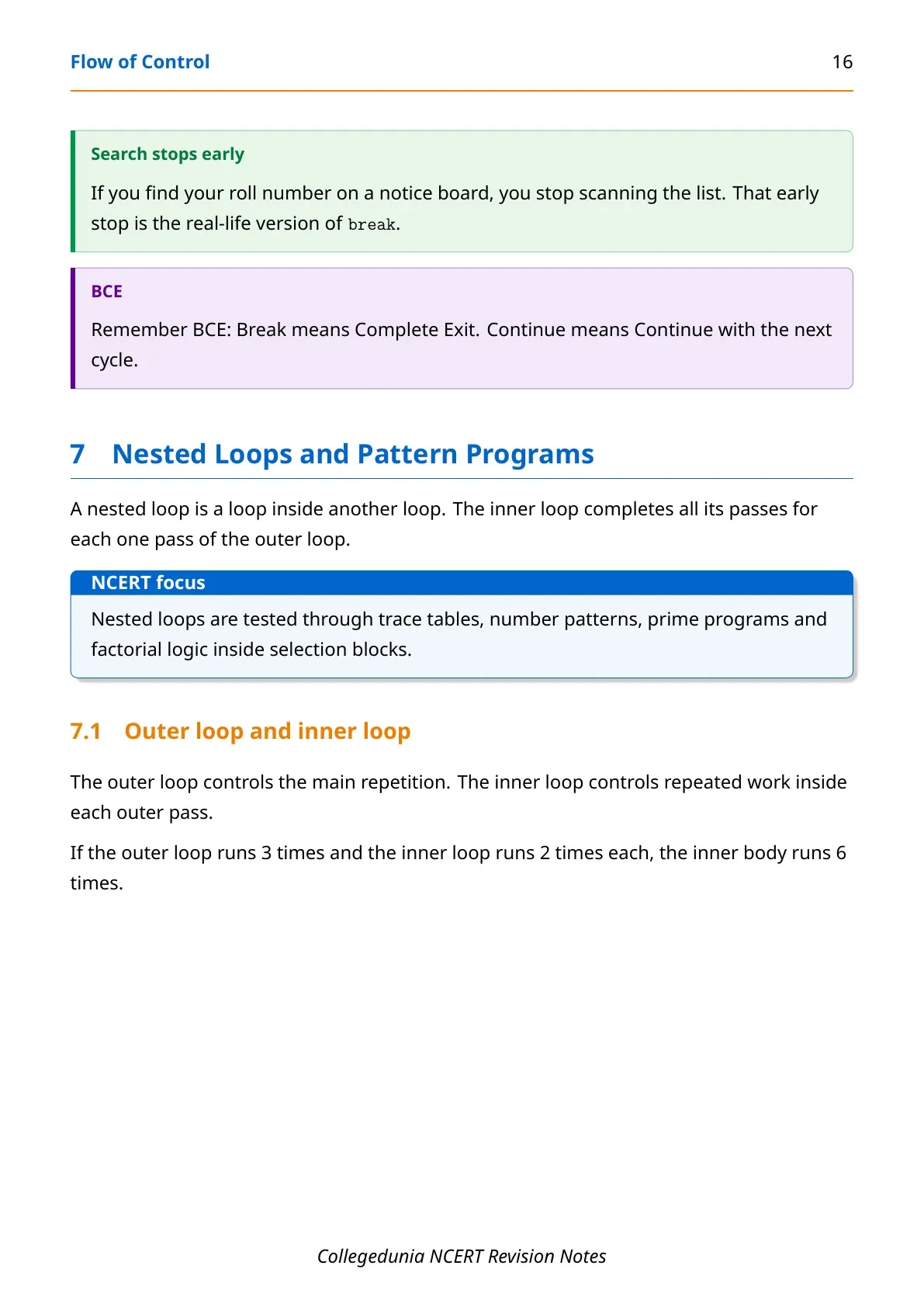
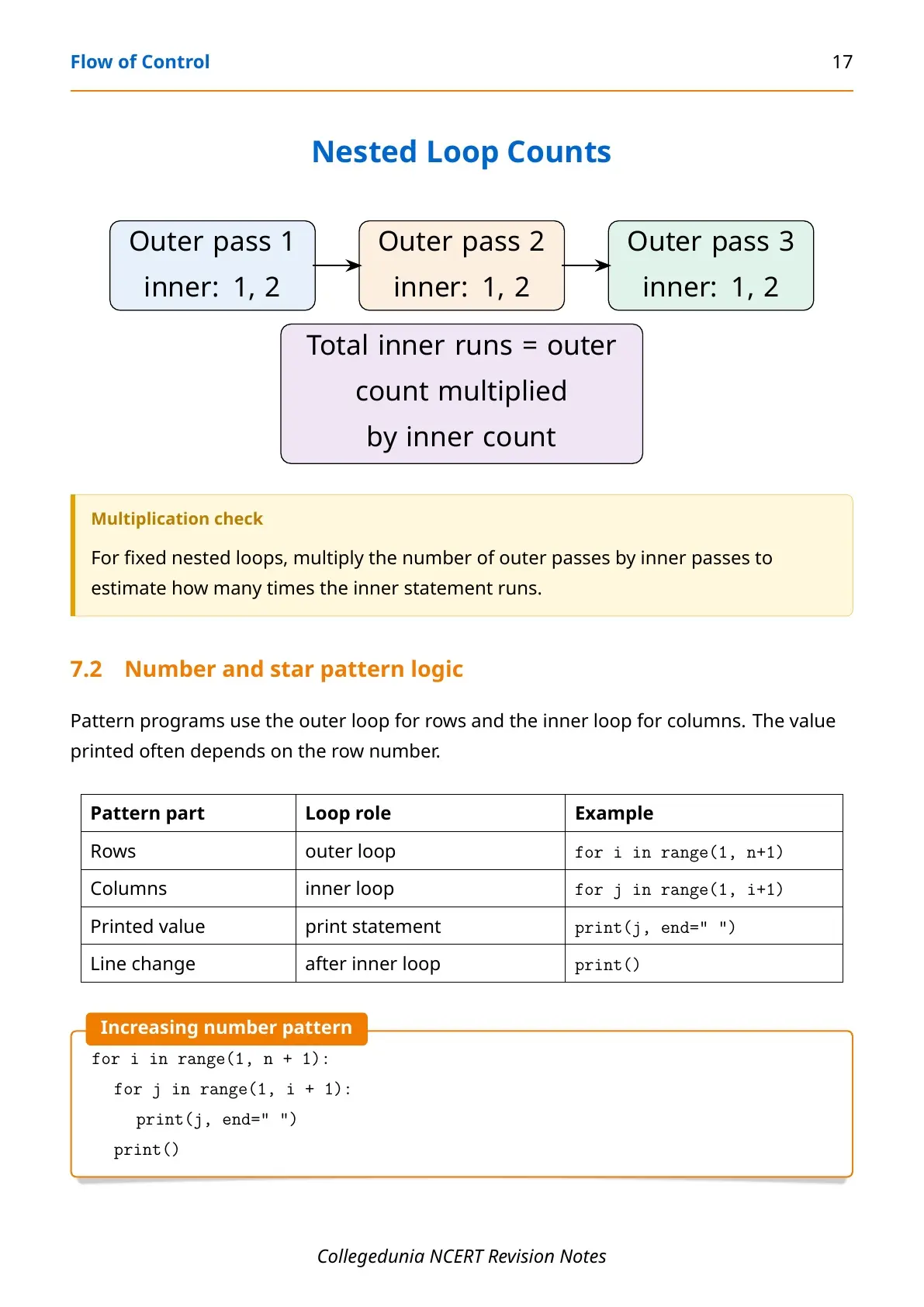
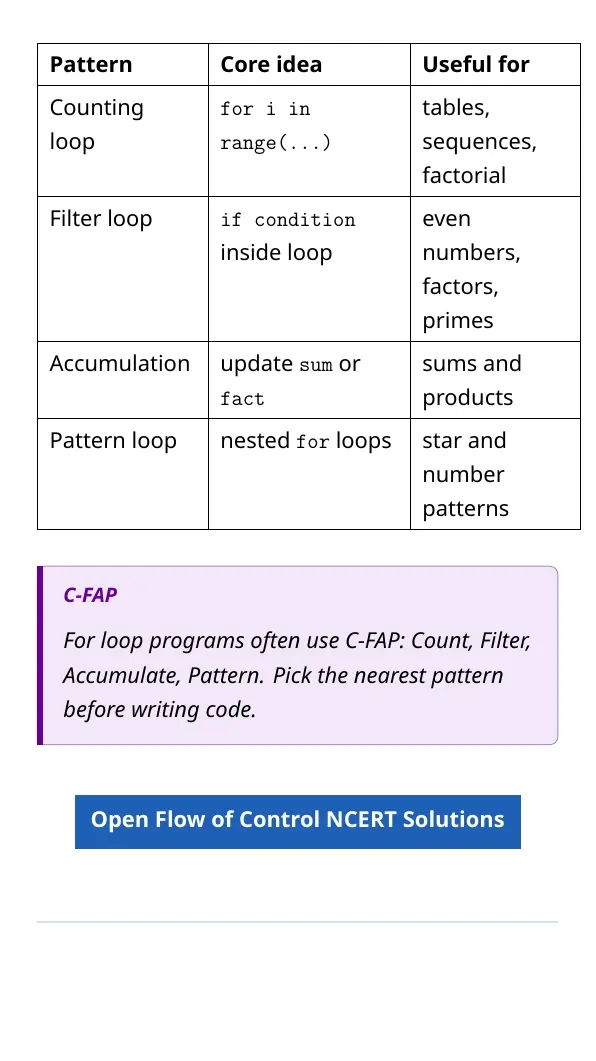
Tip: For nested loops, the outer loop controls rows and the inner loop controls columns in pattern programs.
Flow of Control Quick Video Recap
Source: Magnet Brains on YouTube
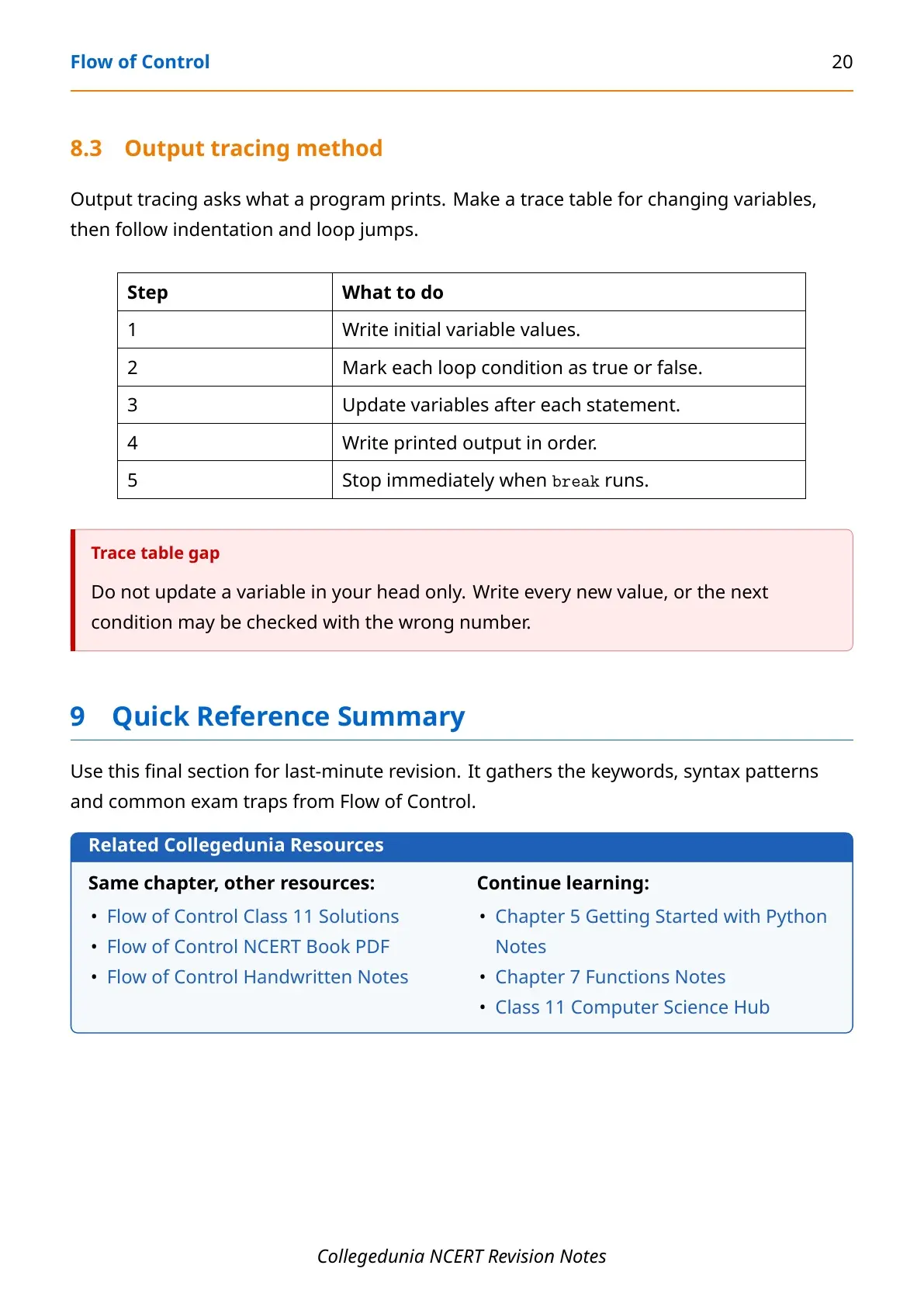
Use this video after reading the PDF. Pause at loop examples and write a trace table for each output.
Related NCERT Class 11 Computer Science Resources
| Resource | Use it for | Link |
|---|---|---|
| NCERT Book PDF | Official chapter reading | Flow of Control Book PDF |
| NCERT Solutions | Exercise answers and program questions | Flow of Control NCERT Solutions |
| Handwritten Notes | Quick handwritten revision | Flow of Control Handwritten Notes |
Class 11 Computer Science Notes for All Chapters
| Chapter | Notes Link |
|---|---|
| Chapter 1 Computer System | Computer System Notes |
| Chapter 2 Encoding Schemes and Number System | Encoding Schemes and Number System Notes |
| Chapter 3 Emerging Trends | Emerging Trends Notes |
| Chapter 4 Introduction to Problem Solving | Introduction to Problem Solving Notes |
| Chapter 5 Getting Started with Python | Getting Started with Python Notes |
| Chapter 6 Flow of Control | Current chapter notes |
| Chapter 7 Functions | Functions Notes |
Flow of Control Computer Science Notes FAQs
Ques. What is covered in Flow of Control Class 11 notes?
Ans. These notes cover sequence, if-else, elif, indentation, for loop, range(), while loop, break, continue and nested loops.
Ques. What is the difference between break and continue?
Ans. break exits the current loop. continue skips the remaining statements for the current pass and moves to the next iteration.
Ques. Why is indentation important in Python?
Ans. Indentation tells Python which statements belong to the same block. Wrong indentation can change the program flow or raise an error.
Ques. Which loop should students use for pattern programs?
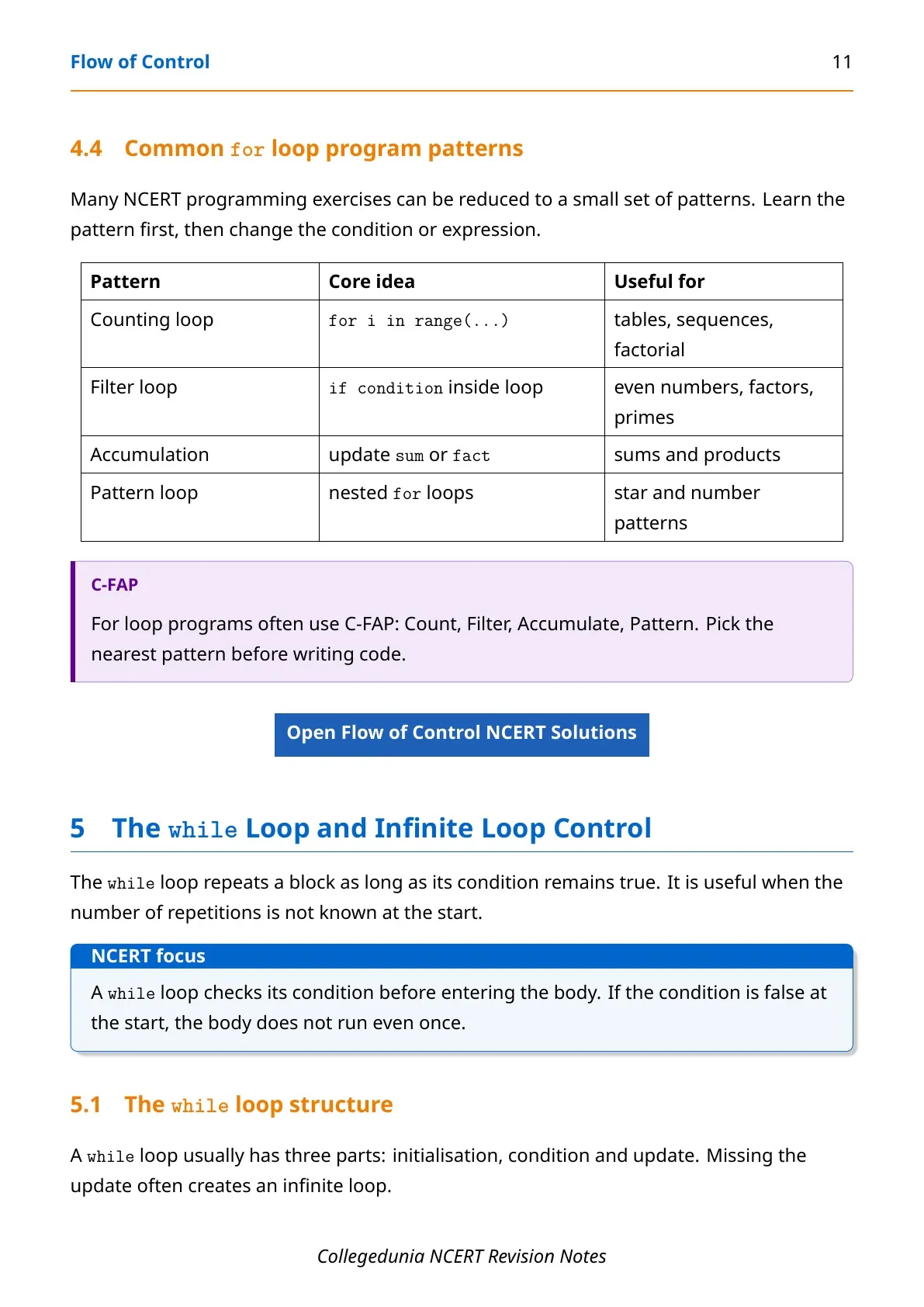
Ans. Pattern programs usually use nested for loops. The outer loop handles rows, and the inner loop handles columns.



Comments