The NCERT Solutions for Class 11 Computer Science Chapter 7 Functions cover all 7 textbook exercise questions for the 2026-27 NCERT chapter. The PDF gives step-by-step answers for function errors, math module functions, random numbers, multiple return values, arguments, parameters, global variables and local variables.
Use these solutions after reading the NCERT examples on user-defined functions.
The PDF includes every exercise question with a detailed solution and expert solution.
Python 3 correctness is used for syntax, scope and return-value answers.
Student Feedback: In a Collegedunia student check of 8,940 Class 11 Computer Science students, 74% said function-scope errors became easier after comparing the function header with the function call.
Class 11 Computer Science Chapter 7 Functions NCERT Solutions PDF
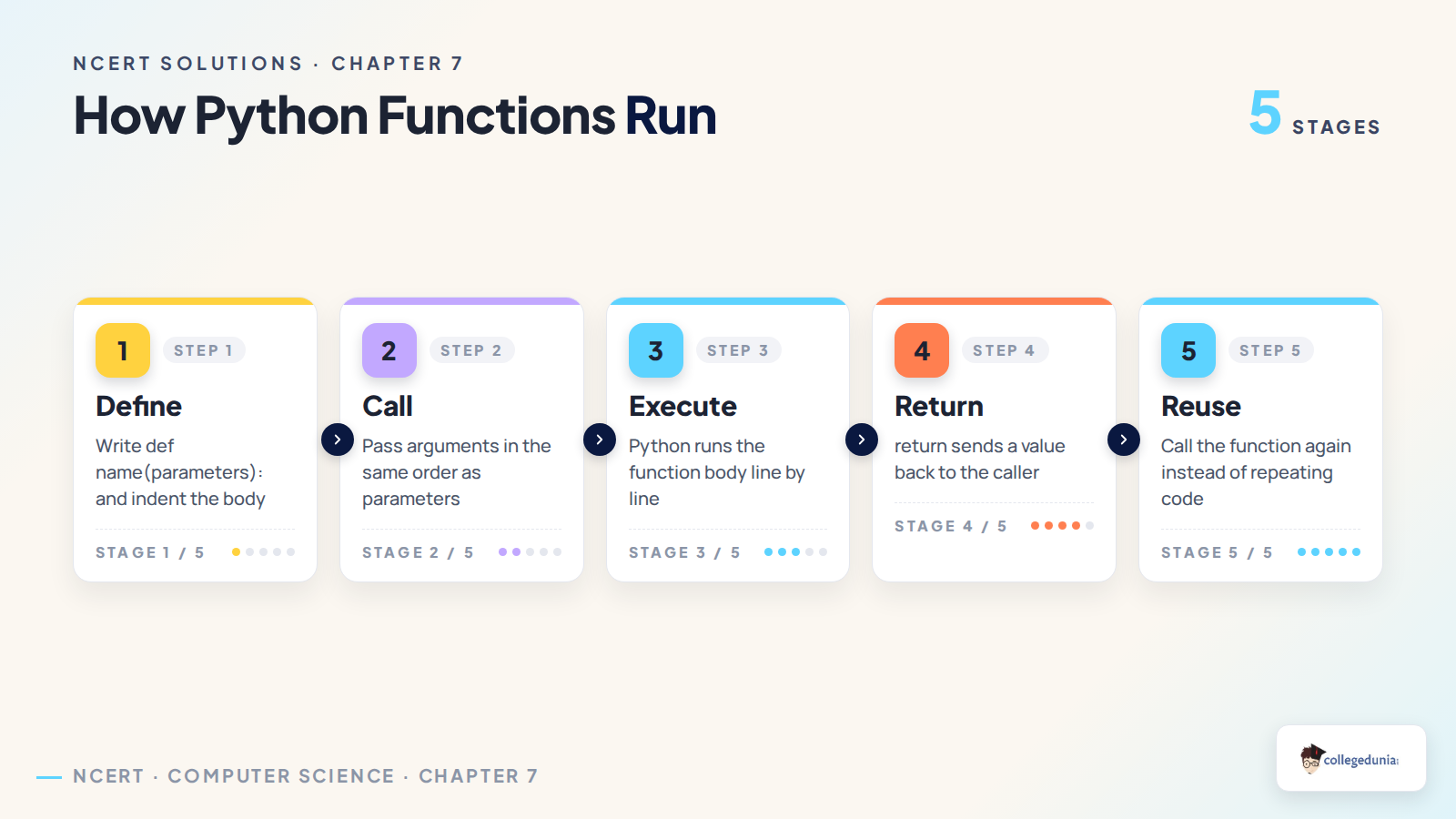
Functions explains how a Python program groups reusable code under a name. Students should revise parameters, arguments, return statements and scope before solving the exercise.
Important: most mistakes in this chapter come from mixing up print and return, or from using a variable outside its valid scope.
Part
What to revise
Why it matters
Function definition
def header, colon and indentation
Prevents syntax errors
Function call
Argument count and name case
Prevents missing argument and NameError issues
Return value
return, tuple unpacking and None
Shows whether a result can be reused
Scope
Global and local variables
Prevents UnboundLocalError answers
What the Functions Solutions Cover
The chapter questions ask students to identify errors, compare library functions and explain how data moves through a function. The answers below keep the language simple and use Python 3 behaviour.
Error tracing: wrong argument count, missing imports, local scope errors and invalid assignment targets.
Library functions: ceil, floor, random, randint, pow and math.pow.
Function design: multiple return values, parameters, arguments and useful return values.
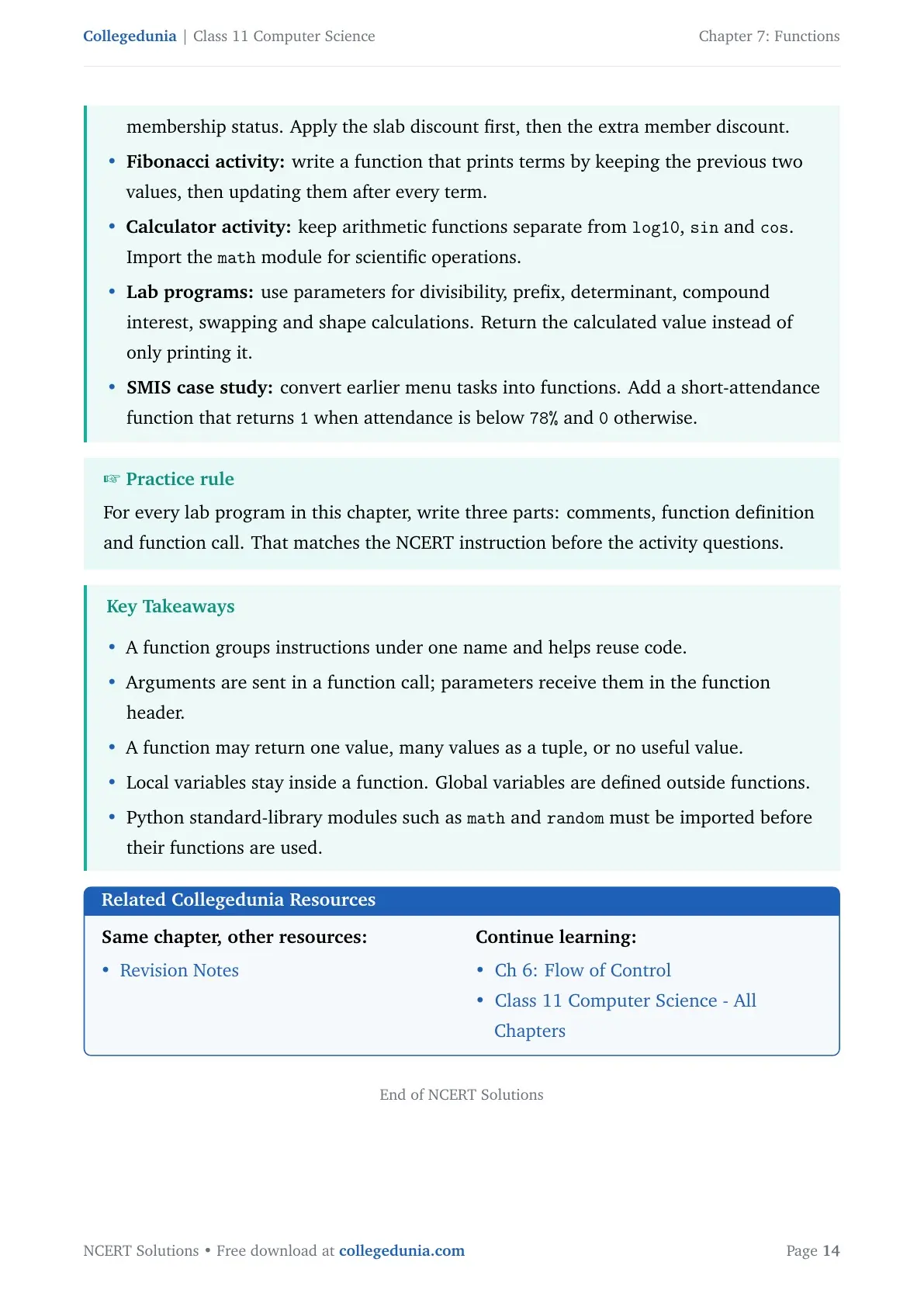
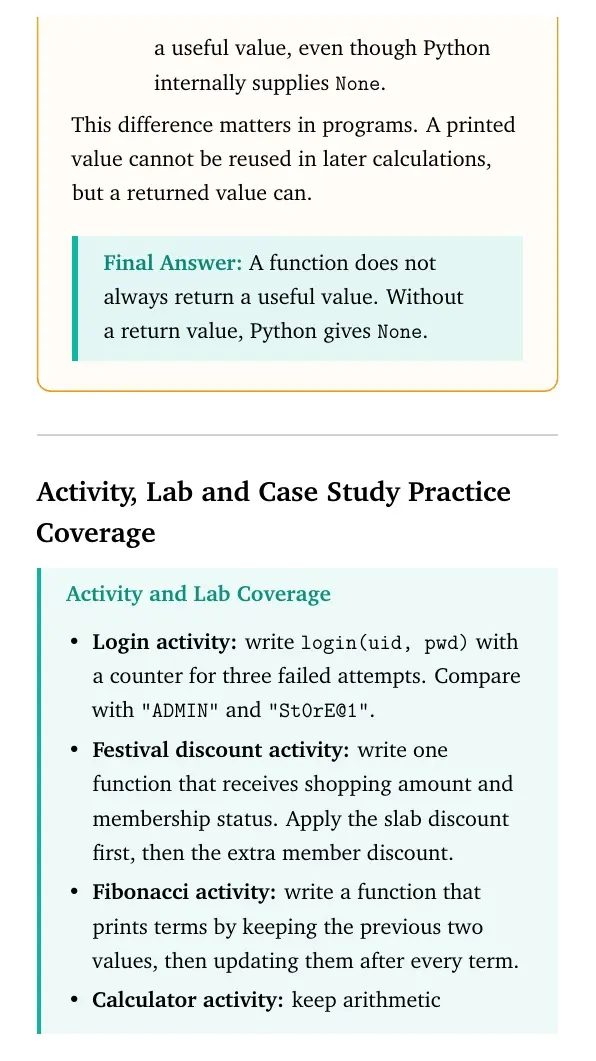
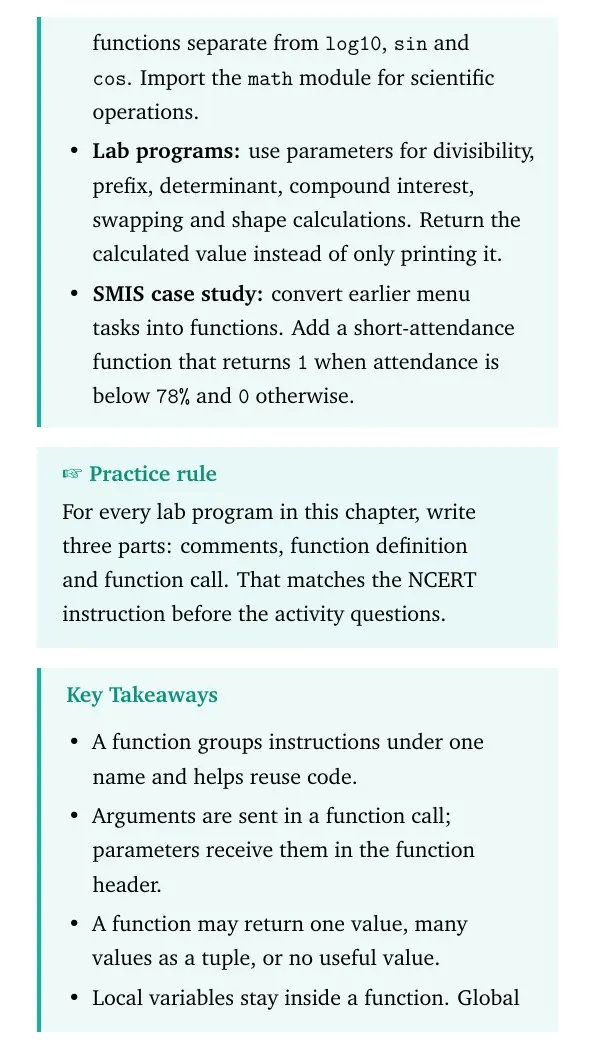
Practice coverage: login function, discount function, Fibonacci program, calculator and SMIS attendance case study.
Class 11 Computer Science Functions Related Resources
All NCERT Solutions for Class 11 Computer Science Chapter 7 Functions with Step-by-Step Solutions
Use the solved question cards below for a quick check, then download the full PDF for expert solutions and activity coverage.
Exercise Solutions
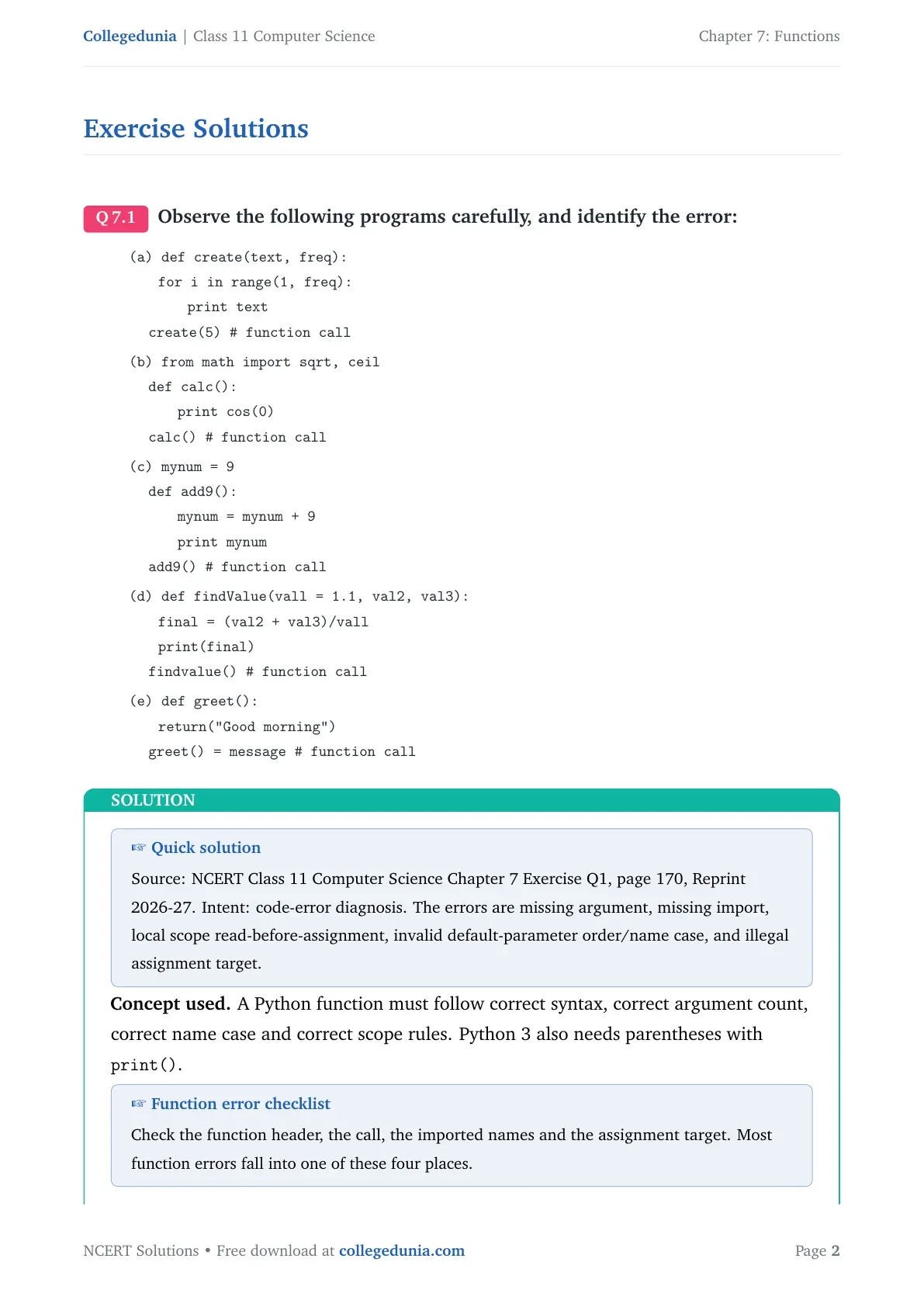
Q 7.1
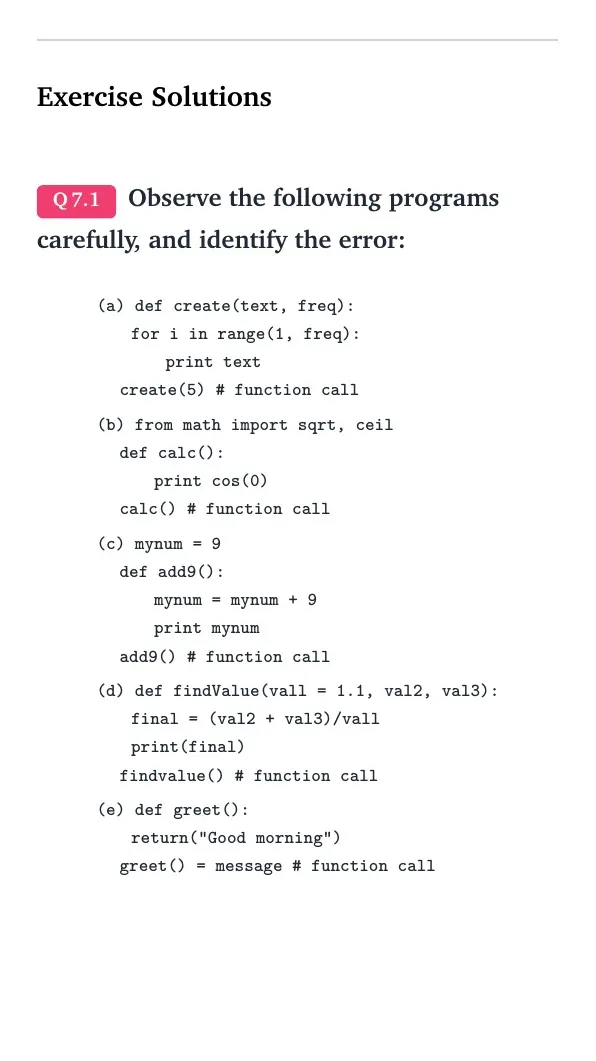
Observe the following programs carefully, and identify the error:
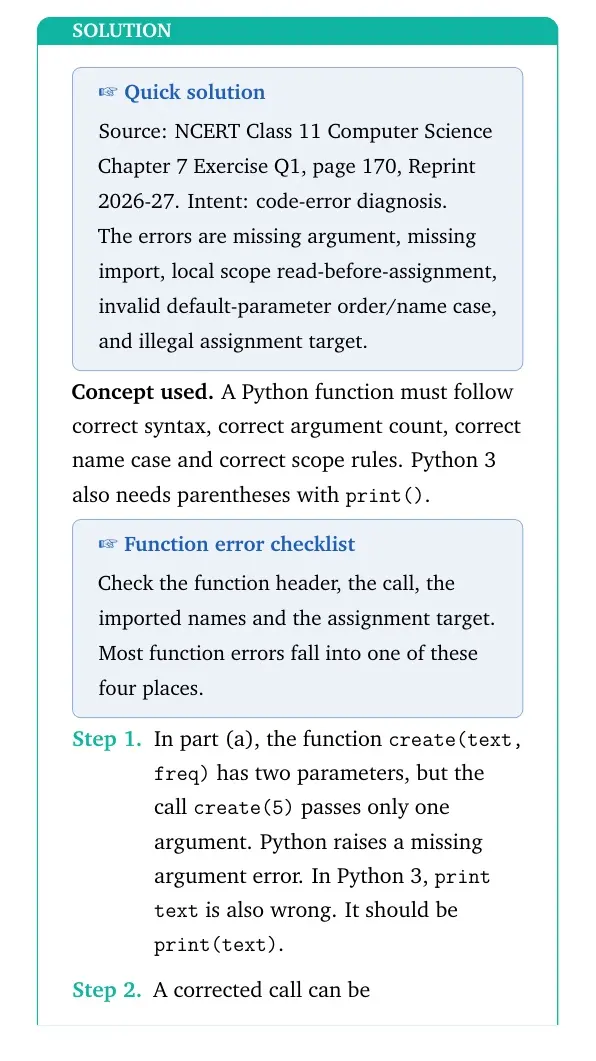
(a) def create(text, freq): then for i in range(1, freq): print text and function call create(5).
(b) from math import sqrt, ceil; inside calc(), the code uses print cos(0).
(c) mynum = 9; inside add9(), the code uses mynum = mynum + 9.
(d) def findValue(vall = 1.1, val2, val3): and call findvalue().
(e) def greet(): return("Good morning") and function call greet() = message.
Concept used. A Python function must follow correct syntax, correct argument count, correct name case and correct scope rules. Python 3 also needs parentheses with print().
Function error checklist
Check the function header, the call, the imported names and the assignment target. Most function errors fall into one of these four places.
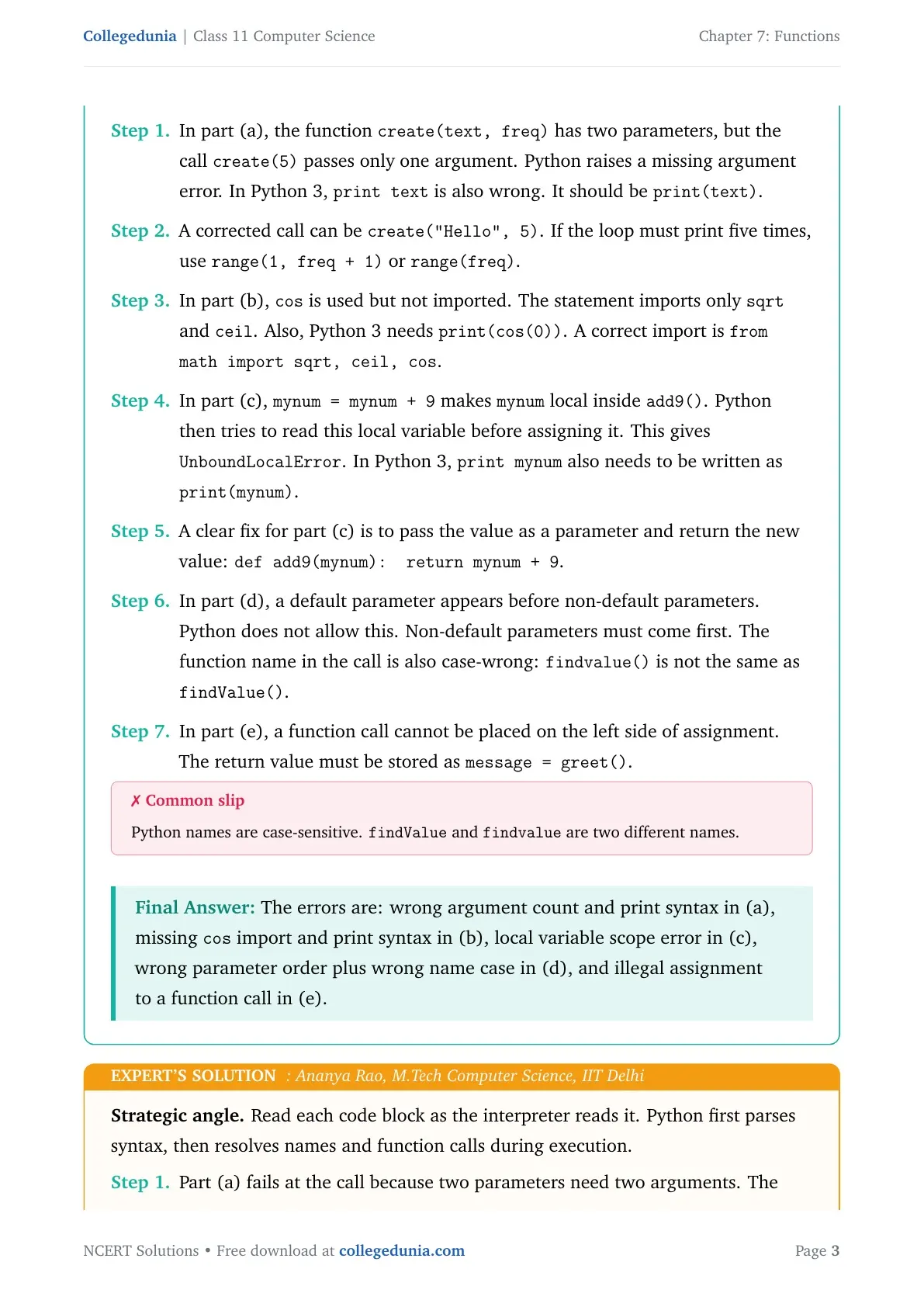
In part (a), the function create(text, freq) has two parameters, but the call create(5) passes only one argument. Python raises a missing argument error. In Python 3, print text is also wrong. It should be print(text).
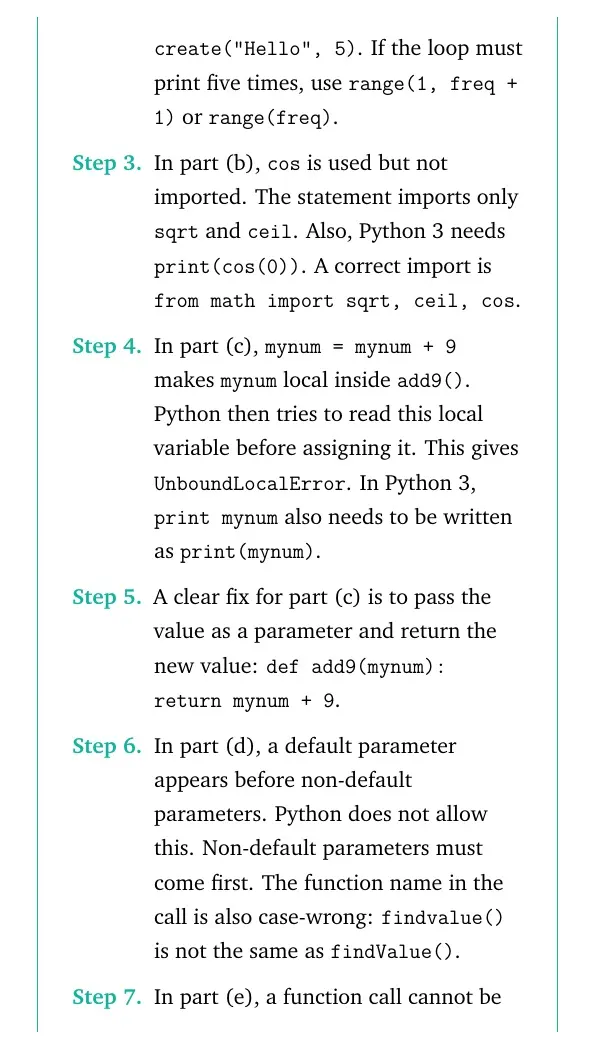
A corrected call can be create("Hello", 5). If the loop must print five times, use range(1, freq + 1) or range(freq).
In part (b), cos is used but not imported. The statement imports only sqrt and ceil. Also, Python 3 needs print(cos(0)). A correct import is from math import sqrt, ceil, cos.
In part (c), mynum = mynum + 9 makes mynum local inside add9(). Python then tries to read this local variable before assigning it. This gives UnboundLocalError.
A clear fix for part (c) is to pass the value as a parameter and return the new value: def add9(mynum): return mynum + 9.
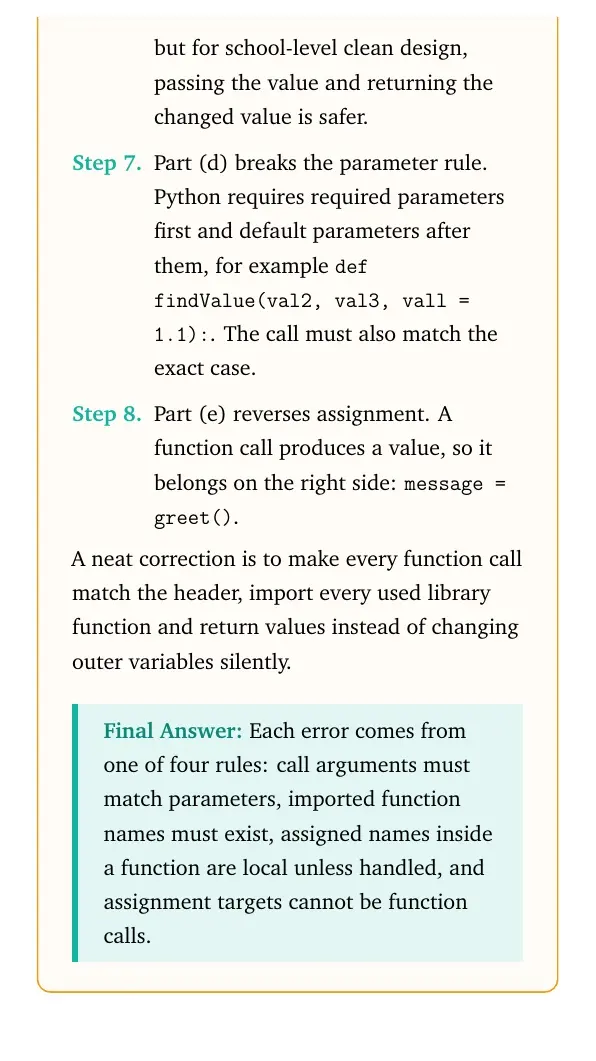
In part (d), a default parameter appears before non-default parameters. Python does not allow this. Non-default parameters must come first. The function name in the call is also case-wrong: findvalue() is not the same as findValue().
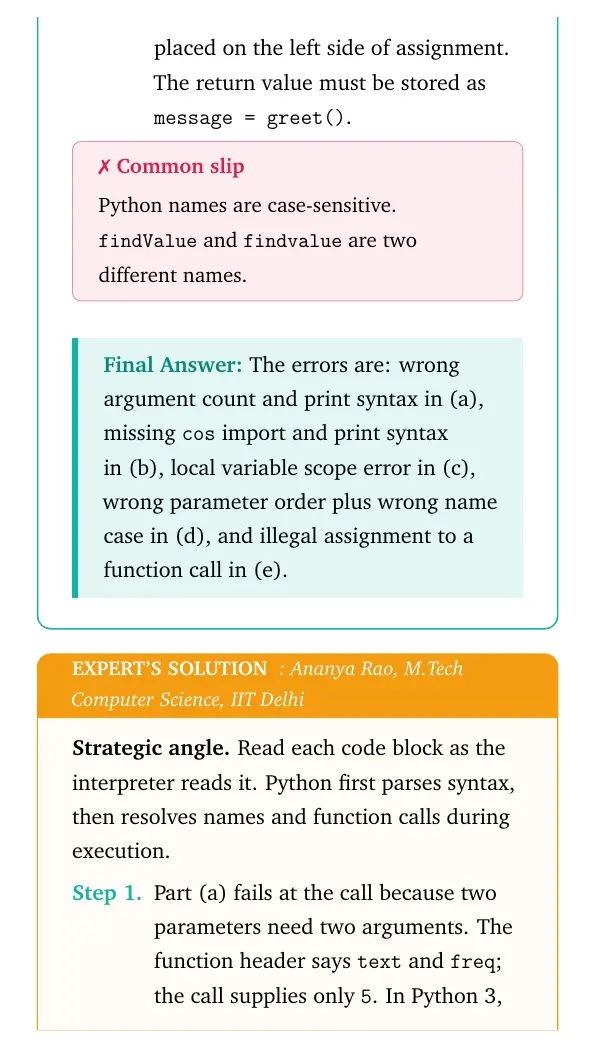
In part (e), a function call cannot be placed on the left side of assignment. The return value must be stored as message = greet().
Common slip
Python names are case-sensitive. findValue and findvalue are two different names.
The errors are: wrong argument count and print syntax in (a), missing cos import and print syntax in (b), local variable scope error in (c), wrong parameter order plus wrong name case in (d), and illegal assignment to a function call in (e).
AR
Ananya Rao
M.Tech Computer Science, IIT Delhi
Verified Expert
Strategic angle. Read each code block as the interpreter reads it. Python first parses syntax, then resolves names and function calls during execution.
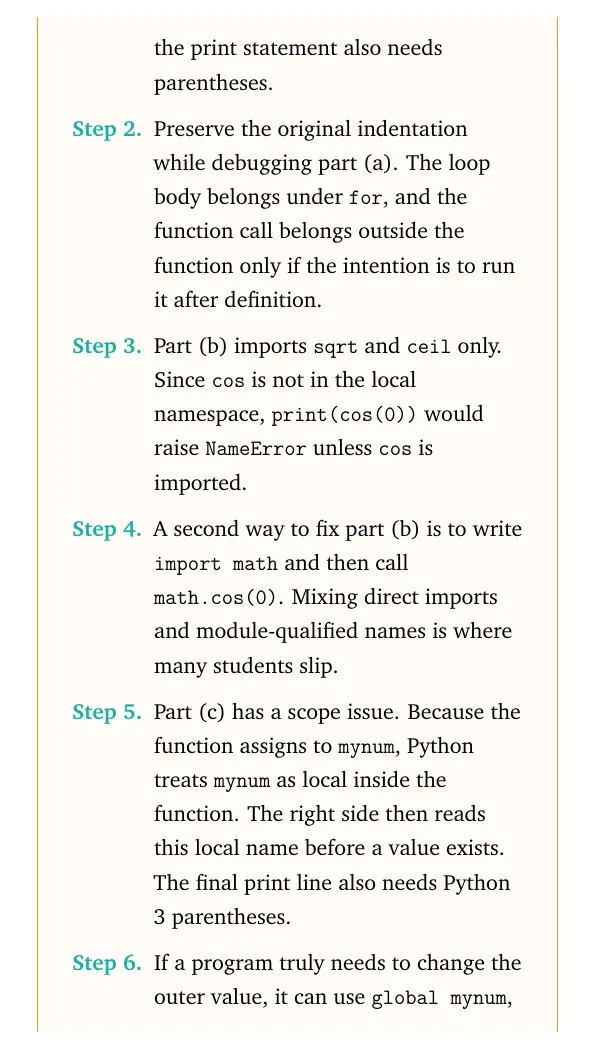
Part (a) fails at the call because two parameters need two arguments. The function header says text and freq; the call supplies only 5. In Python 3, the print statement also needs parentheses.
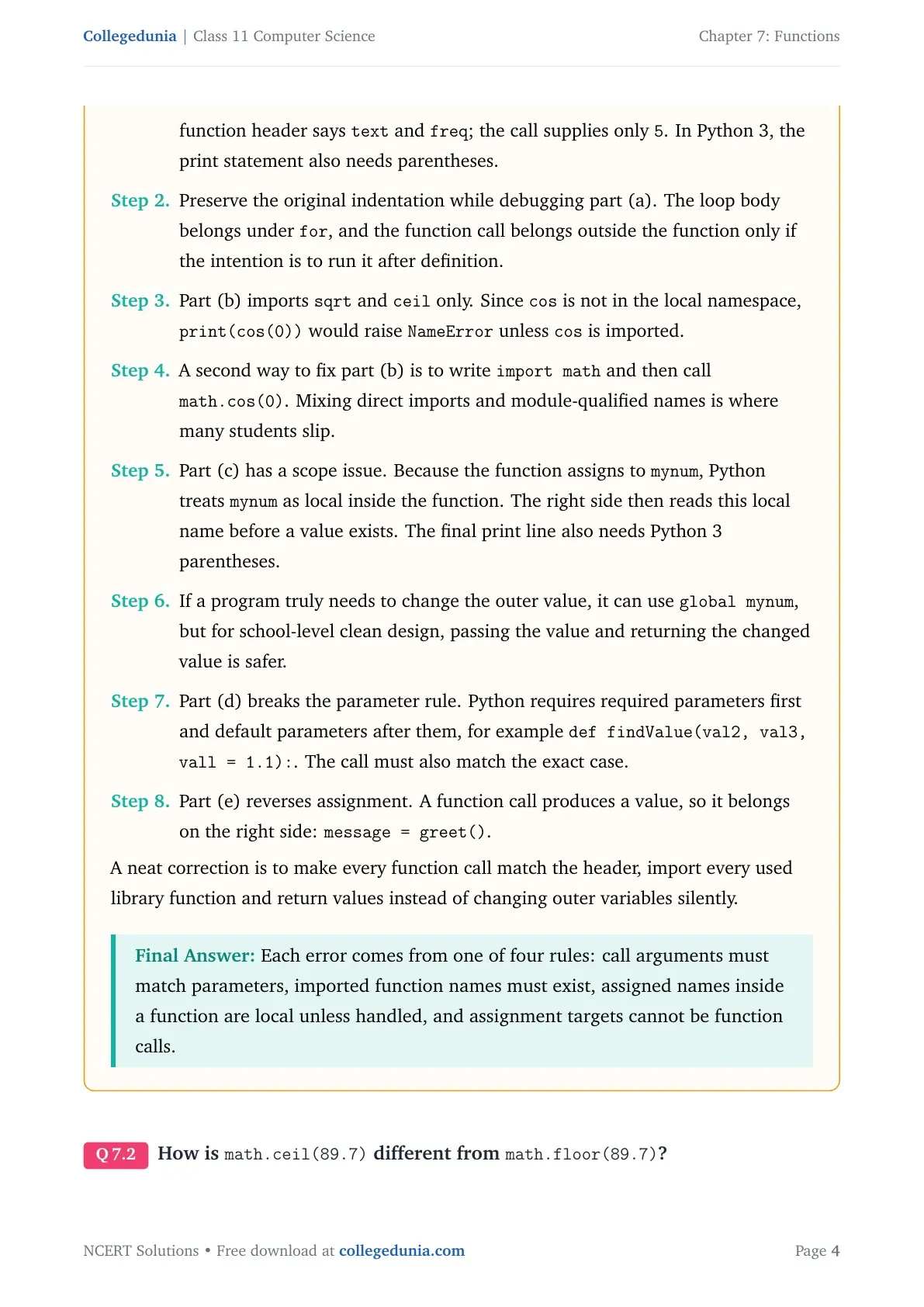
Part (b) imports sqrt and ceil only. Since cos is not in the local namespace, print(cos(0)) would raise NameError unless cos is imported.
Part (c) has a scope issue. Because the function assigns to mynum, Python treats mynum as local inside the function. The right side then reads this local name before a value exists.
Part (d) breaks the parameter rule. Python requires required parameters first and default parameters after them, for example def findValue(val2, val3, vall = 1.1):. The call must also match the exact case.
Part (e) reverses assignment. A function call produces a value, so it belongs on the right side: message = greet().
A neat correction is to make every function call match the header, import every used library function and return values instead of changing outer variables silently.
Each error comes from one of four rules: call arguments must match parameters, imported function names must exist, assigned names inside a function are local unless handled, and assignment targets cannot be function calls.
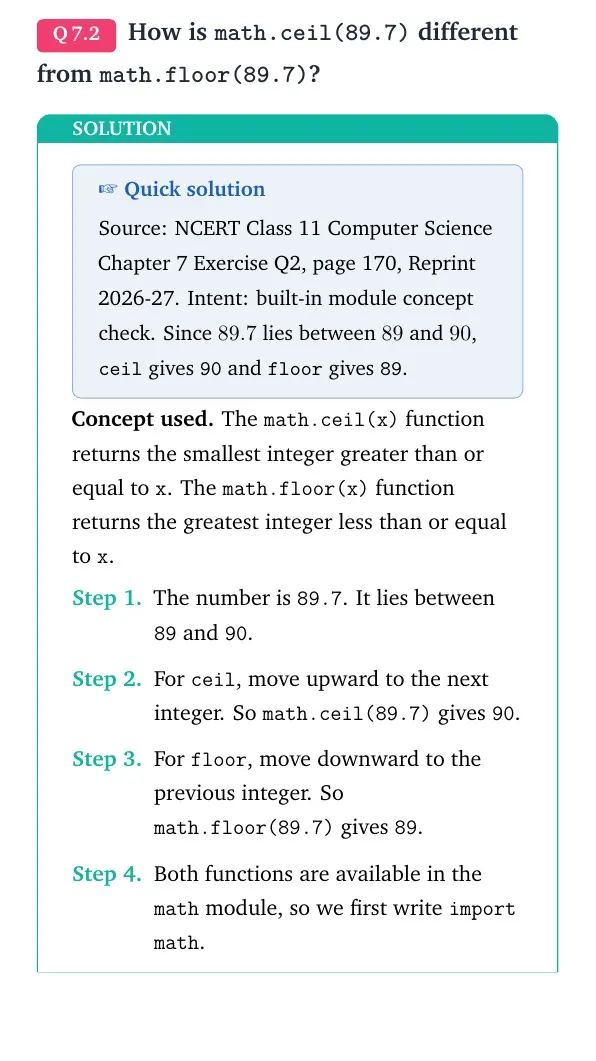
Q 7.2
How is math.ceil(89.7) different from math.floor(89.7)?
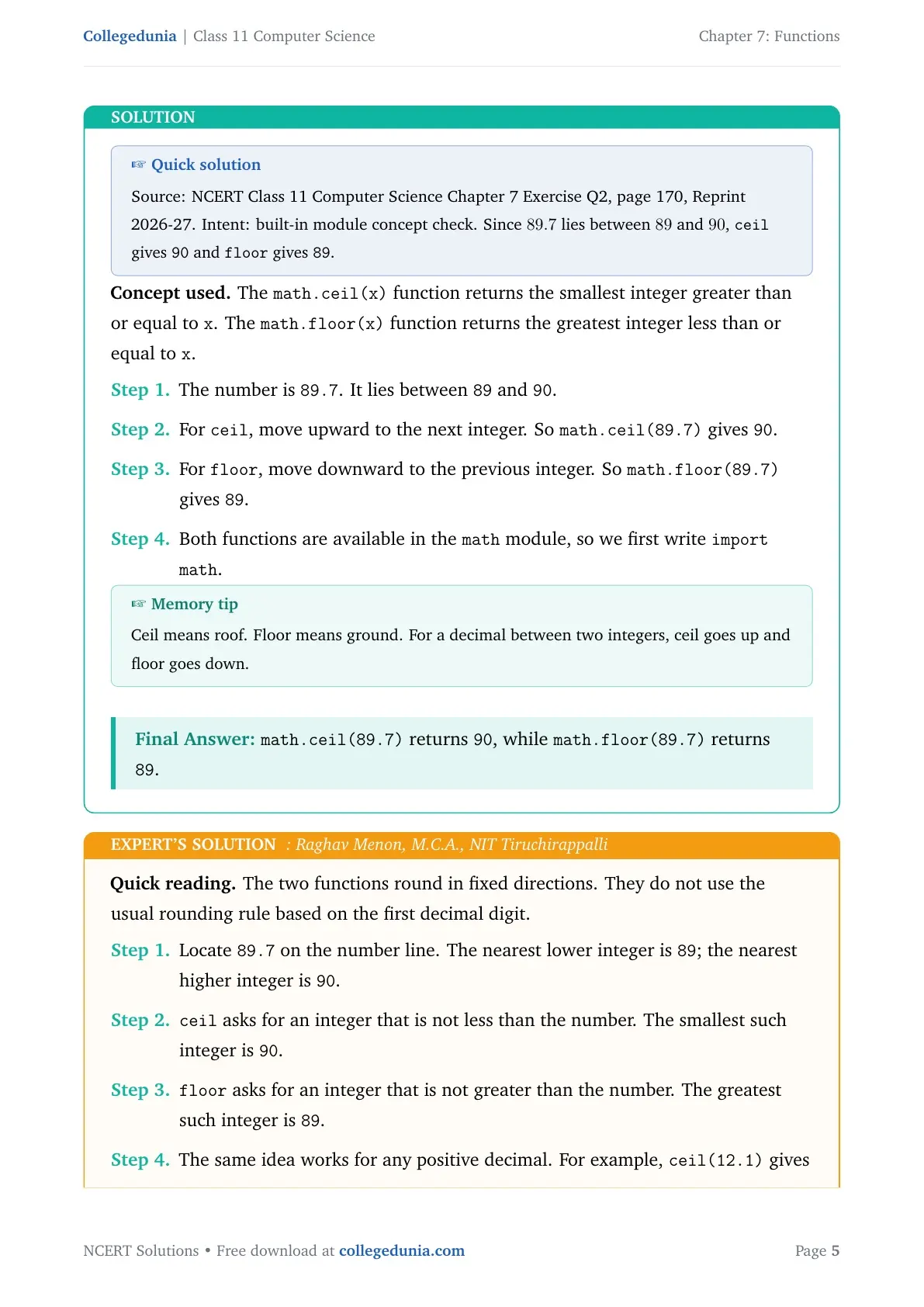
Concept used. The math.ceil(x) function returns the smallest integer greater than or equal to x. The math.floor(x) function returns the greatest integer less than or equal to x.
The number is 89.7. It lies between 89 and 90.
For ceil, move upward to the next integer. So math.ceil(89.7) gives 90.
For floor, move downward to the previous integer. So math.floor(89.7) gives 89.
Both functions are available in the math module, so we first write import math.
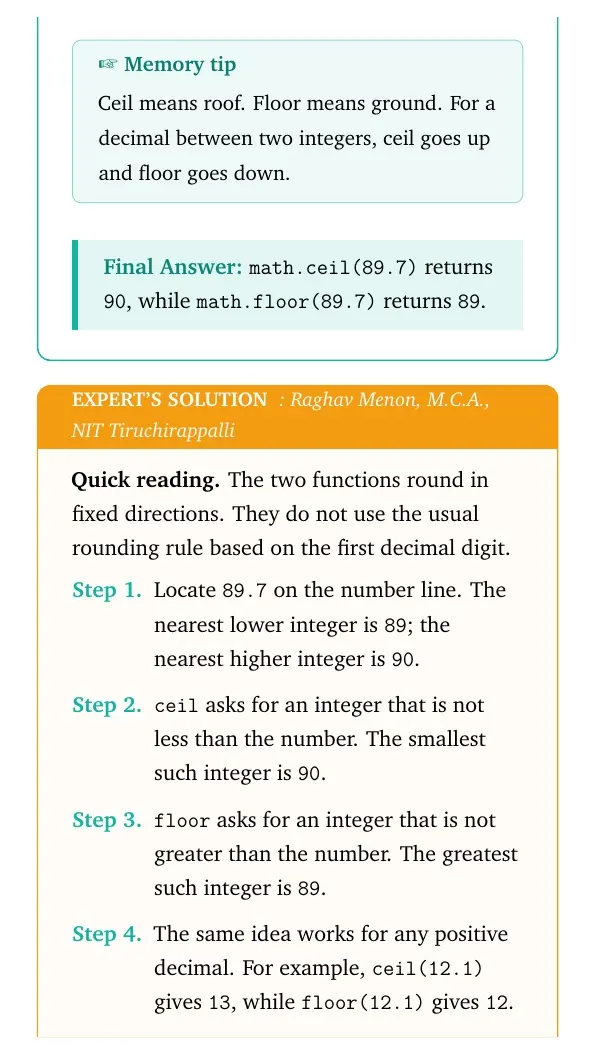
Memory tip
Ceil means roof. Floor means ground. For a decimal between two integers, ceil goes up and floor goes down.
math.ceil(89.7) returns 90, while math.floor(89.7) returns 89.
RM
Raghav Menon
M.C.A., NIT Tiruchirappalli
Verified Expert
Quick reading. The two functions round in fixed directions. They do not use the usual rounding rule based on the first decimal digit.
Locate 89.7 on the number line. The nearest lower integer is 89; the nearest higher integer is 90.
ceil asks for an integer that is not less than the number. The smallest such integer is 90.
floor asks for an integer that is not greater than the number. The greatest such integer is 89.
The same idea works for any positive decimal. For example, ceil(12.1) gives 13, while floor(12.1) gives 12.
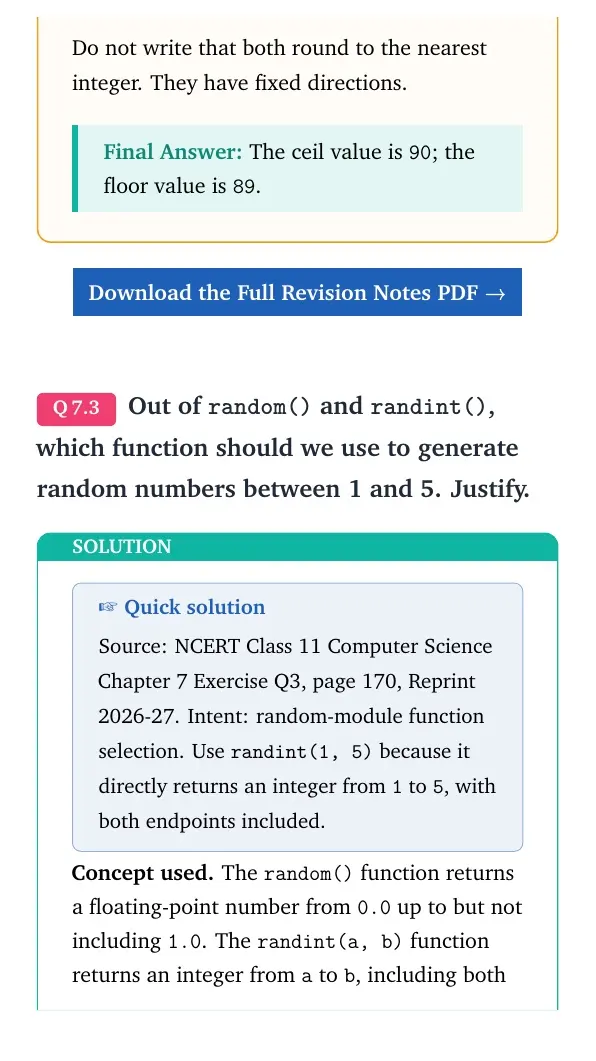
Do not write that both round to the nearest integer. They have fixed directions.
The ceil value is 90; the floor value is 89.
Q 7.3
Out of random() and randint(), which function should we use to generate random numbers between 1 and 5. Justify.
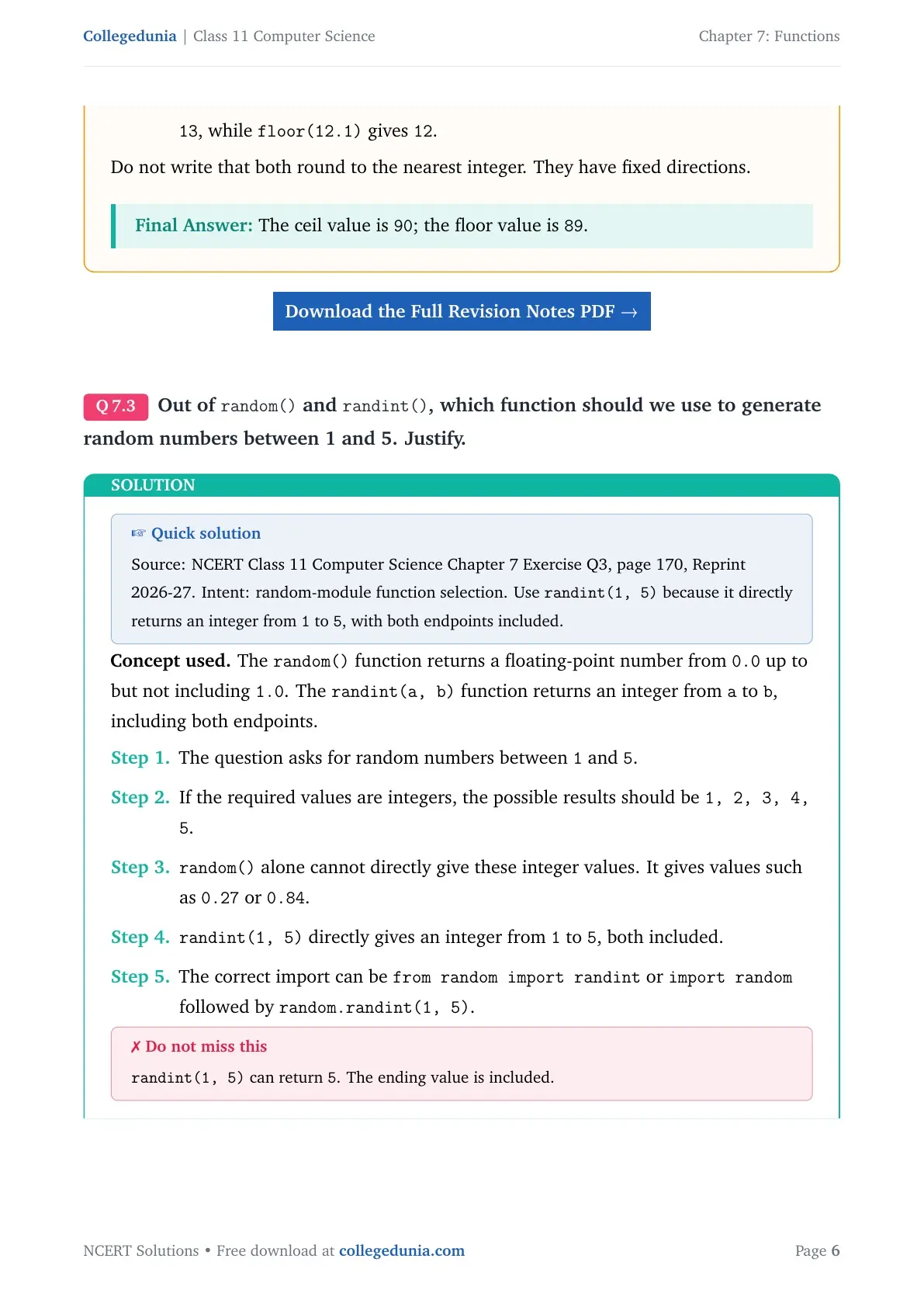
Concept used. The random() function returns a floating-point number from 0.0 up to but not including 1.0. The randint(a, b) function returns an integer from a to b, including both endpoints.
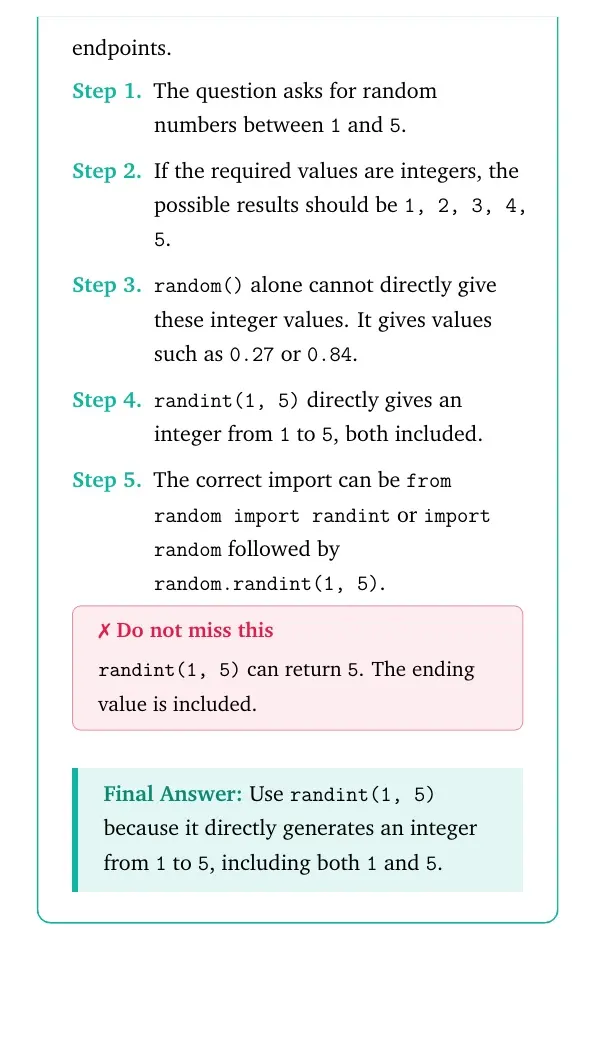
The question asks for random numbers between 1 and 5.
If the required values are integers, the possible results should be 1, 2, 3, 4, 5.
random() alone cannot directly give these integer values. It gives values such as 0.27 or 0.84.
randint(1, 5) directly gives an integer from 1 to 5, both included.
The correct import can be from random import randint or import random followed by random.randint(1, 5).
Do not miss this
randint(1, 5) can return 5. The ending value is included.
Use randint(1, 5) because it directly generates an integer from 1 to 5, including both 1 and 5.
PS
Priya Sethi
M.Sc Computer Science, University of Delhi
Verified Expert
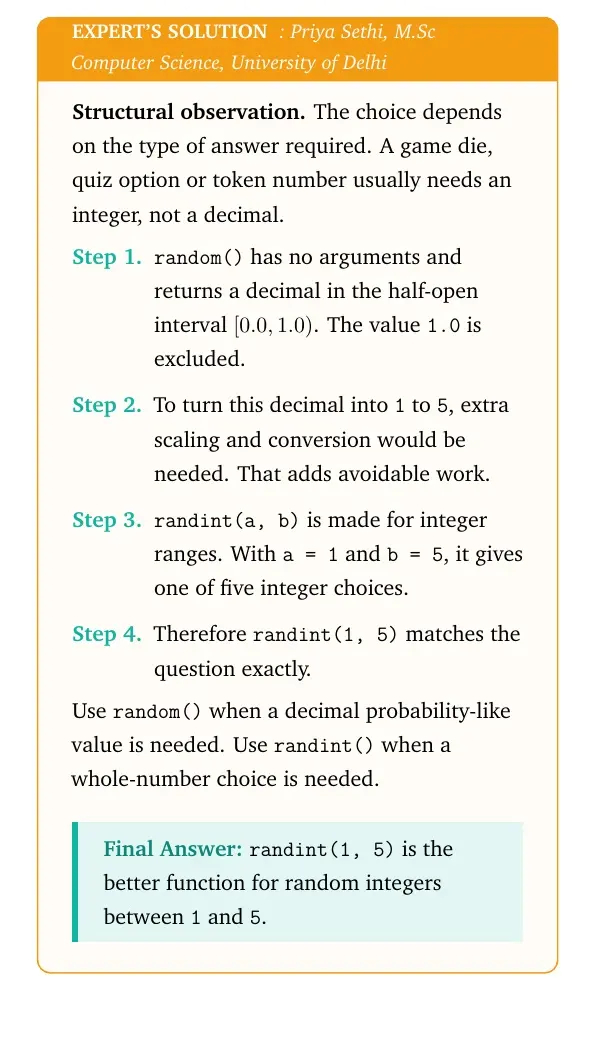
Structural observation. The choice depends on the type of answer required. A game die, quiz option or token number usually needs an integer, not a decimal.
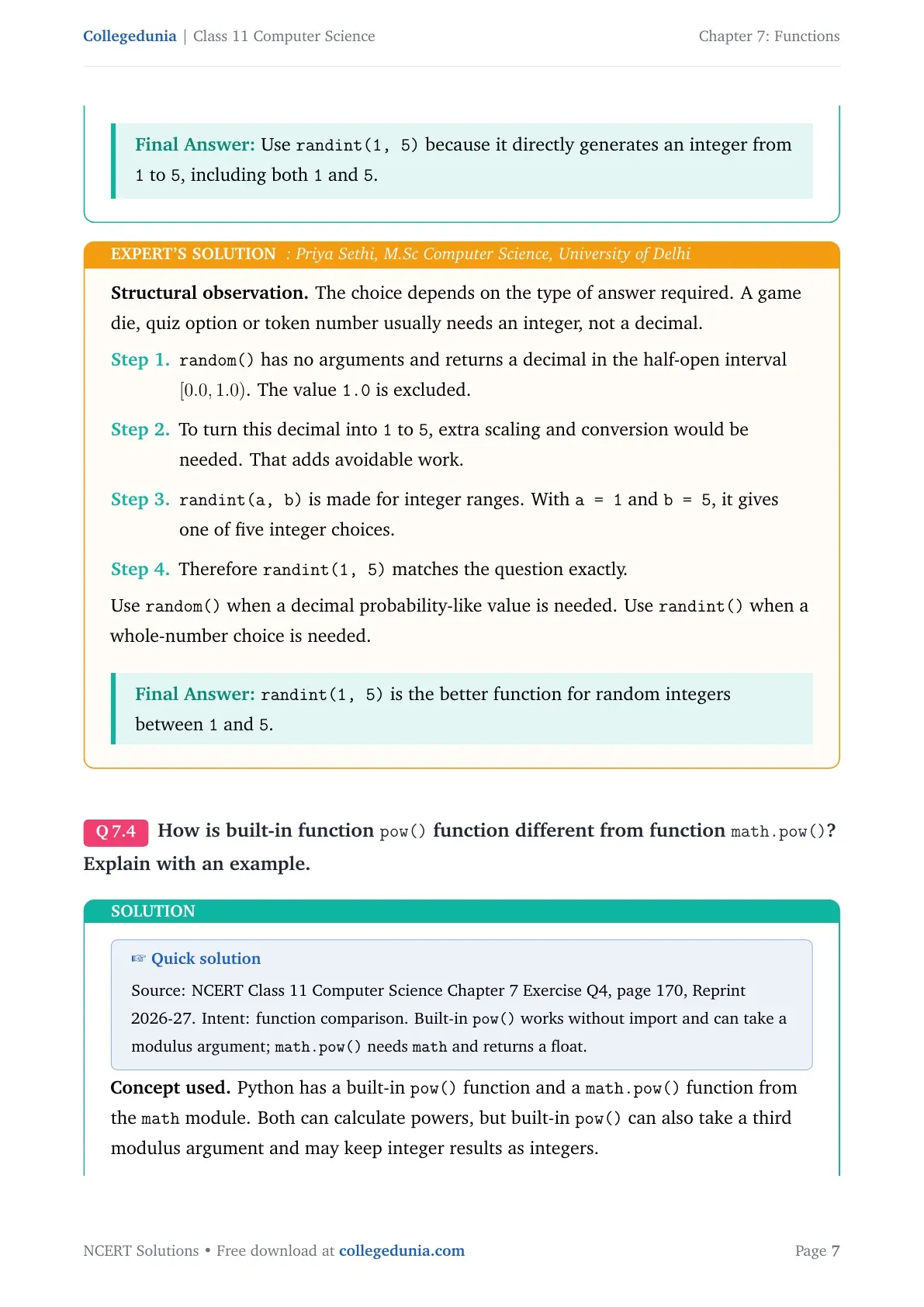
random() has no arguments and returns a decimal in the half-open interval [0.0, 1.0). The value 1.0 is excluded.
To turn this decimal into 1 to 5, extra scaling and conversion would be needed. That adds avoidable work.
randint(a, b) is made for integer ranges. With a = 1 and b = 5, it gives one of five integer choices.
Therefore randint(1, 5) matches the question exactly.
Use random() when a decimal probability-like value is needed. Use randint() when a whole-number choice is needed.
randint(1, 5) is the better function for random integers between 1 and 5.
Q 7.4
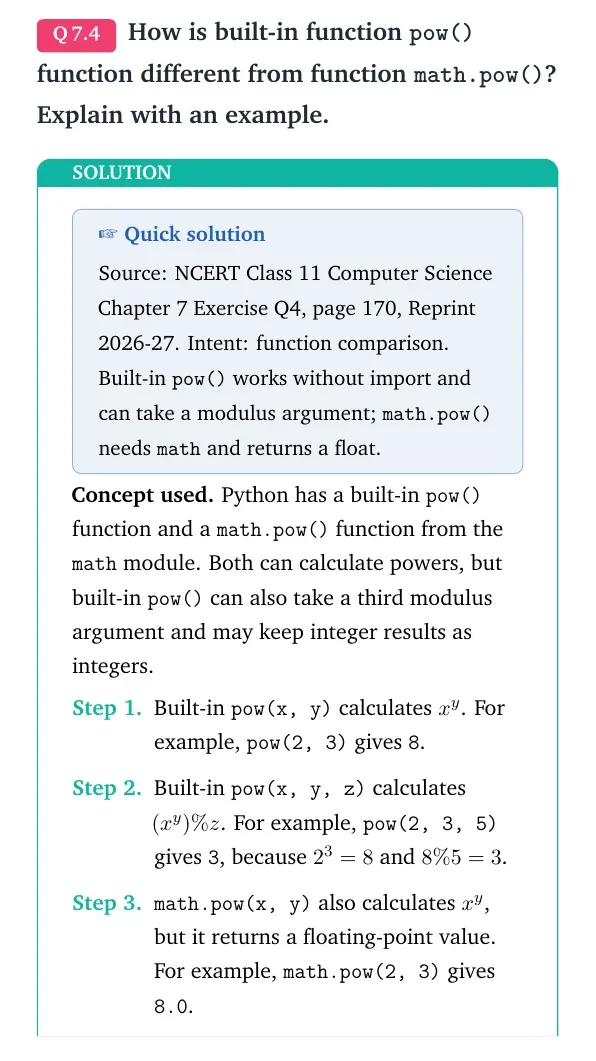
How is built-in function pow() different from function math.pow()? Explain with an example.
Concept used. Python has a built-in pow() function and a math.pow() function from the math module. Both can calculate powers, but built-in pow() can also take a third modulus argument and may keep integer results as integers.
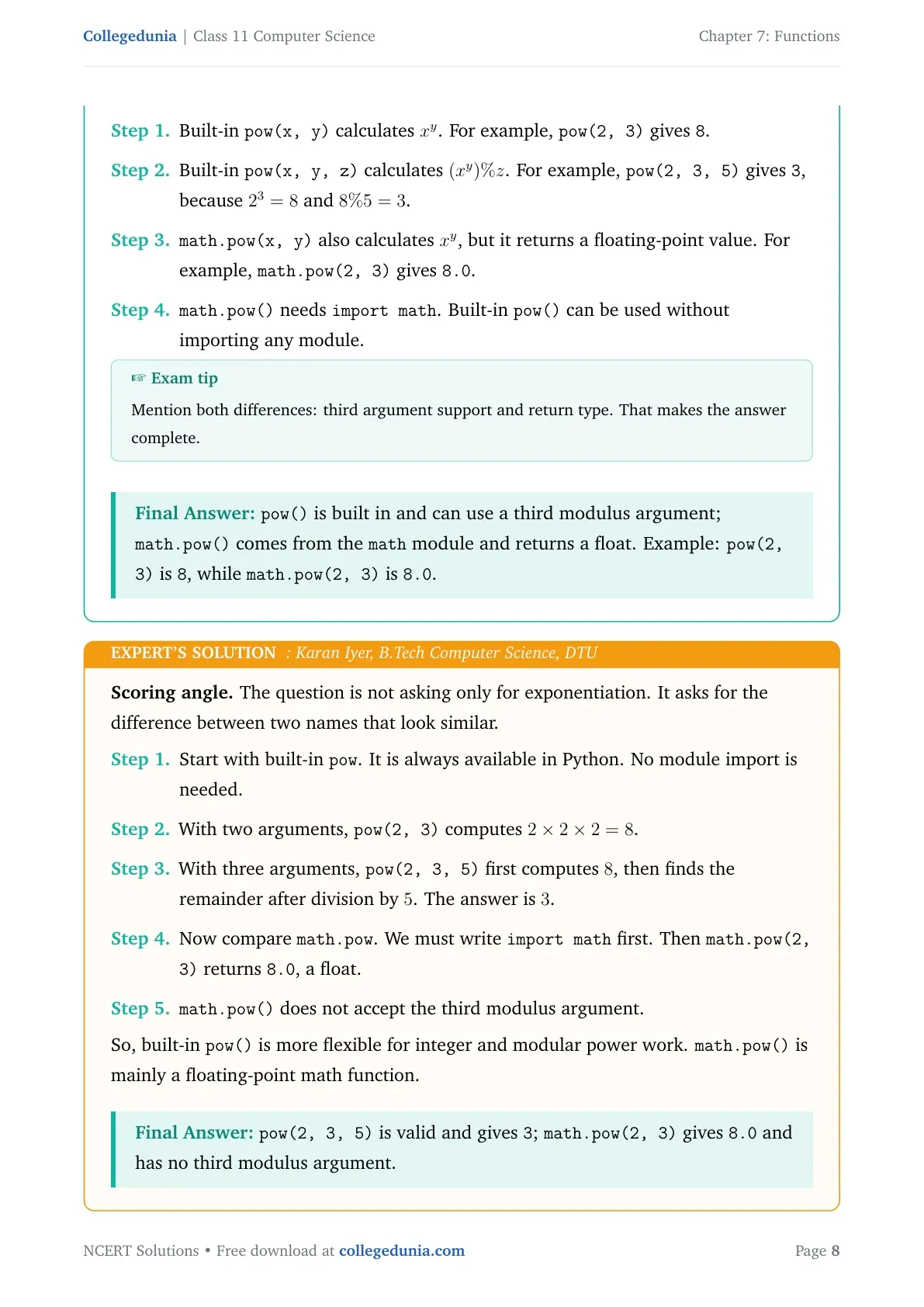
Built-in pow(x, y) calculates xy. For example, pow(2, 3) gives 8.
Built-in pow(x, y, z) calculates (xy) % z. For example, pow(2, 3, 5) gives 3, because 23 = 8 and 8 % 5 = 3.
math.pow(x, y) also calculates xy, but it returns a floating-point value. For example, math.pow(2, 3) gives 8.0.
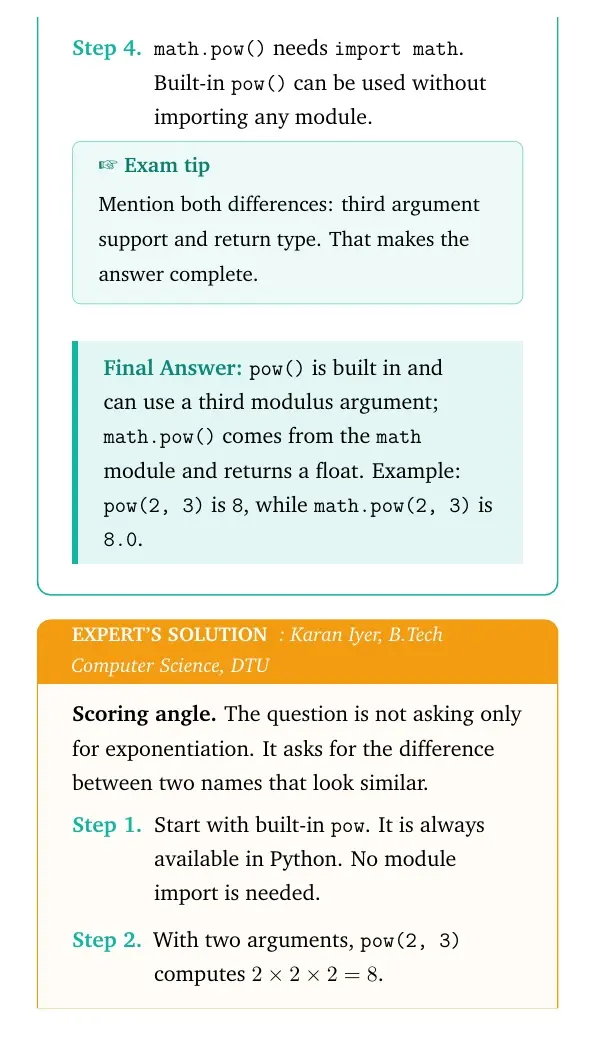
math.pow() needs import math. Built-in pow() can be used without importing any module.
Exam tip
Mention both differences: third argument support and return type. That makes the answer complete.
pow() is built in and can use a third modulus argument; math.pow() comes from the math module and returns a float. Example: pow(2, 3) is 8, while math.pow(2, 3) is 8.0.
KI
Karan Iyer
B.Tech Computer Science, DTU
Verified Expert
Scoring angle. The question is not asking only for exponentiation. It asks for the difference between two names that look similar.
Start with built-in pow. It is always available in Python. No module import is needed.
With two arguments, pow(2, 3) computes 2 × 2 × 2 = 8.
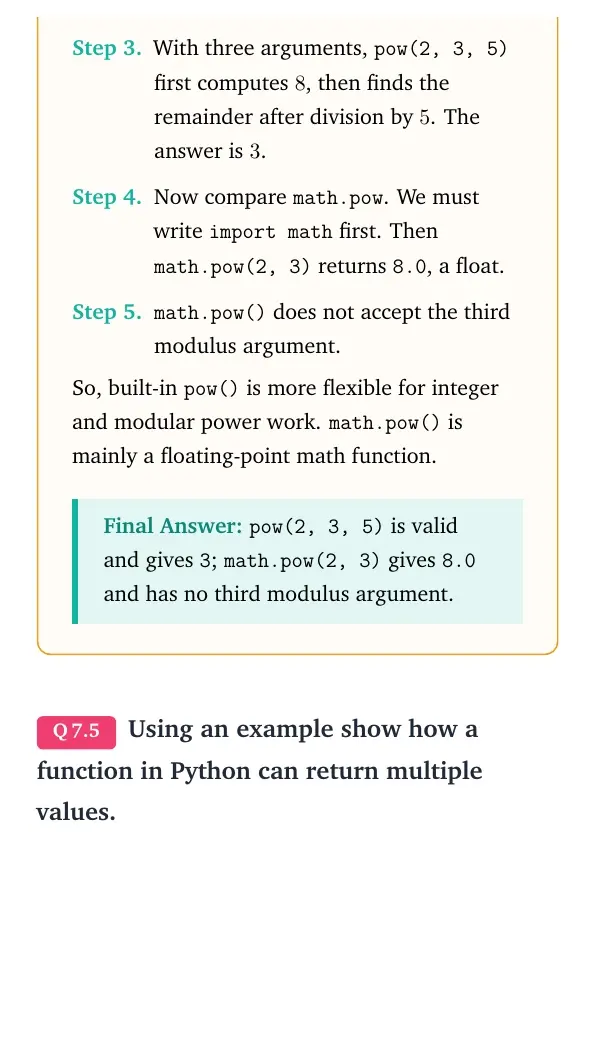
With three arguments, pow(2, 3, 5) first computes 8, then finds the remainder after division by 5. The answer is 3.
Now compare math.pow. We must write import math first. Then math.pow(2, 3) returns 8.0, a float.
math.pow() does not accept the third modulus argument.
So, built-in pow() is more flexible for integer and modular power work. math.pow() is mainly a floating-point math function.
pow(2, 3, 5) is valid and gives 3; math.pow(2, 3) gives 8.0 and has no third modulus argument.
Q 7.5
Using an example show how a function in Python can return multiple values.
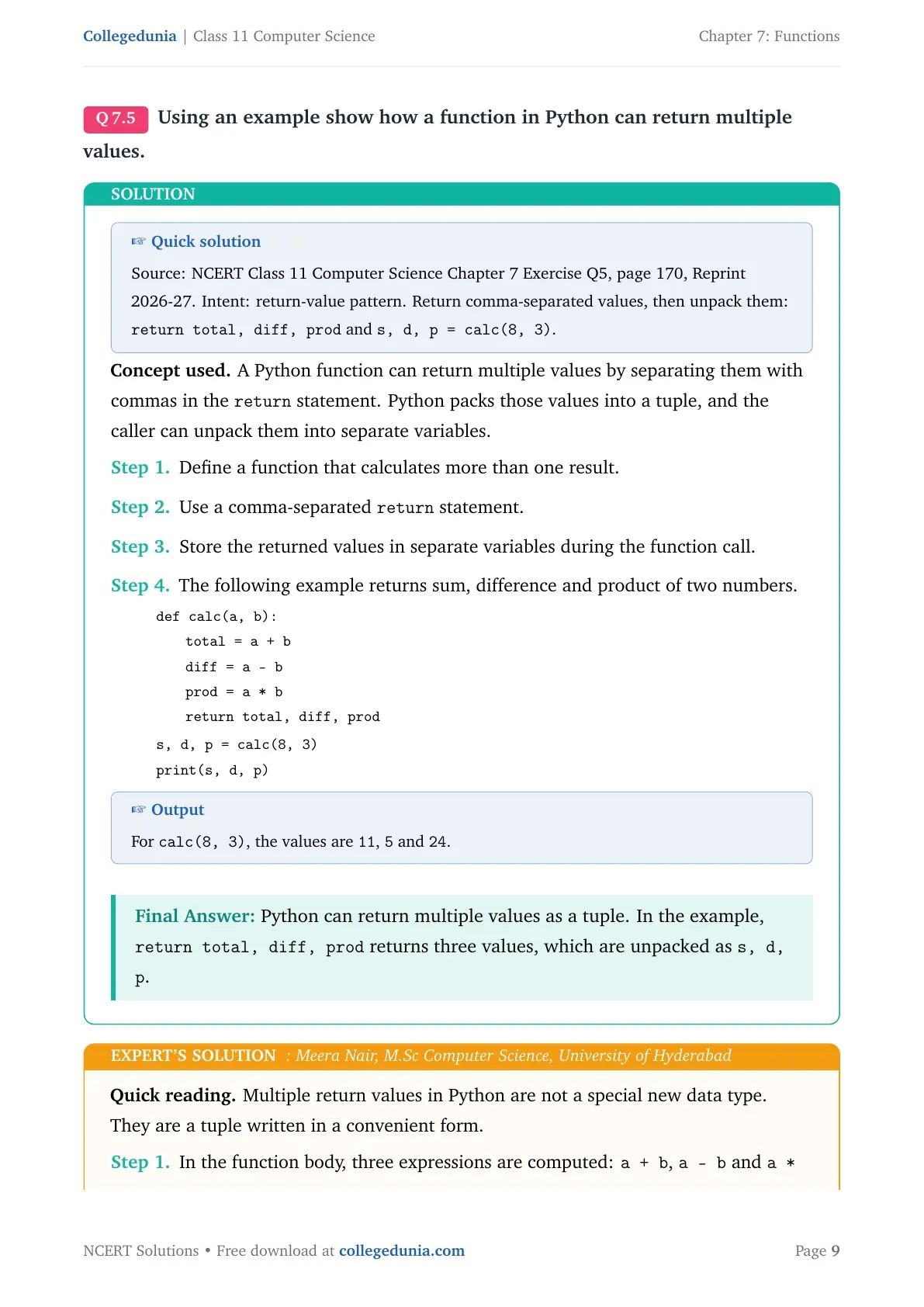
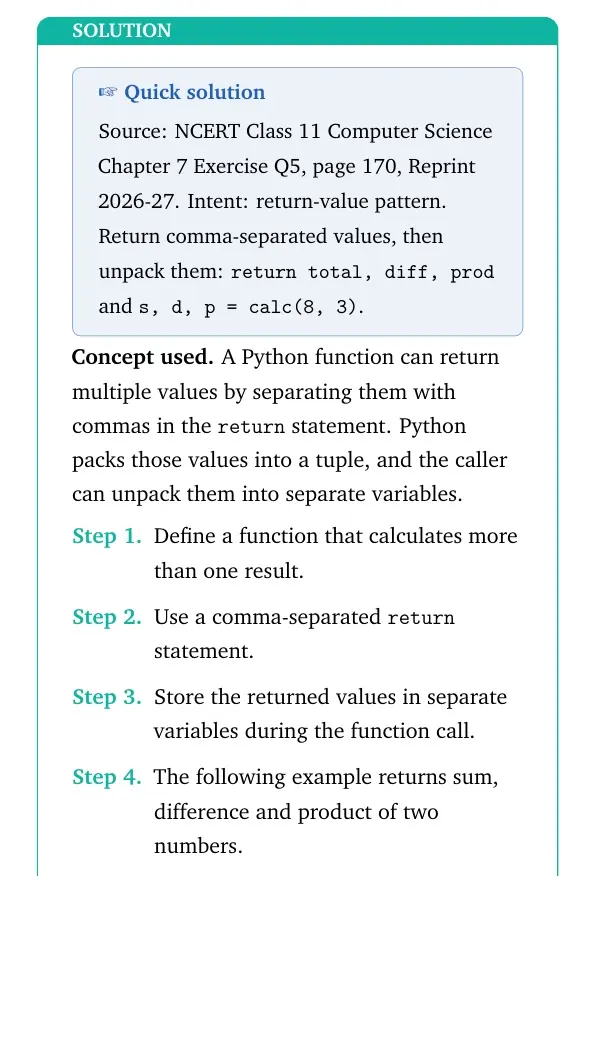
Concept used. A Python function can return multiple values by separating them with commas in the return statement. Python packs those values into a tuple, and the caller can unpack them into separate variables.
Define a function that calculates more than one result.
Use a comma-separated return statement.
Store the returned values in separate variables during the function call.
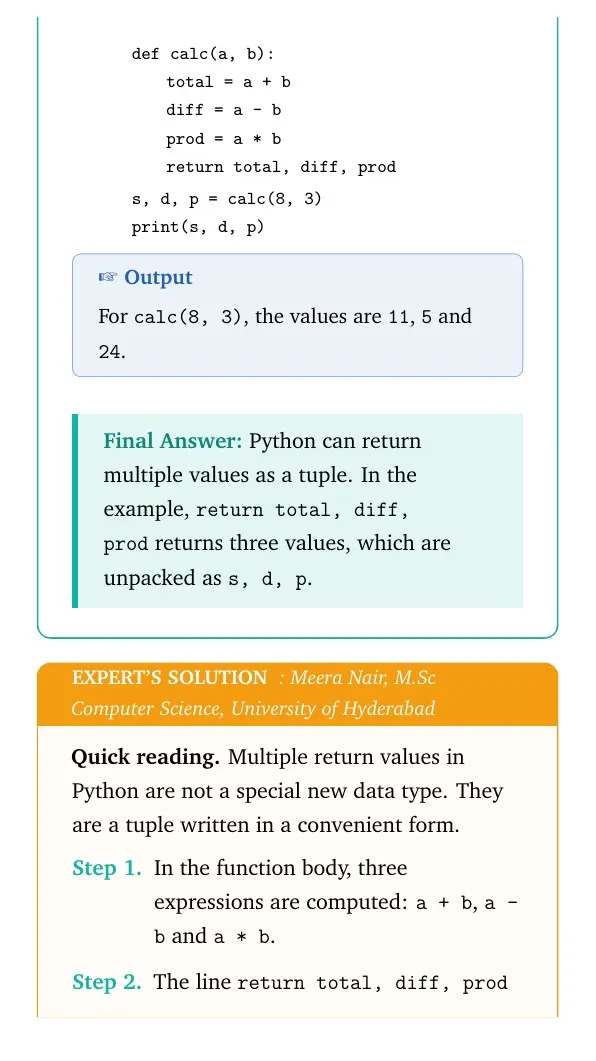
The following example returns sum, difference and product of two numbers.
quote
tabular@l@
def calc(a, b):
1.8emtotal = a + b
1.8emdiff = a - b
1.8emprod = a * b
1.8emreturn total, diff, prod [2pt]
s, d, p = calc(8, 3)
print(s, d, p)
tabular
quote
Output
For calc(8, 3), the values are 11, 5 and 24.
Python can return multiple values as a tuple. In the example, return total, diff, prod returns three values, which are unpacked as s, d, p.
MN
Meera Nair
M.Sc Computer Science, University of Hyderabad
Verified Expert
Quick reading. Multiple return values in Python are not a special new data type. They are a tuple written in a convenient form.
In the function body, three expressions are computed: a + b, a - b and a * b.
The line return total, diff, prod sends all three values back to the caller.
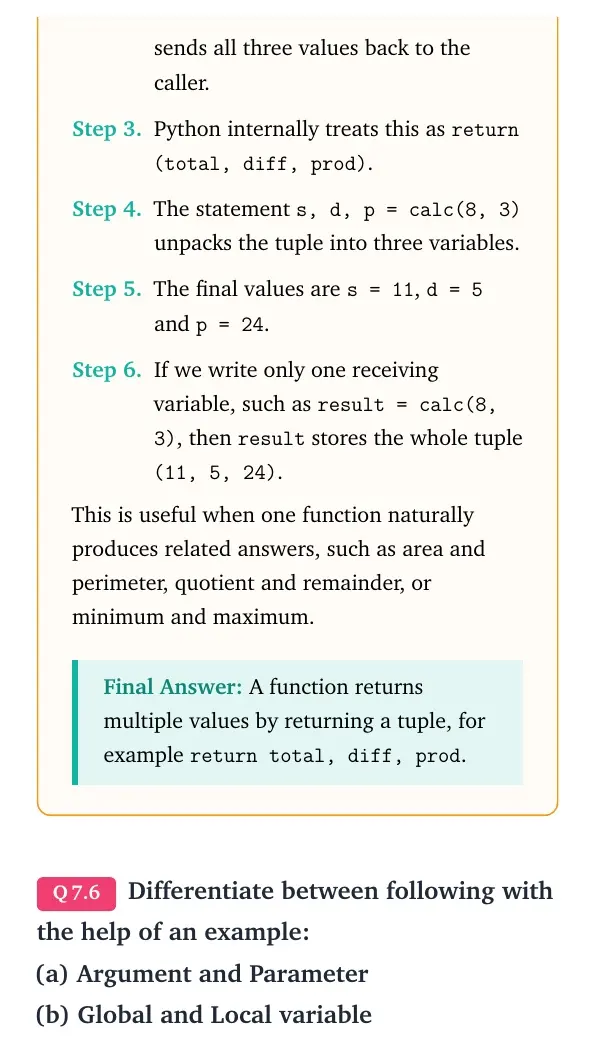
Python internally treats this as return (total, diff, prod).
The statement s, d, p = calc(8, 3) unpacks the tuple into three variables.
The final values are s = 11, d = 5 and p = 24.
This is useful when one function naturally produces related answers, such as area and perimeter, quotient and remainder, or minimum and maximum.
A function returns multiple values by returning a tuple, for example return total, diff, prod.
Q 7.6
Differentiate between following with the help of an example: (a) Argument and Parameter (b) Global and Local variable
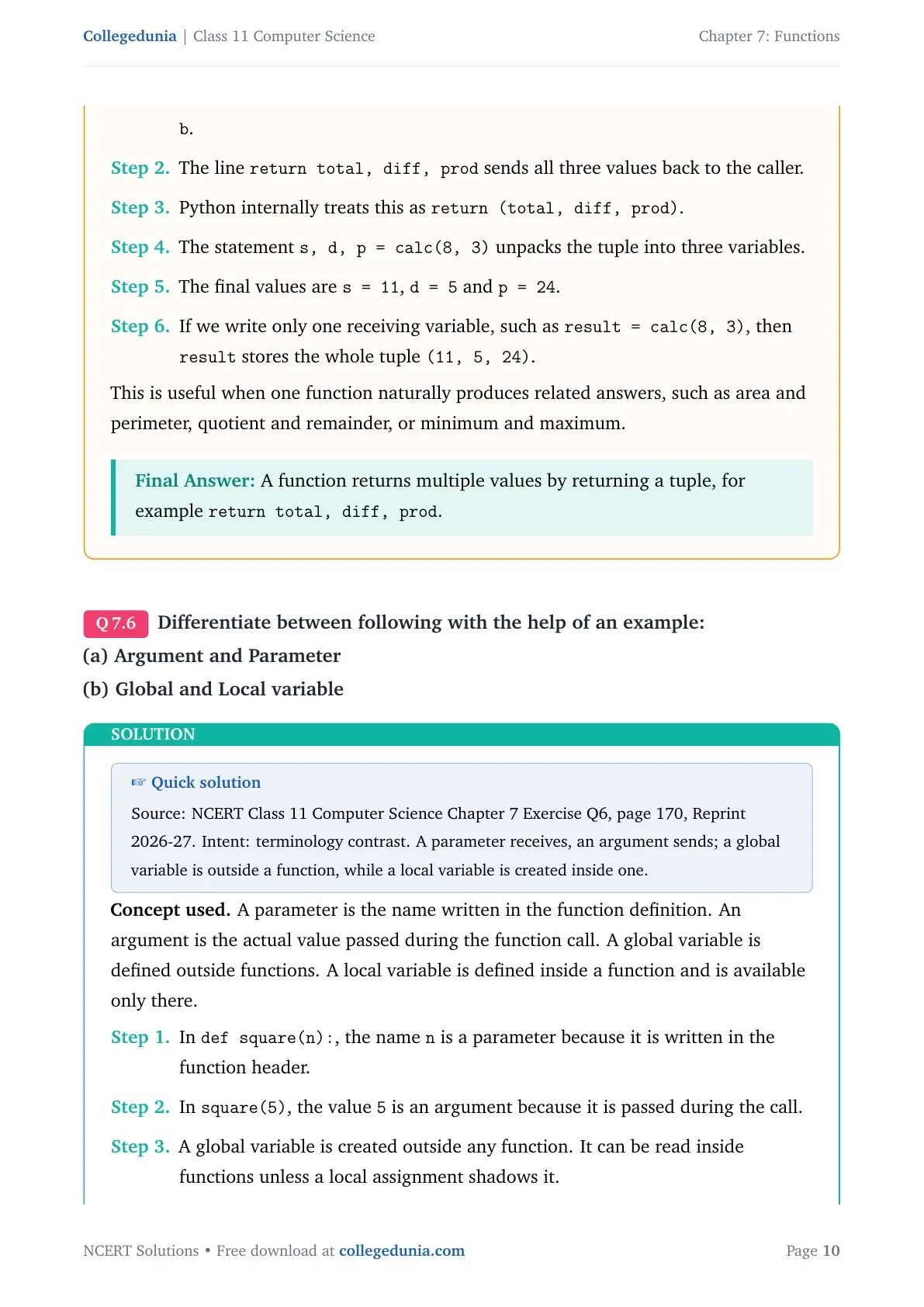
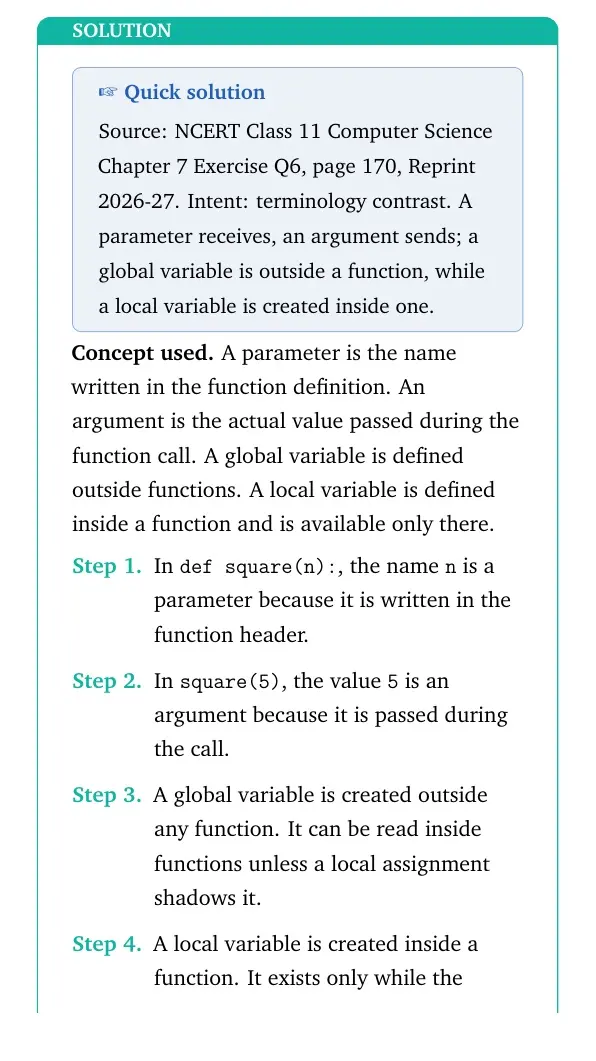
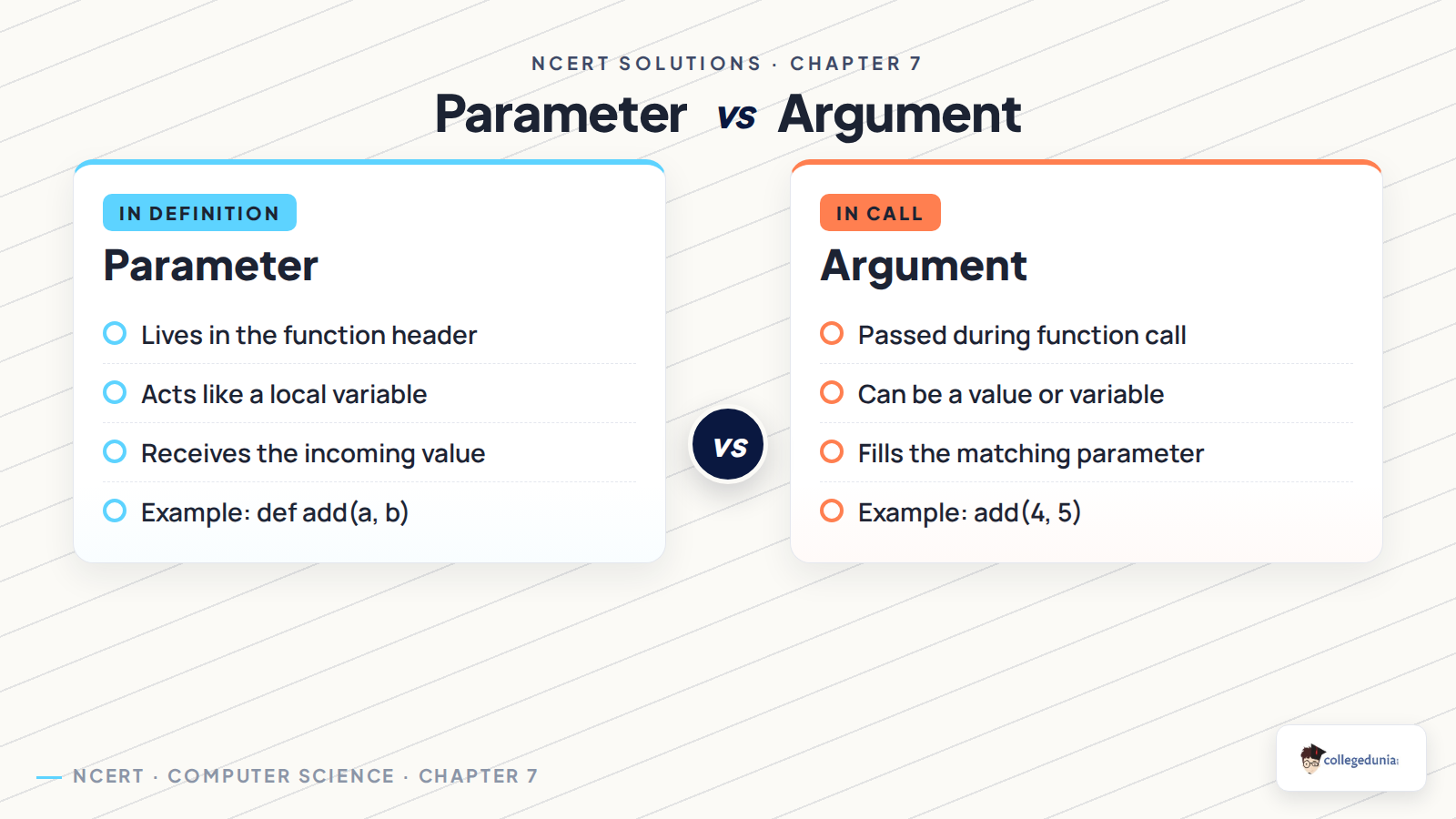
Concept used. A parameter is the name written in the function definition. An argument is the actual value passed during the function call. A global variable is defined outside functions. A local variable is defined inside a function and is available only there.
In def square(n):, the name n is a parameter because it is written in the function header.
In square(5), the value 5 is an argument because it is passed during the call.
A global variable is created outside any function. It can be read inside functions unless a local assignment shadows it.
A local variable is created inside a function. It exists only while the function is running.
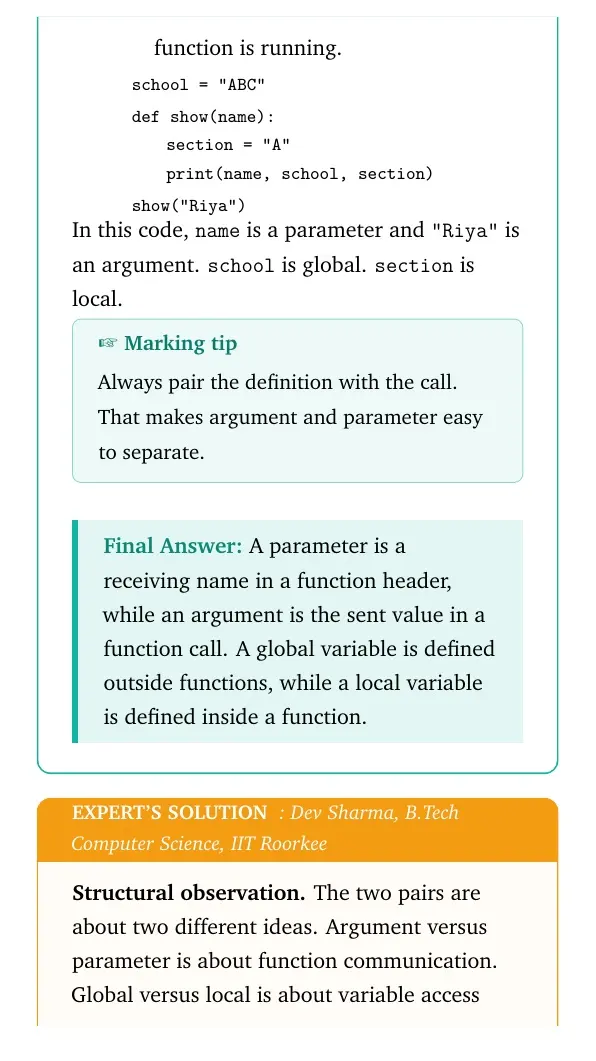
In this code, name is a parameter and "Riya" is an argument. school is global. section is local.
Marking tip
Always pair the definition with the call. That makes argument and parameter easy to separate.
A parameter is a receiving name in a function header, while an argument is the sent value in a function call. A global variable is defined outside functions, while a local variable is defined inside a function.
DS
Dev Sharma
B.Tech Computer Science, IIT Roorkee
Verified Expert
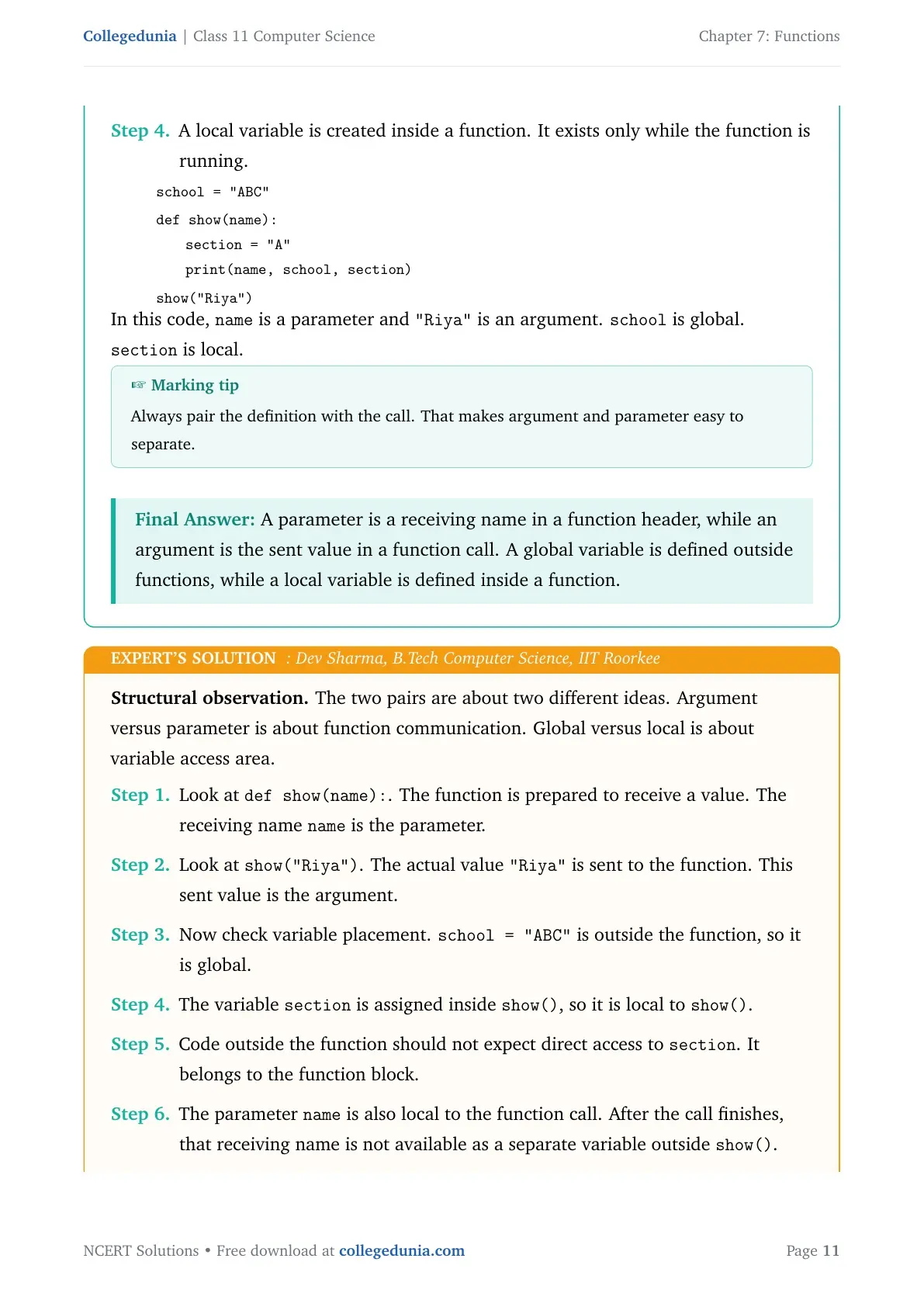
Structural observation. The two pairs are about two different ideas. Argument versus parameter is about function communication. Global versus local is about variable access area.
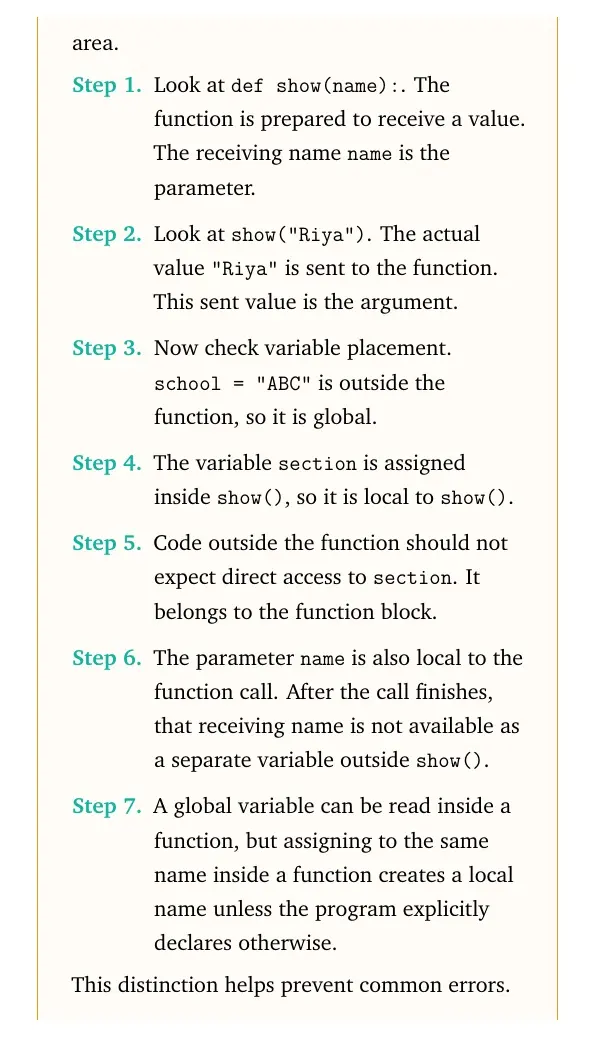
Look at def show(name):. The function is prepared to receive a value. The receiving name name is the parameter.
Look at show("Riya"). The actual value "Riya" is sent to the function. This sent value is the argument.
Now check variable placement. school="ABC" is outside the function, so it is global.
The variable section is assigned inside show(), so it is local to show().
Code outside the function should not expect direct access to section. It belongs to the function block.
This distinction helps prevent common errors. Many scope errors happen when a local name is expected to behave like a global name.
Parameter receives, argument sends. Global is outside the function, local is inside the function.
Q 7.7
Does a function always return a value? Explain with an example.
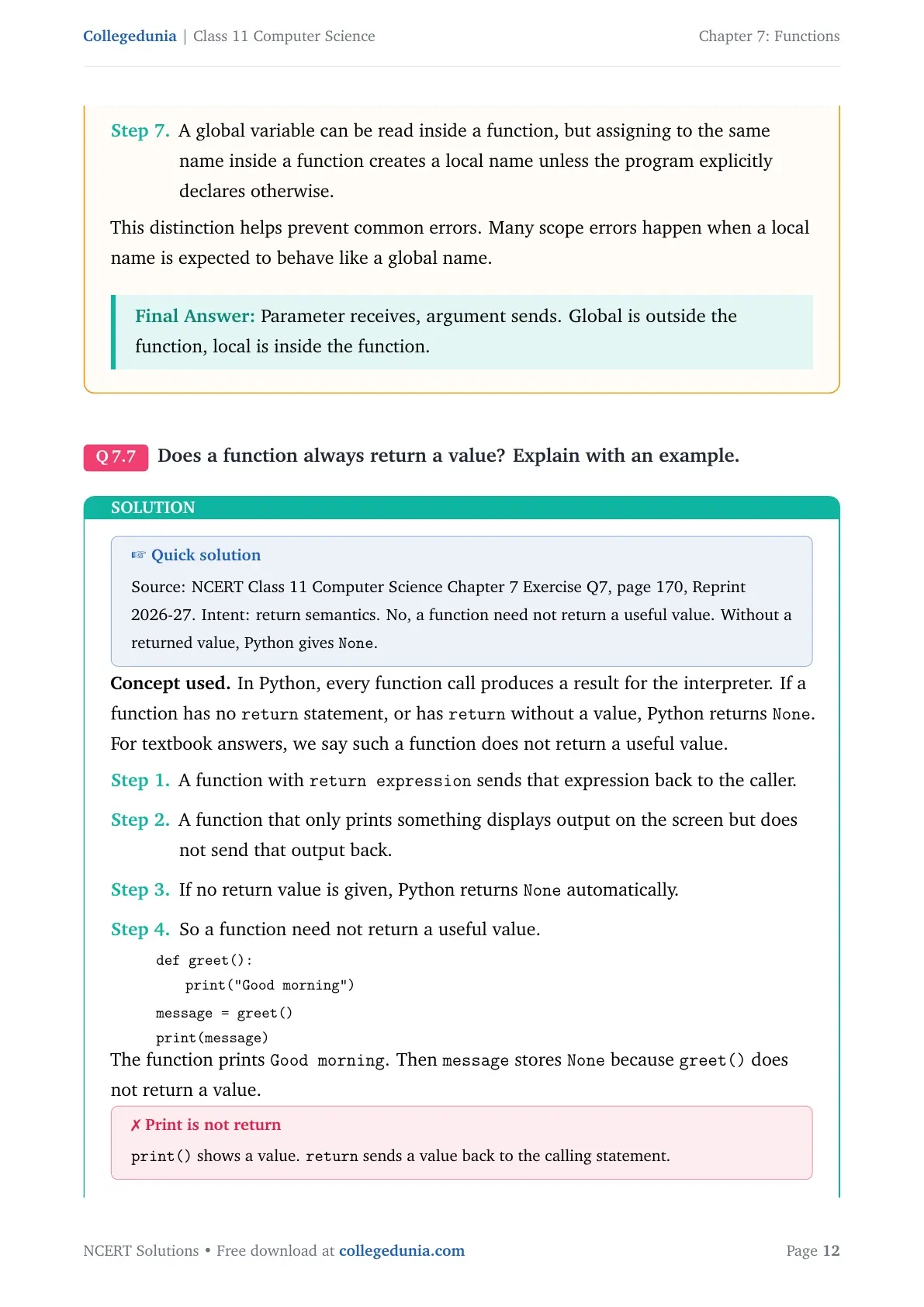
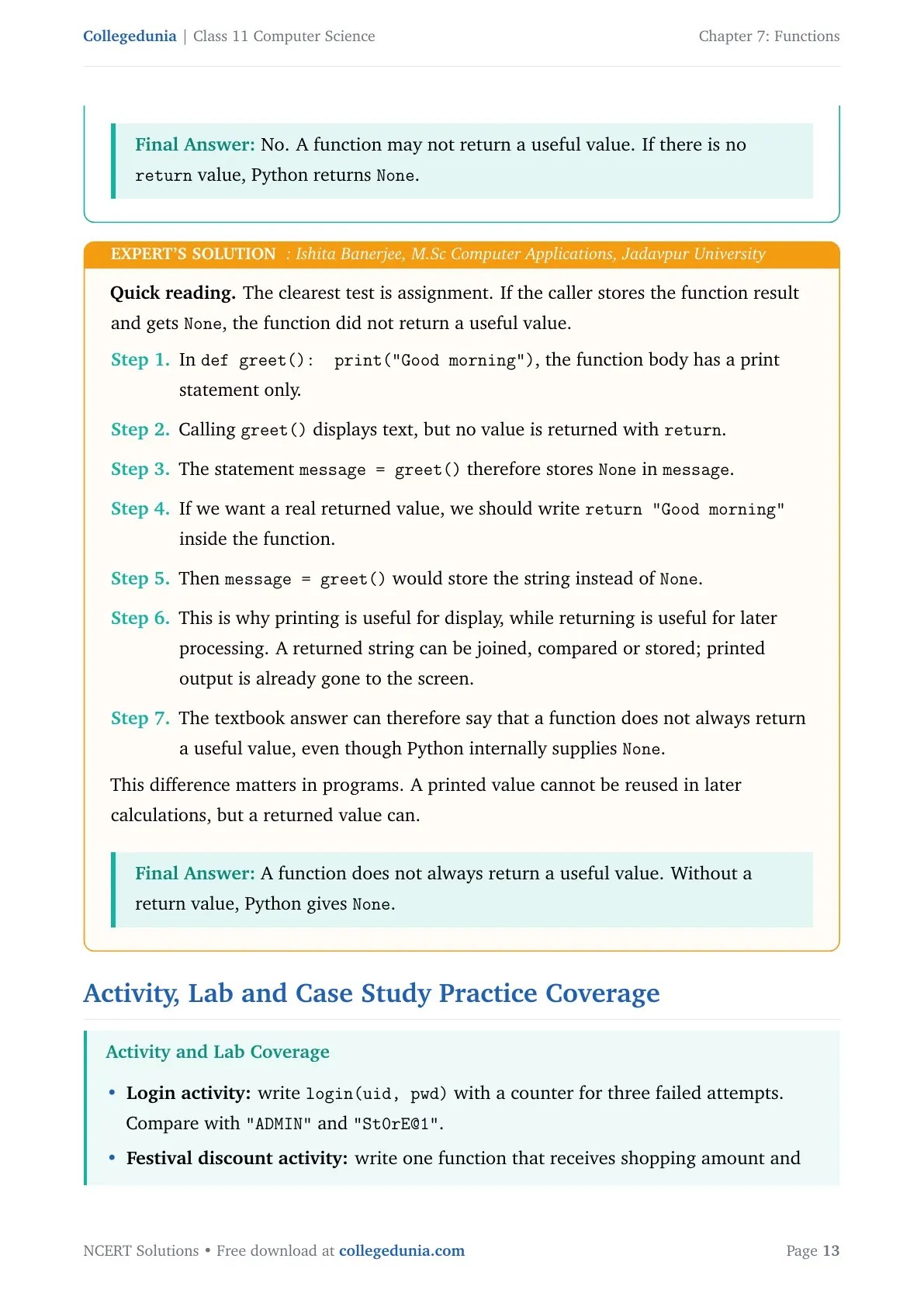
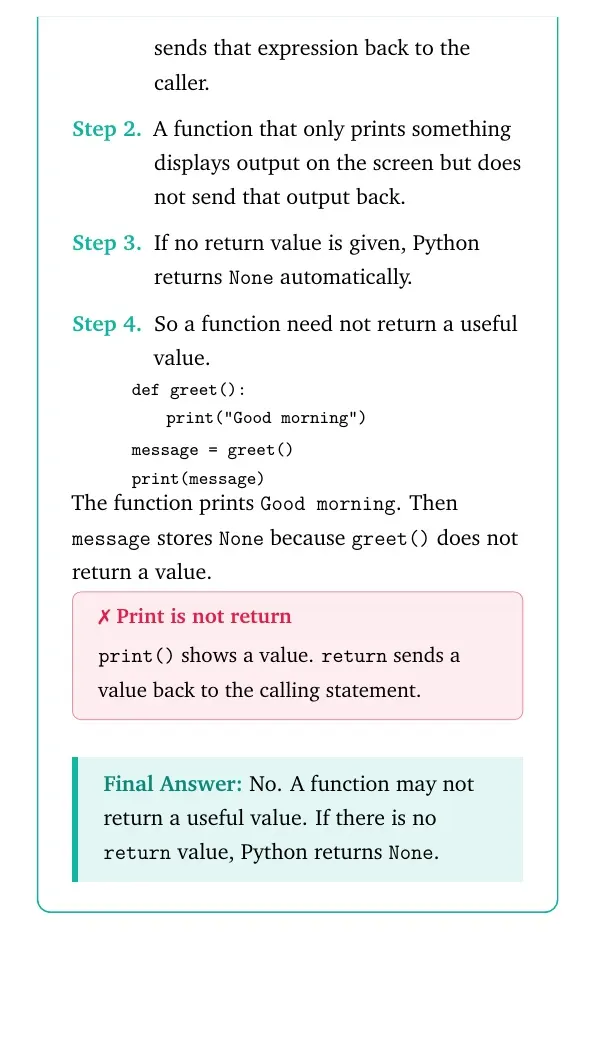
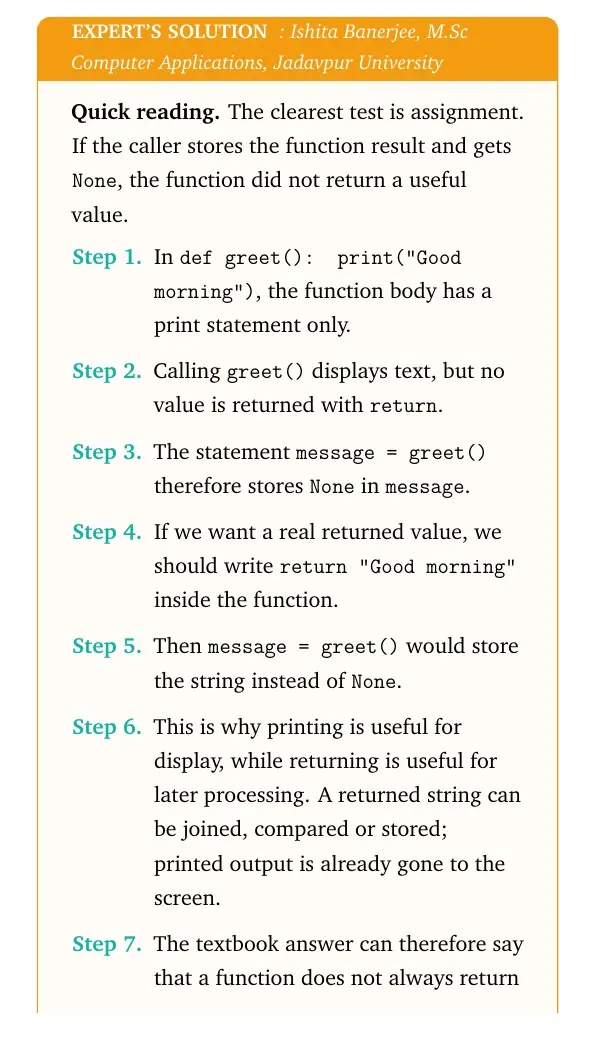
Concept used. In Python, every function call produces a result for the interpreter. If a function has no return statement, or has return without a value, Python returns None. For textbook answers, we say such a function does not return a useful value.
A function with return expression sends that expression back to the caller.
A function that only prints something displays output on the screen but does not send that output back.
If no return value is given, Python returns None automatically.









Comments