




The NCERT Solutions for Class 11 Computer Science Chapter 4 Introduction to Problem Solving cover all 18 textbook exercise questions for the 2026-27 NCERT chapter. The PDF gives step-by-step pseudocode and algorithm answers for loops, conditionals, flowcharts, dry runs and input validation.
- Use these solutions after reading the NCERT chapter once and marking every input, process and output phrase.
- The PDF includes every exercise question with a short solution and an expert solution.
- Keep boundary cases ready for questions on ranges, bills, classification and validation.
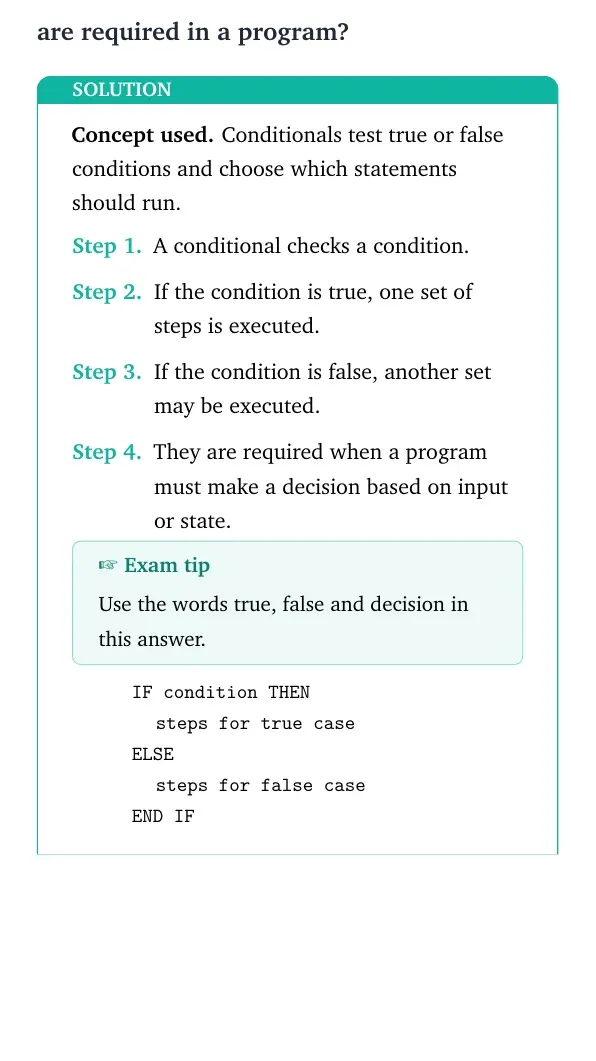
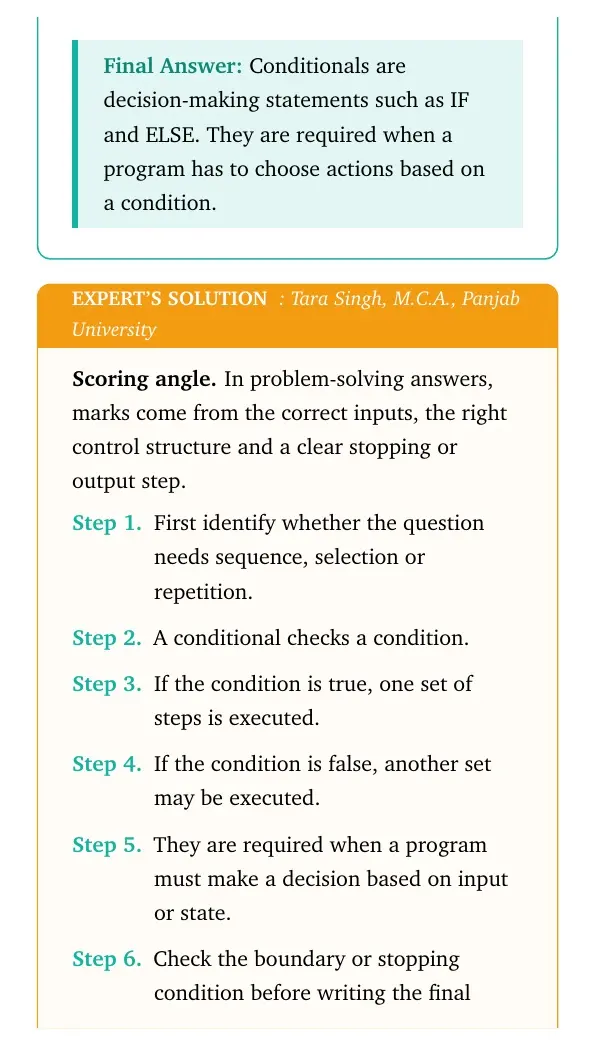
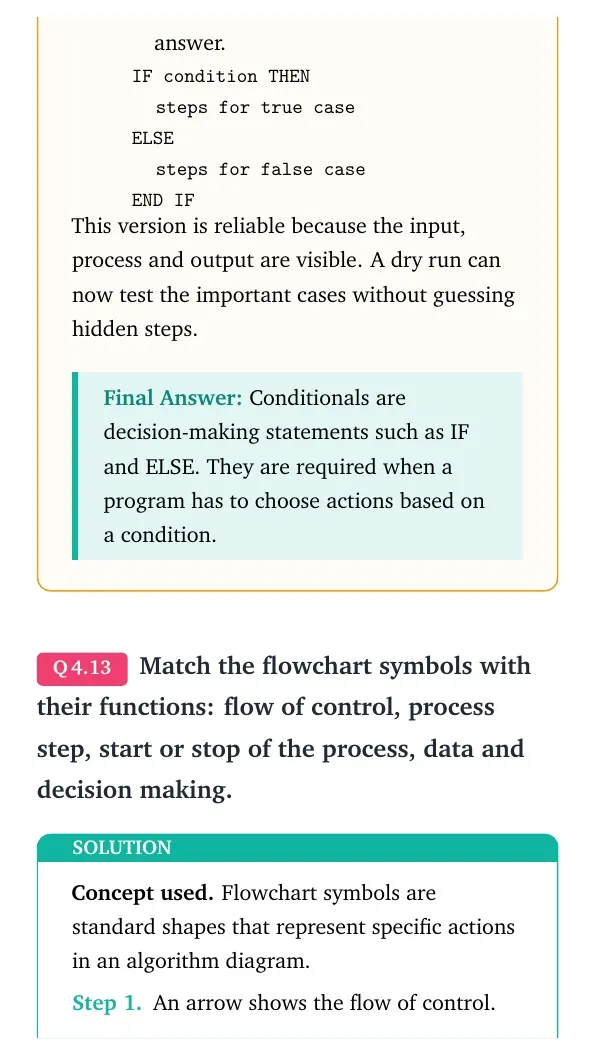
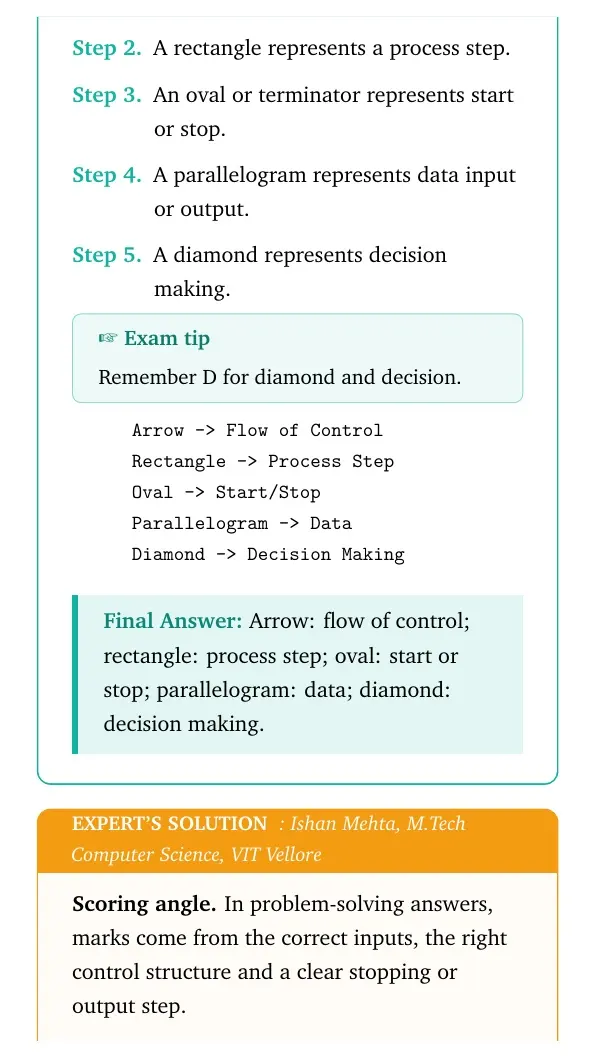
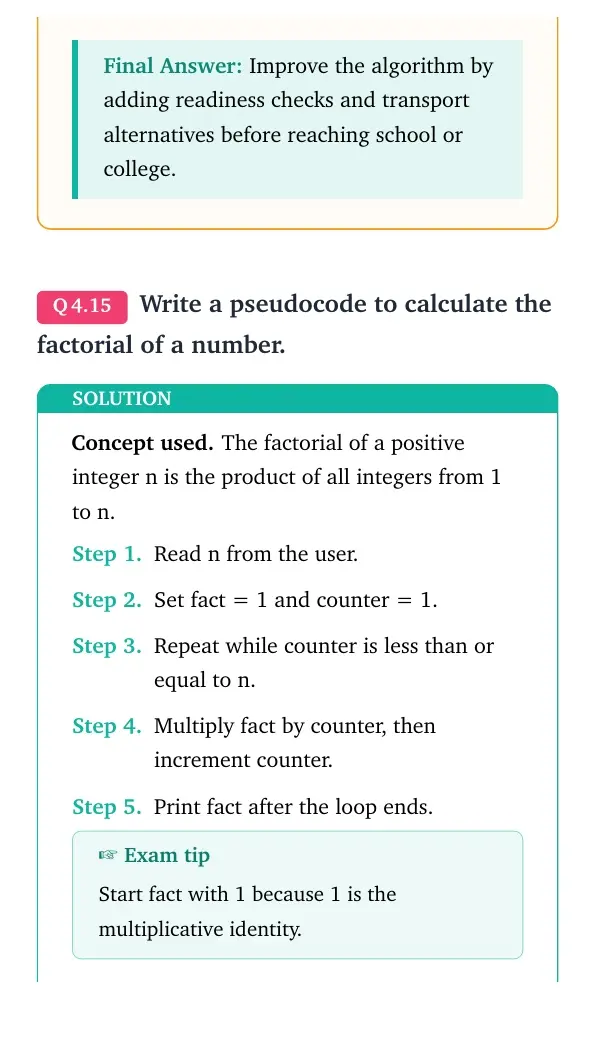
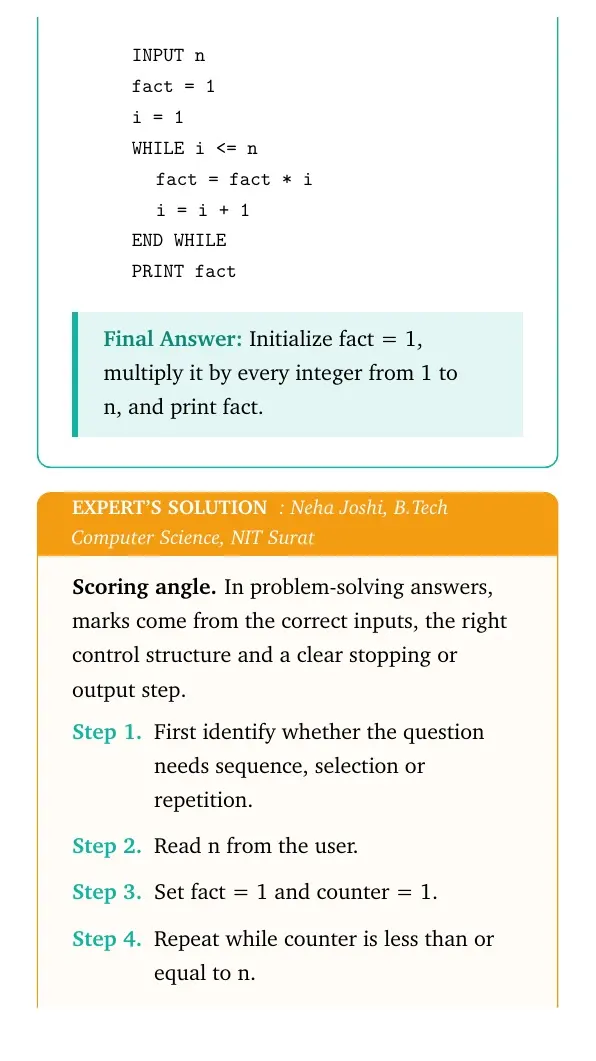
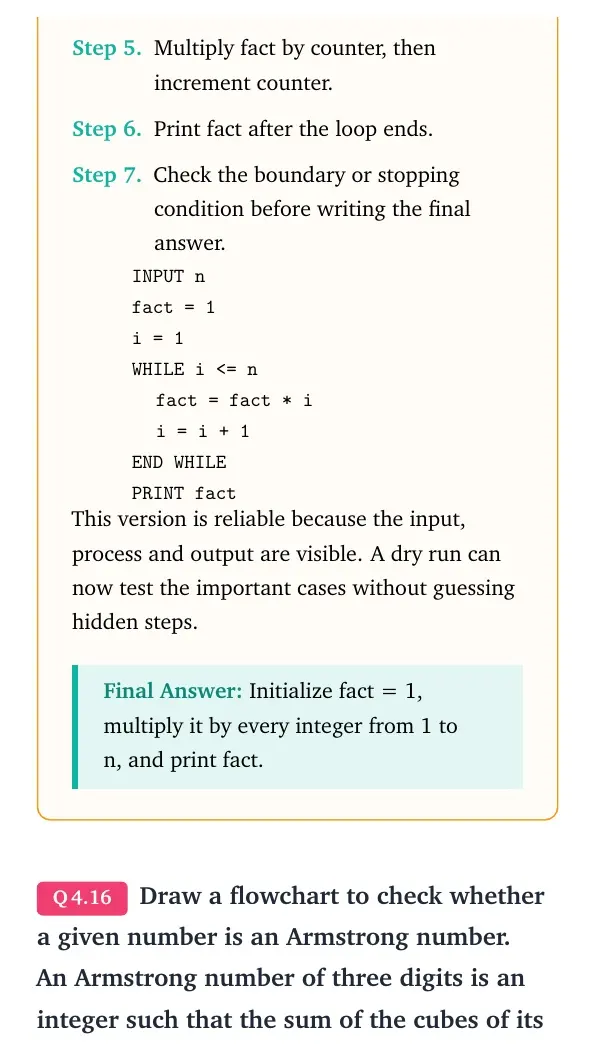
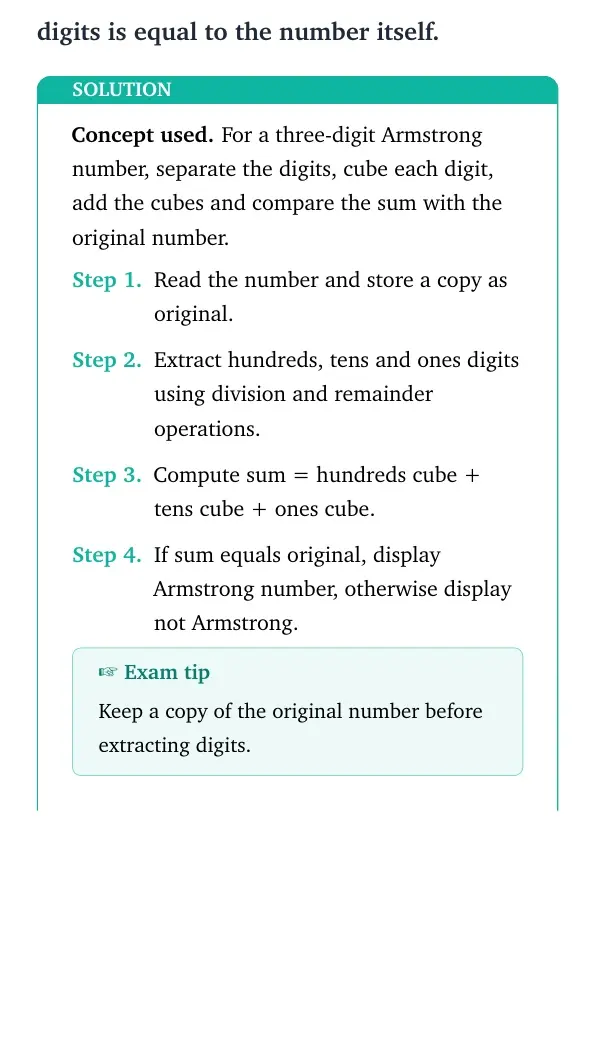

Each answer in this Class 11 Computer Science Chapter 4 NCERT Solutions PDF follows the 2026-27 NCERT exercise and keeps algorithm steps exam-ready.
Student Feedback: In a Collegedunia student check of 8,940 Class 11 Computer Science students, 76% said algorithm questions became easier when the input, process and output were written before pseudocode.
In This Article
Introduction to Problem Solving Exercise Coverage for Class 11
Introduction to Problem Solving is a practice-heavy chapter. Students need to write pseudocode, test boundary values, and choose between sequence, selection and repetition.
| Exercise group | What the solution covers | Best revision habit |
|---|---|---|
| Questions 1-4 | Basic pseudocode and fixed-count loops | Write input, process and output first |
| Questions 5-11 | Accumulation, GST, marks, comparison and slab bill algorithms | Dry run with boundary values |
| Questions 12-14 | Conditionals, flowchart symbols and algorithm improvement | Match each choice with a condition |
| Questions 15-18 | Factorial, Armstrong number, classification and validation | Check loop end and range limits |
Introduction to Problem Solving Algorithm Video for Class 11
Source: freeCodeCamp.org
Problem Solving Cycle Used in Class 11 Computer Science Chapter 4
The chapter begins with the same cycle used in real programming: understand the problem, design the algorithm, code it, test it and improve it. A correct algorithm is the roadmap before coding.
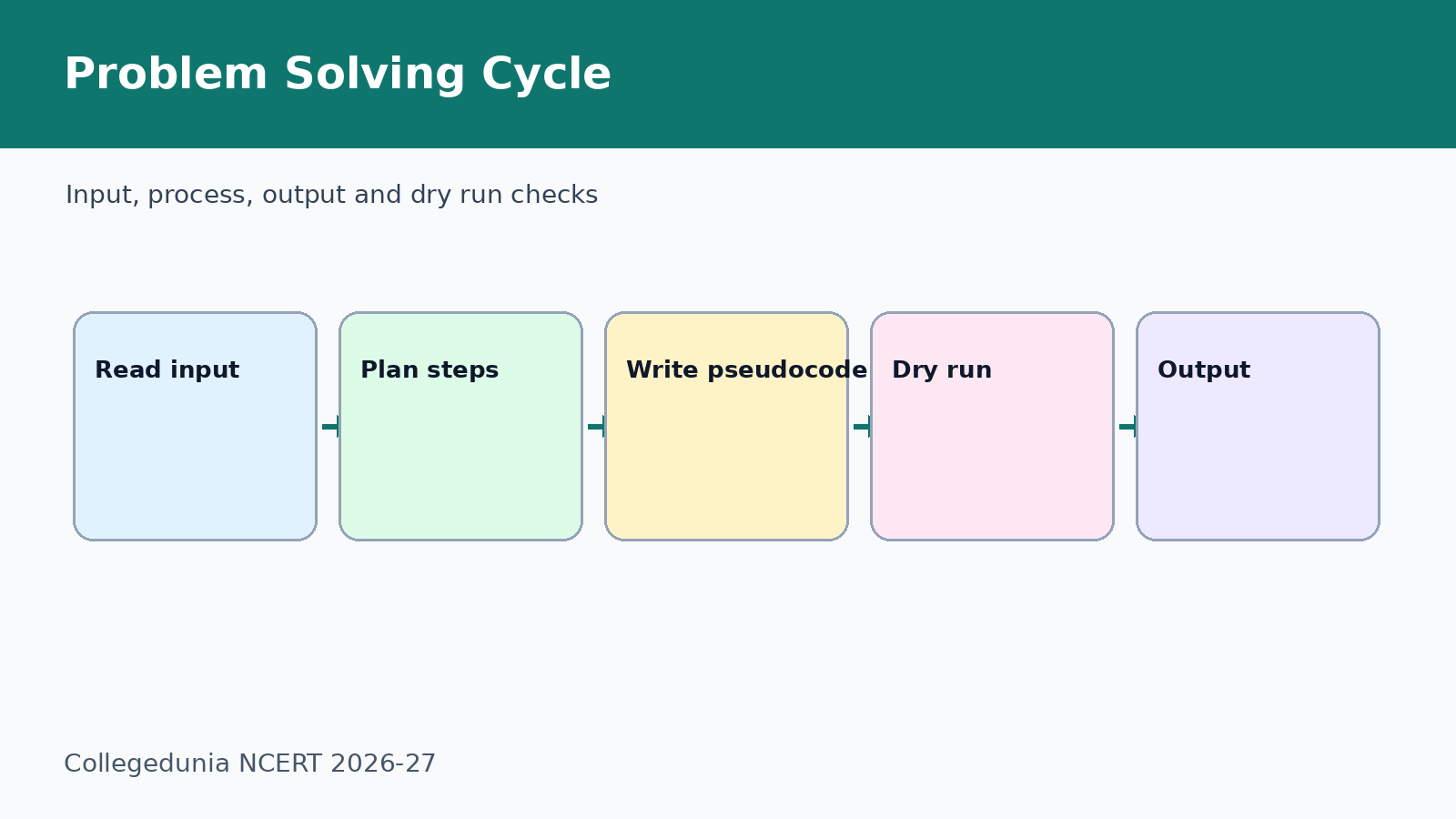
- Input means the values accepted from the user.
- Process means the calculation or decision steps.
- Output means the result the user expects.
Sequence, Selection and Repetition in Introduction to Problem Solving
Most exercise answers come from one of three control patterns. Sequence runs steps in order. Selection uses IF and ELSE. Repetition uses a loop until a count or condition is satisfied.
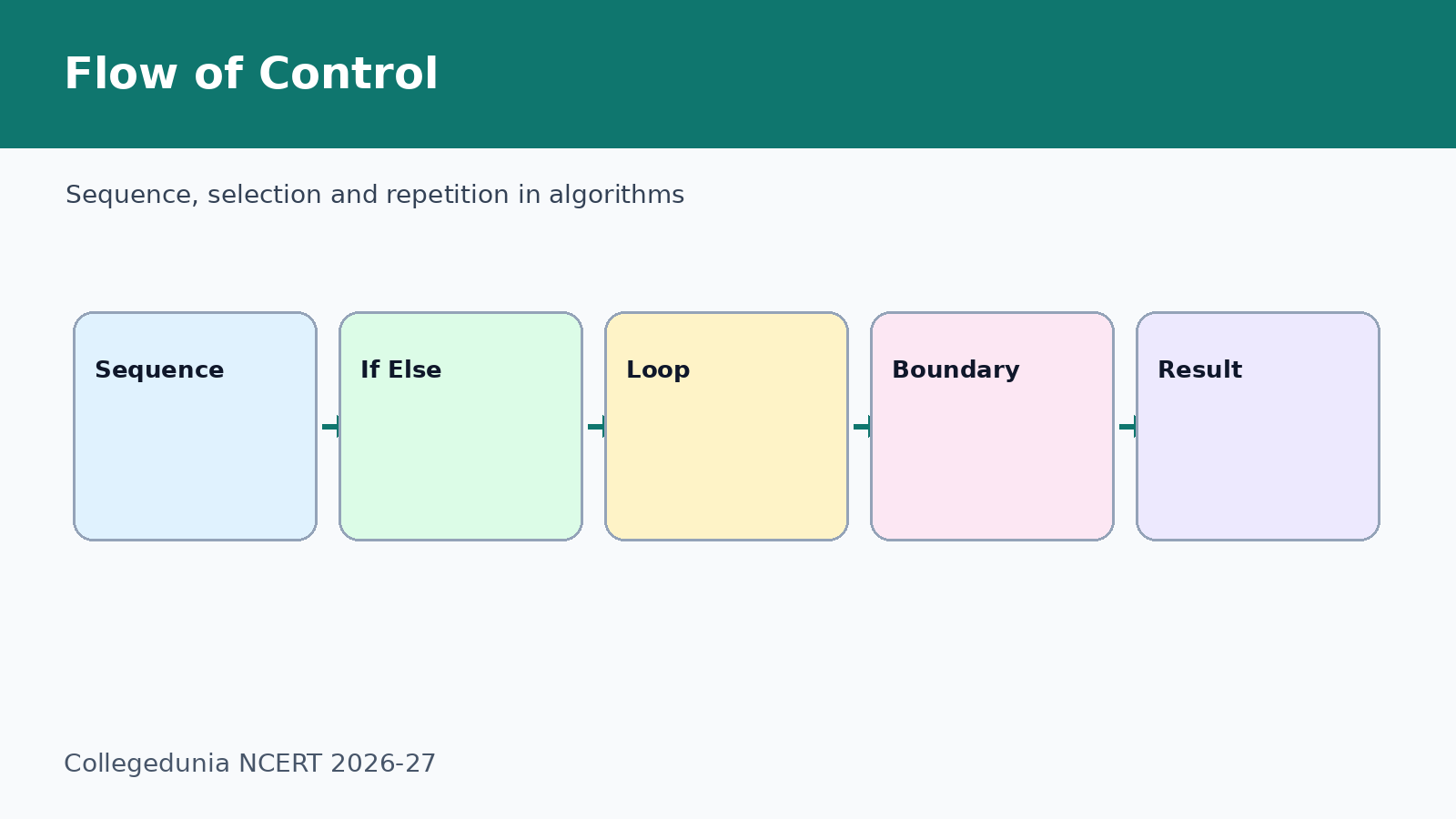
- Use sequence for straight calculations such as aggregate marks.
- Use selection for comparisons, slabs and colour ranges.
- Use repetition for factorial, collection total and printing multiples.
Common Mistakes in Introduction to Problem Solving NCERT Solutions
Most mistakes happen at the boundary. Check whether the last value is included or excluded before writing the condition.
- Do not accept 0 when the question asks for positive integers.
- Do not print two colours for the same boundary value.
- Do not forget the fixed meter charge in the water bill problem.
- Do not divide by zero in the quotient pseudocode.
Related NCERT Class 11 Computer Science Chapter 4 Resources
| Resource | Use it for | Link |
|---|---|---|
| Notes | Revise algorithm definitions and flow of control | Introduction to Problem Solving Notes |
| NCERT Book PDF | Read the official chapter and flowchart examples | Introduction to Problem Solving Book PDF |
| Handwritten Notes | Revise pseudocode and dry-run rules quickly | Introduction to Problem Solving Handwritten Notes |
Class 11 Computer Science NCERT Solutions Chapter-wise Links
| Chapter | NCERT Solutions |
|---|---|
| Chapter 1 Computer System | Computer System NCERT Solutions |
| Chapter 2 Encoding Schemes and Number System | Encoding Schemes and Number System NCERT Solutions |
| Chapter 3 Emerging Trends | Emerging Trends NCERT Solutions |
| Chapter 4 Introduction to Problem Solving | Current chapter |
All NCERT Solutions for Class 11 Computer Science Chapter 4 Introduction to Problem Solving with Step-by-Step Solutions
Use the solved question cards below for a quick check, then download the full PDF for the expert solutions and revision-ready pseudocode.
Open all Introduction to Problem Solving question cards
Question 1
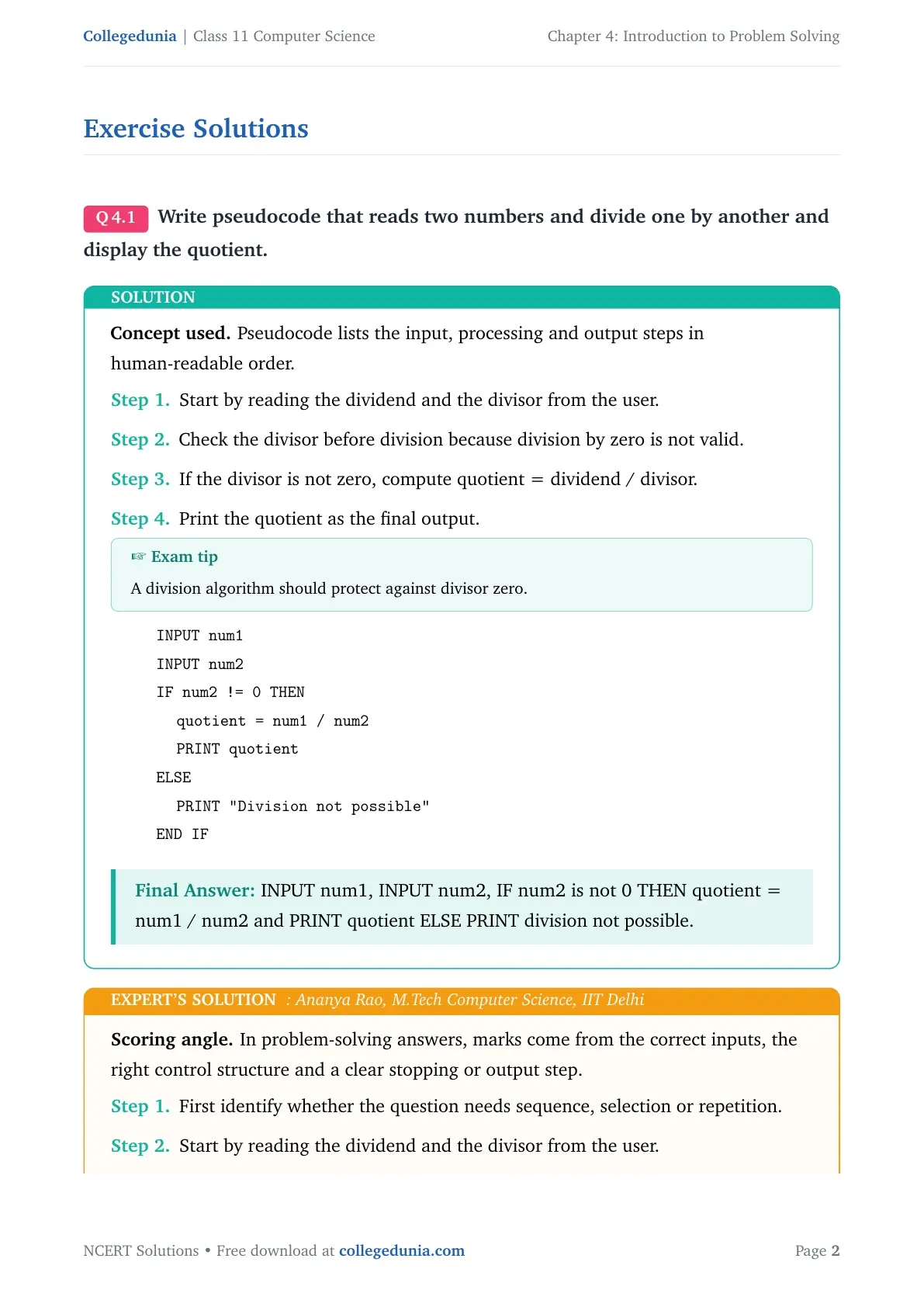
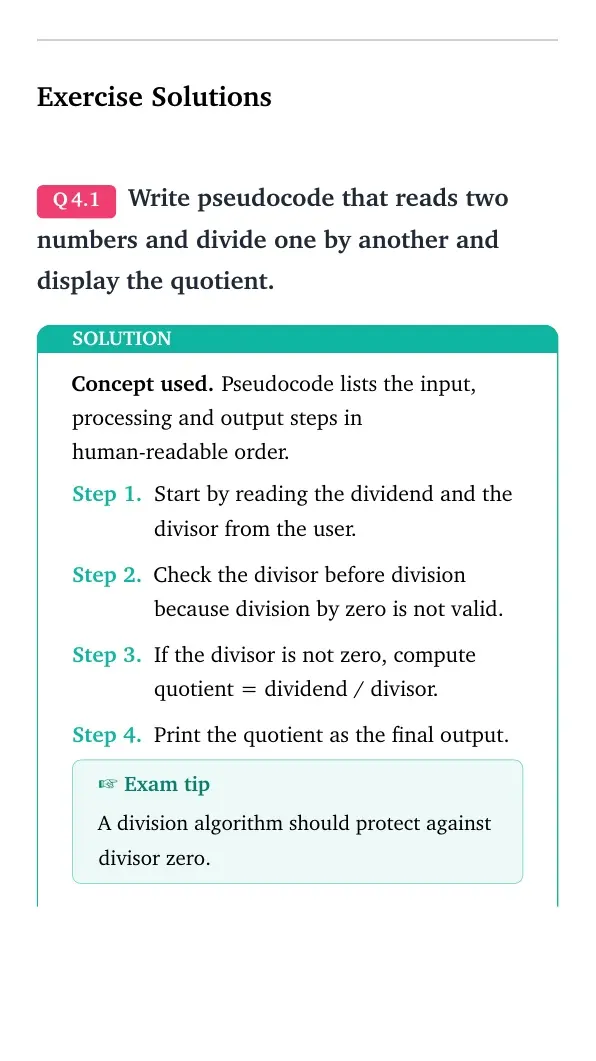
Write pseudocode that reads two numbers and divide one by another and display the quotient.
- Start by reading the dividend and the divisor from the user.
- Check the divisor before division because division by zero is not valid.
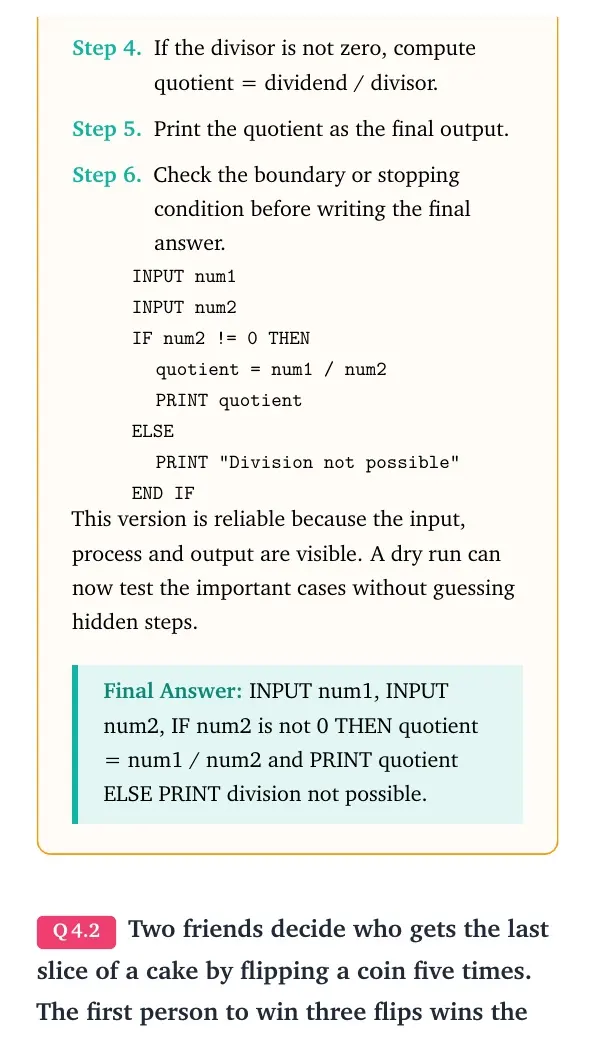
- If the divisor is not zero, compute quotient = dividend / divisor.
- Print the quotient as the final output.
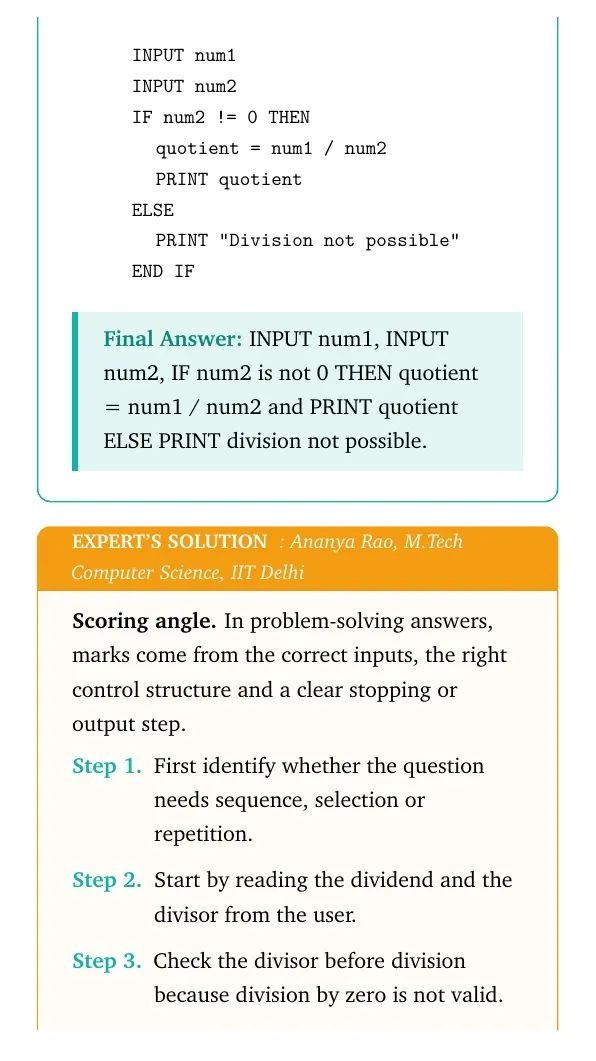
INPUT num1
INPUT num2
IF num2 != 0 THEN
  quotient = num1 / num2
  PRINT quotient
ELSE
  PRINT "Division not possible"
END IF
Answer: INPUT num1, INPUT num2, IF num2 is not 0 THEN quotient = num1 / num2 and PRINT quotient ELSE PRINT division not possible.
Expert view: Choose the control structure first, then test the boundary or stopping condition.
- Start by reading the dividend and the divisor from the user.
- Check the divisor before division because division by zero is not valid.
- If the divisor is not zero, compute quotient = dividend / divisor.
- Print the quotient as the final output.
INPUT num1
INPUT num2
IF num2 != 0 THEN
  quotient = num1 / num2
  PRINT quotient
ELSE
  PRINT "Division not possible"
END IF
Final answer: INPUT num1, INPUT num2, IF num2 is not 0 THEN quotient = num1 / num2 and PRINT quotient ELSE PRINT division not possible.
Question 2
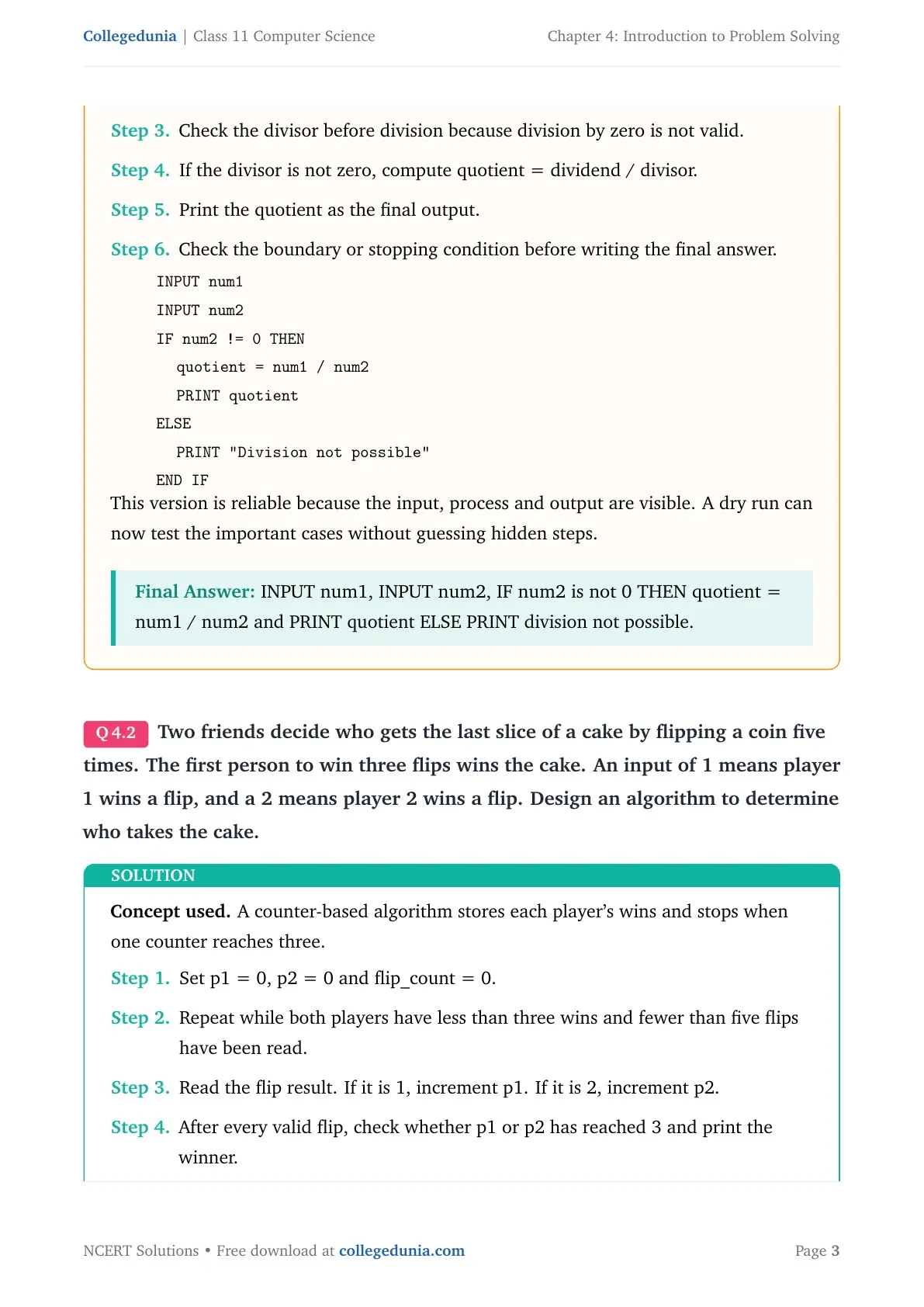
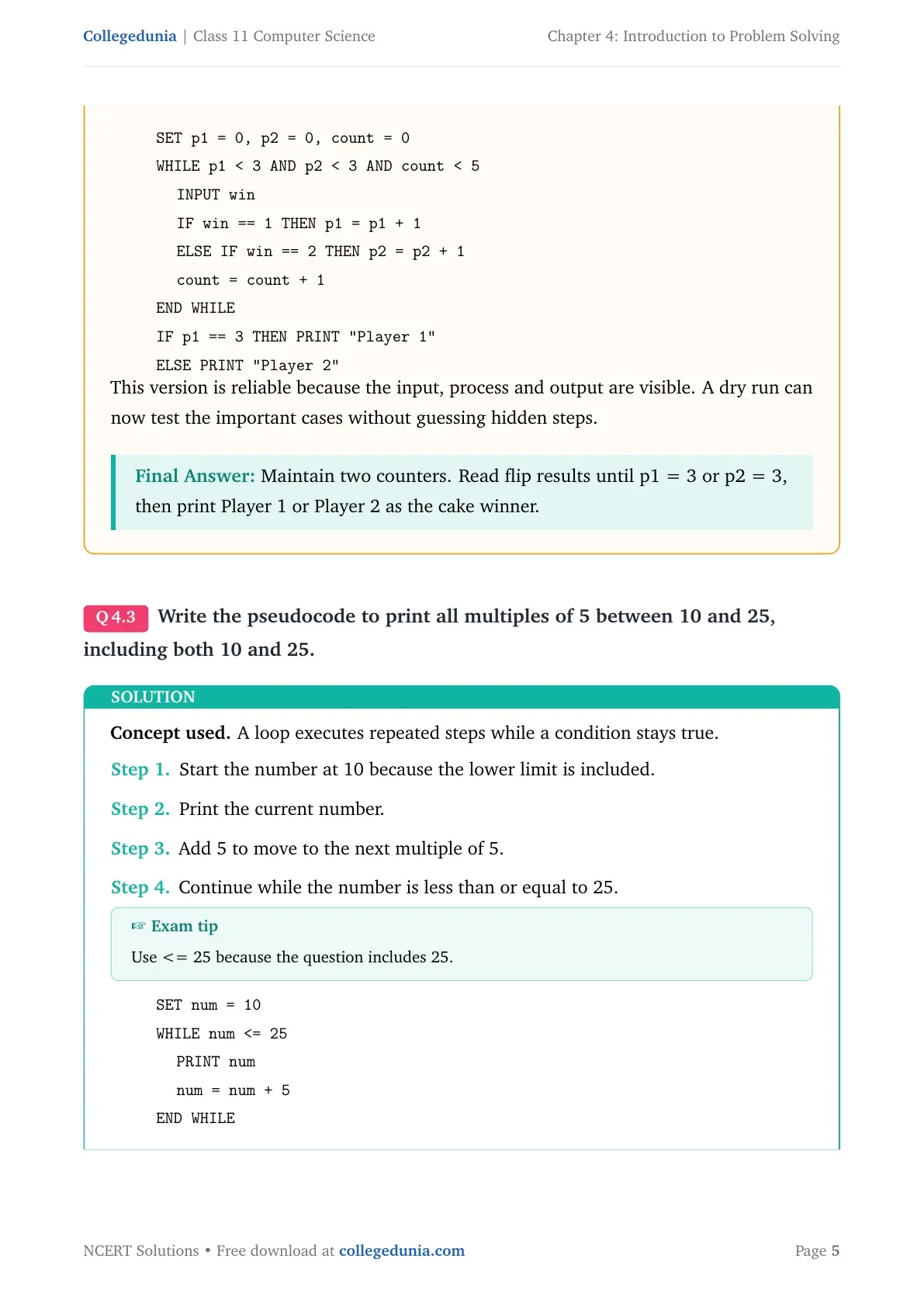
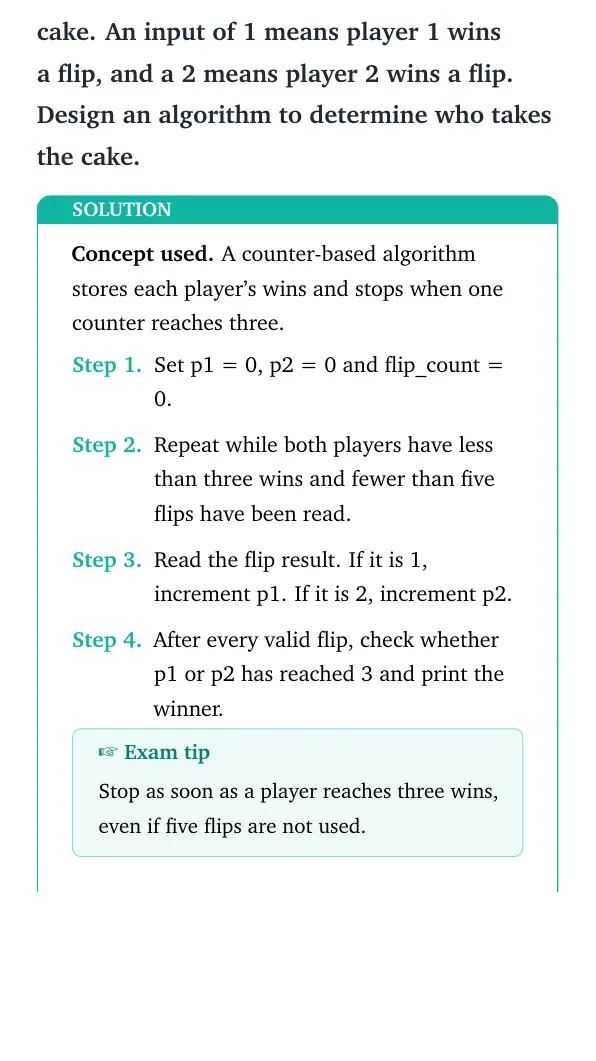
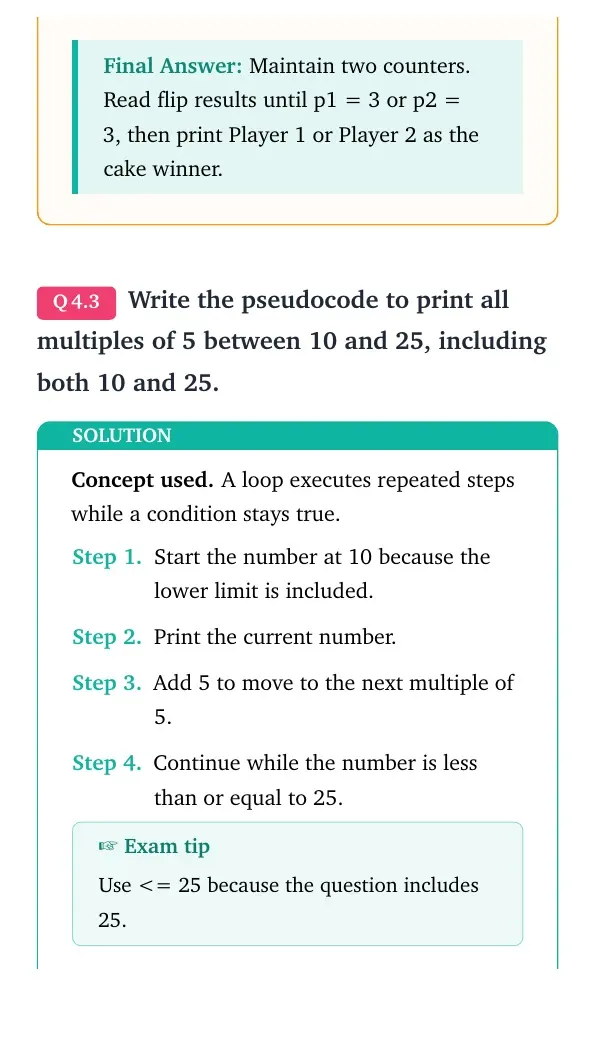
Two friends decide who gets the last slice of a cake by flipping a coin five times. The first person to win three flips wins the cake. An input of 1 means player 1 wins a flip, and a 2 means player 2 wins a flip. Design an algorithm to determine who takes the cake.
- Set p1 = 0, p2 = 0 and flip_count = 0.
- Repeat while both players have less than three wins and fewer than five flips have been read.
- Read the flip result. If it is 1, increment p1. If it is 2, increment p2.
- After every valid flip, check whether p1 or p2 has reached 3 and print the winner.
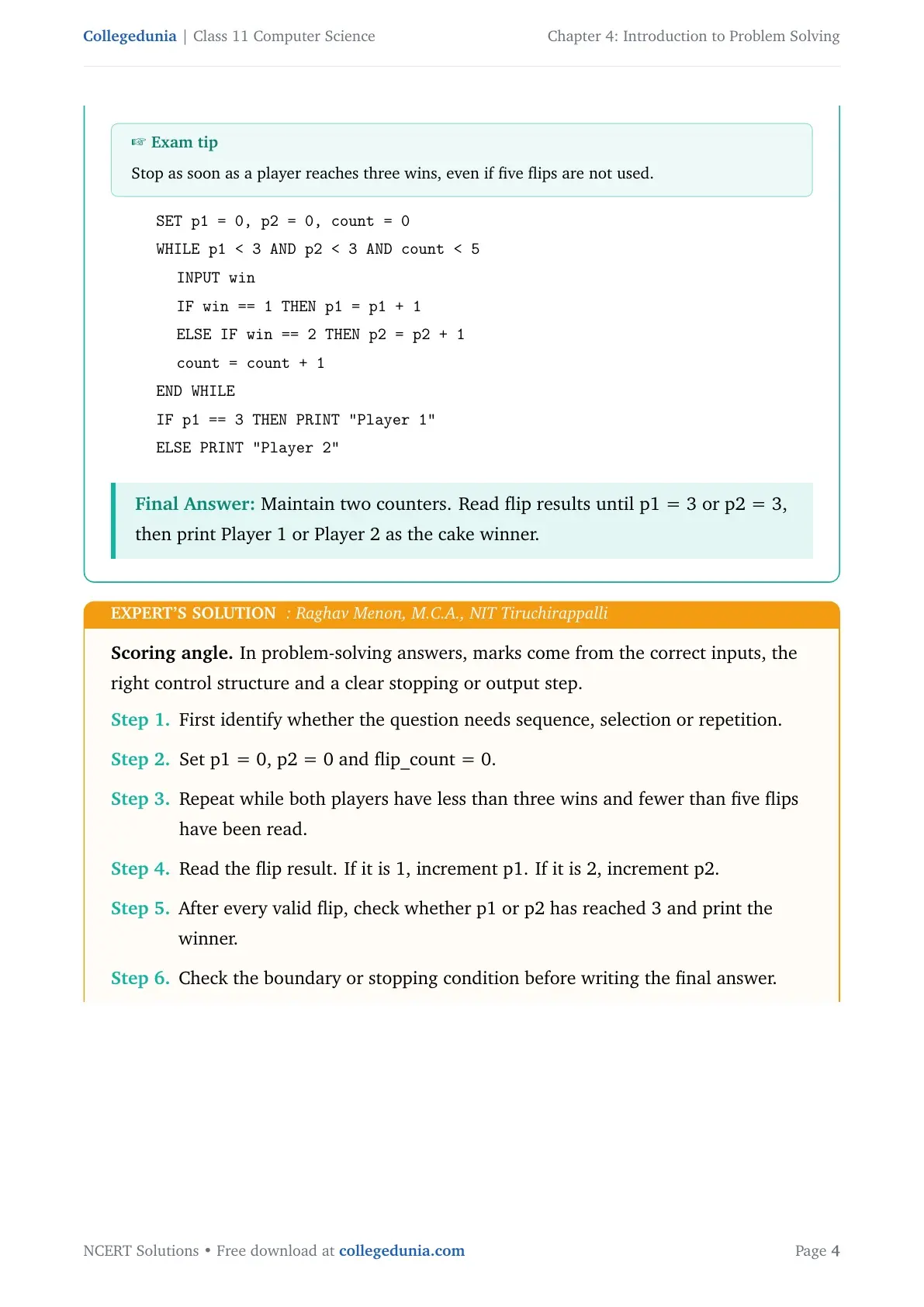
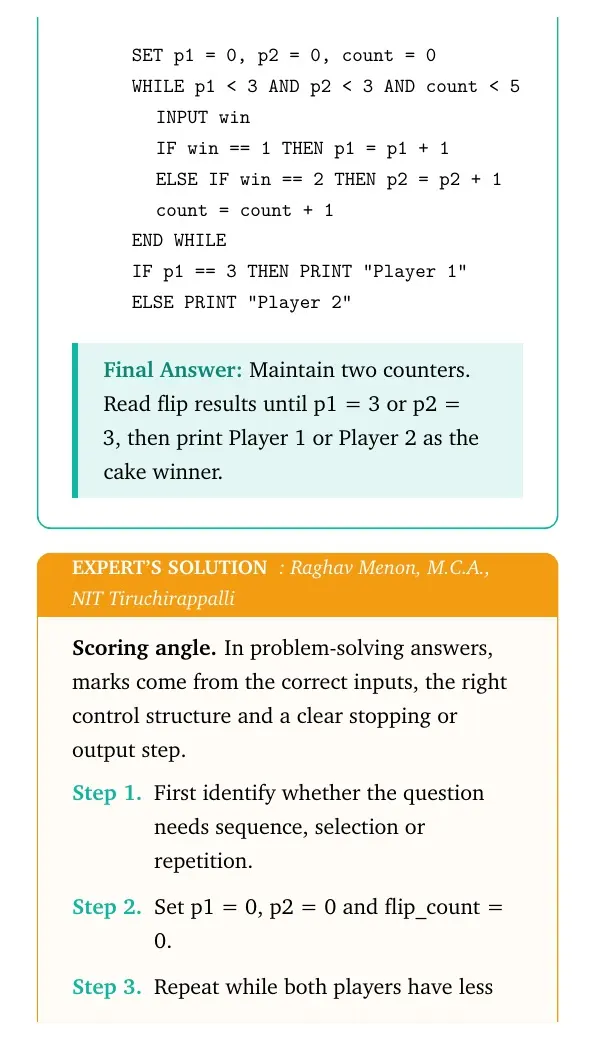
SET p1 = 0, p2 = 0, count = 0
WHILE p1 < 3 AND p2 < 3 AND count < 5
  INPUT win
  IF win == 1 THEN p1 = p1 + 1
  ELSE IF win == 2 THEN p2 = p2 + 1
  count = count + 1
END WHILE
IF p1 == 3 THEN PRINT "Player 1"
ELSE PRINT "Player 2"
Answer: Maintain two counters. Read flip results until p1 = 3 or p2 = 3, then print Player 1 or Player 2 as the cake winner.
Expert view: Choose the control structure first, then test the boundary or stopping condition.
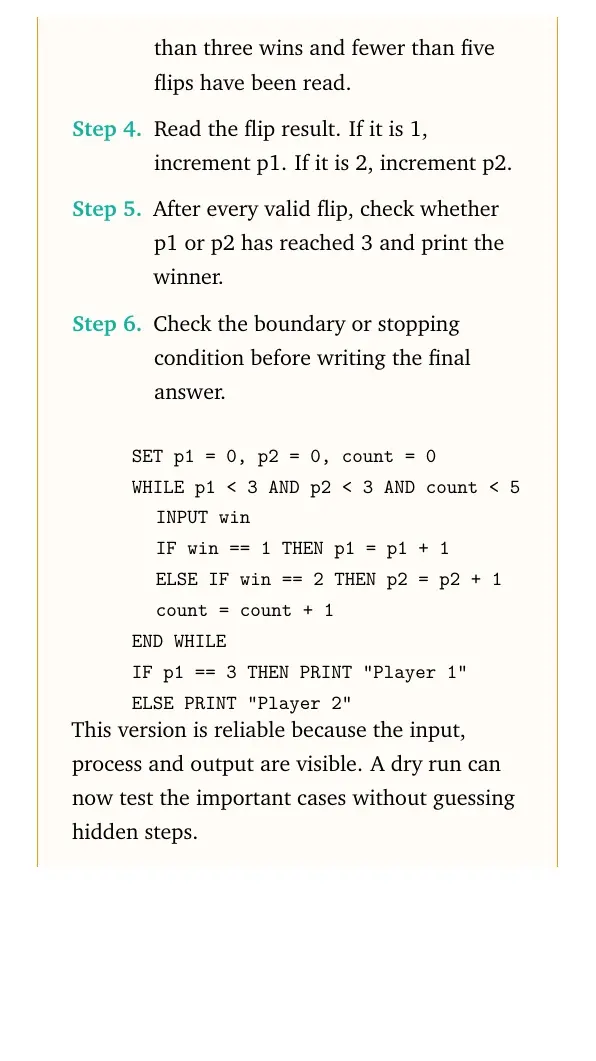
- Set p1 = 0, p2 = 0 and flip_count = 0.
- Repeat while both players have less than three wins and fewer than five flips have been read.
- Read the flip result. If it is 1, increment p1. If it is 2, increment p2.
- After every valid flip, check whether p1 or p2 has reached 3 and print the winner.
SET p1 = 0, p2 = 0, count = 0
WHILE p1 < 3 AND p2 < 3 AND count < 5
  INPUT win
  IF win == 1 THEN p1 = p1 + 1
  ELSE IF win == 2 THEN p2 = p2 + 1
  count = count + 1
END WHILE
IF p1 == 3 THEN PRINT "Player 1"
ELSE PRINT "Player 2"
Final answer: Maintain two counters. Read flip results until p1 = 3 or p2 = 3, then print Player 1 or Player 2 as the cake winner.
Question 3
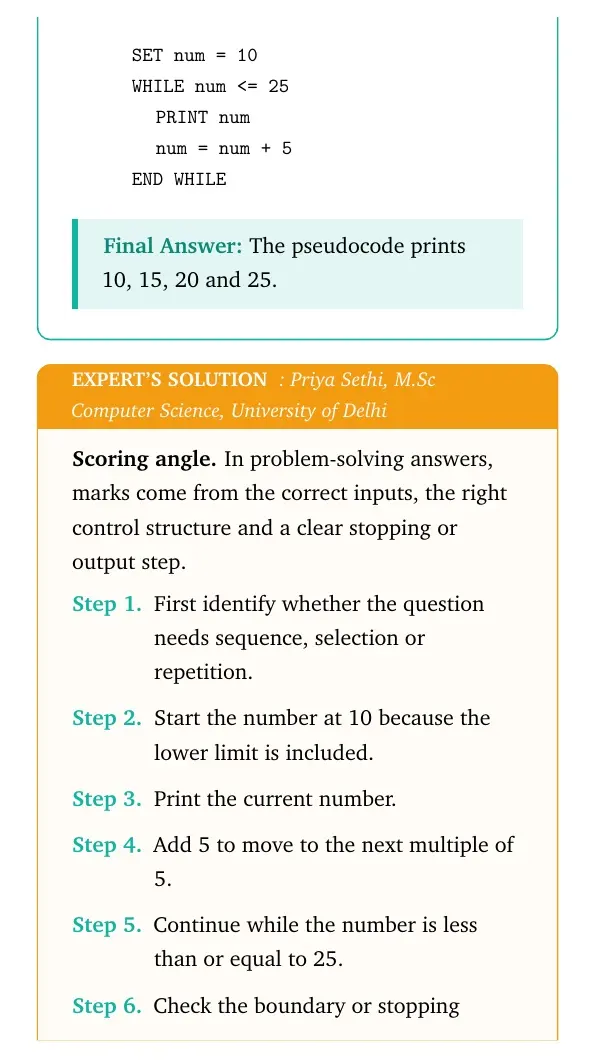
Write the pseudocode to print all multiples of 5 between 10 and 25, including both 10 and 25.
- Start the number at 10 because the lower limit is included.
- Print the current number.
- Add 5 to move to the next multiple of 5.
- Continue while the number is less than or equal to 25.
SET num = 10
WHILE num <= 25
  PRINT num
  num = num + 5
END WHILE
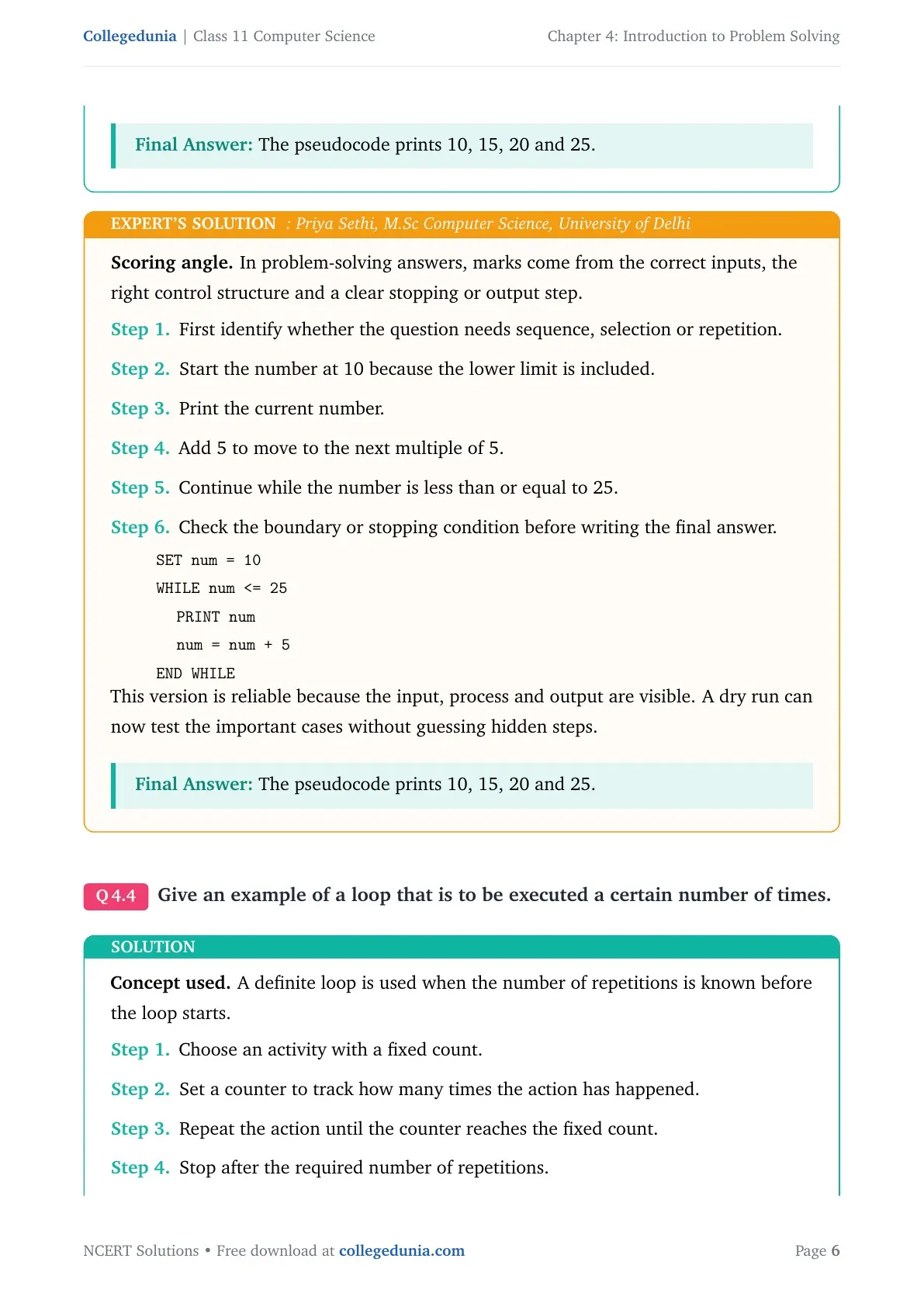
Answer: The pseudocode prints 10, 15, 20 and 25.
Expert view: Choose the control structure first, then test the boundary or stopping condition.
- Start the number at 10 because the lower limit is included.
- Print the current number.
- Add 5 to move to the next multiple of 5.
- Continue while the number is less than or equal to 25.
SET num = 10
WHILE num <= 25
  PRINT num
  num = num + 5
END WHILE
Final answer: The pseudocode prints 10, 15, 20 and 25.
Question 4
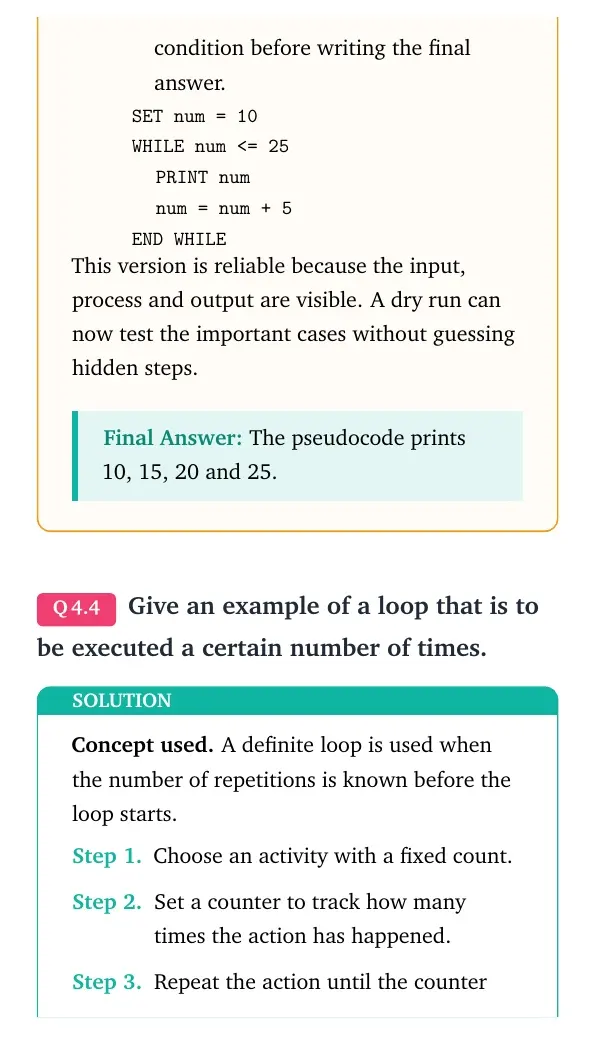
Give an example of a loop that is to be executed a certain number of times.
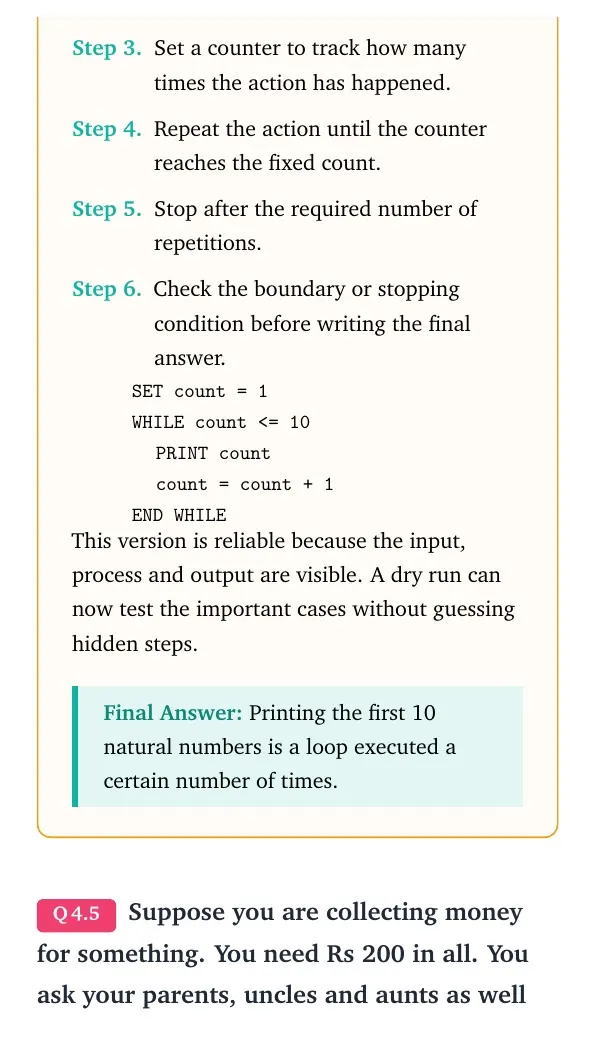
- Choose an activity with a fixed count.
- Set a counter to track how many times the action has happened.
- Repeat the action until the counter reaches the fixed count.
- Stop after the required number of repetitions.
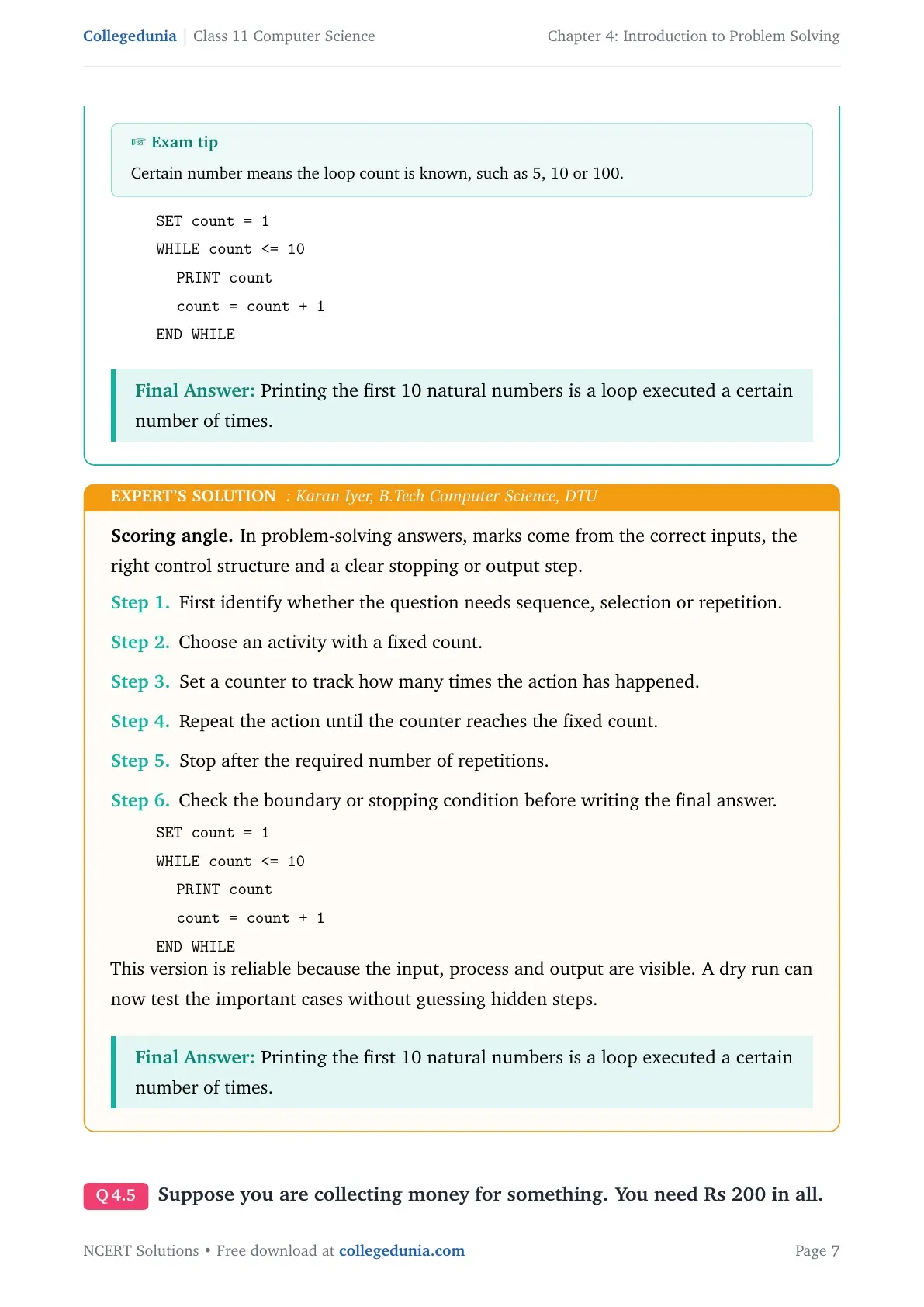
SET count = 1
WHILE count <= 10
  PRINT count
  count = count + 1
END WHILE
Answer: Printing the first 10 natural numbers is a loop executed a certain number of times.
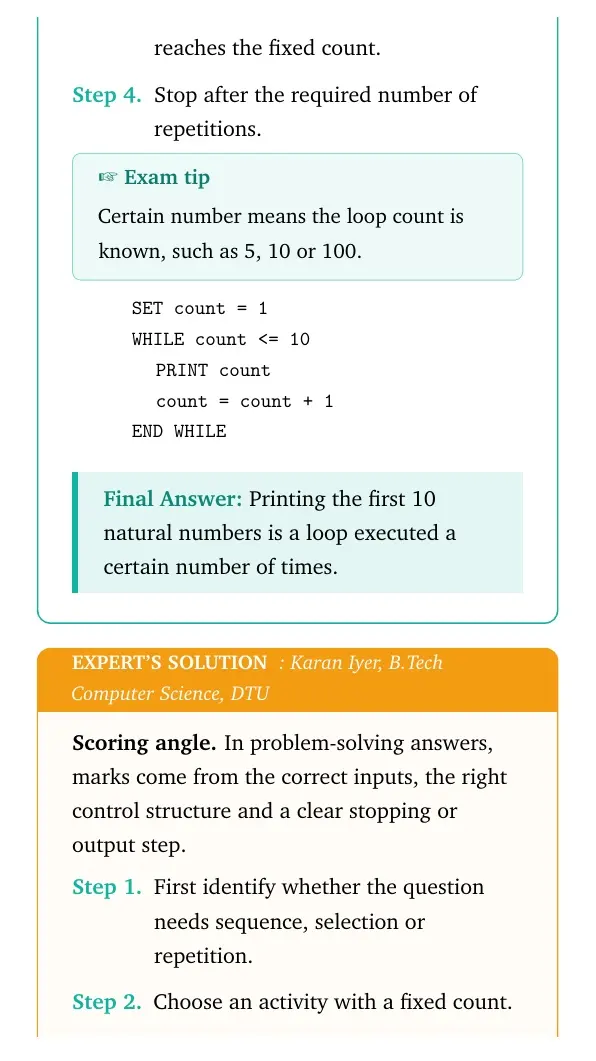
Expert view: Choose the control structure first, then test the boundary or stopping condition.
- Choose an activity with a fixed count.
- Set a counter to track how many times the action has happened.
- Repeat the action until the counter reaches the fixed count.
- Stop after the required number of repetitions.
SET count = 1
WHILE count <= 10
  PRINT count
  count = count + 1
END WHILE
Final answer: Printing the first 10 natural numbers is a loop executed a certain number of times.
Question 5
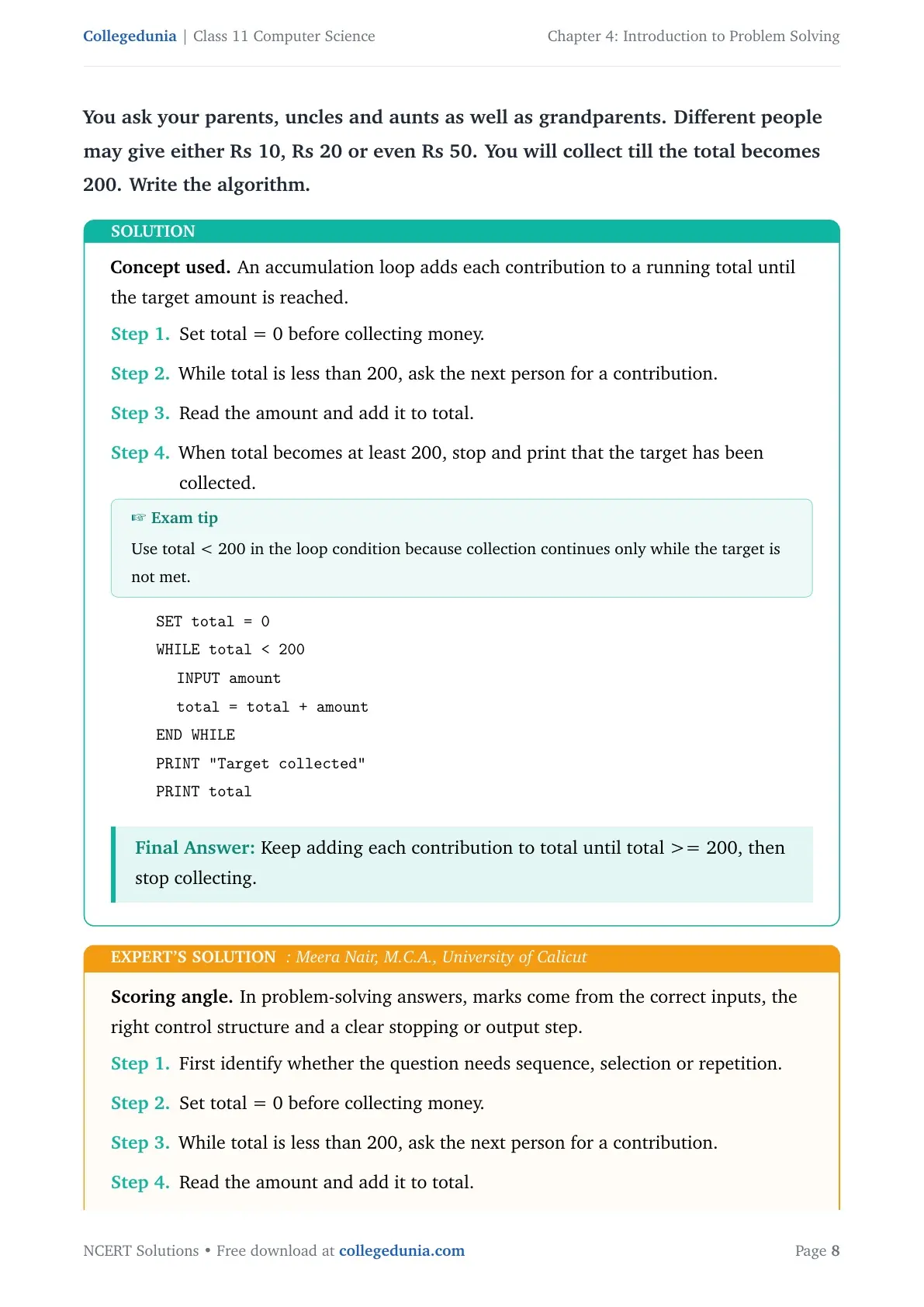
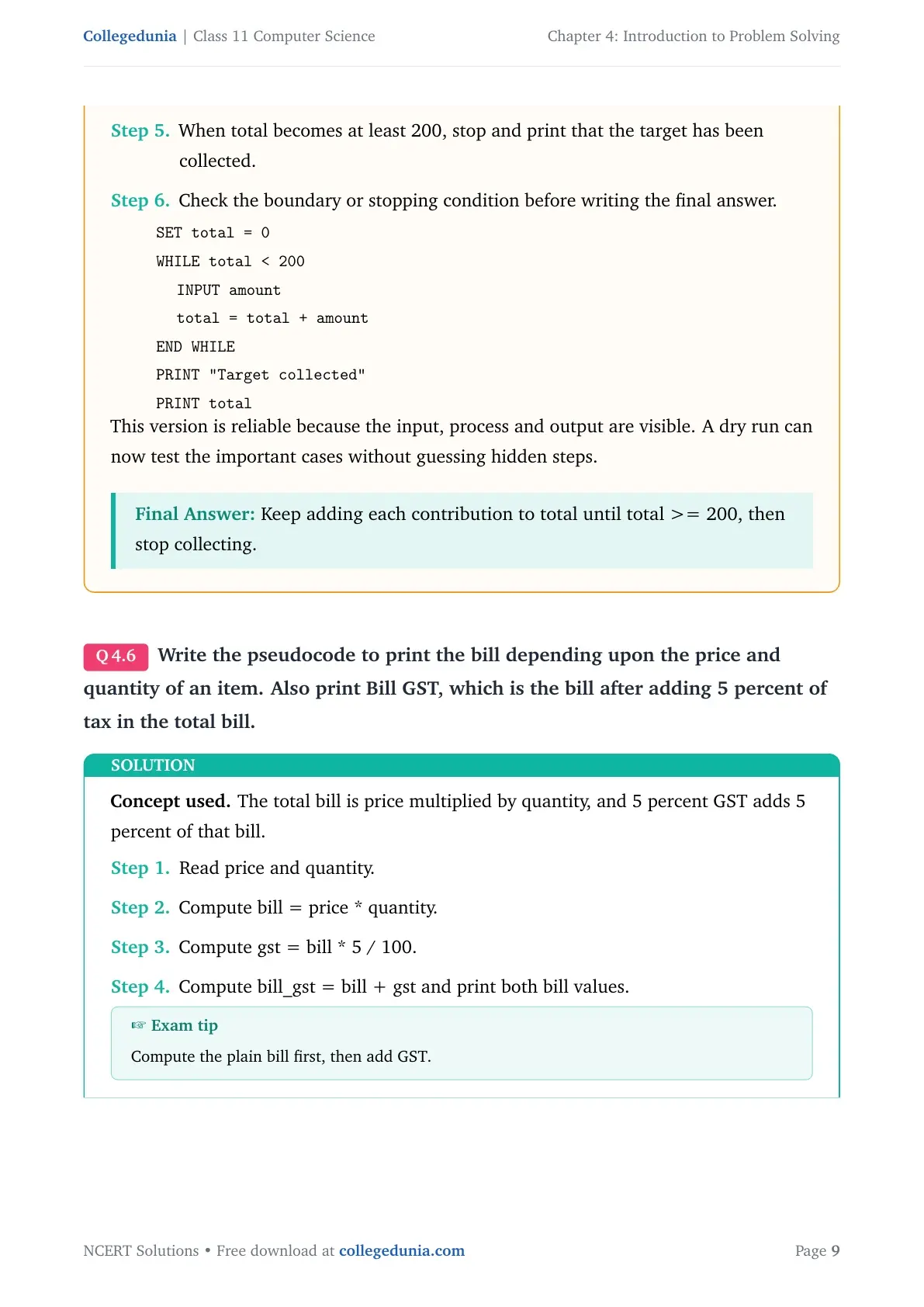
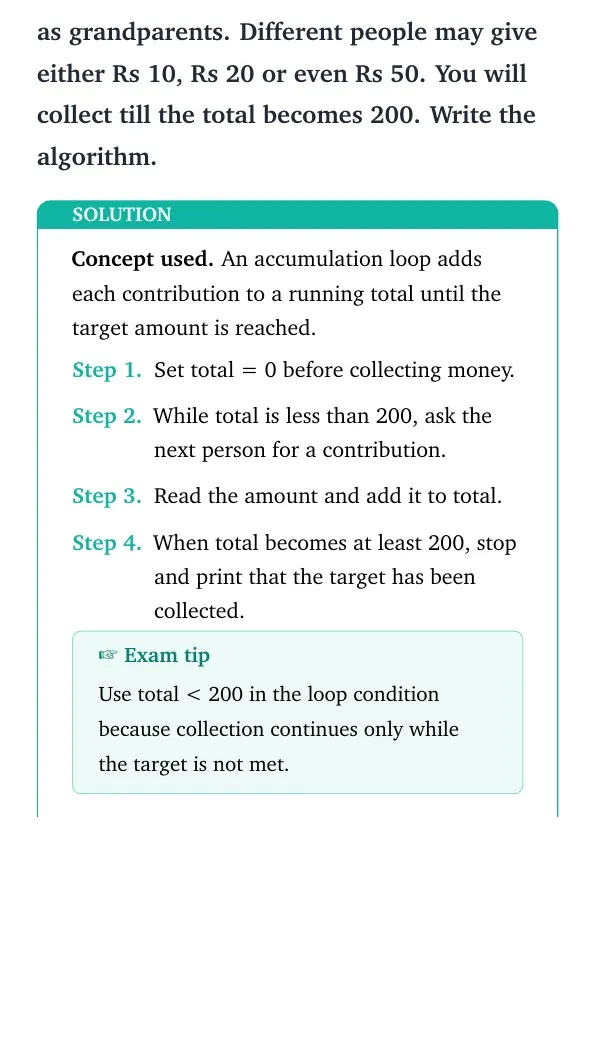
Suppose you are collecting money for something. You need Rs 200 in all. You ask your parents, uncles and aunts as well as grandparents. Different people may give either Rs 10, Rs 20 or even Rs 50. You will collect till the total becomes 200. Write the algorithm.
- Set total = 0 before collecting money.
- While total is less than 200, ask the next person for a contribution.
- Read the amount and add it to total.
- When total becomes at least 200, stop and print that the target has been collected.
SET total = 0
WHILE total < 200
  INPUT amount
  total = total + amount
END WHILE
PRINT "Target collected"
PRINT total
Answer: Keep adding each contribution to total until total >= 200, then stop collecting.
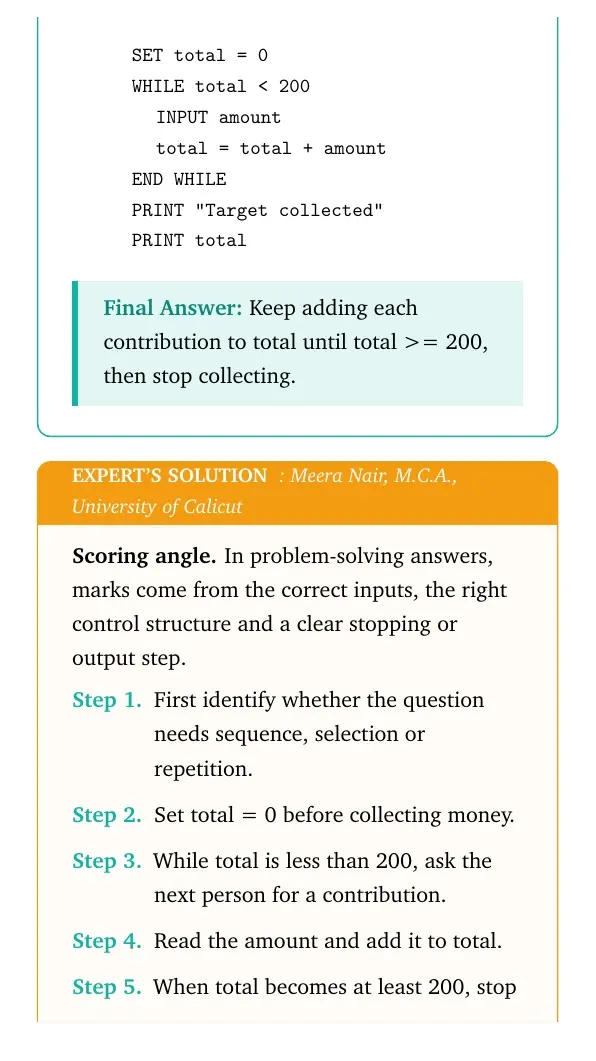
Expert view: Choose the control structure first, then test the boundary or stopping condition.
- Set total = 0 before collecting money.
- While total is less than 200, ask the next person for a contribution.
- Read the amount and add it to total.
- When total becomes at least 200, stop and print that the target has been collected.
SET total = 0
WHILE total < 200
  INPUT amount
  total = total + amount
END WHILE
PRINT "Target collected"
PRINT total
Final answer: Keep adding each contribution to total until total >= 200, then stop collecting.
Question 6
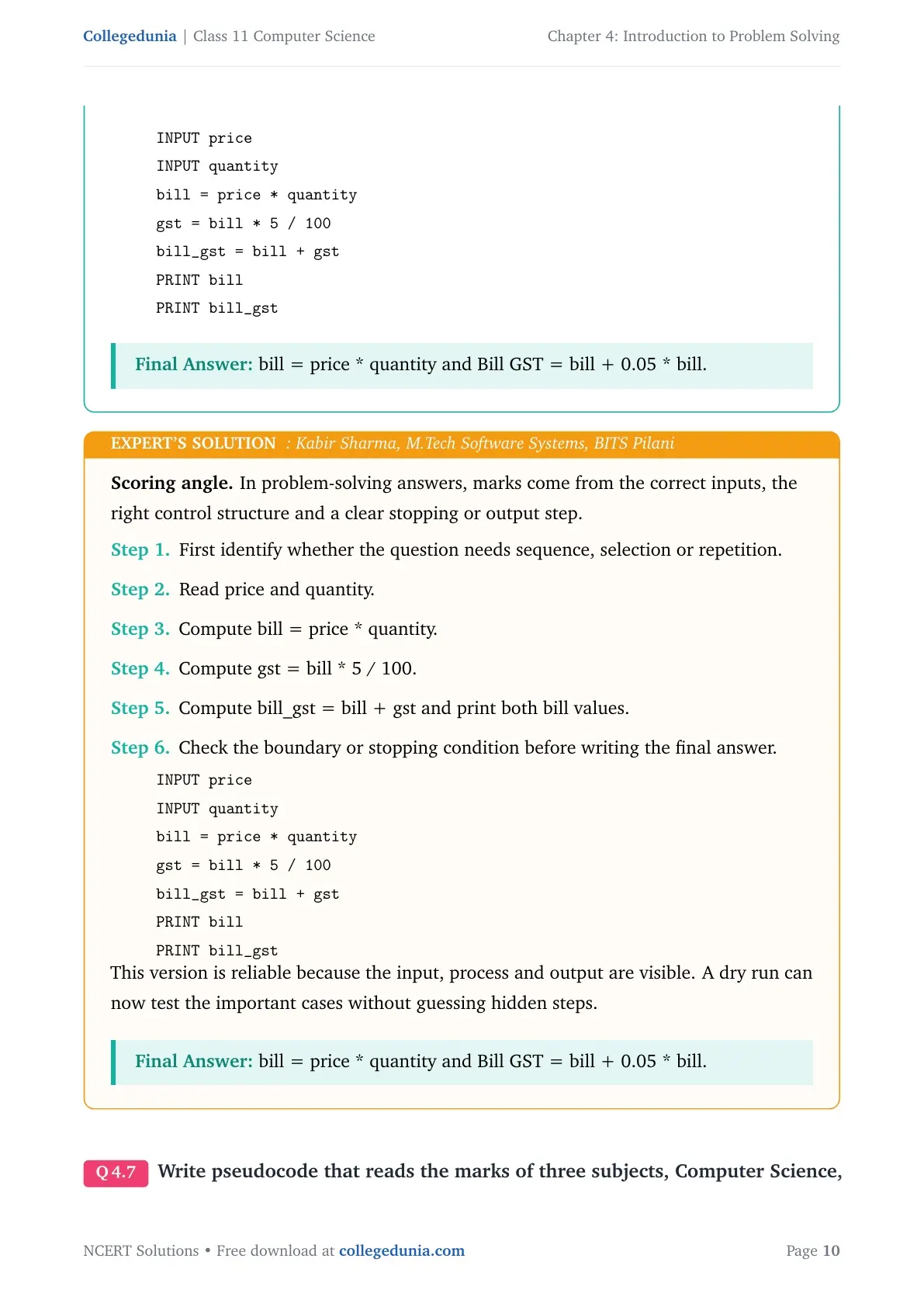
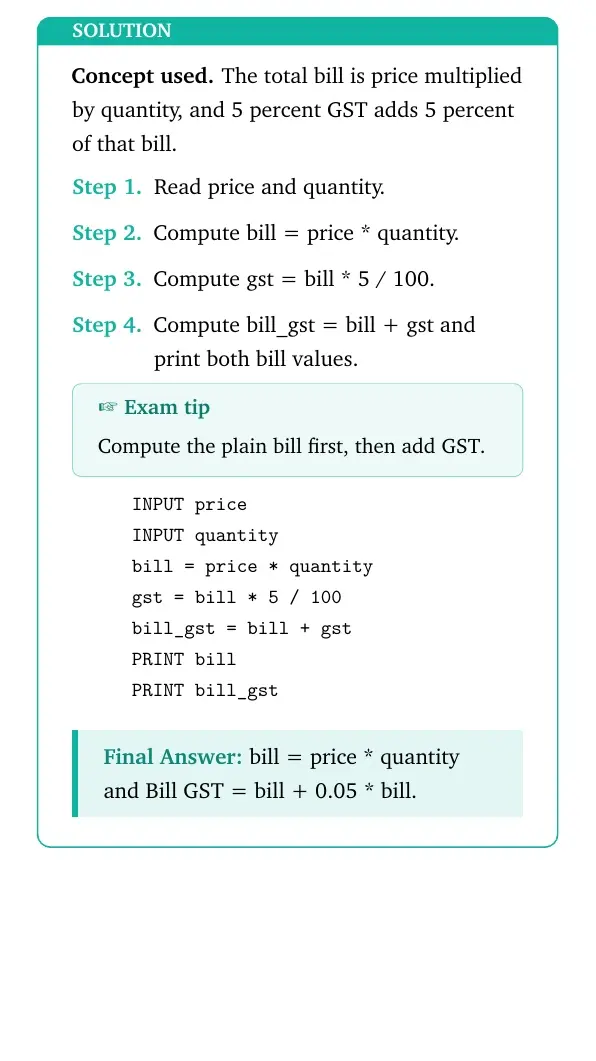
Write the pseudocode to print the bill depending upon the price and quantity of an item. Also print Bill GST, which is the bill after adding 5 percent of tax in the total bill.
- Read price and quantity.
- Compute bill = price * quantity.
- Compute gst = bill * 5 / 100.
- Compute bill_gst = bill + gst and print both bill values.
INPUT price
INPUT quantity
bill = price * quantity
gst = bill * 5 / 100
bill_gst = bill + gst
PRINT bill
PRINT bill_gst
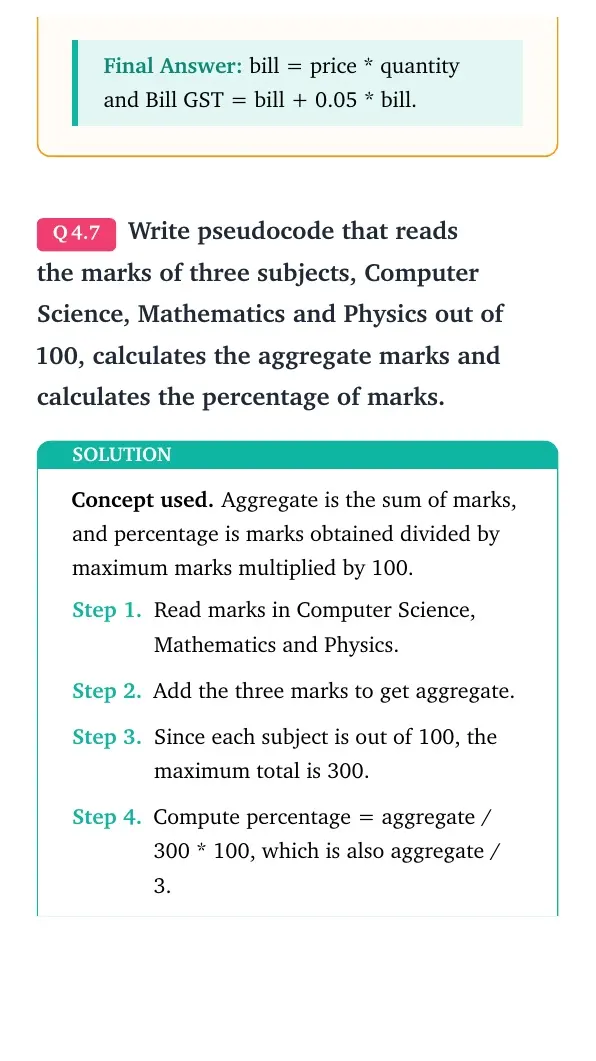
Answer: bill = price * quantity and Bill GST = bill + 0.05 * bill.
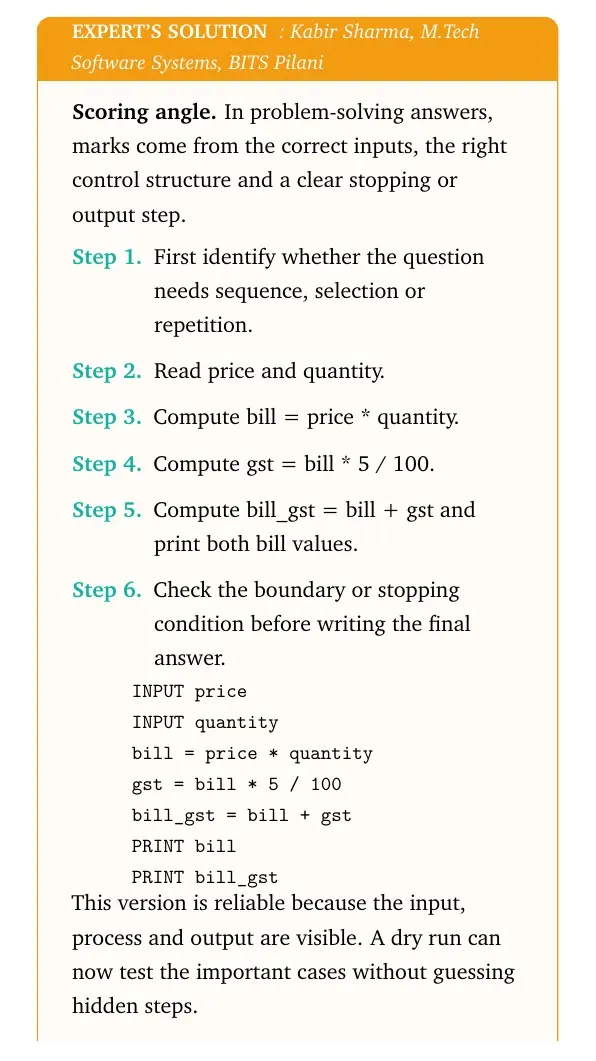
Expert view: Choose the control structure first, then test the boundary or stopping condition.
- Read price and quantity.
- Compute bill = price * quantity.
- Compute gst = bill * 5 / 100.
- Compute bill_gst = bill + gst and print both bill values.
INPUT price
INPUT quantity
bill = price * quantity
gst = bill * 5 / 100
bill_gst = bill + gst
PRINT bill
PRINT bill_gst
Final answer: bill = price * quantity and Bill GST = bill + 0.05 * bill.
Question 7
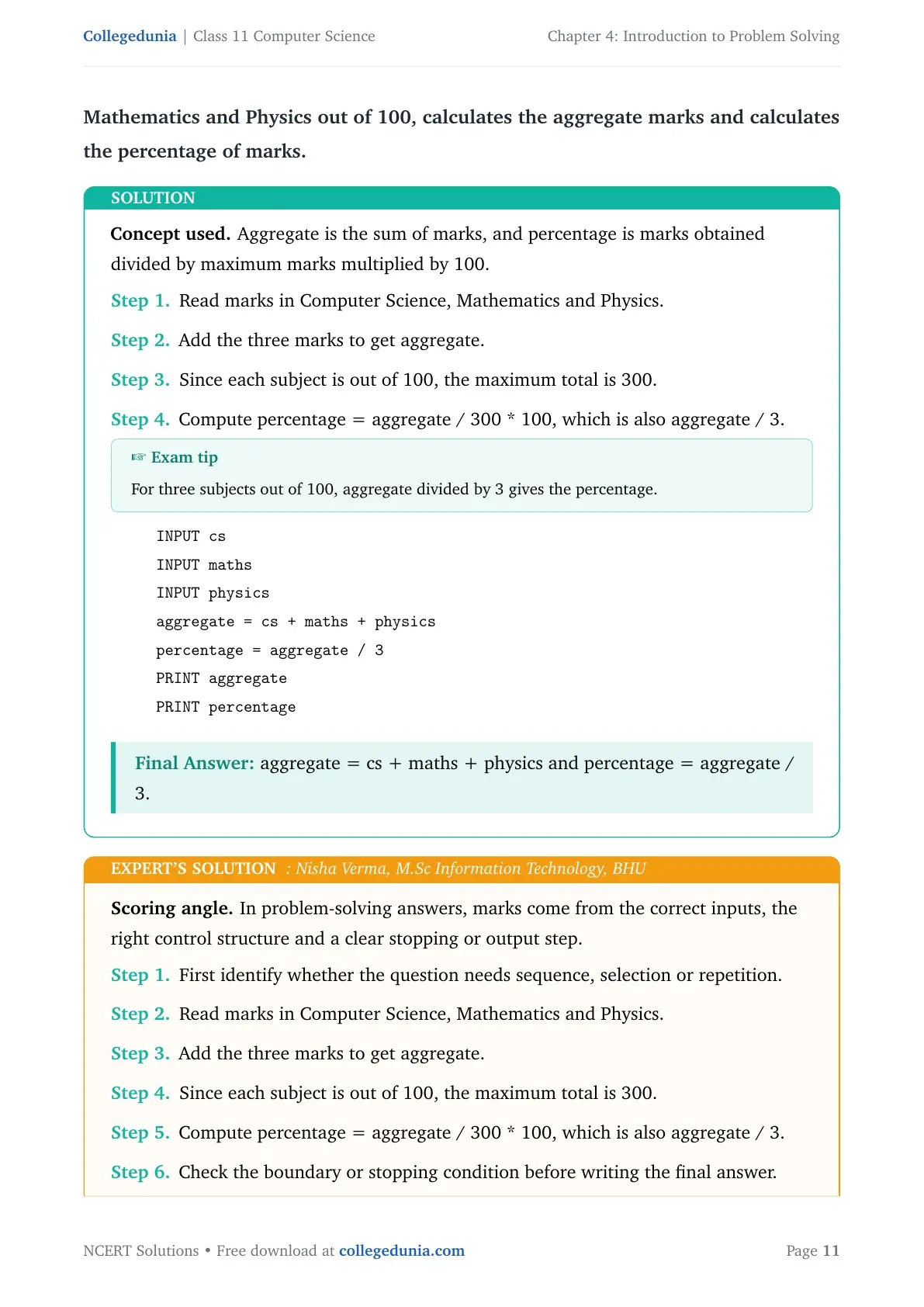
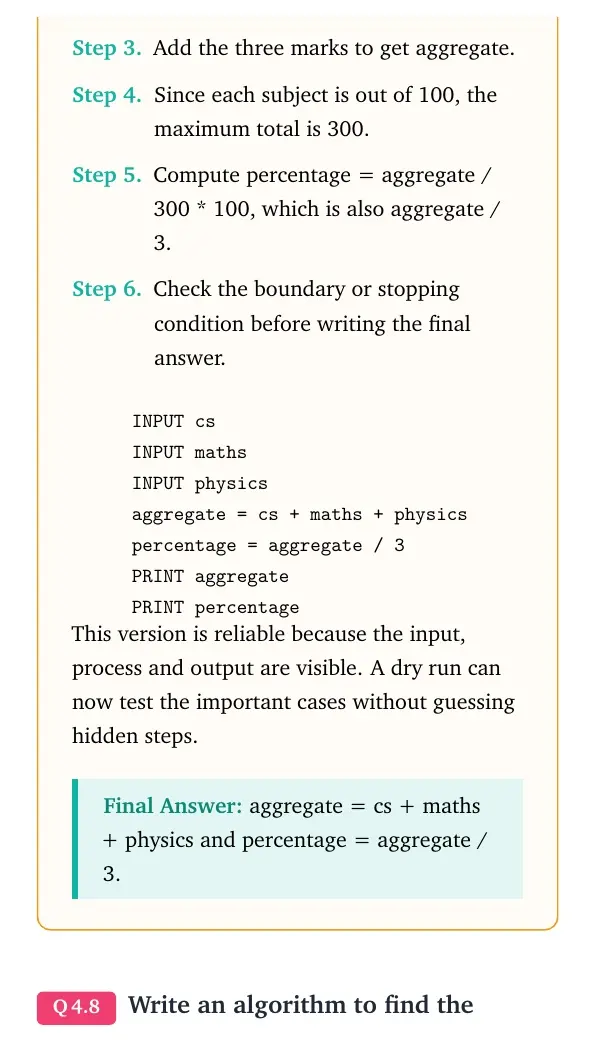
Write pseudocode that reads the marks of three subjects, Computer Science, Mathematics and Physics out of 100, calculates the aggregate marks and calculates the percentage of marks.
- Read marks in Computer Science, Mathematics and Physics.
- Add the three marks to get aggregate.
- Since each subject is out of 100, the maximum total is 300.
- Compute percentage = aggregate / 300 * 100, which is also aggregate / 3.
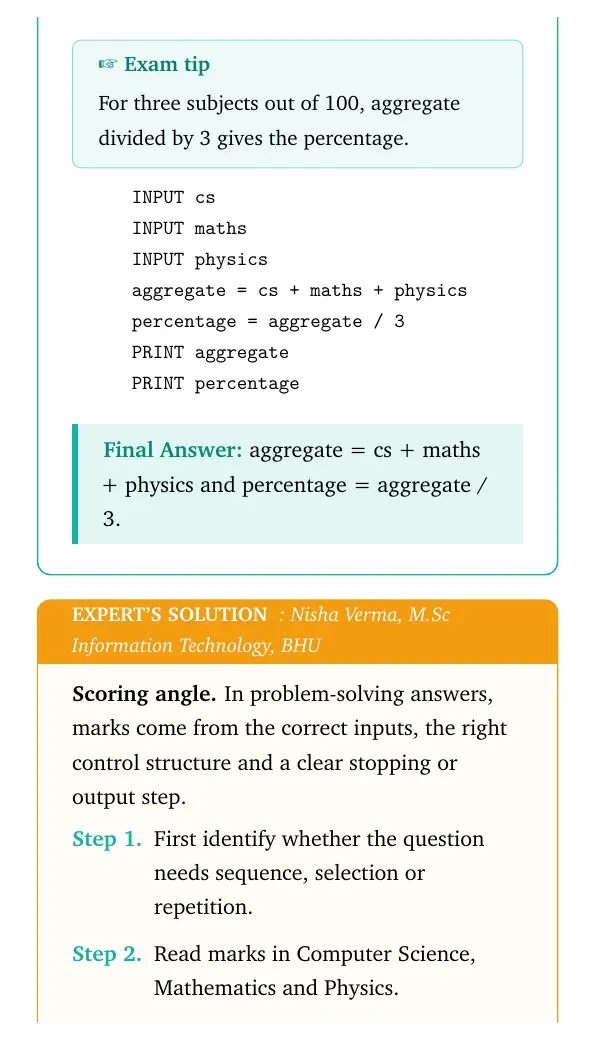
INPUT cs
INPUT maths
INPUT physics
aggregate = cs + maths + physics
percentage = aggregate / 3
PRINT aggregate
PRINT percentage
Answer: aggregate = cs + maths + physics and percentage = aggregate / 3.
Expert view: Choose the control structure first, then test the boundary or stopping condition.
- Read marks in Computer Science, Mathematics and Physics.
- Add the three marks to get aggregate.
- Since each subject is out of 100, the maximum total is 300.
- Compute percentage = aggregate / 300 * 100, which is also aggregate / 3.
INPUT cs
INPUT maths
INPUT physics
aggregate = cs + maths + physics
percentage = aggregate / 3
PRINT aggregate
PRINT percentage
Final answer: aggregate = cs + maths + physics and percentage = aggregate / 3.
Question 8
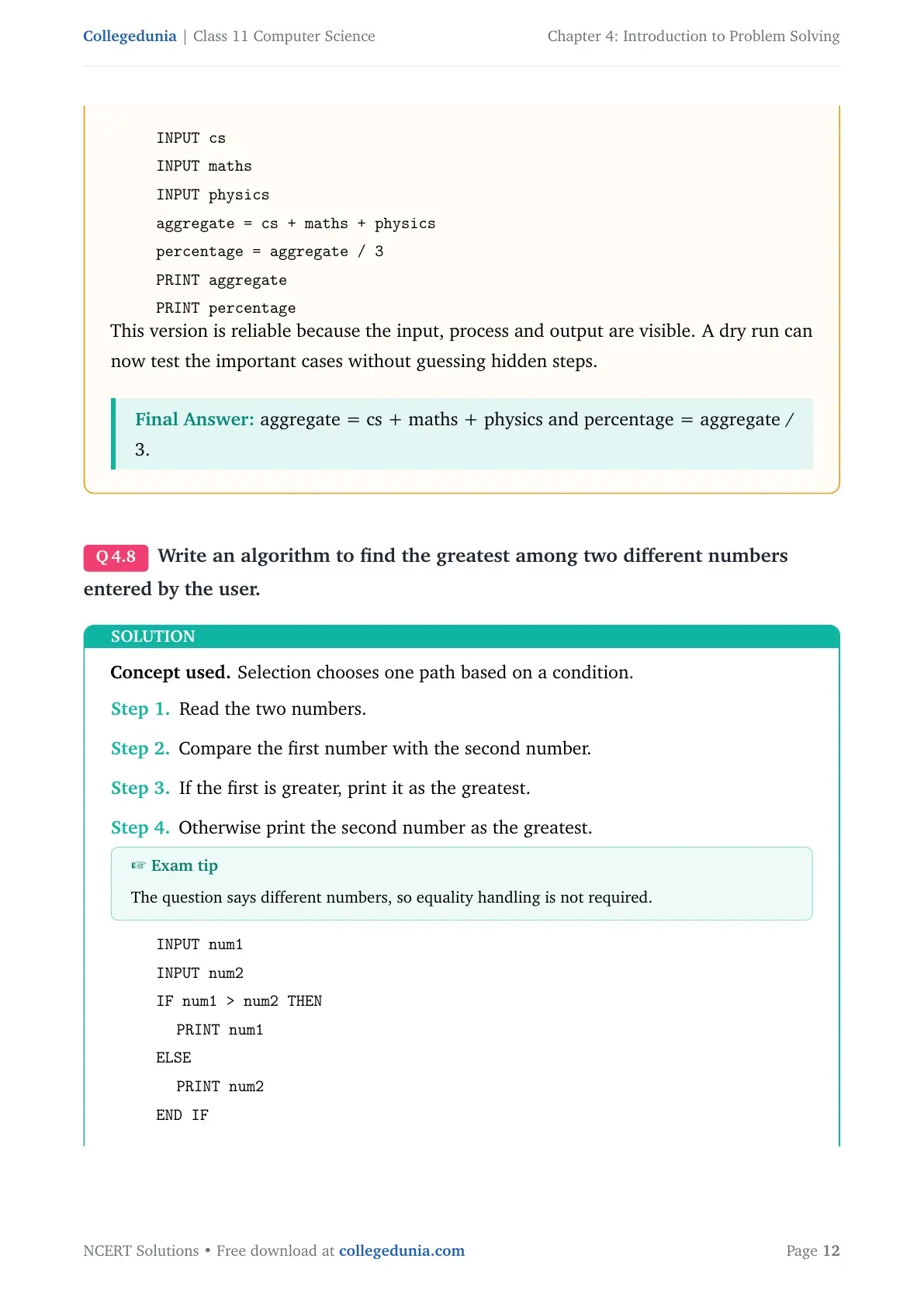
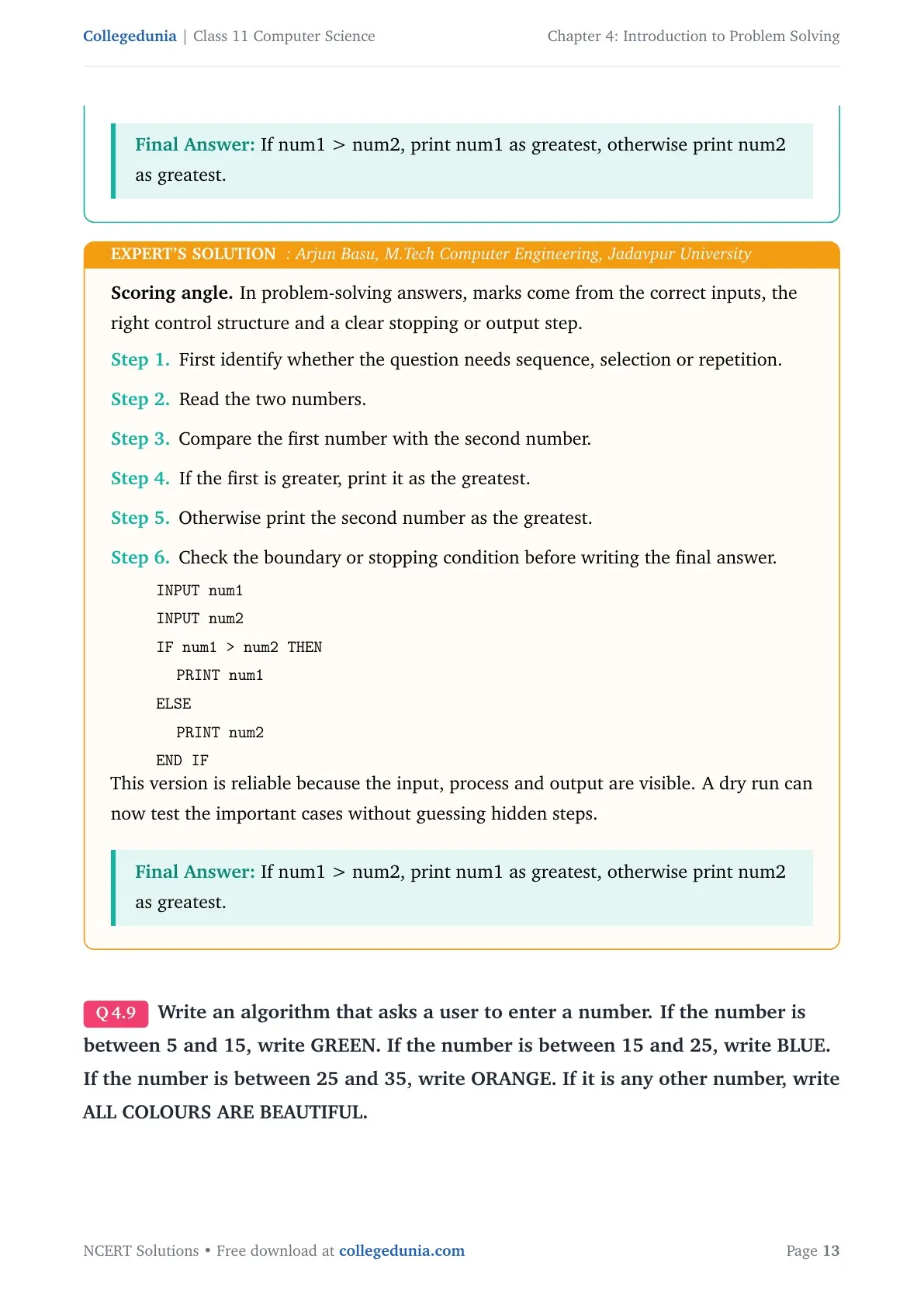
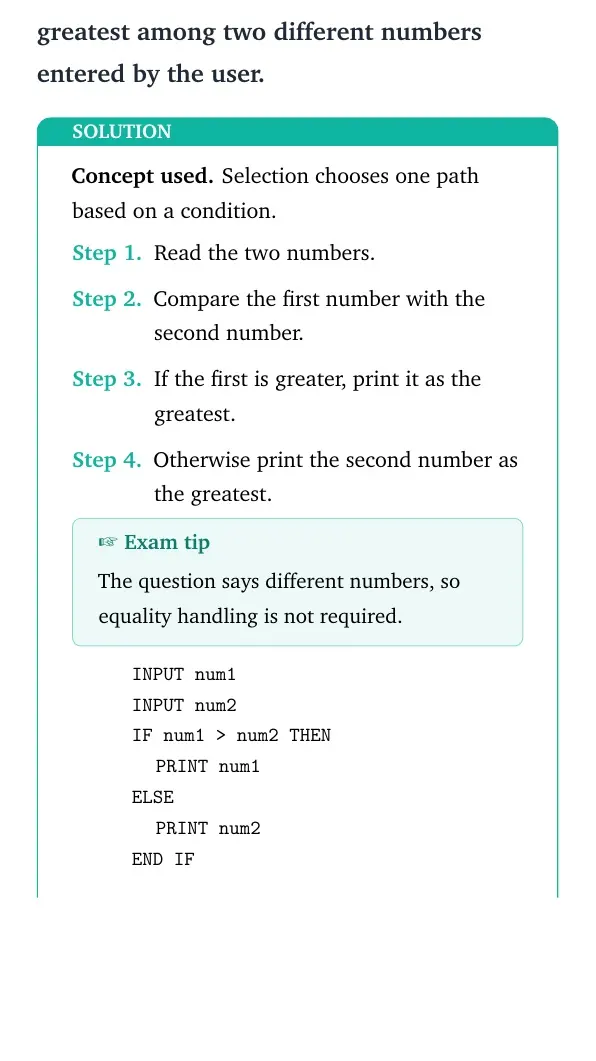
Write an algorithm to find the greatest among two different numbers entered by the user.
- Read the two numbers.
- Compare the first number with the second number.
- If the first is greater, print it as the greatest.
- Otherwise print the second number as the greatest.
INPUT num1
INPUT num2
IF num1 > num2 THEN
  PRINT num1
ELSE
  PRINT num2
END IF
Answer: If num1 > num2, print num1 as greatest, otherwise print num2 as greatest.
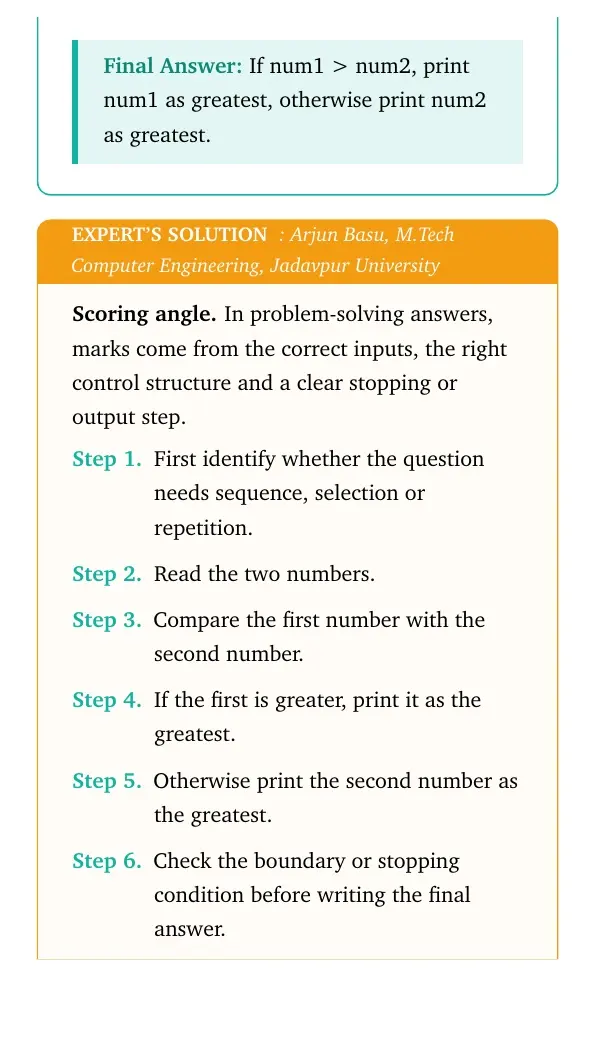
Expert view: Choose the control structure first, then test the boundary or stopping condition.
- Read the two numbers.
- Compare the first number with the second number.
- If the first is greater, print it as the greatest.
- Otherwise print the second number as the greatest.
INPUT num1
INPUT num2
IF num1 > num2 THEN
  PRINT num1
ELSE
  PRINT num2
END IF
Final answer: If num1 > num2, print num1 as greatest, otherwise print num2 as greatest.
Question 9
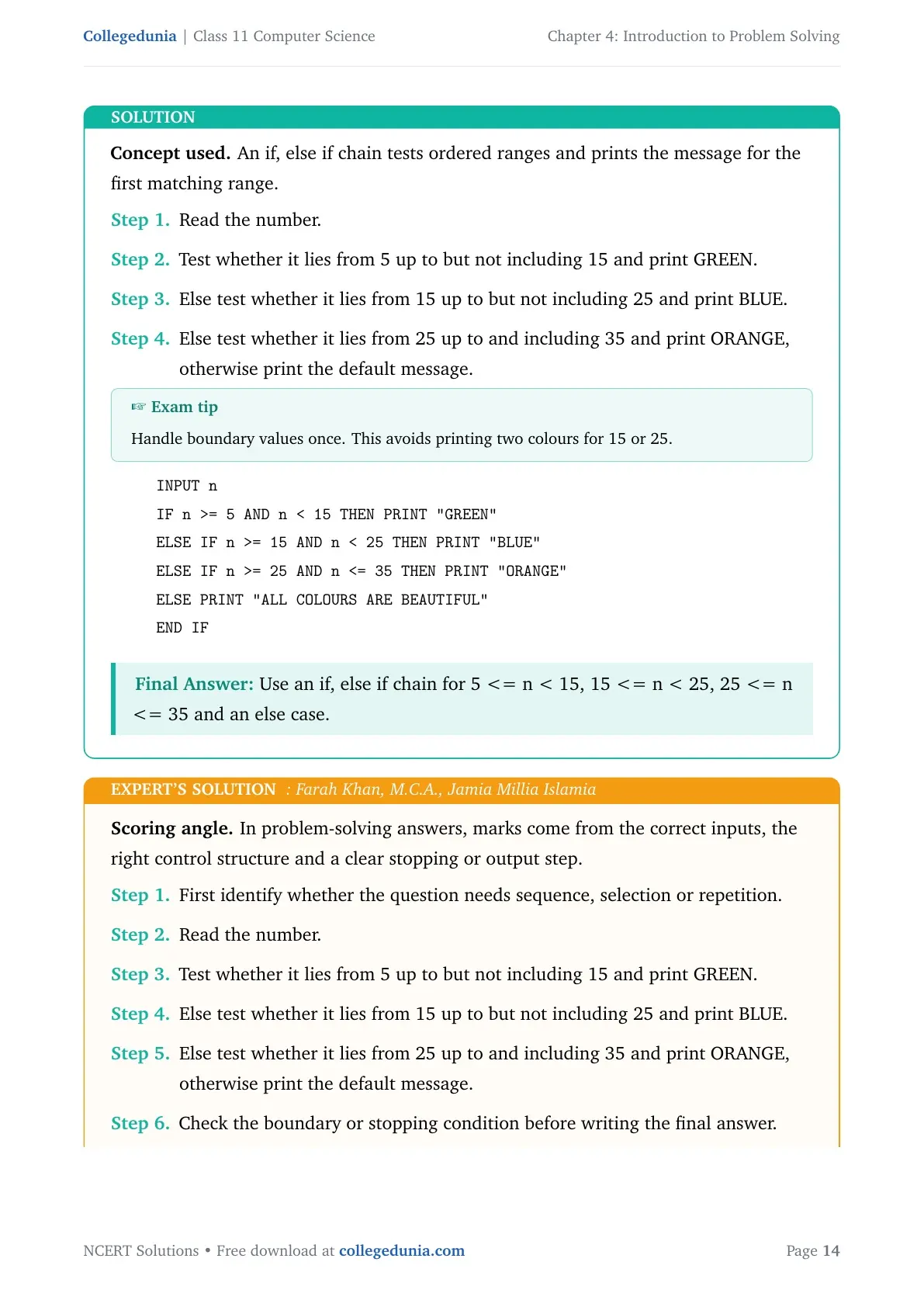
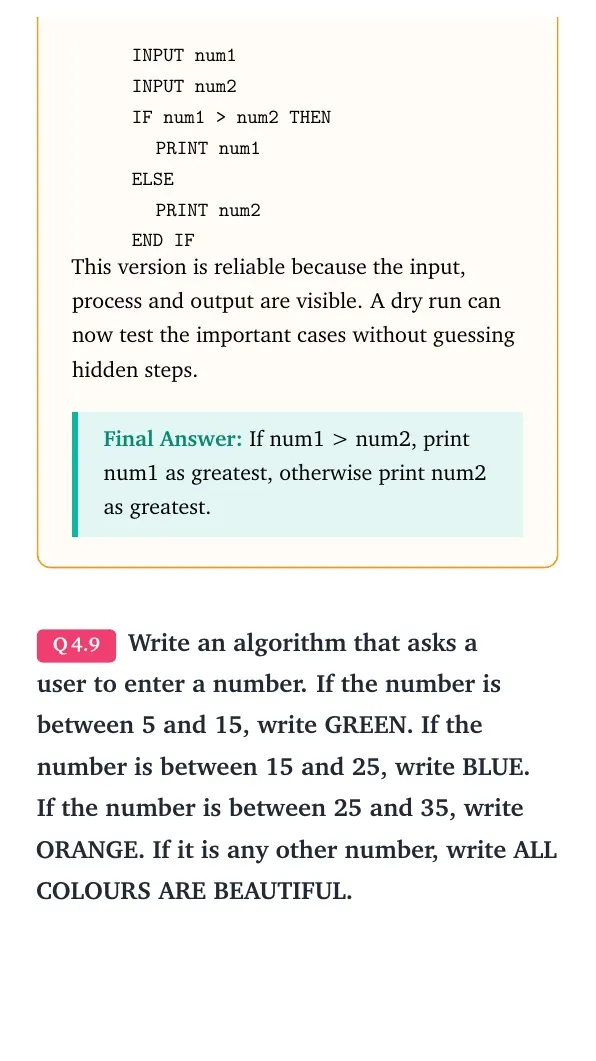
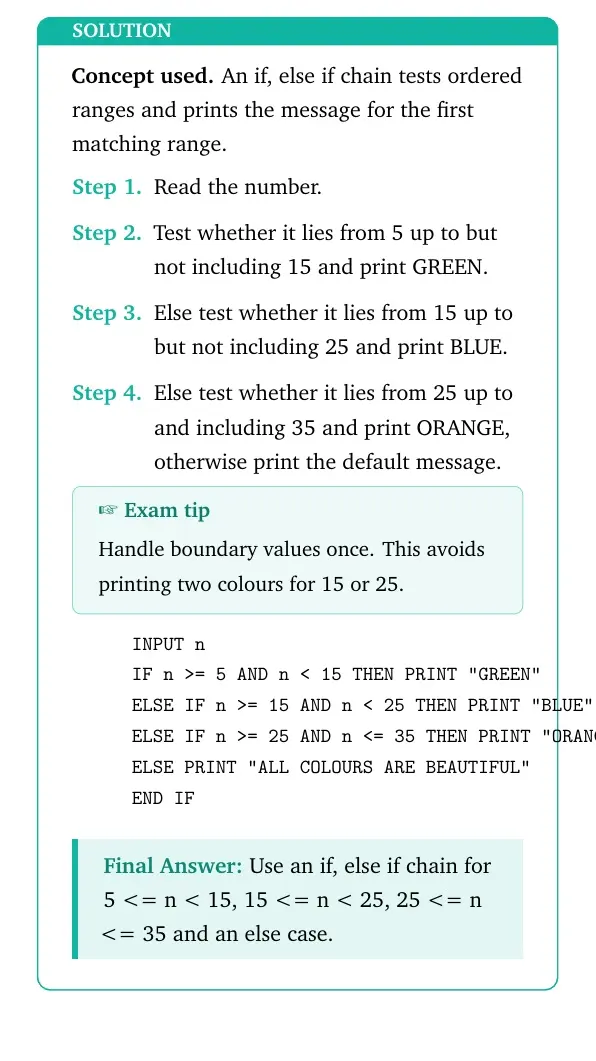
Write an algorithm that asks a user to enter a number. If the number is between 5 and 15, write GREEN. If the number is between 15 and 25, write BLUE. If the number is between 25 and 35, write ORANGE. If it is any other number, write ALL COLOURS ARE BEAUTIFUL.
- Read the number.
- Test whether it lies from 5 up to but not including 15 and print GREEN.
- Else test whether it lies from 15 up to but not including 25 and print BLUE.
- Else test whether it lies from 25 up to and including 35 and print ORANGE, otherwise print the default message.
INPUT n
IF n >= 5 AND n < 15 THEN PRINT "GREEN"
ELSE IF n >= 15 AND n < 25 THEN PRINT "BLUE"
ELSE IF n >= 25 AND n <= 35 THEN PRINT "ORANGE"
ELSE PRINT "ALL COLOURS ARE BEAUTIFUL"
END IF
Answer: Use an if, else if chain for 5 <= n < 15, 15 <= n < 25, 25 <= n <= 35 and an else case.
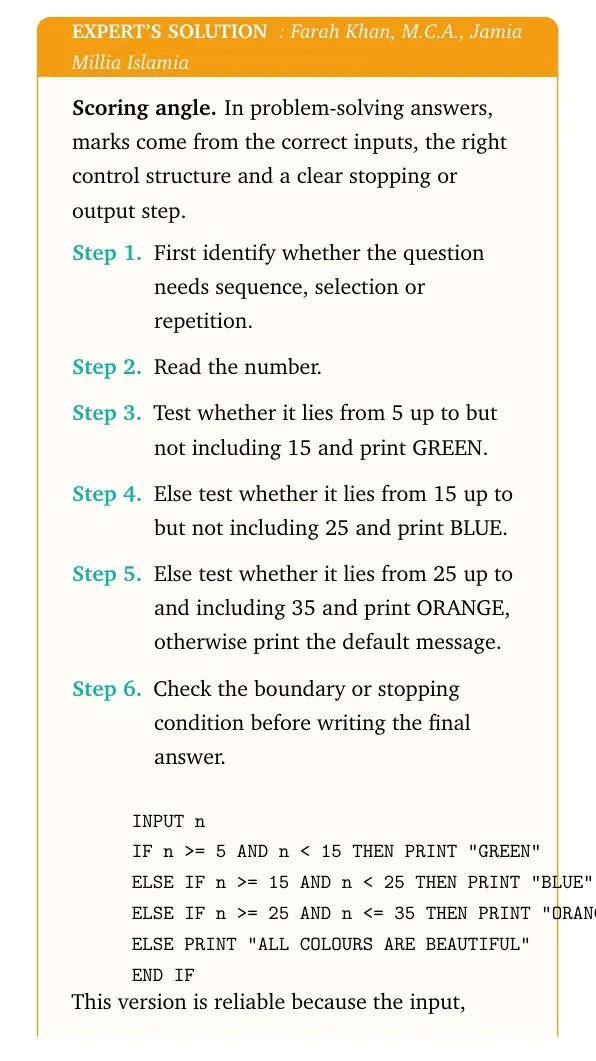
Expert view: Choose the control structure first, then test the boundary or stopping condition.
- Read the number.
- Test whether it lies from 5 up to but not including 15 and print GREEN.
- Else test whether it lies from 15 up to but not including 25 and print BLUE.
- Else test whether it lies from 25 up to and including 35 and print ORANGE, otherwise print the default message.
INPUT n
IF n >= 5 AND n < 15 THEN PRINT "GREEN"
ELSE IF n >= 15 AND n < 25 THEN PRINT "BLUE"
ELSE IF n >= 25 AND n <= 35 THEN PRINT "ORANGE"
ELSE PRINT "ALL COLOURS ARE BEAUTIFUL"
END IF
Final answer: Use an if, else if chain for 5 <= n < 15, 15 <= n < 25, 25 <= n <= 35 and an else case.
Question 10
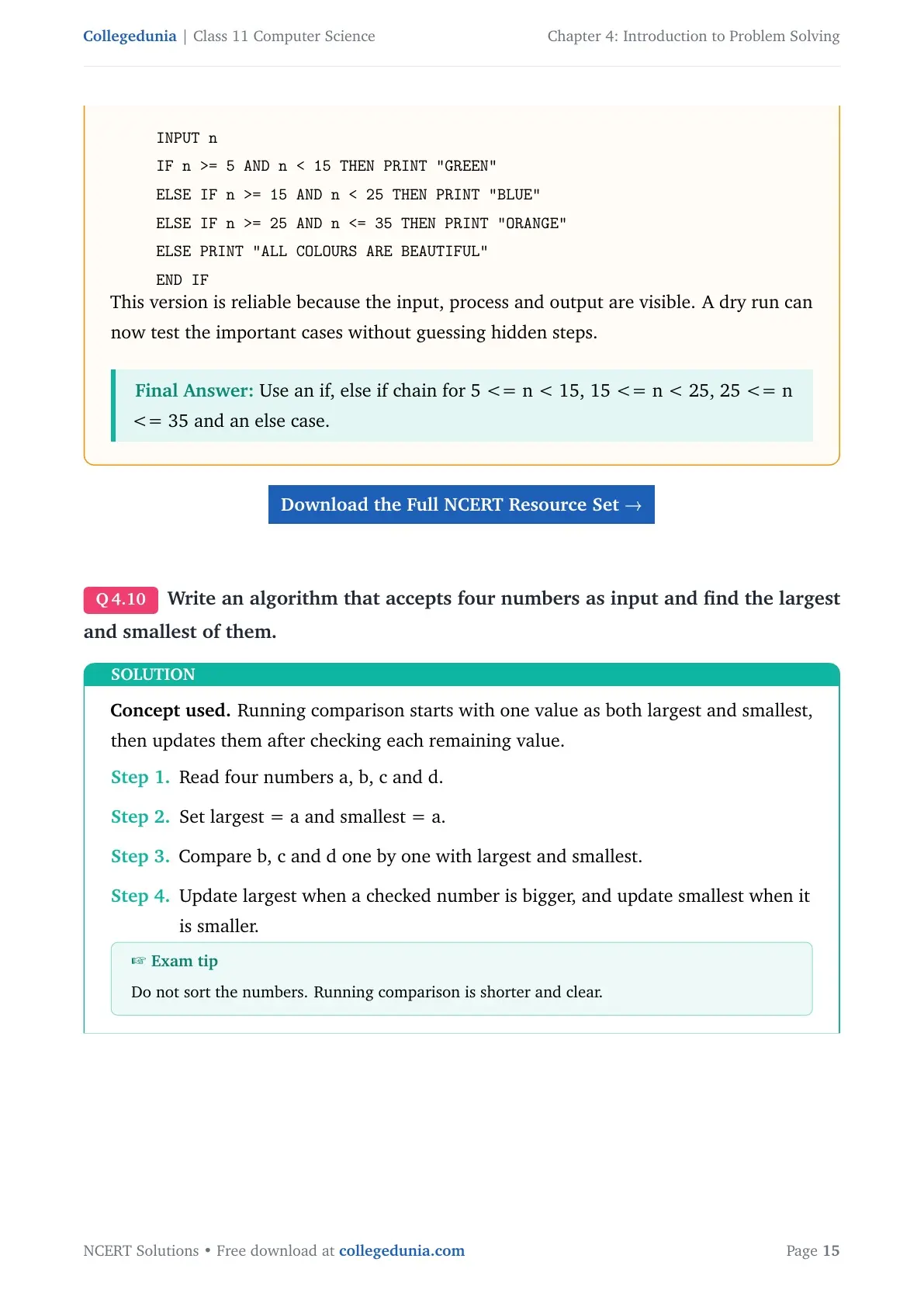
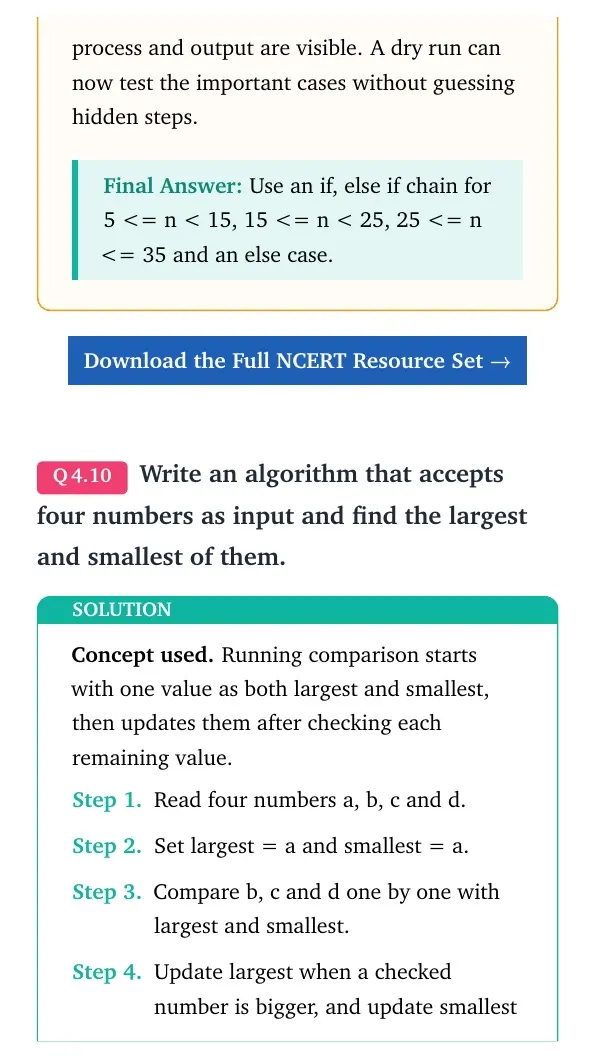
Write an algorithm that accepts four numbers as input and find the largest and smallest of them.
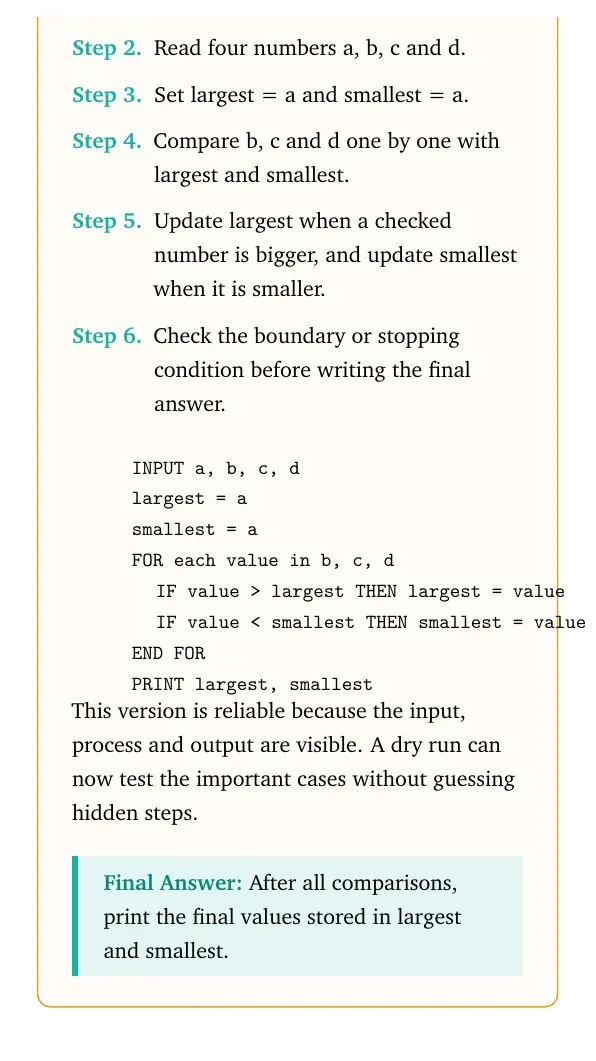
- Read four numbers a, b, c and d.
- Set largest = a and smallest = a.
- Compare b, c and d one by one with largest and smallest.
- Update largest when a checked number is bigger, and update smallest when it is smaller.
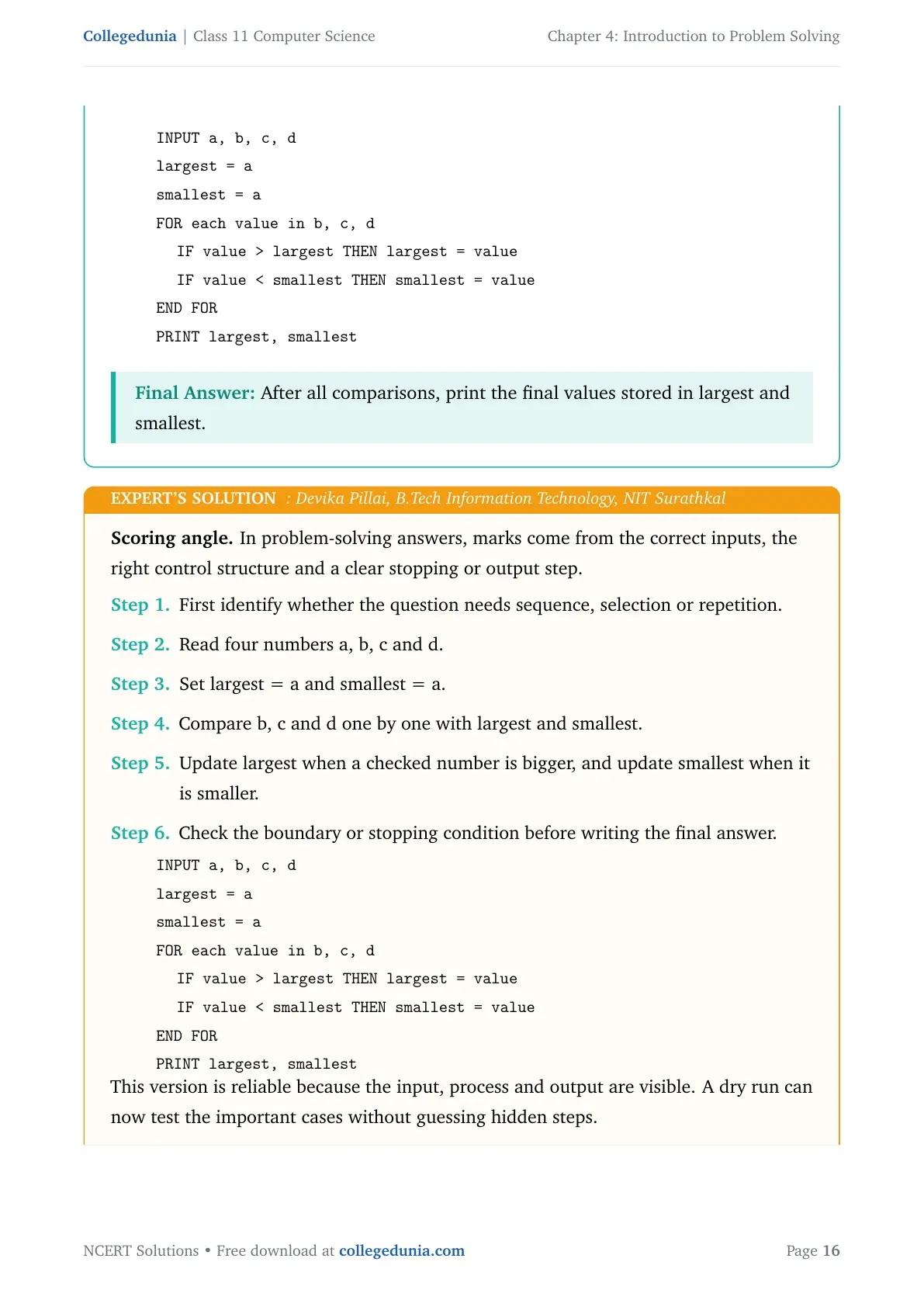
INPUT a, b, c, d
largest = a
smallest = a
FOR each value in b, c, d
  IF value > largest THEN largest = value
  IF value < smallest THEN smallest = value
END FOR
PRINT largest, smallest
Answer: After all comparisons, print the final values stored in largest and smallest.
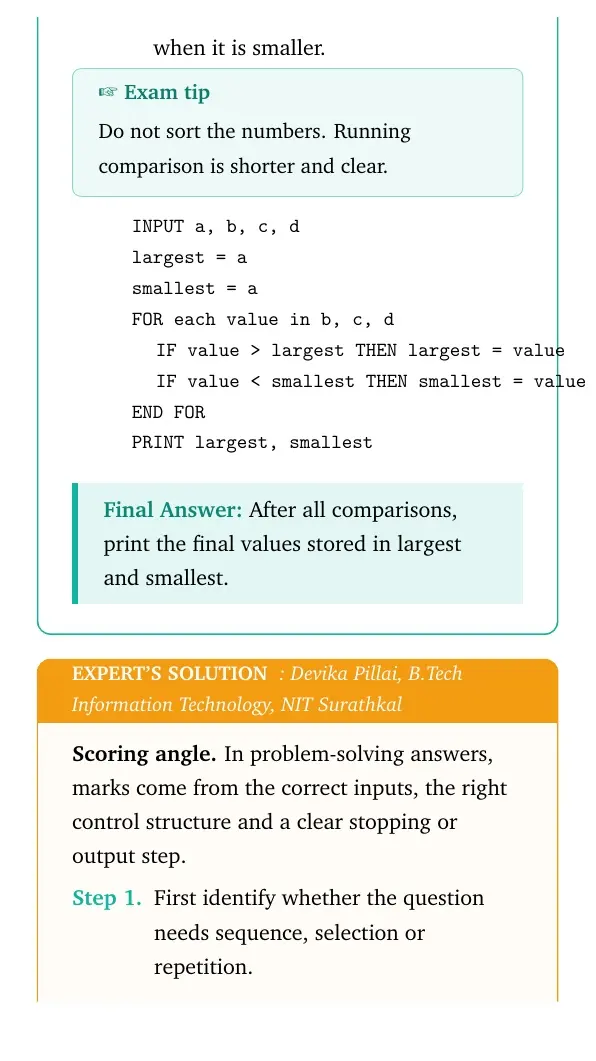
Expert view: Choose the control structure first, then test the boundary or stopping condition.
- Read four numbers a, b, c and d.
- Set largest = a and smallest = a.
- Compare b, c and d one by one with largest and smallest.
- Update largest when a checked number is bigger, and update smallest when it is smaller.
INPUT a, b, c, d
largest = a
smallest = a
FOR each value in b, c, d
  IF value > largest THEN largest = value
  IF value < smallest THEN smallest = value
END FOR
PRINT largest, smallest
Final answer: After all comparisons, print the final values stored in largest and smallest.
Question 11
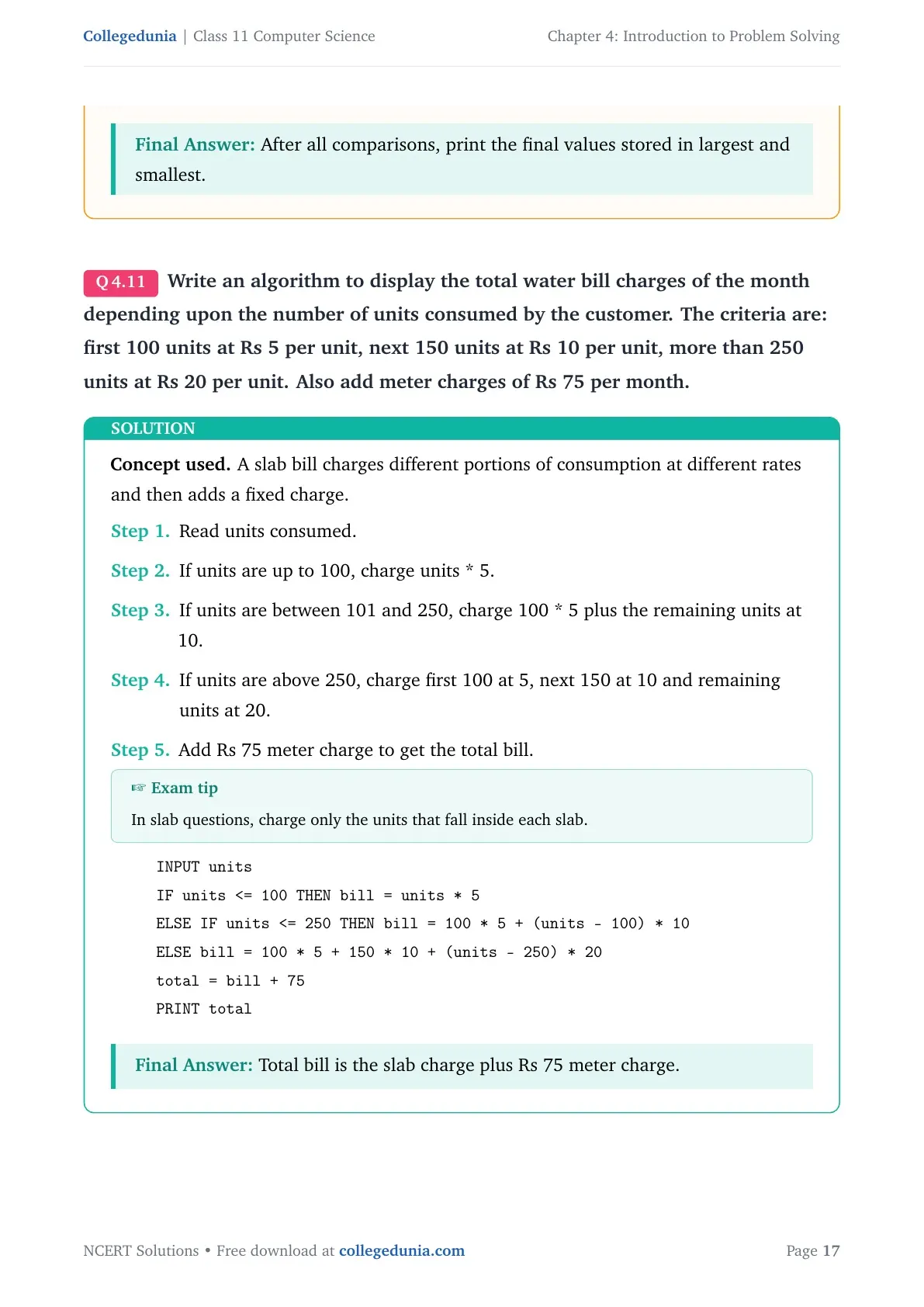
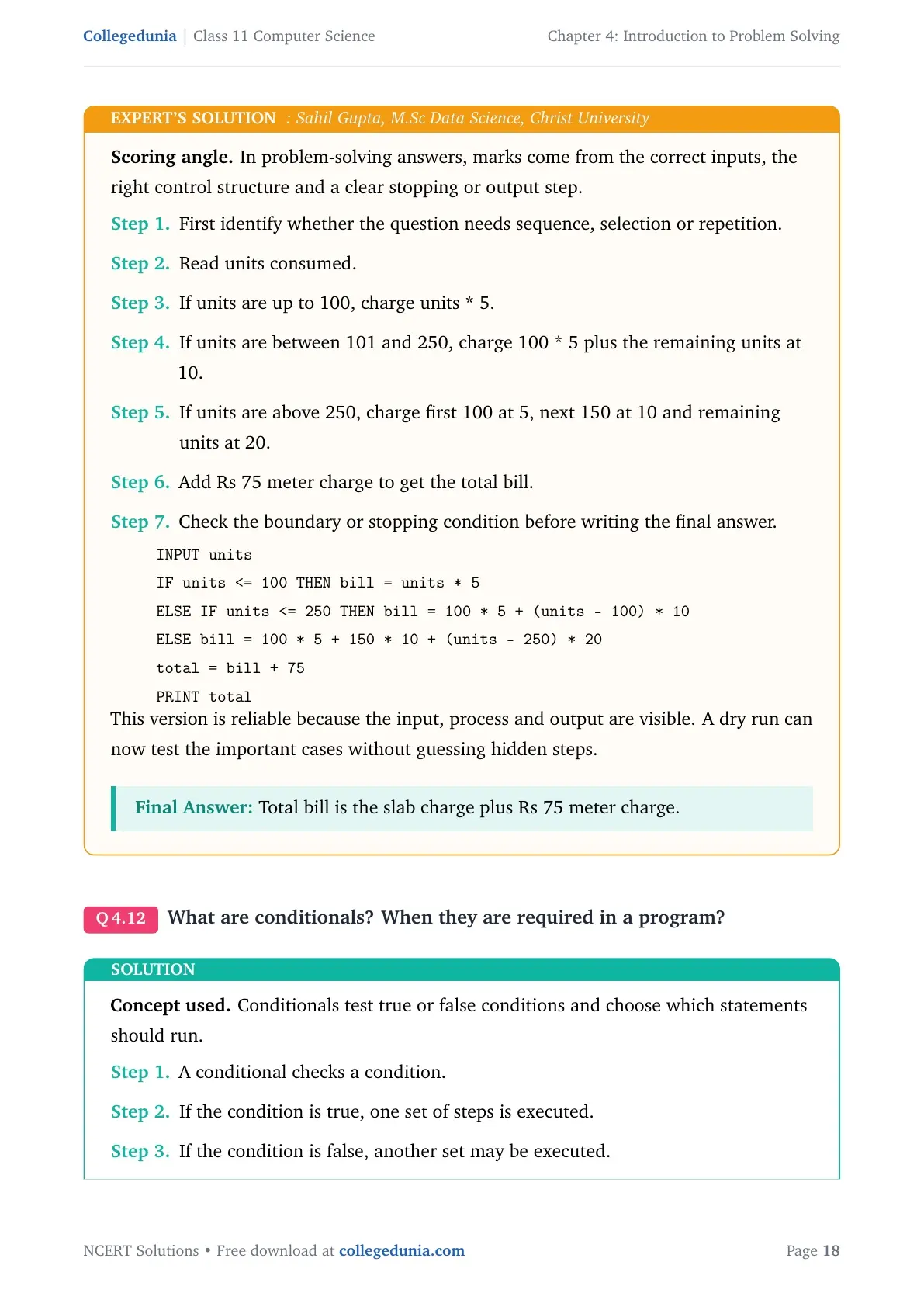
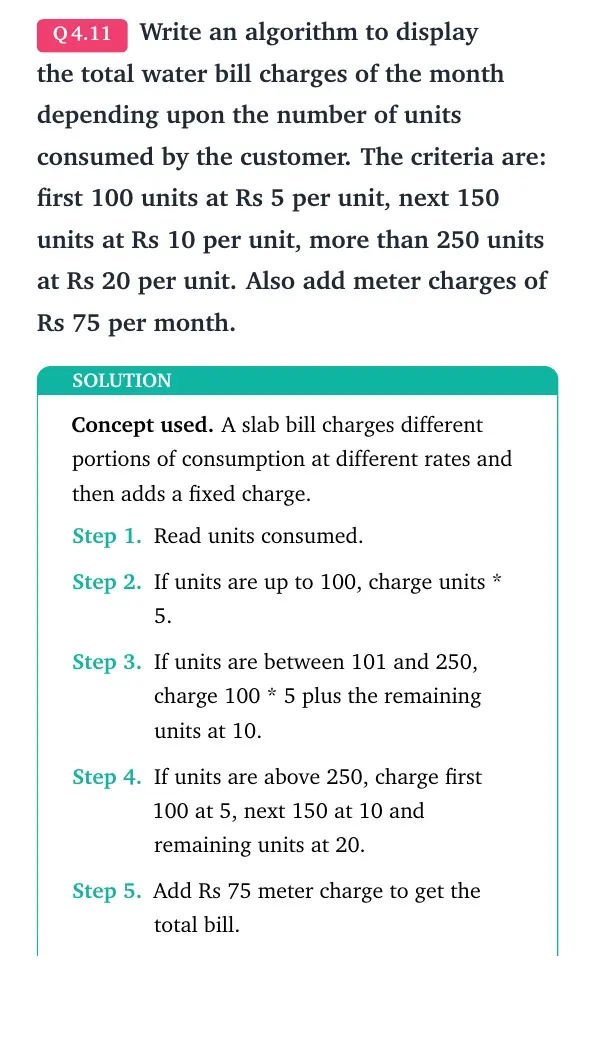
Write an algorithm to display the total water bill charges of the month depending upon the number of units consumed by the customer. The criteria are: first 100 units at Rs 5 per unit, next 150 units at Rs 10 per unit, more than 250 units at Rs 20 per unit. Also add meter charges of Rs 75 per month.
- Read units consumed.
- If units are up to 100, charge units * 5.
- If units are between 101 and 250, charge 100 * 5 plus the remaining units at 10.
- If units are above 250, charge first 100 at 5, next 150 at 10 and remaining units at 20.
- Add Rs 75 meter charge to get the total bill.
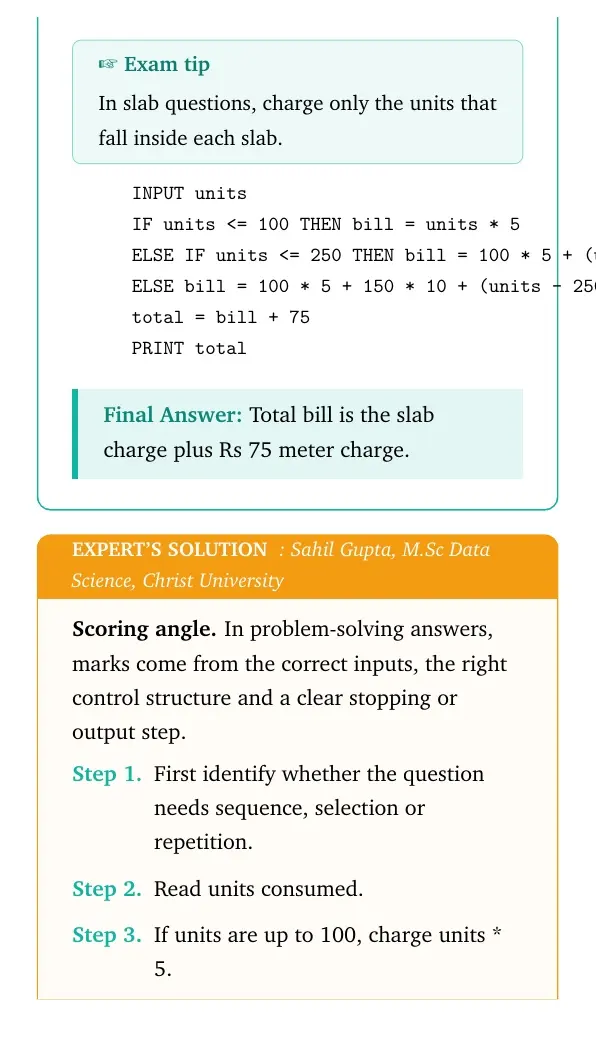
INPUT units
IF units <= 100 THEN bill = units * 5
ELSE IF units <= 250 THEN bill = 100 * 5 + (units - 100) * 10
ELSE bill = 100 * 5 + 150 * 10 + (units - 250) * 20
total = bill + 75
PRINT total
Answer: Total bill is the slab charge plus Rs 75 meter charge.
Expert view: Choose the control structure first, then test the boundary or stopping condition.
- Read units consumed.
- If units are up to 100, charge units * 5.
- If units are between 101 and 250, charge 100 * 5 plus the remaining units at 10.
- If units are above 250, charge first 100 at 5, next 150 at 10 and remaining units at 20.
- Add Rs 75 meter charge to get the total bill.
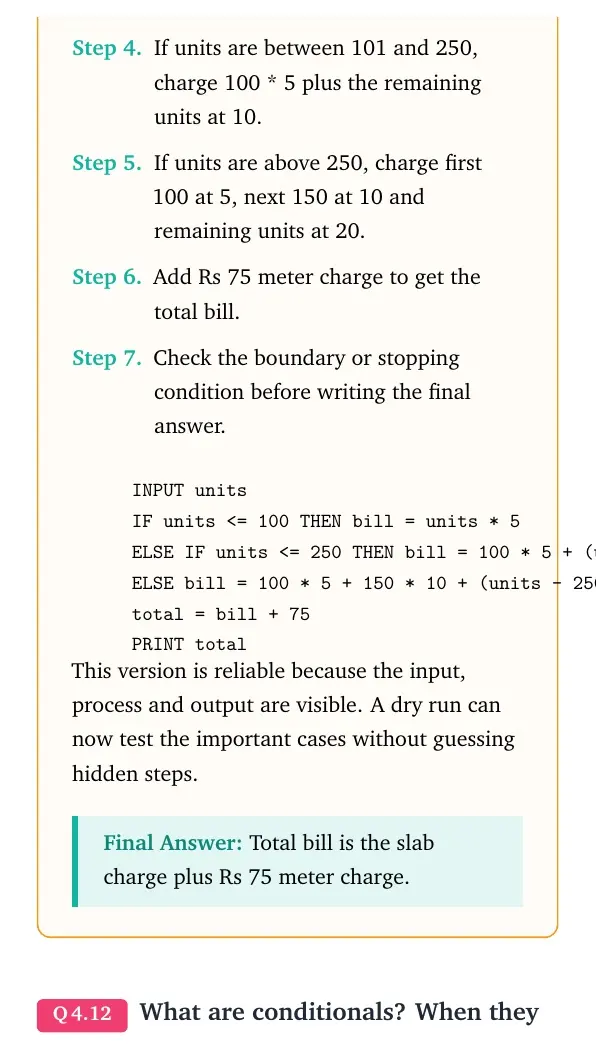
INPUT units
IF units <= 100 THEN bill = units * 5
ELSE IF units <= 250 THEN bill = 100 * 5 + (units - 100) * 10
ELSE bill = 100 * 5 + 150 * 10 + (units - 250) * 20
total = bill + 75
PRINT total
Final answer: Total bill is the slab charge plus Rs 75 meter charge.
Question 12
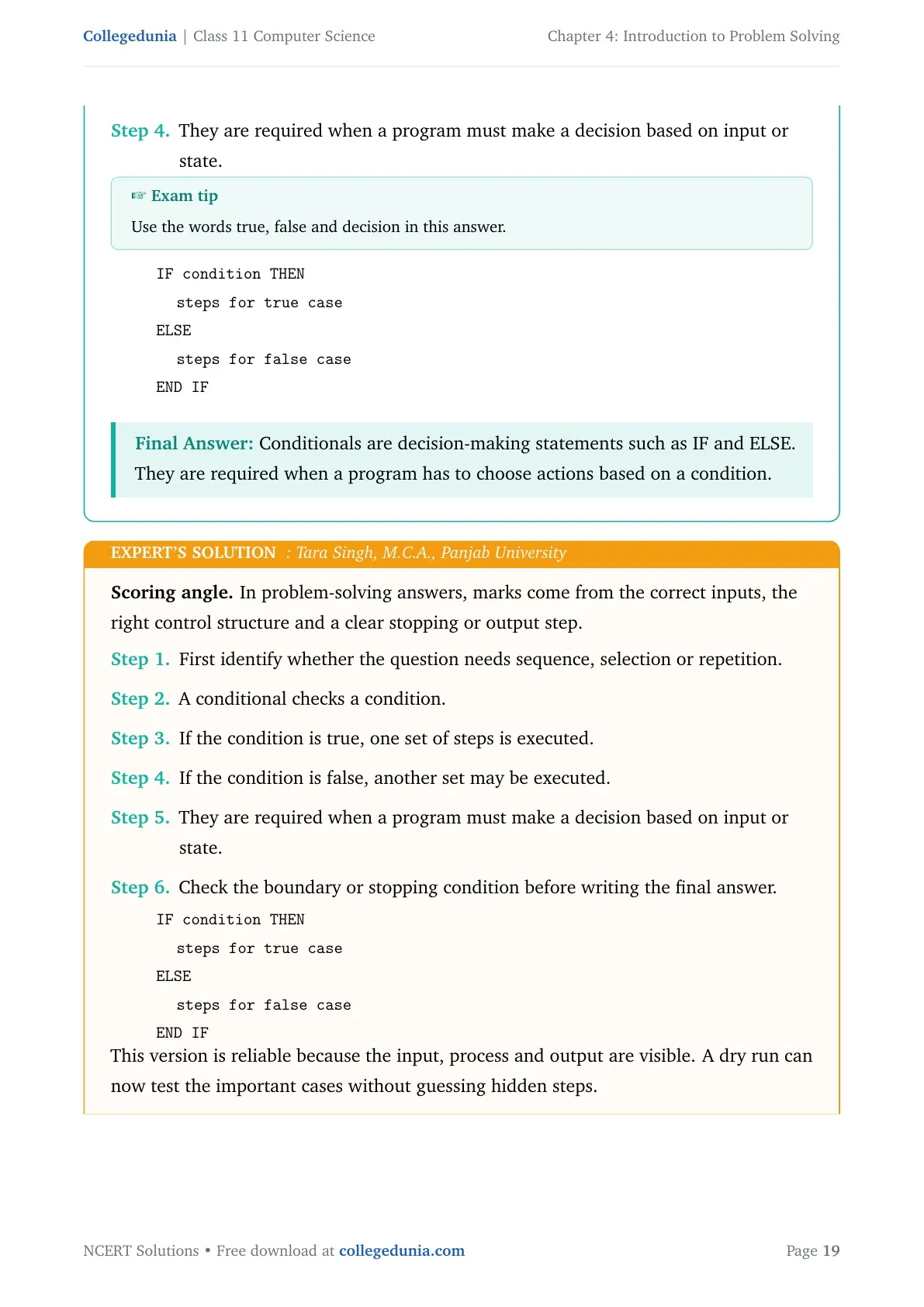
What are conditionals? When they are required in a program?
- A conditional checks a condition.
- If the condition is true, one set of steps is executed.
- If the condition is false, another set may be executed.
- They are required when a program must make a decision based on input or state.
IF condition THEN
  steps for true case
ELSE
  steps for false case
END IF
Answer: Conditionals are decision-making statements such as IF and ELSE. They are required when a program has to choose actions based on a condition.
Expert view: Choose the control structure first, then test the boundary or stopping condition.
- A conditional checks a condition.
- If the condition is true, one set of steps is executed.
- If the condition is false, another set may be executed.
- They are required when a program must make a decision based on input or state.
IF condition THEN
  steps for true case
ELSE
  steps for false case
END IF
Final answer: Conditionals are decision-making statements such as IF and ELSE. They are required when a program has to choose actions based on a condition.
Question 13
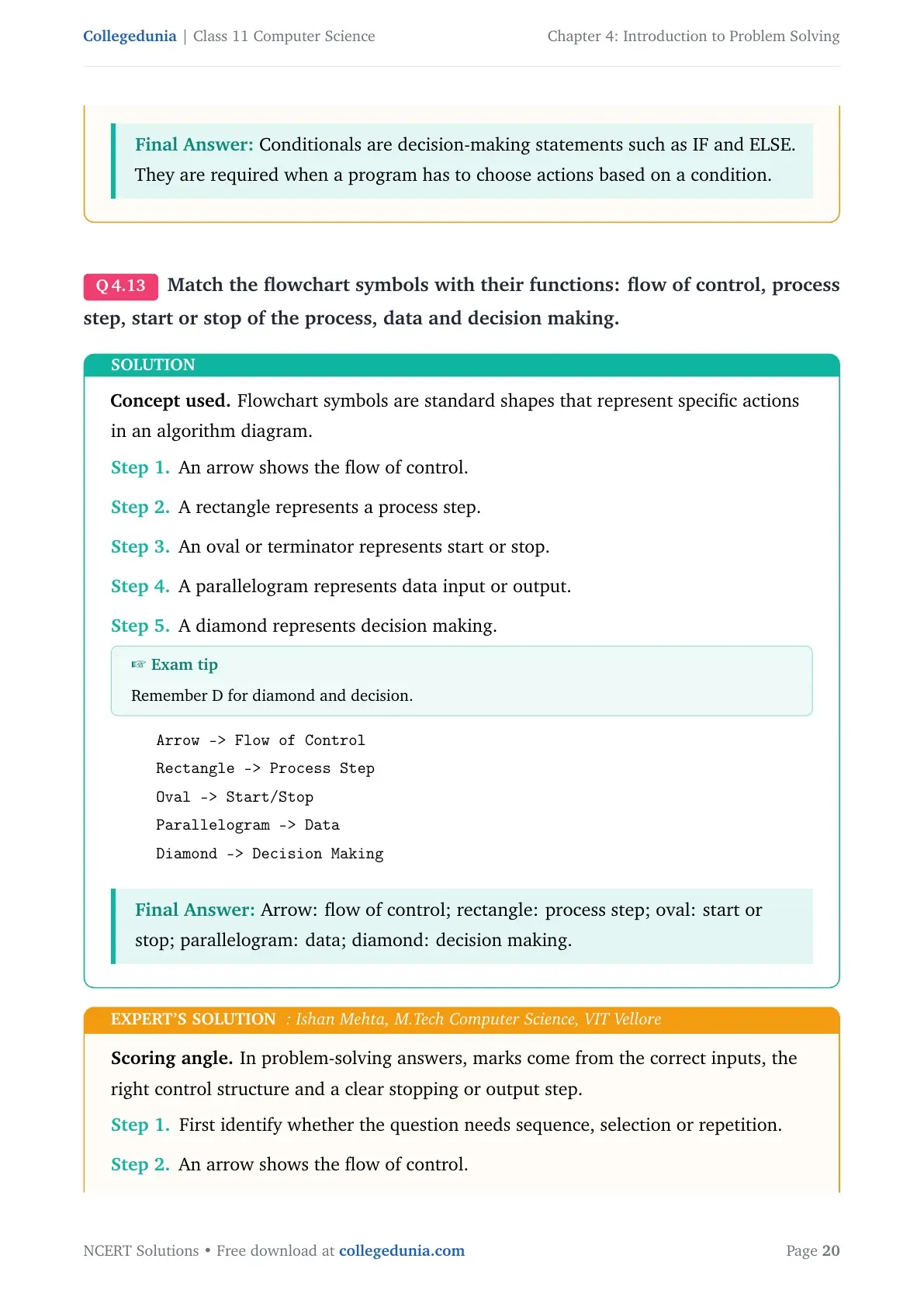
Match the flowchart symbols with their functions: flow of control, process step, start or stop of the process, data and decision making.
- An arrow shows the flow of control.
- A rectangle represents a process step.
- An oval or terminator represents start or stop.
- A parallelogram represents data input or output.
- A diamond represents decision making.
Arrow -> Flow of Control
Rectangle -> Process Step
Oval -> Start/Stop
Parallelogram -> Data
Diamond -> Decision Making
Answer: Arrow: flow of control; rectangle: process step; oval: start or stop; parallelogram: data; diamond: decision making.
Expert view: Choose the control structure first, then test the boundary or stopping condition.
- An arrow shows the flow of control.
- A rectangle represents a process step.
- An oval or terminator represents start or stop.
- A parallelogram represents data input or output.
- A diamond represents decision making.
Arrow -> Flow of Control
Rectangle -> Process Step
Oval -> Start/Stop
Parallelogram -> Data
Diamond -> Decision Making
Final answer: Arrow: flow of control; rectangle: process step; oval: start or stop; parallelogram: data; diamond: decision making.
Question 14
Following is an algorithm for going to school or college: wake up, get ready, take lunch box, take bus, get off the bus, reach school or college. Can you suggest improvements in this to include other options?
- Add a check for the day and school timing before leaving.
- Add options for breakfast, books, identity card and homework check.
- Add alternate transport choices such as walking, bicycle, auto, car or bus.
- Add decision steps for missing the bus, traffic or bad weather.
Wake up
Check school day and time
Get ready
Pack bag and lunch box
IF bus is available THEN take bus
ELSE IF bicycle is available THEN ride bicycle
ELSE arrange another transport
Reach school or college
Answer: Improve the algorithm by adding readiness checks and transport alternatives before reaching school or college.
Expert view: Choose the control structure first, then test the boundary or stopping condition.
- Add a check for the day and school timing before leaving.
- Add options for breakfast, books, identity card and homework check.
- Add alternate transport choices such as walking, bicycle, auto, car or bus.
- Add decision steps for missing the bus, traffic or bad weather.
Wake up
Check school day and time
Get ready
Pack bag and lunch box
IF bus is available THEN take bus
ELSE IF bicycle is available THEN ride bicycle
ELSE arrange another transport
Reach school or college
Final answer: Improve the algorithm by adding readiness checks and transport alternatives before reaching school or college.
Question 15
Write a pseudocode to calculate the factorial of a number.
- Read n from the user.
- Set fact = 1 and counter = 1.
- Repeat while counter is less than or equal to n.
- Multiply fact by counter, then increment counter.
- Print fact after the loop ends.
INPUT n
fact = 1
i = 1
WHILE i <= n
  fact = fact * i
  i = i + 1
END WHILE
PRINT fact
Answer: Initialize fact = 1, multiply it by every integer from 1 to n, and print fact.
Expert view: Choose the control structure first, then test the boundary or stopping condition.
- Read n from the user.
- Set fact = 1 and counter = 1.
- Repeat while counter is less than or equal to n.
- Multiply fact by counter, then increment counter.
- Print fact after the loop ends.
INPUT n
fact = 1
i = 1
WHILE i <= n
  fact = fact * i
  i = i + 1
END WHILE
PRINT fact
Final answer: Initialize fact = 1, multiply it by every integer from 1 to n, and print fact.
Question 16
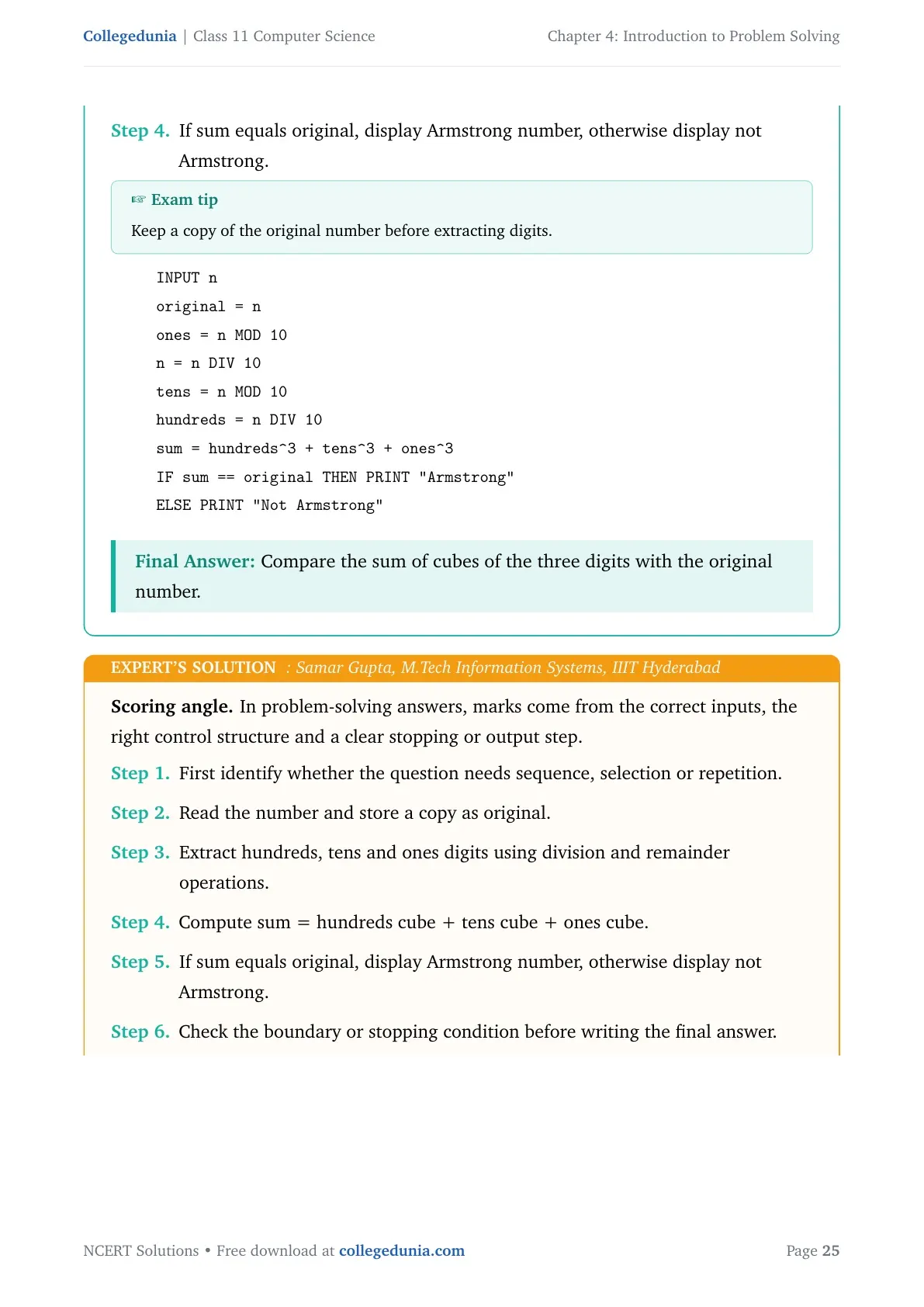
Draw a flowchart to check whether a given number is an Armstrong number. An Armstrong number of three digits is an integer such that the sum of the cubes of its digits is equal to the number itself.
- Read the number and store a copy as original.
- Extract hundreds, tens and ones digits using division and remainder operations.
- Compute sum = hundreds cube + tens cube + ones cube.
- If sum equals original, display Armstrong number, otherwise display not Armstrong.
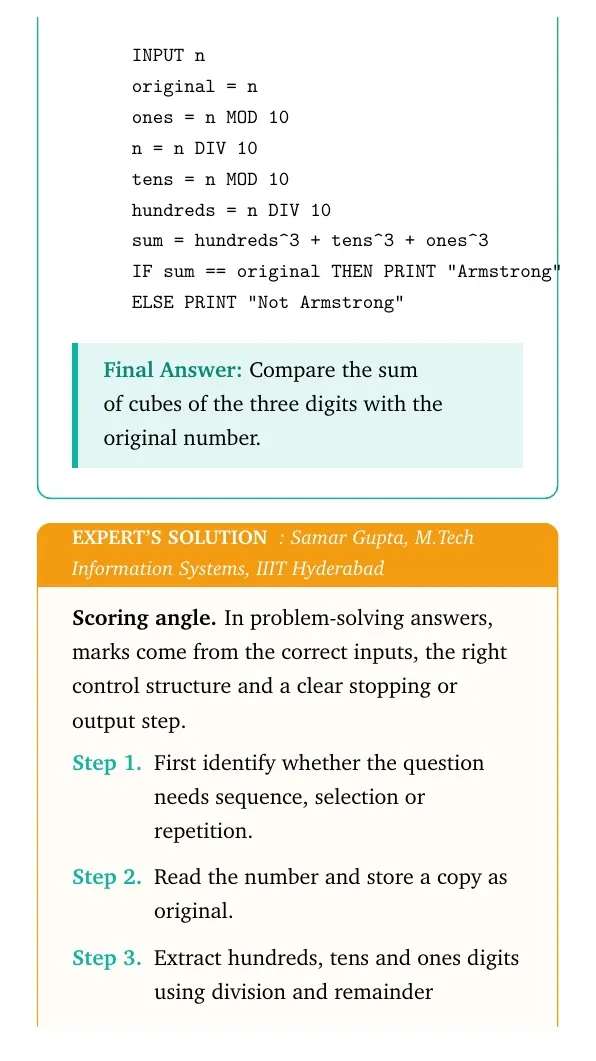
INPUT n
original = n
ones = n MOD 10
n = n DIV 10
tens = n MOD 10
hundreds = n DIV 10
sum = hundreds^3 + tens^3 + ones^3
IF sum == original THEN PRINT "Armstrong"
ELSE PRINT "Not Armstrong"
Answer: Compare the sum of cubes of the three digits with the original number.
Expert view: Choose the control structure first, then test the boundary or stopping condition.
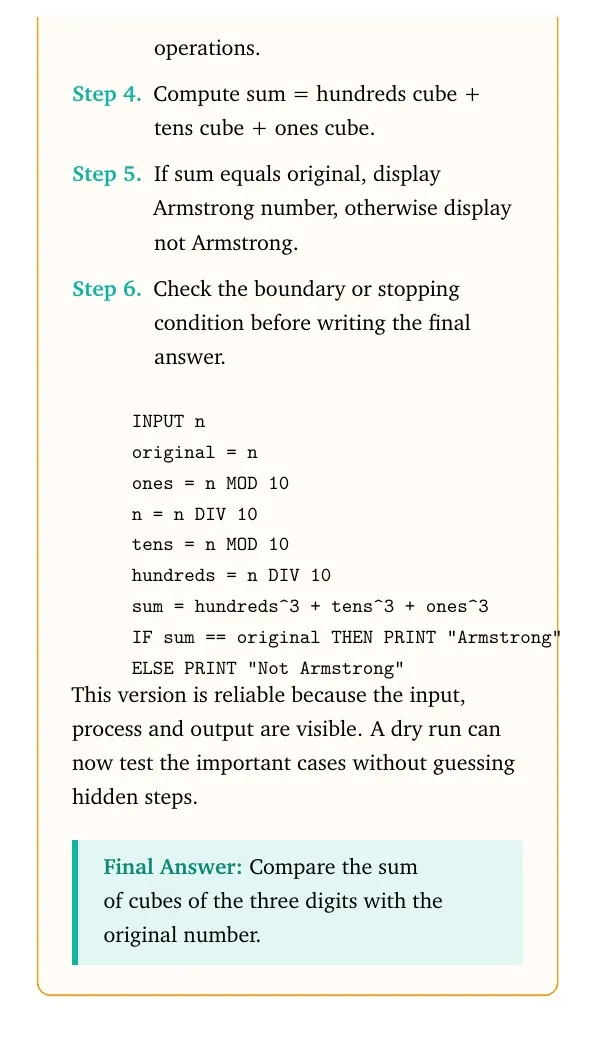
- Read the number and store a copy as original.
- Extract hundreds, tens and ones digits using division and remainder operations.
- Compute sum = hundreds cube + tens cube + ones cube.
- If sum equals original, display Armstrong number, otherwise display not Armstrong.
INPUT n
original = n
ones = n MOD 10
n = n DIV 10
tens = n MOD 10
hundreds = n DIV 10
sum = hundreds^3 + tens^3 + ones^3
IF sum == original THEN PRINT "Armstrong"
ELSE PRINT "Not Armstrong"
Final answer: Compare the sum of cubes of the three digits with the original number.
Question 17
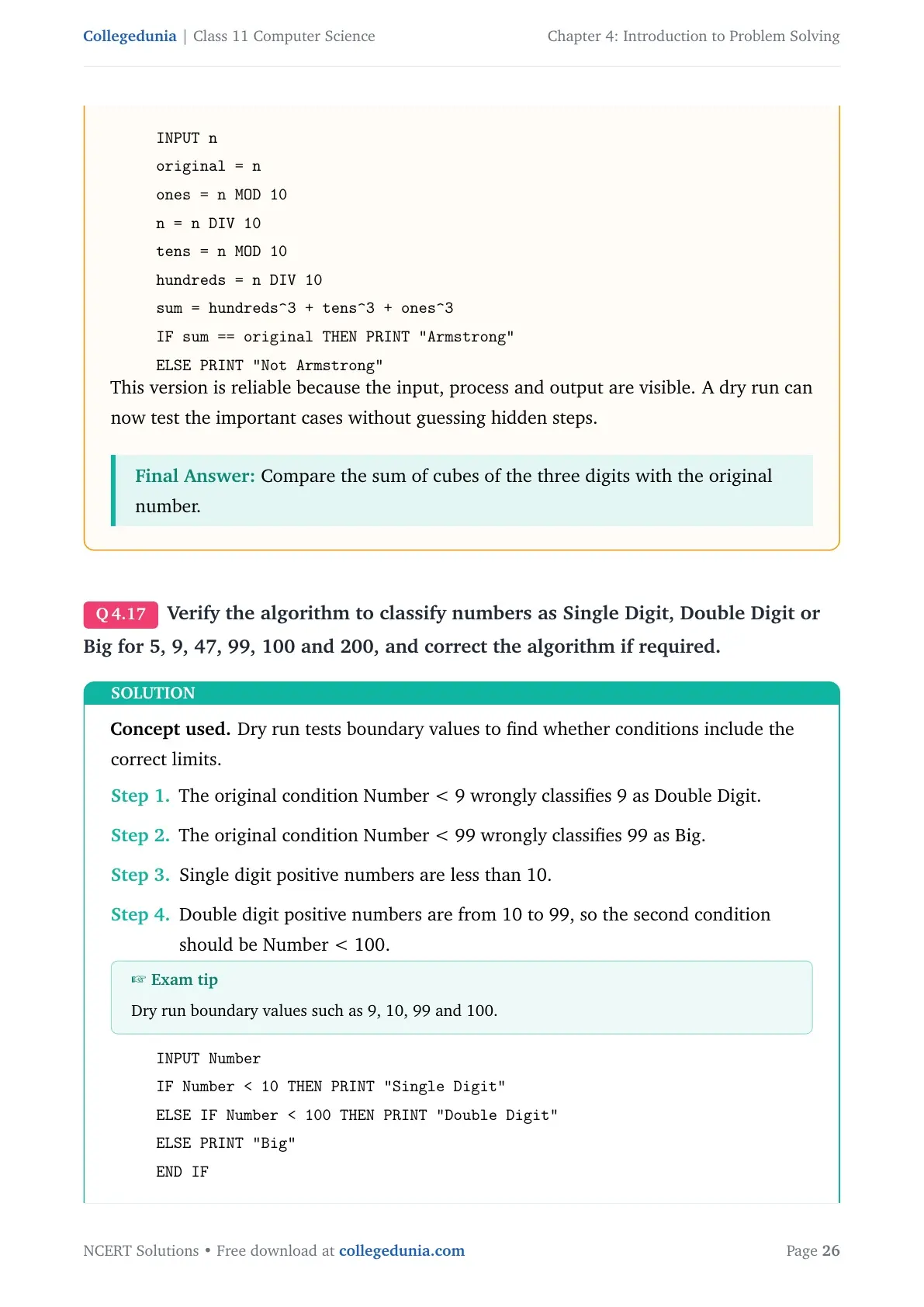
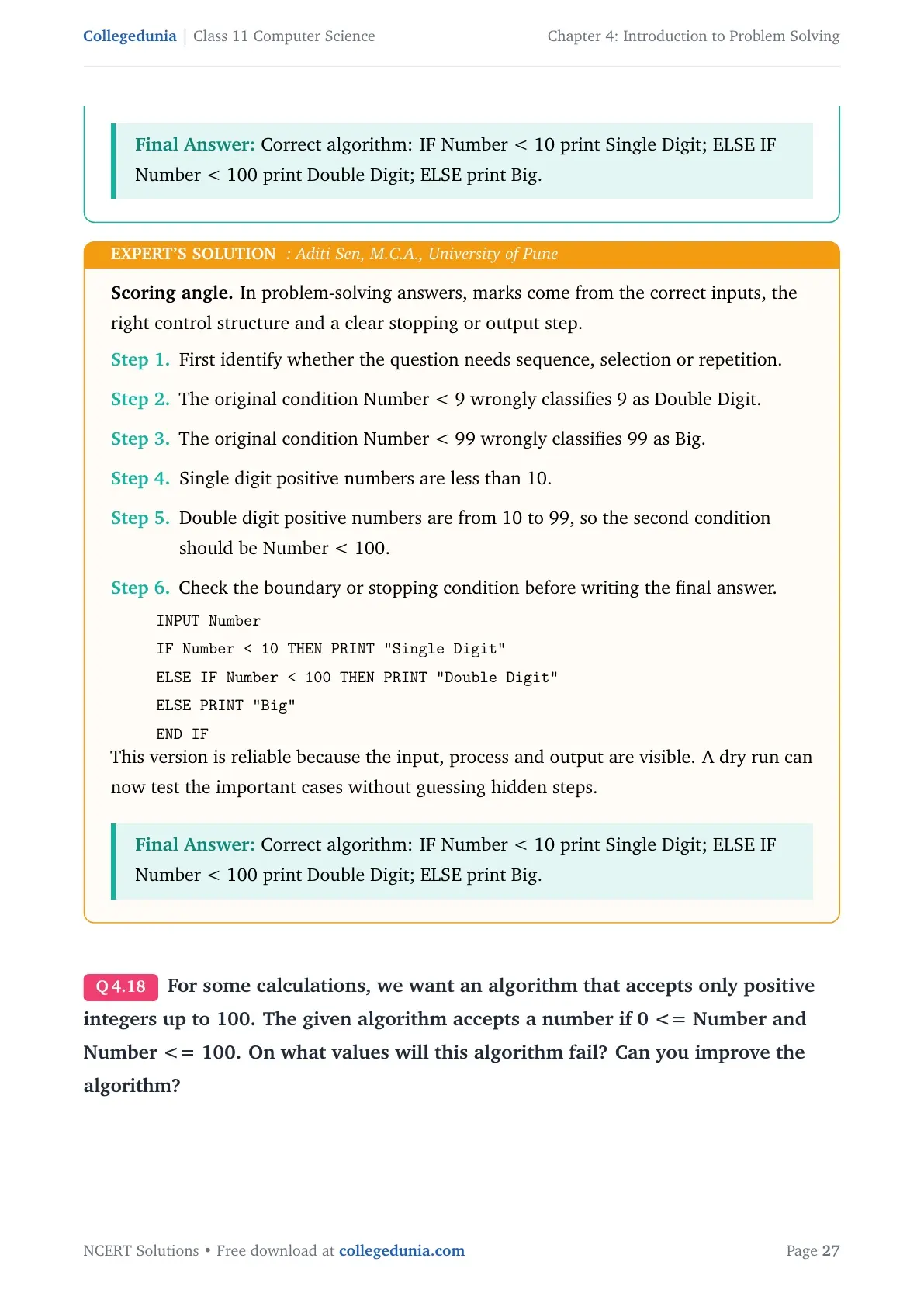
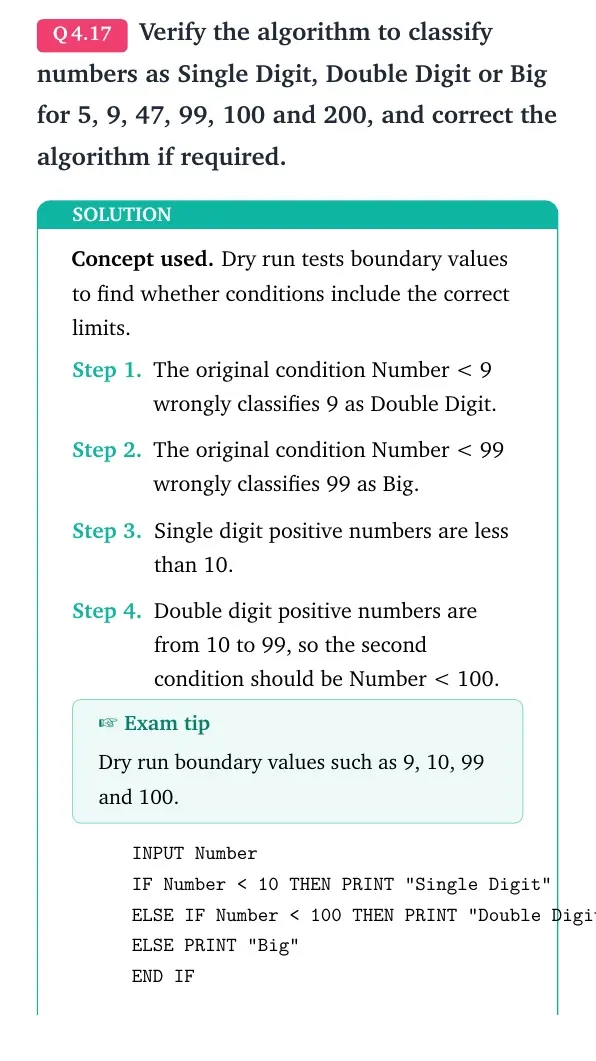
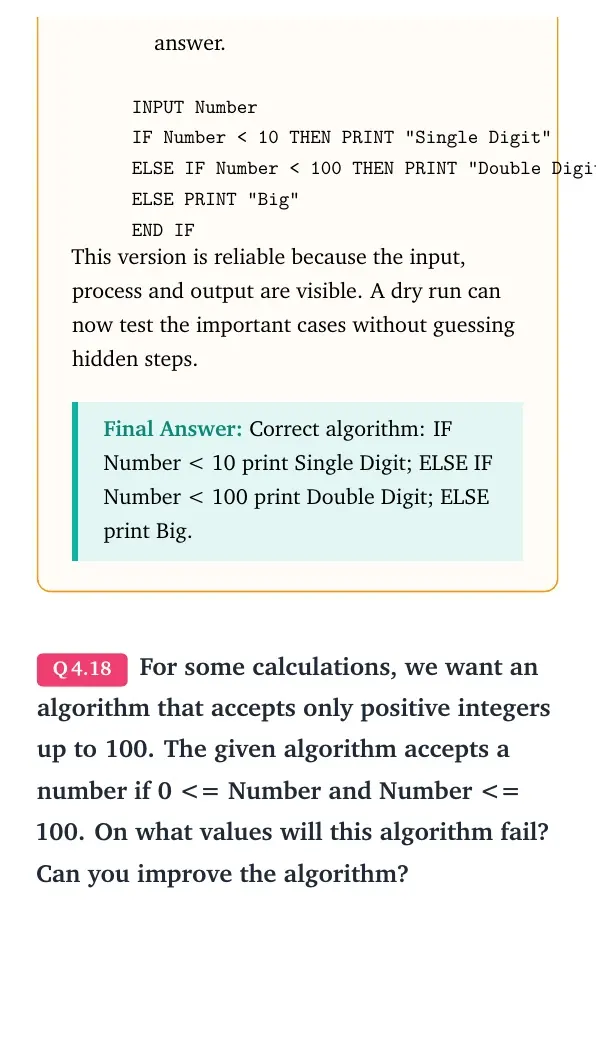
Verify the algorithm to classify numbers as Single Digit, Double Digit or Big for 5, 9, 47, 99, 100 and 200, and correct the algorithm if required.
- The original condition Number < 9 wrongly classifies 9 as Double Digit.
- The original condition Number < 99 wrongly classifies 99 as Big.
- Single digit positive numbers are less than 10.
- Double digit positive numbers are from 10 to 99, so the second condition should be Number < 100.
INPUT Number
IF Number < 10 THEN PRINT "Single Digit"
ELSE IF Number < 100 THEN PRINT "Double Digit"
ELSE PRINT "Big"
END IF
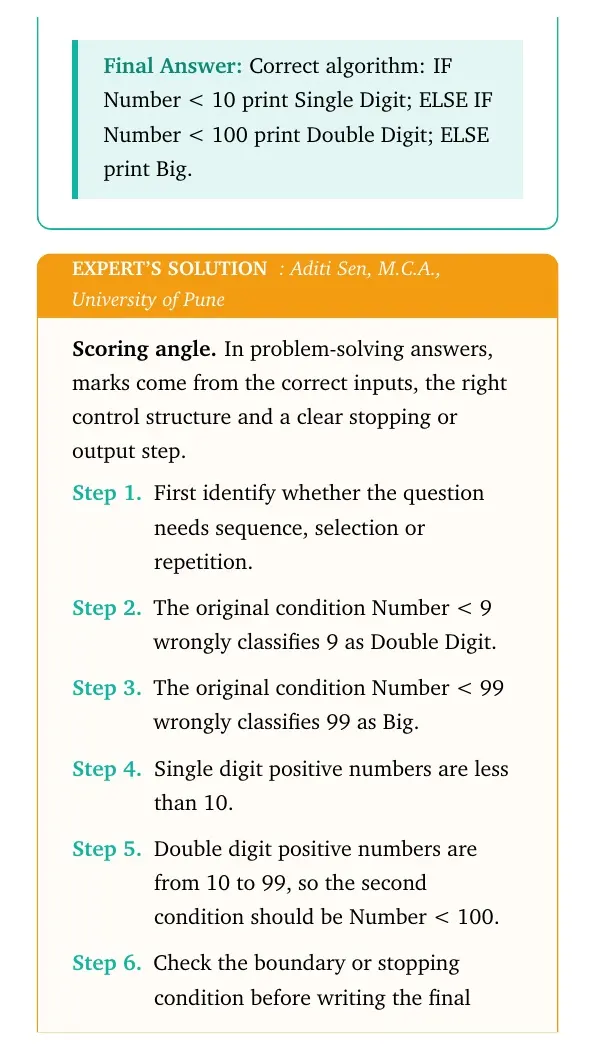
Answer: Correct algorithm: IF Number < 10 print Single Digit; ELSE IF Number < 100 print Double Digit; ELSE print Big.
Expert view: Choose the control structure first, then test the boundary or stopping condition.
- The original condition Number < 9 wrongly classifies 9 as Double Digit.
- The original condition Number < 99 wrongly classifies 99 as Big.
- Single digit positive numbers are less than 10.
- Double digit positive numbers are from 10 to 99, so the second condition should be Number < 100.
INPUT Number
IF Number < 10 THEN PRINT "Single Digit"
ELSE IF Number < 100 THEN PRINT "Double Digit"
ELSE PRINT "Big"
END IF
Final answer: Correct algorithm: IF Number < 10 print Single Digit; ELSE IF Number < 100 print Double Digit; ELSE print Big.
Question 18
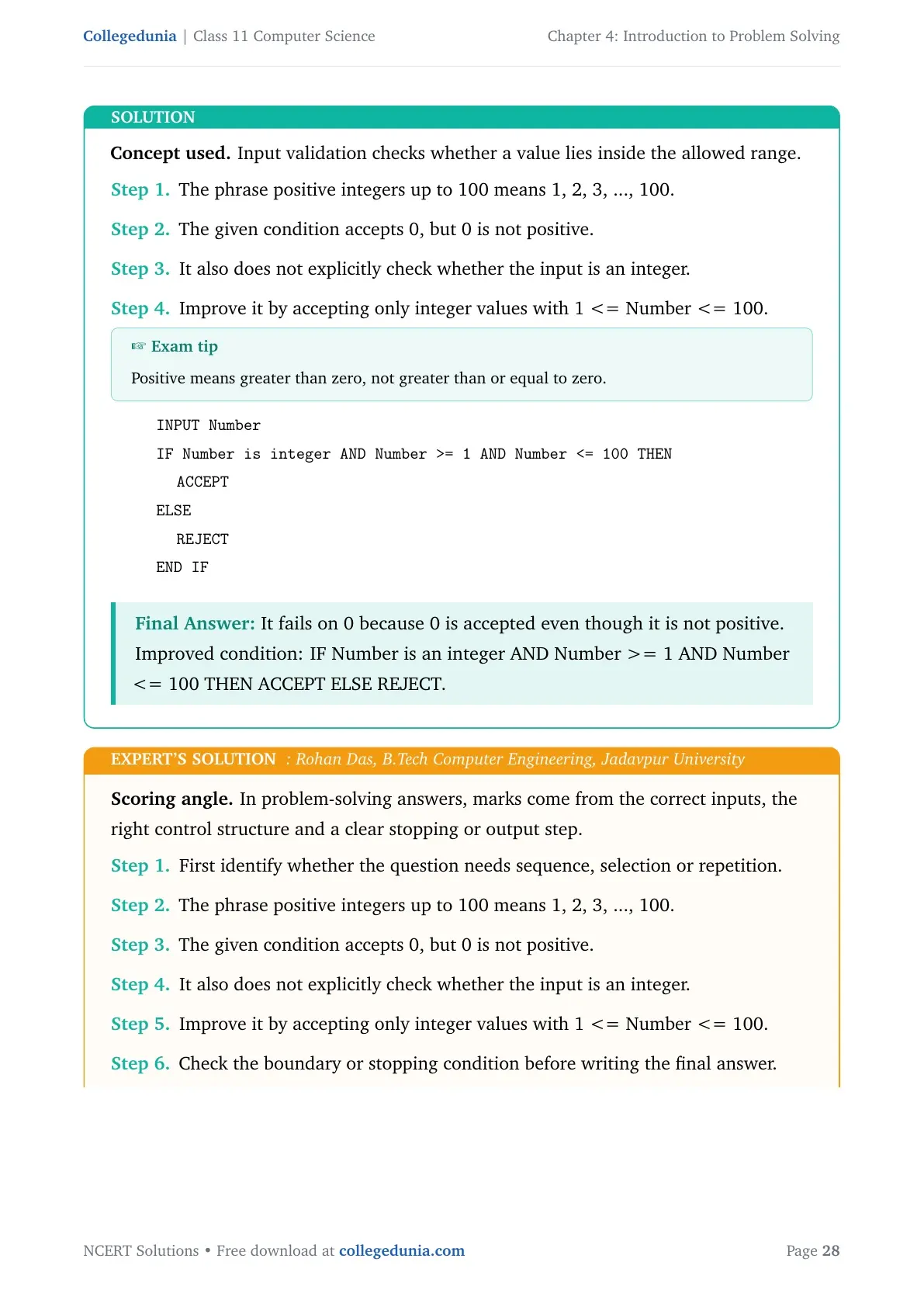
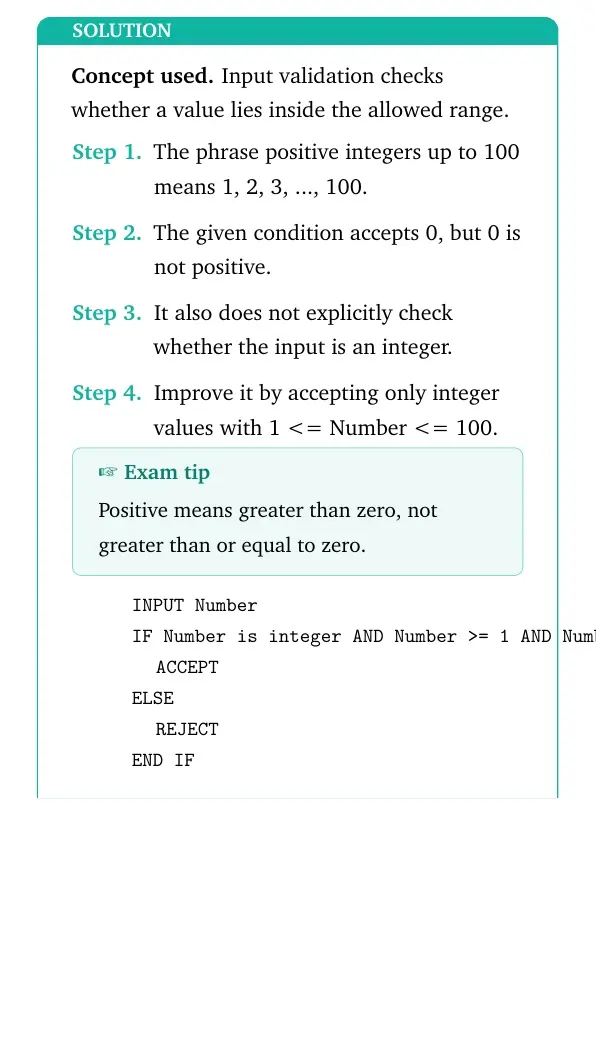
For some calculations, we want an algorithm that accepts only positive integers up to 100. The given algorithm accepts a number if 0 <= Number and Number <= 100. On what values will this algorithm fail? Can you improve the algorithm?
- The phrase positive integers up to 100 means 1, 2, 3, ..., 100.
- The given condition accepts 0, but 0 is not positive.
- It also does not explicitly check whether the input is an integer.
- Improve it by accepting only integer values with 1 <= Number <= 100.
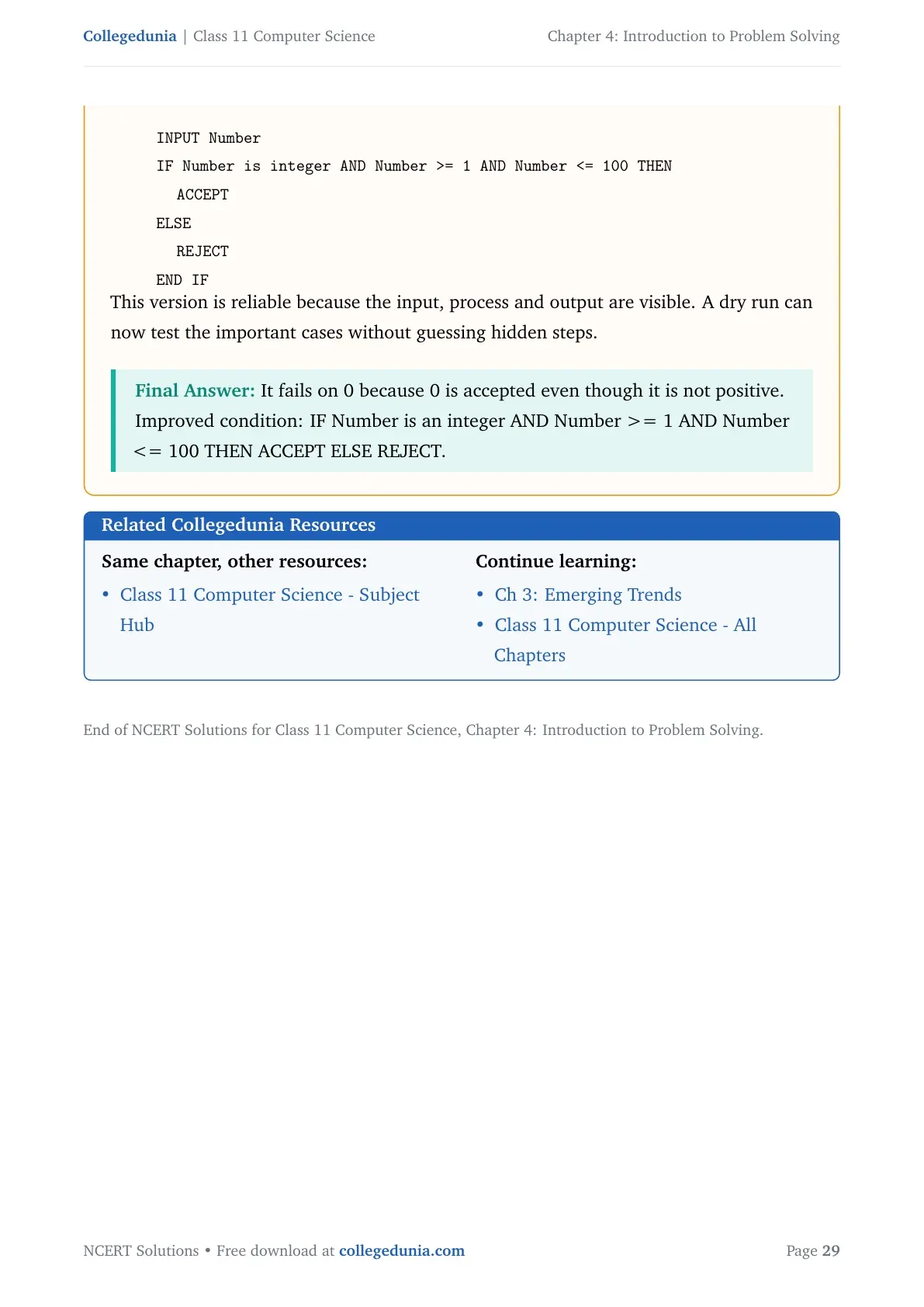
INPUT Number
IF Number is integer AND Number >= 1 AND Number <= 100 THEN
  ACCEPT
ELSE
  REJECT
END IF
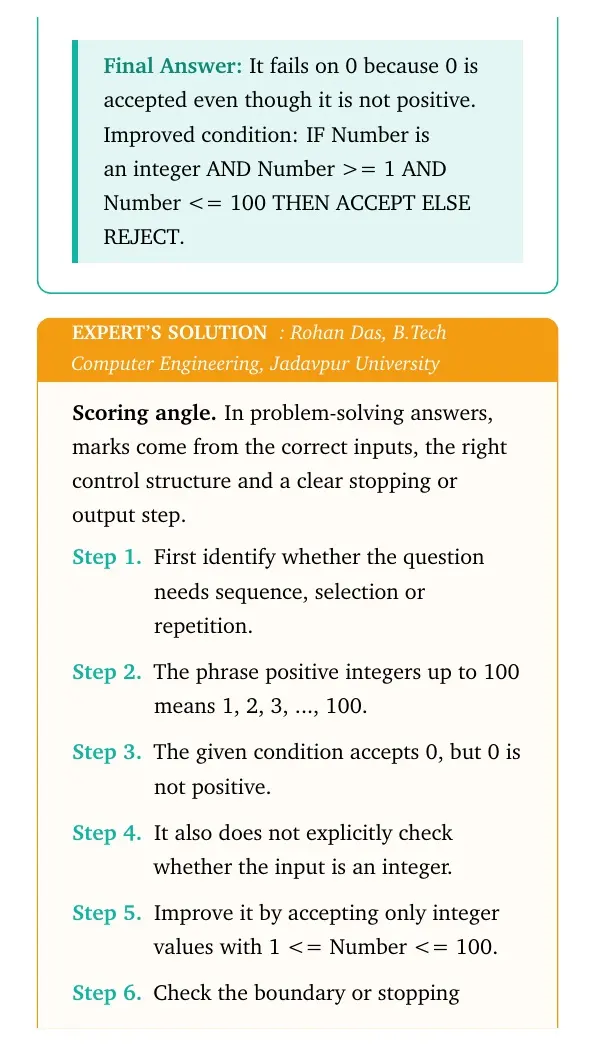
Answer: It fails on 0 because 0 is accepted even though it is not positive. Improved condition: IF Number is an integer AND Number >= 1 AND Number <= 100 THEN ACCEPT ELSE REJECT.
Expert view: Choose the control structure first, then test the boundary or stopping condition.
- The phrase positive integers up to 100 means 1, 2, 3, ..., 100.
- The given condition accepts 0, but 0 is not positive.
- It also does not explicitly check whether the input is an integer.
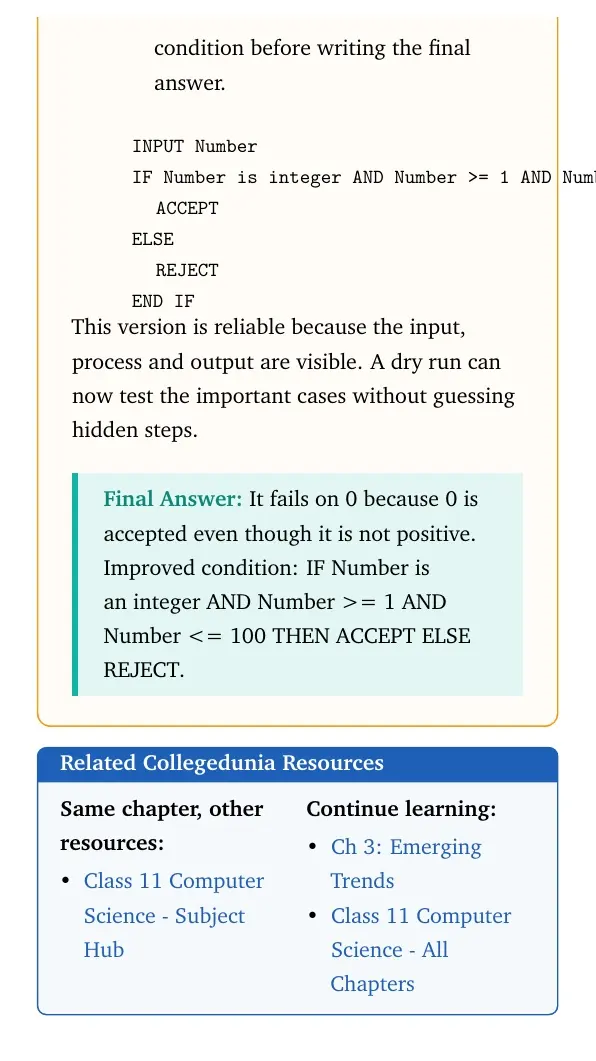
- Improve it by accepting only integer values with 1 <= Number <= 100.
INPUT Number
IF Number is integer AND Number >= 1 AND Number <= 100 THEN
  ACCEPT
ELSE
  REJECT
END IF
Final answer: It fails on 0 because 0 is accepted even though it is not positive. Improved condition: IF Number is an integer AND Number >= 1 AND Number <= 100 THEN ACCEPT ELSE REJECT.
Introduction to Problem Solving Class 11 NCERT Solutions FAQs
Ques. How many questions are solved in Class 11 Computer Science Chapter 4?
Ans. The PDF solves all 18 NCERT exercise questions from Introduction to Problem Solving.
Ques. What are the main topics in Introduction to Problem Solving?
Ans. The chapter covers algorithms, flowcharts, pseudocode, sequence, selection, repetition, dry run, comparison of algorithms and decomposition.
Ques. Does this page follow the 2026-27 NCERT Computer Science chapter?
Ans. Yes. The answers follow the 2026-27 NCERT Class 11 Computer Science Chapter 4 exercise.
Ques. Which part of Chapter 4 needs the most practice?
Ans. Pseudocode with loops and conditionals needs the most practice because many exercise questions test boundary values and stopping conditions.



Comments