




NCERT Class 6 Kaushal Bodh Chapter 4 Animation and Games PDF gives students the official Vocational Education chapter for the 2026-27 session. The PDF explains Scratch, sprites, backdrops, story planning, game rules, testing and safe screen use.
- Official chapter: 22-page NCERT PDF for Class 6 Vocational Education Kaushal Bodh.
- Project focus: visual programming, Scratch blocks, animation, game design and testing.
- Best use: keep the PDF open while planning the game model and building it in Scratch.
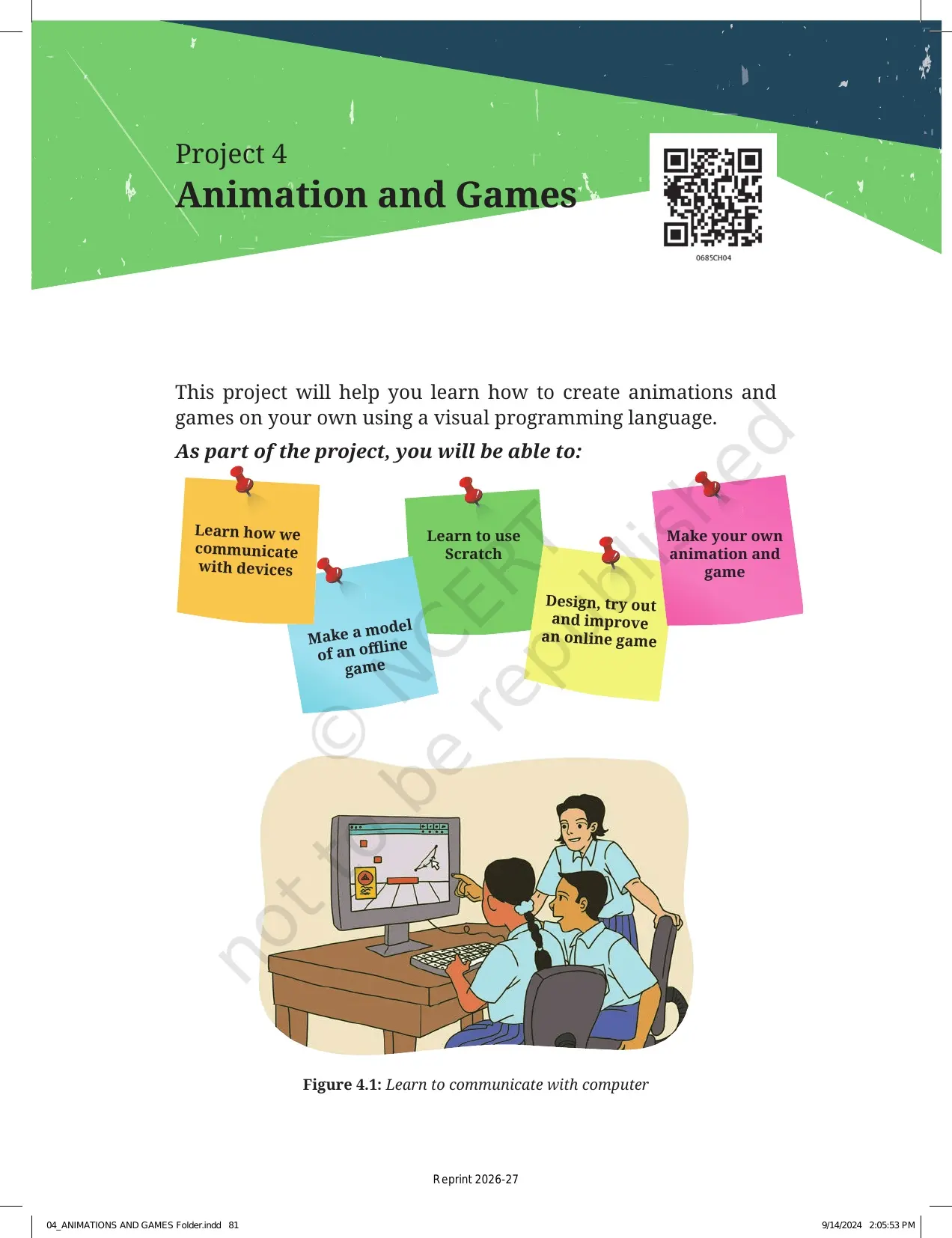
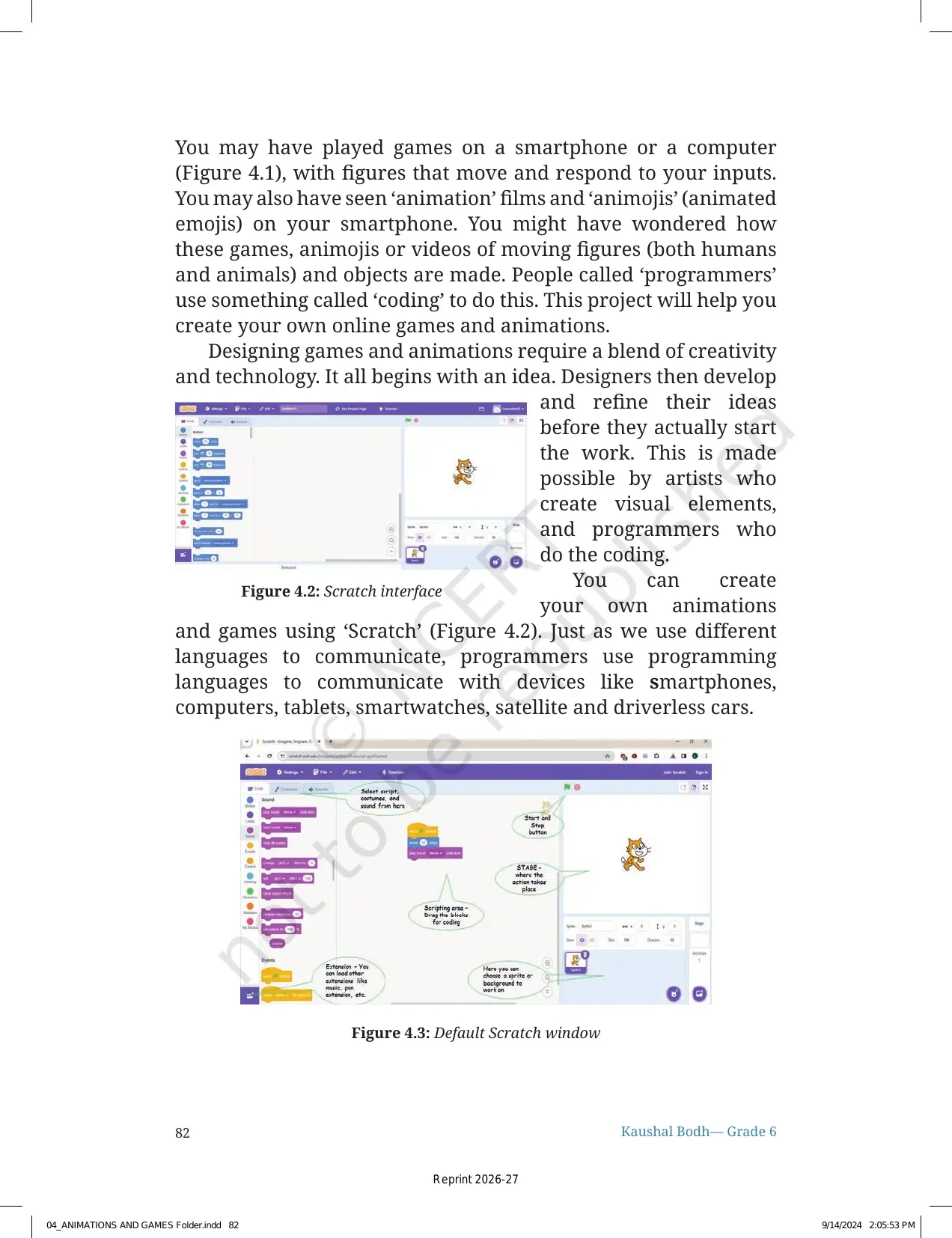
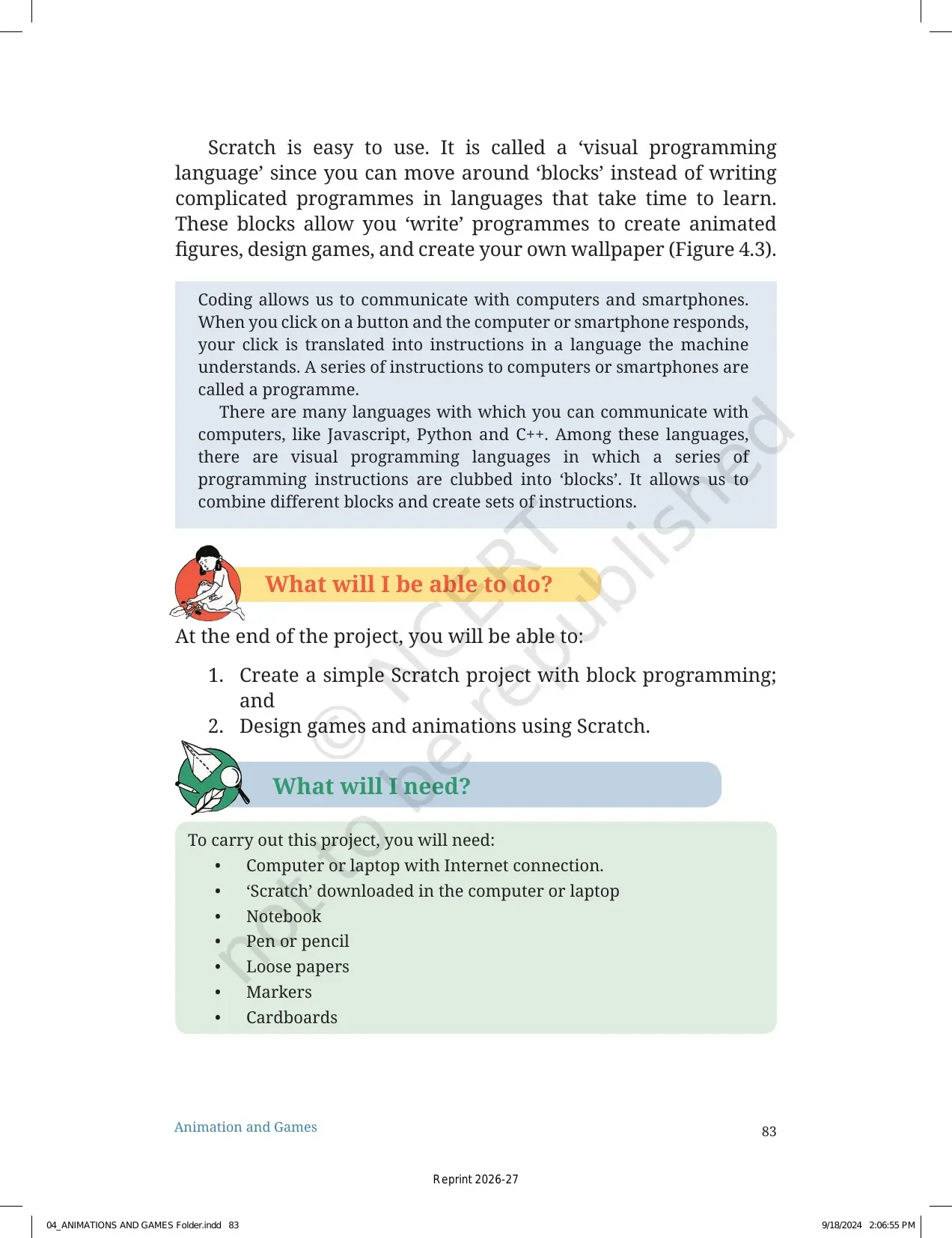
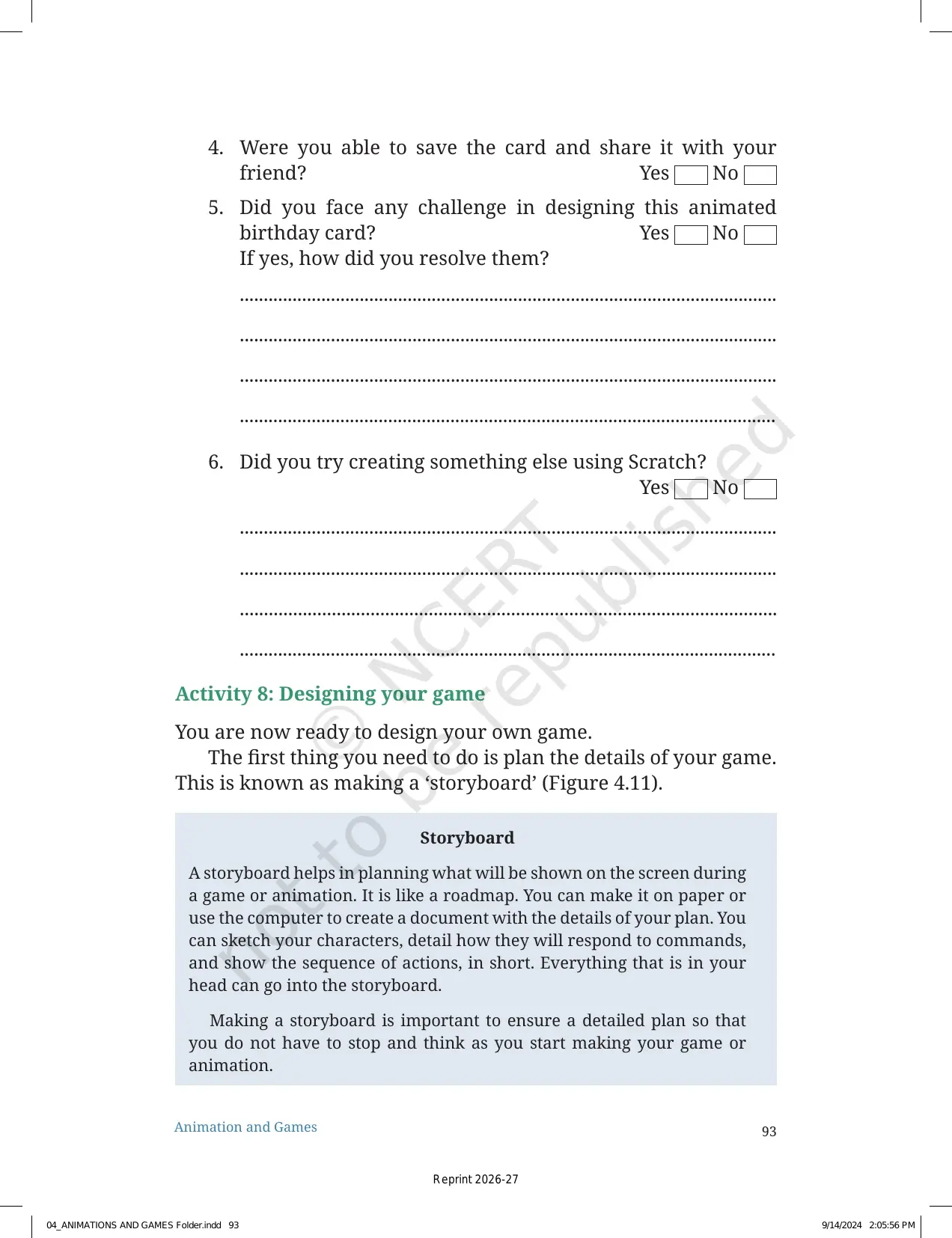
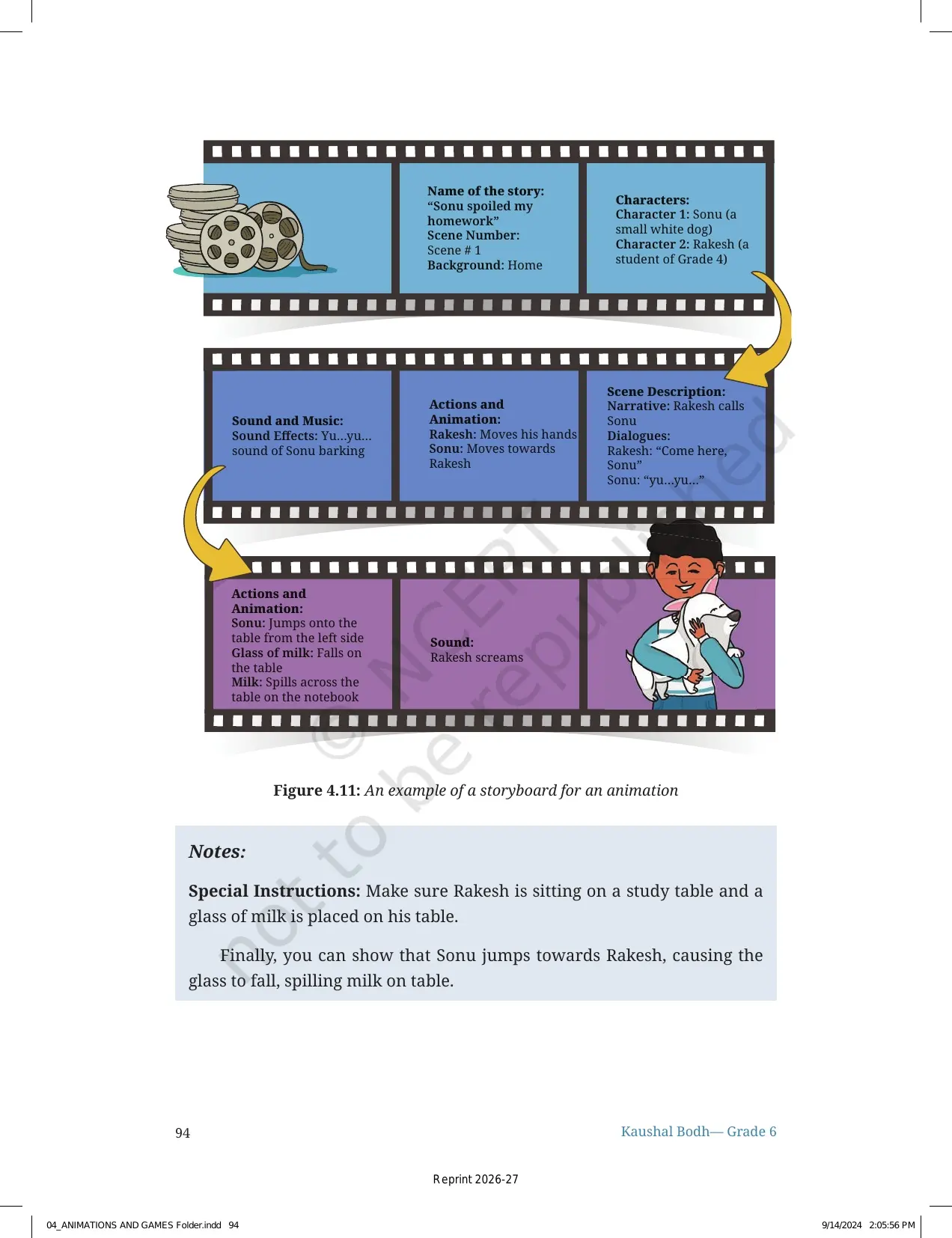
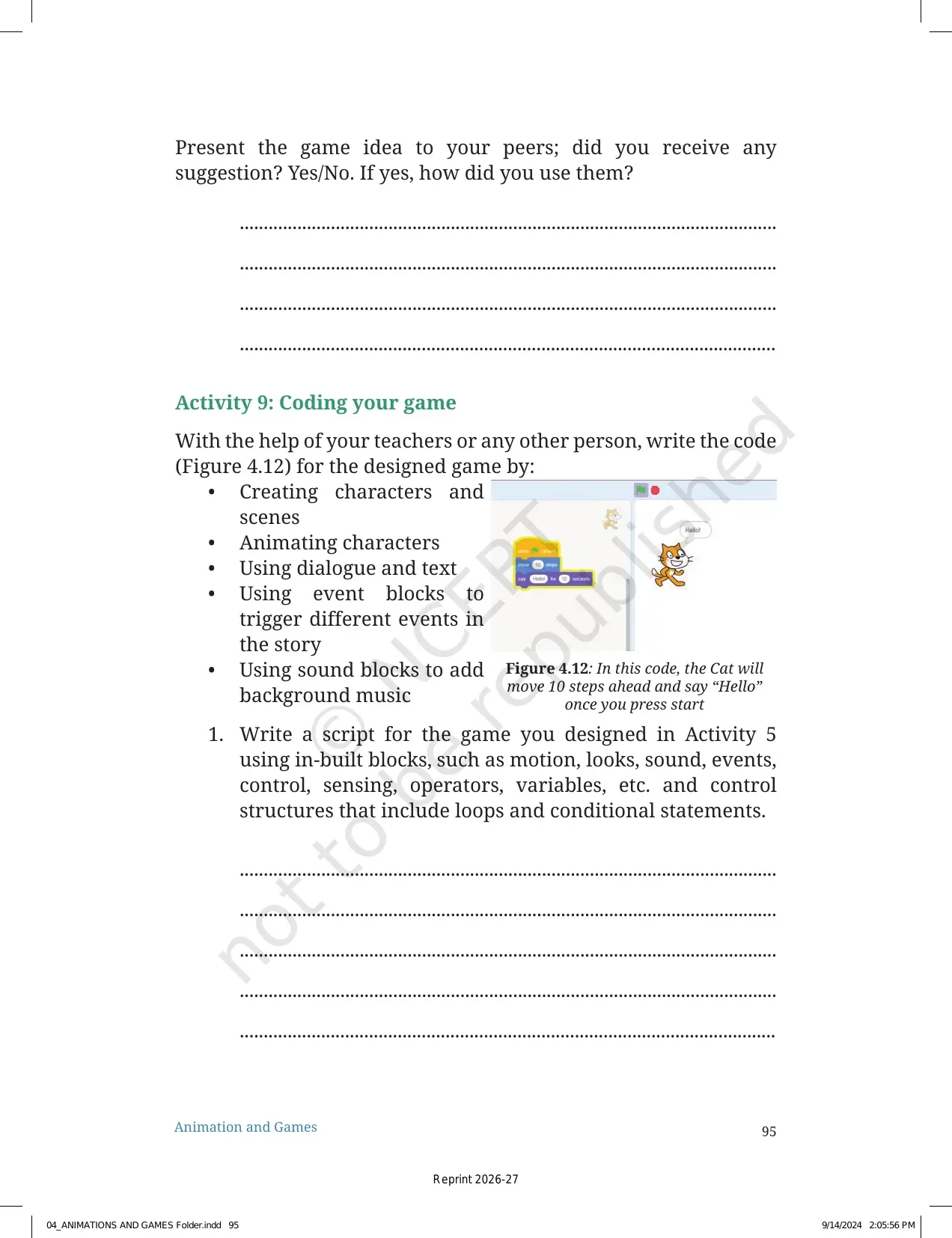
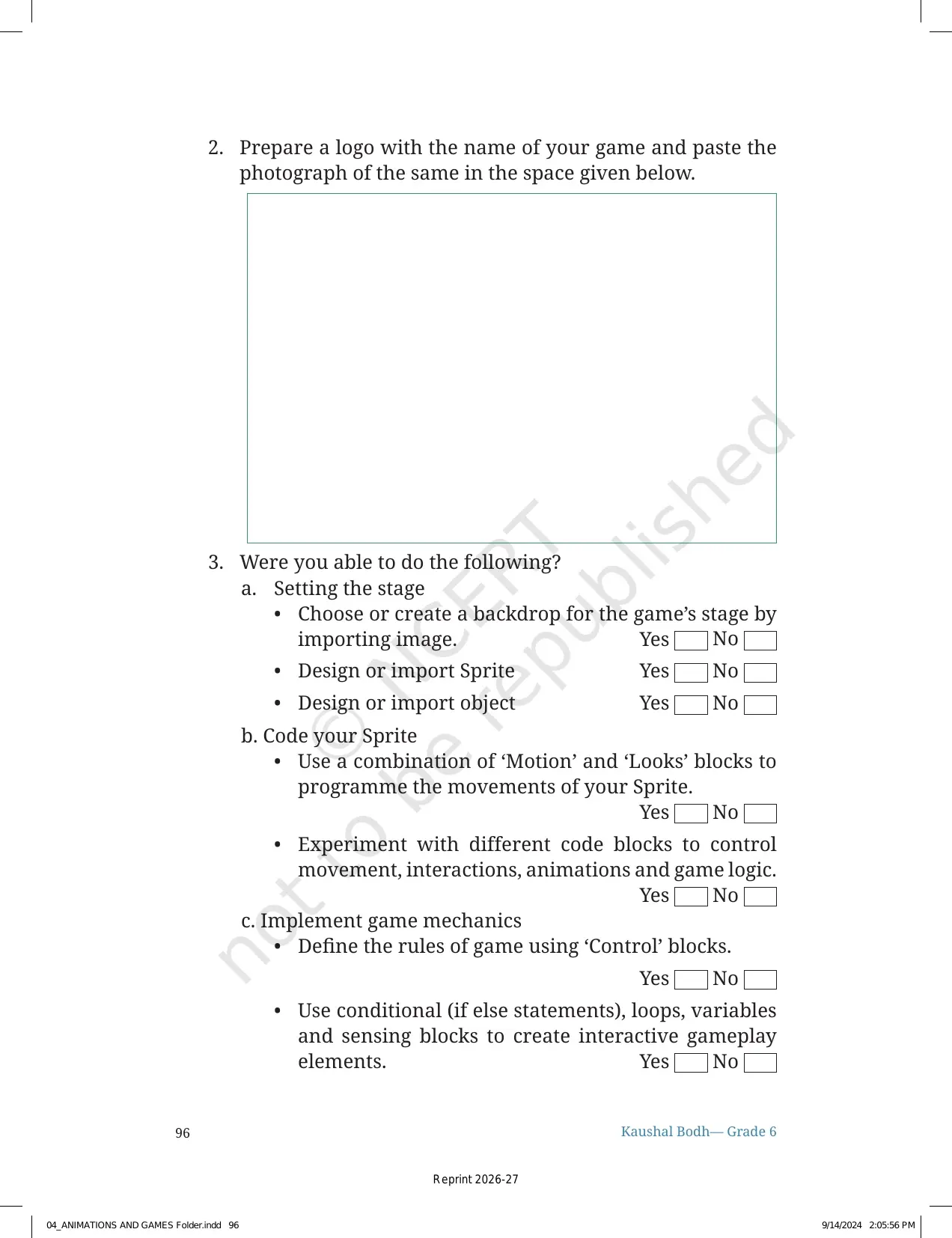
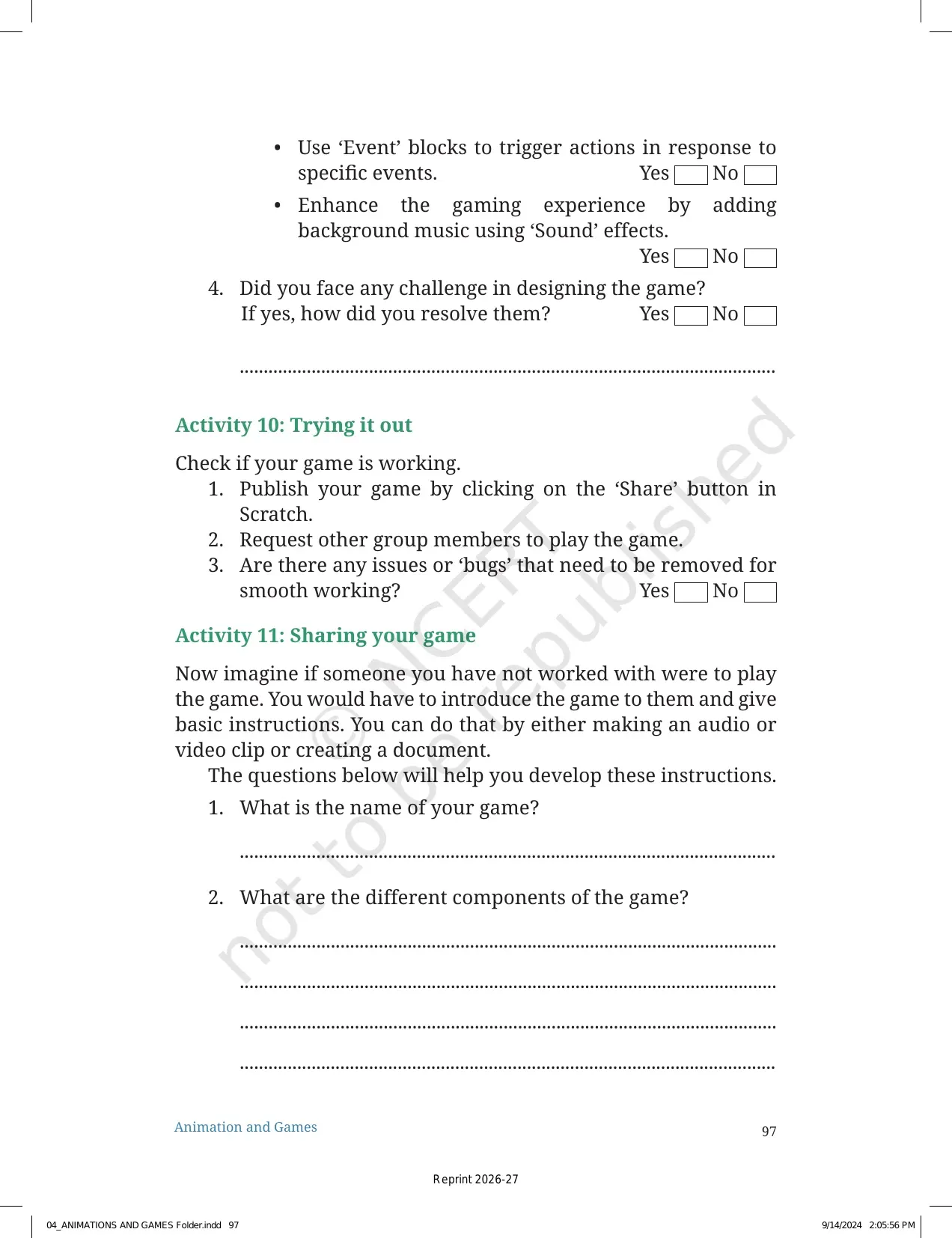
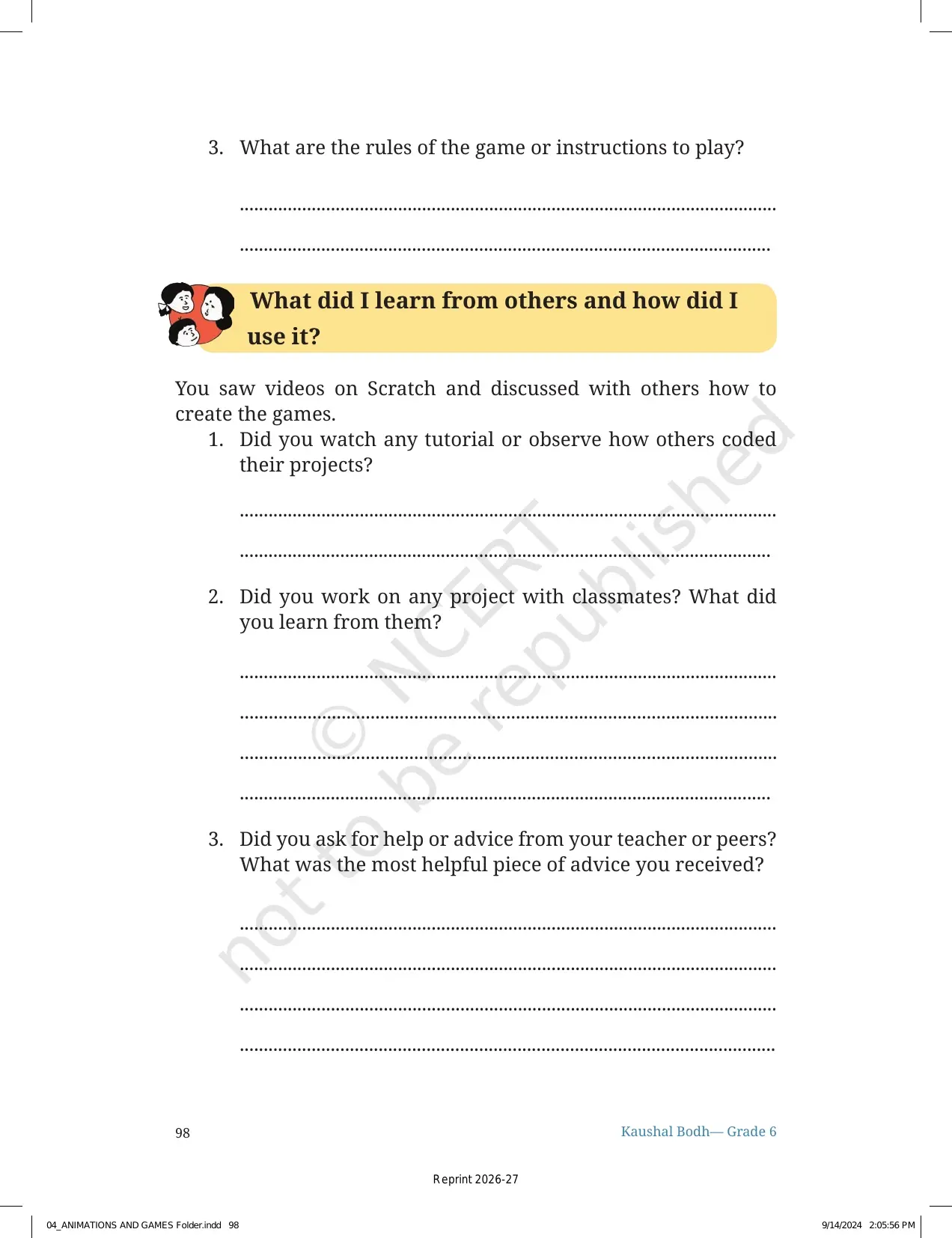
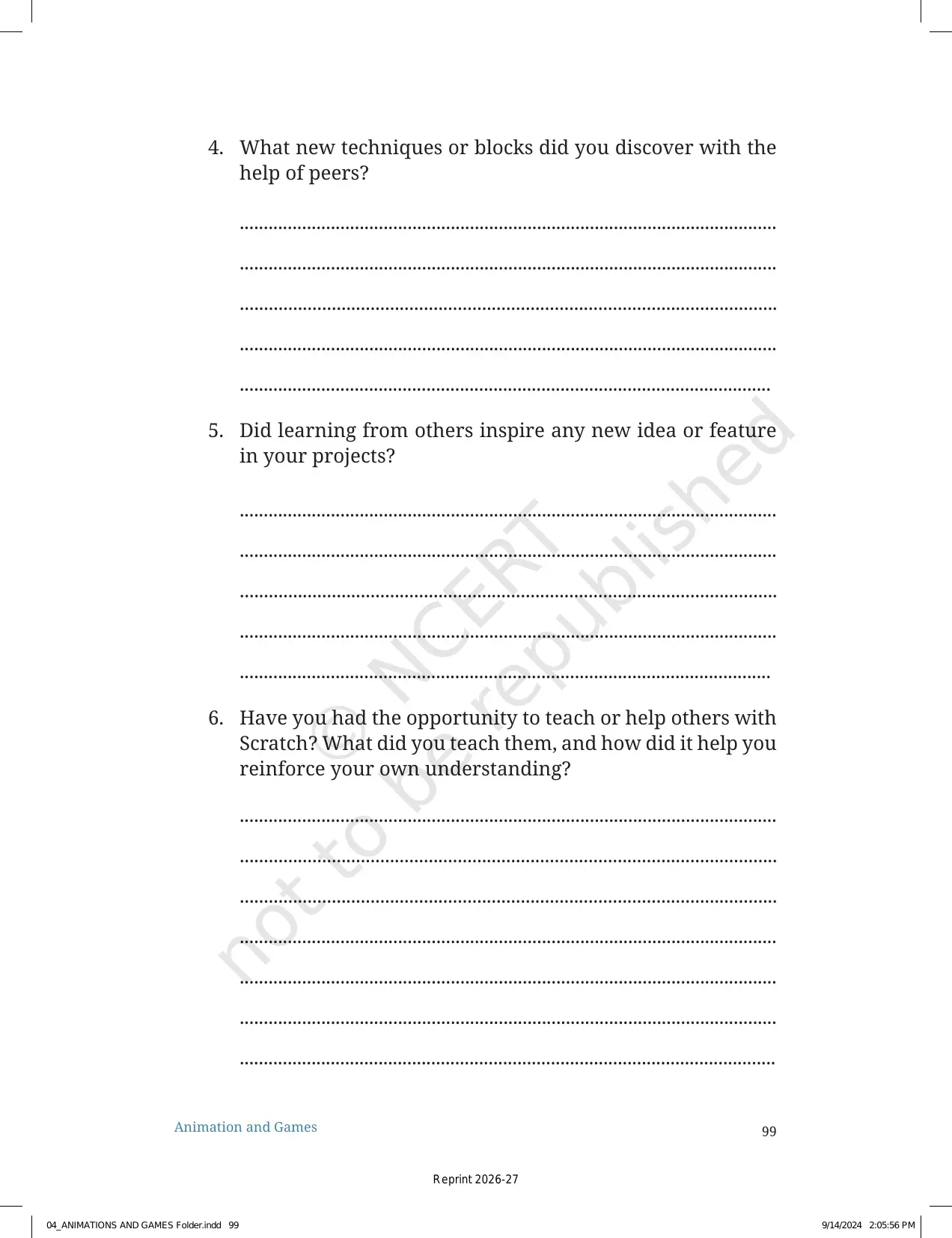
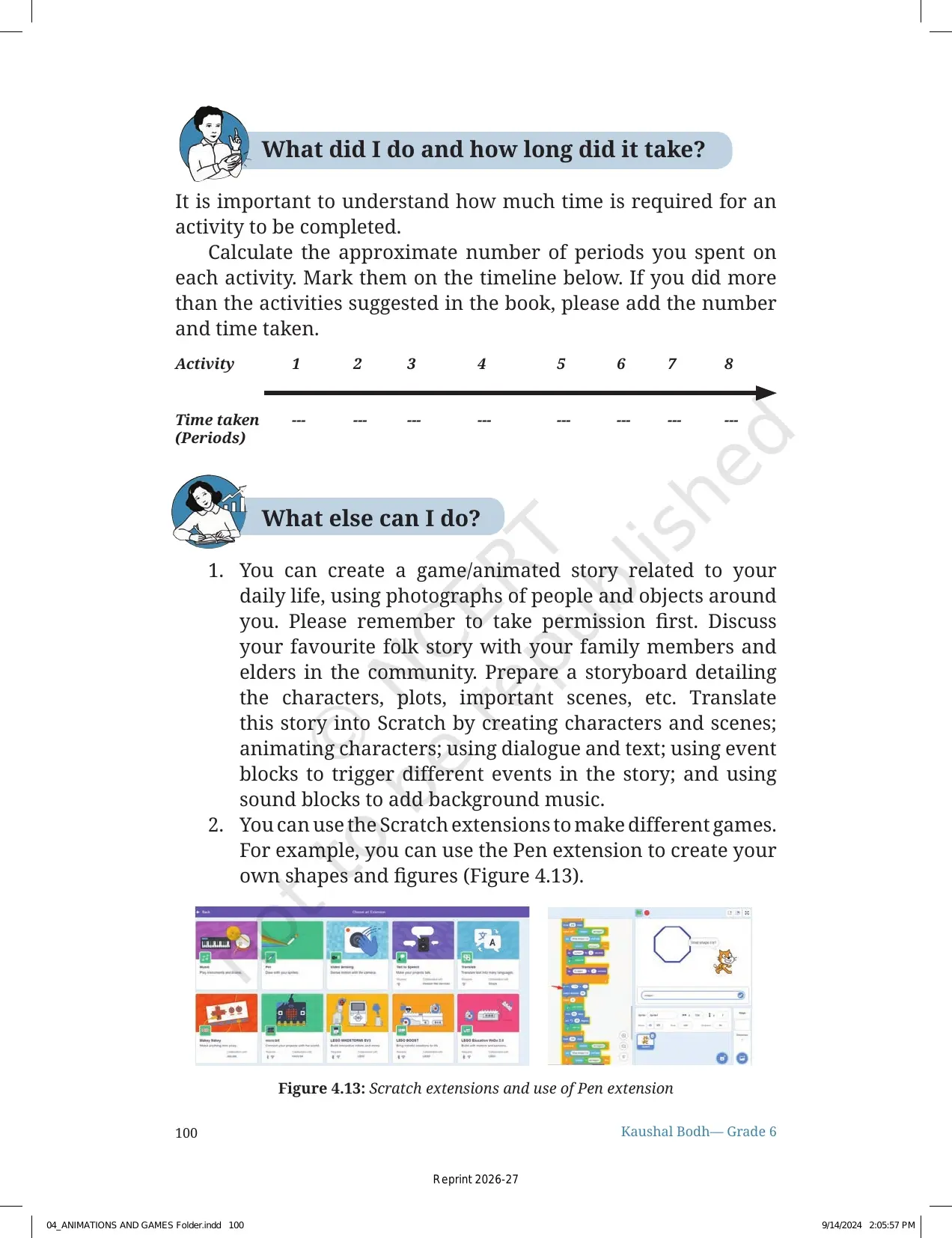
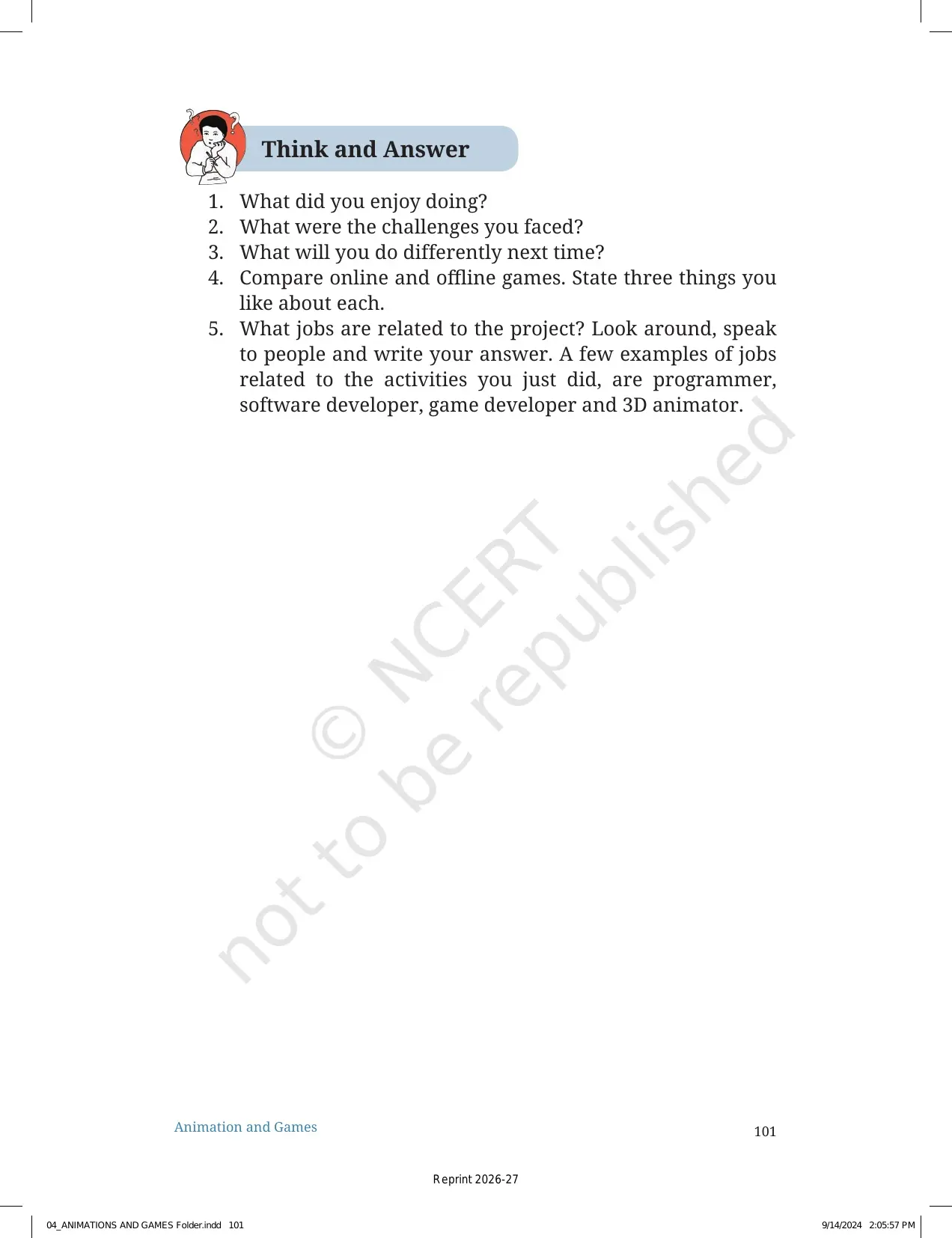
This NCERT Book PDF is the source text for every Scratch task, game-design question and animation activity in the Animation and Games project.
Student Feedback: In a Collegedunia review of Class 6 Kaushal Bodh project doubts from over 8,200 students, Animation and Games felt easier when students planned the game rules before opening Scratch.
|
Table of Contents |
Animation and Games NCERT Book PDF for Class 6 Vocational Education
The Animation and Games project sits in the Work with Machines and Materials part of Kaushal Bodh. It introduces students to digital creativity through Scratch. The chapter helps students turn a game idea into a simple visual programme.
| Chapter part | What the PDF covers | Why students should read it |
|---|---|---|
| Project aim | Creating animations and games with a visual programming language | Shows the skill students build by the end |
| Game design | Rules, players, favourite games and offline game models | Teaches students to plan before coding |
| Scratch basics | Sprites, backdrops, blocks, events and simple movement | Connects coding terms with visible actions |
| Testing | Trying the game, finding problems and improving it | Builds the habit of checking work carefully |
What Students Learn from the Animation and Games Project
The chapter starts with a simple question: how do games and moving figures work on a screen? Students learn that programmers use coding to communicate with computers, tablets and smartphones. Scratch makes this idea easier because students join blocks instead of writing long code.
- Planning: students write game rules, choose characters and decide how the game should work.
- Making: students build a model and then create a Scratch project.
- Improving: students test the game, notice errors and change the blocks.
The PDF also reminds students to use the internet safely. It asks them to discuss screen time, teacher guidance and healthy balance. Coding is useful, but safe habits come first in this project.
Animation and Games Scratch Project Video
Source: NCERT OFFICIAL on YouTube
How Students Use Scratch in Chapter 4
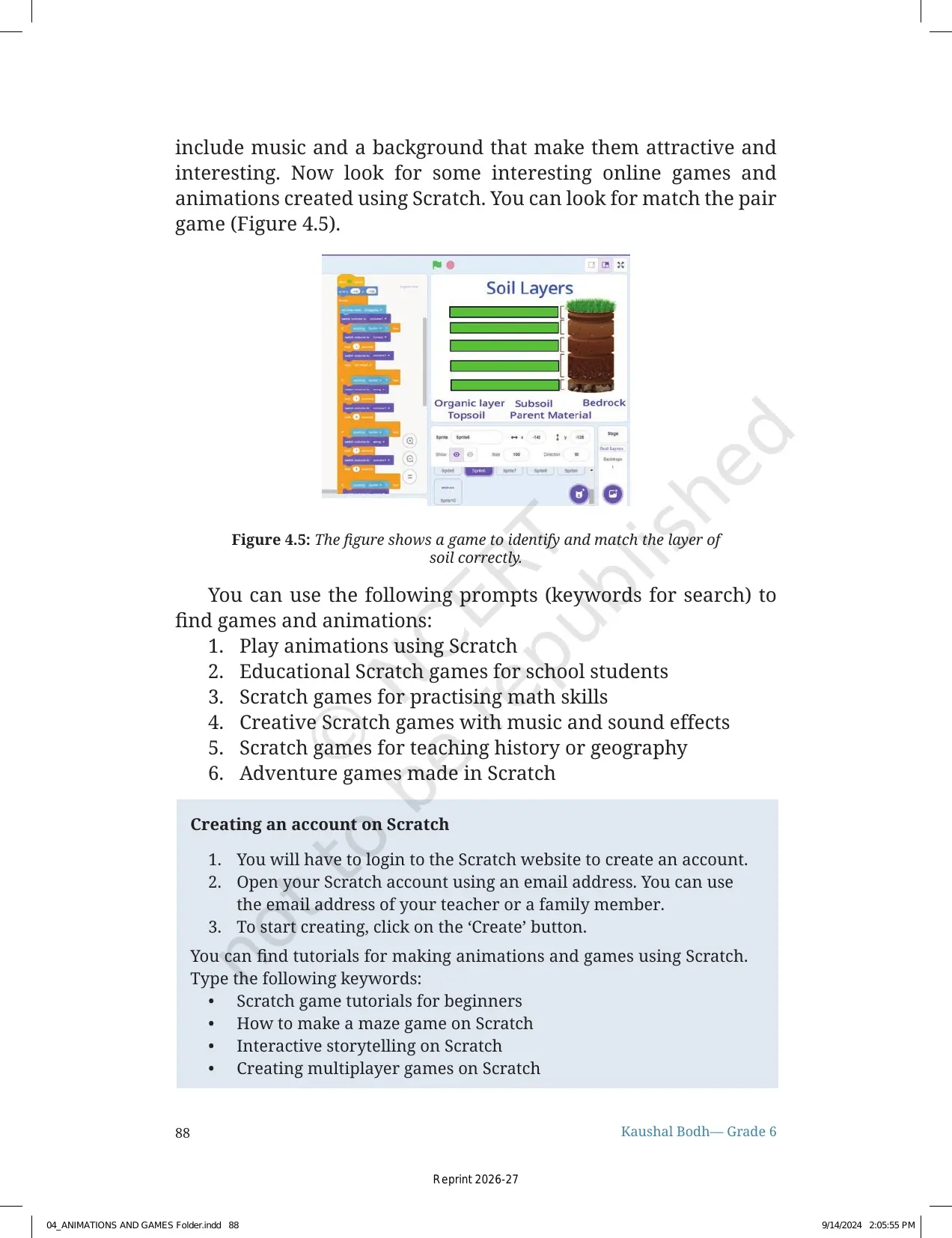
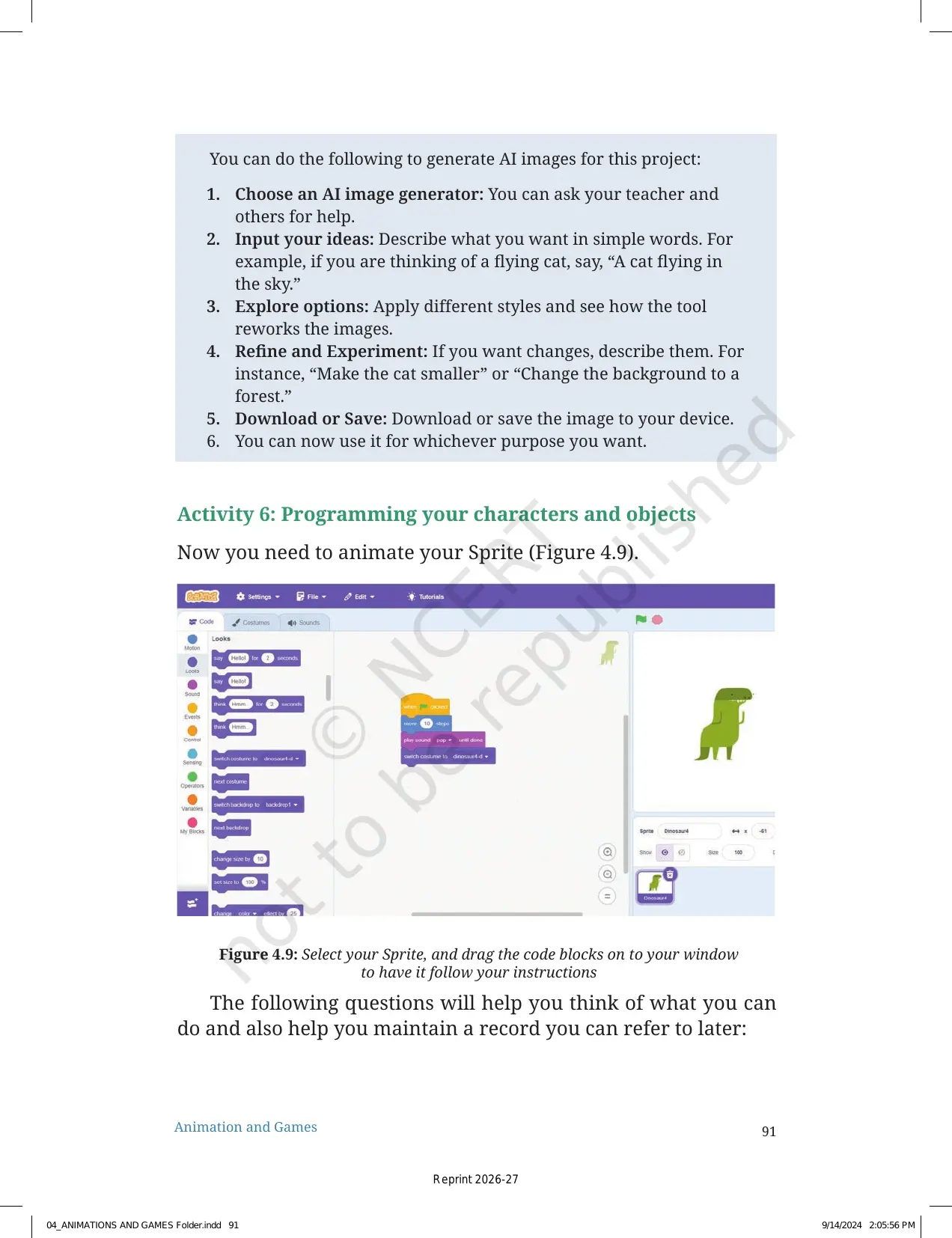
Scratch is the main tool used in the project. It is called a visual programming language because commands appear as blocks. Students drag and join these blocks to create action on the screen.
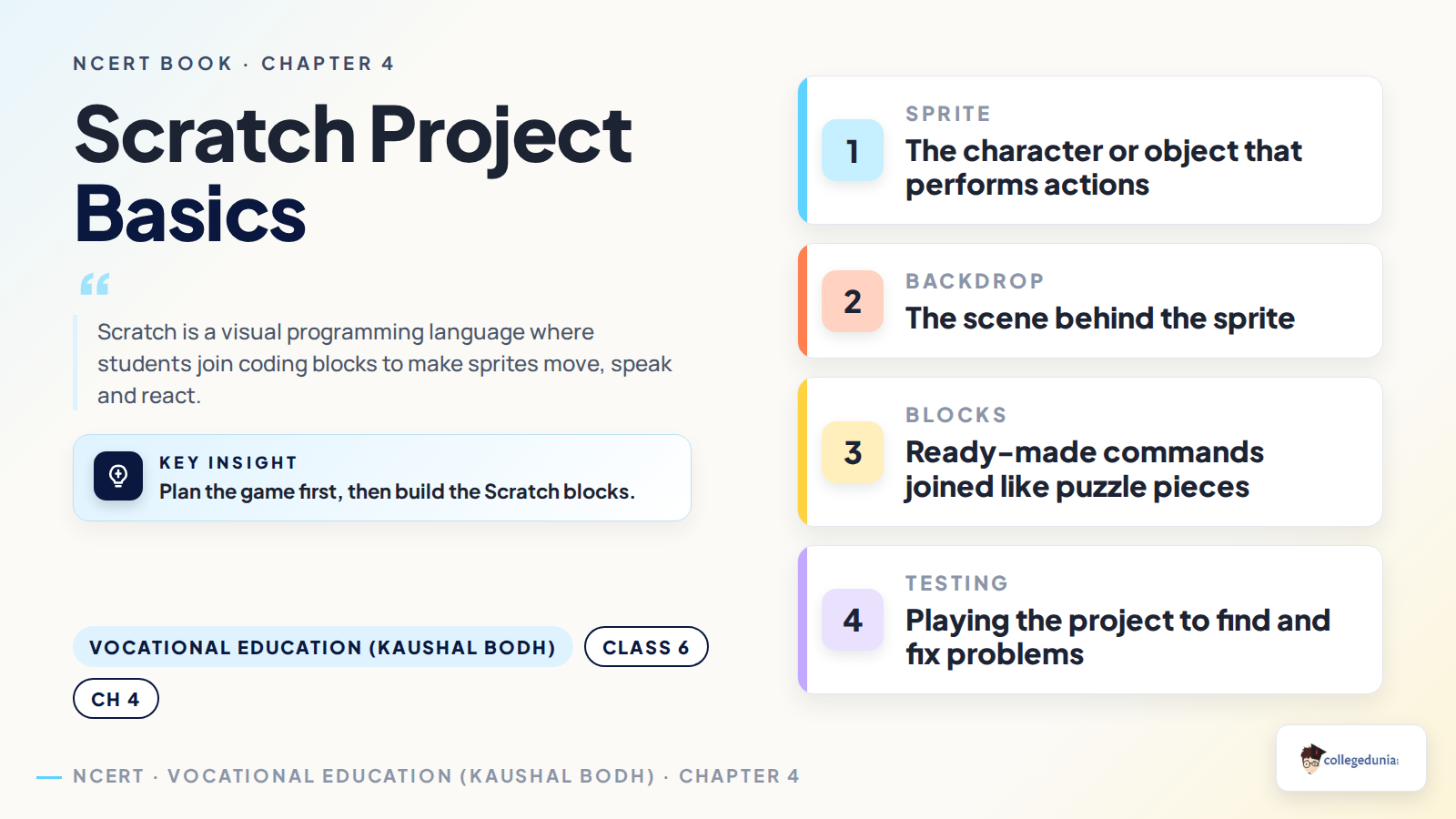
| Scratch term | Meaning in the project | Student action |
|---|---|---|
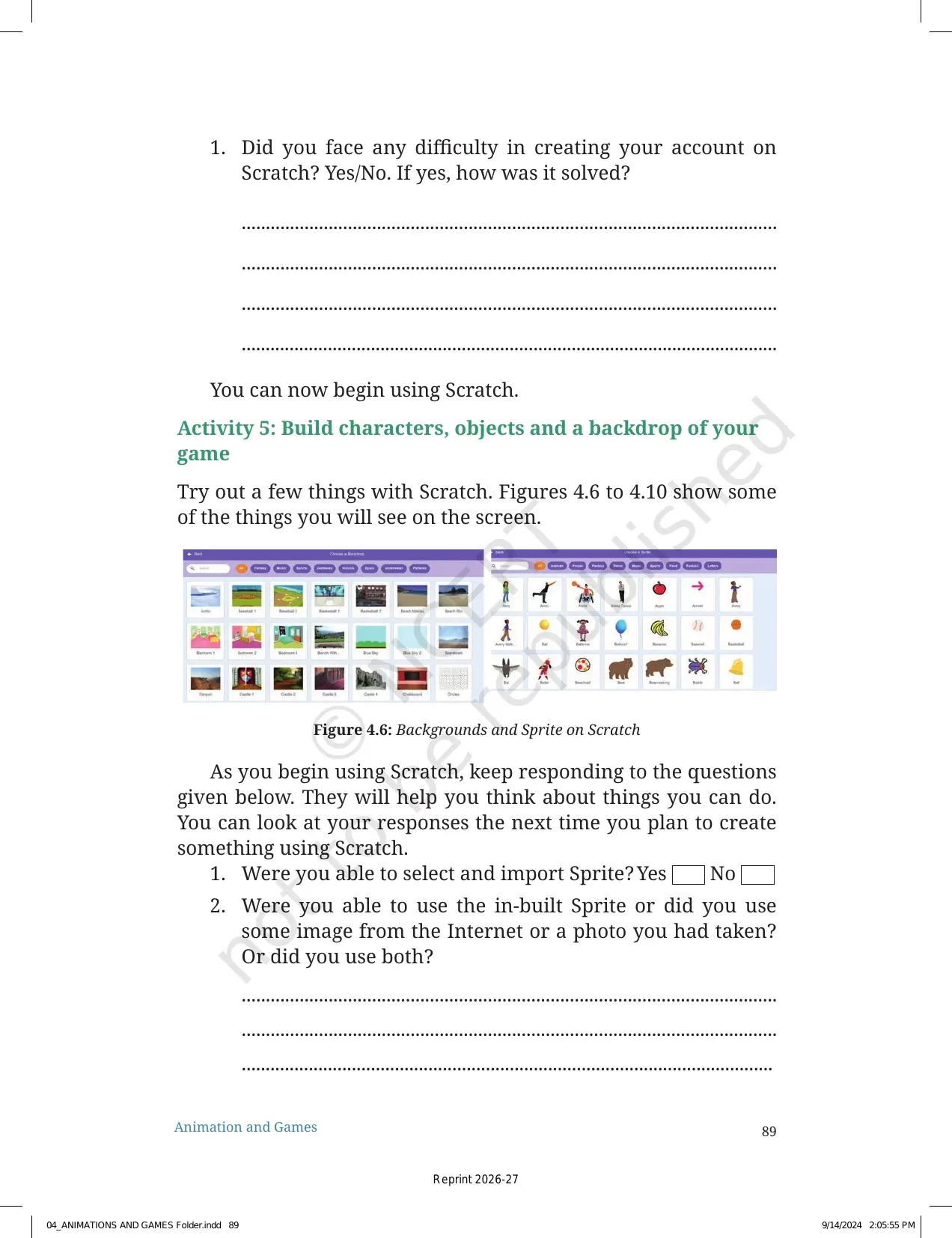
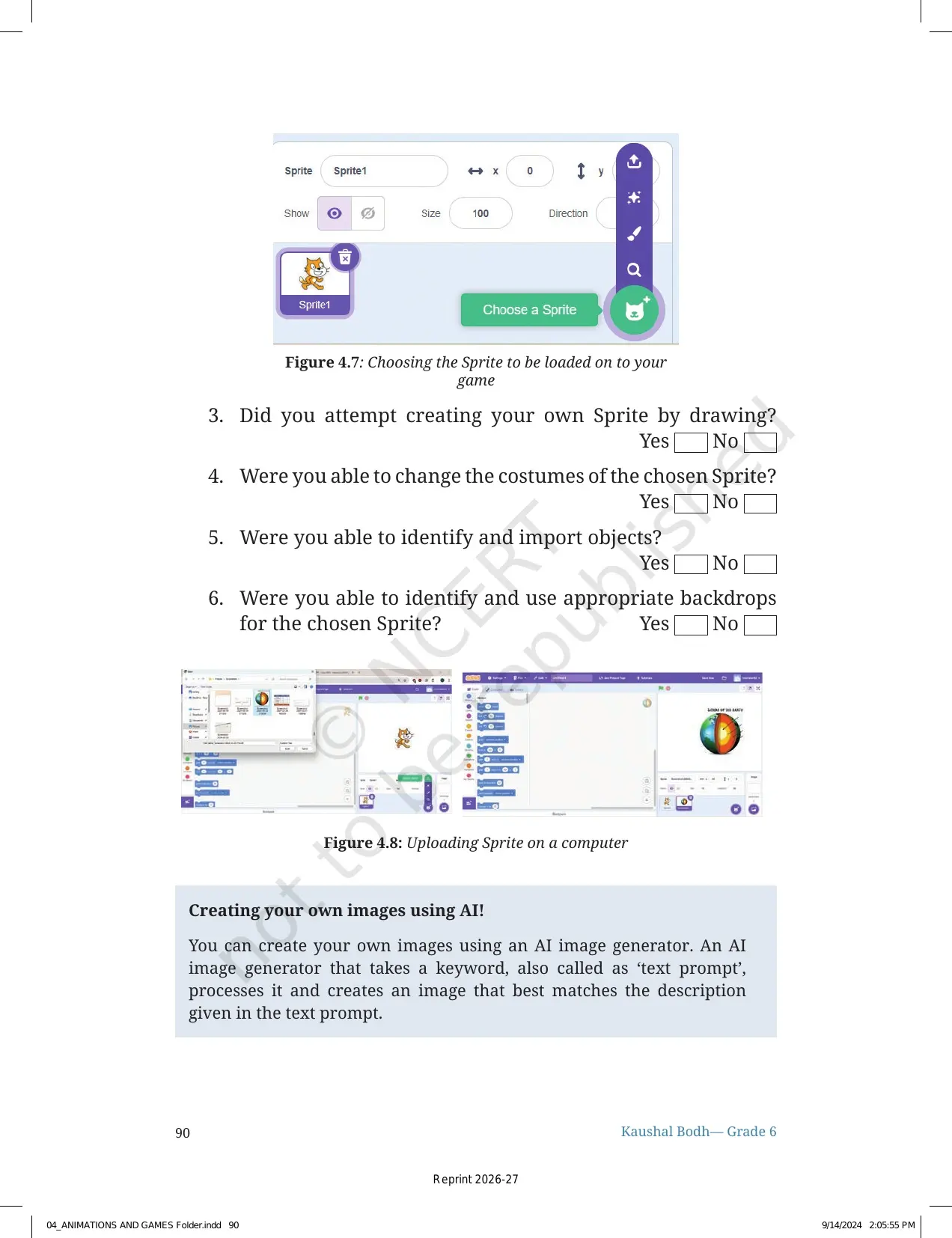
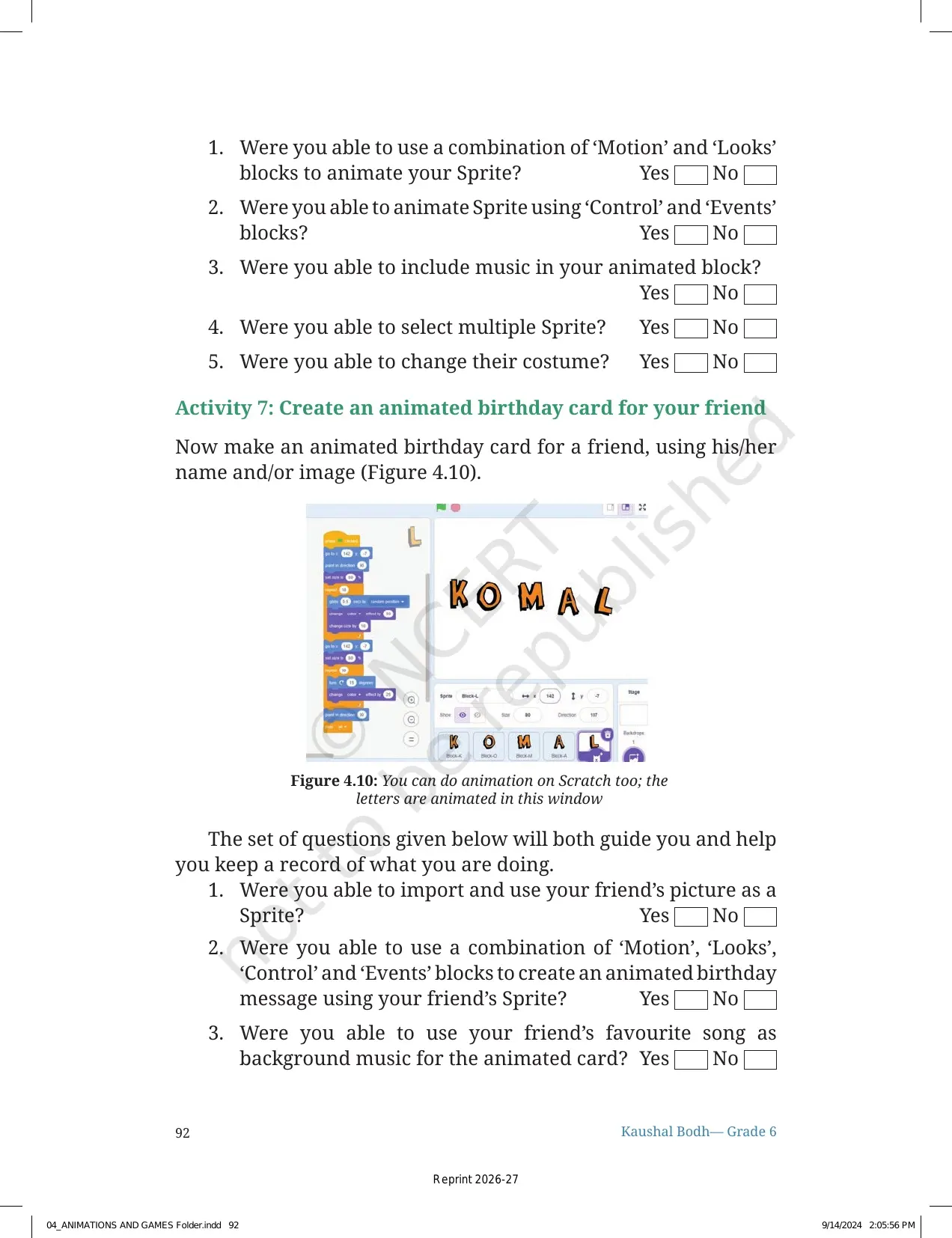
| Sprite | A character or object in the project | Choose or draw the object that moves |
| Backdrop | The background scene | Select the place where the game happens |
| Blocks | Ready-made coding commands | Join commands for movement, sound and events |
| Testing | Playing the project to find problems | Fix the block order after each trial |
A strong Scratch project begins with a clear game rule. The rule tells the student what the sprite should do and how the player wins or loses.
Game Design Activities in Animation and Games
The first activity asks students to think about games they already know. They answer questions about favourite games, players, rules and interesting features. This helps them understand that every game has a plan.
- Choose one favourite offline or online game.
- Write the rules and number of players clearly.
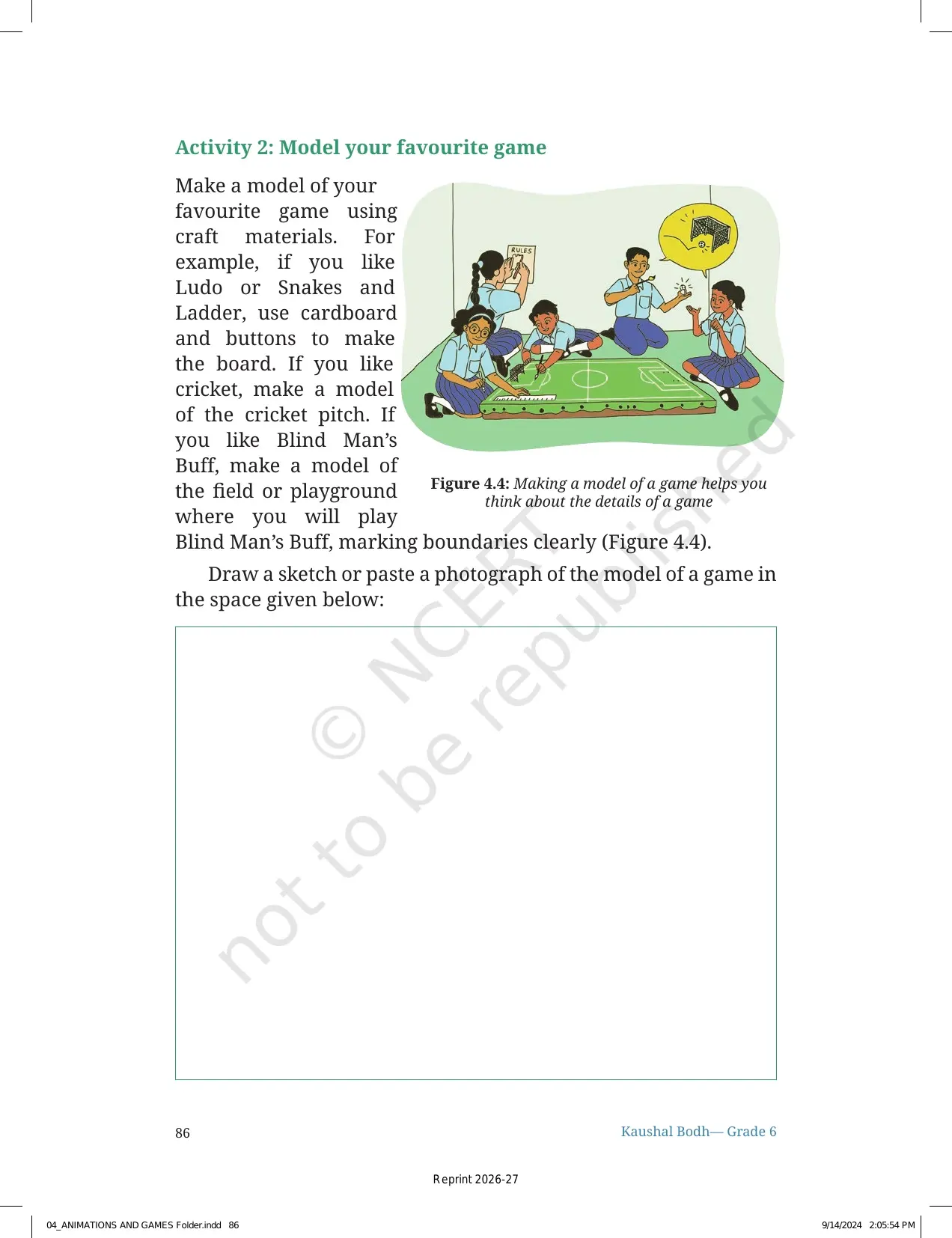
- Make a simple model using paper, cardboard, buttons or other safe materials.
- Use the model to plan a Scratch animation or game.
The model-making step is important. It lets students see the game space before coding. A paper model can prevent confusion when students start placing sprites on the Scratch stage.
Safe Internet Use and Screen Time in Chapter 4
The PDF asks students to discuss online safety with the teacher and classmates. Students make a to-do and not-to-do list before using the internet. This section matters because Class 6 students may be using online tools for the first time in a project.
- Ask first: use the internet only with teacher or family guidance.
- Protect details: do not share personal information while using online tools.
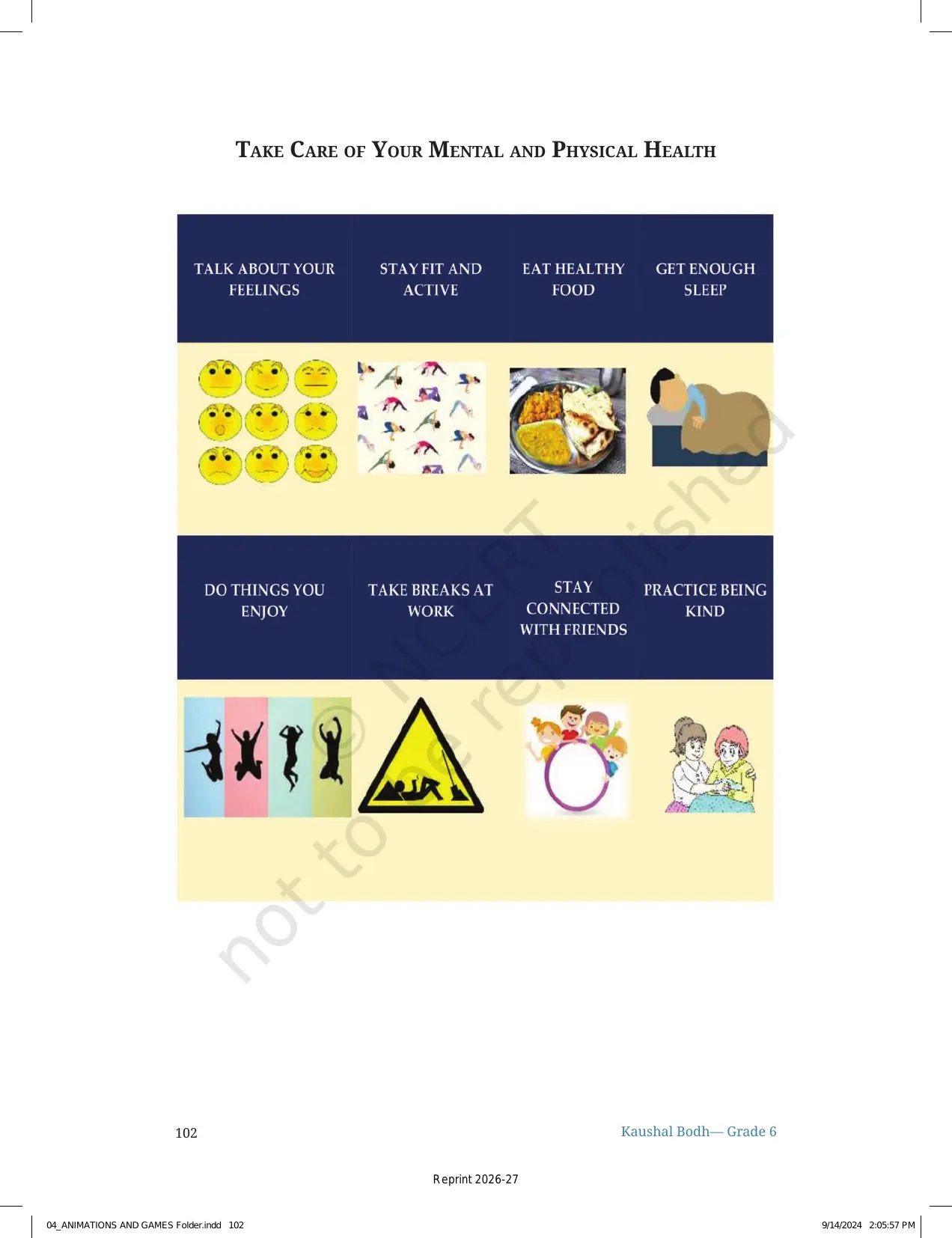
- Balance time: limit screen time and continue outdoor play or physical games.
- Check before sharing: show the project to the teacher before sending it anywhere.
The chapter does not treat games as only entertainment. It uses games to teach planning, logic, design and safe digital habits.
How to Use This Class 6 Kaushal Bodh PDF
Use the NCERT Book PDF as the main source while preparing the project file. Read the opening pages on animation, coding and Scratch before starting the activities. Then follow the project order given in the chapter.
- Read the project aim and the Scratch introduction.
- Answer the game-design questions in your notebook.
- Make a model of your favourite game using safe craft material.
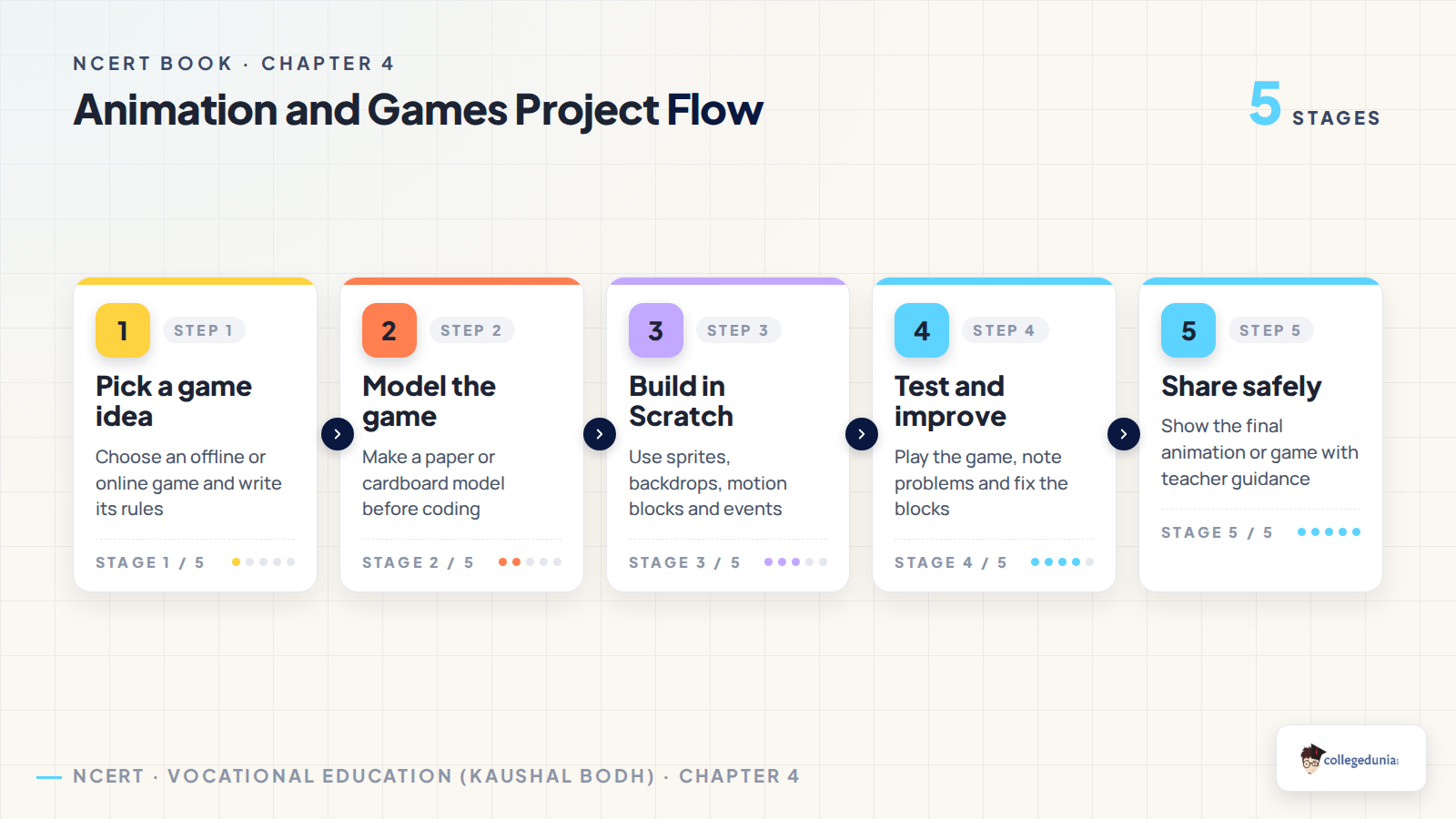
- Plan the sprite, backdrop and rules before opening Scratch.
- Build, test and improve the animation or game step by step.
The PDF has 22 pages, so students can finish it in small project blocks. The easiest order is idea, model, Scratch build, testing, improvement and safe sharing.
Related Class 6 Animation and Games Resources
Also Check: use the official book PDF with the matching notes and handwritten revision pages for the same project.
| Resource | Best used for | Open it |
|---|---|---|
| NCERT Book PDF | Official chapter text, activities, figures and project instructions | Current page |
| NCERT Notes | Typed revision of Scratch, sprites, storyboards, testing and safe sharing | Animation and Games Class 6 Notes |
| Handwritten Notes | Quick revision of Scratch terms, project steps and game design points | Animation and Games Class 6 Handwritten Notes |
Class 6 Vocational Education Kaushal Bodh NCERT Book PDFs for All Chapters
Related Links: download the other NCERT Book PDFs from the Class 6 Kaushal Bodh textbook.
| Chapter | Class 6 Kaushal Bodh NCERT Book PDF |
|---|---|
| Chapter 1 | School Kitchen Garden Class 6 NCERT Book PDF |
| Chapter 2 | Biodiversity Register Class 6 NCERT Book PDF |
| Chapter 3 | Maker Skills Class 6 NCERT Book PDF |
| Chapter 4 | Animation and Games Class 6 NCERT Book PDF |
| Chapter 5 | School Museum Class 6 NCERT Book PDF |
| Chapter 6 | Cooking without Fire Class 6 NCERT Book PDF |
Animation and Games Class 6 NCERT Book PDF FAQs
Ques. What is the Animation and Games chapter in Class 6 Kaushal Bodh about?
Ans. It is a Vocational Education project where students learn Scratch, visual programming, game rules, animation planning, testing and safe internet use.
Ques. Is this NCERT Book PDF useful for the 2026-27 syllabus?
Ans. Yes. The PDF follows the 2026-27 Class 6 Kaushal Bodh textbook and carries the official activities, figures and Scratch project tasks.
Ques. What is Scratch in the Animation and Games chapter?
Ans. Scratch is a visual programming language where students join coding blocks to make sprites move, speak, react and form a simple animation or game.
Ques. What activities are included in Chapter 4 Animation and Games?
Ans. Students study game rules, make a model of a favourite game, try online games, plan Scratch elements and improve the project after testing.
Ques. How should students use this NCERT Book PDF?
Ans. Read the PDF in project order: coding idea, safety rules, game design, model making, Scratch planning, building, testing and improvement.



Comments