




Inside the Class 12 Computer Science Chapter 12 Security Aspects NCERT Book PDF, students get the official text on malware, antivirus, HTTP vs HTTPS, firewall, cookies, and the network security threats that the board paper loves to ask about. This page lets students download the original Chapter 12 text, figures and tables for the 2026-27 CBSE syllabus, so the definitions of virus, worm, ransomware and DDoS come straight from the source.
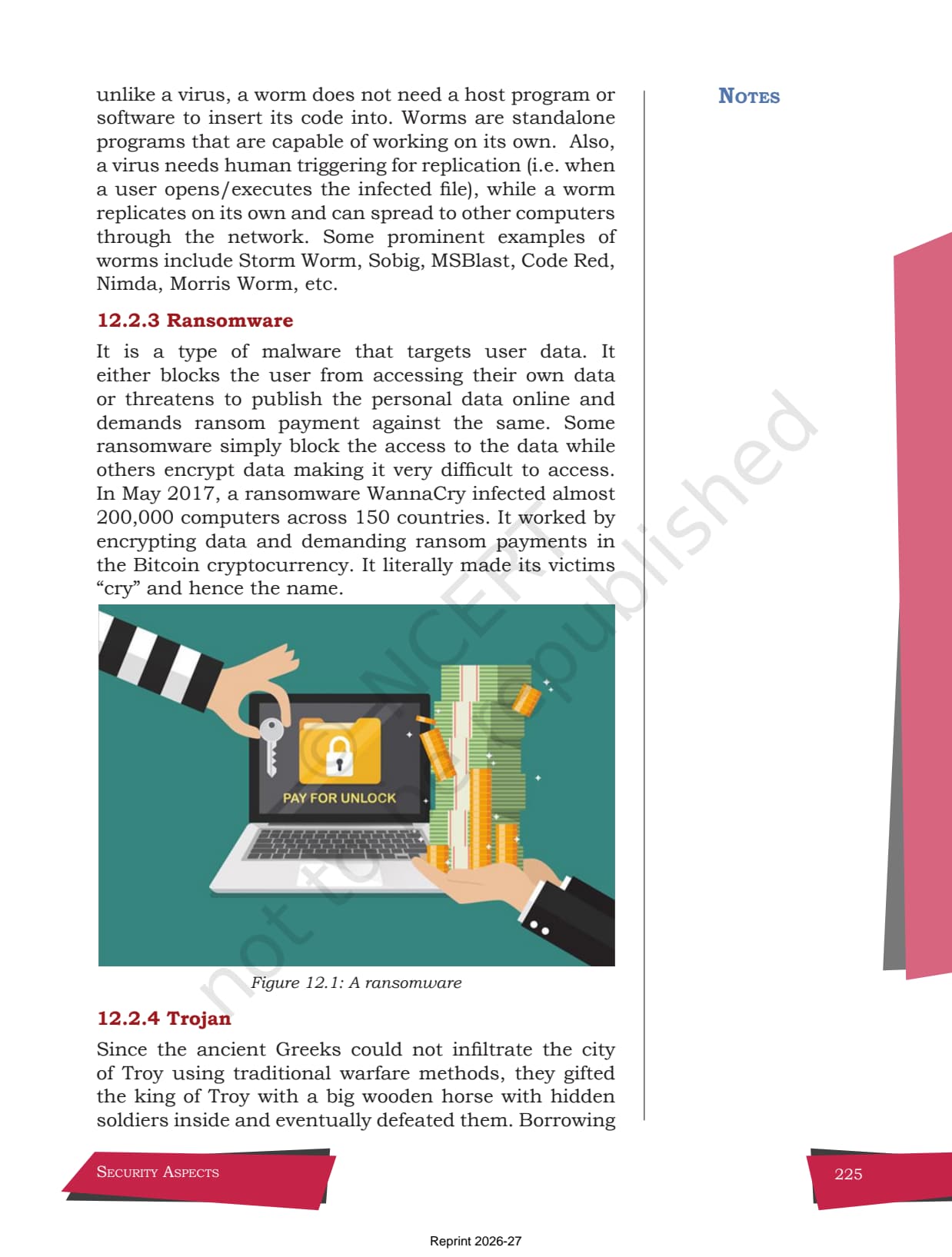
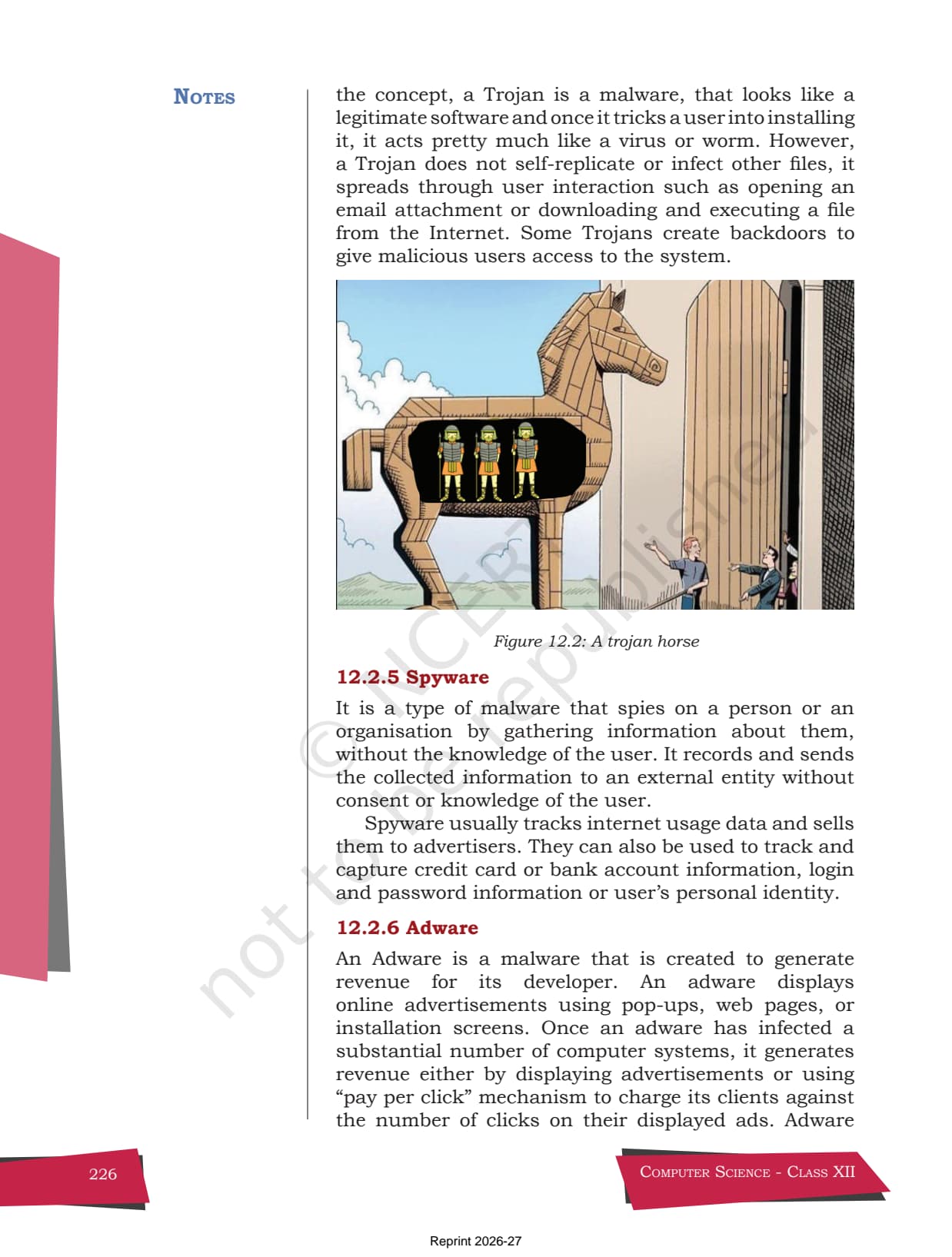
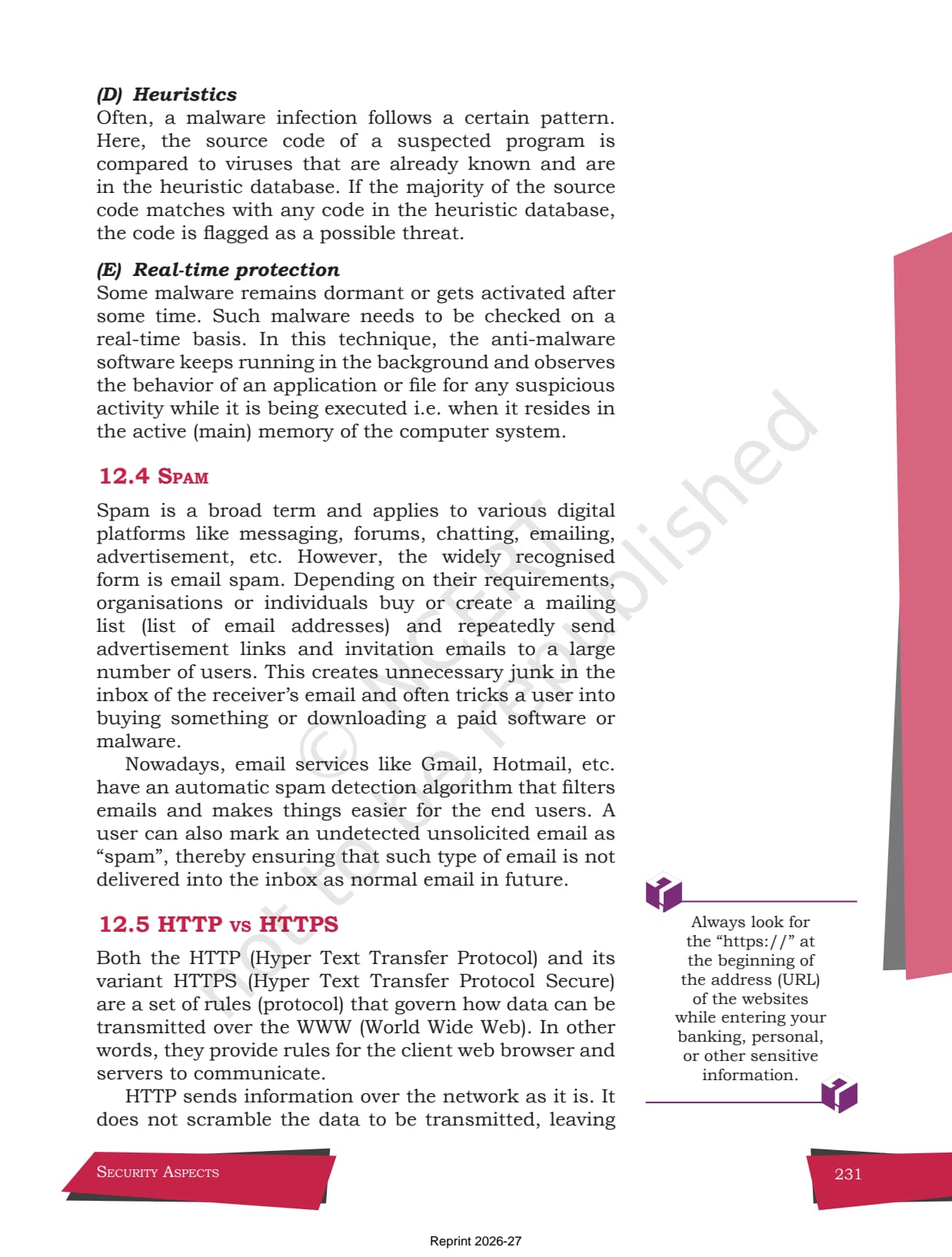
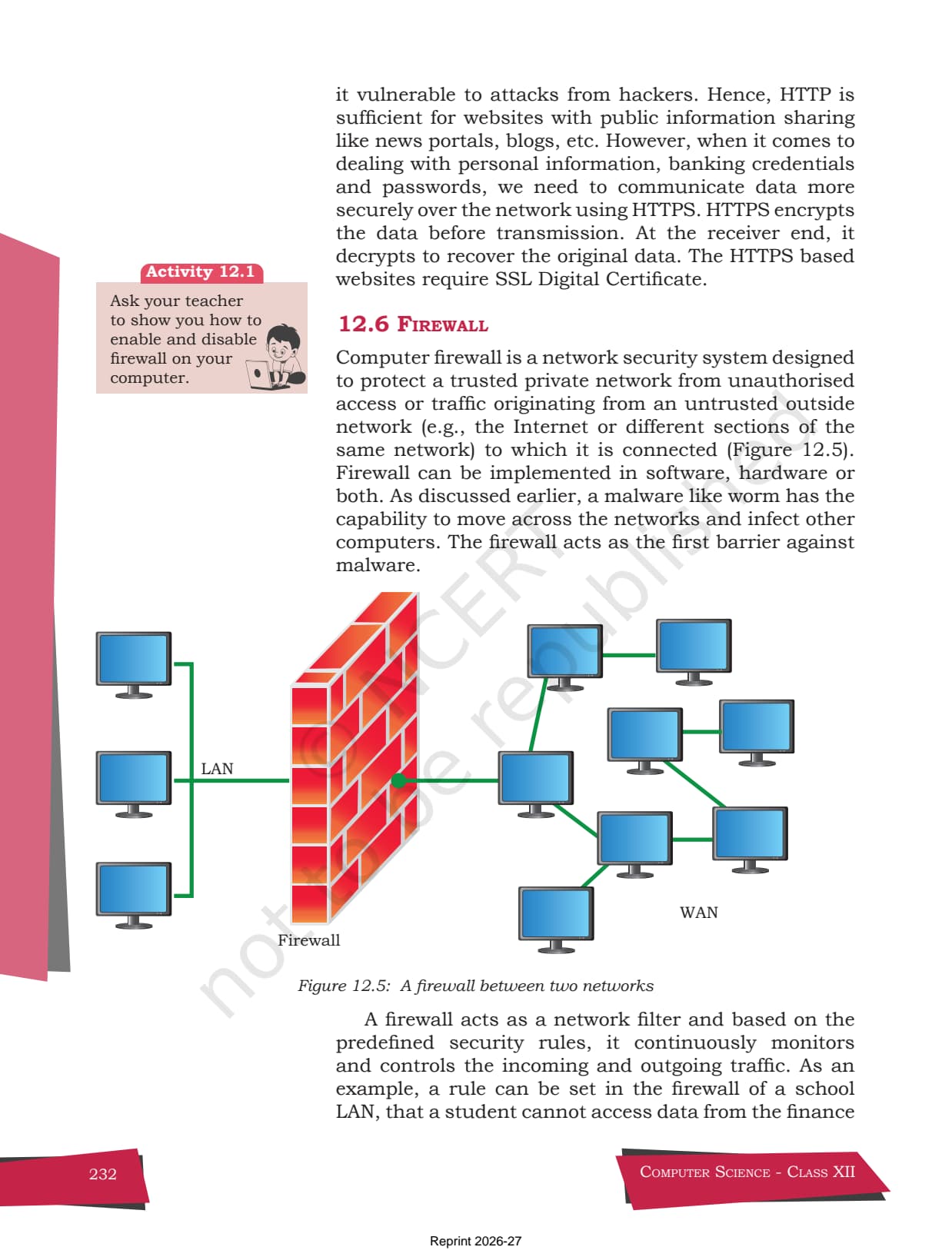
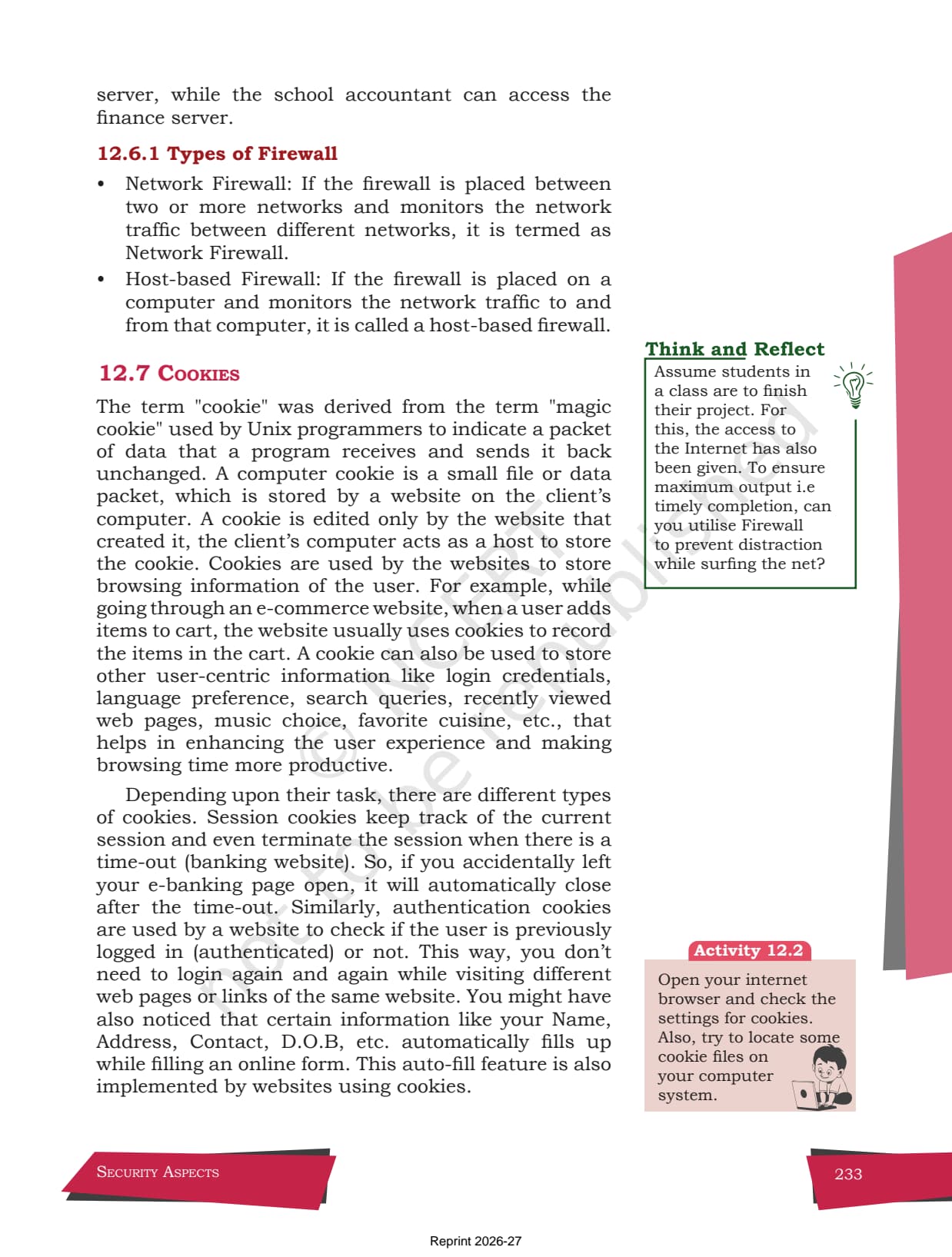
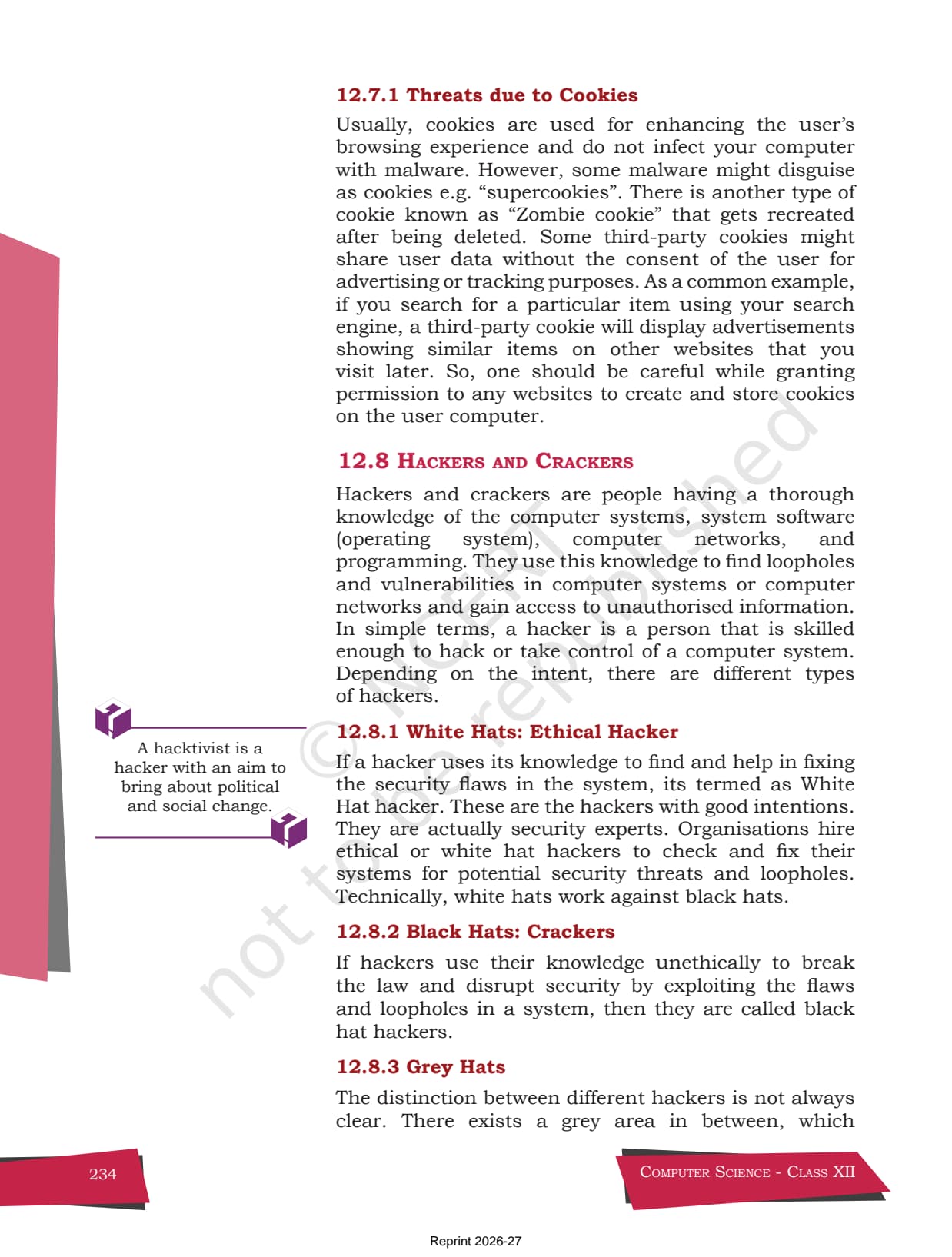
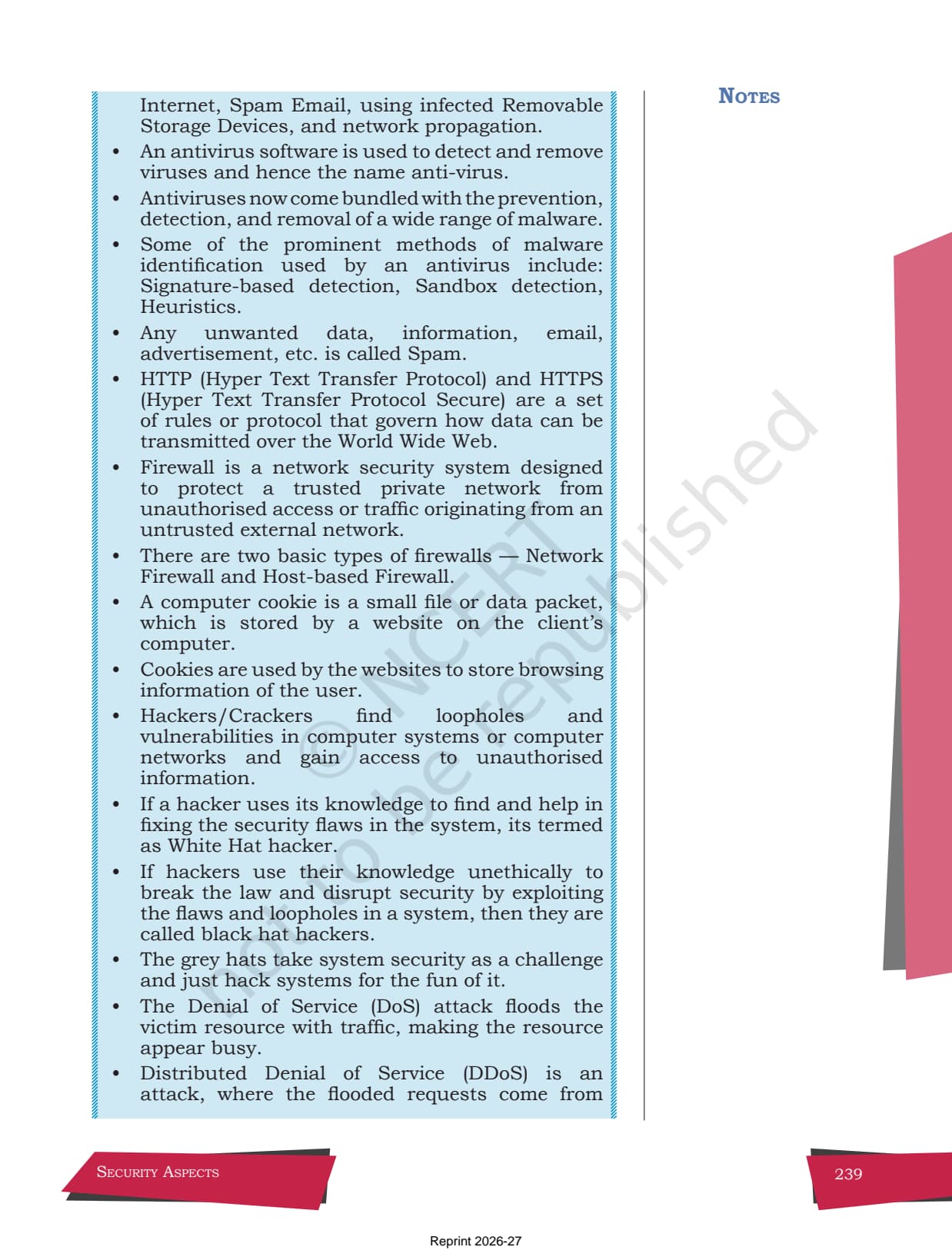
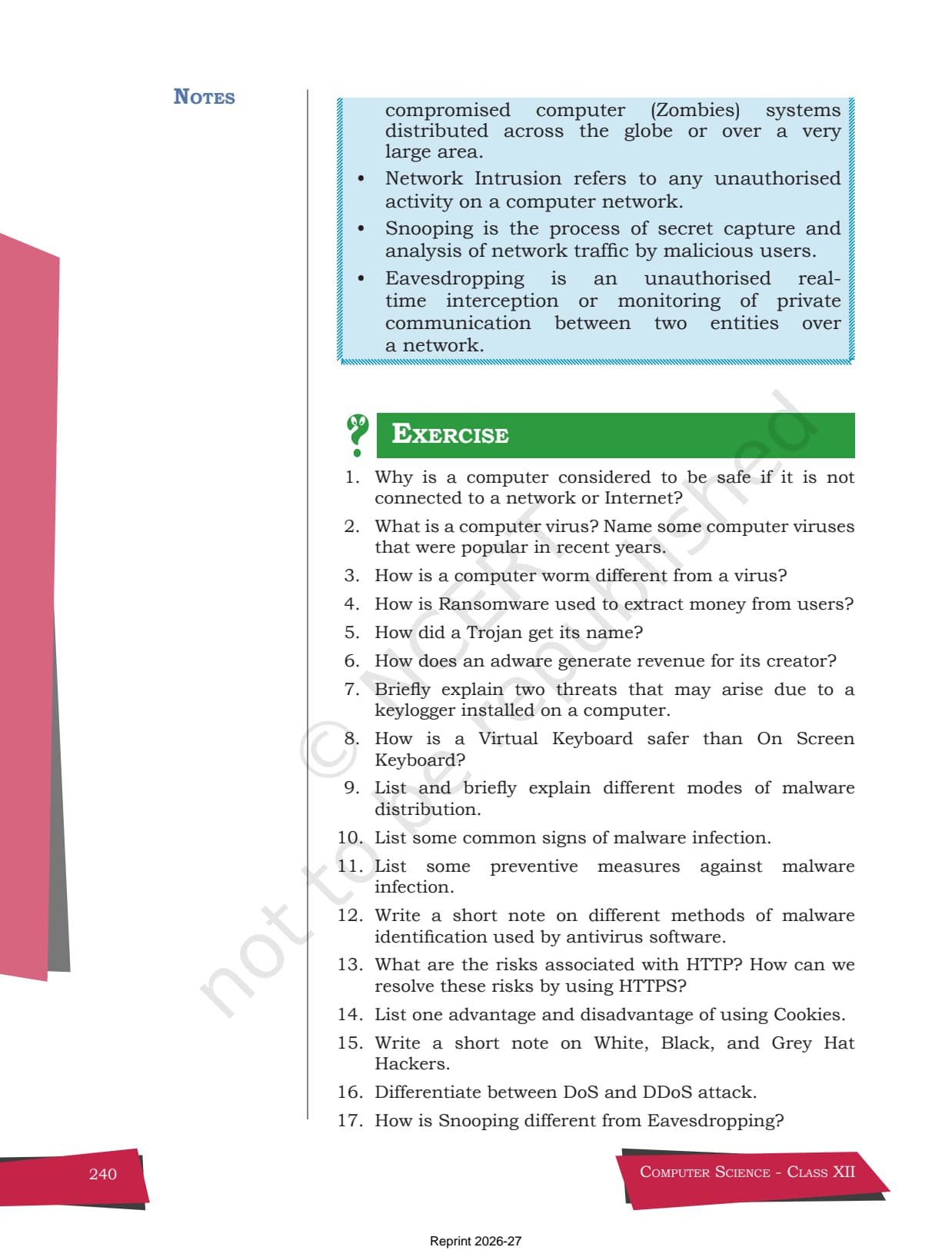
- Official NCERT chapter with the original figures, the virus signature note, and every threat definition.
- The Security Aspects chapter usually carries 4 to 6 marks in the Class 12 Computer Science board paper.
- Pairs with the Solutions, Notes and Handwritten Notes linked lower on this page.
This is the official NCERT Security Aspects chapter from the Class 12 Computer Science book, offered for free download in the 2026-27 edition with the original figures on viruses, the virtual keyboard and network threats.
Student Feedback: What 9,800 students told us about this chapter PDF
71% of Class 12 students said they kept the official NCERT Security Aspects chapter PDF open while revising, because the exact definitions of virus, worm, Trojan and ransomware come straight from the chapter. 3 out of 5 students told us the HTTP vs HTTPS and DoS vs DDoS comparisons were the parts they re-read the most.
Toppers reported that quoting the NCERT wording for terms like malware, phishing and firewall helped them earn 1 to 2 extra marks on the short-answer questions. The average student spent 2 to 3 hours on the chapter across the first read and the exercise practice.
Source: 2026-27 Class 12 Computer Science student poll. Sample of 9,800 students from CBSE schools across 12 states, conducted before the 2026 boards.
Source: Decode the power within You. on YouTube
What the Class 12 Computer Science Chapter 12 Security Aspects NCERT Chapter Covers
Security Aspects is the last chapter of the Class 12 Computer Science book and a high-scoring one because the questions are short and direct. It answers one question: how do students keep a computer and its data safe once the machine joins a network? The chapter opens with the idea that a computer with no link to any network is the safest, then explains why that is not practical, and finally lists the real threats and their fixes.
The chapter is built around three threads, which the NCERT covers in order:
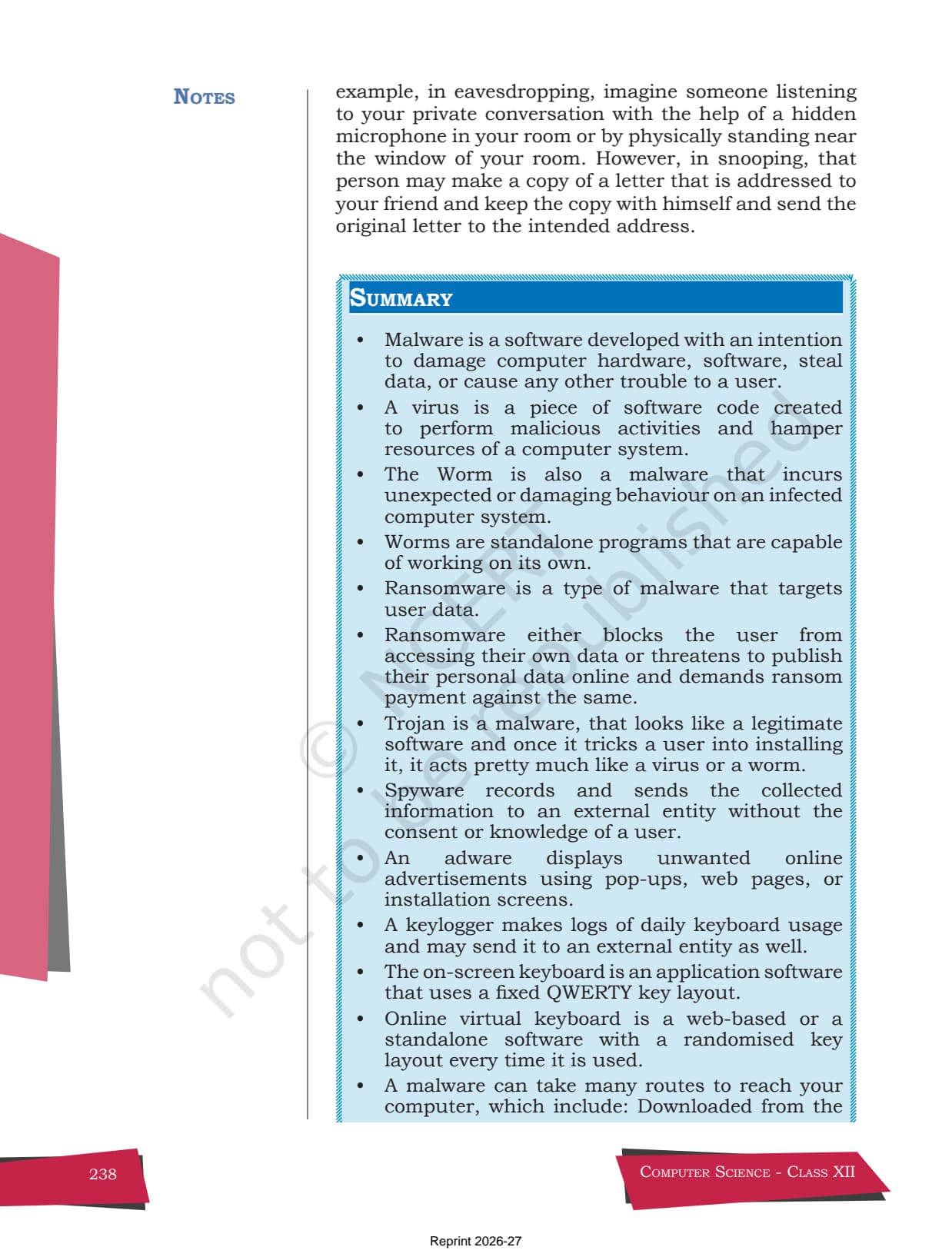
- The threats: the many kinds of malware, such as viruses, worms, ransomware, Trojans, spyware and adware.
- The defences: antivirus software, the move from HTTP to HTTPS, the firewall, and safe handling of cookies.
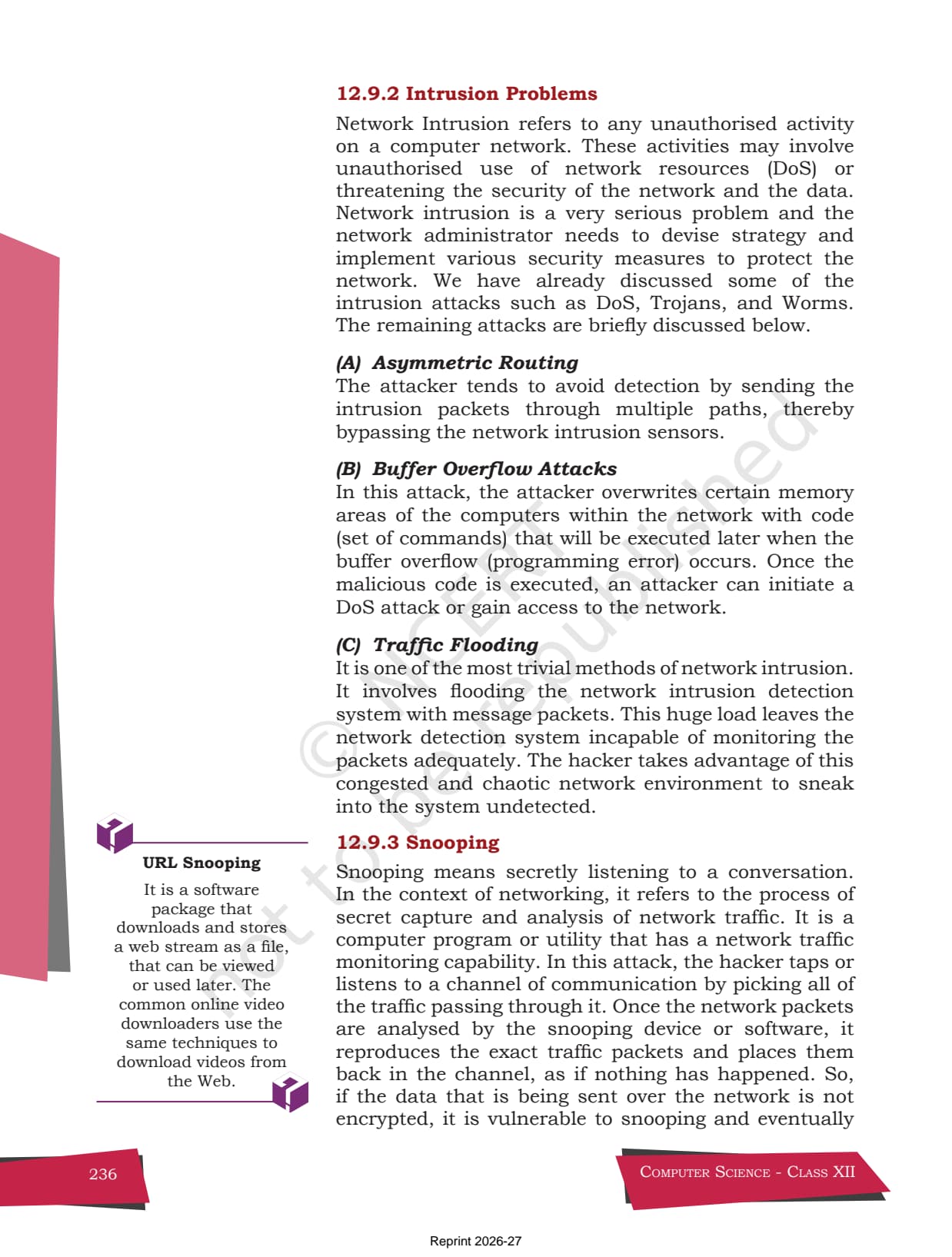
- The attackers and attacks: hackers and crackers (white, black and grey hat), and network attacks like DoS, DDoS, snooping and eavesdropping.
Reading the original NCERT text matters because the exact definitions in the class 12 computer science chapter 12 security aspects pdf are what CBSE rewards in the exam. A student who can repeat the chapter's wording for a worm, a Trojan or a DDoS attack picks up the 1-mark and 2-mark questions with no guesswork.
Chapter Highlights and Important Topics
The NCERT chapter is rich with worked terms, figures and comparisons that the exam often reuses. Knowing what each highlight covers helps students revise quickly from the source. The table below lists the highlights students should study in the original security aspects class 12 pdf.
| Highlight | Why it matters |
|---|---|
| Types of malware | The base of many short answers: virus, worm, ransomware, Trojan, spyware, adware. |
| Virus vs worm | A common 2-mark trap: a virus needs a host file, a worm spreads on its own. |
| Antivirus detection methods | Signature-based, sandbox, heuristics and real-time protection, tested most years. |
| HTTP vs HTTPS | HTTPS adds encryption, so a 1-mark or 2-mark question is almost certain. |
| DoS vs DDoS and hackers | The network-threats block and the white, black and grey hat definitions. |
The chapter also makes one idea the spine of everything: prevention is far cheaper than cure when it comes to security, which is why the NCERT lists careful preventive measures right after the malware section. That single idea ties antivirus, HTTPS and the firewall together. Marking it while reading helps students see why each rule in the chapter 12 computer science class 12 ncert book exists.
Malware Types and Modes of Distribution in the Chapter
The first half of the chapter explains malware, short for malicious software, and the many forms it takes. Reading the original NCERT text helps students copy the exact reasons CBSE rewards in a 2-mark or 3-mark answer. The list below shows the malware types the chapter names.
- Virus: a code that attaches to a host file and needs the user to run that file to spread.
- Worm: a standalone program that copies itself across a network without any host file.
- Ransomware: locks or encrypts the user's files and demands money to release them.
- Trojan, spyware and adware: a Trojan hides inside useful-looking software, spyware steals data quietly, and adware floods the screen with ads to earn revenue.
The chapter then explains how malware reaches a machine. It lists the modes of malware distribution, such as downloads from untrusted sites, infected pen drives, email attachments and pirated software. The short note below mirrors the chapter's own contrast between a virus and a worm, the most common comparison in the exam.
VIRUS                          WORM
- needs a host file            - is a standalone program
- spreads when user runs       - spreads by itself over a
  the infected file              network, no user action
- slows the system, corrupts   - eats bandwidth, can crash
  files                          whole networks
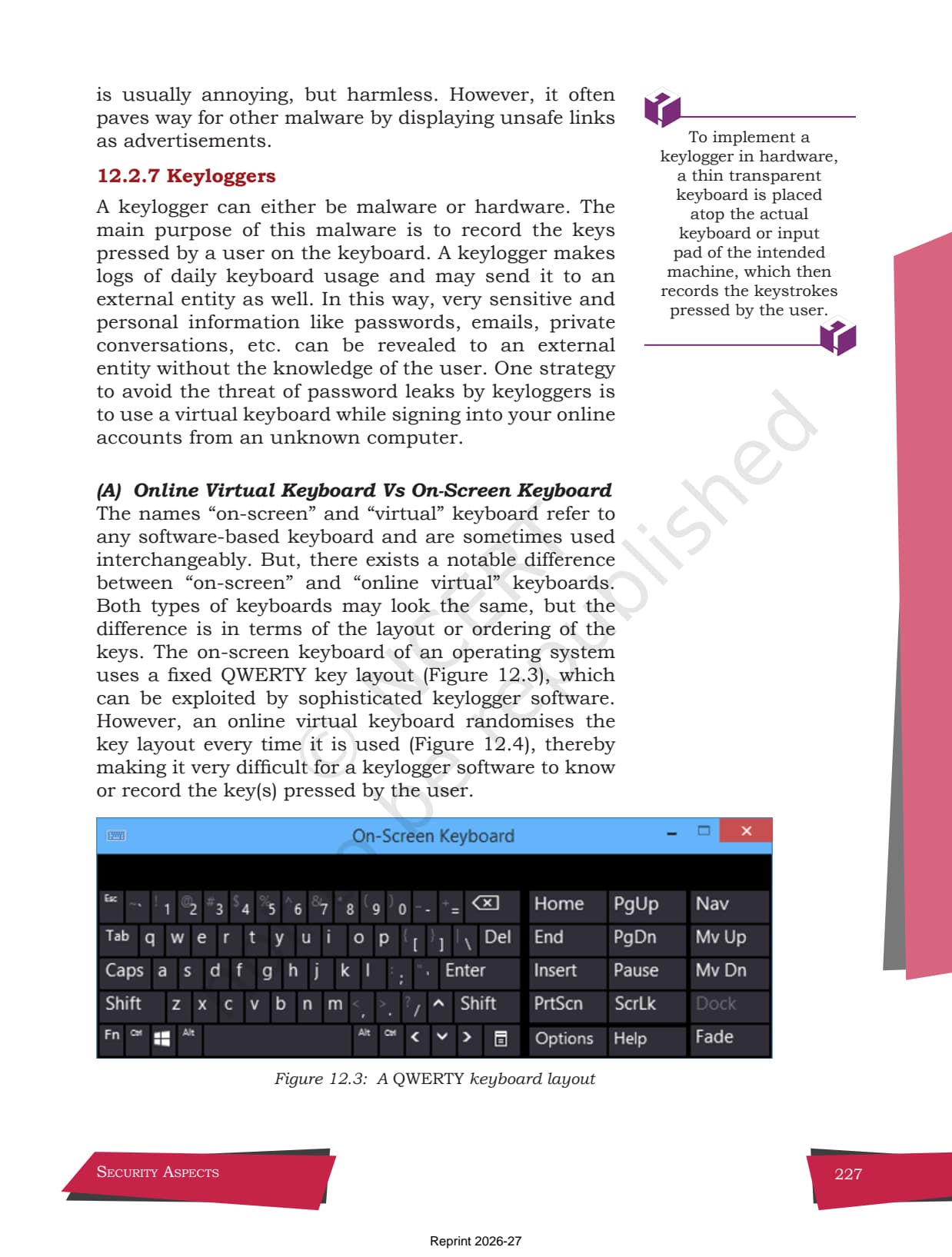
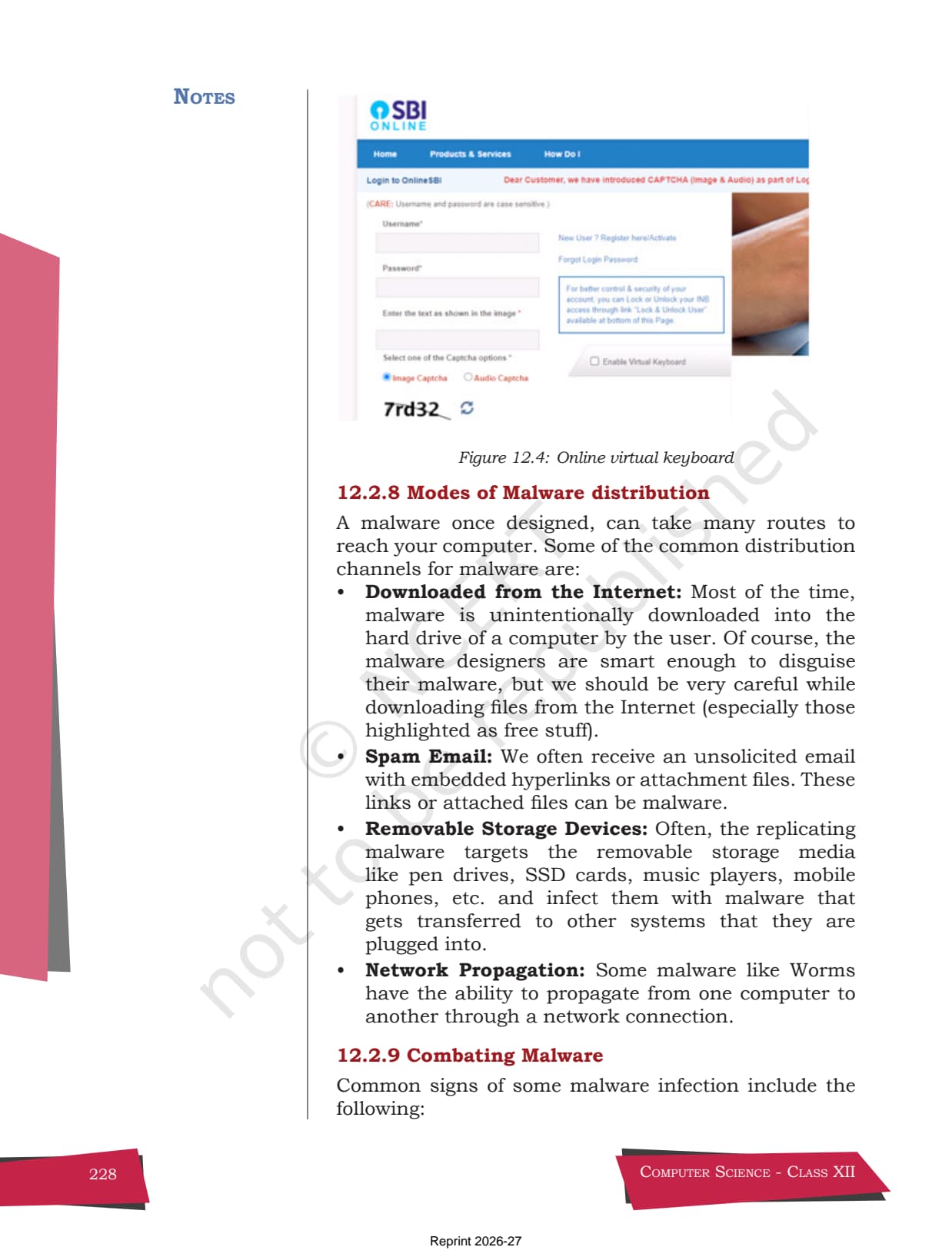
The chapter is clear that a keylogger records every key a user presses, which is why it recommends an online virtual keyboard that randomises its key layout each time. Reading this in the security aspects class 12 ncert book is the most reliable way to learn the wording CBSE expects for the malware, keylogger and virtual-keyboard questions.
Antivirus, HTTPS, Firewall and Network Threats in the Chapter
The closing sections of the chapter cover the defences and the network attacks, which is where most marks are won or lost. These pages explain how an antivirus spots malware, why HTTPS is safer than HTTP, and how a DoS attack differs from a DDoS attack. Reading them in the source chapter helps students follow each term exactly.
- Antivirus methods: signature-based detection, sandbox detection, heuristics and real-time protection.
- HTTP vs HTTPS: HTTP sends data as plain text, while HTTPS encrypts it, so attackers cannot read it in transit.
- Firewall and cookies: a firewall filters network traffic, while cookies store small files that speed up sites but can track users.
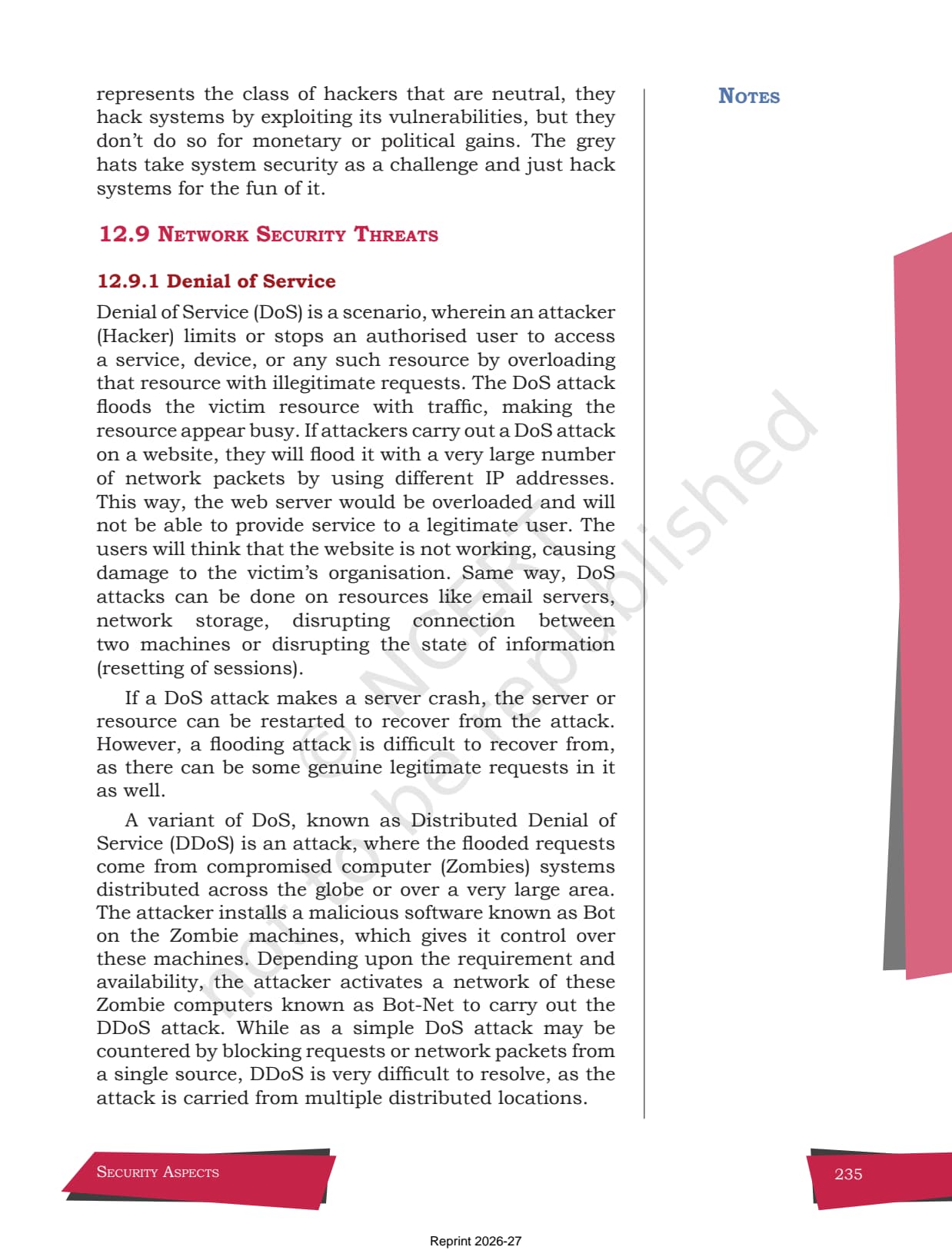
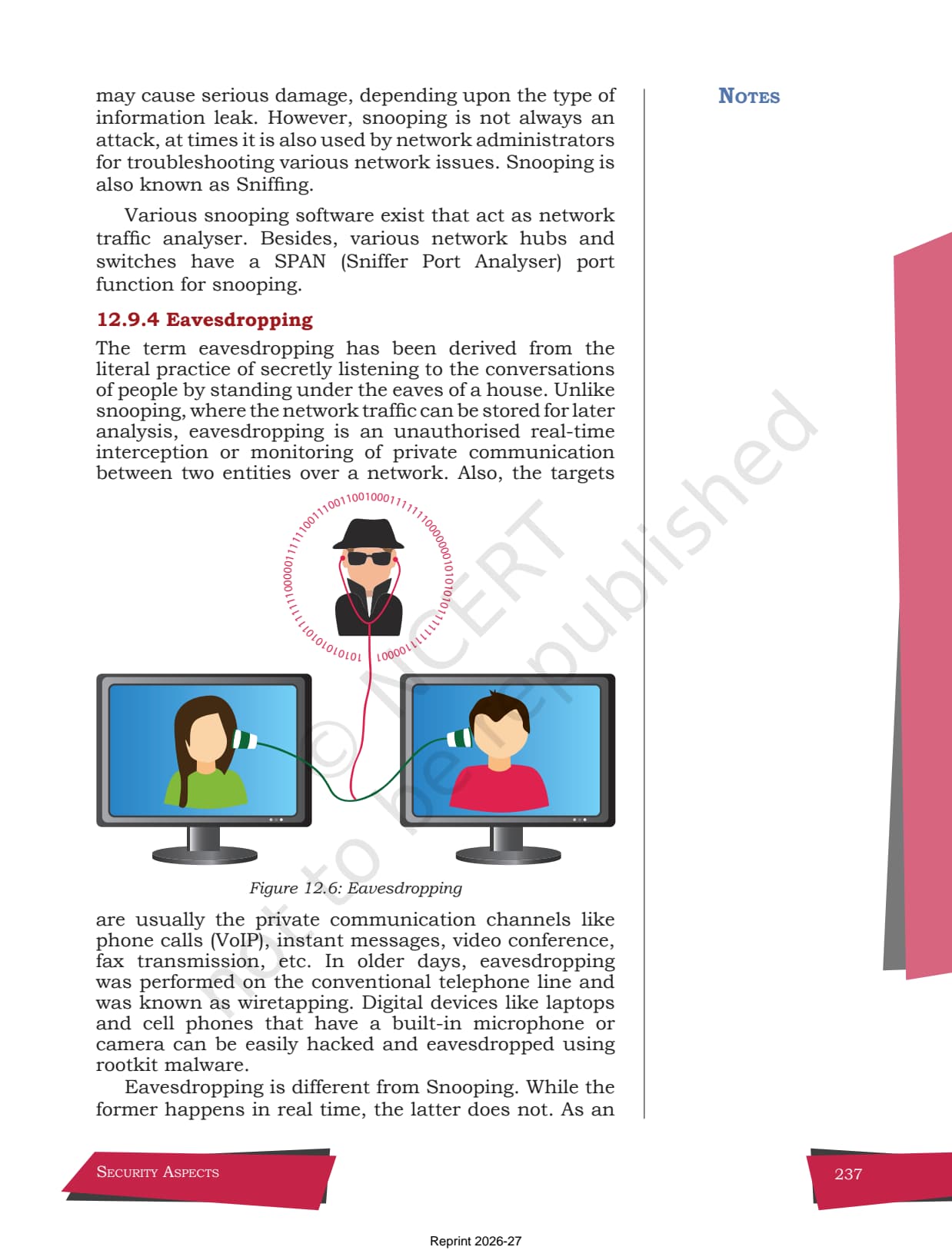
- DoS, DDoS, snooping, eavesdropping: a DoS floods one machine, a DDoS floods it from many zombie machines, and snooping and eavesdropping intercept data.
The chapter is clear that a DDoS attack is far harder to stop than a simple DoS attack, because the flood of requests comes from many compromised computers spread across the world. The short note below shows the difference the chapter draws between the two attacks.
DoS  (Denial of Service):
   Attacker  ----flood of requests---->  [ Target Server ]
   one source, can be blocked by stopping that source

DDoS (Distributed Denial of Service):
   Zombie 1 --\
   Zombie 2 ---\----flood of requests---->  [ Target Server ]
   Zombie 3 --/
   many sources (a botnet), very hard to block
Because these definitions are drawn straight from the source chapter, the official PDF is the best place to learn the exact wording, including the rule that HTTPS protects data using encryption while HTTP does not. That single point explains most of the chapter's exercise answers on the security aspects class 12 pdf.
How to Download and Use the NCERT Chapter PDF
The chapter PDF is free and works on any device. Students can save it for offline reading and pair it with the solutions and notes. The steps below show how to get the most out of the Security Aspects chapter PDF during revision.
- Download: tap the download card above to save the official Chapter 12 PDF to your device.
- First read: read the chapter once end to end, marking the malware types and the antivirus methods.
- Term practice: keep the PDF open while listing the difference between virus and worm, and DoS and DDoS.
- Revision: use the chapter with the notes to fix the HTTP-versus-HTTPS pair and the firewall and cookie roles.
Many students search for the class 12 computer science chapter 12 security aspects pdf the night before a test so they can revise offline. A saved copy means the malware list and the threat definitions are always at hand. After reading the chapter, move to the solutions to check that your definitions match the model answers, then use the notes for a final quick recall before the exam.
How the Book PDF Pairs with the Solutions and Notes
The NCERT Book PDF is the source text. To prepare fully, students should use it with the other resources for the same chapter, all linked in the table below. Read the chapter, fix the ideas with the notes, then test yourself with the solutions.
| Resource | Best used for |
|---|---|
| Security Aspects NCERT Solutions | Step-by-step answers to all 17 exercise questions on malware and threats |
| Security Aspects Class 12 Notes | Quick chapter summary with malware types, antivirus, HTTPS and network threats |
| Security Aspects Handwritten Notes | Last-minute, one-shot revision in a scanned notebook style |
Tip: read the chapter PDF first, then attempt the solutions on your own, and only then check the model answers. Reading the source text before the answers builds far stronger recall of the malware definitions and the network-threat terms.
All Class 12 Computer Science NCERT Book PDFs by Chapter
The table links the NCERT chapter PDFs for every chapter in Class 12 Computer Science, so students can move across the course in one click. Security Aspects is highlighted, and the previous chapter Data Communication sits right above it.
| Chapter | NCERT Book PDF |
|---|---|
| Chapter 1 | Exception Handling in Python |
| Chapter 2 | File Handling in Python |
| Chapter 3 | Stack |
| Chapter 4 | Queue |
| Chapter 5 | Sorting |
| Chapter 6 | Searching |
| Chapter 7 | Understanding Data |
| Chapter 8 | Database Concepts |
| Chapter 9 | Structured Query Language (SQL) |
| Chapter 10 | Computer Networks |
| Chapter 11 | Data Communication |
| Chapter 12 | Security Aspects (You are here) |
FAQs on Class 12 Computer Science Chapter 12 Security Aspects NCERT Book PDF
Class 12 Computer Science Chapter 12 Security Aspects NCERT Book Common Questions
Ques. Where can I download the Class 12 Computer Science Chapter 12 Security Aspects NCERT Book PDF?
Ans. Students can download the official Security Aspects chapter PDF directly from the download card on this page. It is free, follows the 2026-27 NCERT edition, and carries the original text, figures and the definitions of malware, antivirus and network threats from Chapter 12.
Ques. Which book is the Security Aspects chapter from?
Ans. It is the twelfth and final chapter of the Class 12 Computer Science textbook. The chapter introduces threats and prevention, malware, antivirus, spam, HTTP vs HTTPS, firewall, cookies, hackers and crackers, and network security threats like DoS and DDoS.
Ques. What does the Class 12 Computer Science Security Aspects chapter cover?
Ans. It covers the types of malware (virus, worm, ransomware, Trojan, spyware and adware), the modes of malware distribution, antivirus detection methods, the difference between HTTP and HTTPS, the firewall and cookies, and network attacks such as DoS, DDoS, snooping and eavesdropping.
Ques. Why should I read the original NCERT Security Aspects chapter PDF?
Ans. Because CBSE draws questions straight from the chapter's own definitions and comparisons. Reading the official chapter 12 computer science class 12 PDF gives students the exact wording for malware, HTTPS and DDoS that scores best in the board paper, especially for the short-answer and differentiate questions.
Ques. How should I use the Security Aspects chapter PDF with the other resources?
Ans. Read the chapter PDF first, fix the ideas with the notes, then test yourself with the solutions. Keeping the PDF open while listing the difference between virus and worm, and DoS and DDoS, helps, since these comparisons come directly from the source chapter.



Comments