




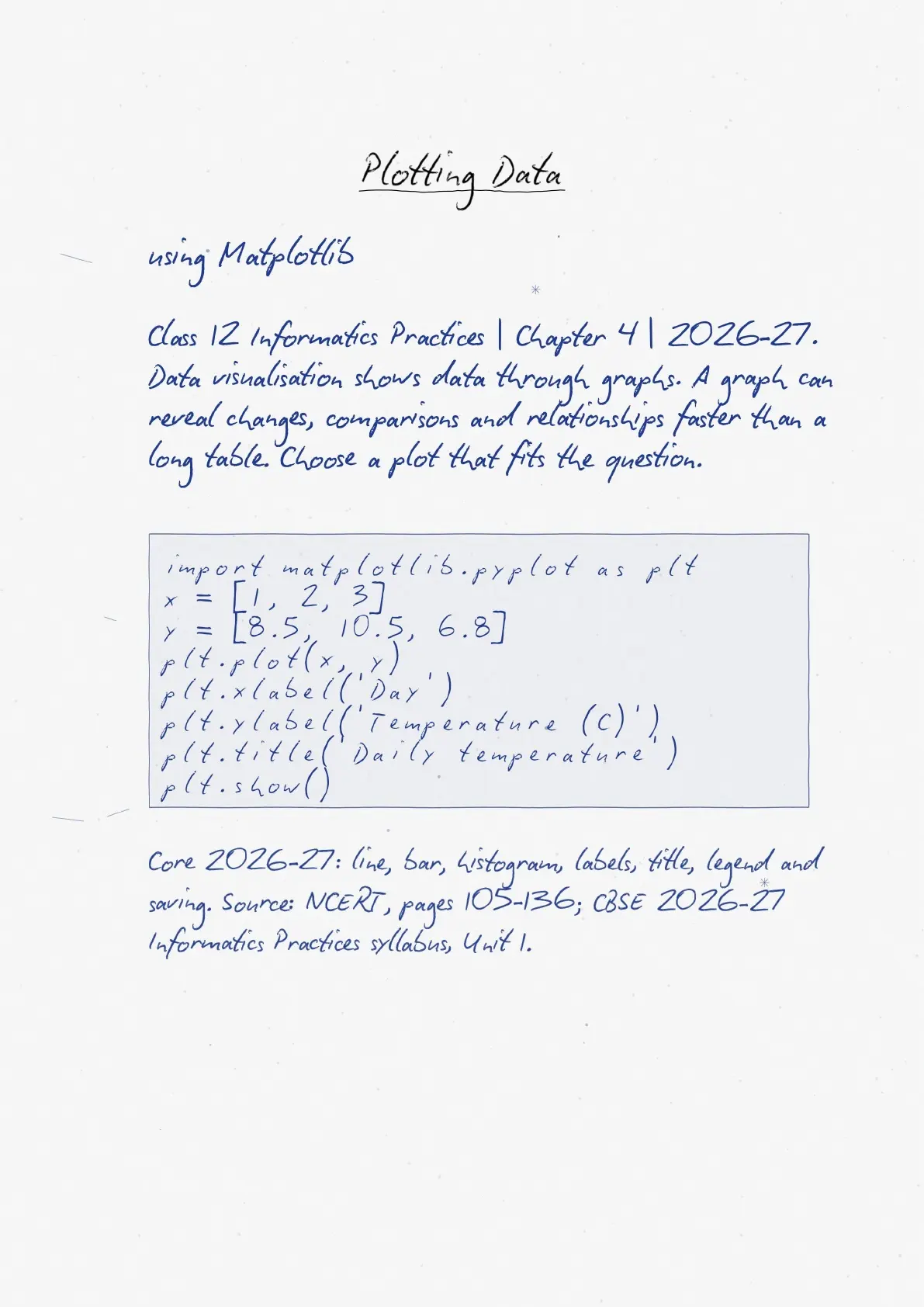
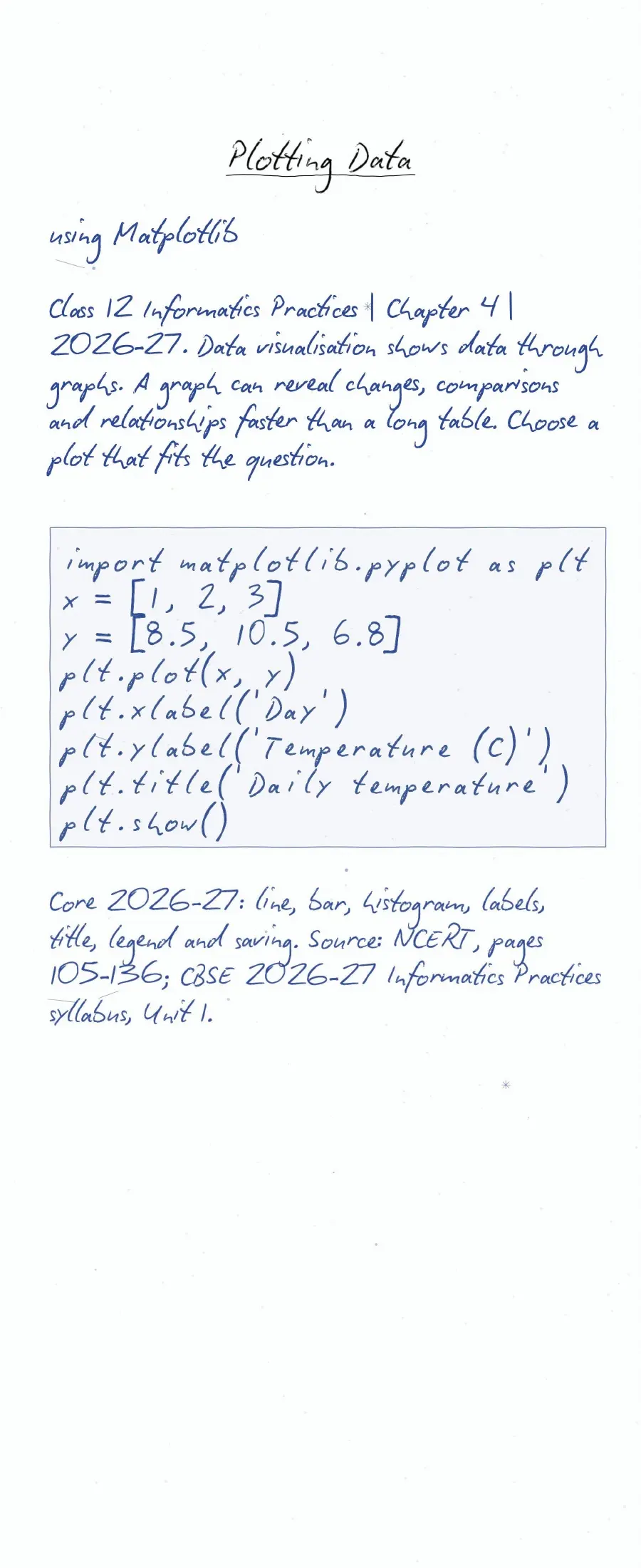
The handwritten notes on Class 12 Informatics Practices Chapter 4, Plotting Data using Matplotlib, support quick revision for 2026-27. Revise chart selection, Python commands and output checks together. The current CBSE plotting list covers line plots, bar graphs and histograms. Use the notes beside a Python session so you can test each command and explain the resulting chart.
- Recall line, bar and histogram syntax with labels, titles and legends.
- Check data lengths, bin intervals and the order of plotting commands.
- Keep textbook extensions separate from the current board syllabus.
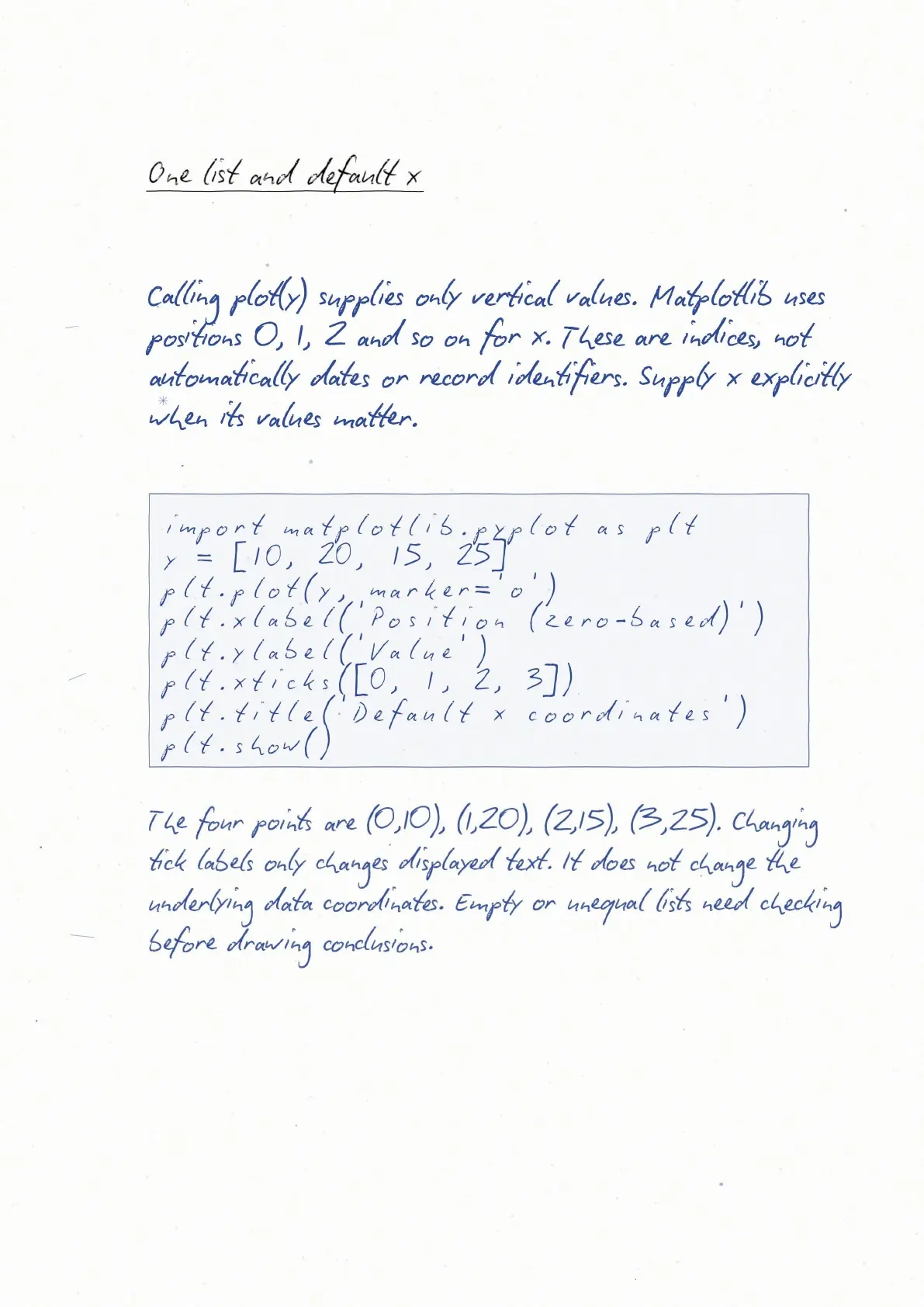
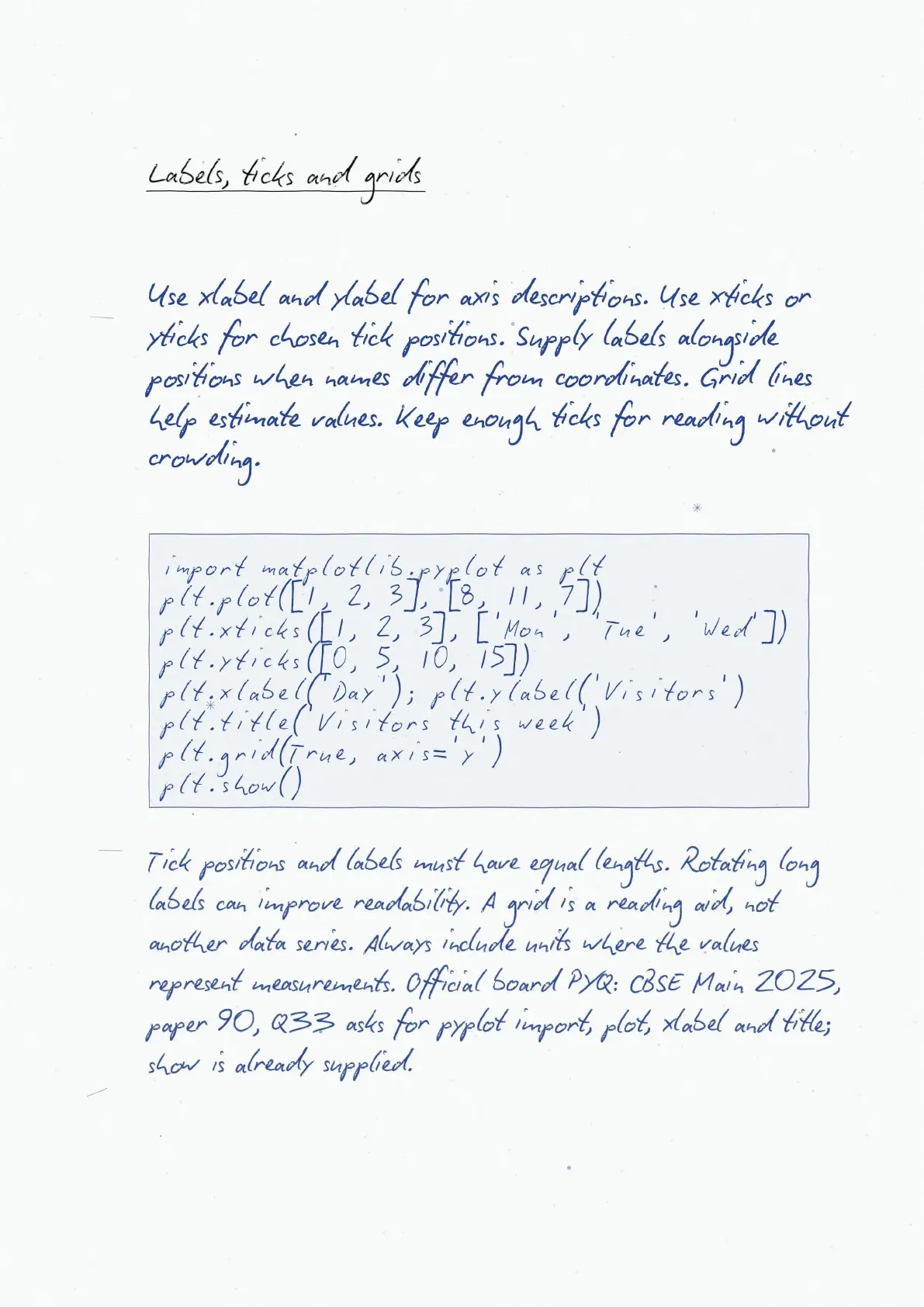
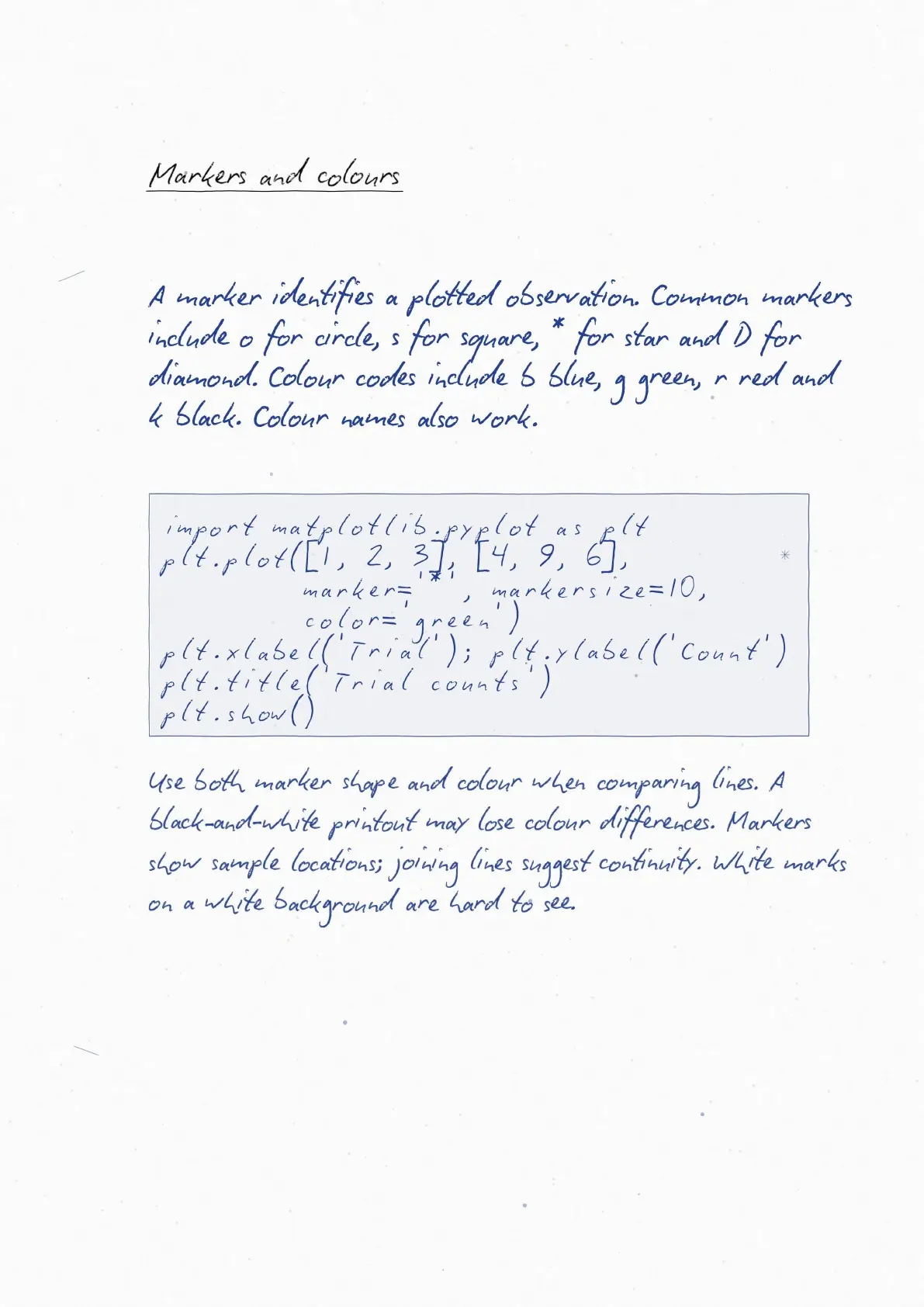
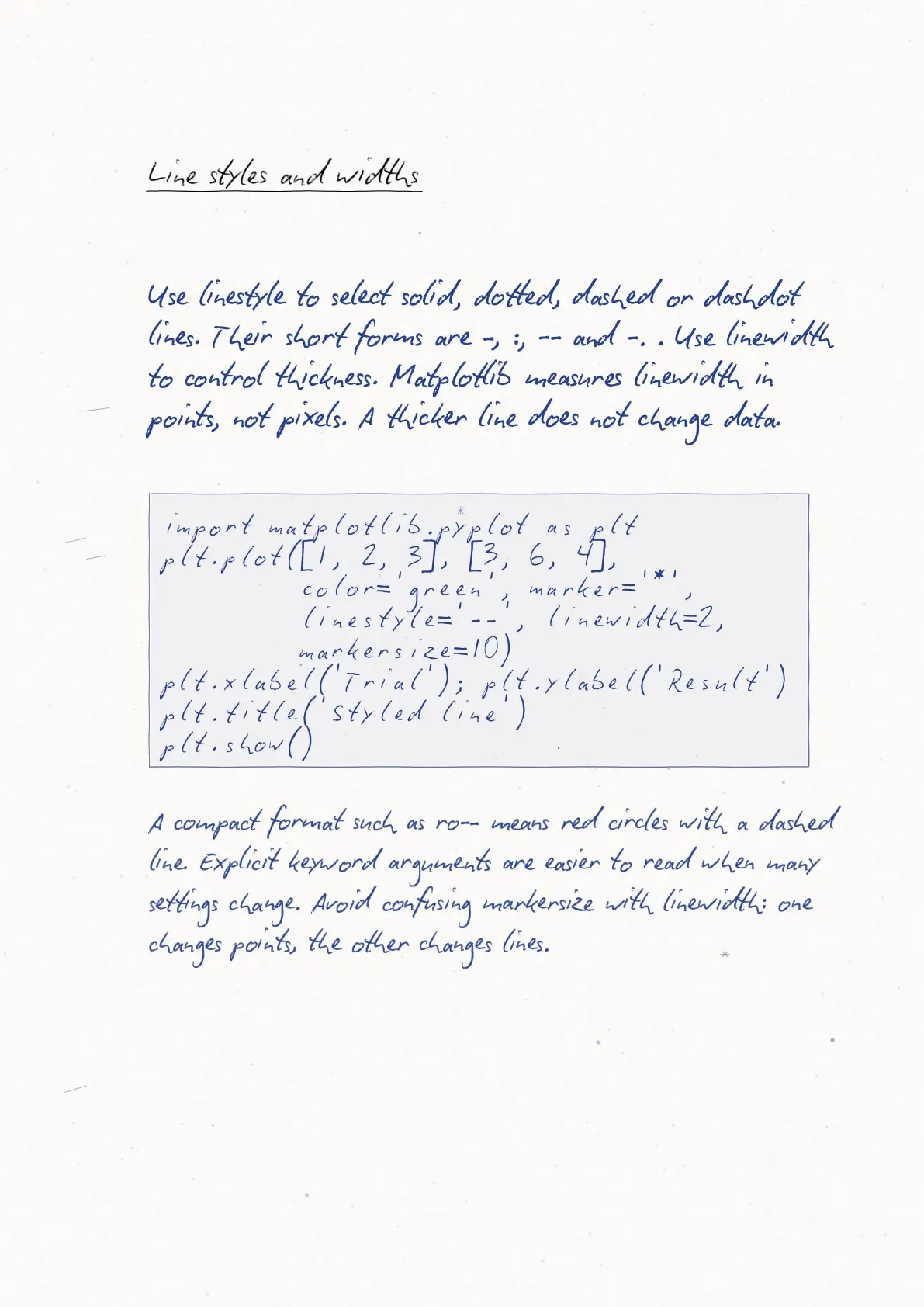
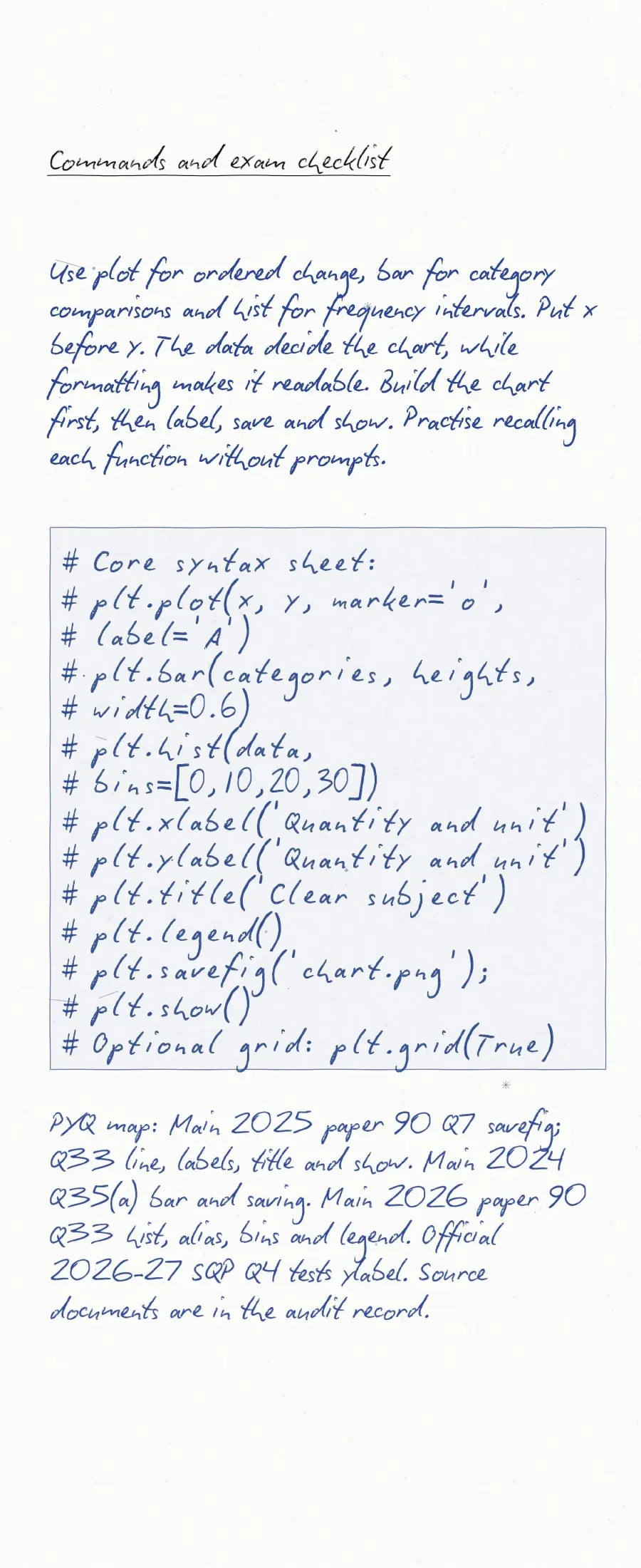
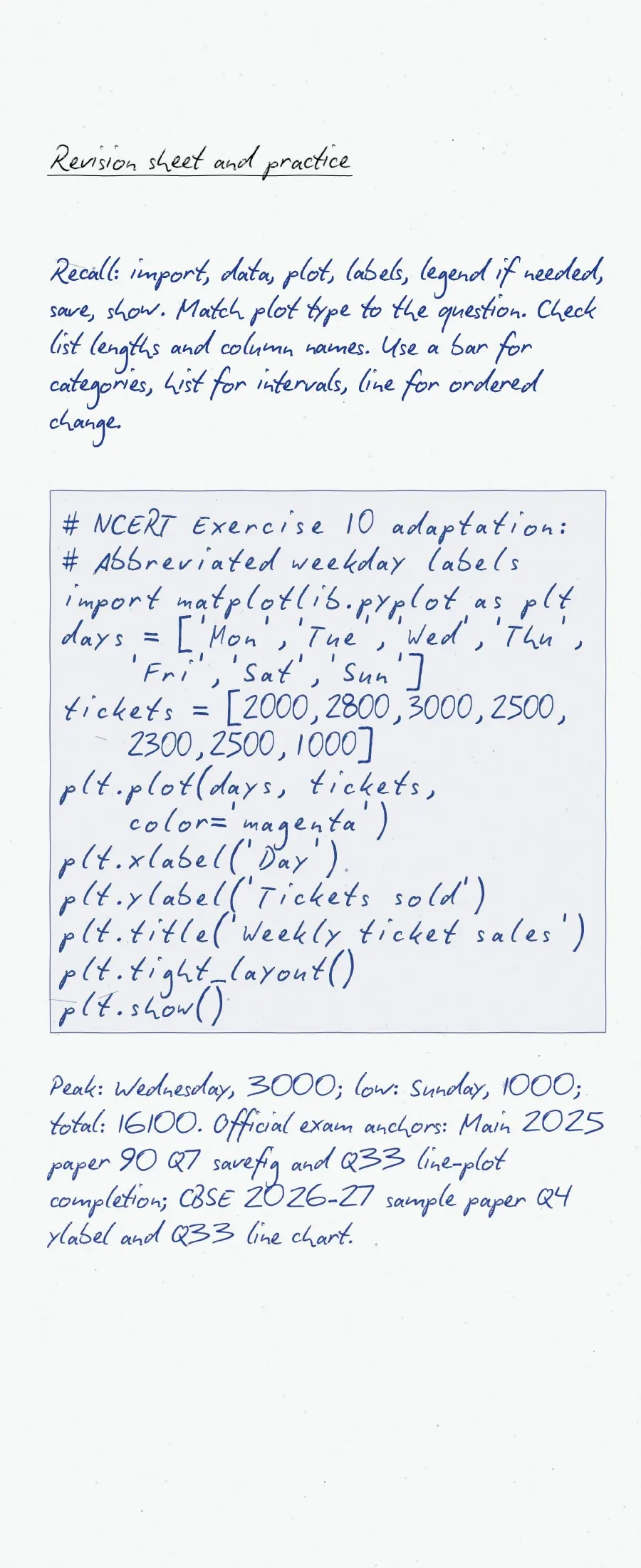
Can you predict the chart before running the code? Mark commands you cannot explain and practise them again.
Run the examples yourself and compare the output with the intended chart before learning the syntax.
Plotting Data using Matplotlib: What to Revise First
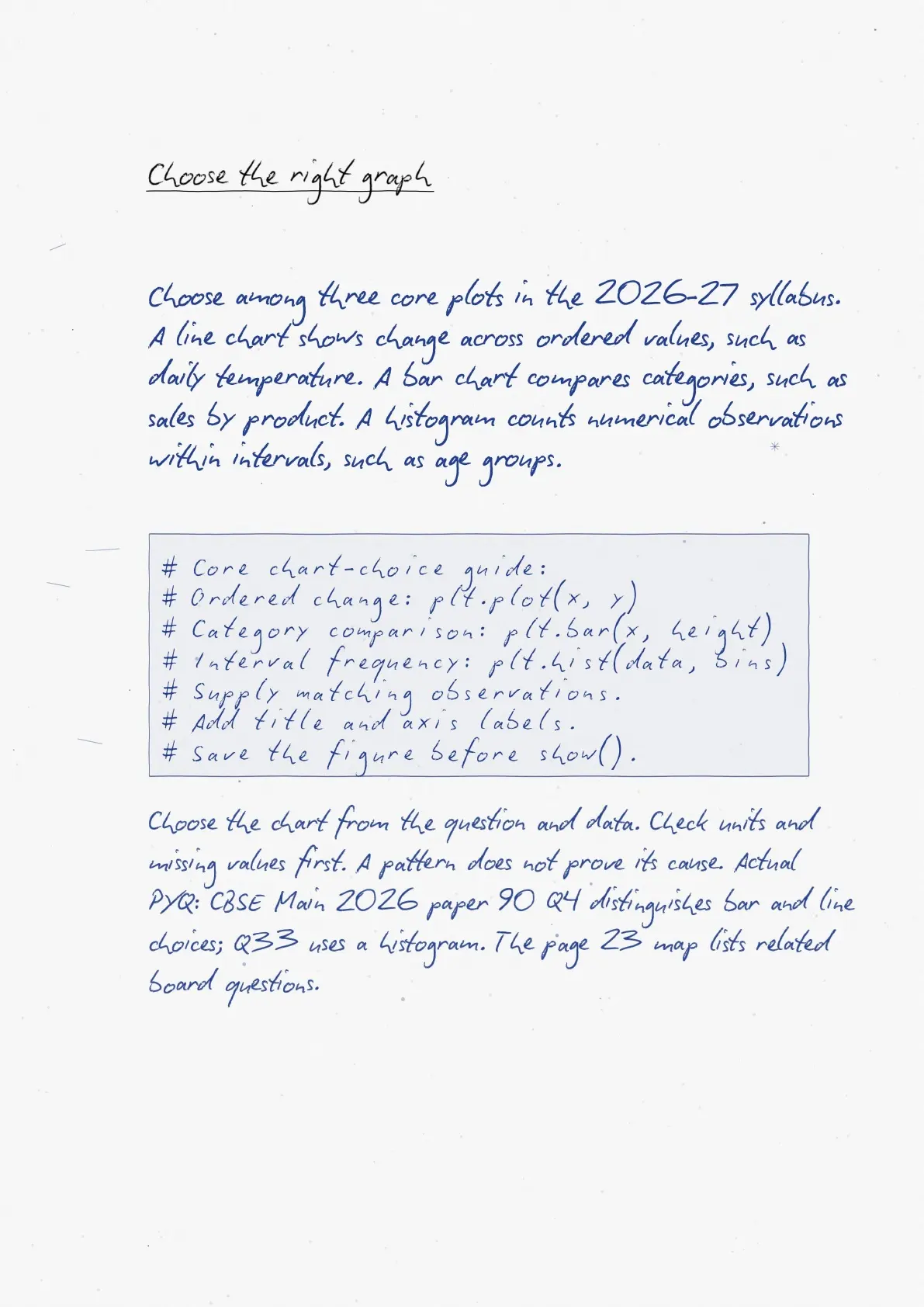
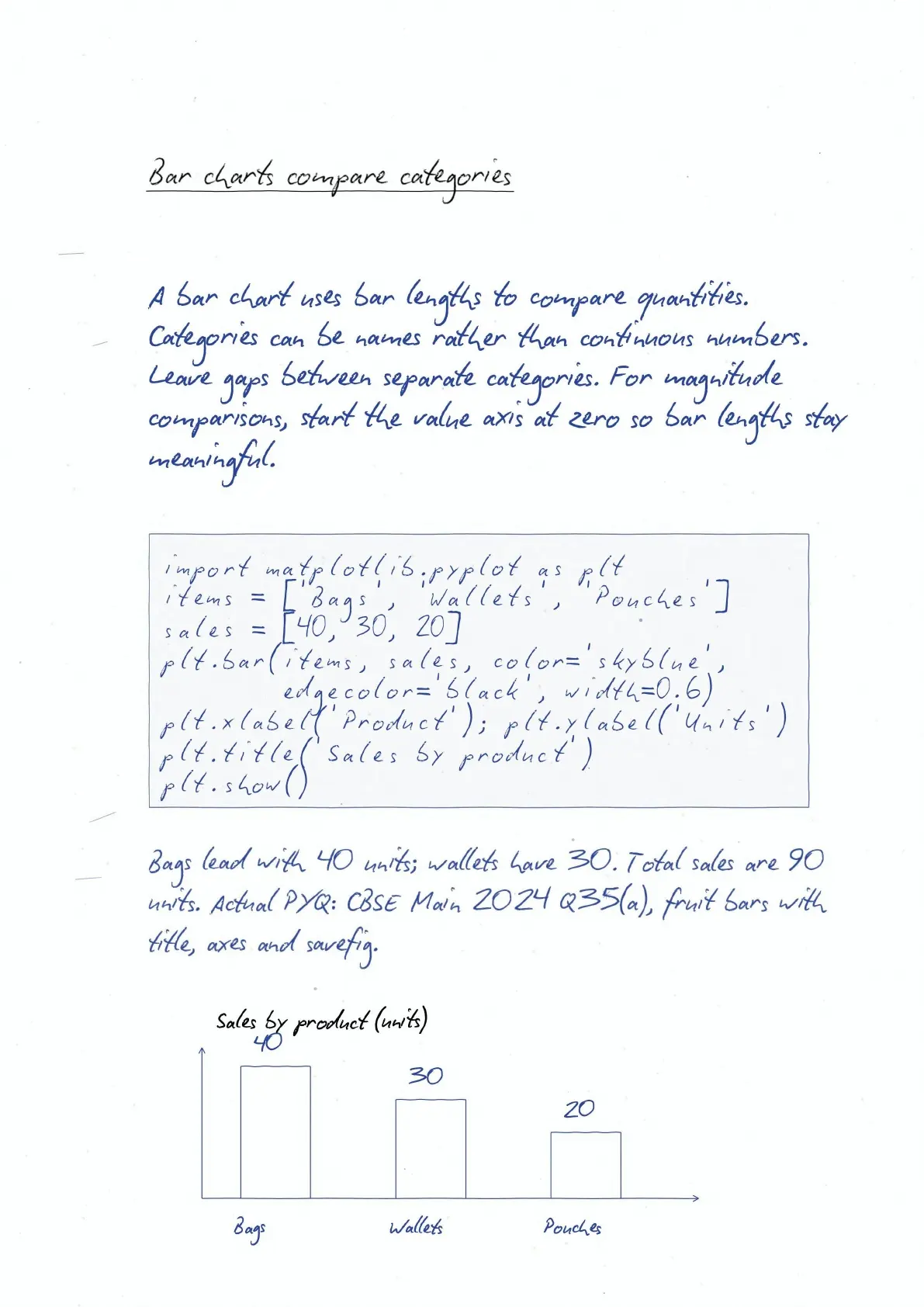
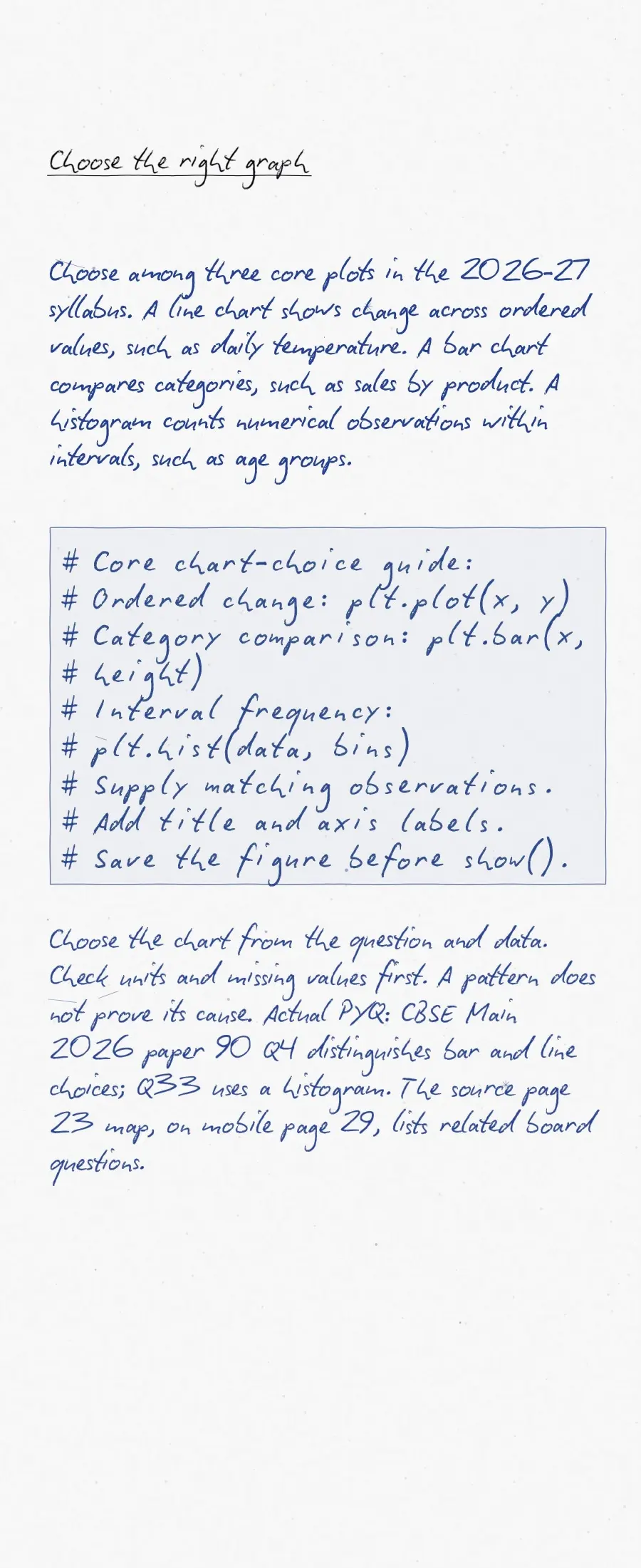
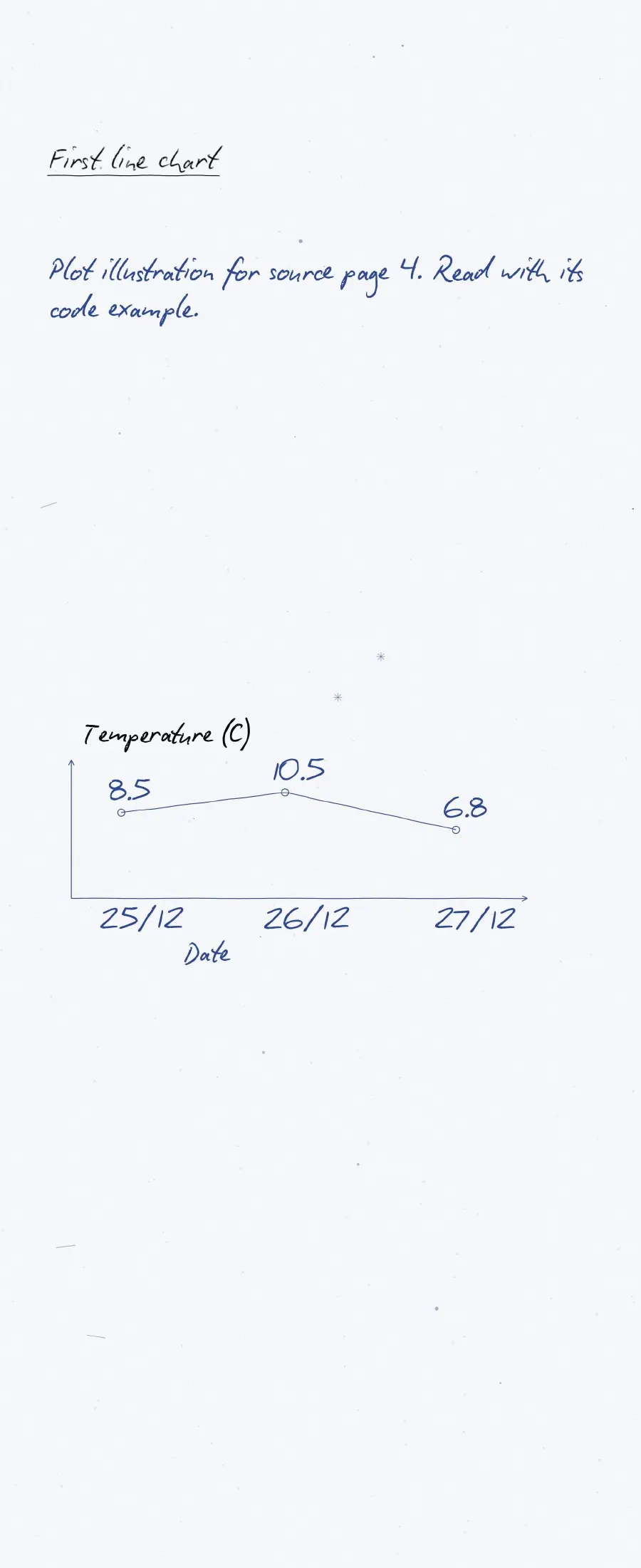
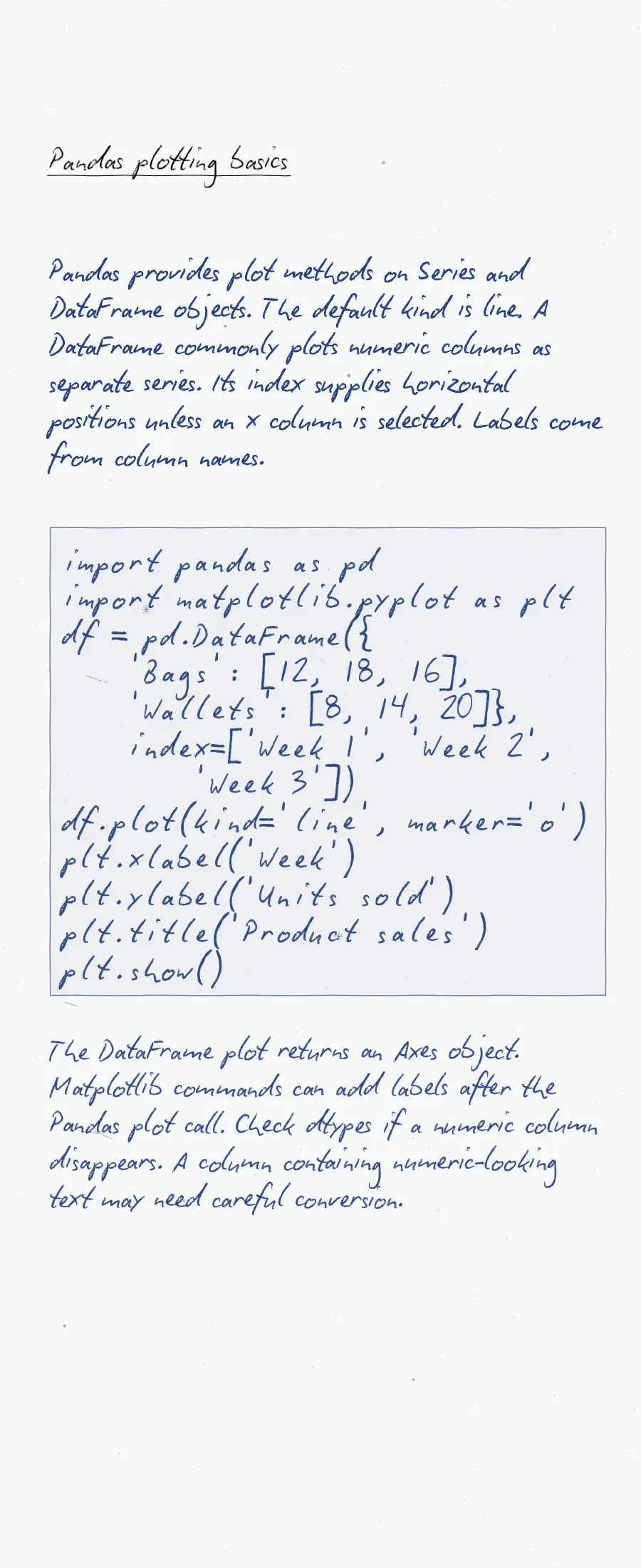
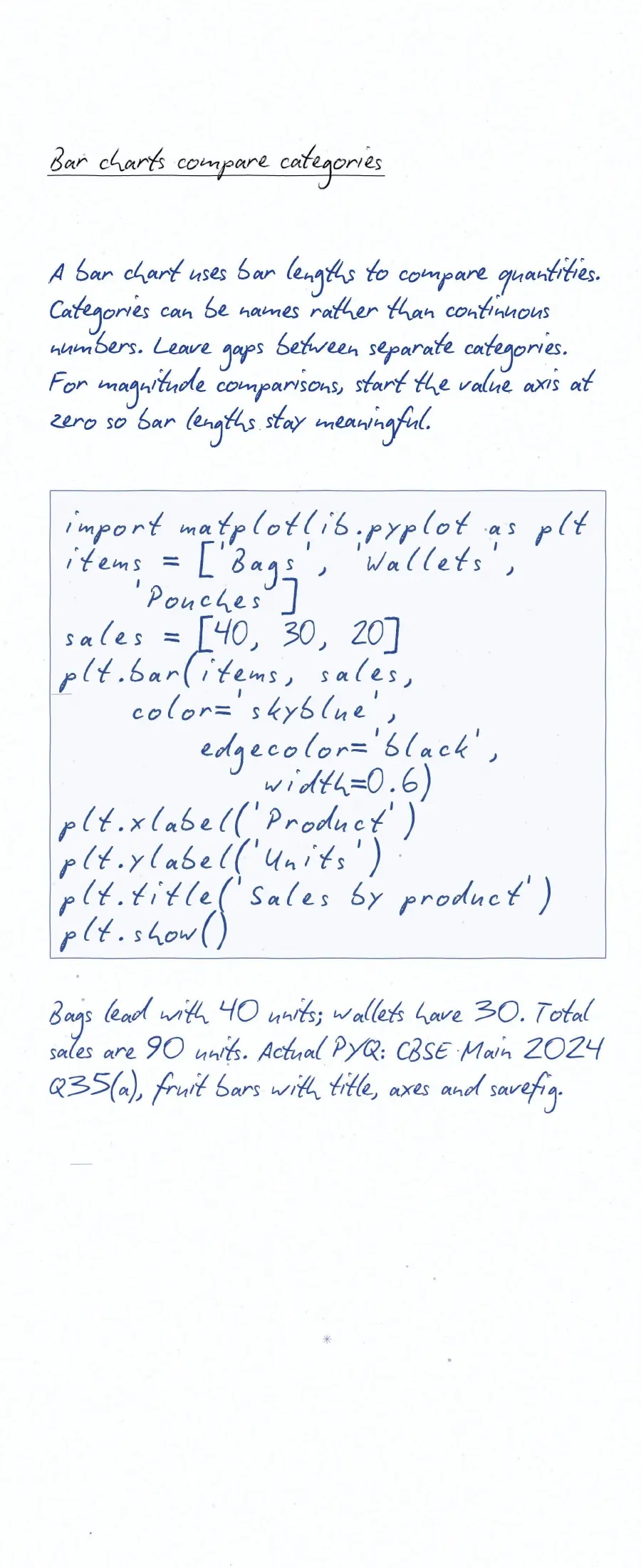
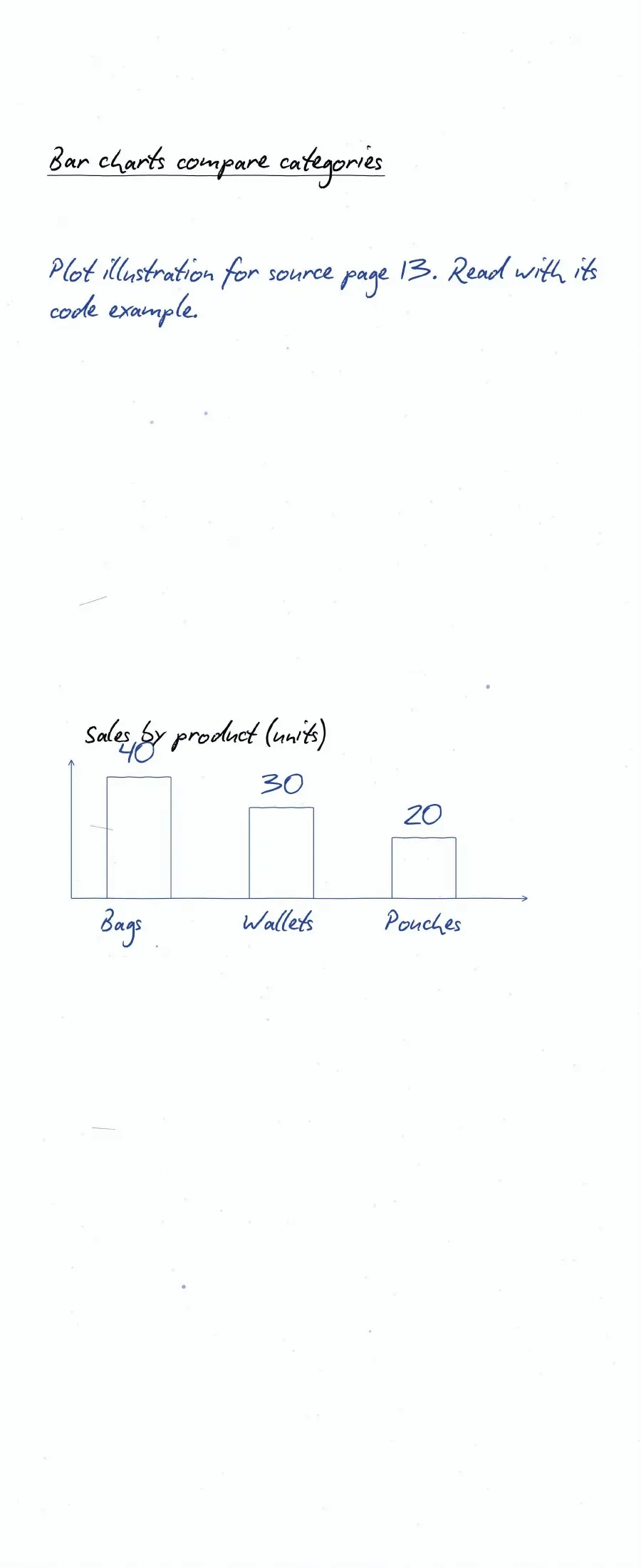
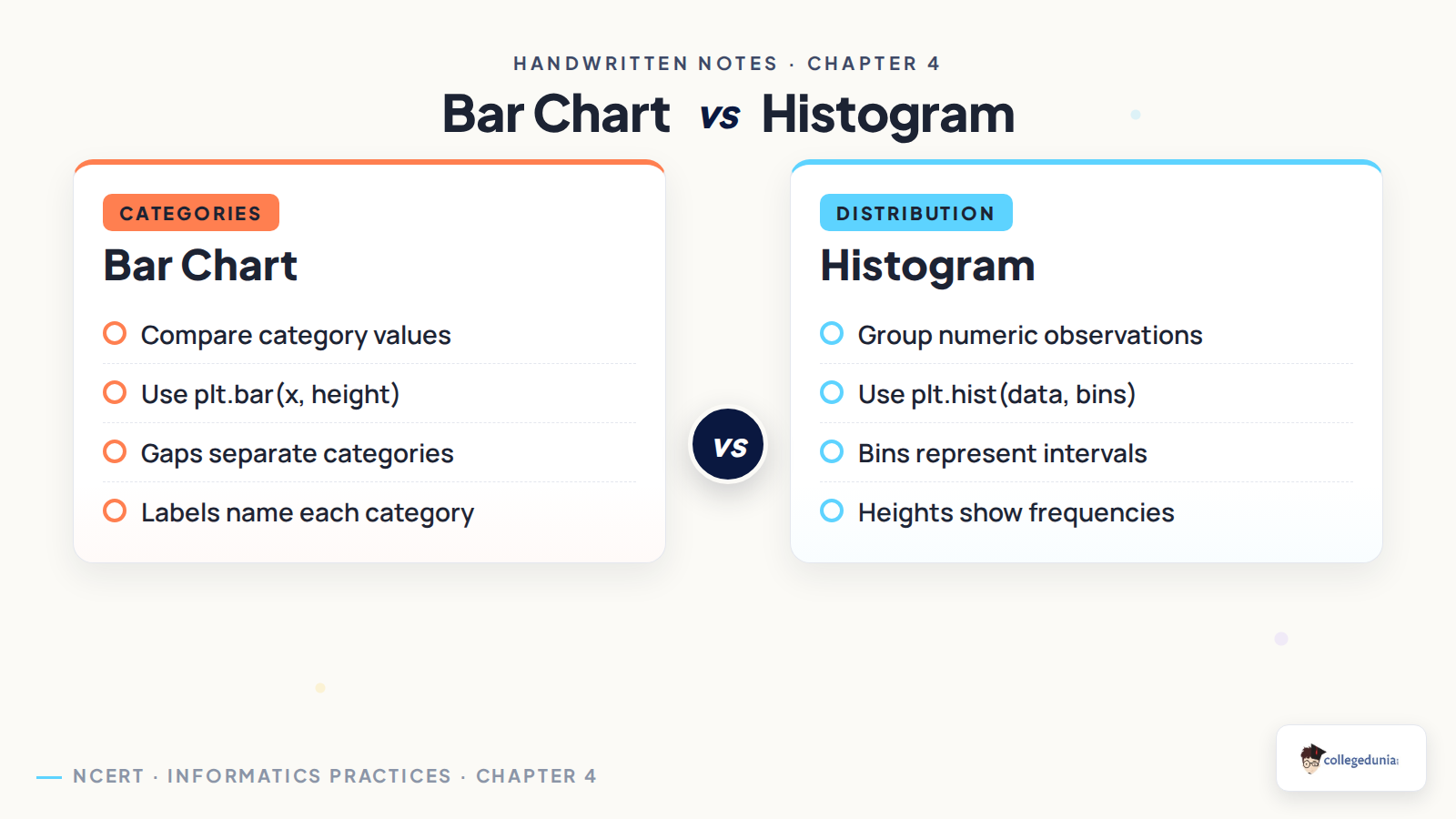
Data visualisation presents data through charts. Choose a chart by the question you want to answer. A line plot shows change across ordered values. A bar chart compares categories. A histogram shows how numeric observations fall into intervals.
| Need | Function | Check |
|---|---|---|
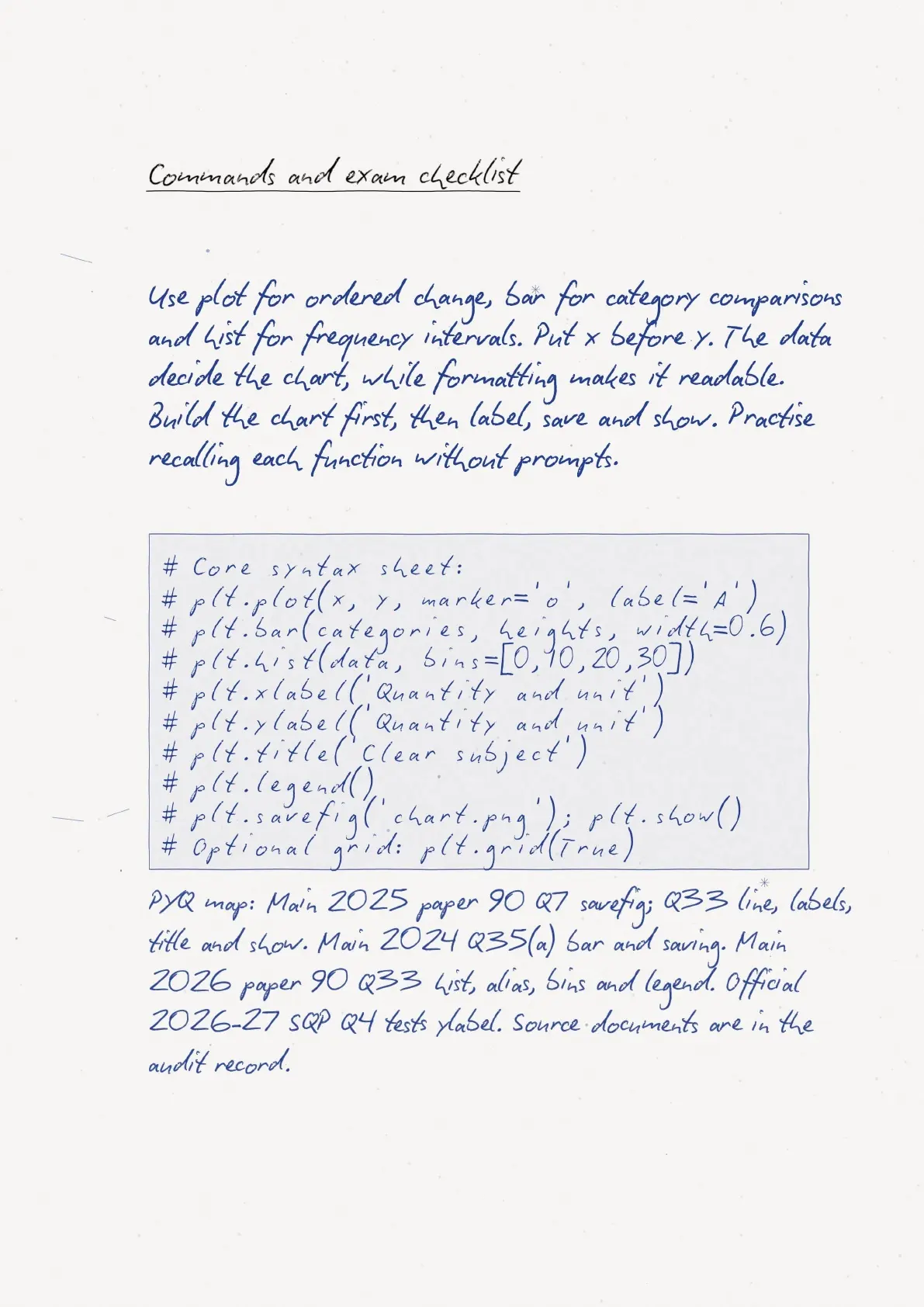
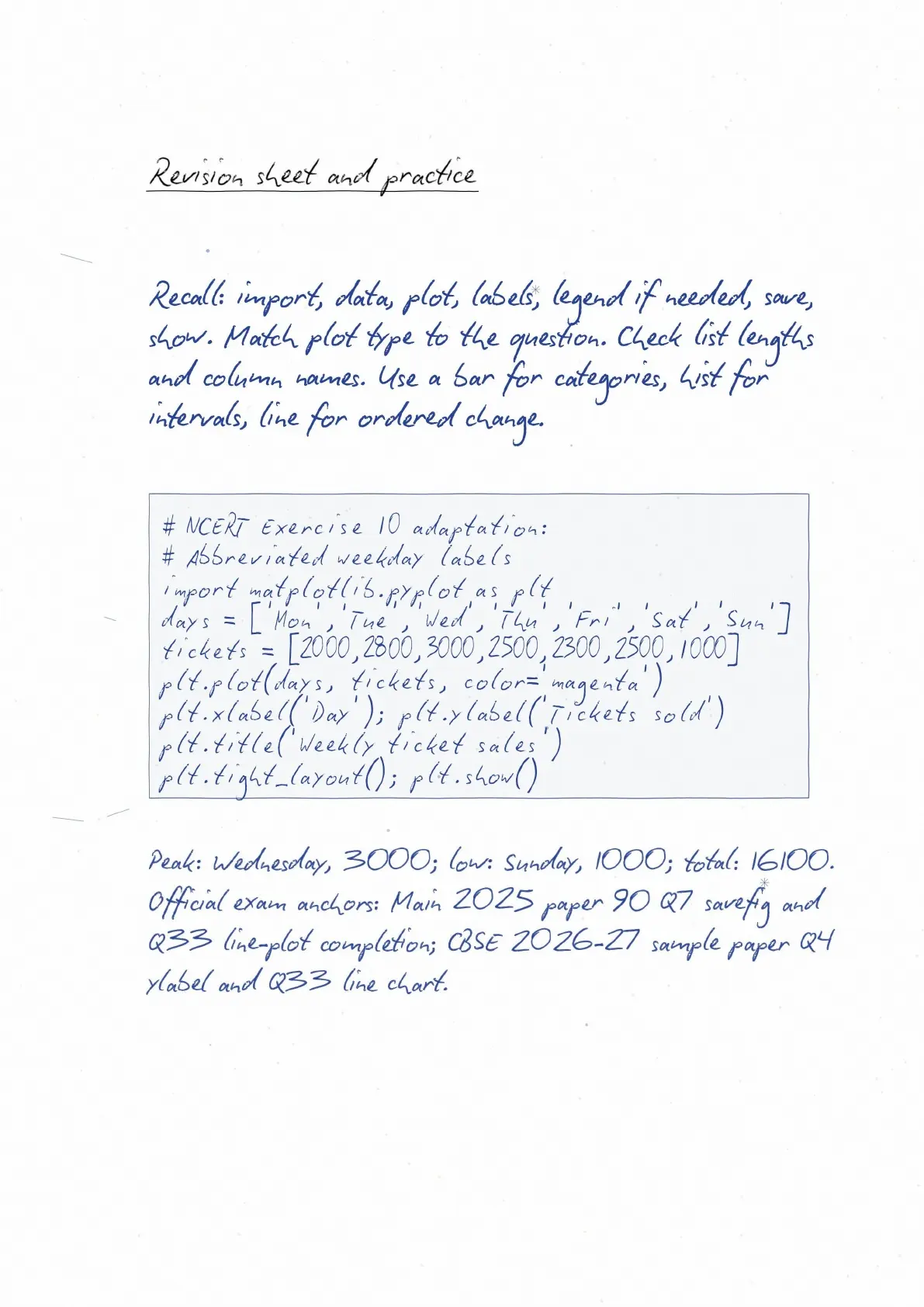
| Change over months | plt.plot(x, y) | Order of x values |
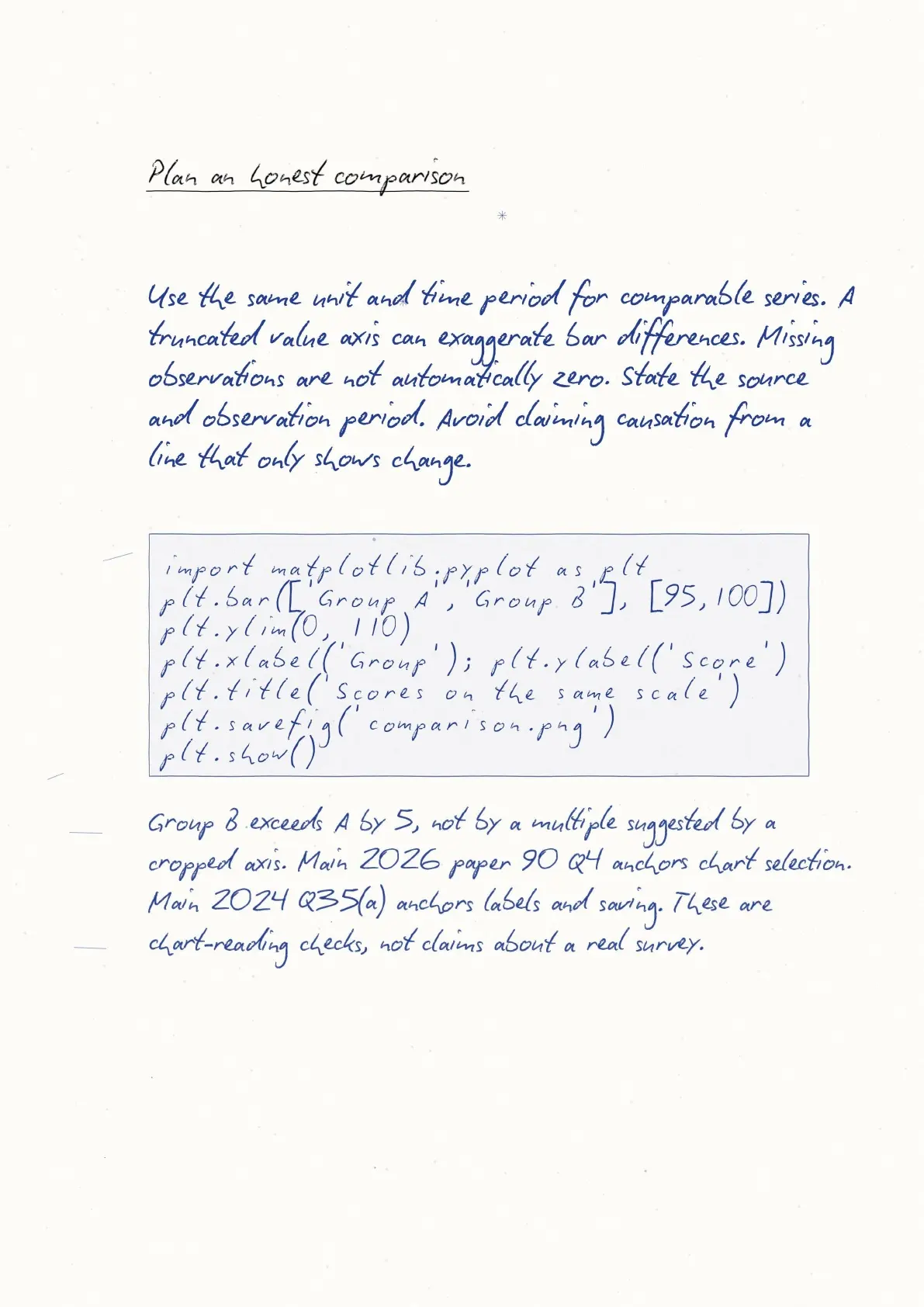
| Category comparison | plt.bar(categories, values) | Matching category and value counts |
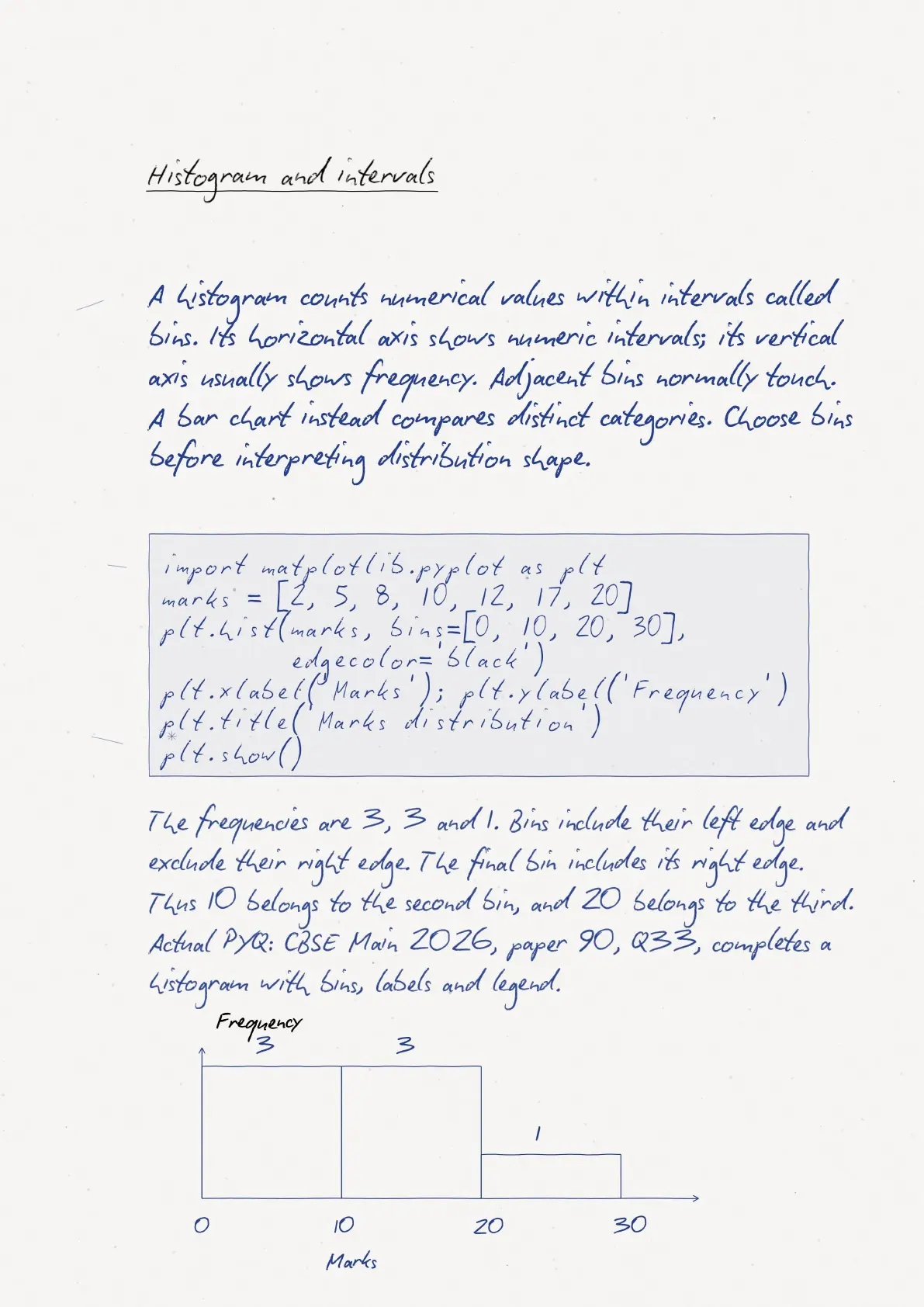
| Frequency distribution | plt.hist(data, bins) | Suitable bin edges |
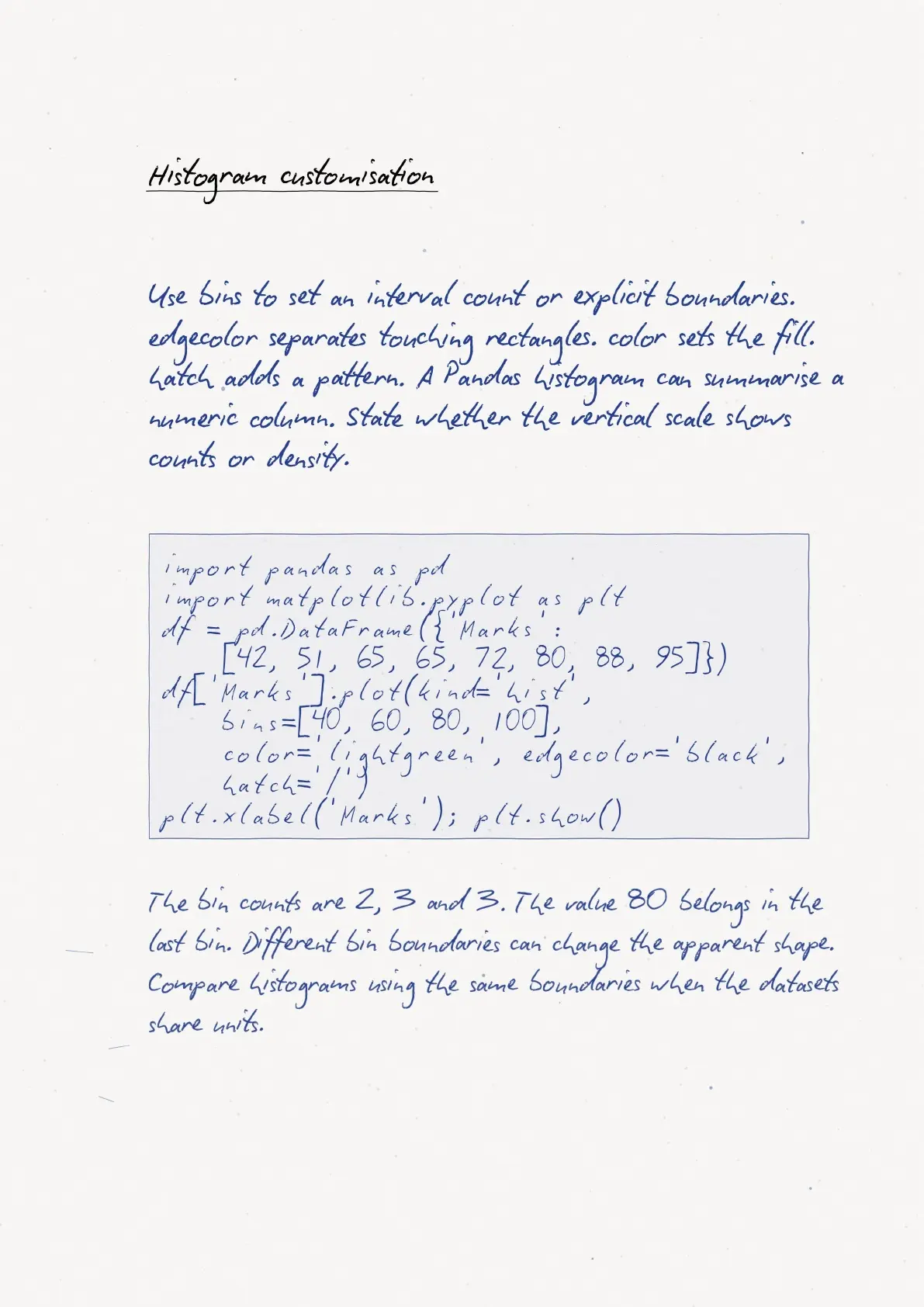
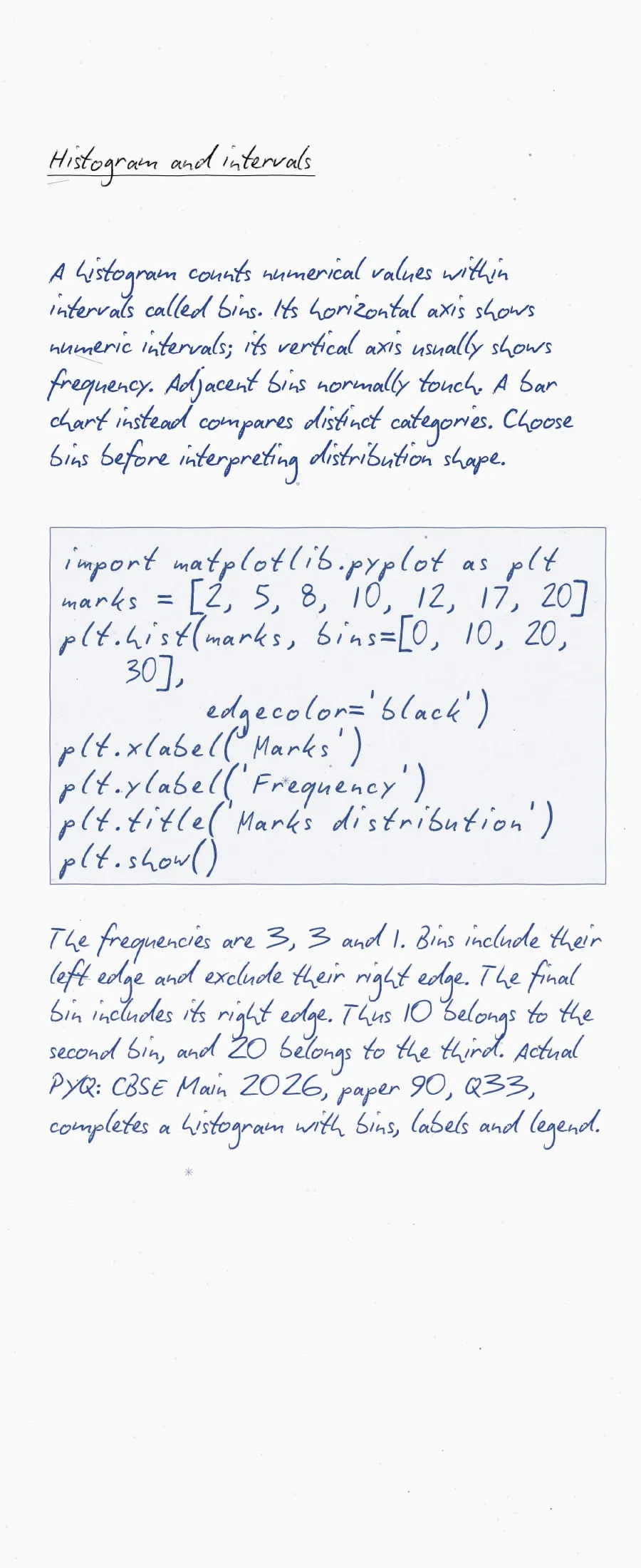
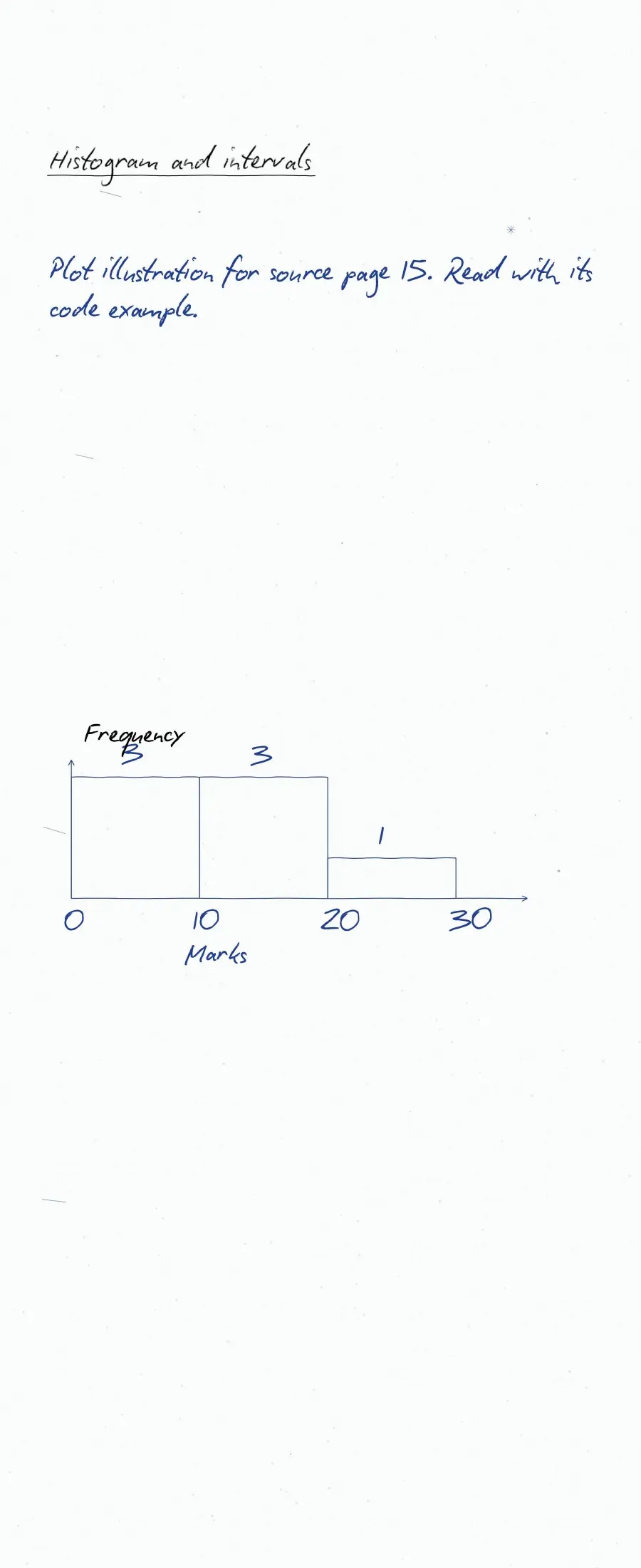
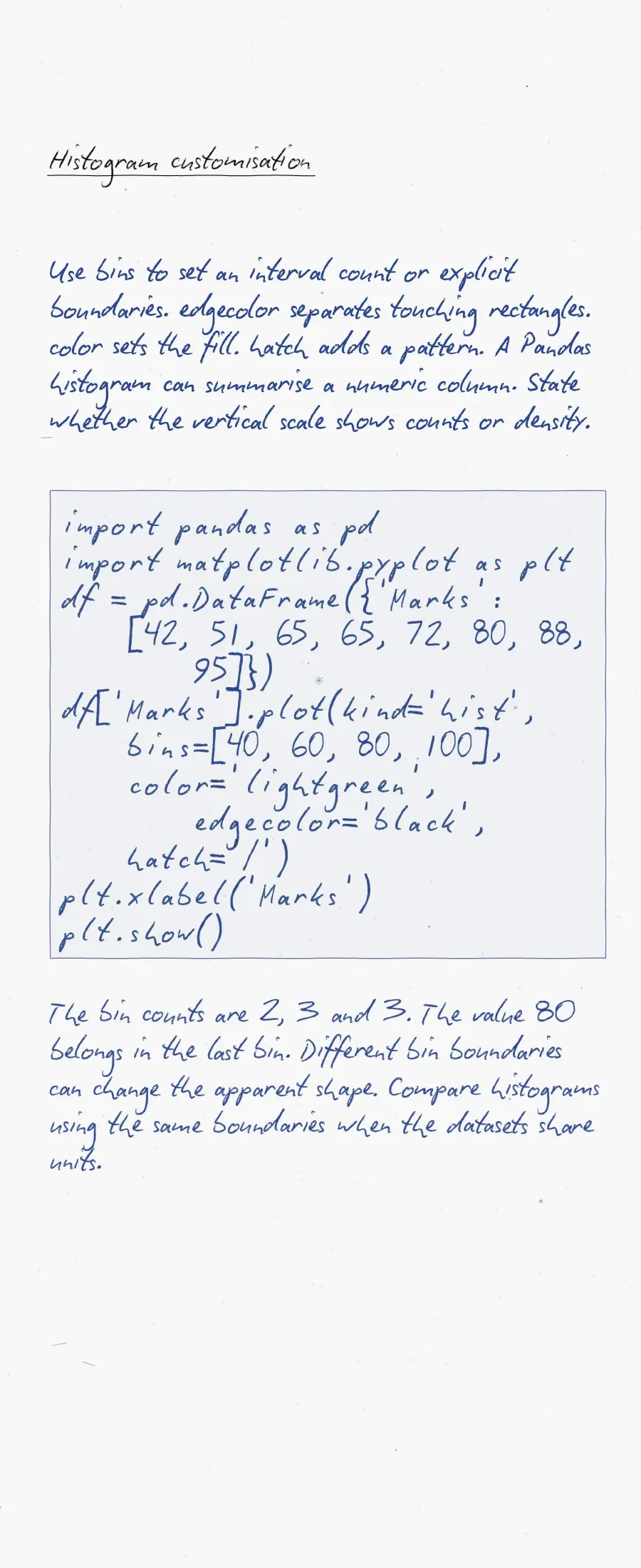
A histogram groups observations; a bar chart compares categories. With unequal histogram bin widths, raw frequency heights need careful interpretation. Start with equal-width bins for basic frequency comparisons.
Plotting Data using Matplotlib Practice Explained
Source: Magnet Brains on YouTube
Matplotlib Commands from Import to a Saved Chart
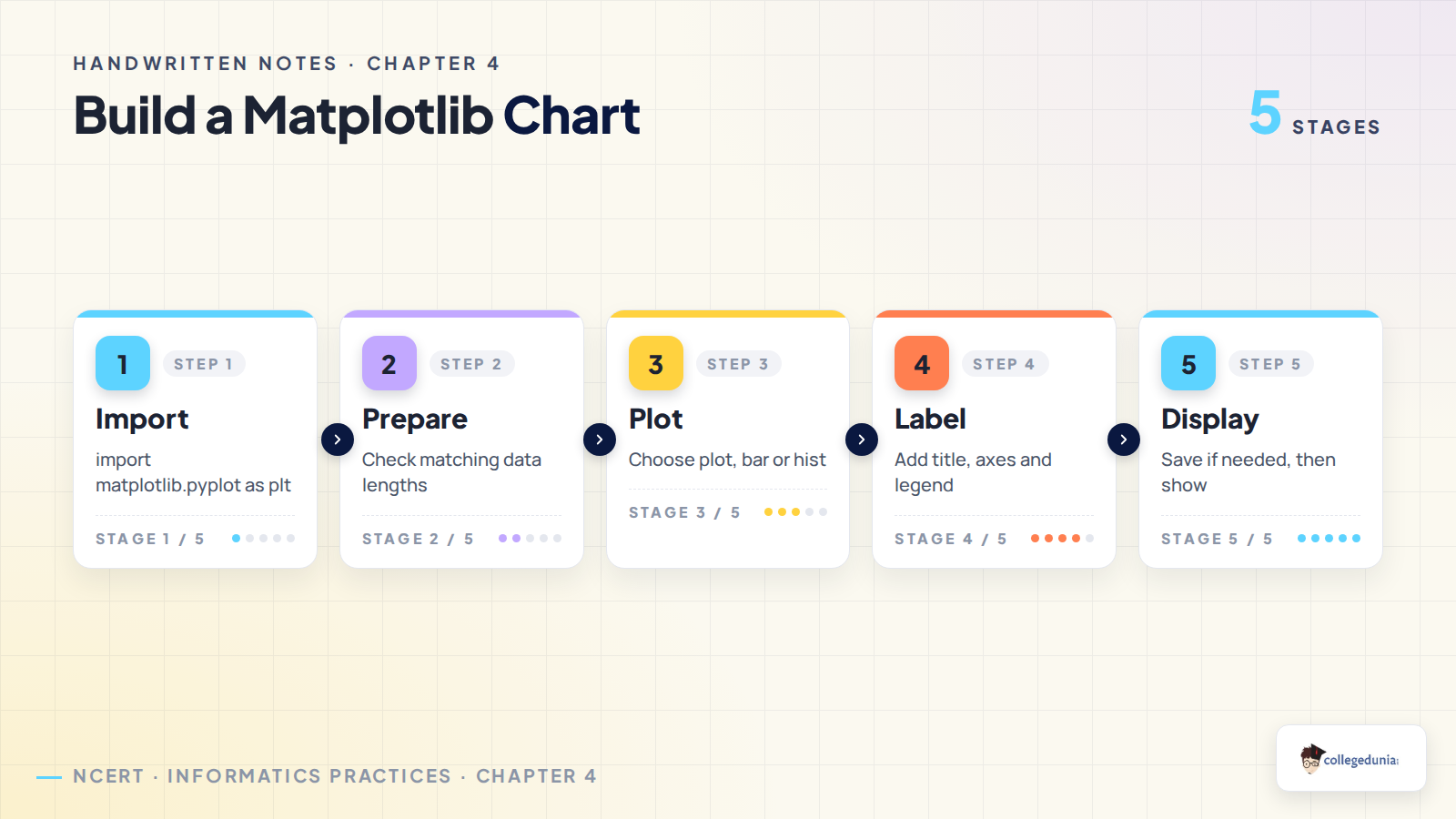
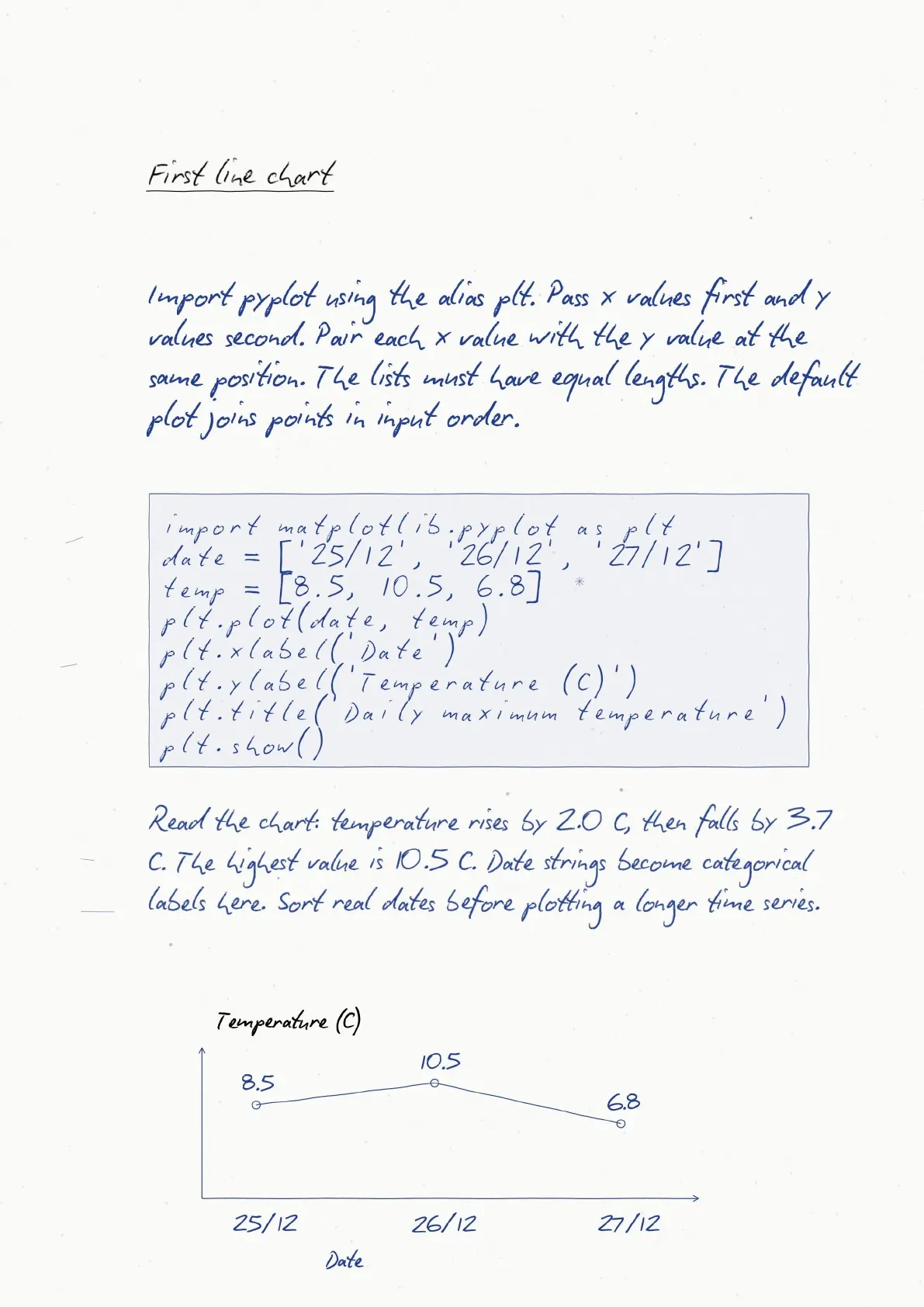
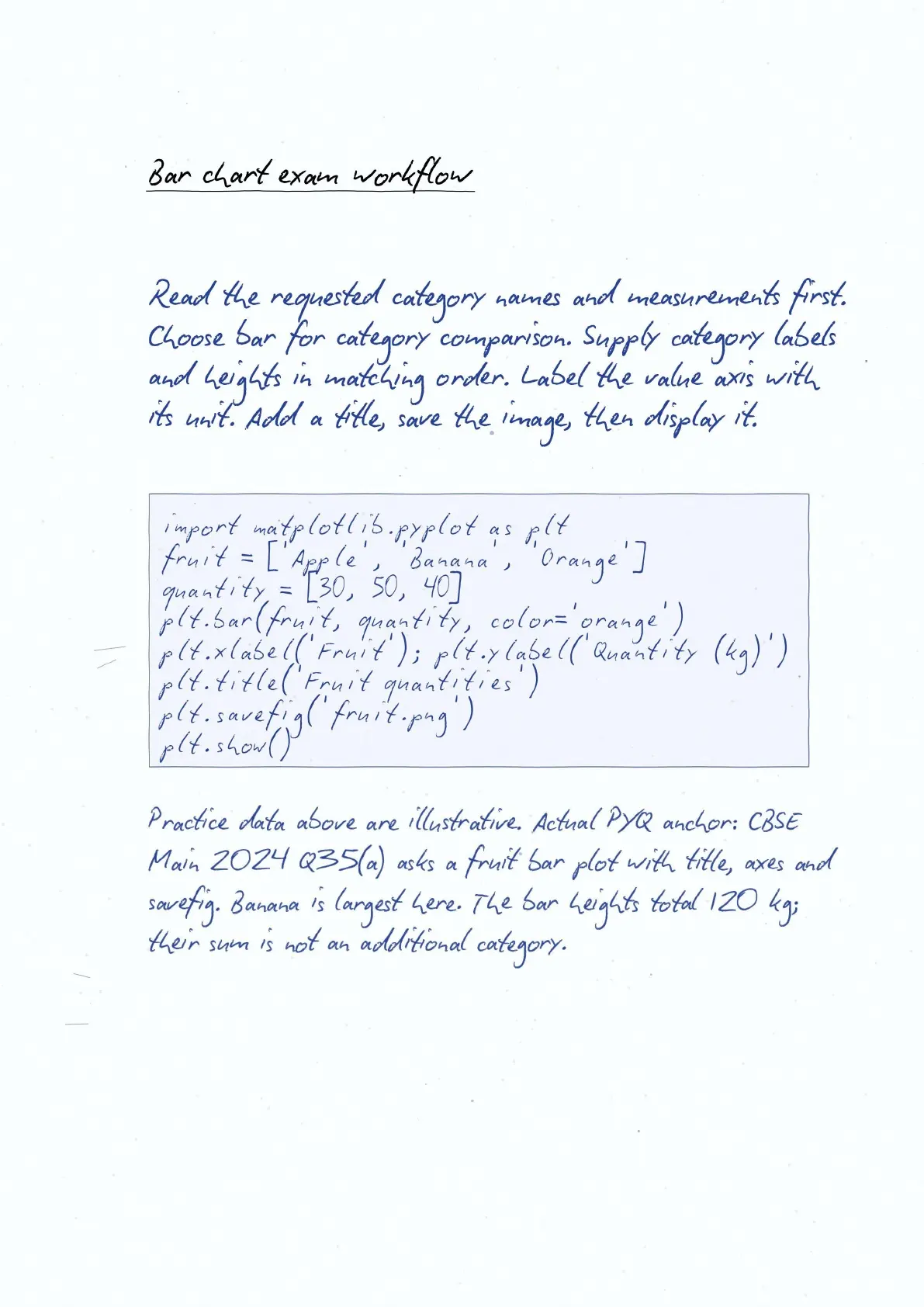
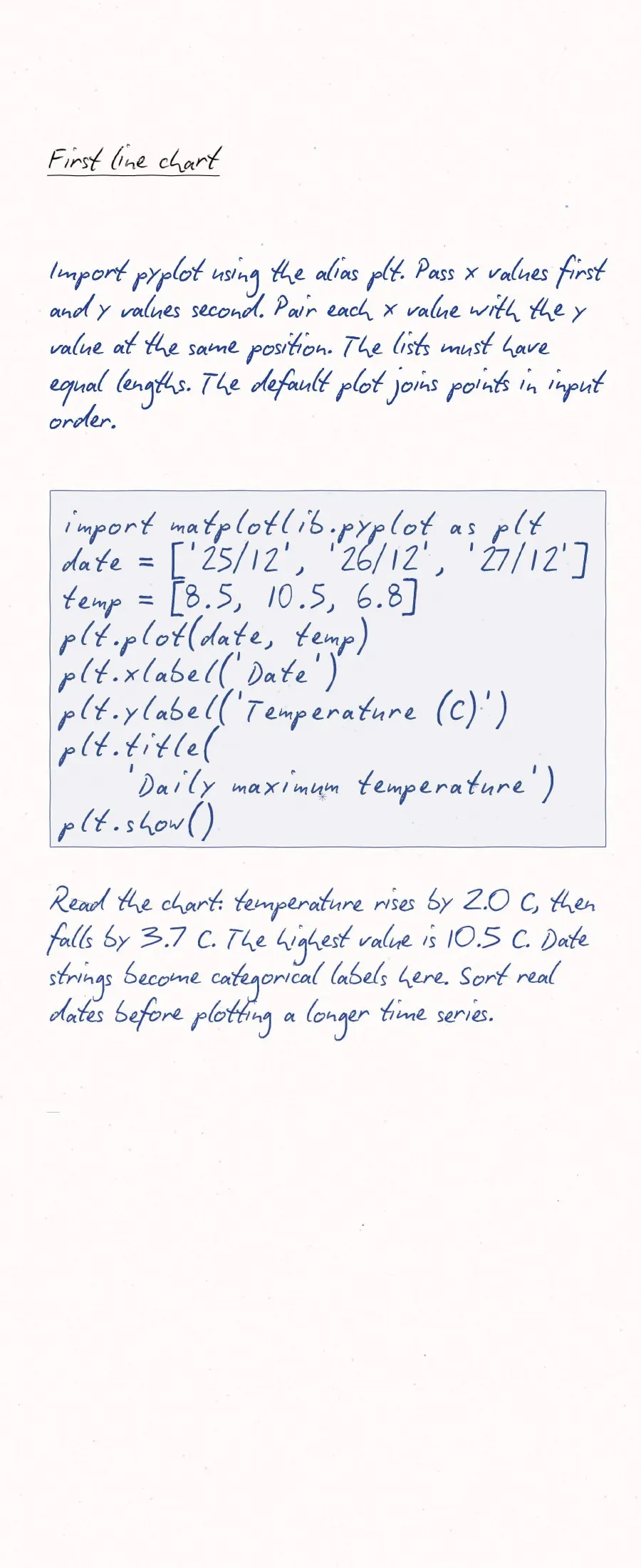
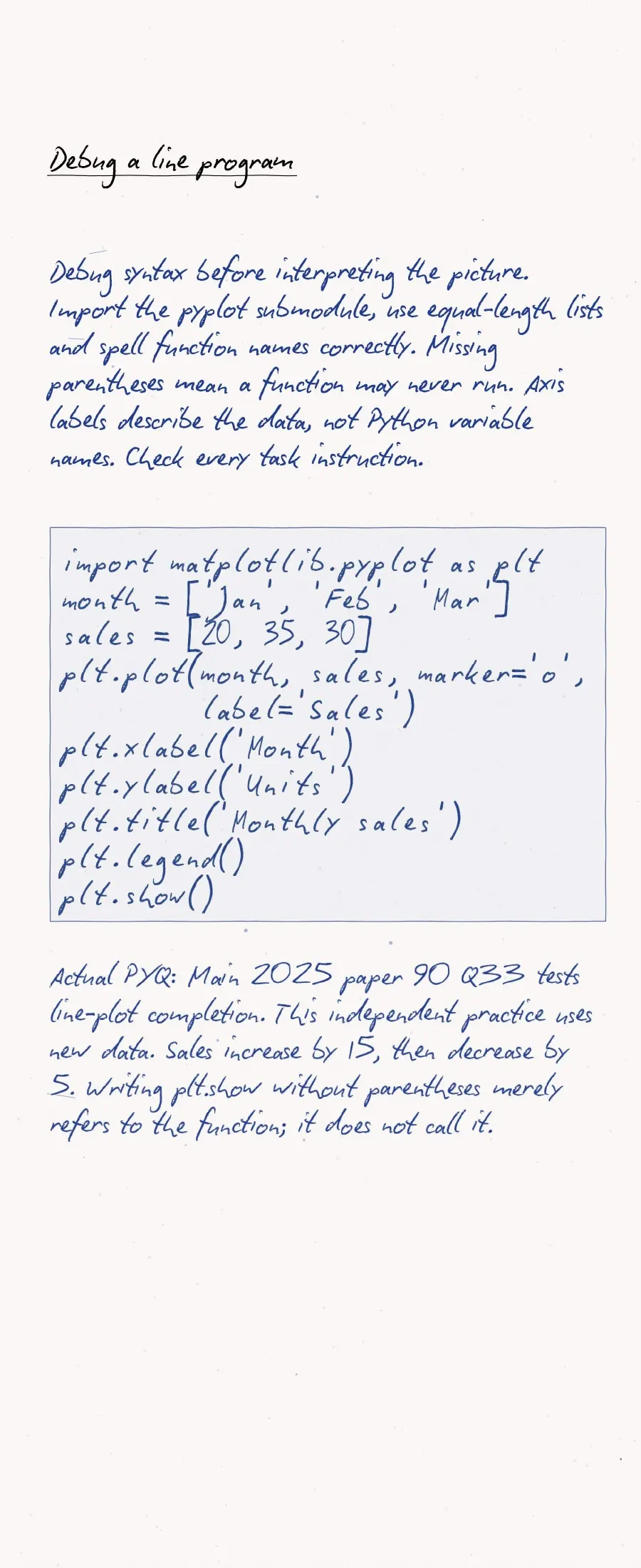
Import pyplot with import matplotlib.pyplot as plt. The name plt is an alias. Prepare the data, create the chart, add labels and display it.
import matplotlib.pyplot as plt
months = ['Jan', 'Feb', 'Mar']
sales = [12, 18, 15]
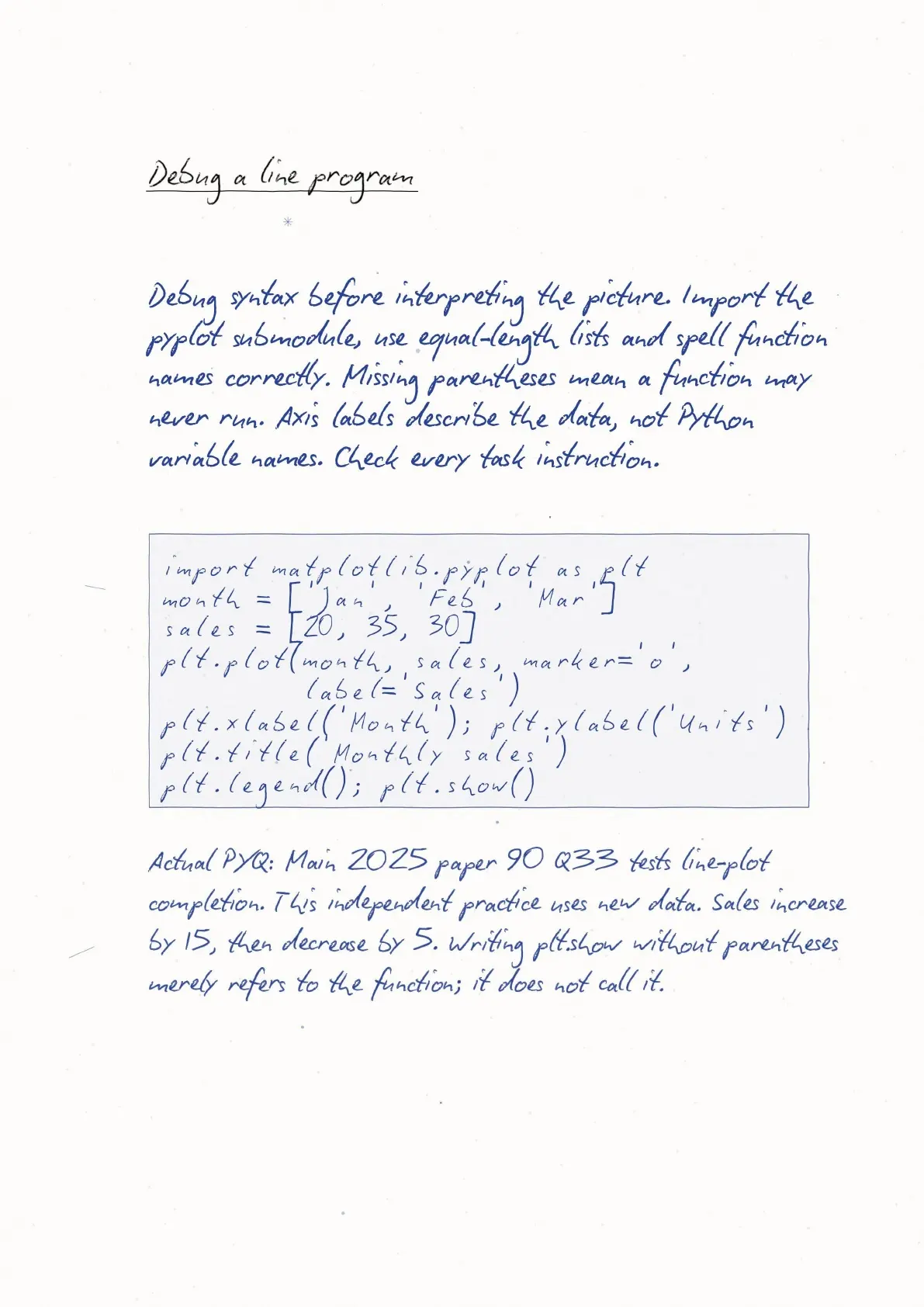
plt.plot(months, sales, marker='o', label='Sales')
plt.xlabel('Month')
plt.ylabel('Sales (units)')
plt.title('Monthly sales')
plt.legend()
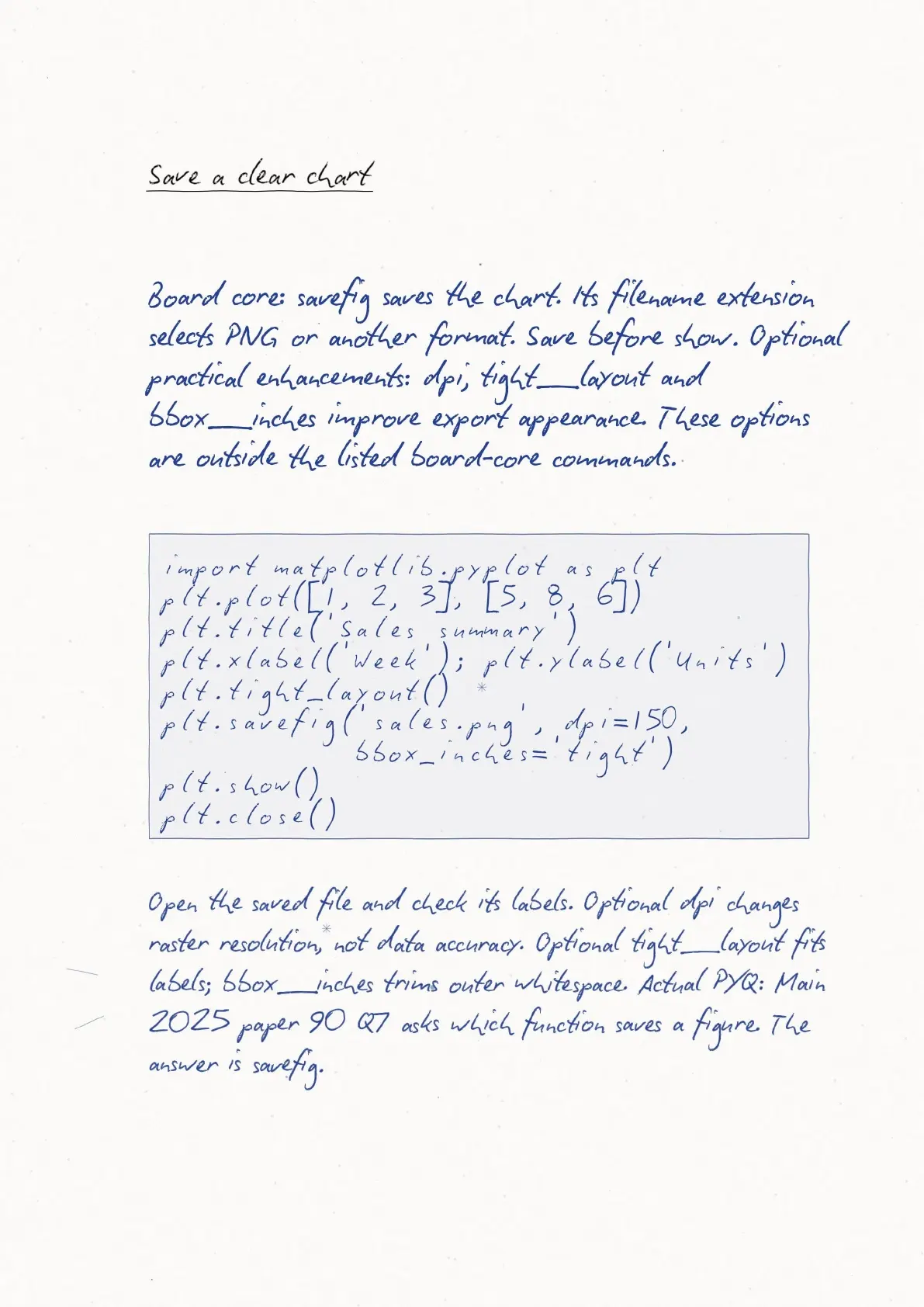
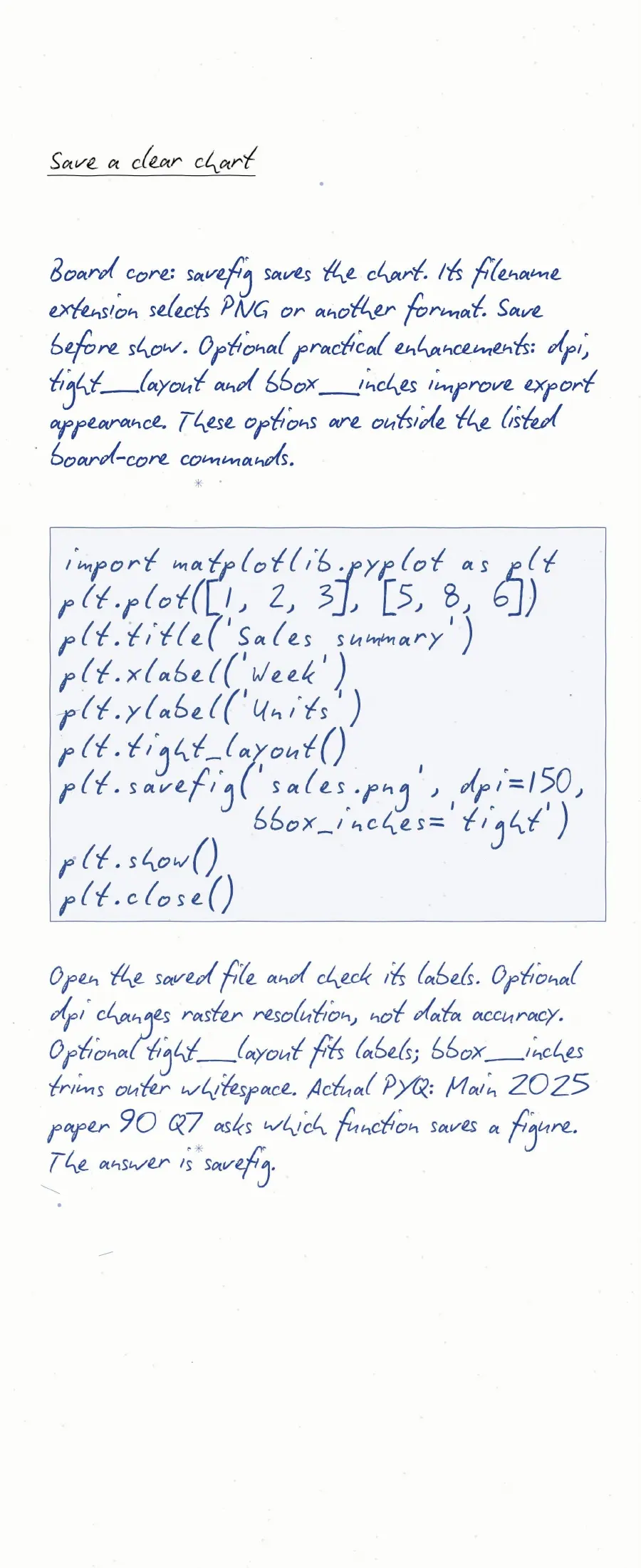
plt.savefig('sales.png')
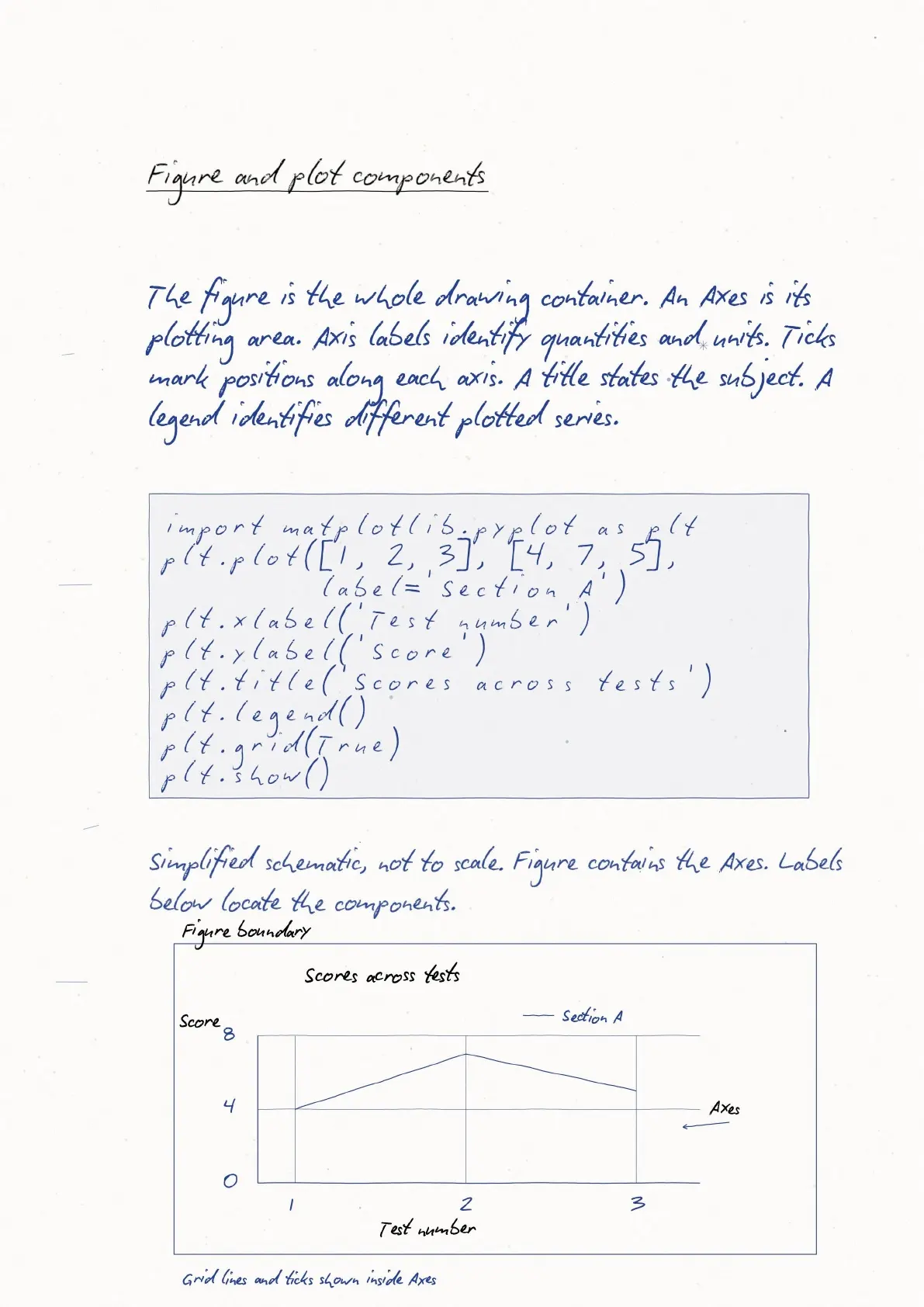
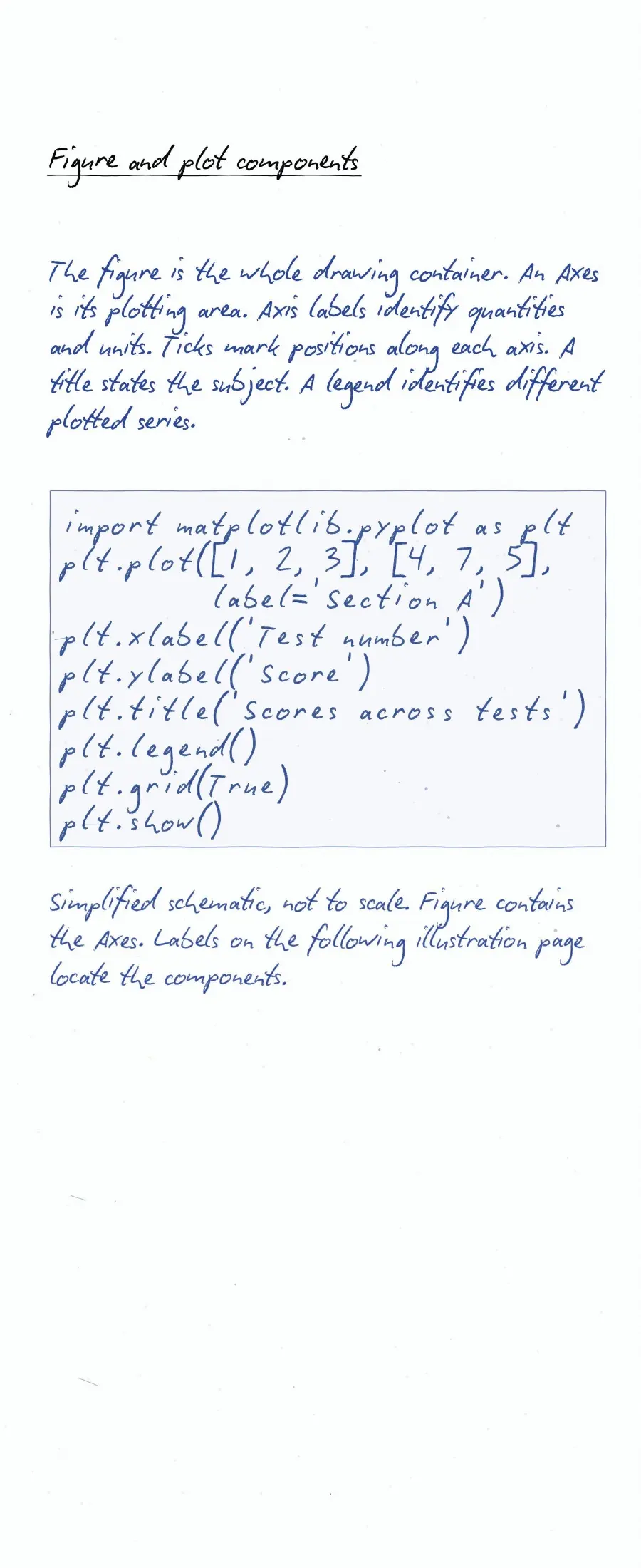
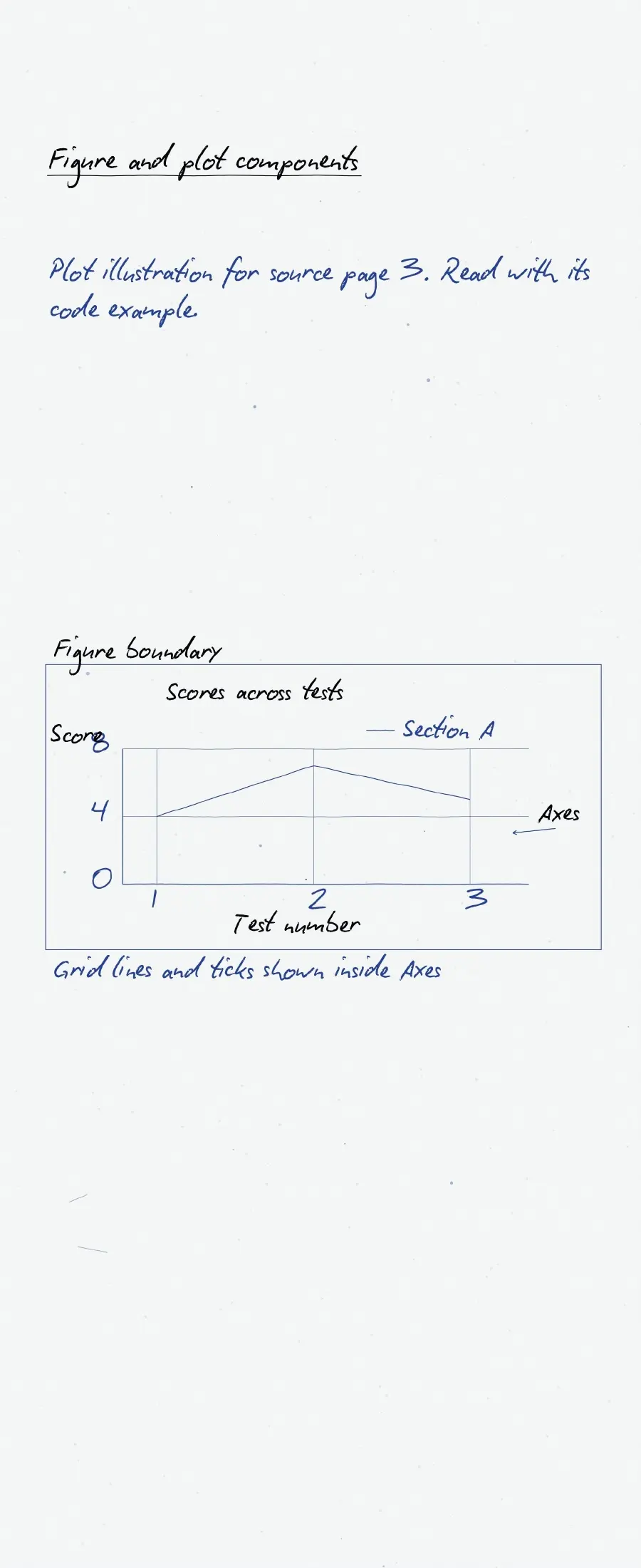
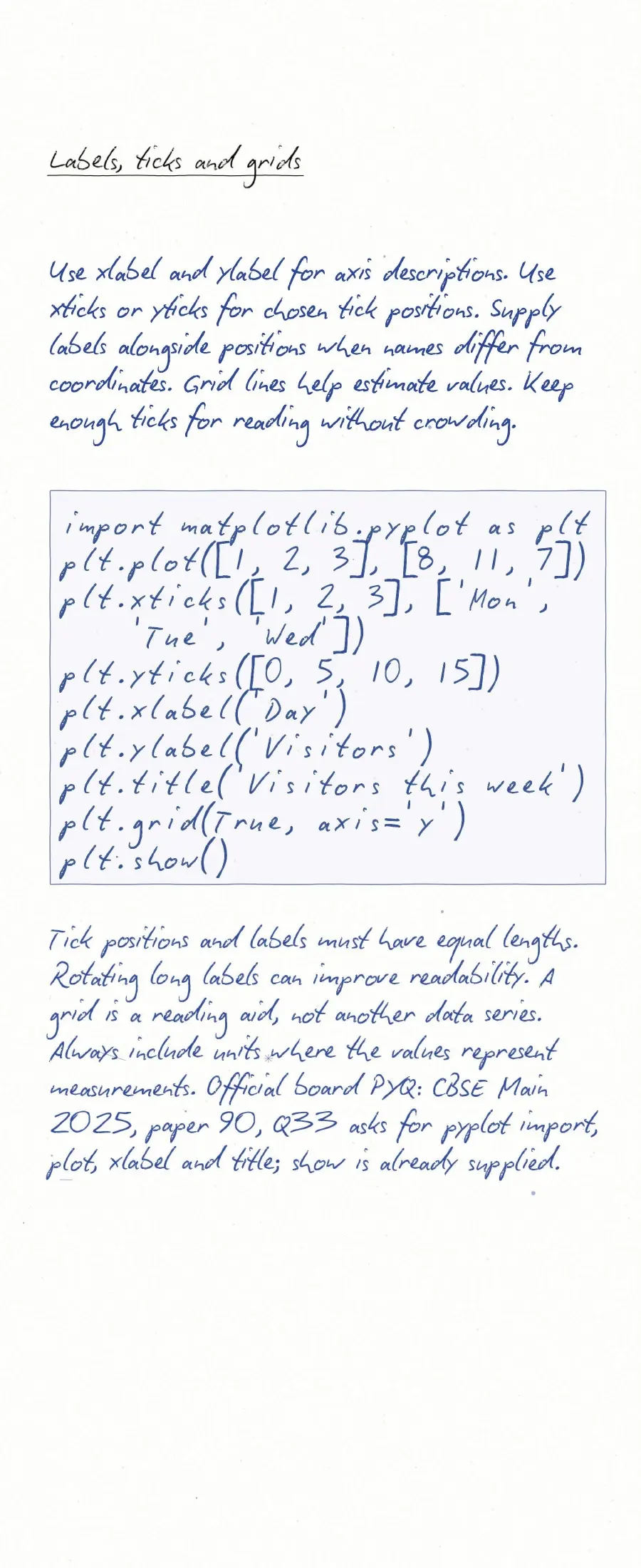
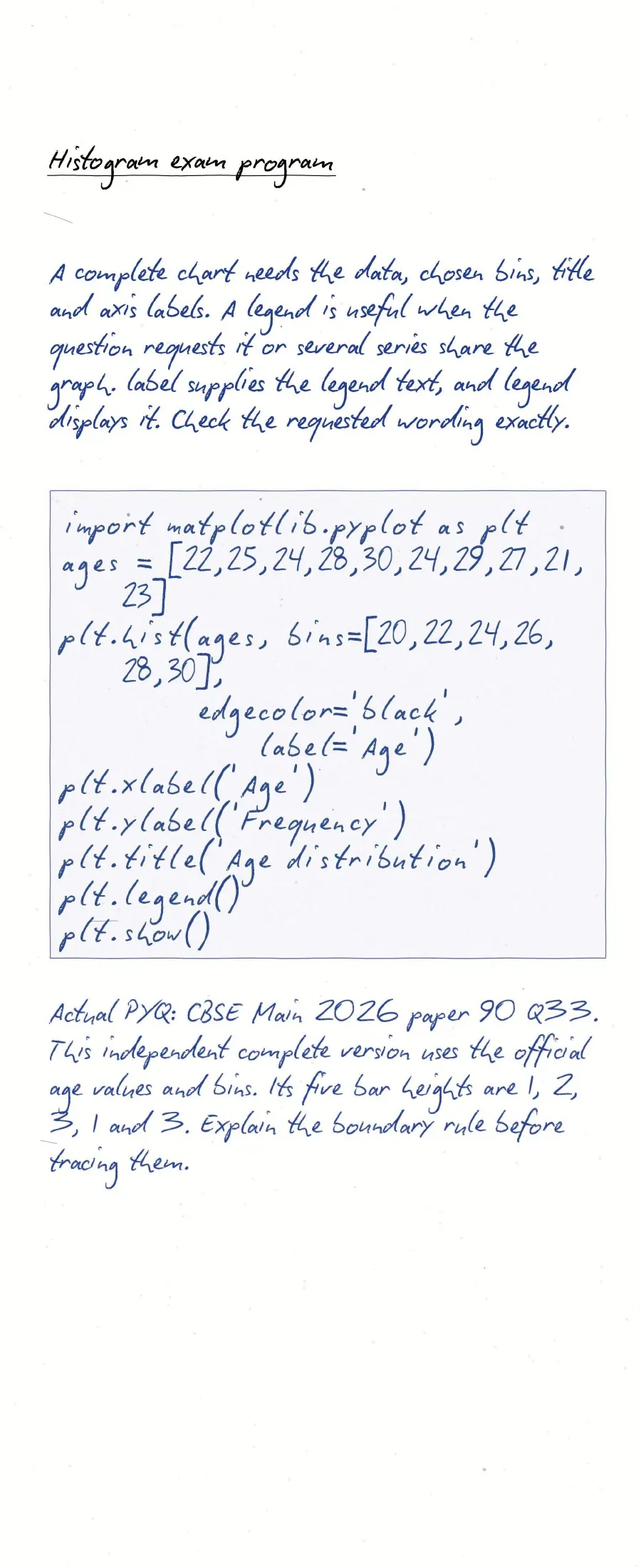
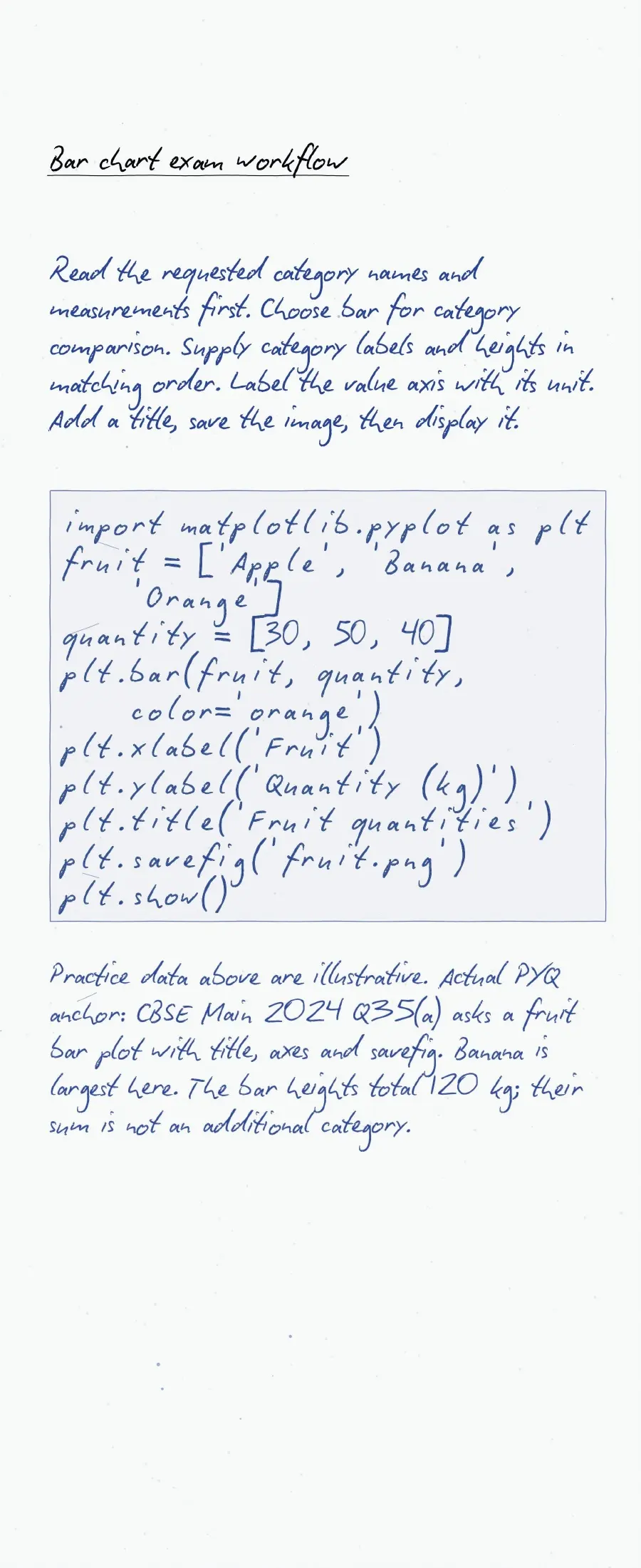
plt.show()xlabel()andylabel()name the axes.title()gives the chart its heading.legend()identifies labelled data series.savefig()writes an image file.
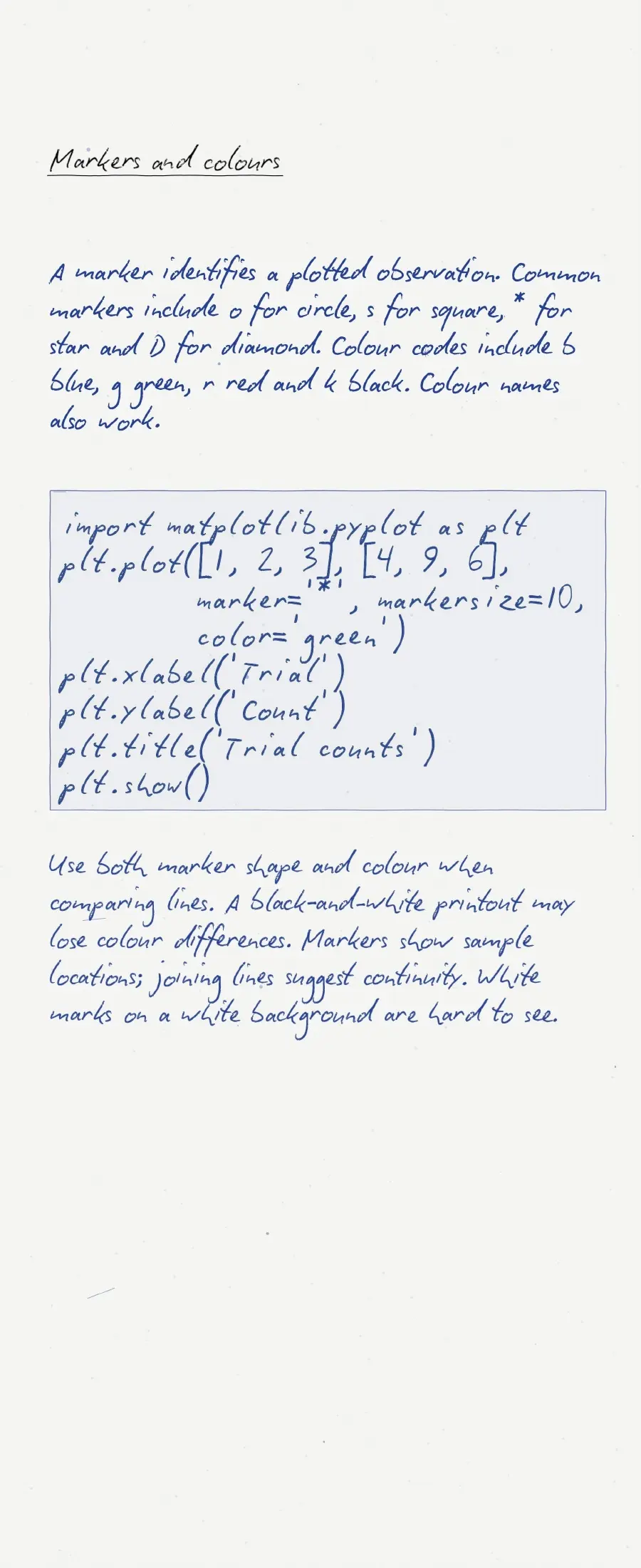
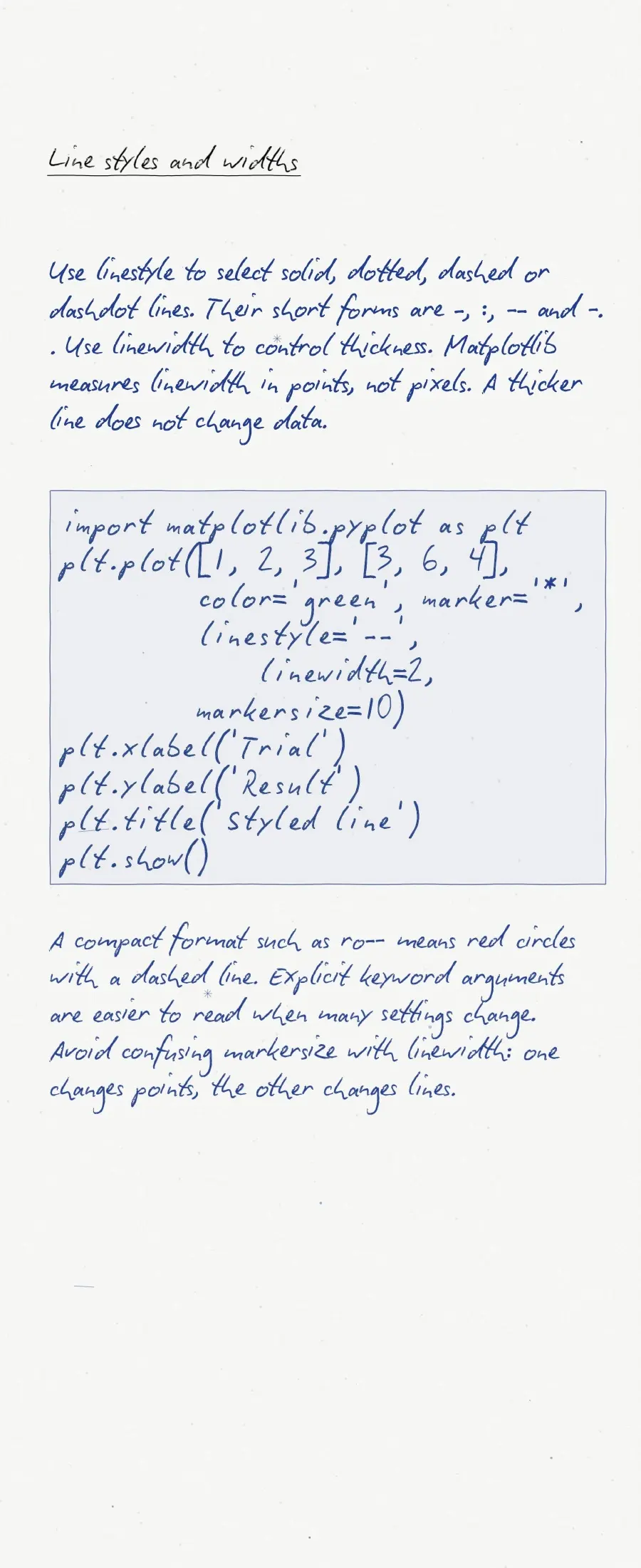
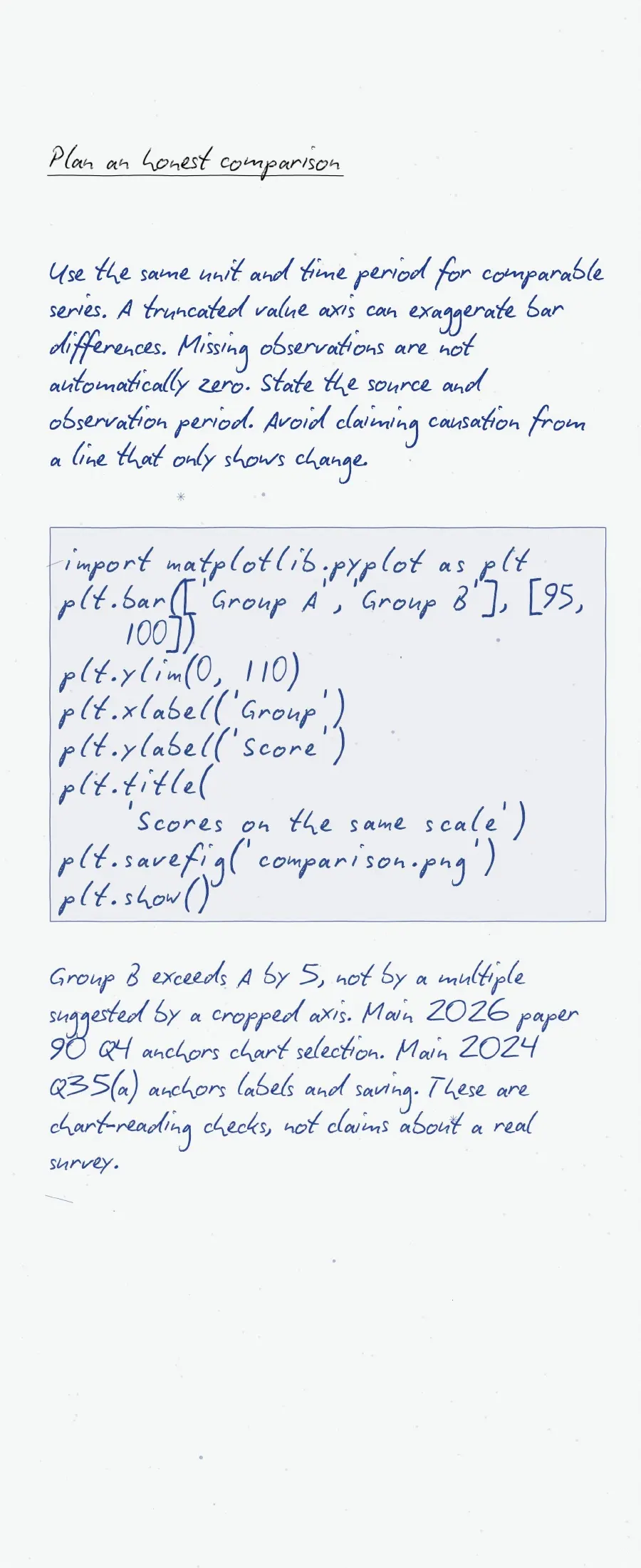
Save the chart before a blocking show() call. This avoids saving an empty figure after its window closes. In a line plot, color, linestyle, linewidth and marker control different features.
Bar Charts and Histograms: Avoid These Common Errors
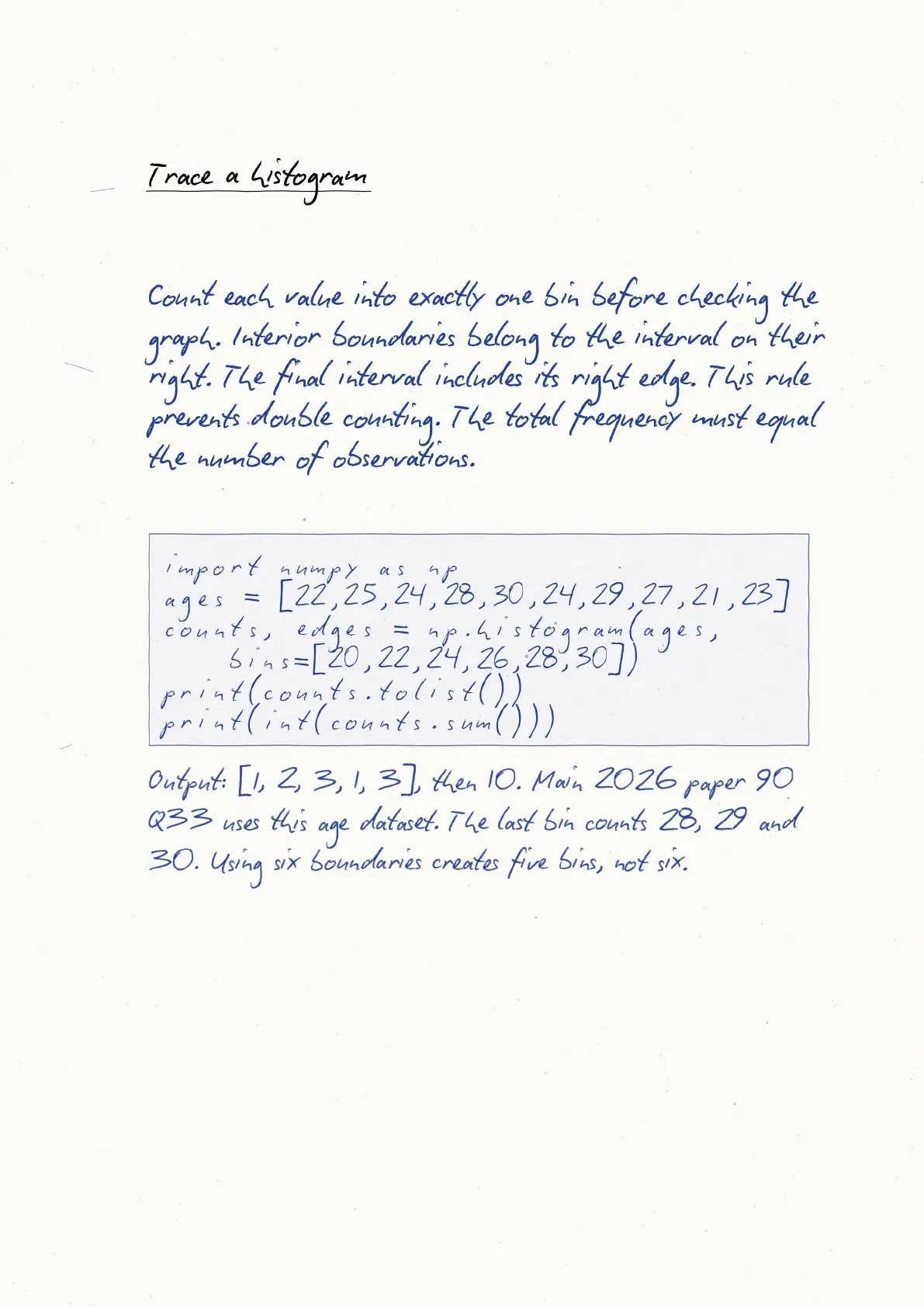
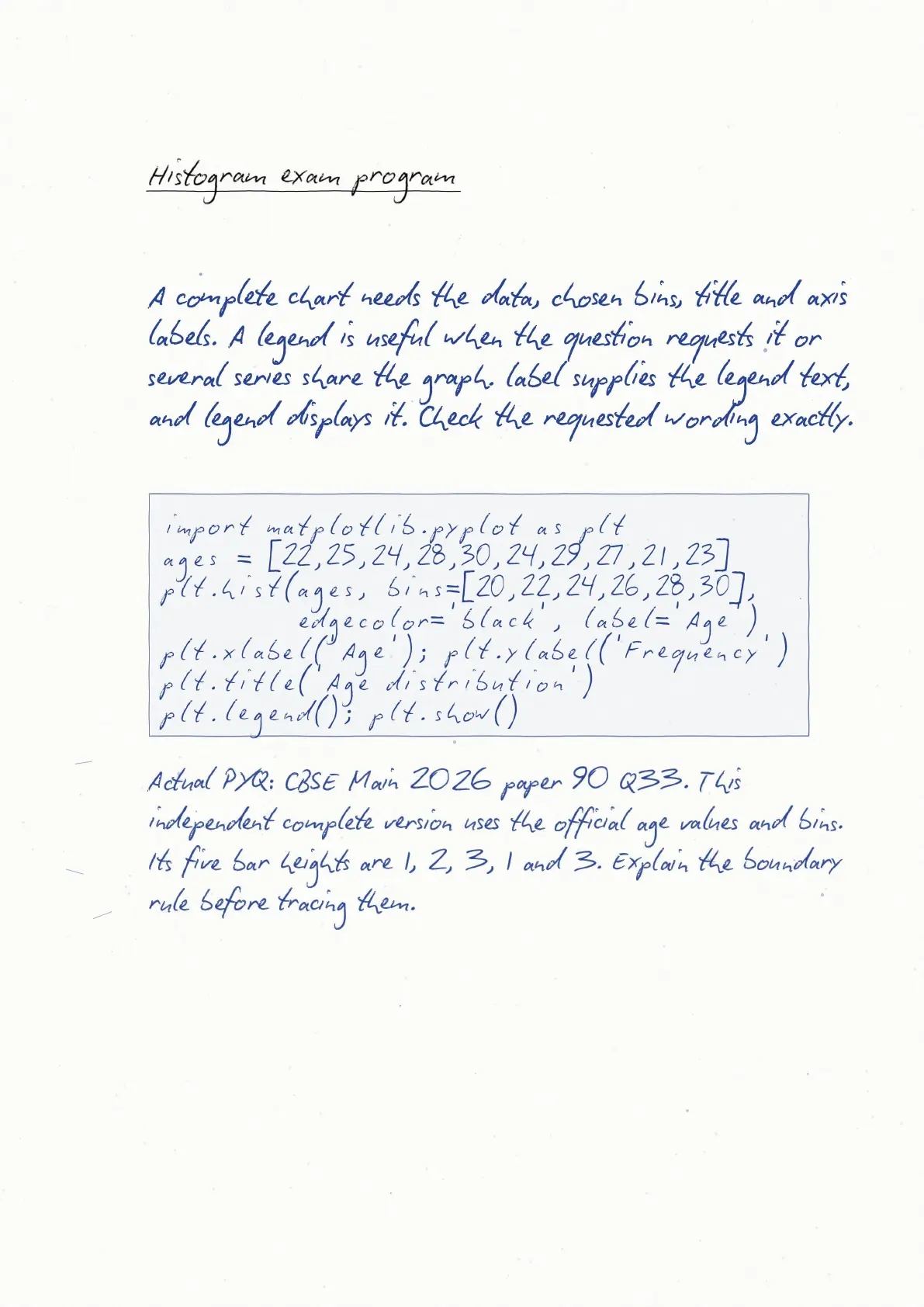
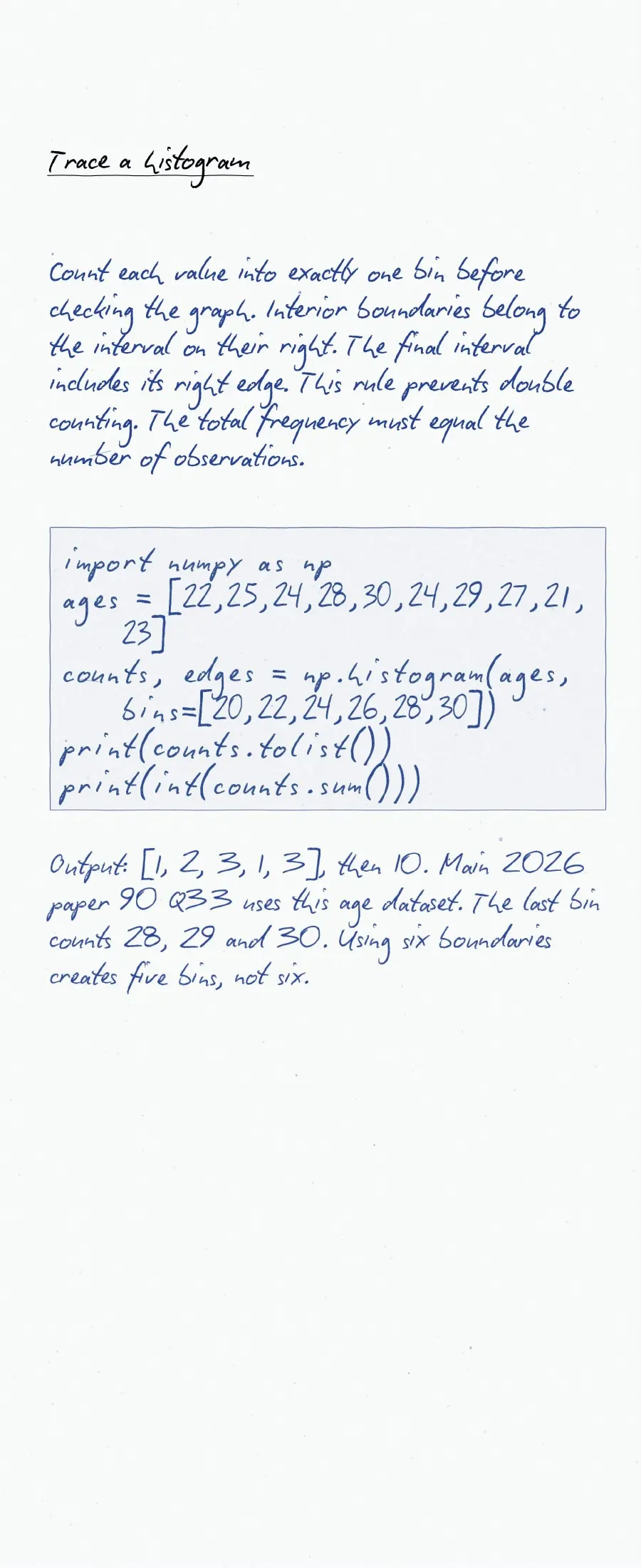
Bin edges define histogram intervals. For observations [10, 12, 18, 22, 27], use plt.hist(data, bins=[10, 20, 30]). The two frequencies are three and two. Matplotlib includes the right edge only in the last bin.
- Do not pass pre-counted category heights as raw histogram observations.
- Do not confuse the number of bins with a list of bin edges.
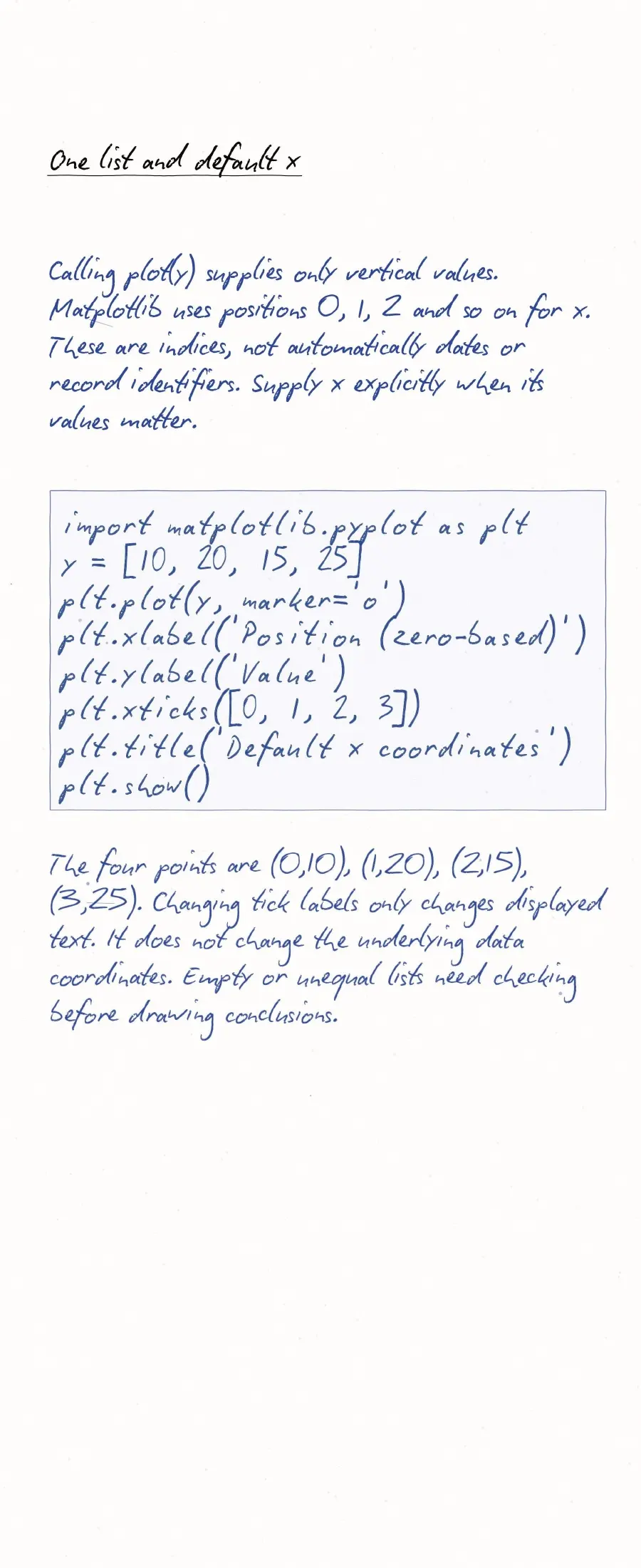
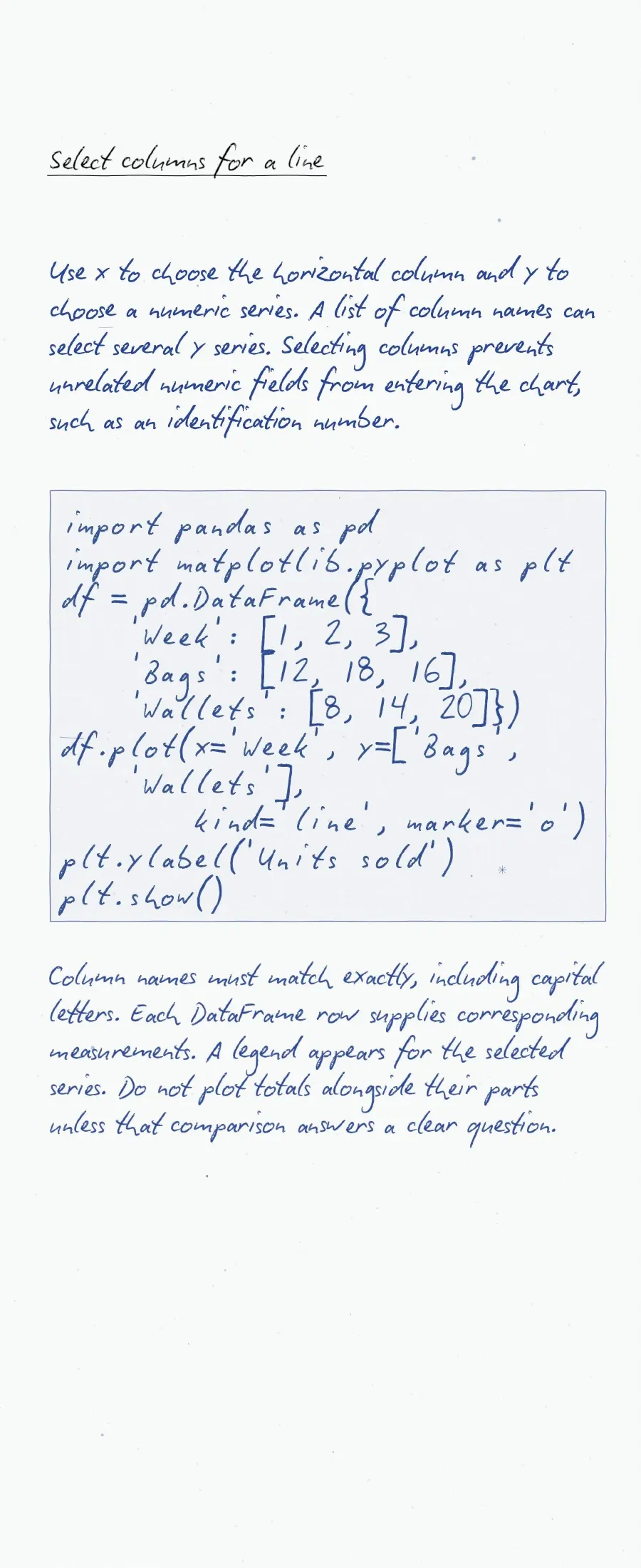
- Keep corresponding x and y sequences the same length in simple line plots.
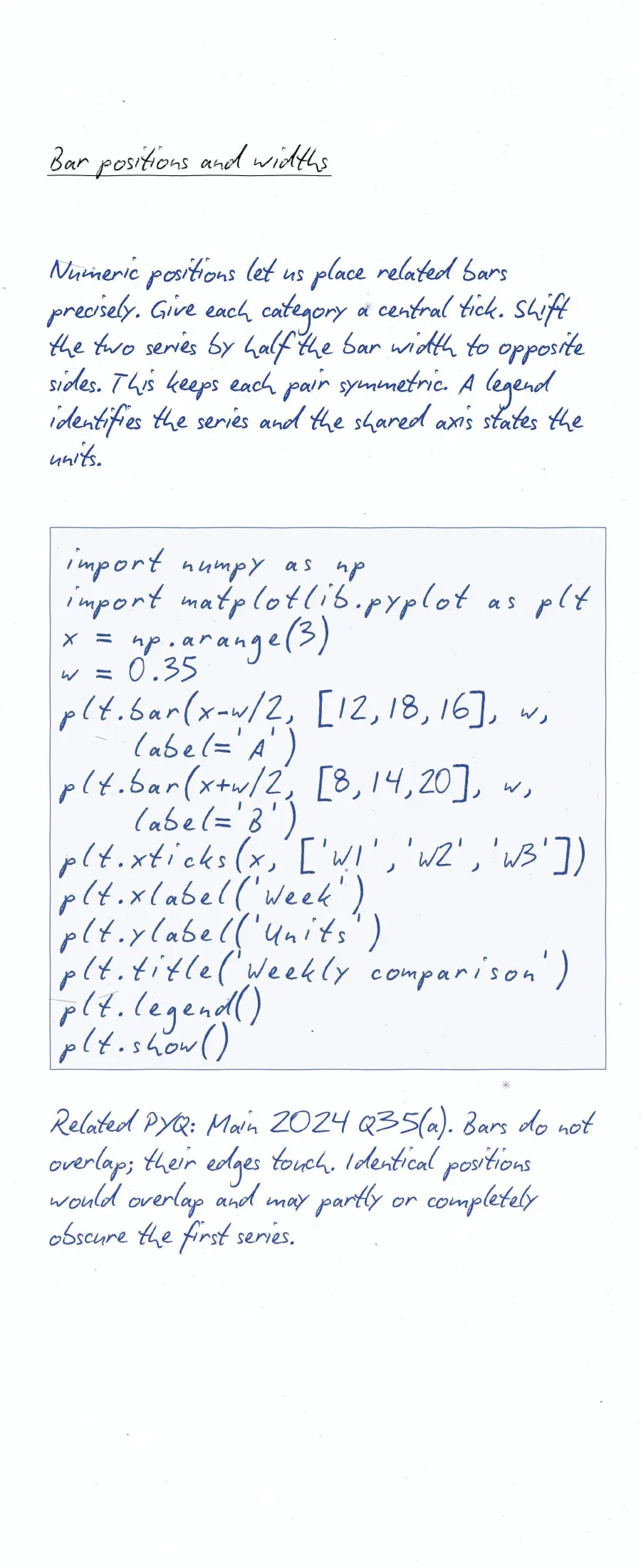
- Give axes units where they apply; colour alone does not explain a series.
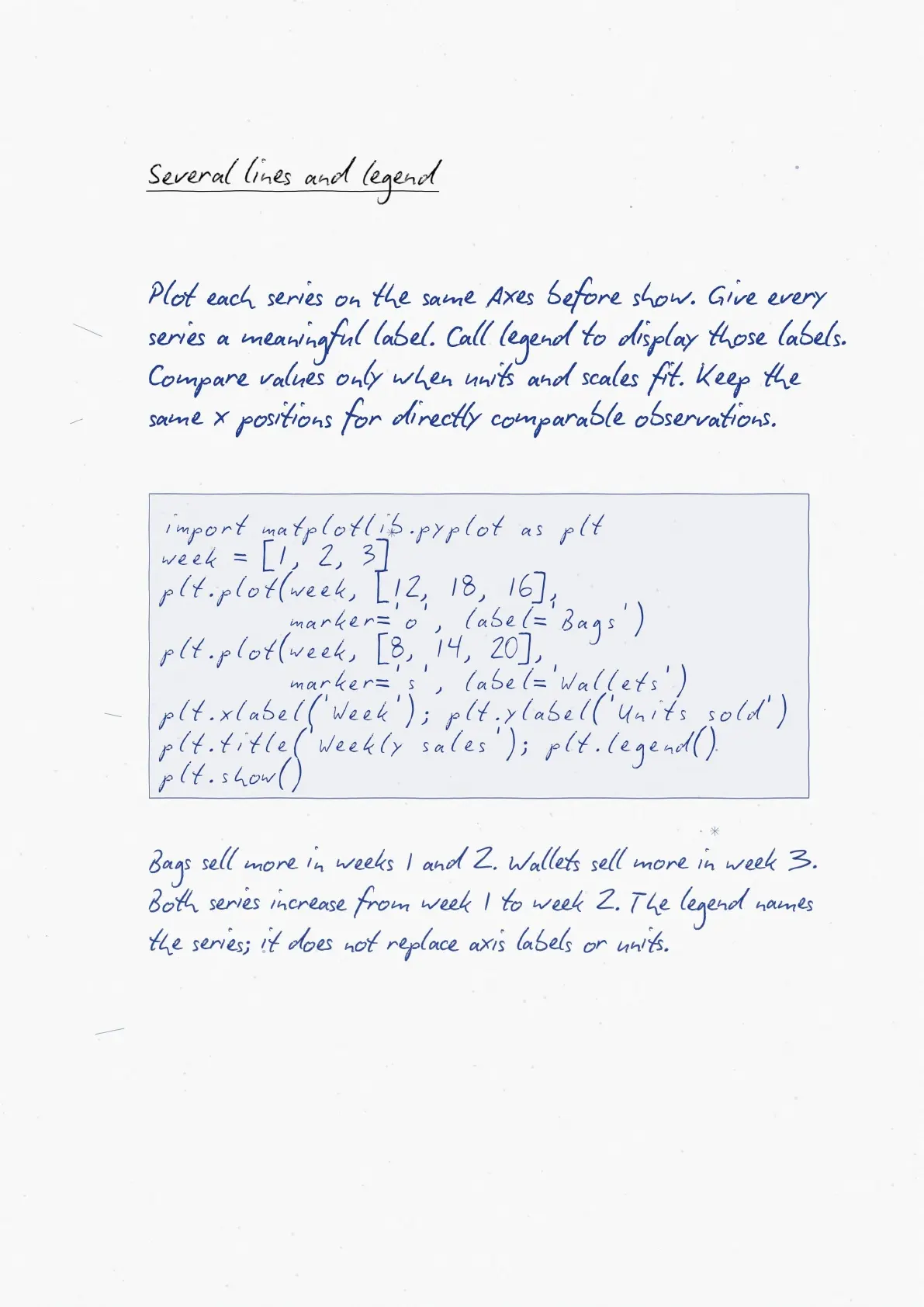
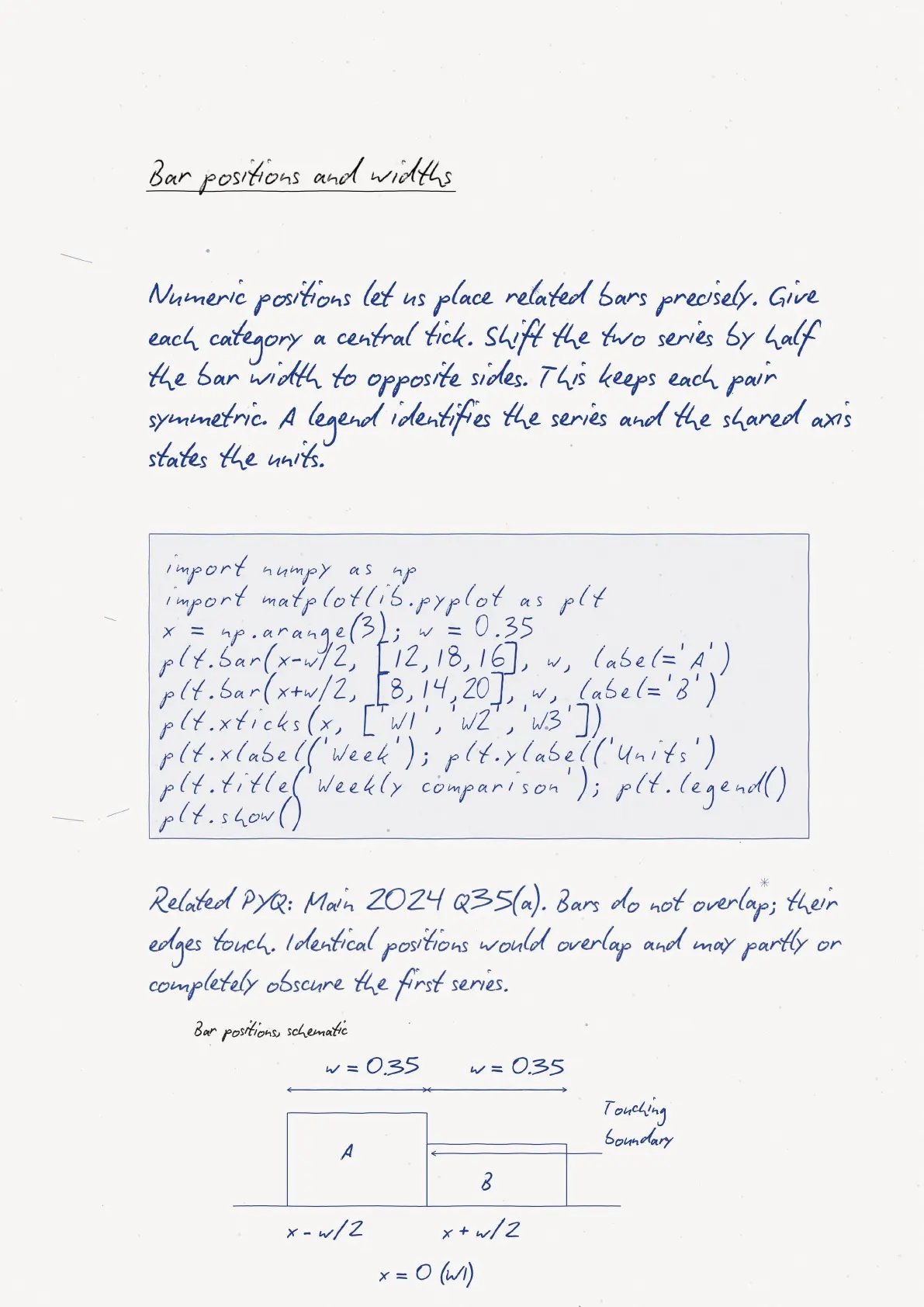
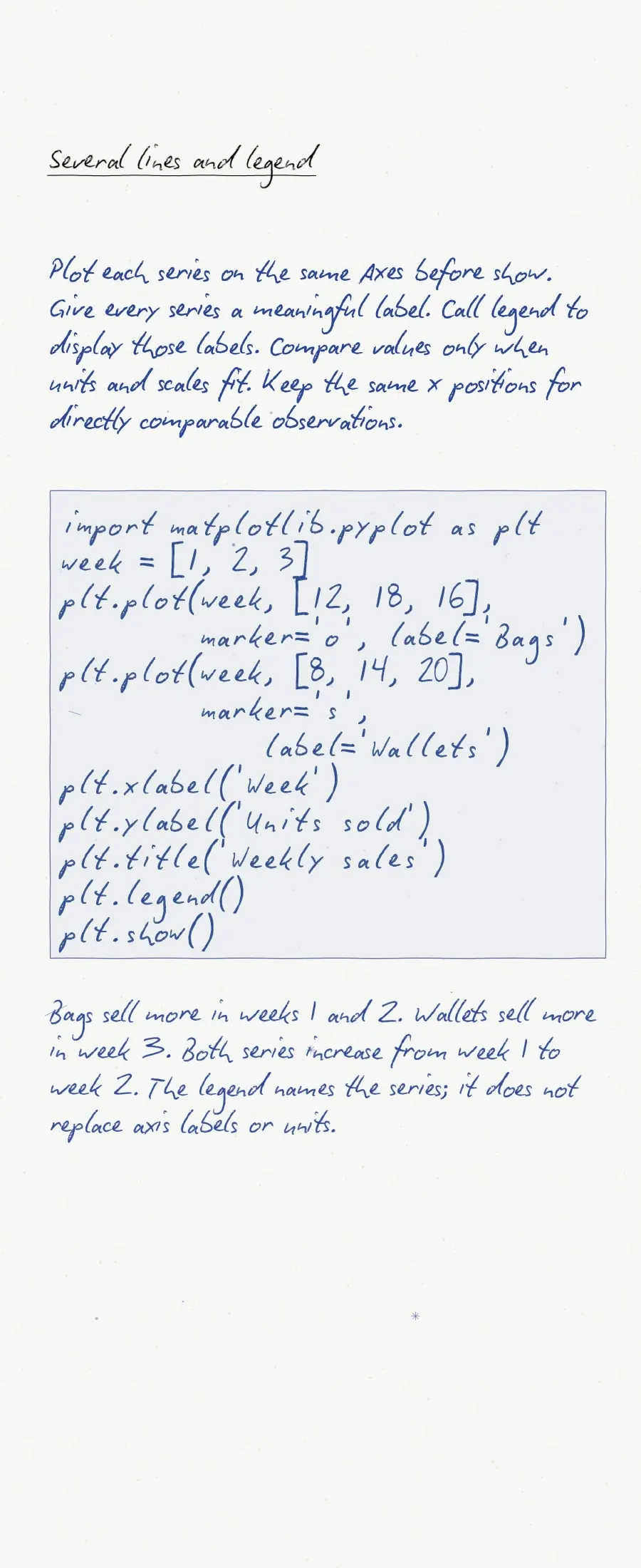
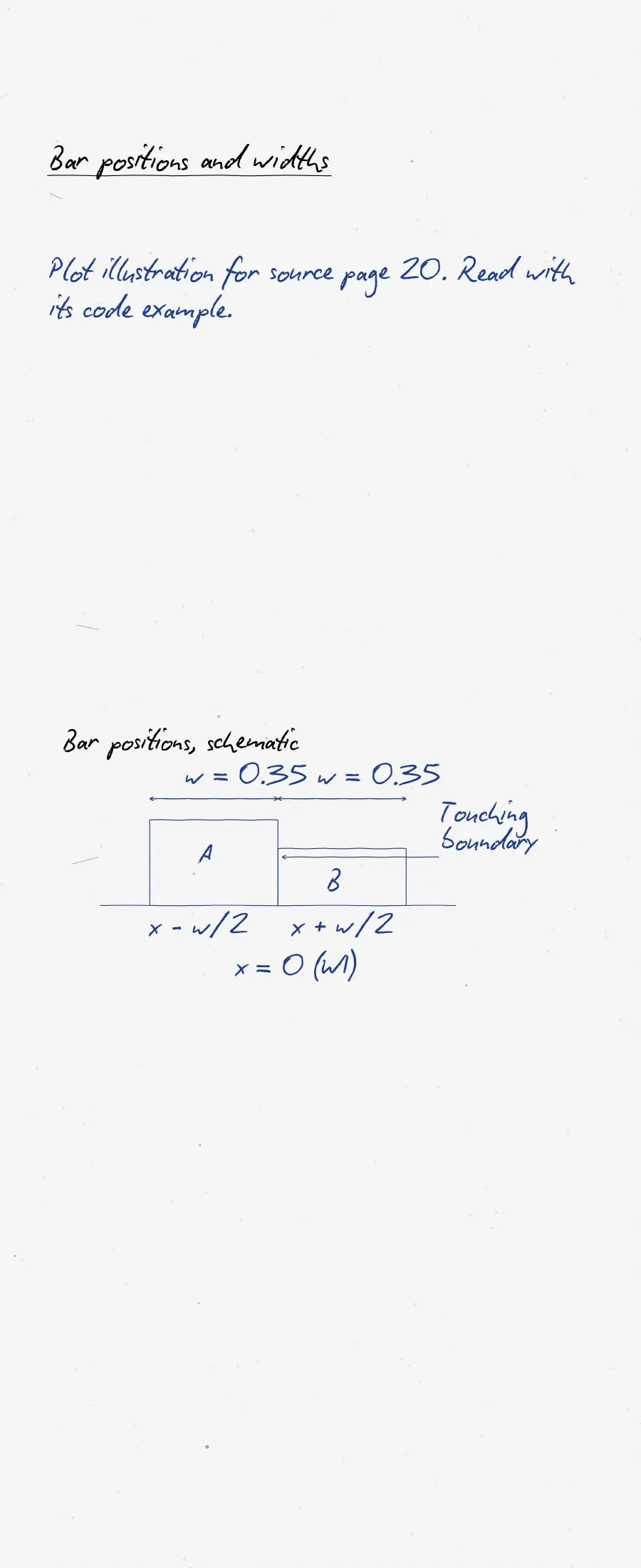
For two lines on one chart, call plot() twice before show(). Give each line a distinct label and call legend(). Trace one data pair at a time when checking a predicted output.
Plotting Data using Matplotlib: Syllabus and Practice Checks
The official CBSE 2026-27 Informatics Practices syllabus lists line plots, bar graphs and histograms. It also names labels, titles, legends and saving plots. The broader Data Handling using Pandas and Data Visualization unit carries 25 theory marks; this is not a chapter-only allocation.
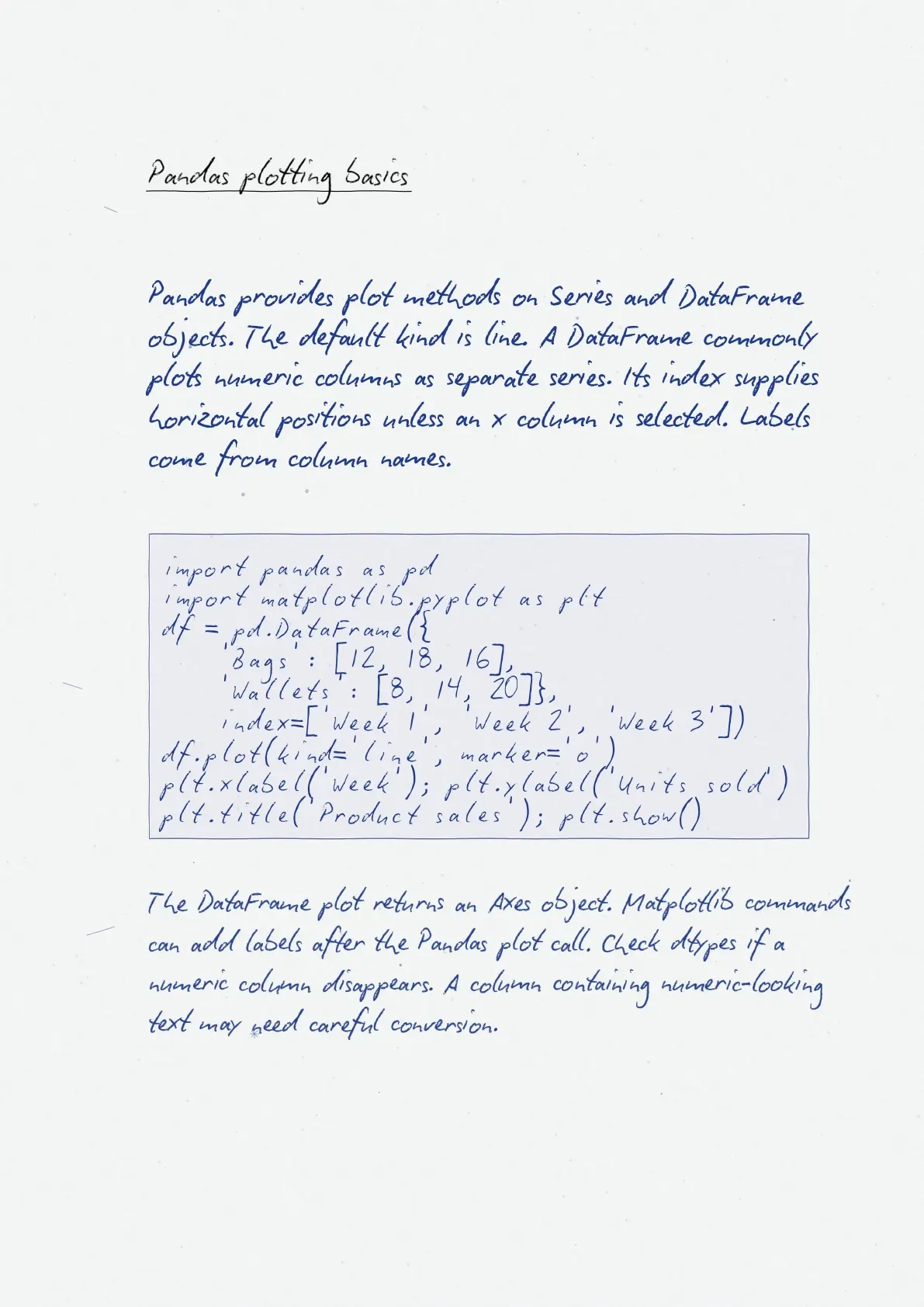
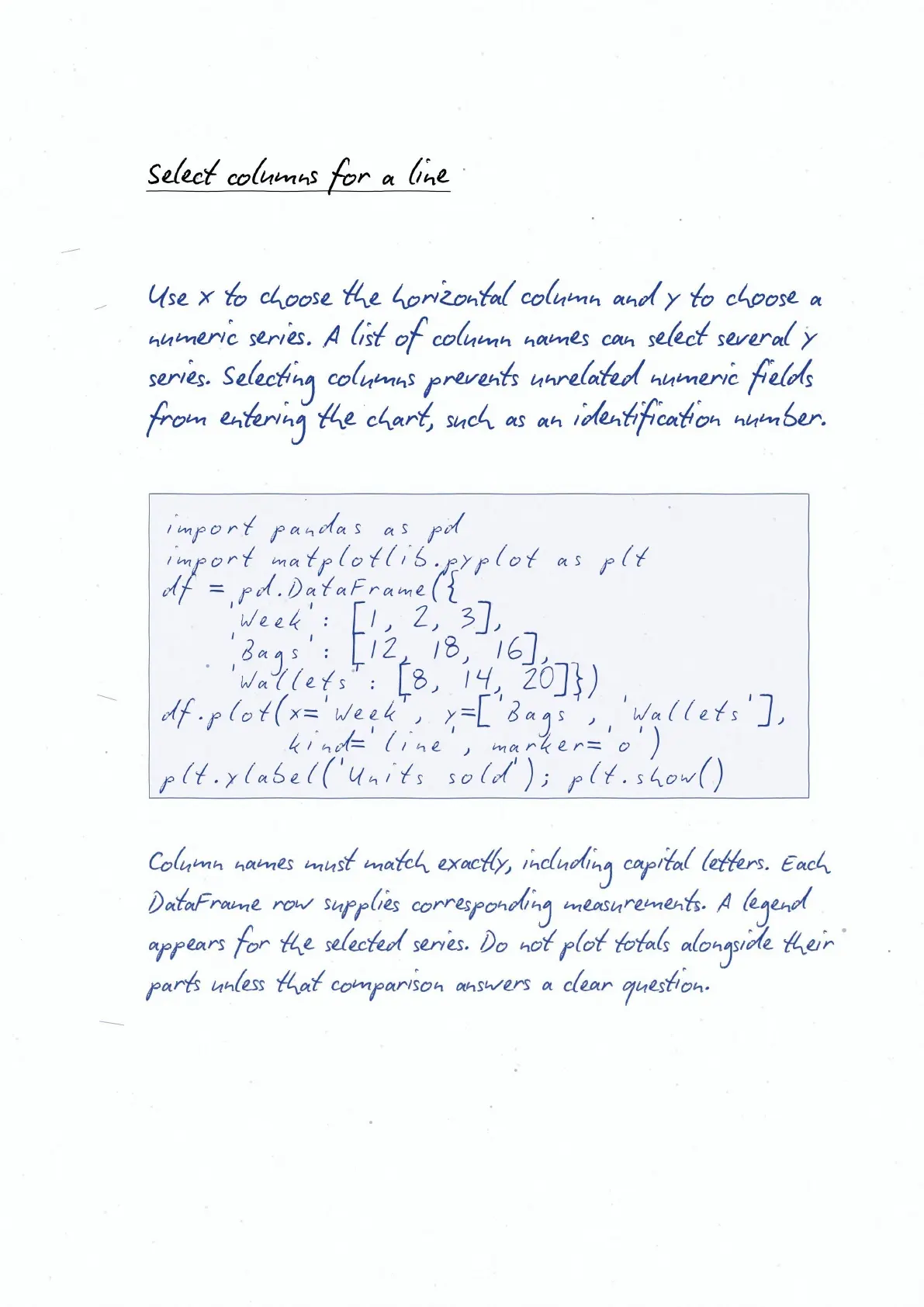
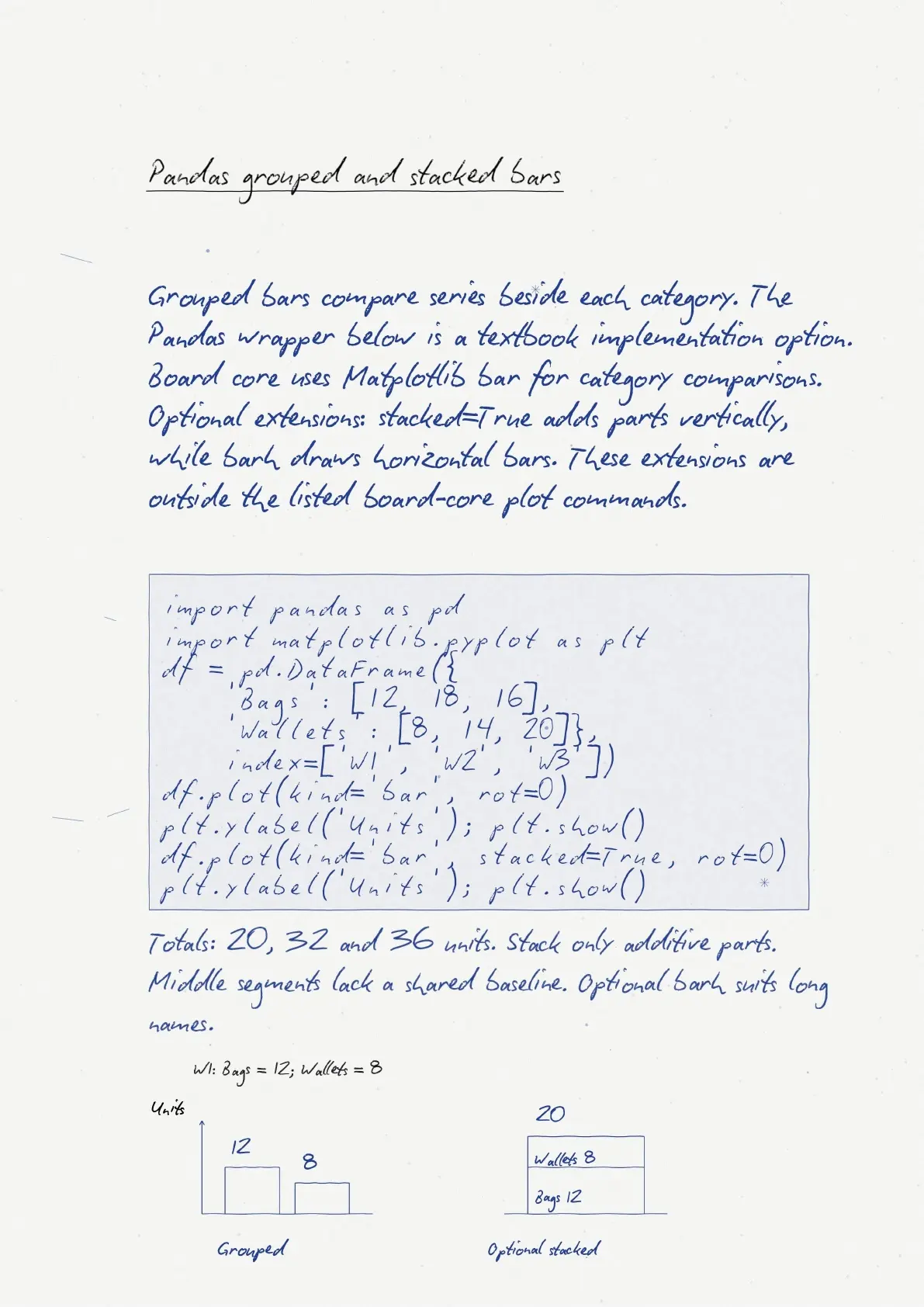
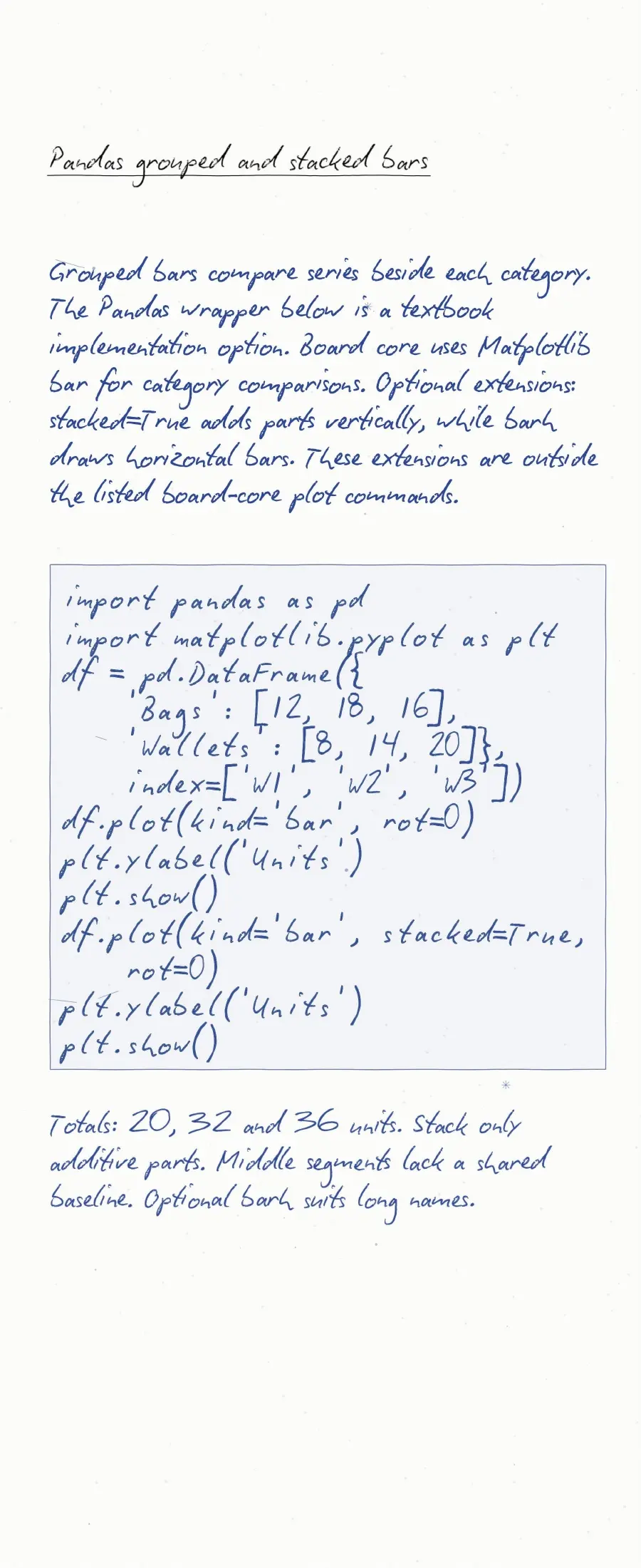
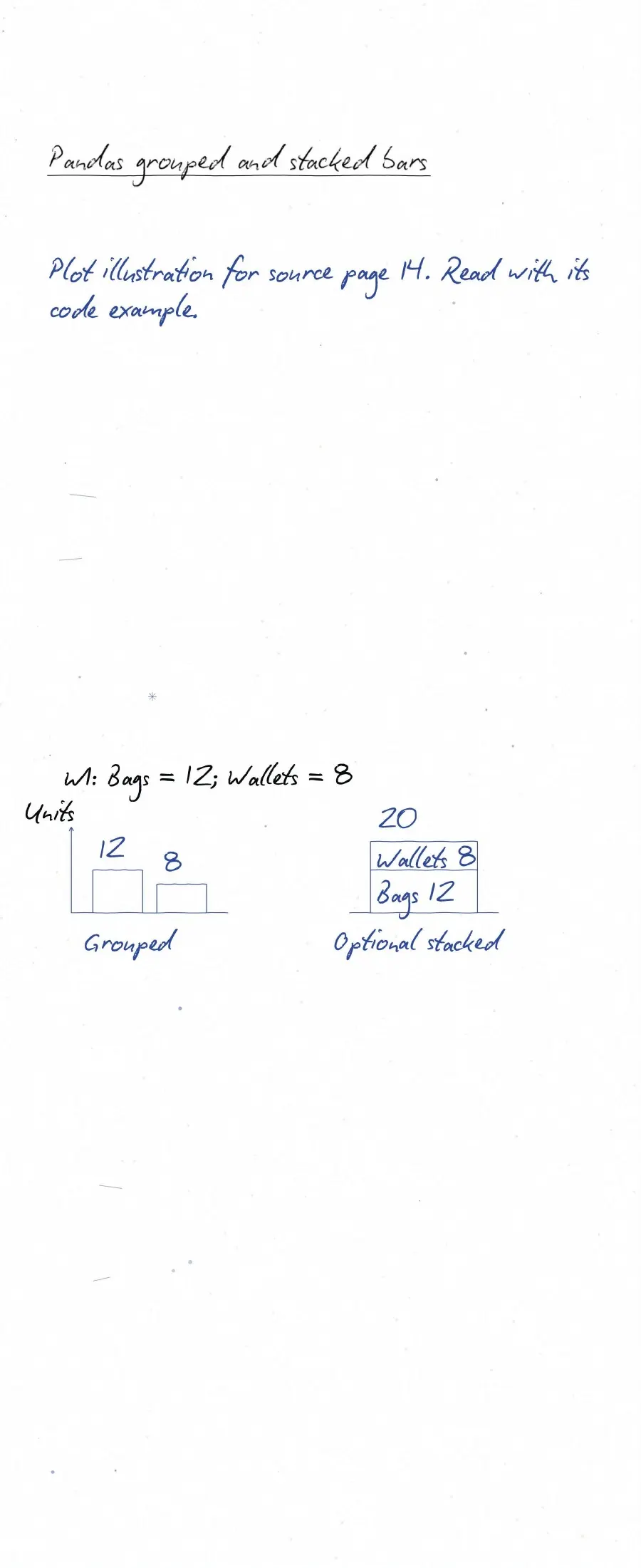
NCERT also discusses scatter plots, pie charts, box plots and Pandas plotting. Treat these as textbook extensions where they are outside the listed plotting scope. Check your teacher's practical instructions before choosing extra topics.
- Write one line plot without copying the import or labels.
- Change it to a bar chart and explain the difference.
- Count histogram frequencies manually, then compare the chart.
- Correct a missing legend or mismatched data length.
For command behaviour, consult the official Matplotlib pyplot tutorial. Use textbook exercises to practise choosing charts, rather than only memorising function names.
Plotting Data using Matplotlib Related Study Resources
| Resource | Use |
|---|---|
| Plotting Data using Matplotlib Class 12 Detailed notes | Read alongside the revision notes |
| Plotting Data using Matplotlib Class 12 NCERT Solutions | Read alongside the revision notes |
| Plotting Data using Matplotlib Class 12 NCERT Book PDF | Read alongside the revision notes |
Class 12 Informatics Practices Handwritten Notes: All Chapters
| Chapter | Revision resource |
|---|---|
| 1. Querying and SQL Functions | Querying and SQL Functions Handwritten Notes |
| 2. Data Handling using Pandas Series | Data Handling using Pandas Series Handwritten Notes |
| 3. Data Handling using Pandas DataFrame | Data Handling using Pandas DataFrame Handwritten Notes |
Plotting Data using Matplotlib Handwritten Notes FAQs
Ques. Which plots should I revise for the 2026-27 board syllabus?
Ans. Focus on line plots, bar graphs and histograms, with labels, titles, legends and saving. Check the official syllabus and your practical instructions.
Ques. How are bar charts different from histograms?
Ans. Bar charts compare category values. Histograms group numeric observations into intervals and show their distribution.
Ques. Why does my legend not show the series names?
Ans. Give each plotted series a label argument, then call plt.legend(). Axis labels name axes; they do not name plotted series.
Ques. Are handwritten notes enough for practical preparation?
Ans. Use them for recall, then write and run programs independently. Change data and styles to check that you understand each command.



Comments