



| Updated On - May 20, 2026
BITS Pilani has released the BITSAT 2026 Session 2 admit card today, May 20. Download your hall ticket at admissions.bits-pilani.ac.in using your application number and password. Exam is May 25 to 27.
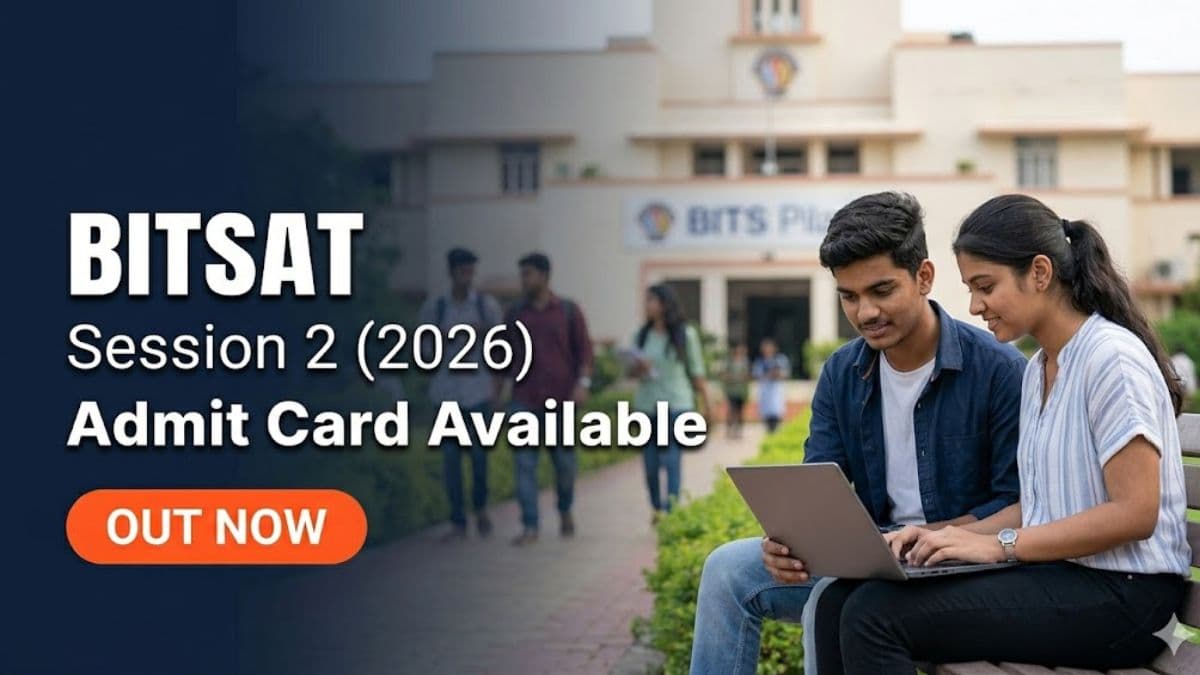
As per the official admissions portal of the Birla Institute of Technology and Science (BITS) Pilani at admissions.bits-pilani.ac.in, the BITSAT 2026 Session 2 admit card has been released today, May 20, 2026. Candidates who completed slot booking between May 14 and 15 can now log in using their application number and password to download their hall ticket. The Session 2 exam is scheduled from May 25 to 27, 2026 in Computer-Based Test (CBT) mode across multiple centres in India.
BITSAT is conducted by BITS Pilani for admission to its Integrated First Degree programmes (B.E., M.Sc., and B.Pharm.) across the Pilani, Goa, and Hyderabad campuses. The exam is held in two sessions each year, with BITS considering the higher of the two scores for admission.
Session 2 Key Dates
| Event | Date |
|---|---|
| Session 2 Registration Window | April 20 to May 5, 2026 |
| Application Form Correction Window | May 7 to 9, 2026 |
| Slot Booking Window | May 14 to 15, 2026 |
| Admit Card Release | May 20, 2026 |
| Session 2 Exam Dates | May 25 to 27, 2026 |
What the Admit Card Contains
The hall ticket displays the candidate's name, application number, exam date, shift timing, test centre name and complete address, and reporting time. The exam is conducted in two shifts: morning (9:00 AM to 12:00 PM) and afternoon (2:00 PM to 5:00 PM). The specific shift allotted to a candidate is visible on the admit card.
Candidates who did not complete slot booking within the May 14 to 15 window have been assigned slots automatically by BITS Pilani. No changes to exam date, shift, or centre can be requested once the admit card has been issued.
Documents to Carry on Exam Day
- Printed hard copy of the BITSAT 2026 Session 2 admit card (soft copy on phone is not accepted)
- One original, valid photo ID proof: Aadhaar card, PAN card, Passport, Voter ID, Driving Licence, or School ID card (Class 12 board ID)
- One or two recent passport-size photographs matching the one uploaded during registration
- A pen for signing the attendance sheet at the centre (rough sheets are provided)
Exam Pattern
BITSAT 2026 is a 3-hour (180-minute) computer-based test with 130 multiple-choice questions. The paper covers Physics, Chemistry, English Proficiency and Logical Reasoning, and Mathematics (or Biology for B.Pharm. aspirants). Each correct answer carries 3 marks and each wrong answer results in a deduction of 1 mark.
BITS Pilani has introduced a full tuition fee waiver for the top 500 rank holders across both BITSAT 2026 sessions, applicable from the academic year 2026-27. To qualify, candidates must have an annual family income of up to Rs 20 lakh and must maintain a minimum CGPA of 7.5 at their respective campus throughout the programme to continue receiving the scholarship.
Steps to Download the Admit Card
- Visit admissions.bits-pilani.ac.in and navigate to the BITSAT 2026 section.
- Click on the BITSAT 2026 Session 2 Admit Card link on the homepage or notifications panel.
- Enter your BITSAT application number and password on the login page.
- Click on the "BITS Admission Test Ticket" or "Download Admit Card" tab on your dashboard.
- Verify all details carefully (name, photograph, exam date, centre address). Report any discrepancy to the BITS Pilani admission office immediately at the contact details available on the official website.
- Download and print 2 to 3 clear copies on A4-size paper before the exam date.
After Session 2 concludes on May 27, watch admissions.bits-pilani.ac.in for the BITSAT 2026 result declaration, score release, and the start of the six-phase counselling and seat allotment process for BITS Pilani, Goa, and Hyderabad campuses.


.png?h=127&w=254&mode=stretch)



.png?h=127&w=254&mode=stretch)


.png?h=40&w=40&mode=stretch)


.png?h=40&w=40&mode=stretch)


.jpeg?h=40&w=40&mode=stretch)



Comments