




Class 11 Computer Science Chapter 8 Strings is where small indexing and slicing mistakes often change the full output. These NCERT notes explain each operation with short Python examples for the 2026-27 session.
- Core focus: indexing, slicing, operators, methods and character traversal.
- Exam focus: output tracing, immutable strings and method return values.
- Best use: predict each result before checking it in Python.
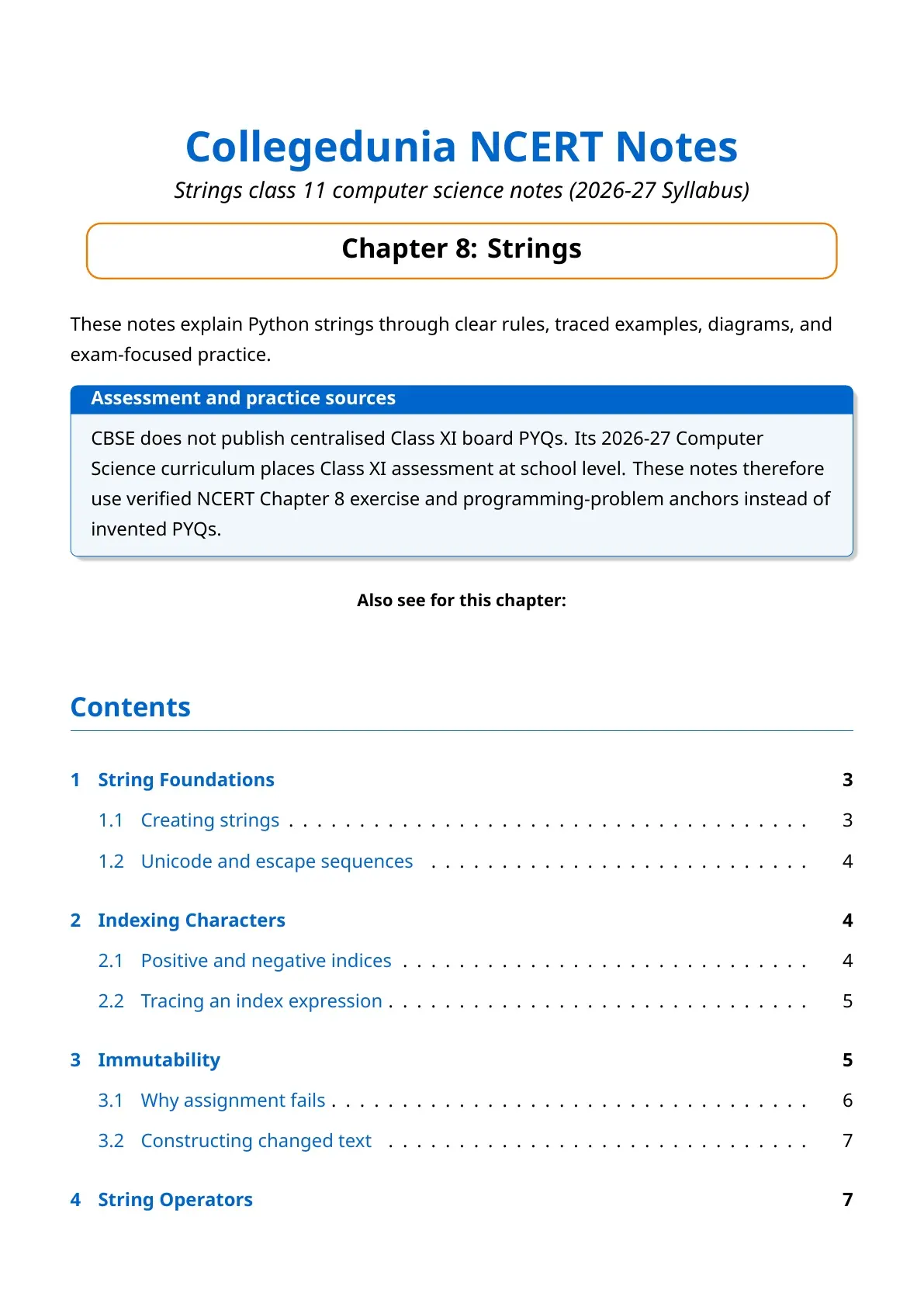
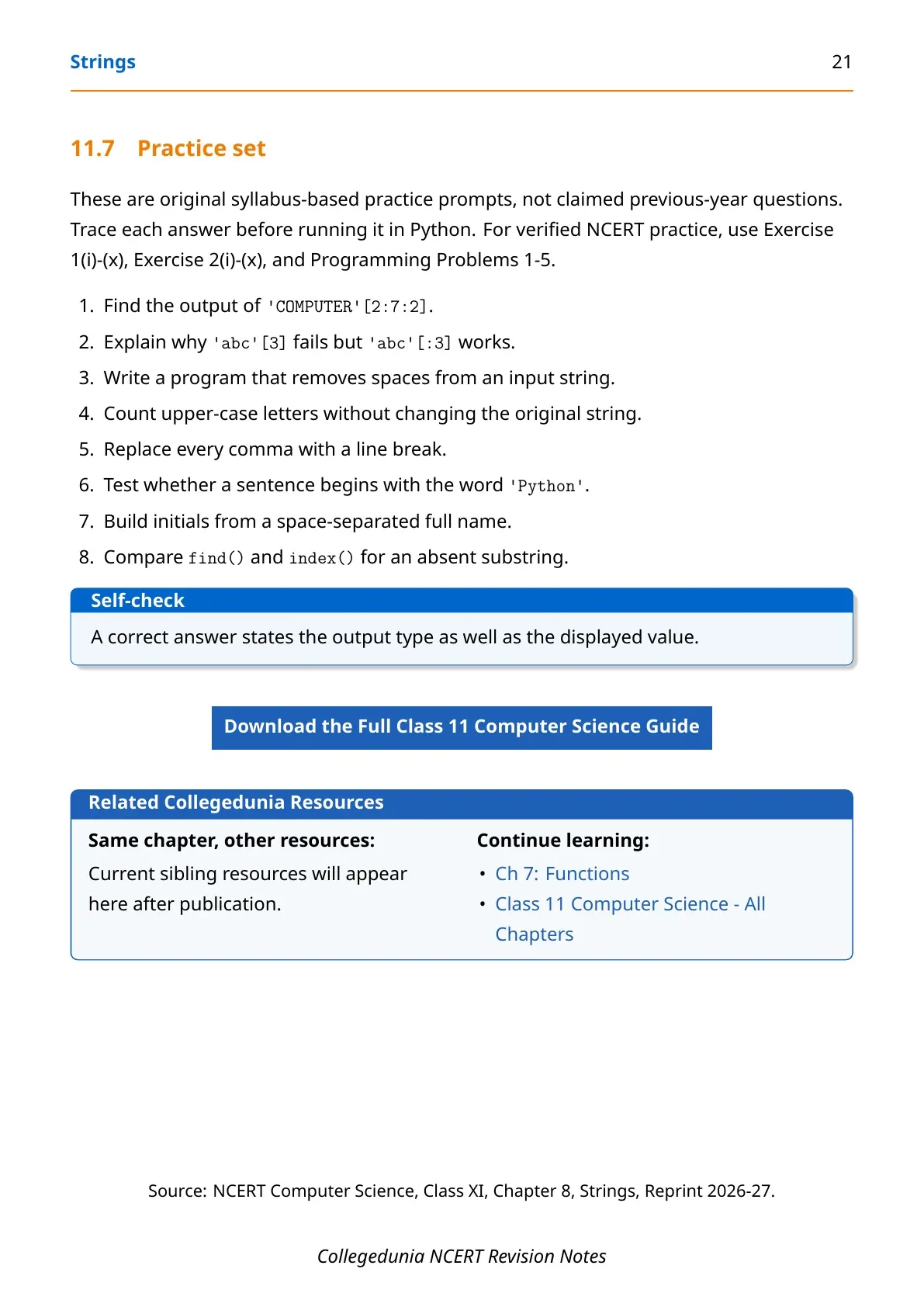
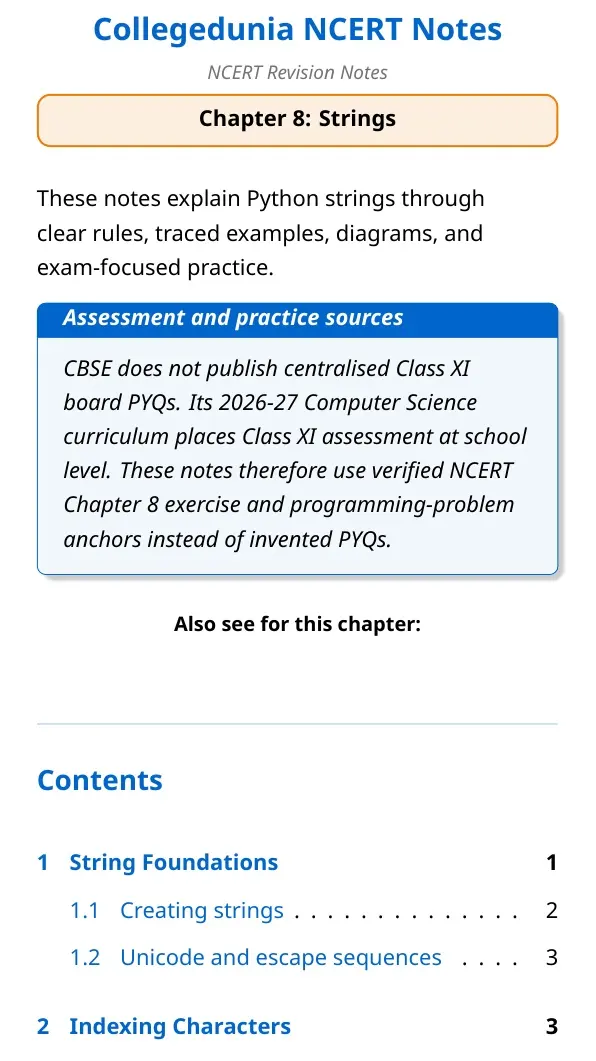
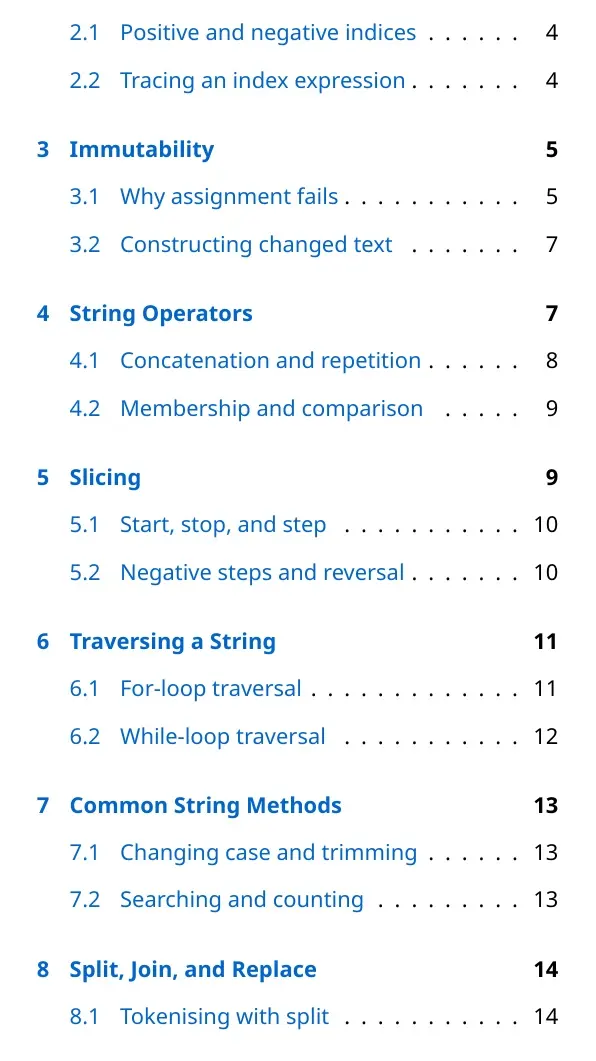
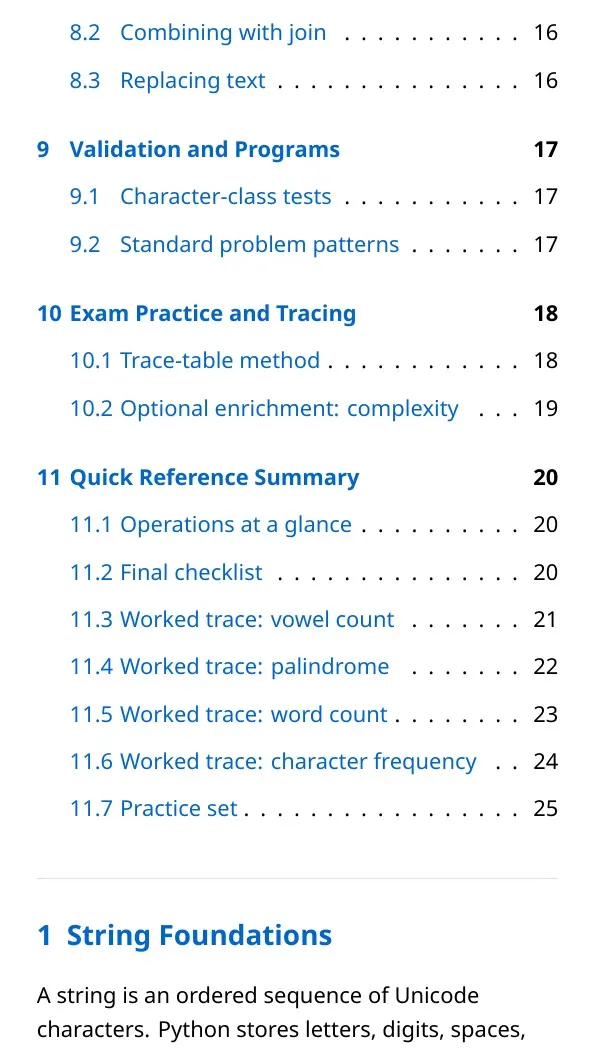
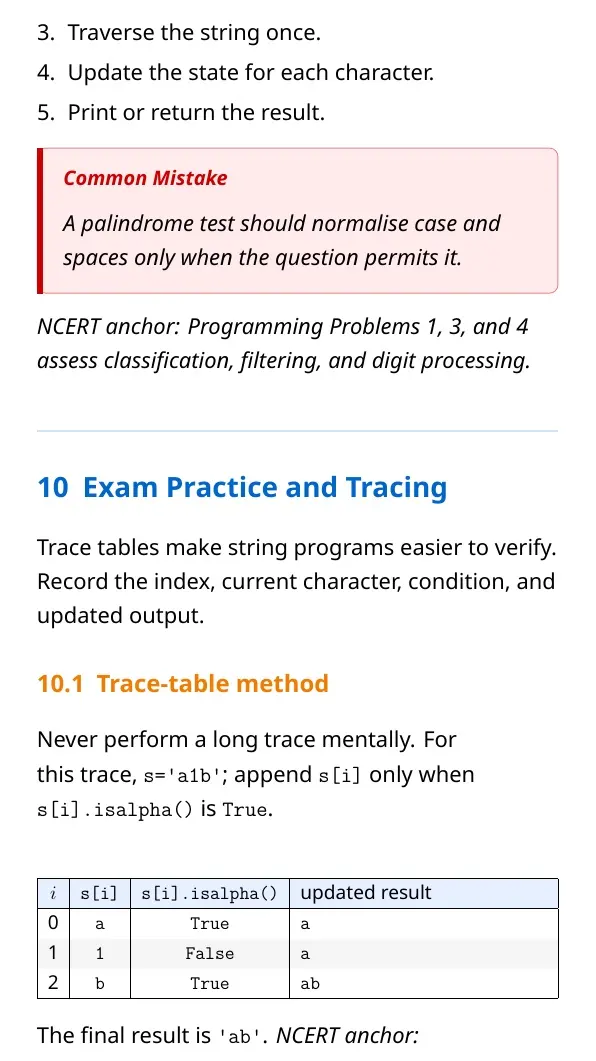
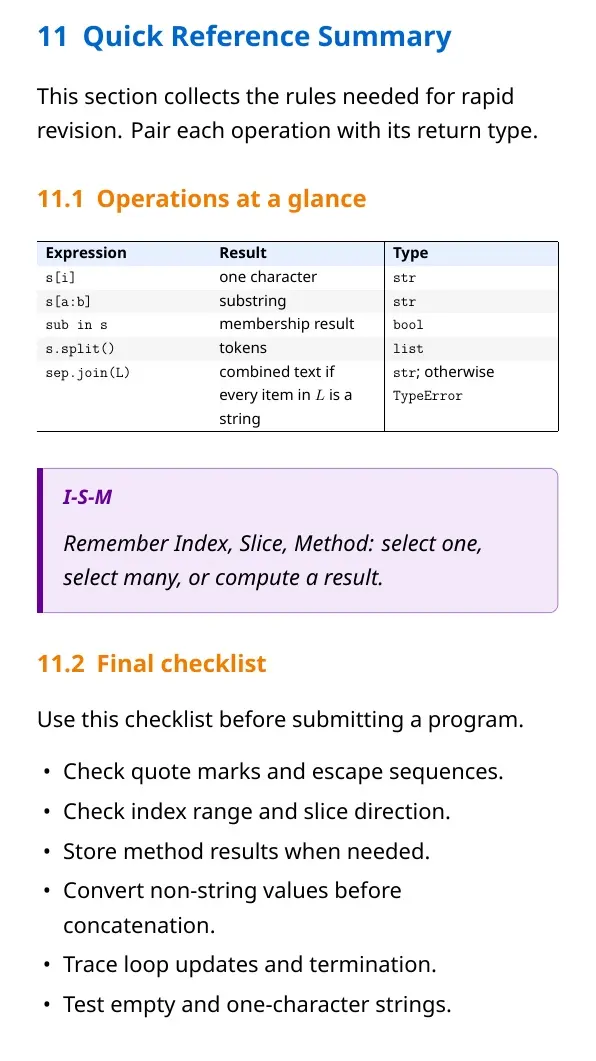
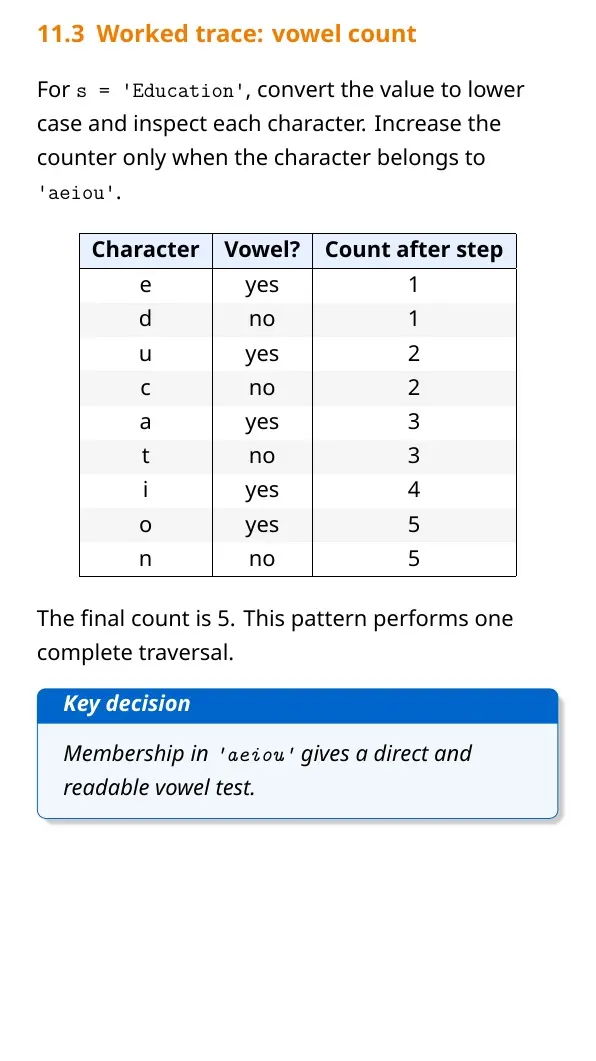
Each Strings notes section is checked against the 2026-27 NCERT textbook and written for clear Python output tracing.
Student Feedback: In a Collegedunia poll of 10,780 Class 11 students before the 2026 exams, most students wanted more practice with slicing and string methods.
Python Strings: Meaning, Features and Basic Syntax
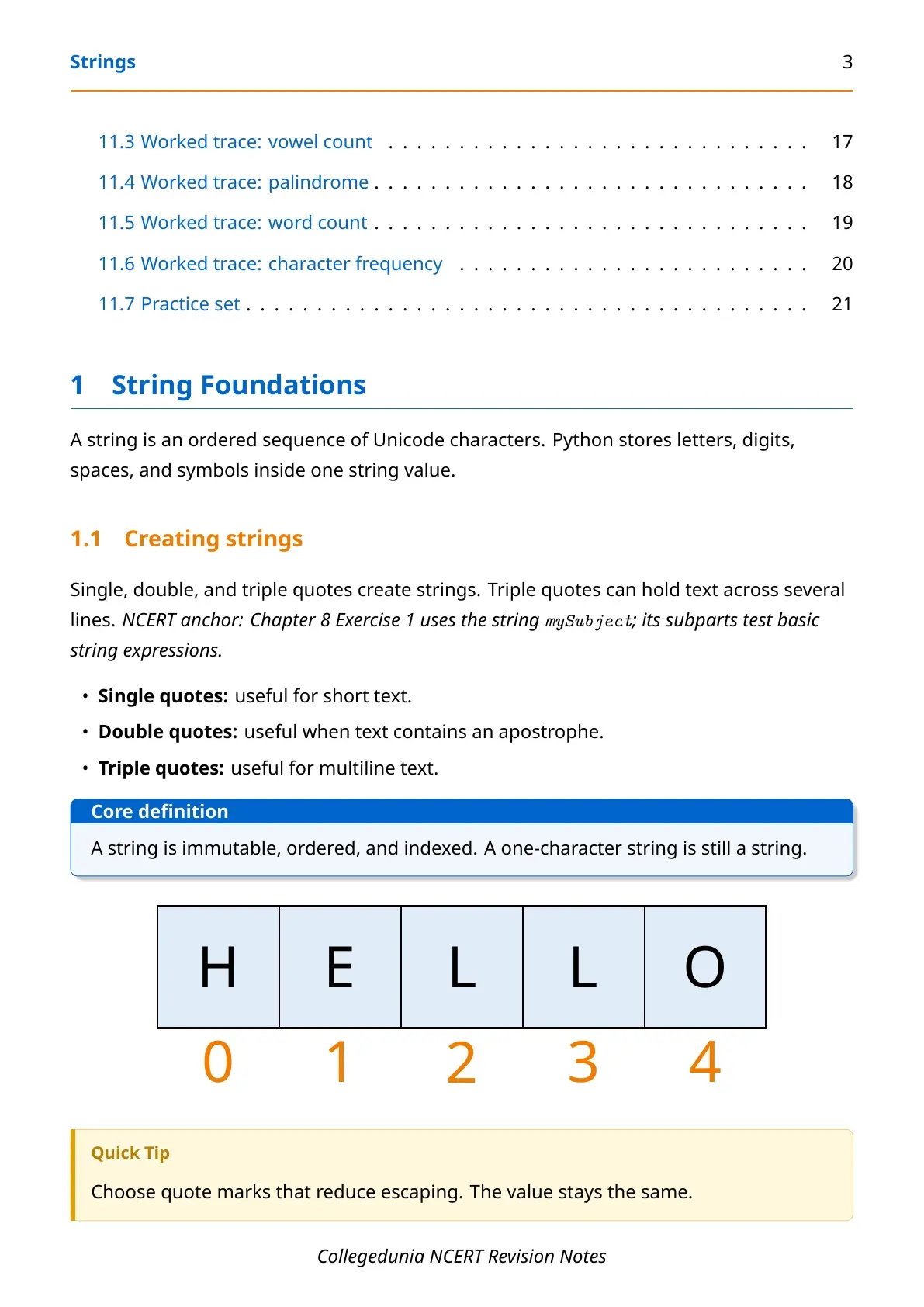
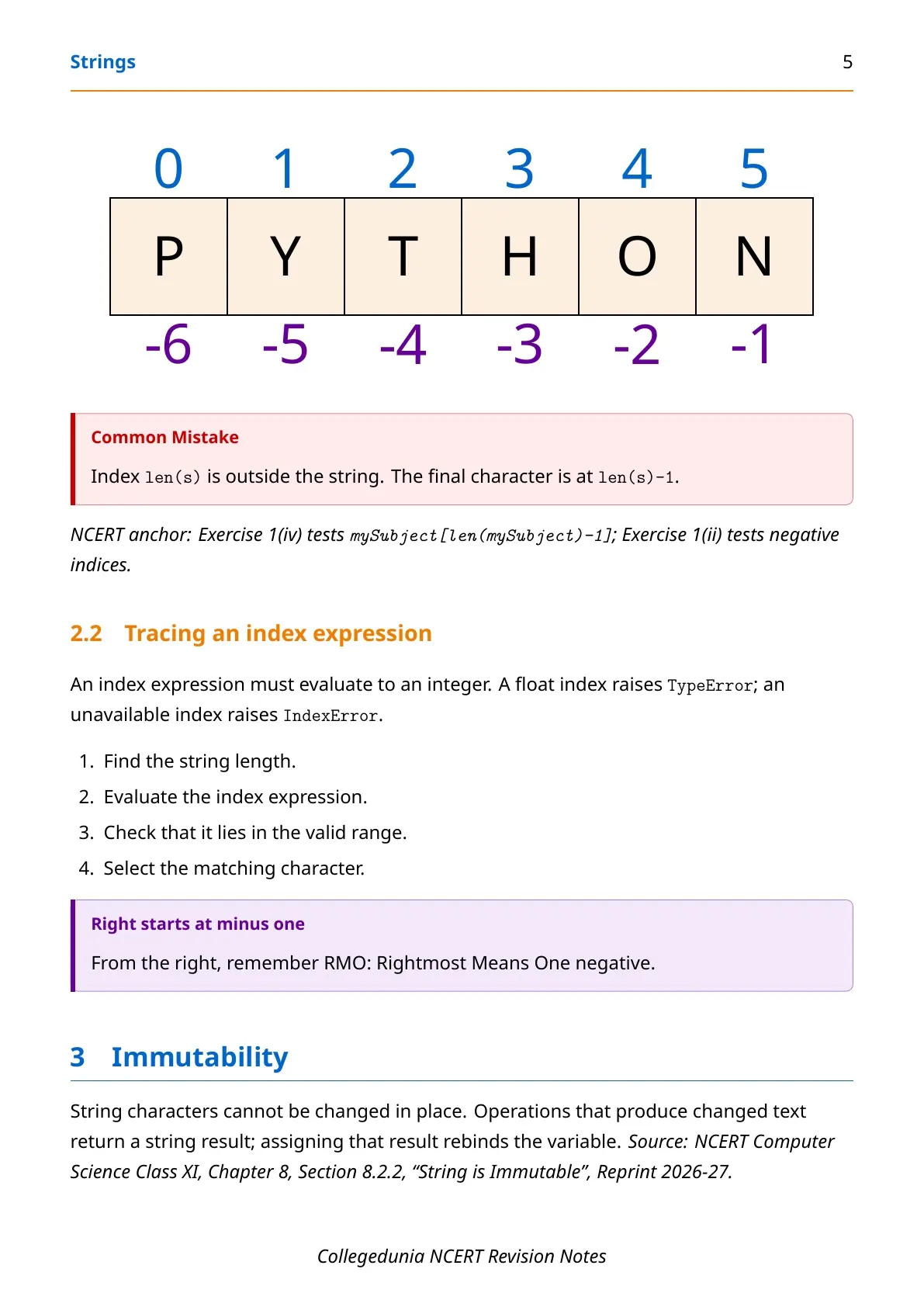
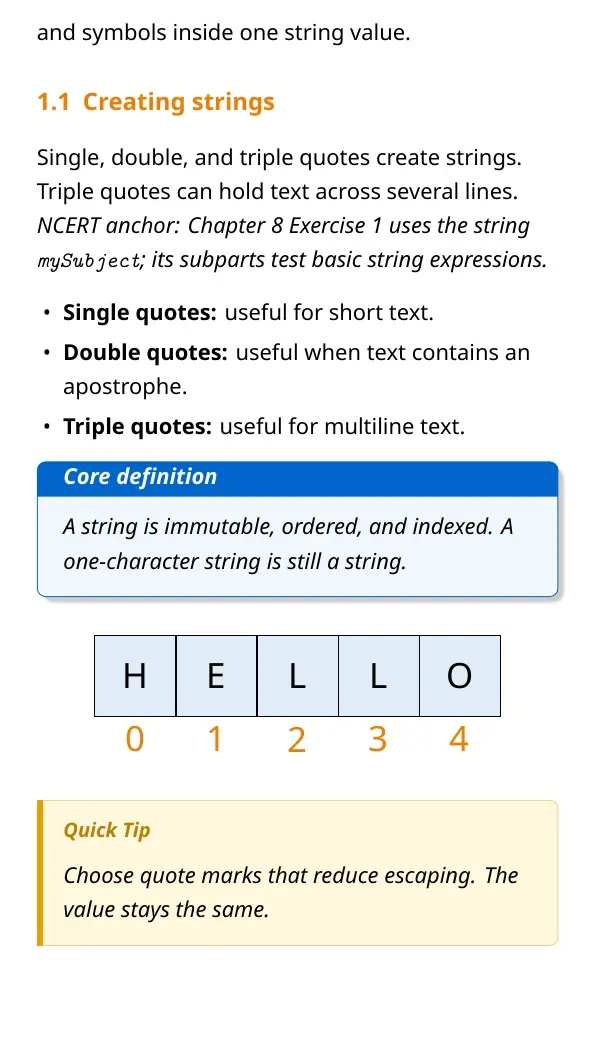
A string is a sequence of characters enclosed in quotes. Python accepts single, double and triple quotes. Each character has a position called an index.
- Ordered: every character has a fixed index.
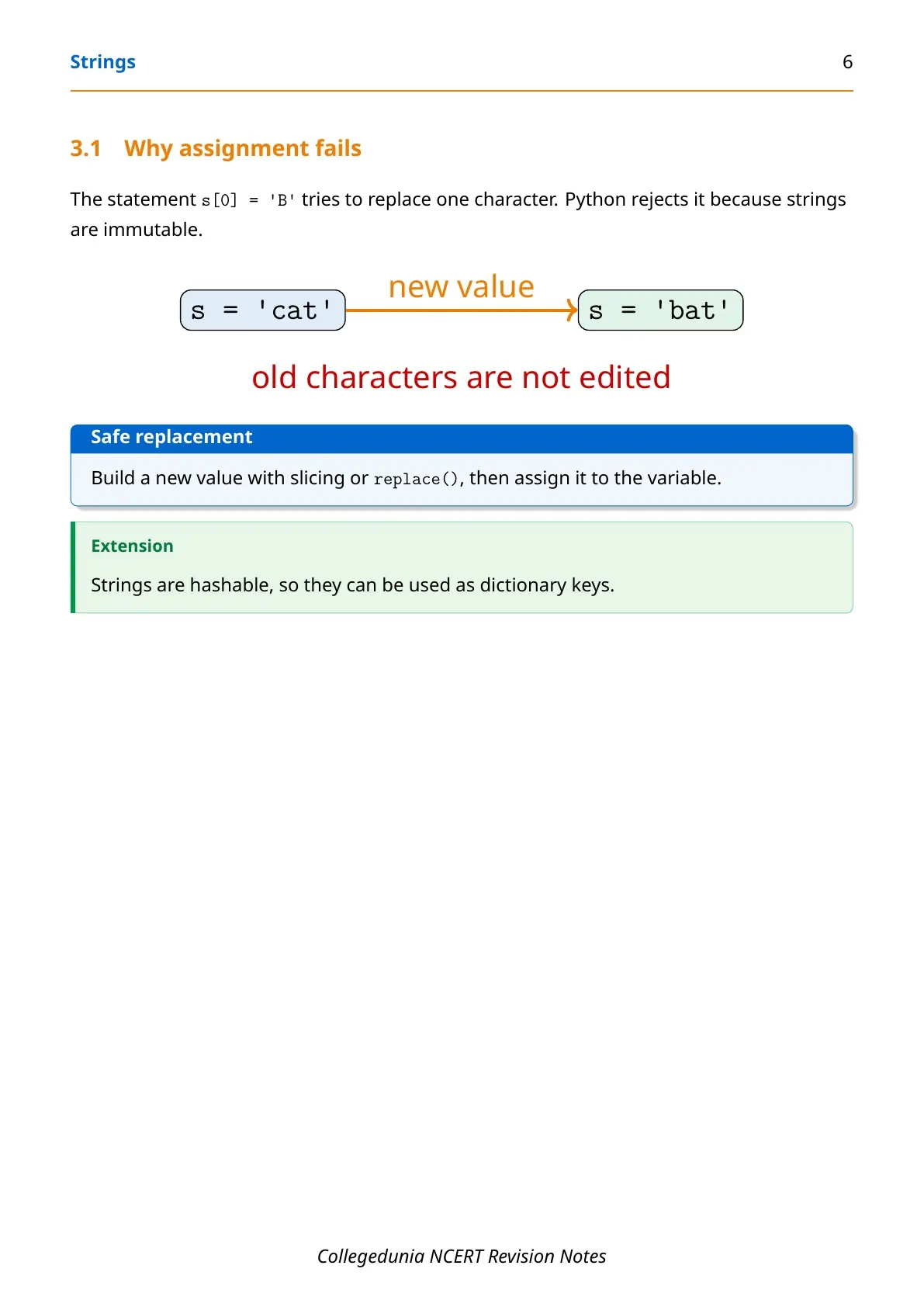
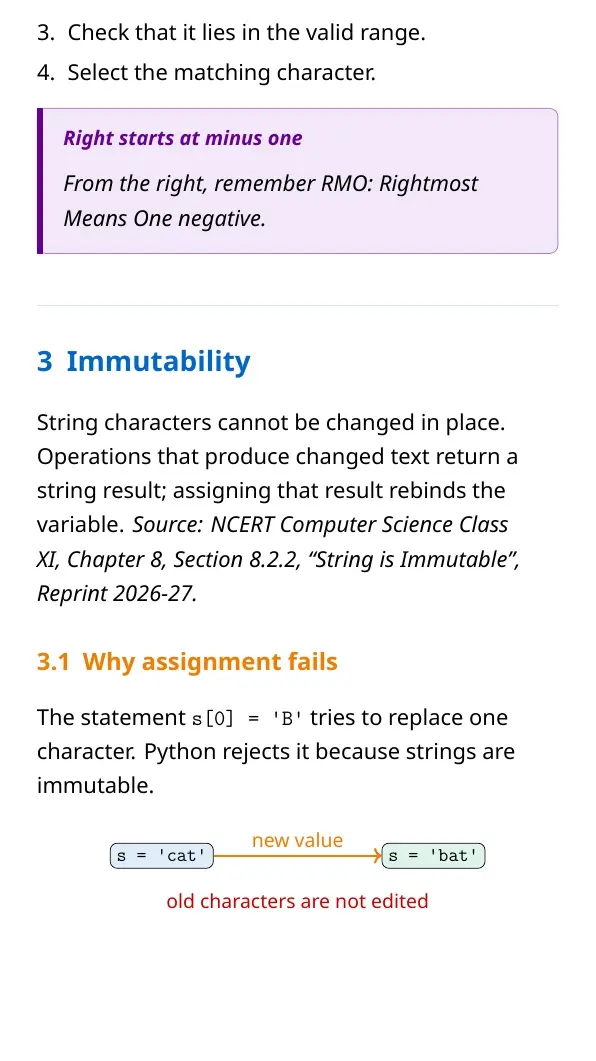
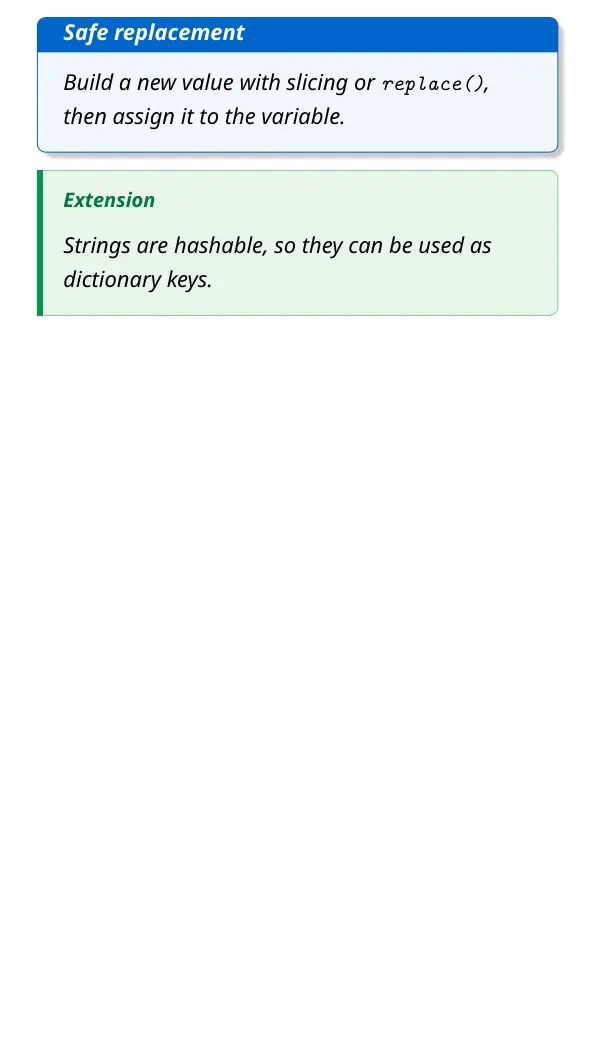
- Immutable: a program cannot replace one character in the existing string.
- Iterable: a loop can visit characters one by one.
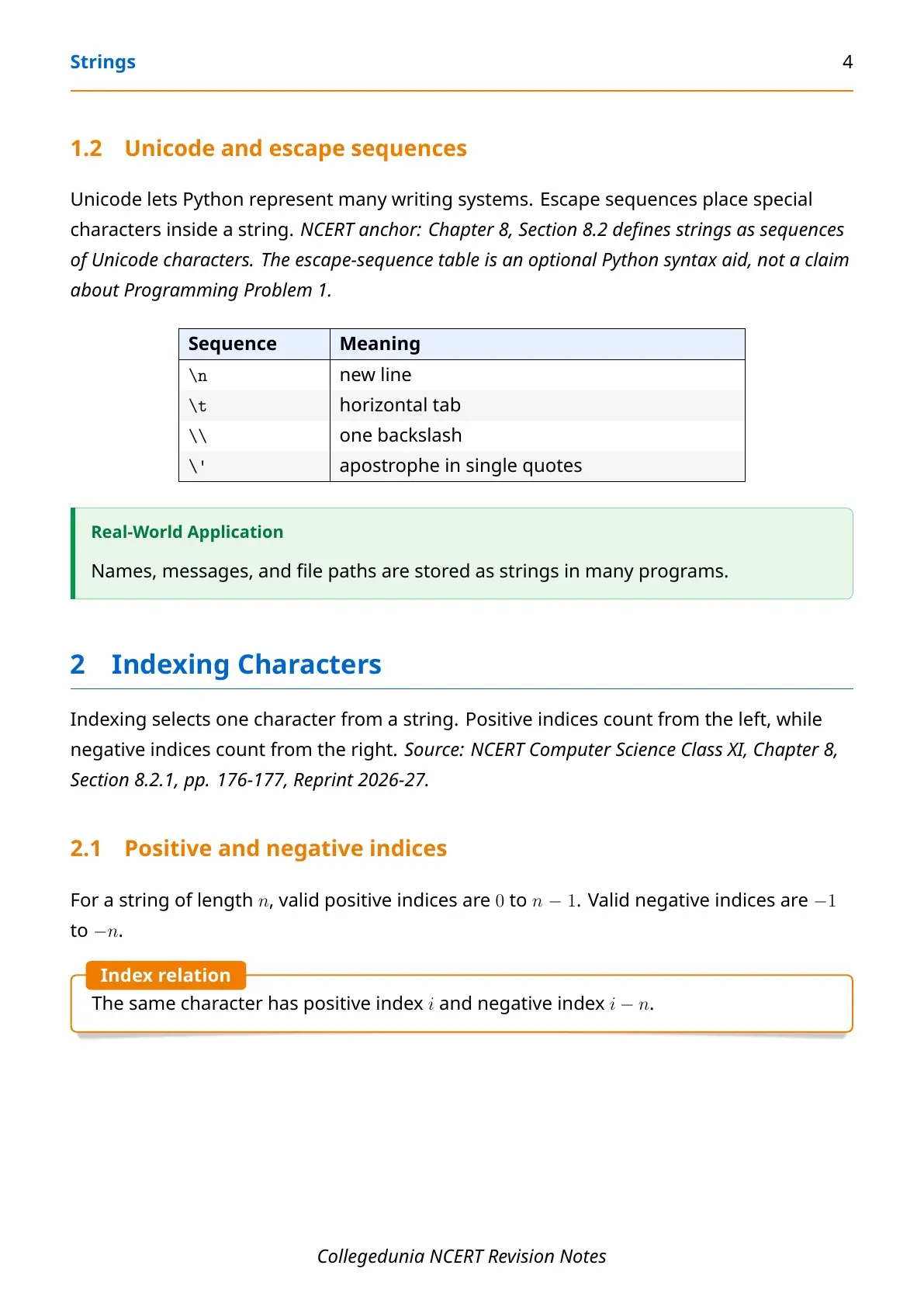
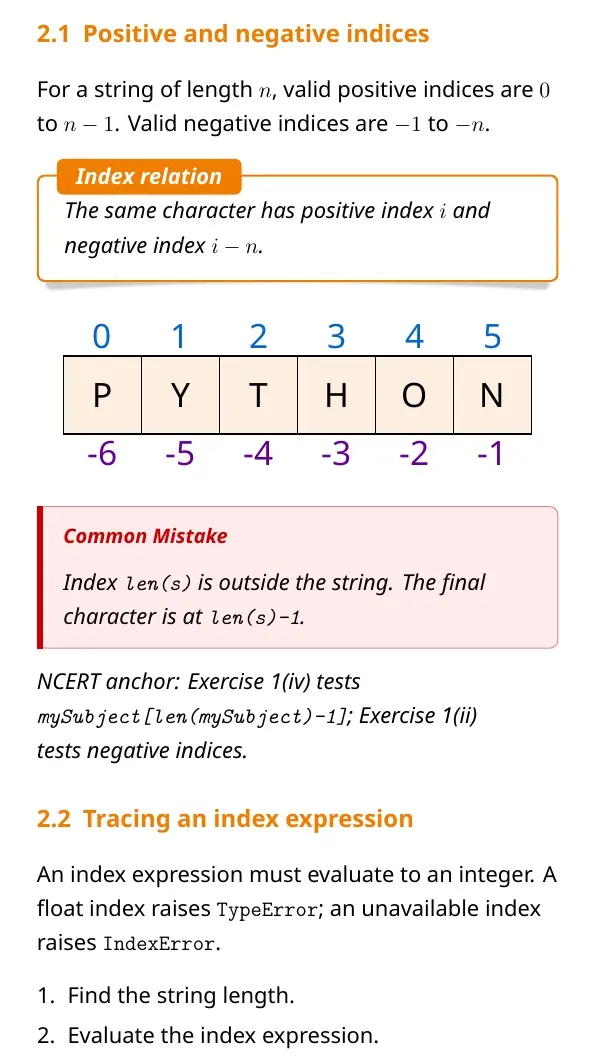
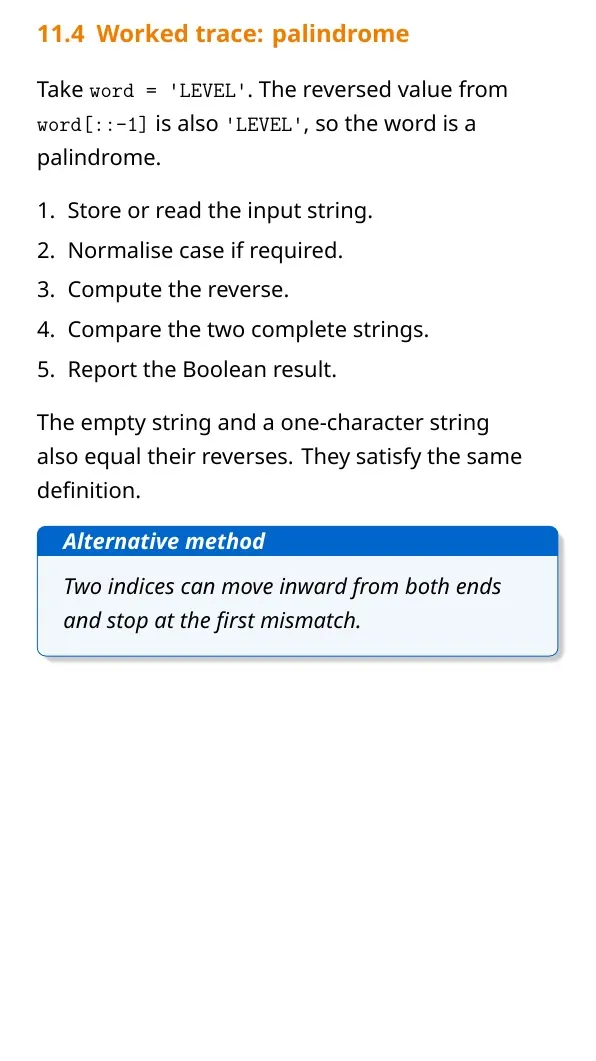
Python starts string indexing at 0, while negative indexing starts from the final character.
Python Strings Chapter Revision
Source: Magnet Brains on YouTube
Indexing and Slicing Strings in Class 11 Computer Science
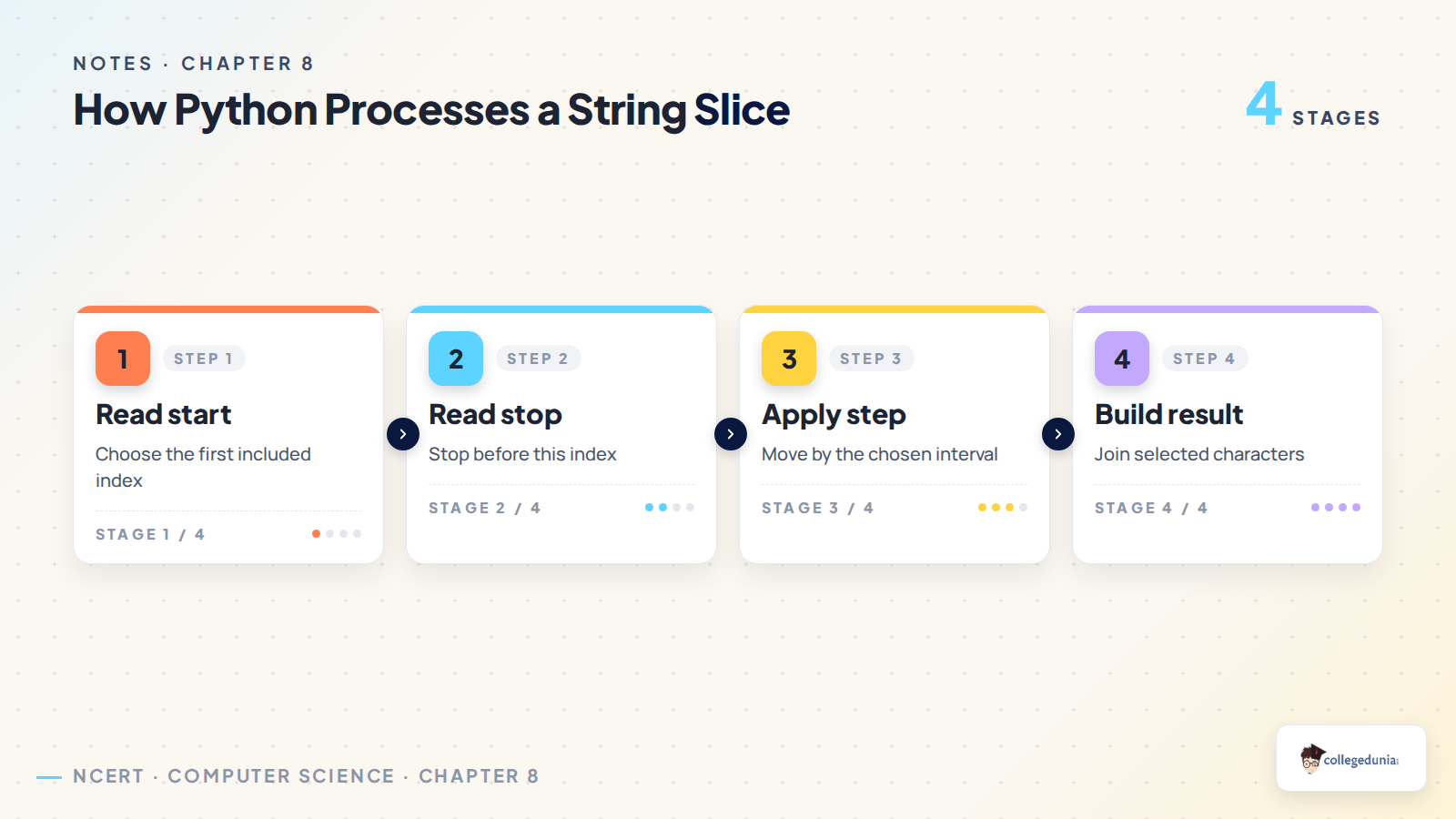
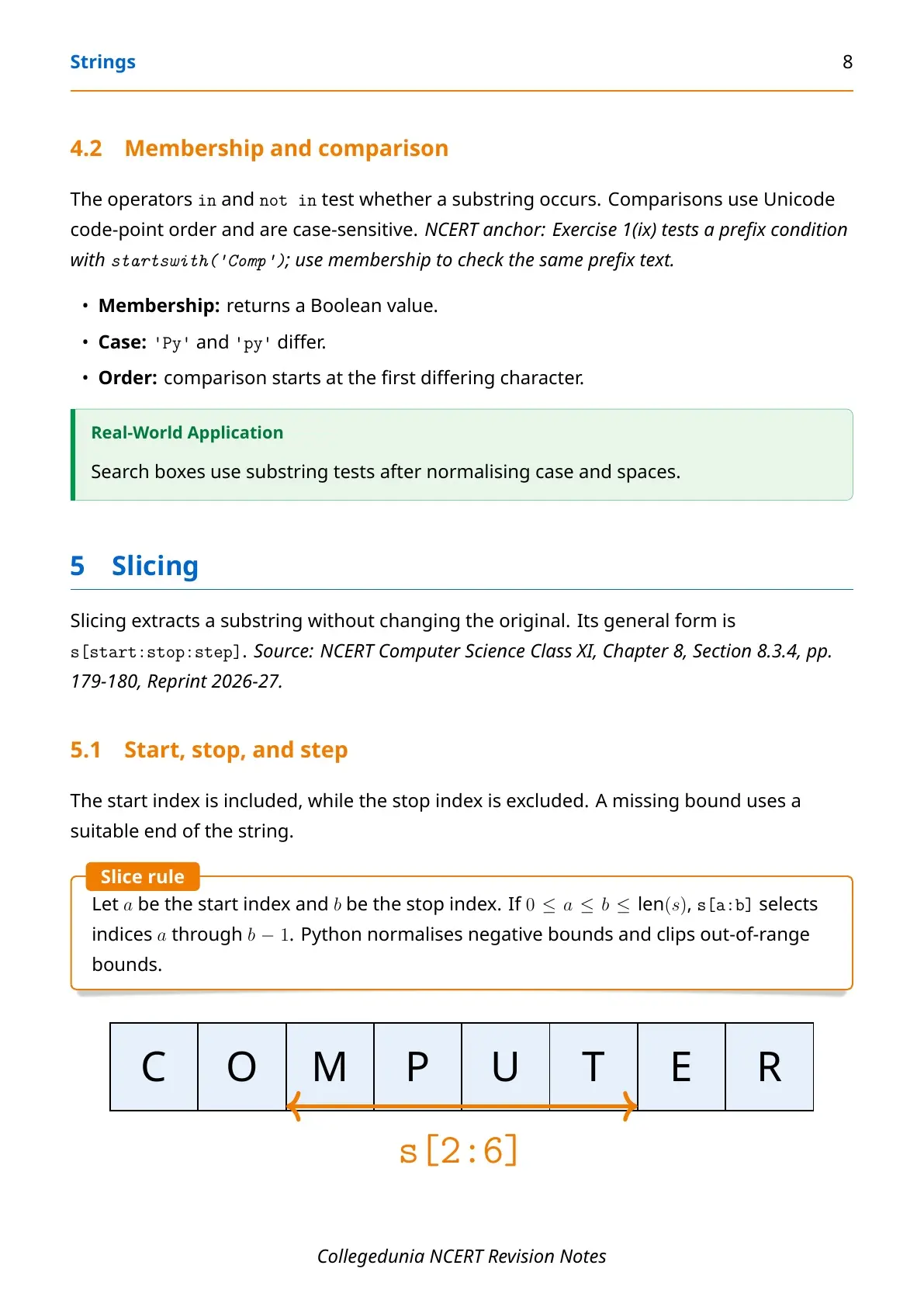
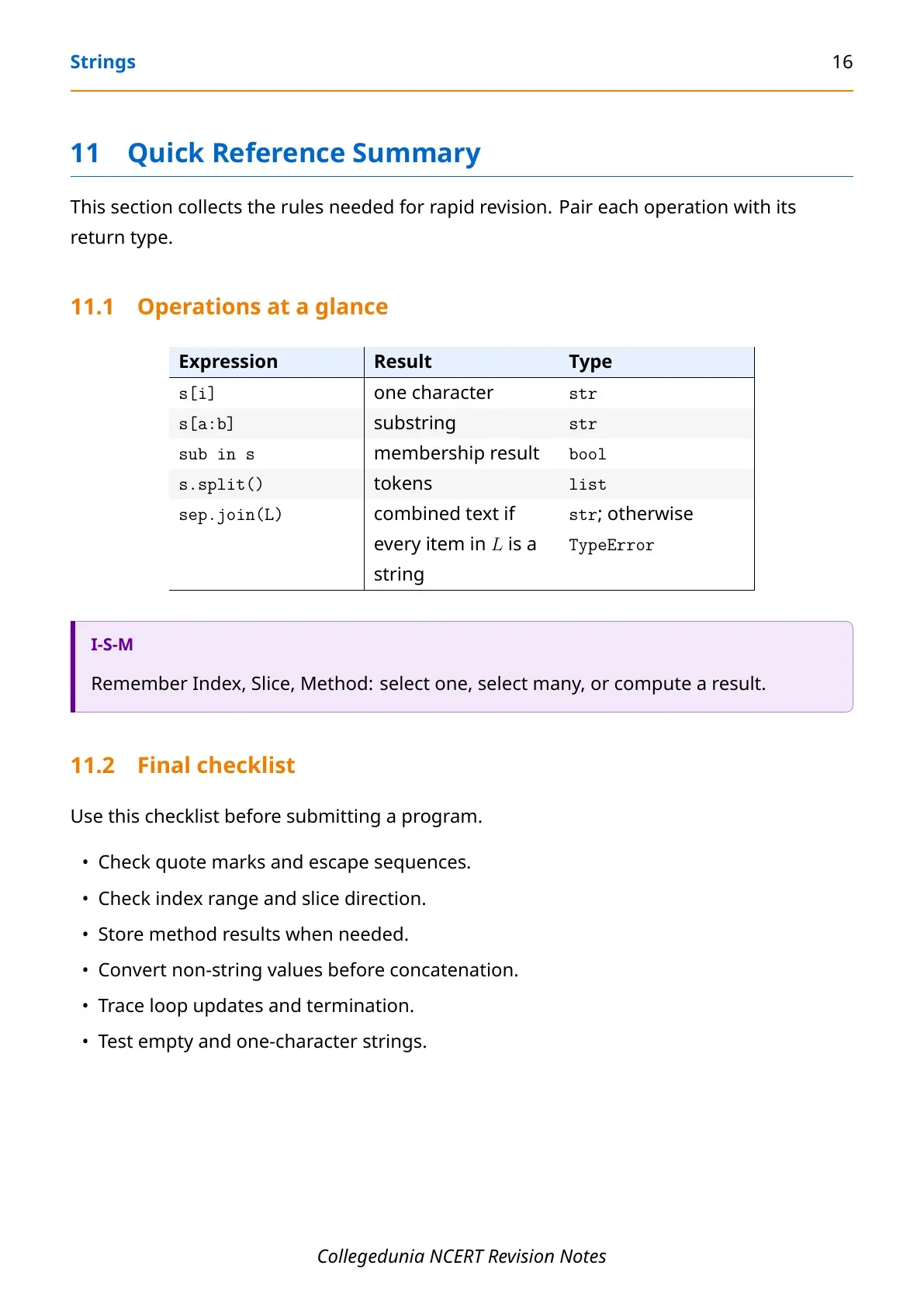
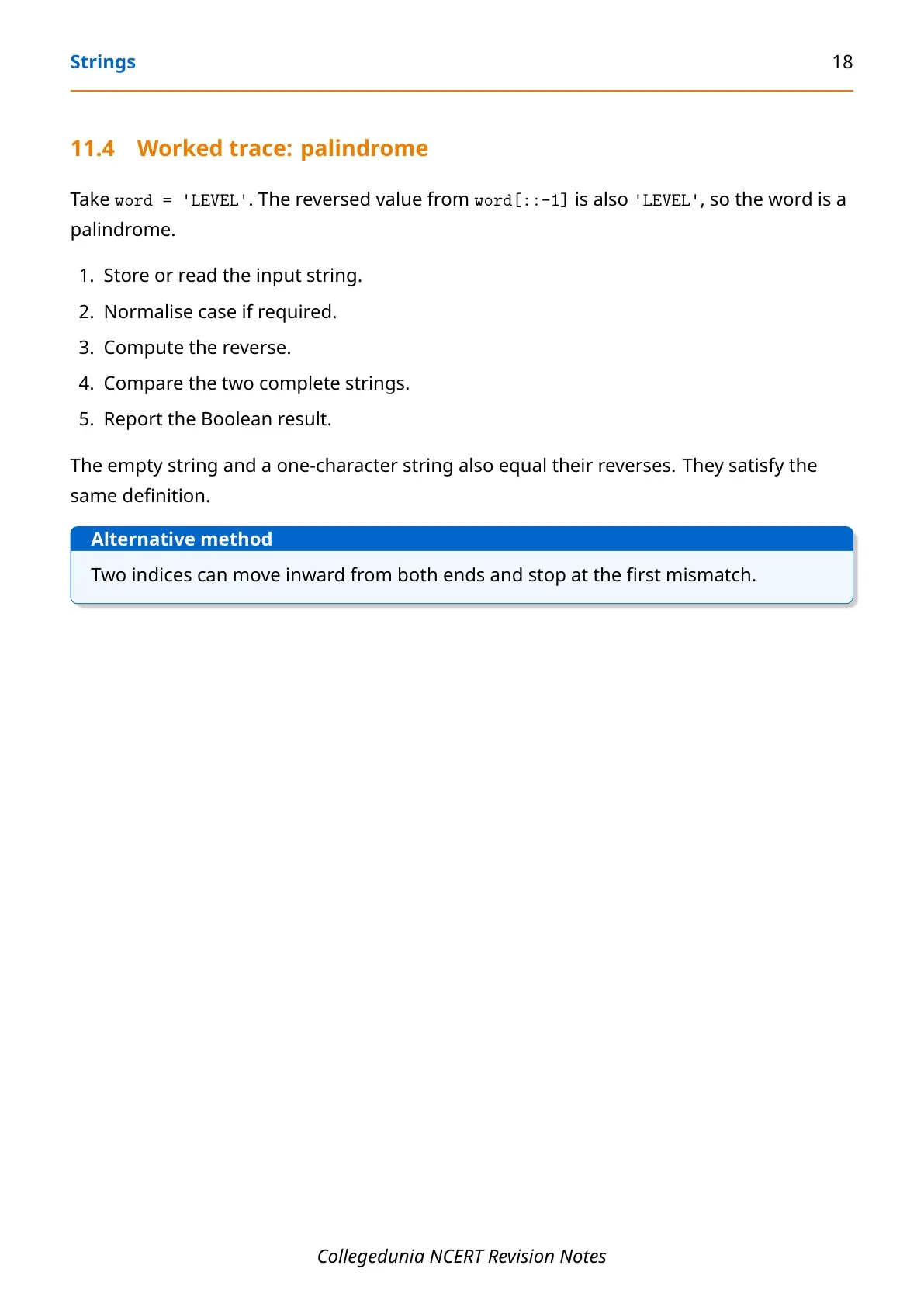
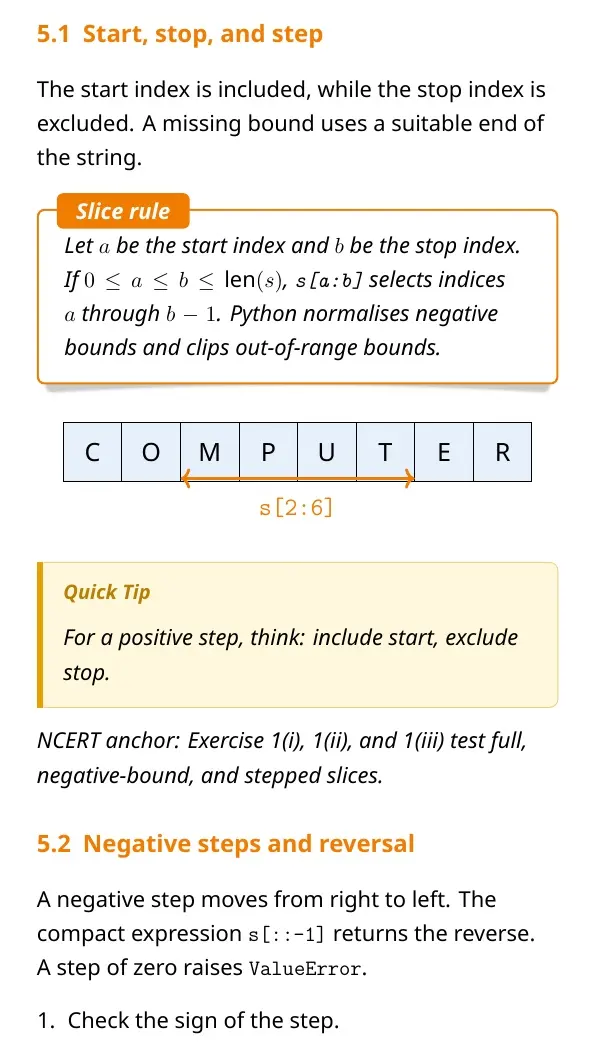
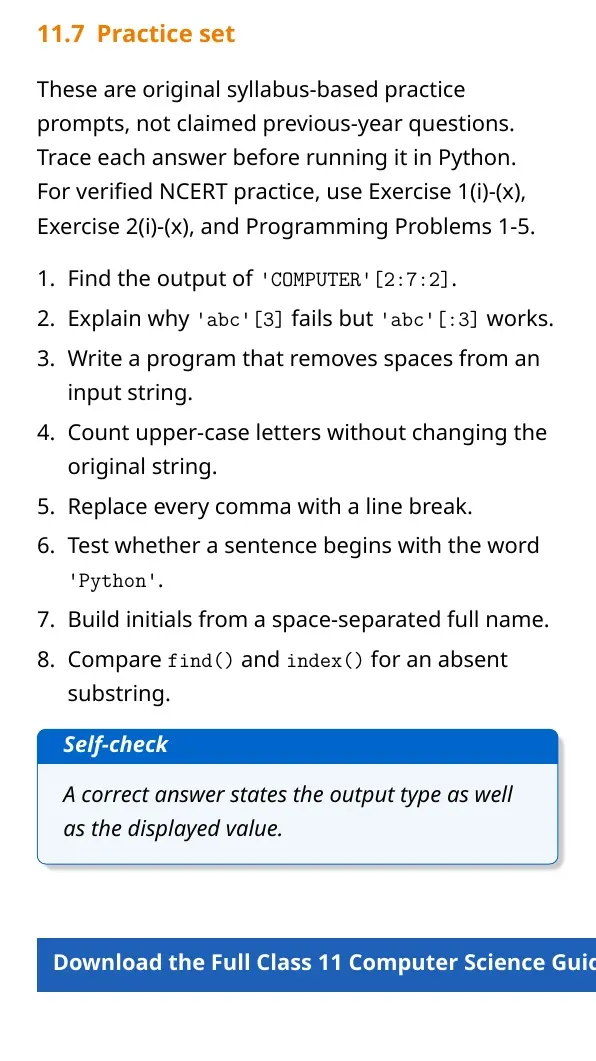
Indexing selects one character. Slicing selects a range and creates a new string. In text[start:stop:step], Python includes start but leaves out stop.
| Expression | Meaning | Result for text = "PYTHON" |
|---|---|---|
text[0] | First character | 'P' |
text[-1] | Final character | 'N' |
text[1:4] | Indices 1 through 3 | 'YTH' |
text[::2] | Every second character | 'PTO' |
text[::-1] | Characters in reverse order | 'NOHTYP' |
A slice stops before its stop index. A missing start, stop or step makes Python use the suitable default value.
String Operators and Character Traversal with Python Loops
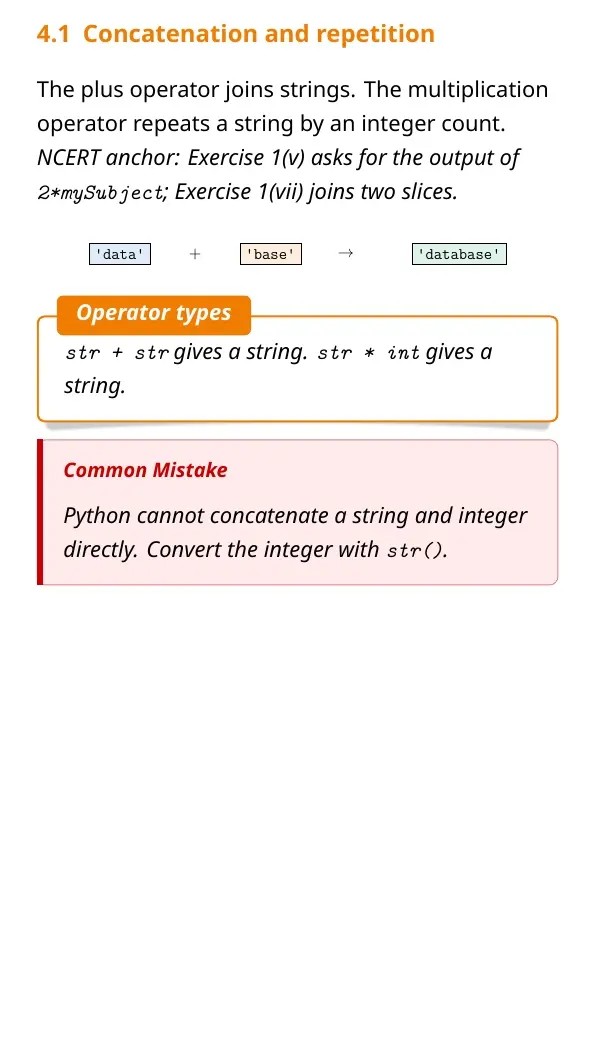
Python provides operators for joining, repeating and checking text. A loop can process every character without writing a separate index for each position.
- Concatenation:
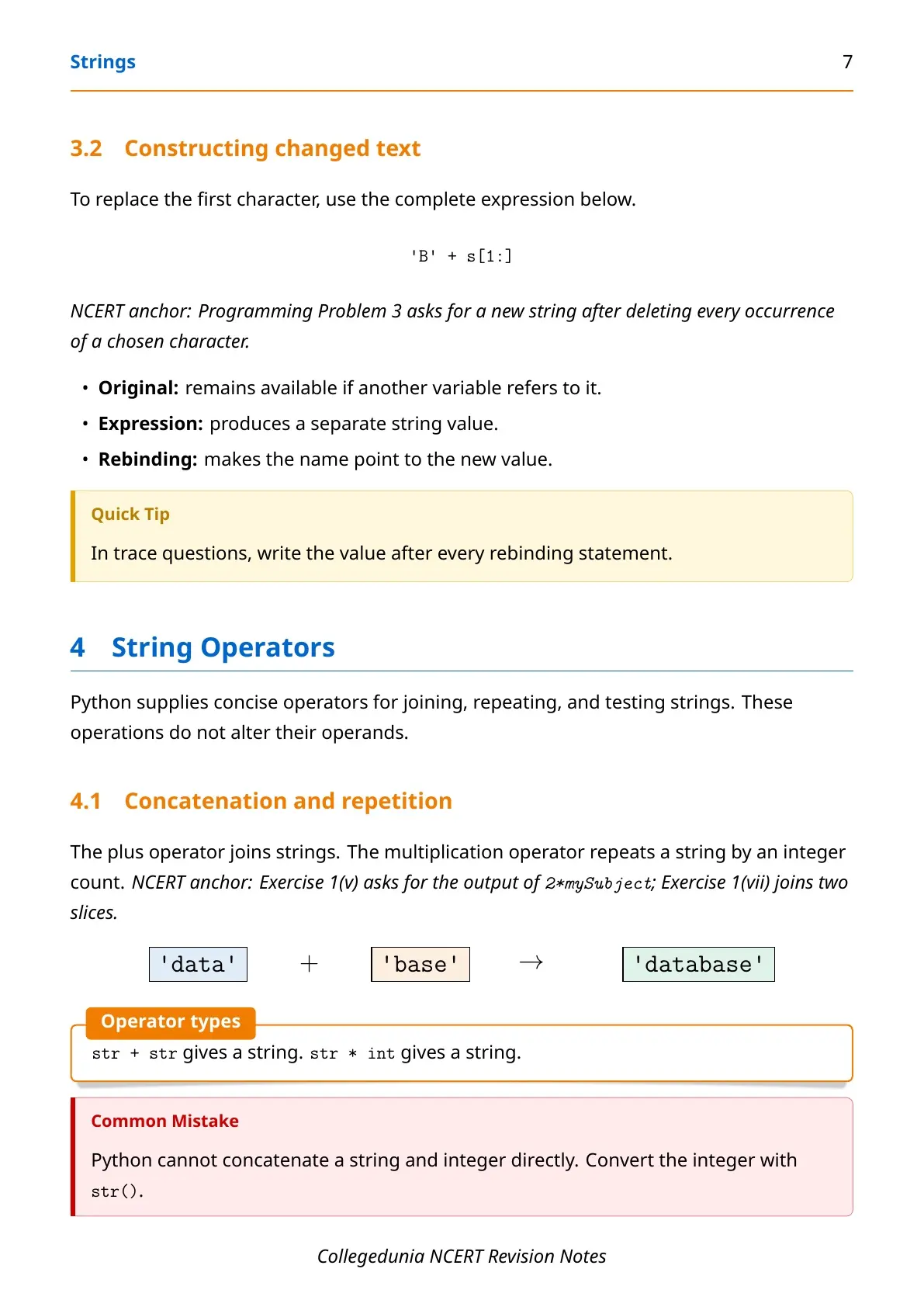
"data" + "base"gives"database". - Repetition:
"ha" * 3gives"hahaha". - Membership:
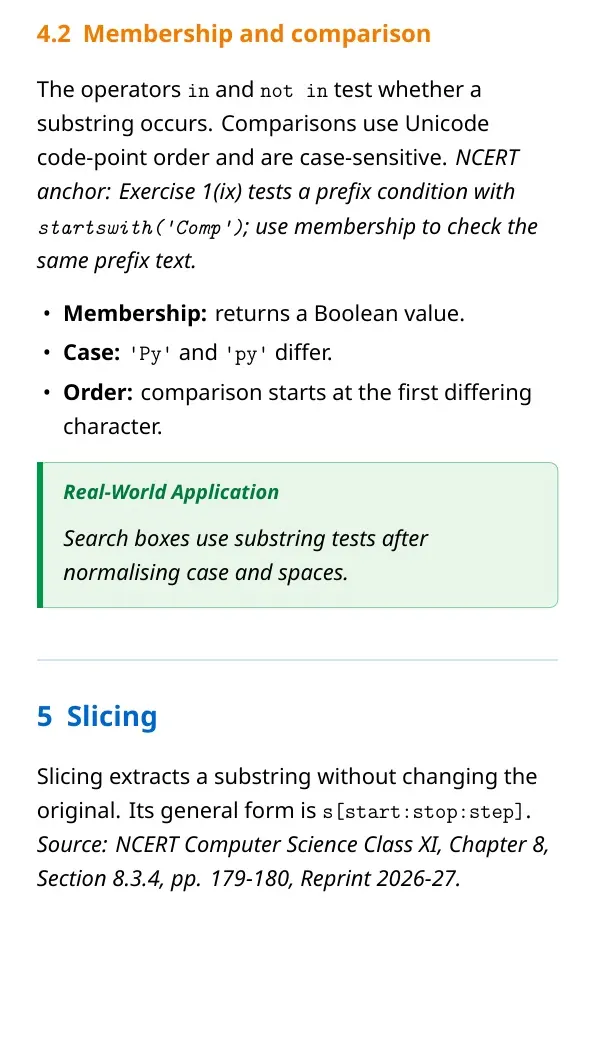
"py" in "python"givesTrue. - Comparison: Python compares characters by their Unicode values.
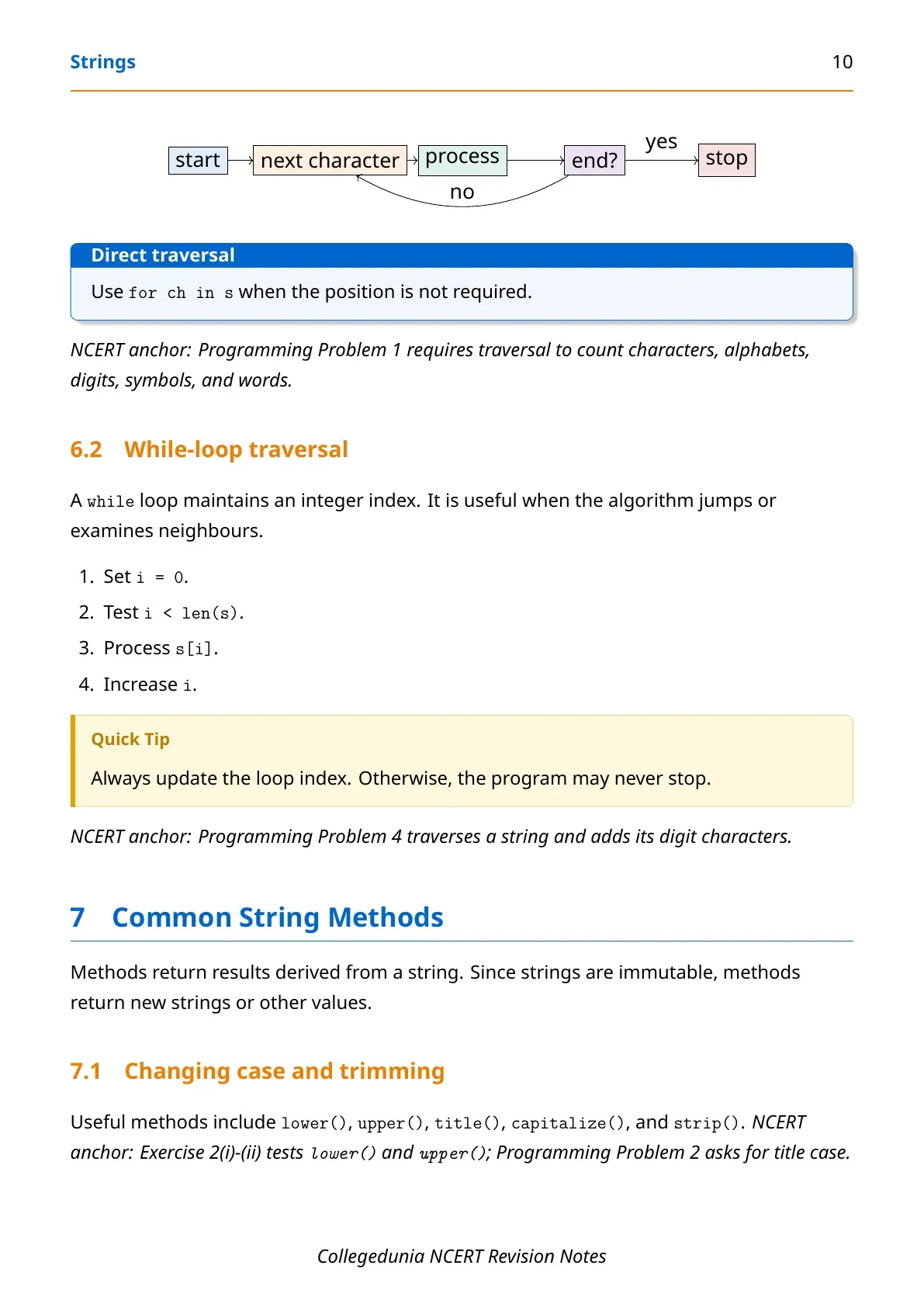
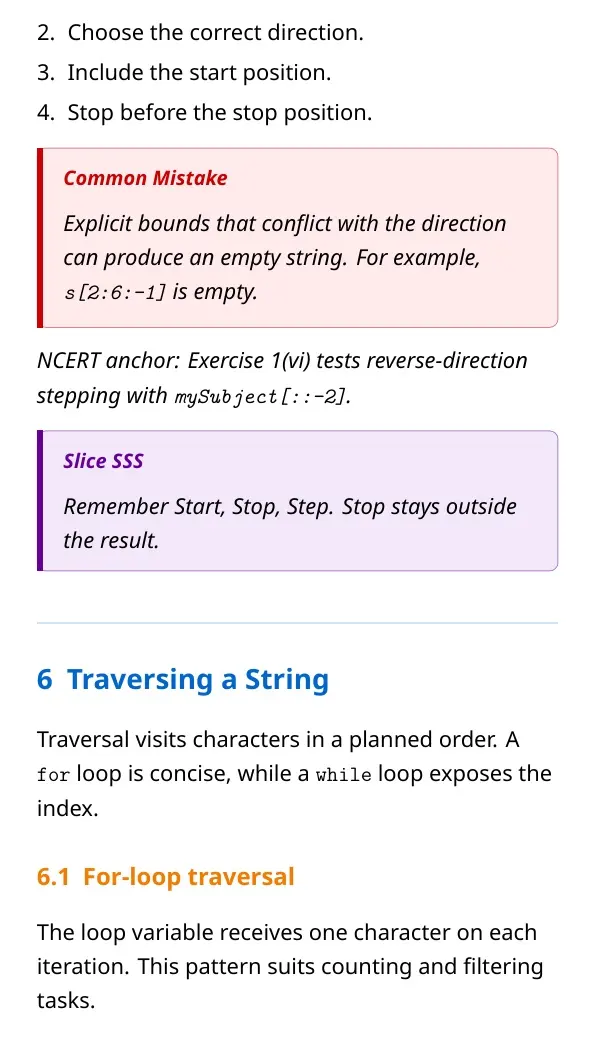
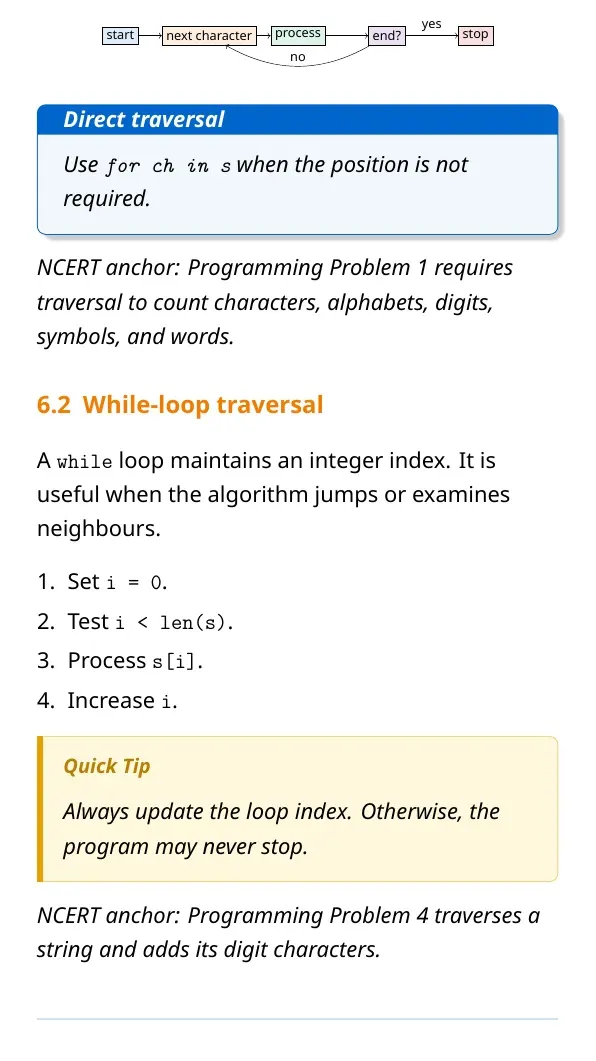
Use for ch in text when only characters are needed. Use range(len(text)) when the program also needs each index.
Frequently Used Python String Methods and Functions
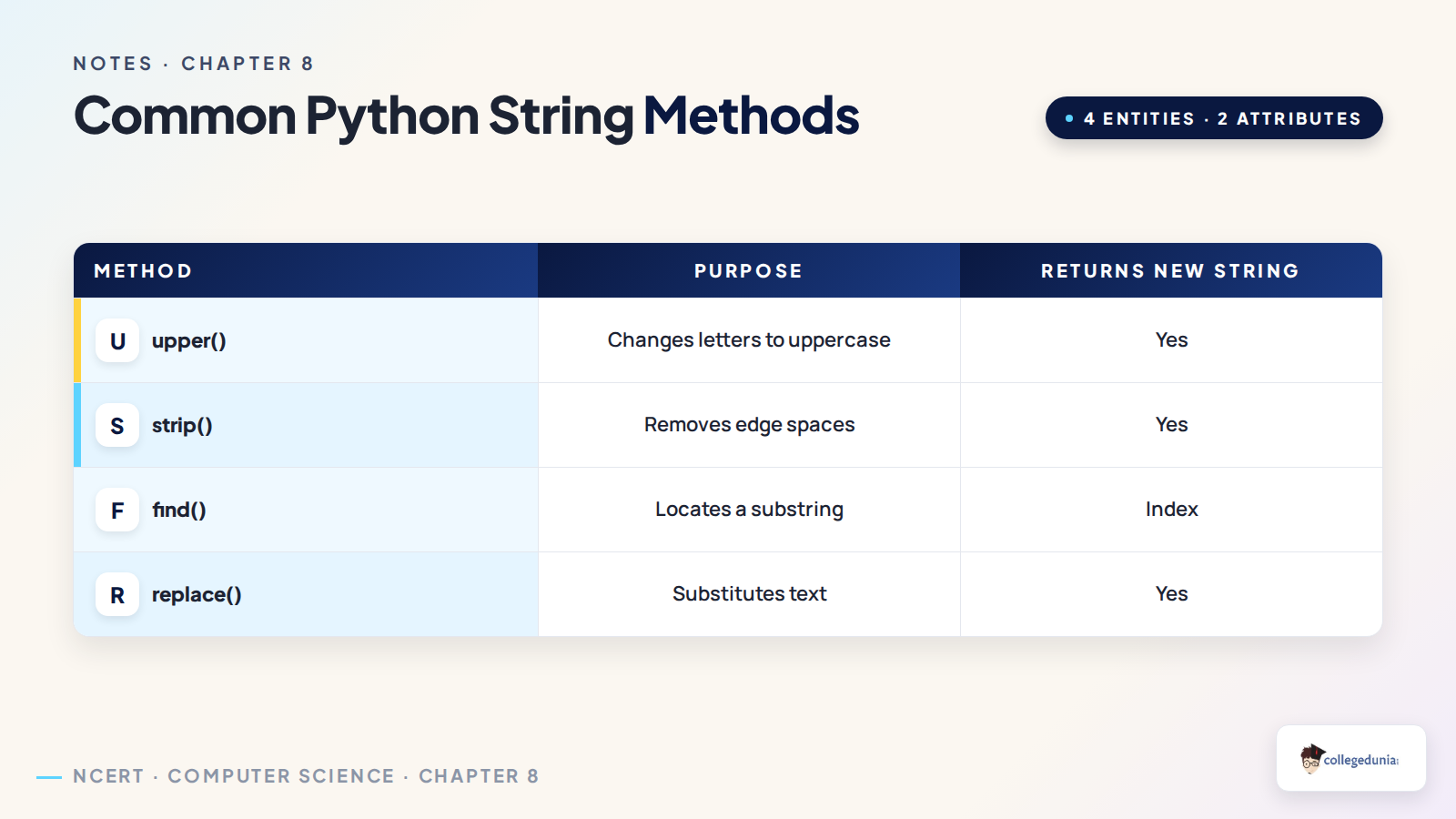
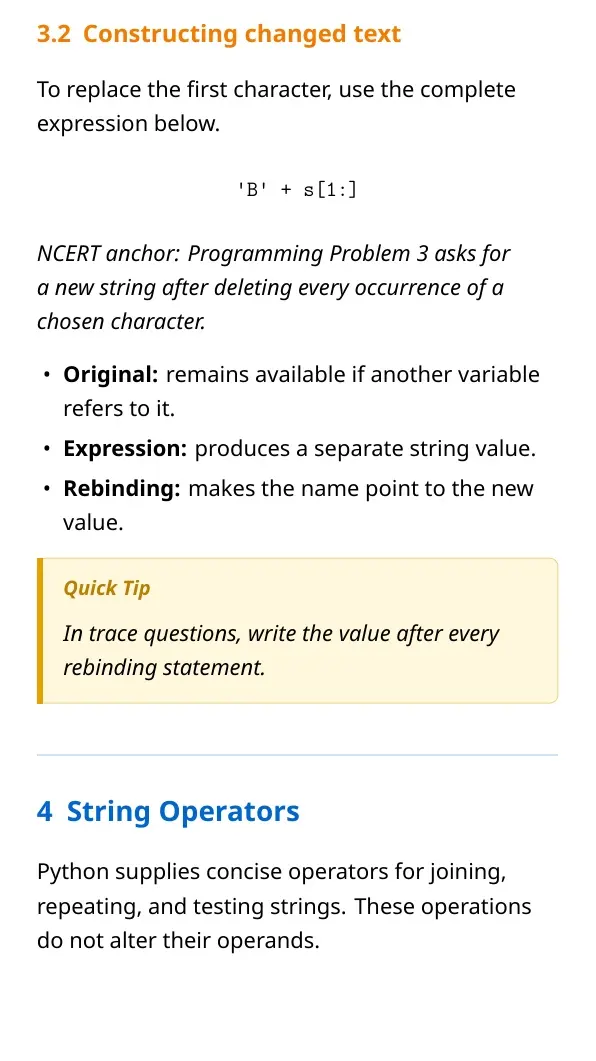
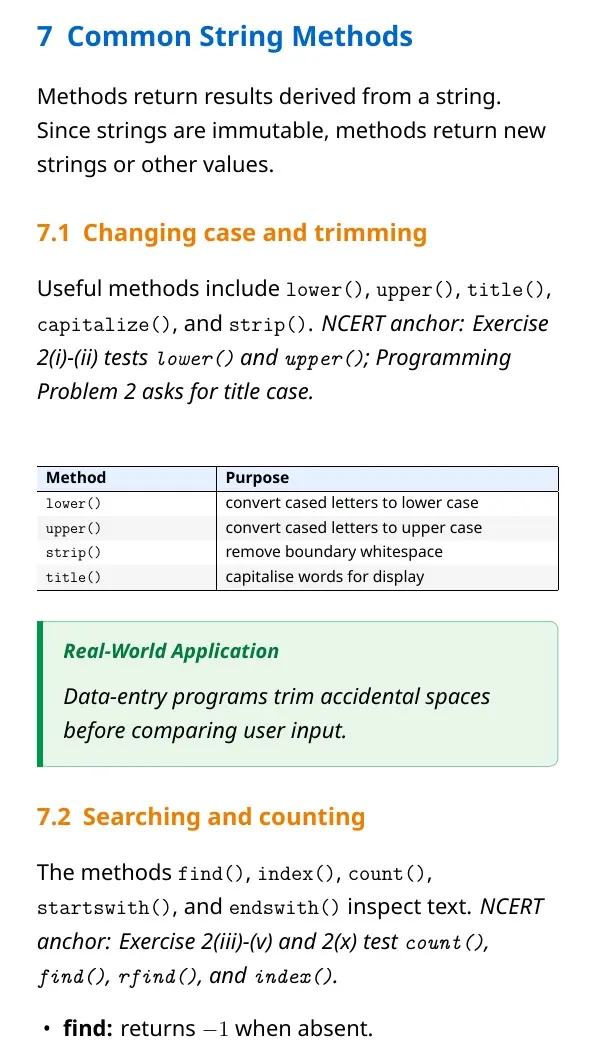
String methods return useful results or new strings. They do not change the original string. This rule matters in output questions and short programs.
| Method or function | Purpose |
|---|---|
len(text) | Returns the number of characters |
text.lower() | Returns a lowercase copy |
text.upper() | Returns an uppercase copy |
text.strip() | Removes spaces from both ends |
text.find(sub) | Returns the first matching index or -1 |
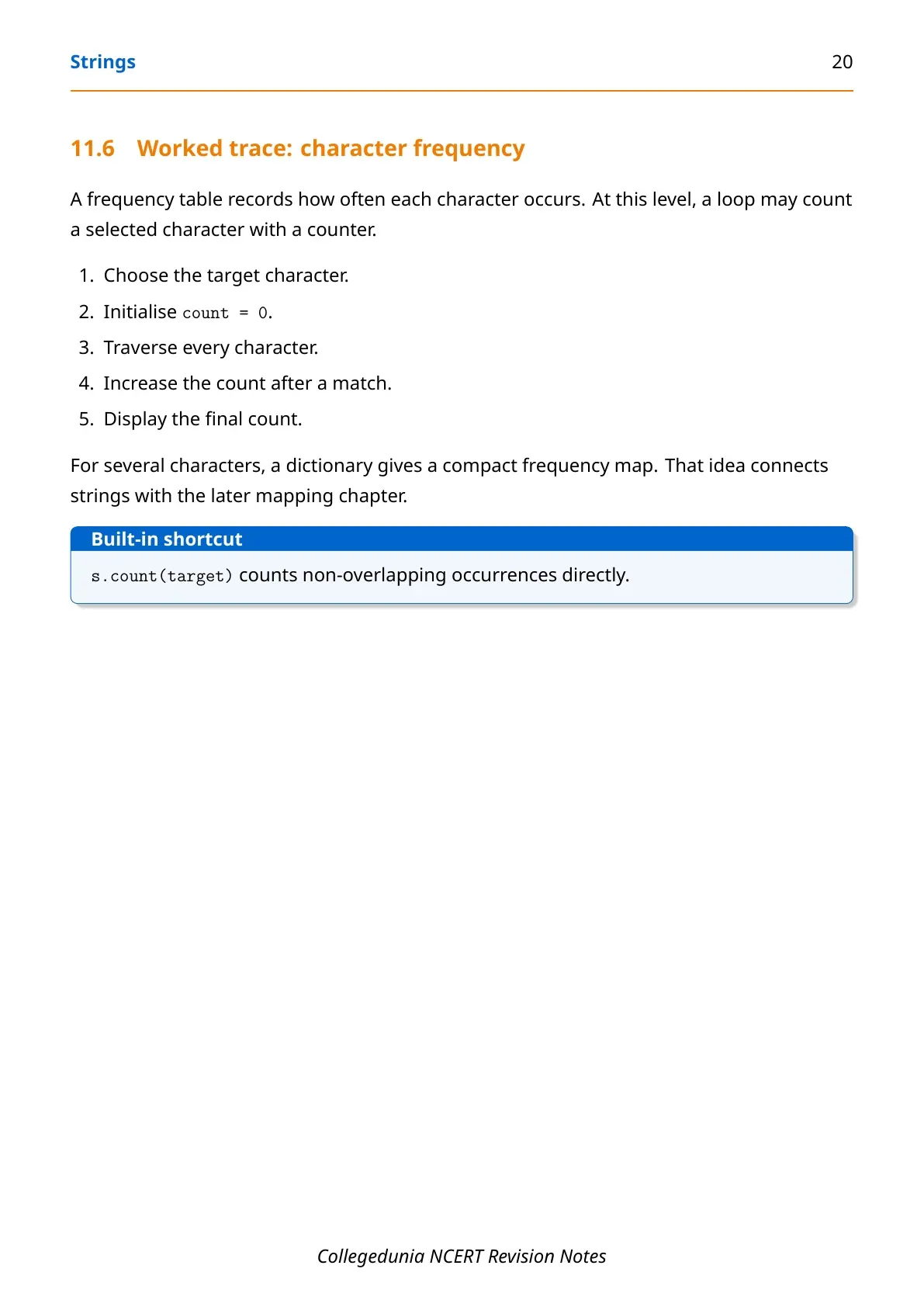
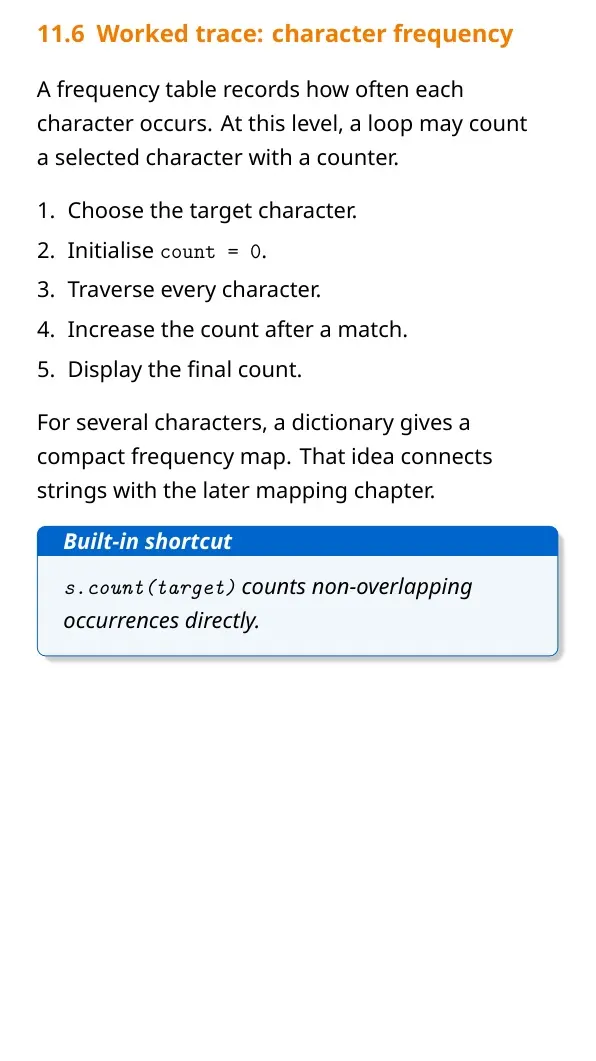
text.count(sub) | Counts non-overlapping matches |
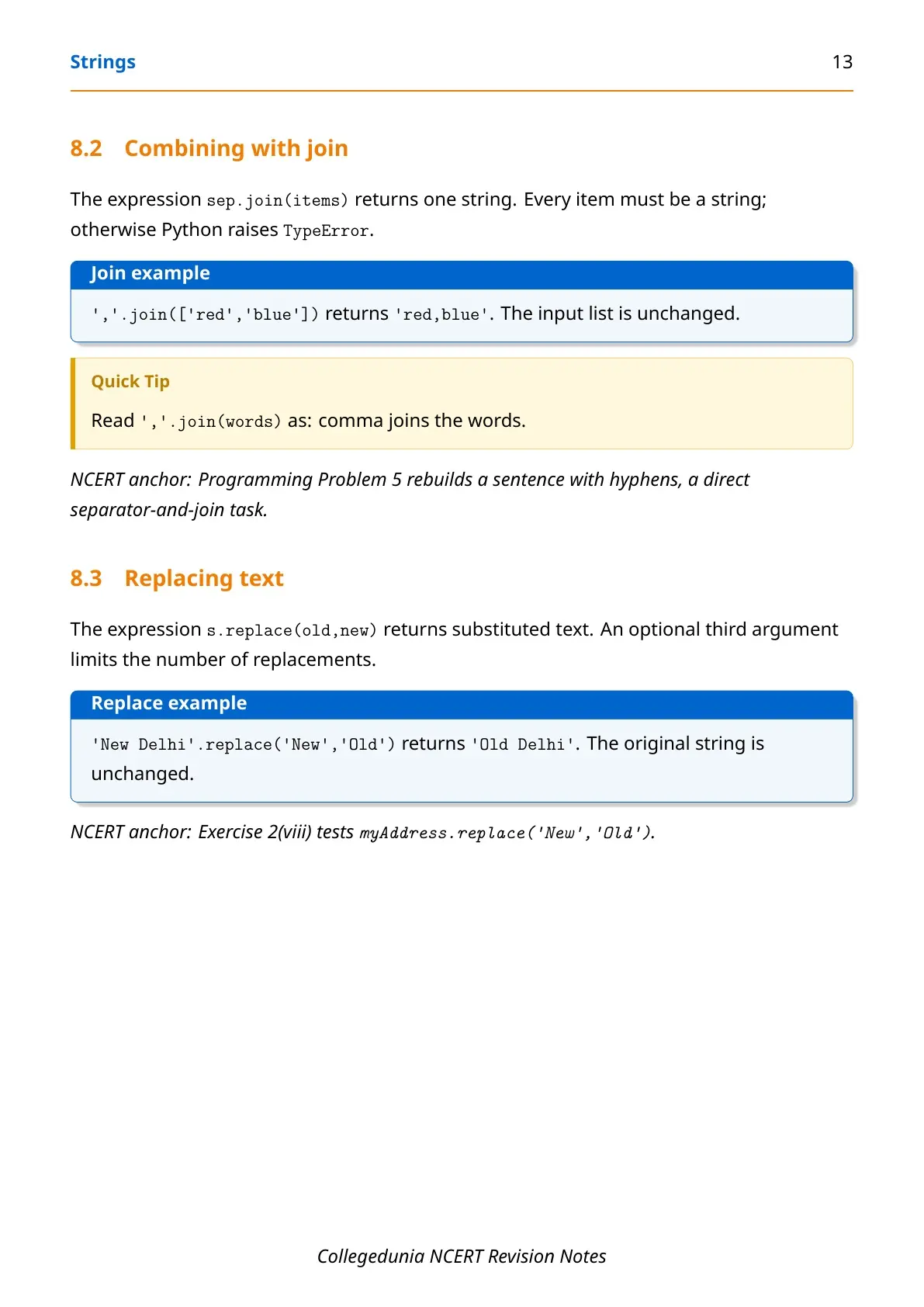
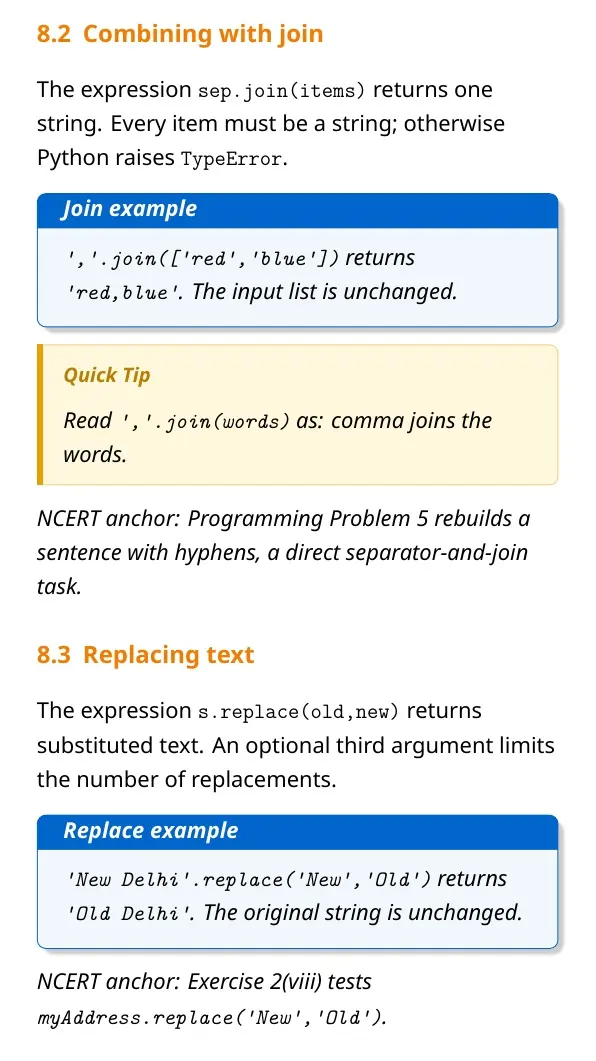
text.replace(old, new) | Returns a copy with replacements |
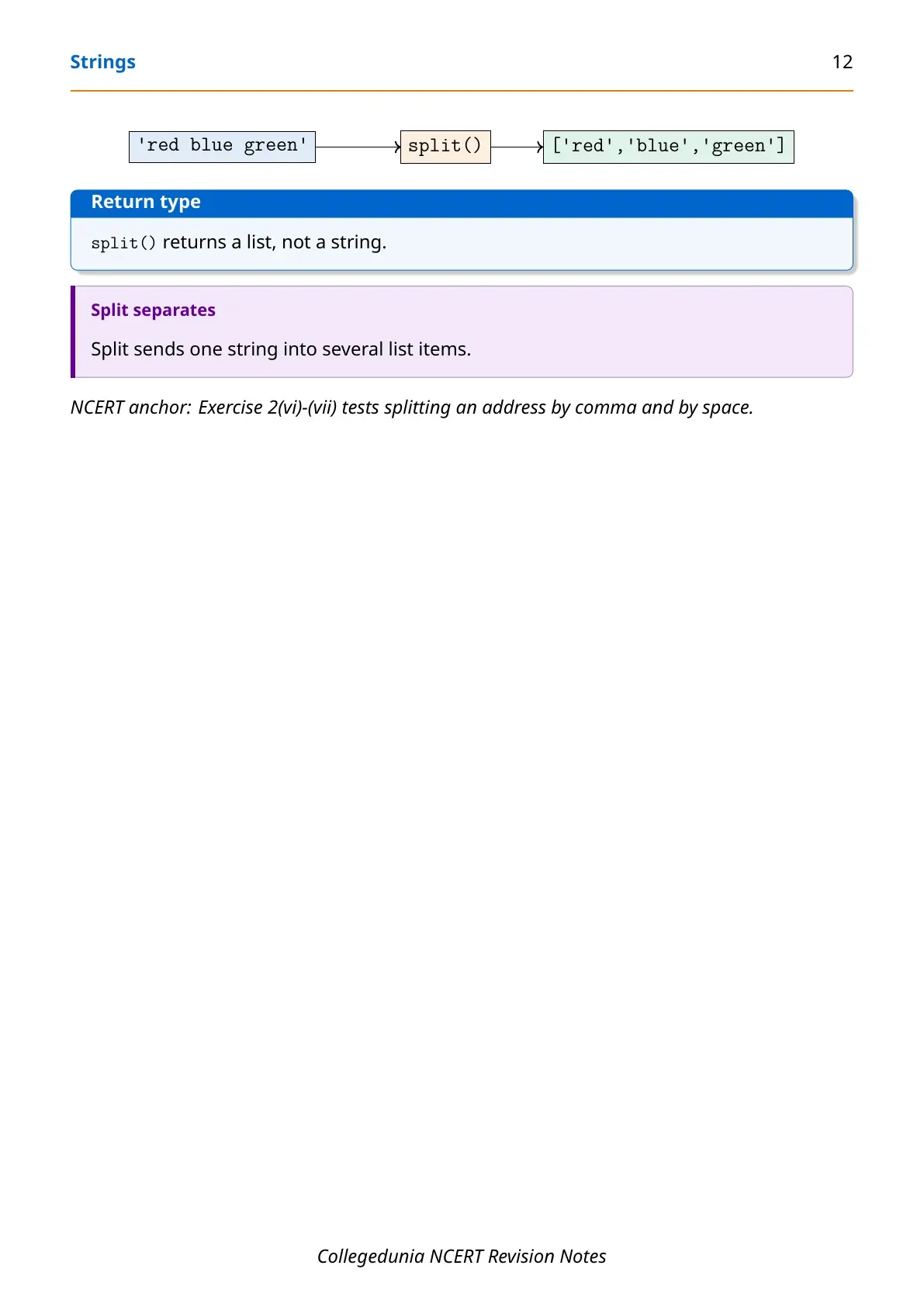
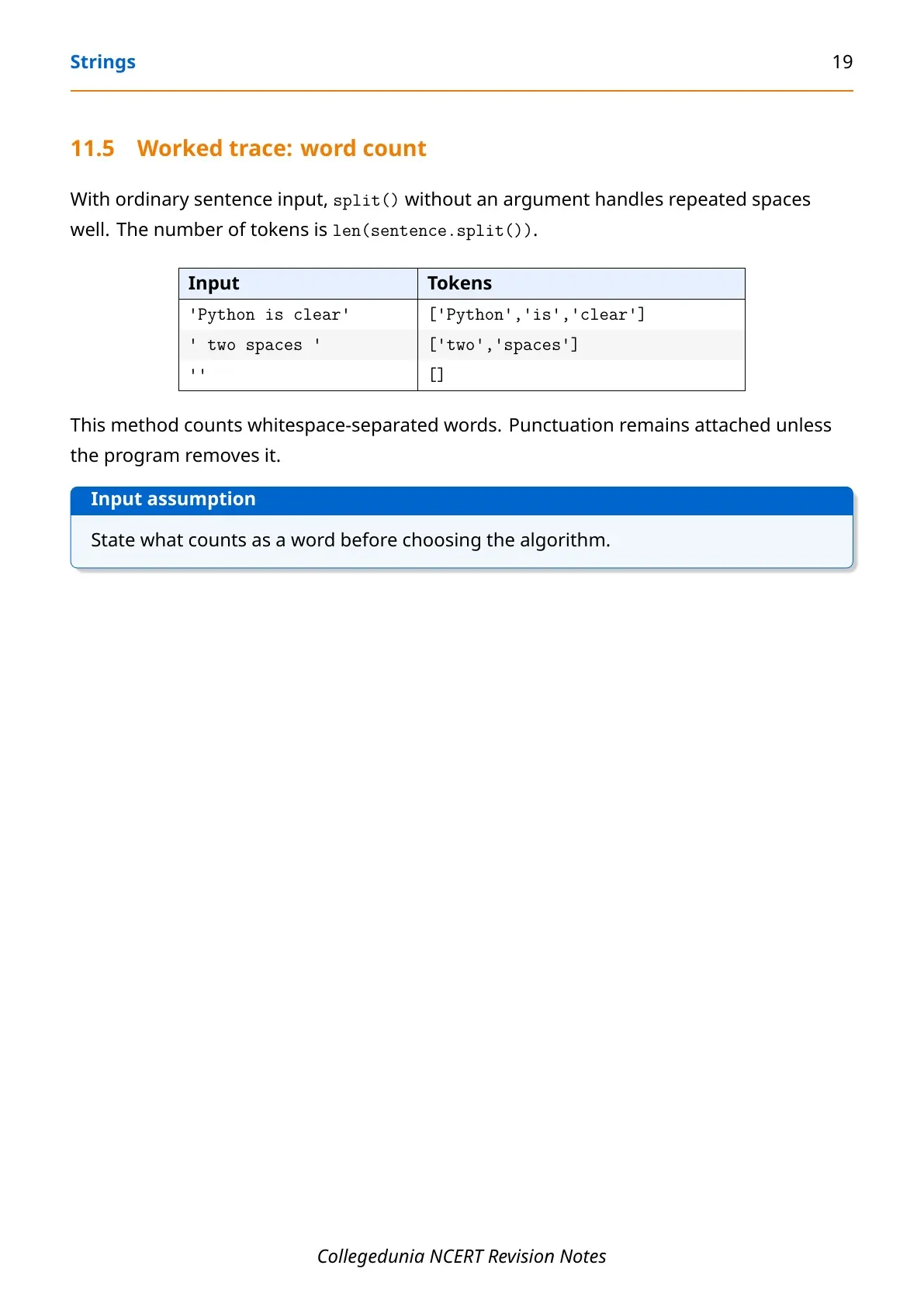
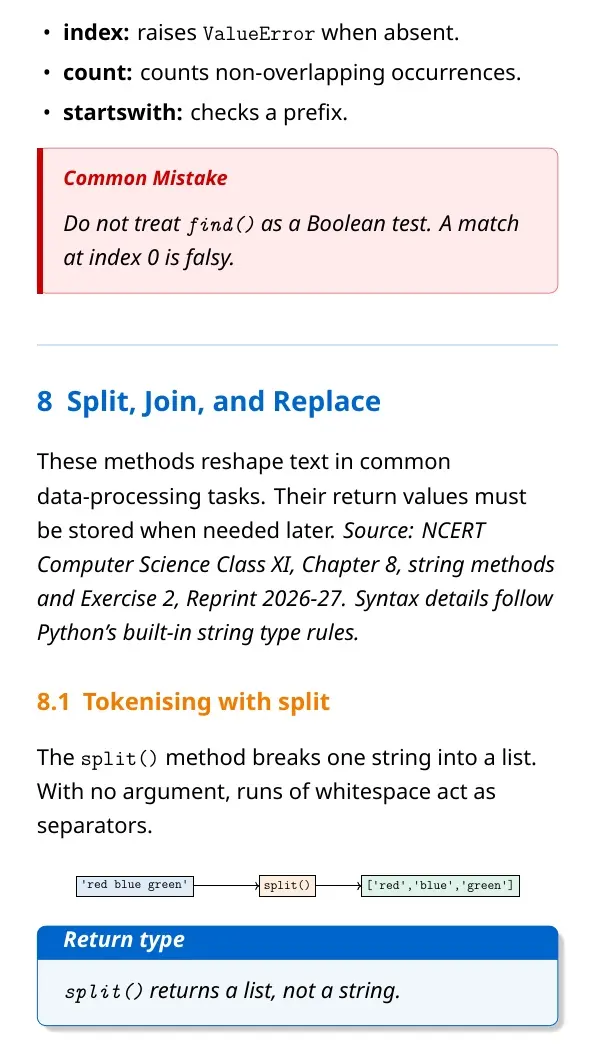
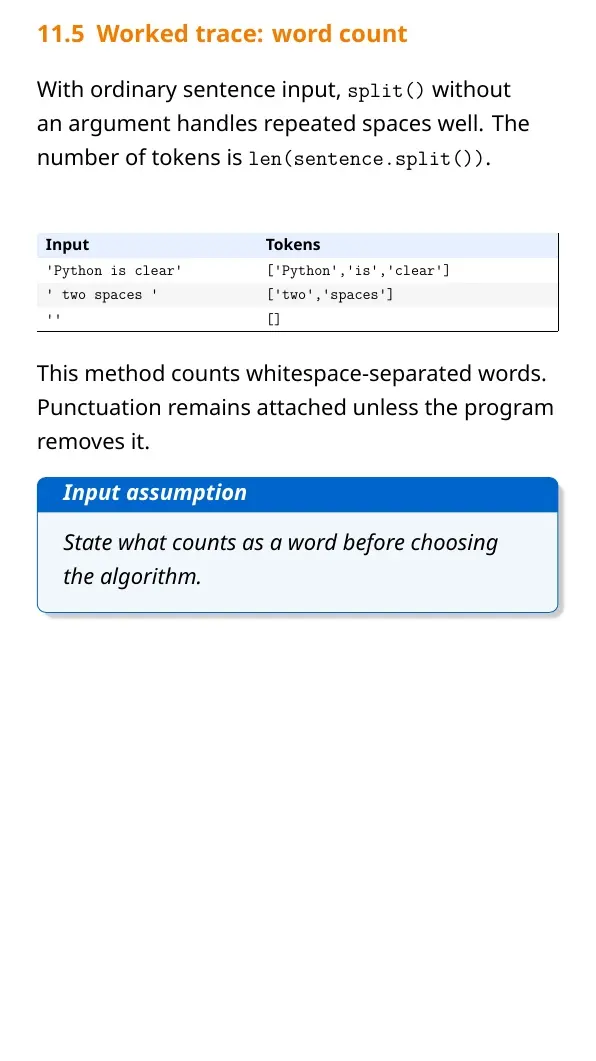
text.split(sep) | Splits text into a list |
find() returns -1 when text is missing, but index() raises an error. Store a method's returned string when the program needs it later.
Common Errors Students Make with Python Strings
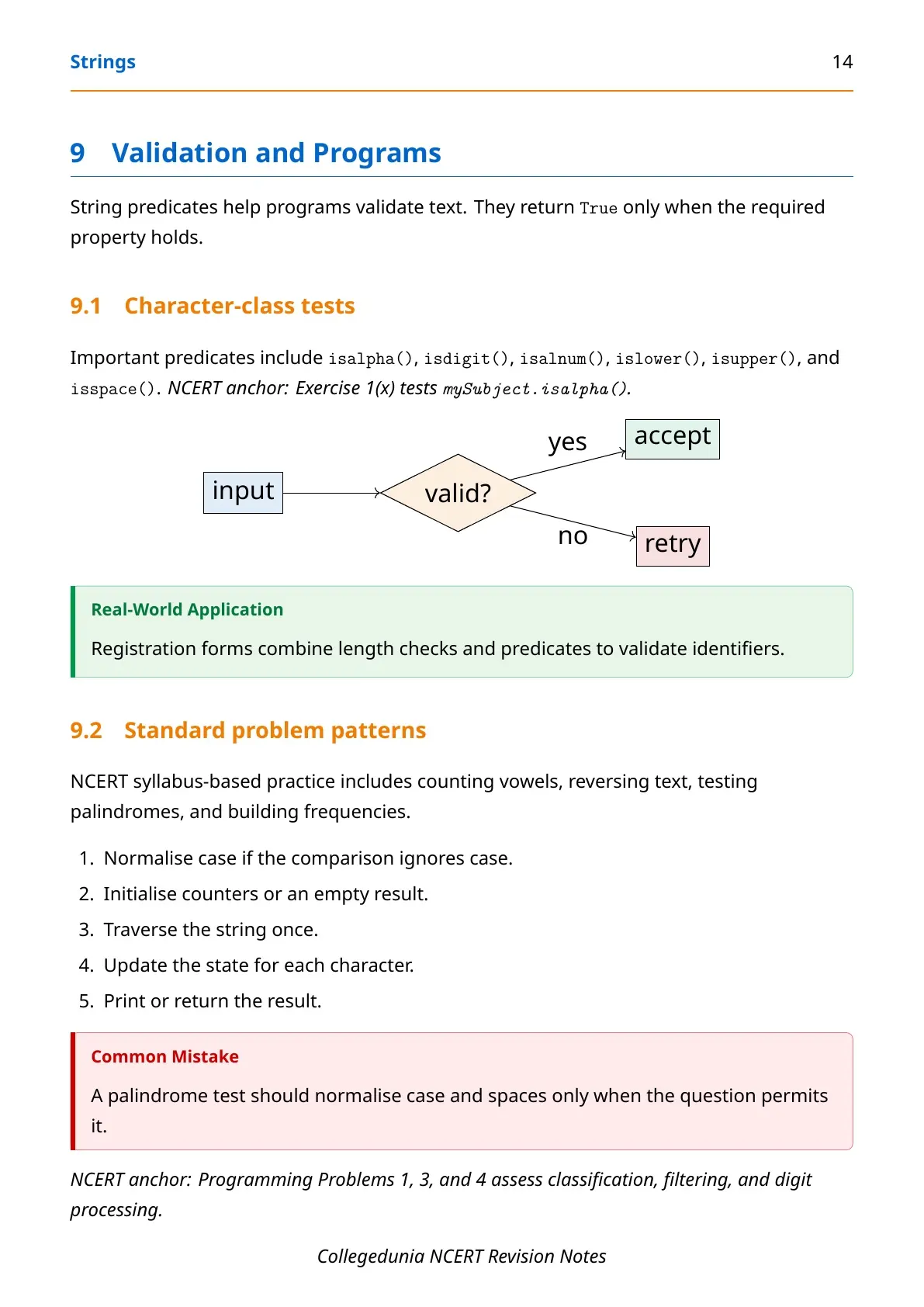
String questions often test quotes, index limits and method results. Write the index under each character before tracing a difficult expression.
- Trying to replace one character with indexed assignment.
- Using an index outside the valid range.
- Including the stop index in a slice result.
- Expecting a string method to change the original value.
- Confusing
find()withindex().
Tip: Write positive and negative indices on two separate rows. This makes reverse slicing easier to check.
How to Revise Strings for Class 11 Computer Science
Start with indexing and slicing. Then compare operators and common methods. End with programs that count characters or change the case of text.
- Mark positive and negative indices for one sample string.
- Trace five slices with different start, stop and step values.
- Compare
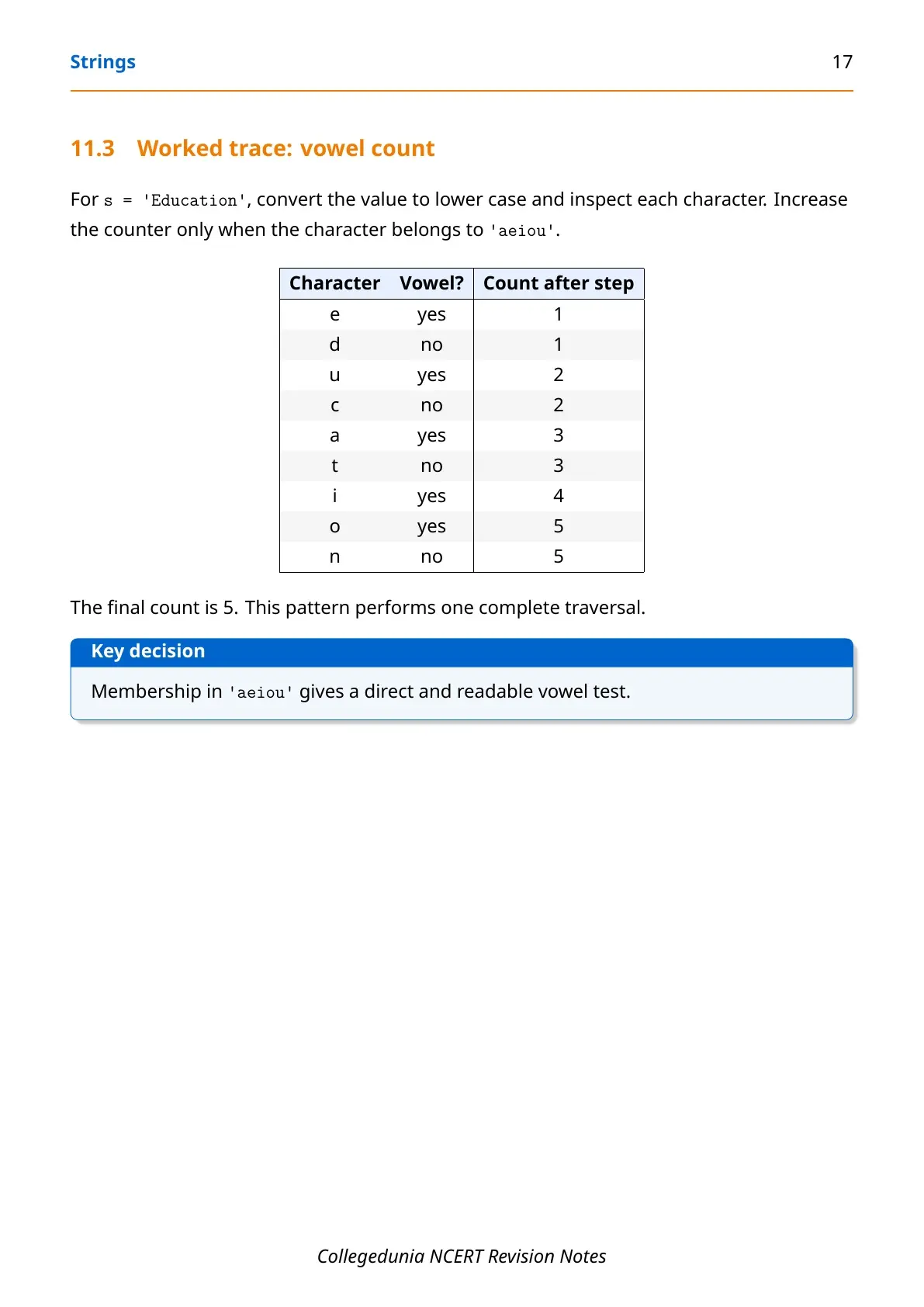
find(),index(),count()andreplace(). - Write one loop that counts vowels in a string.
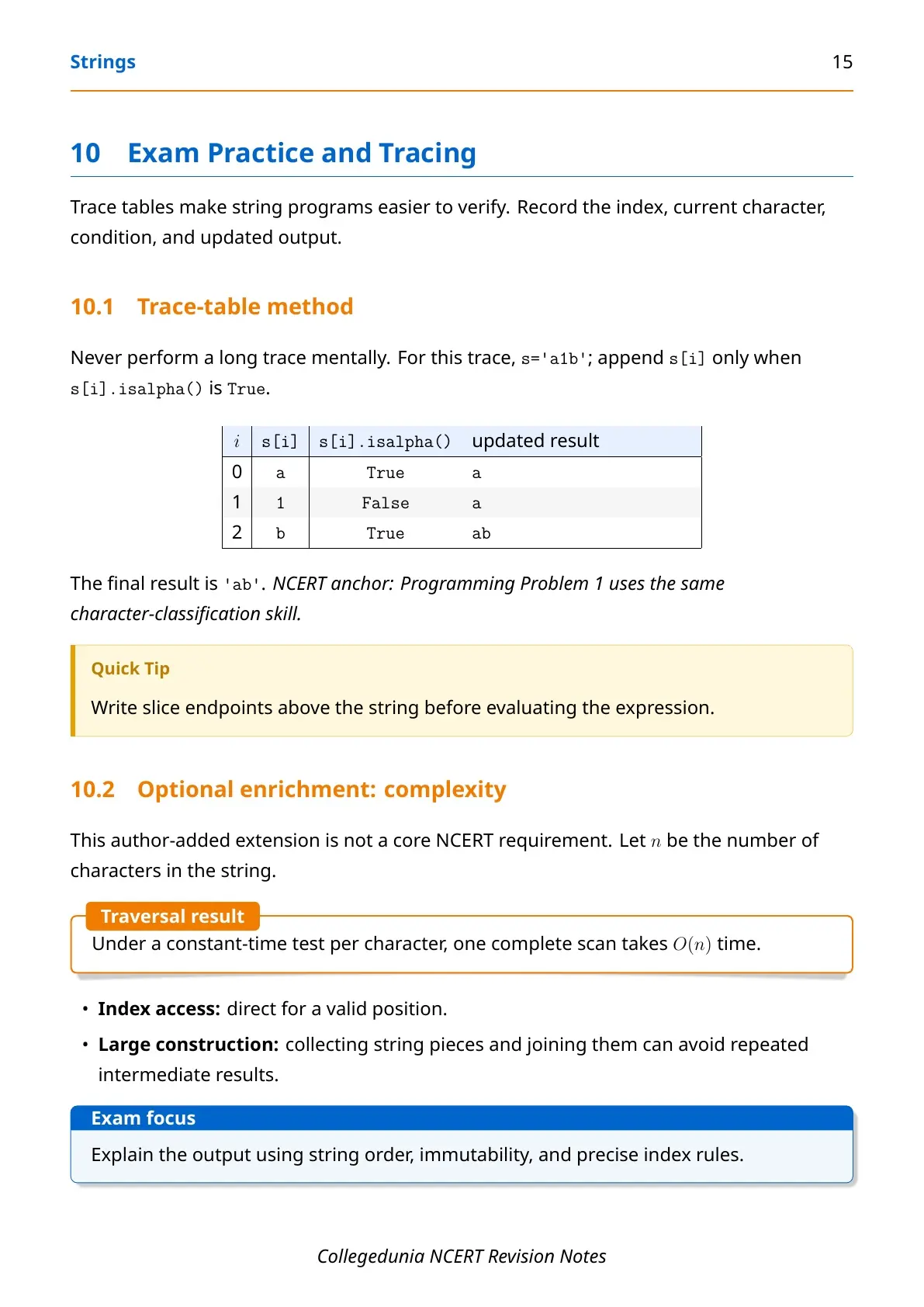
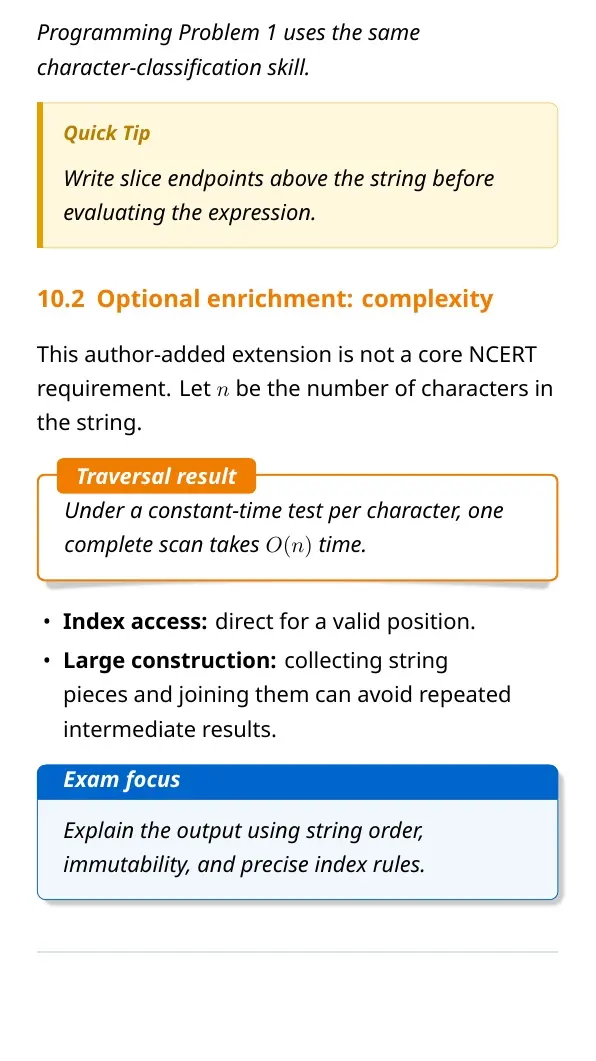
Optional enrichment: A complete scan usually takes time proportional to the number of characters. This idea is useful for coding practice but is outside the core NCERT method list.
Do not memorise slice outputs without marking indices. A small index map prevents most tracing errors.
Related Resources for Strings Class 11 Computer Science
Use the textbook for full explanations and the solutions page for exercise answers.
| Resource | How it helps | Link |
|---|---|---|
| NCERT Book PDF | Read the official examples and definitions | Strings Class 11 Book PDF |
| NCERT Solutions | Check exercise answers and Python programs | Strings Class 11 NCERT Solutions |
| Handwritten Notes | Revise syntax and method differences quickly | Strings Class 11 Handwritten Notes |
Class 11 Computer Science Notes for Nearby Chapters
The table connects Strings with the Python topics studied immediately before and after it.
| Chapter | Notes link |
|---|---|
| Chapter 6 Flow of Control | Flow of Control Notes |
| Chapter 7 Functions | Functions Notes |
| Chapter 8 Strings | Strings Notes |
| Chapter 9 Lists | Lists Notes |
| Chapter 10 Tuples and Dictionaries | Tuples and Dictionaries Notes |
Strings Computer Science Notes FAQs
Ques. What is a string in Python?
Ans. A string is an ordered sequence of characters enclosed in single, double or triple quotes.
Ques. Why are Python strings called immutable?
Ans. Python does not allow a character in an existing string to be changed by indexed assignment.
Ques. What is the difference between indexing and slicing?
Ans. Indexing selects one character. Slicing selects a range and returns a new string.
Ques. What does a negative string index mean?
Ans. A negative index counts from the end. The final character has index -1.
Ques. How do find() and index() differ?
Ans. find() returns -1 for a missing substring. index() raises an error.
Ques. Does a string method change the original string?
Ans. No. A string method returns a result or a new string because strings are immutable.



Comments