




Inside the NCERT notes for Class 11 Computer Science Chapter 7 Functions, you will find function syntax, parameters, return values, scope rules and Python library functions. The content follows the 2026-27 NCERT syllabus.
- Core focus: defining, calling and testing reusable Python functions.
- Exam focus: parameters, arguments, return values and variable scope.
- Best use: revise each rule, then trace the sample calls by hand.
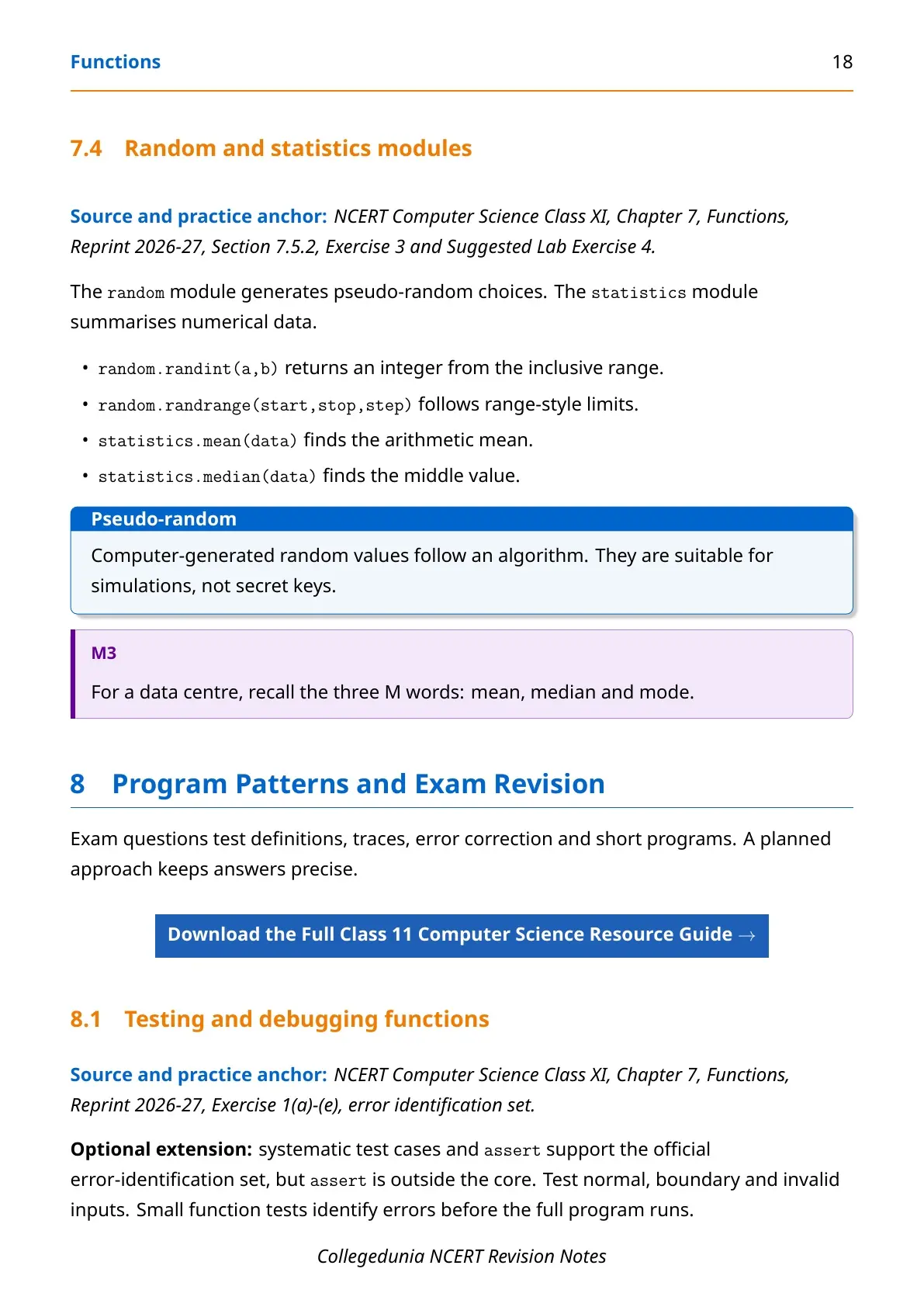
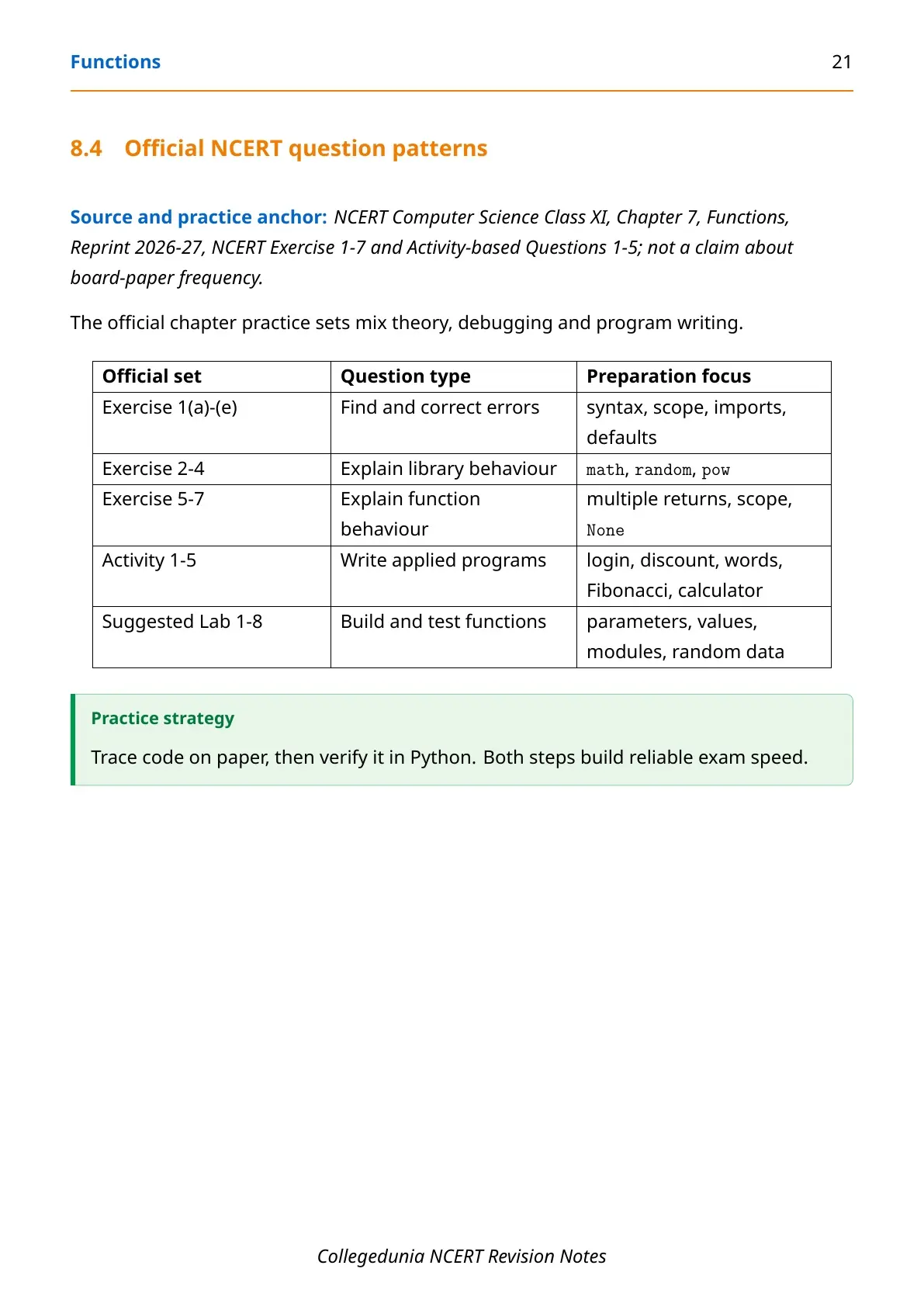
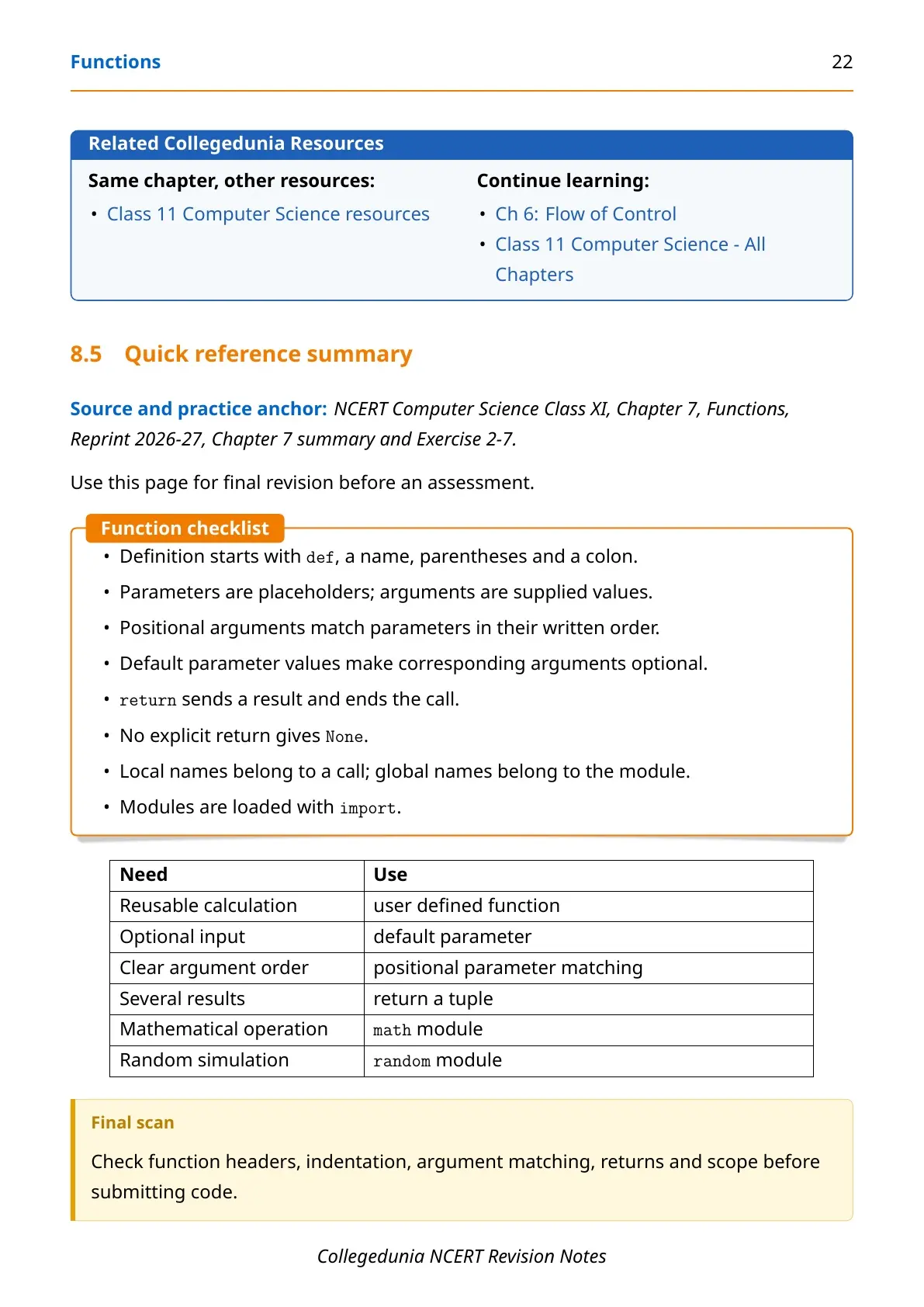
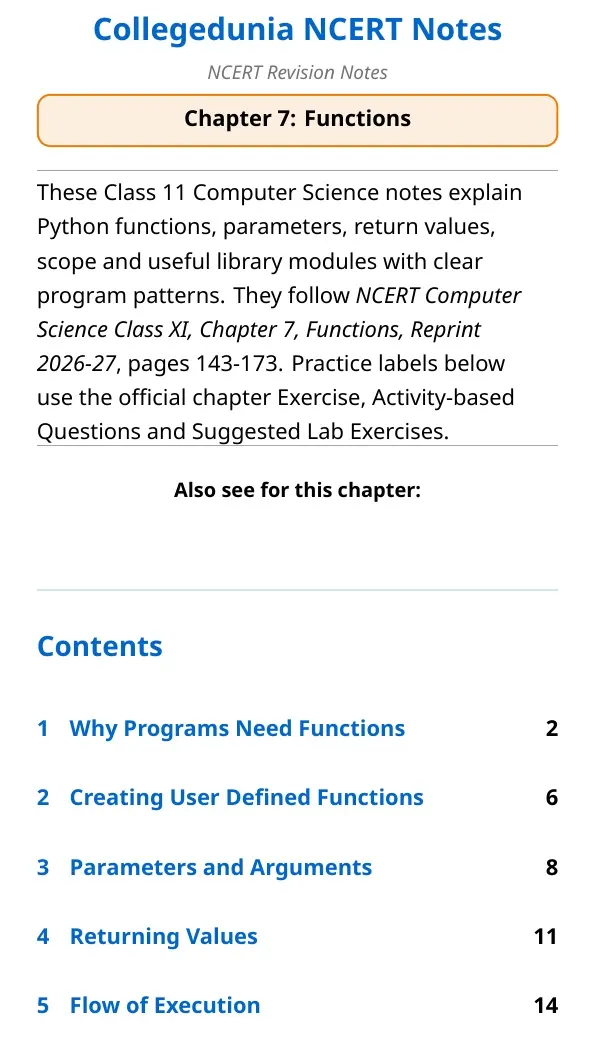
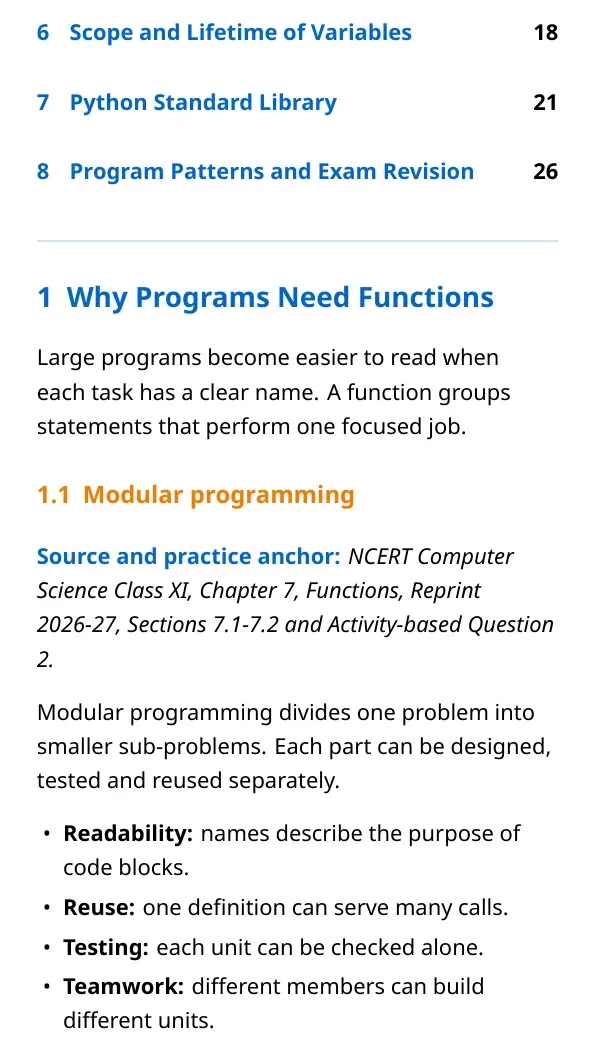
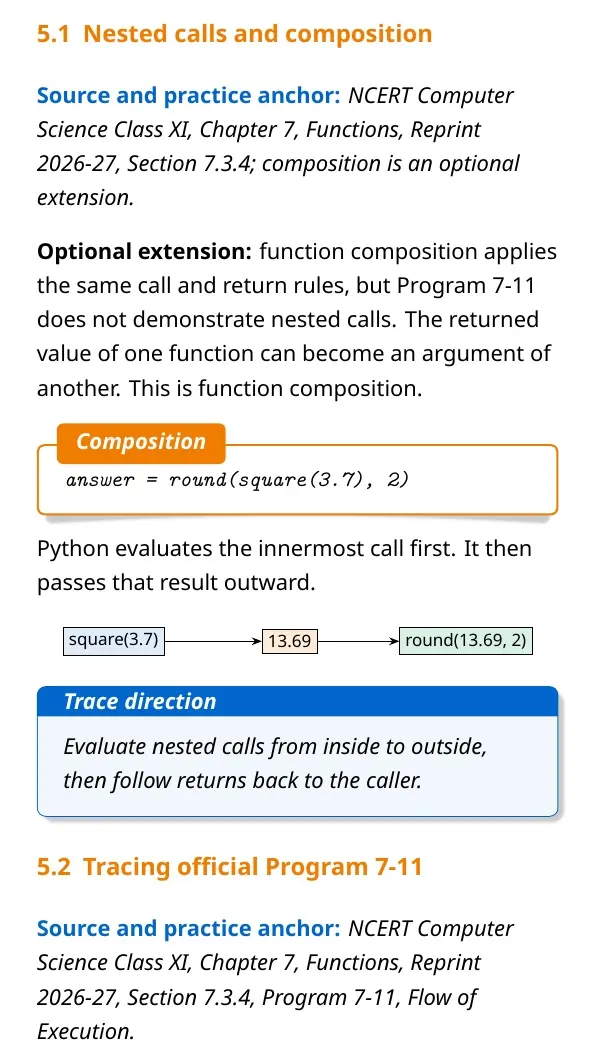
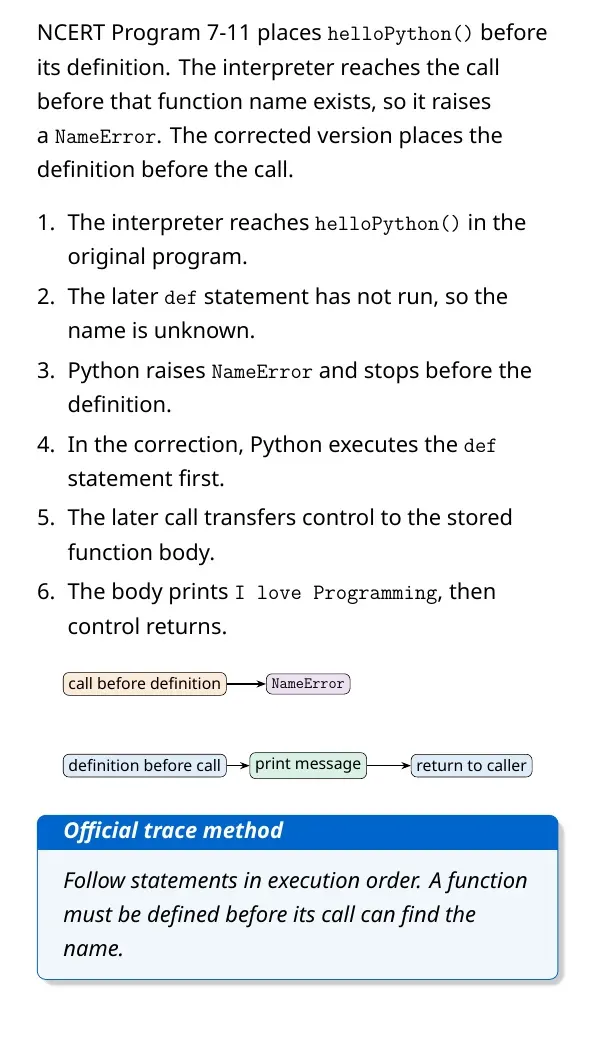
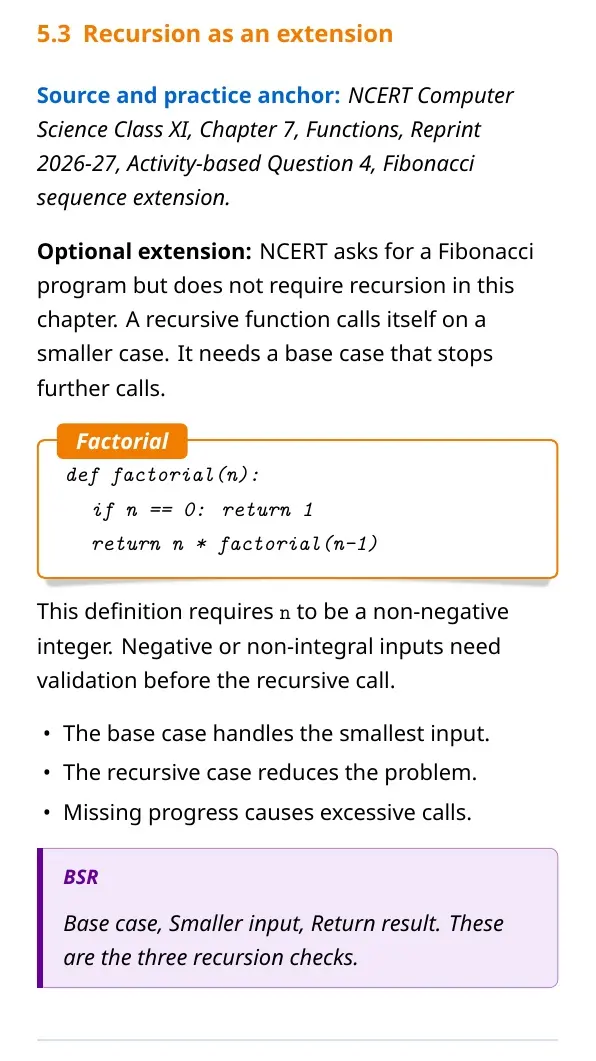
Each Functions notes section is checked against the 2026-27 NCERT textbook and written for clear program tracing.
Student Feedback: In a Collegedunia poll of 10,620 Class 11 students before the 2026 exams, most students wanted more practice with arguments and return values.
|
Table of Contents |
Functions in Python: Meaning, Need and Basic Syntax
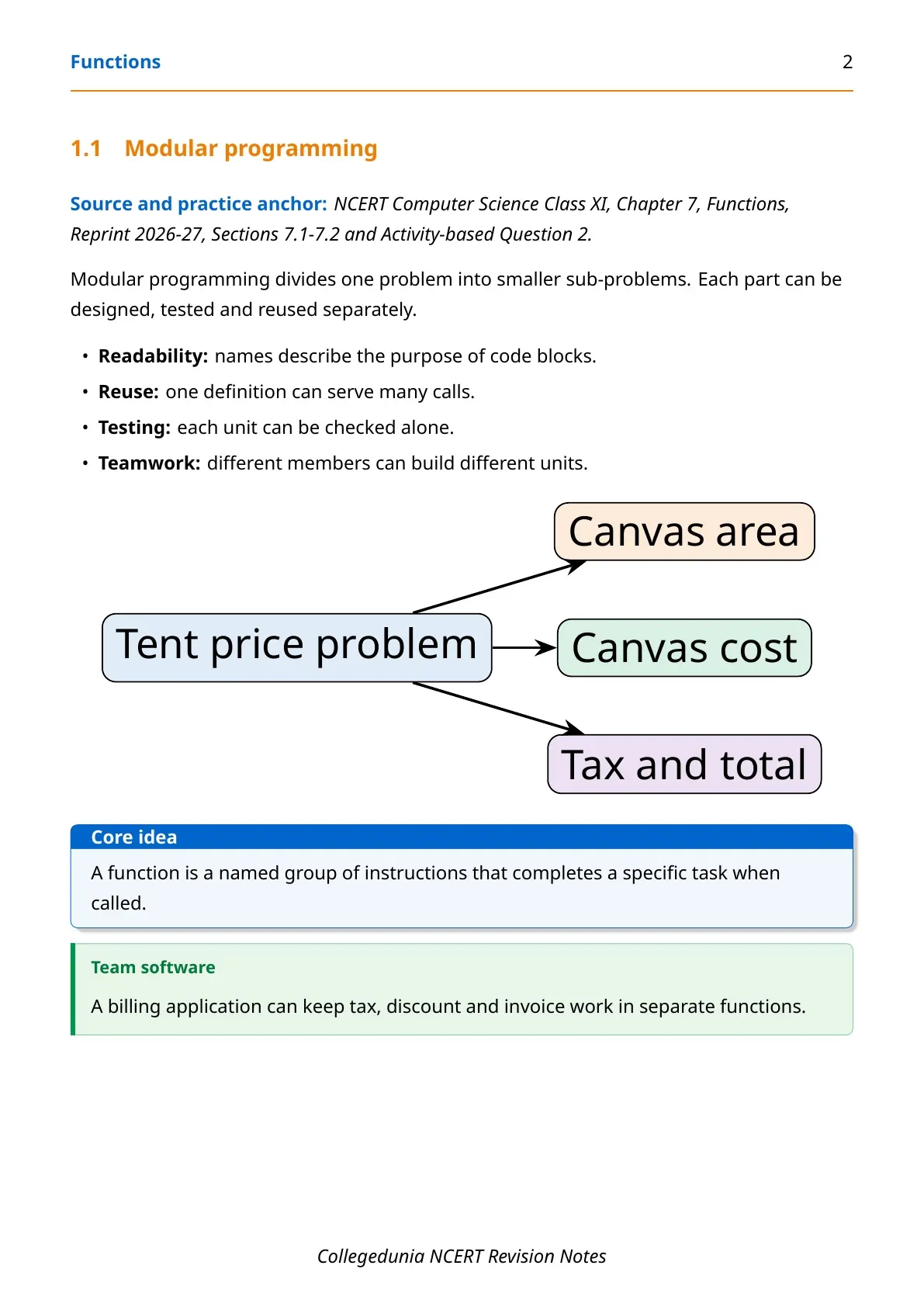
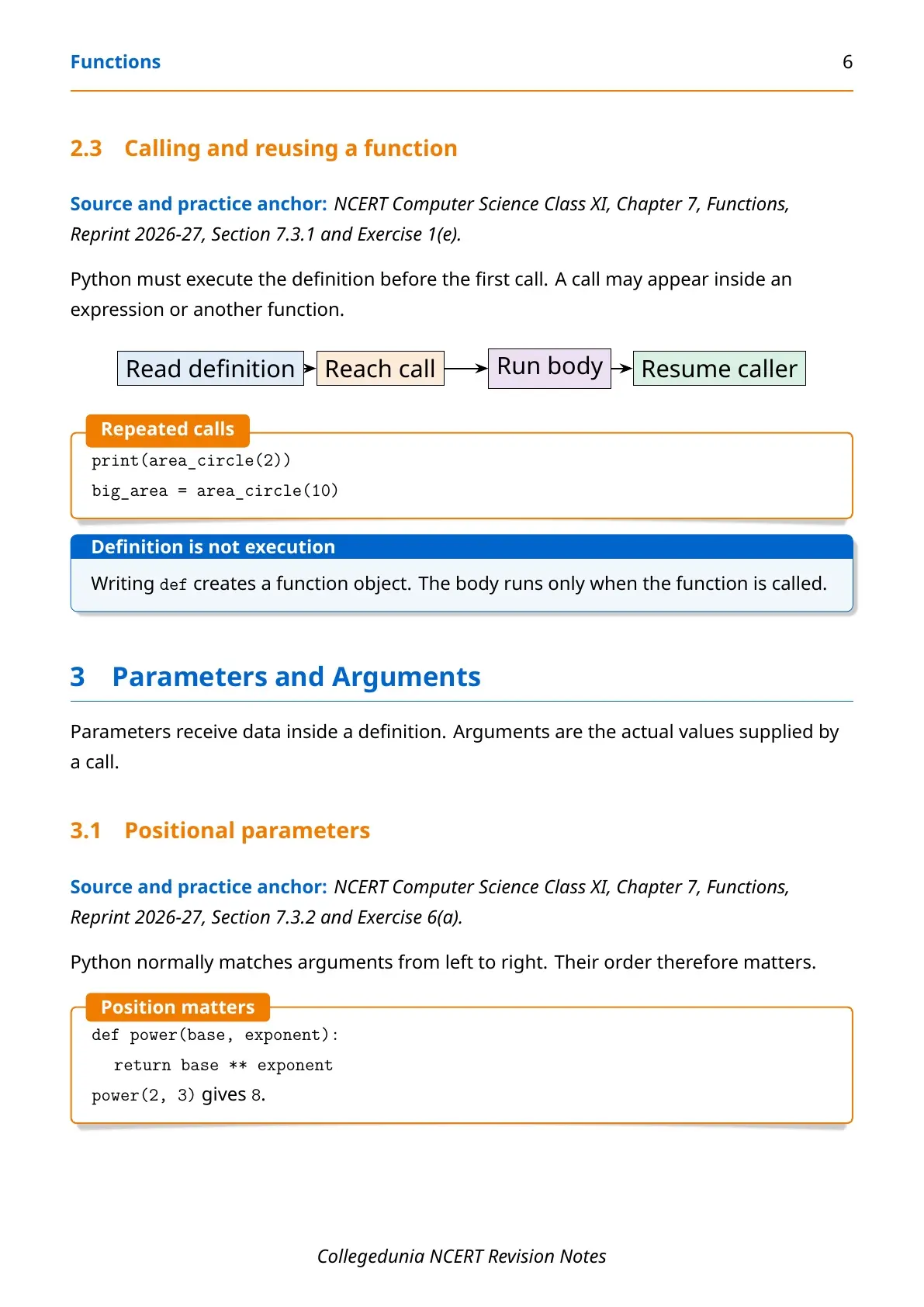
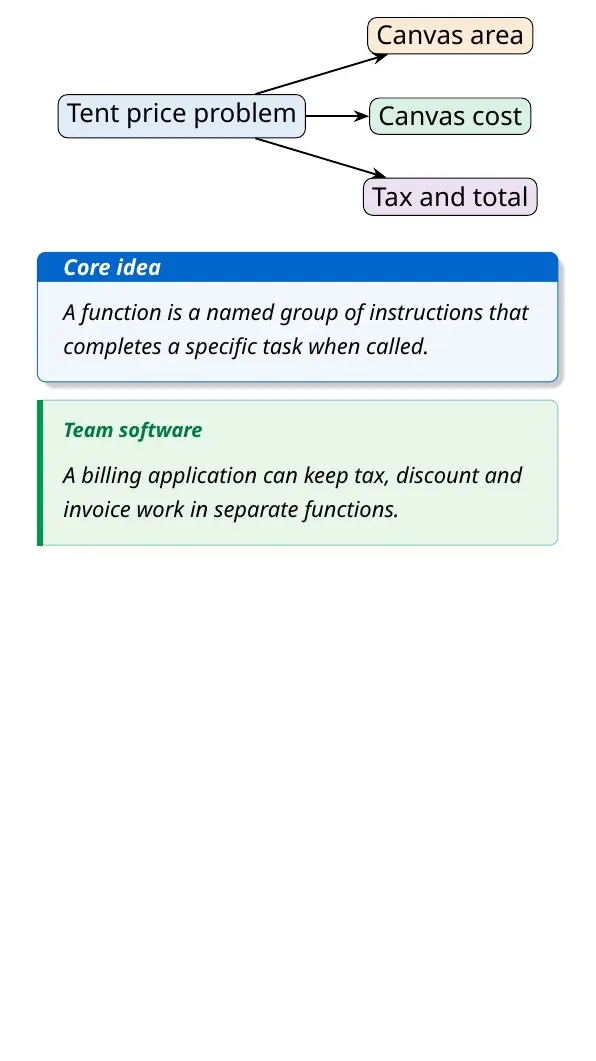
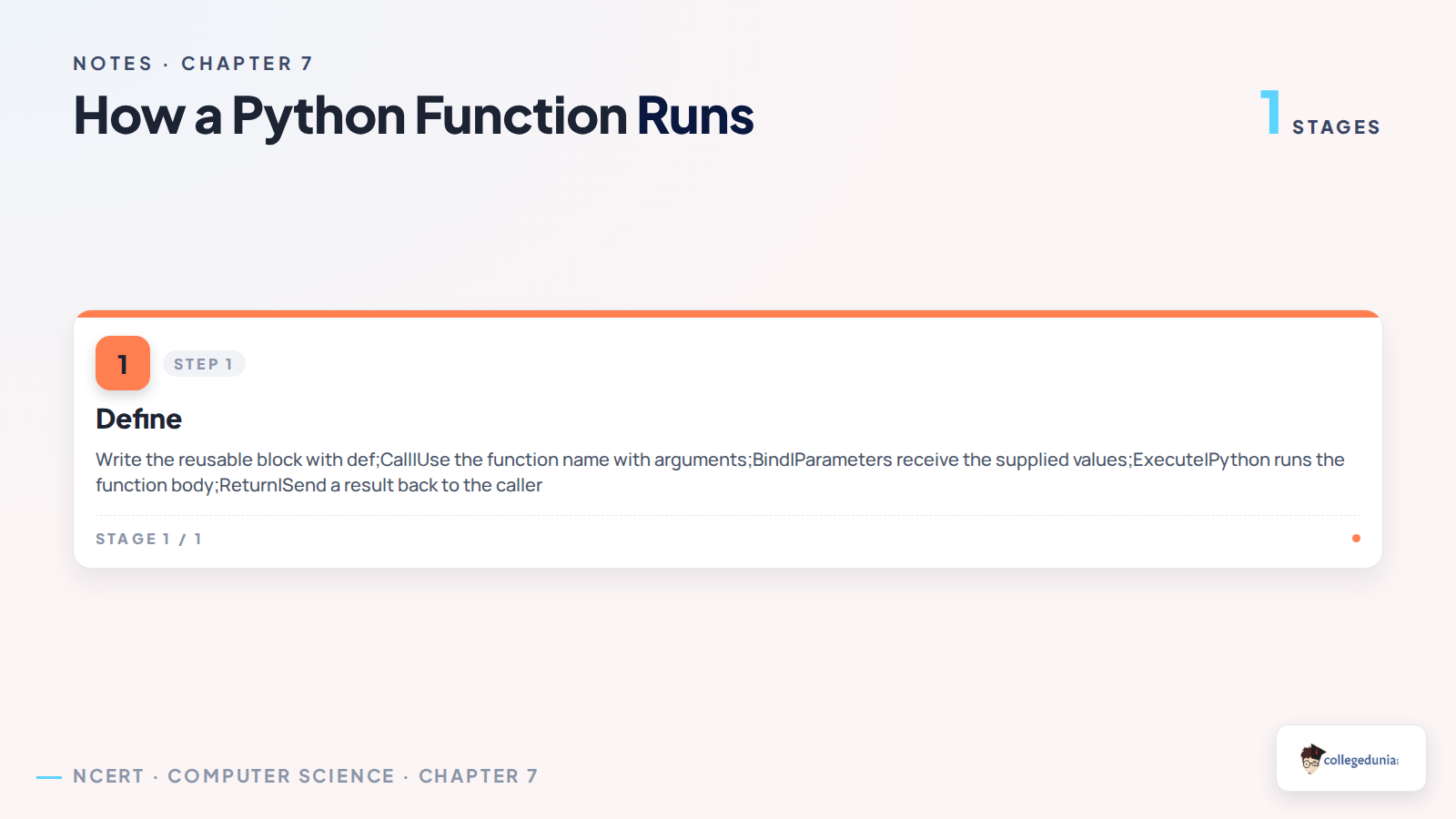
A function is a named block of code that performs one task. You define it once and call it whenever needed. This reduces repeated code and makes a program easier to test.
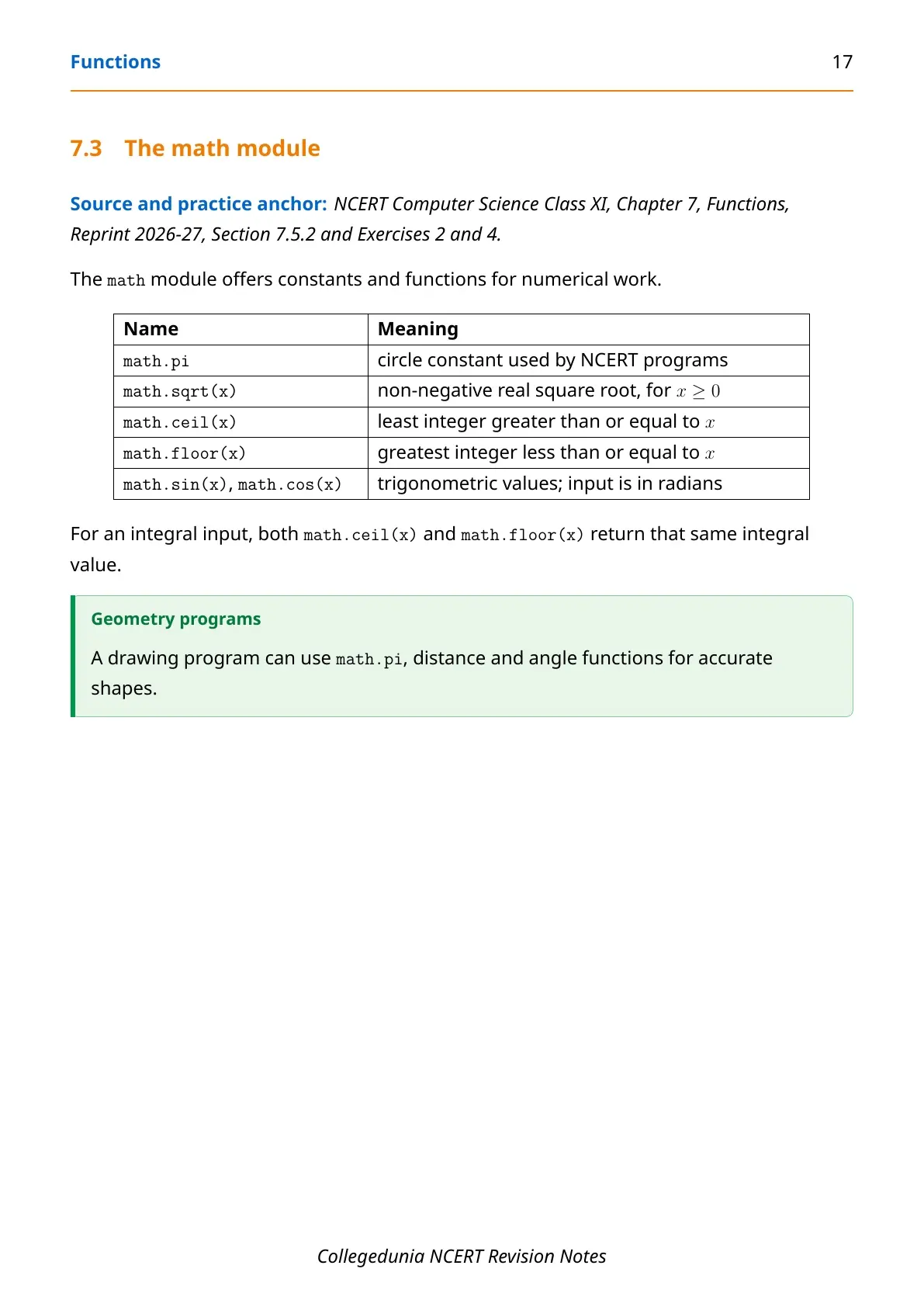
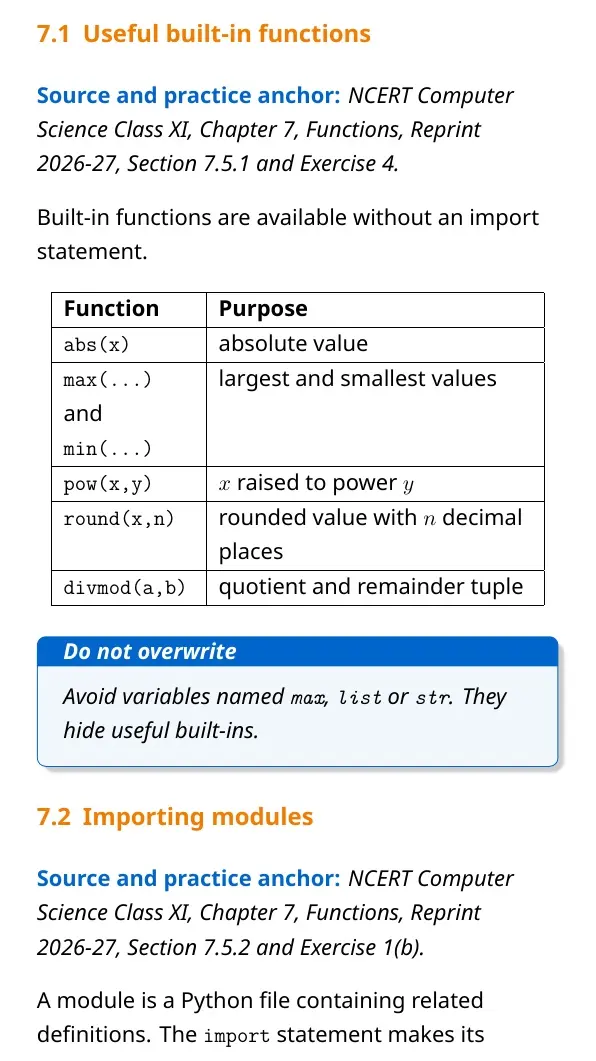
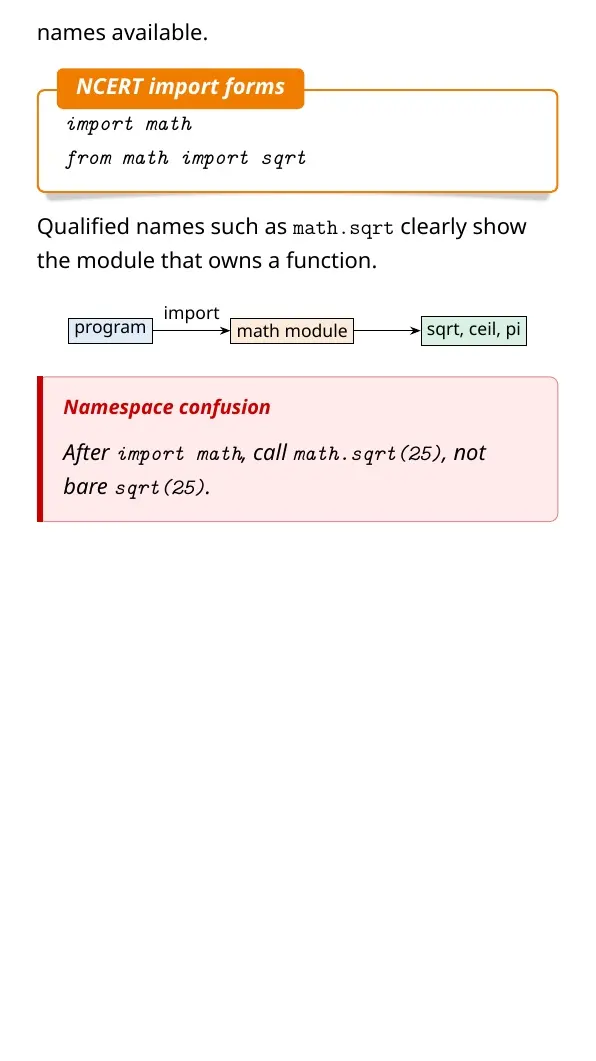
- Built-in functions: Python provides tools such as
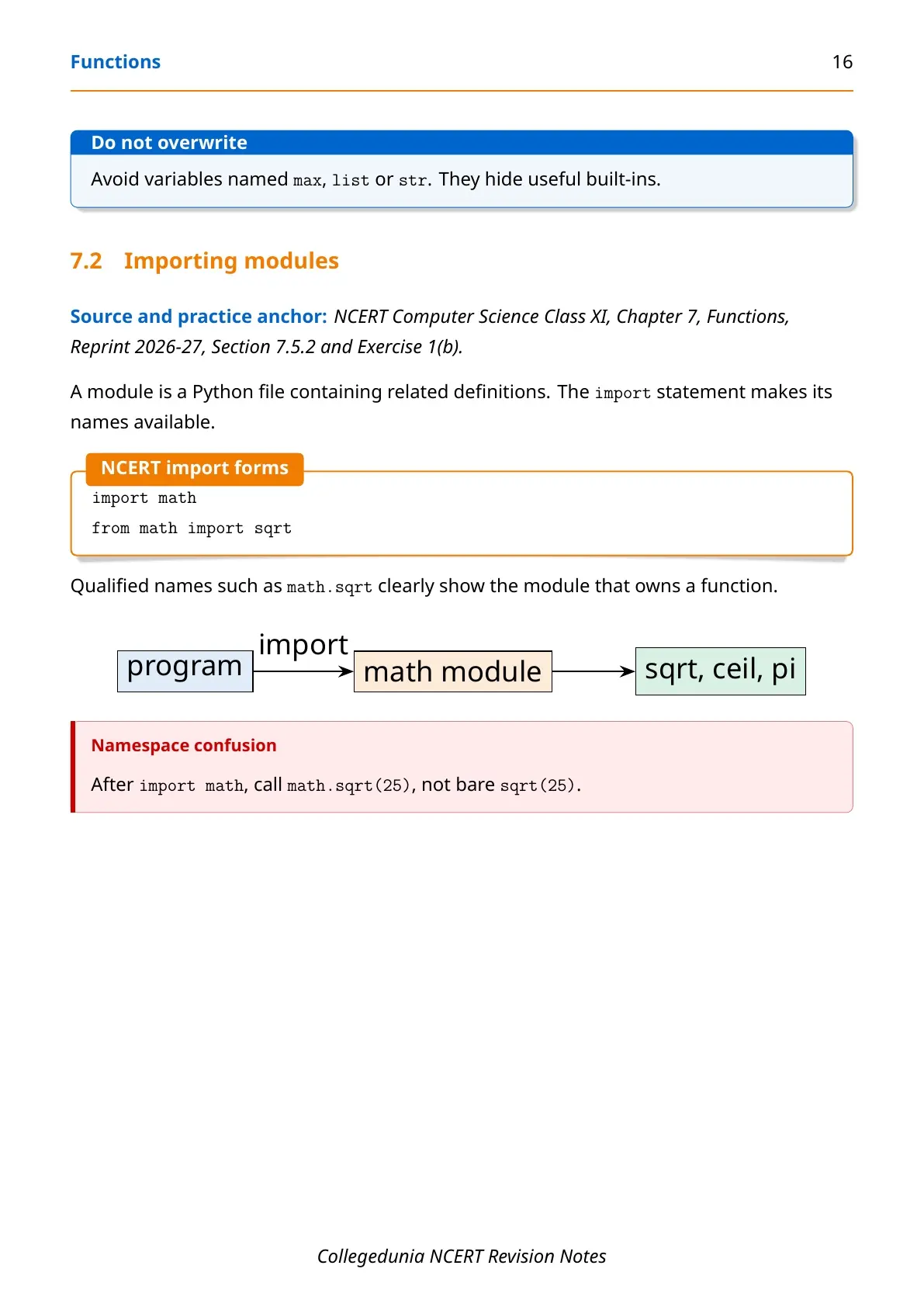
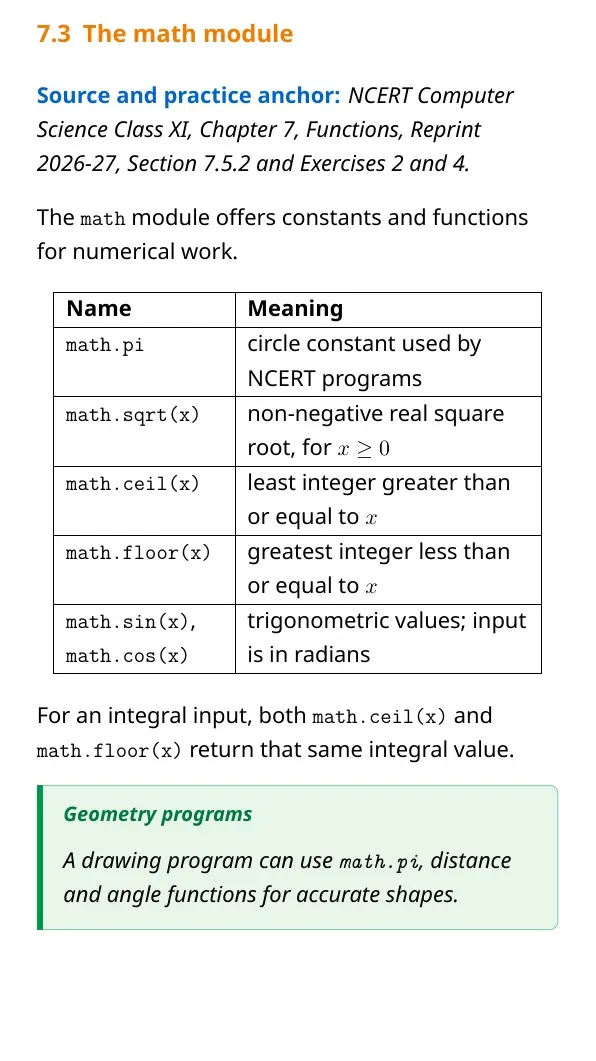
print(),input()andlen(). - Module functions: A module provides functions such as
math.sqrt(). - User-defined functions: The programmer creates these with the
defkeyword.
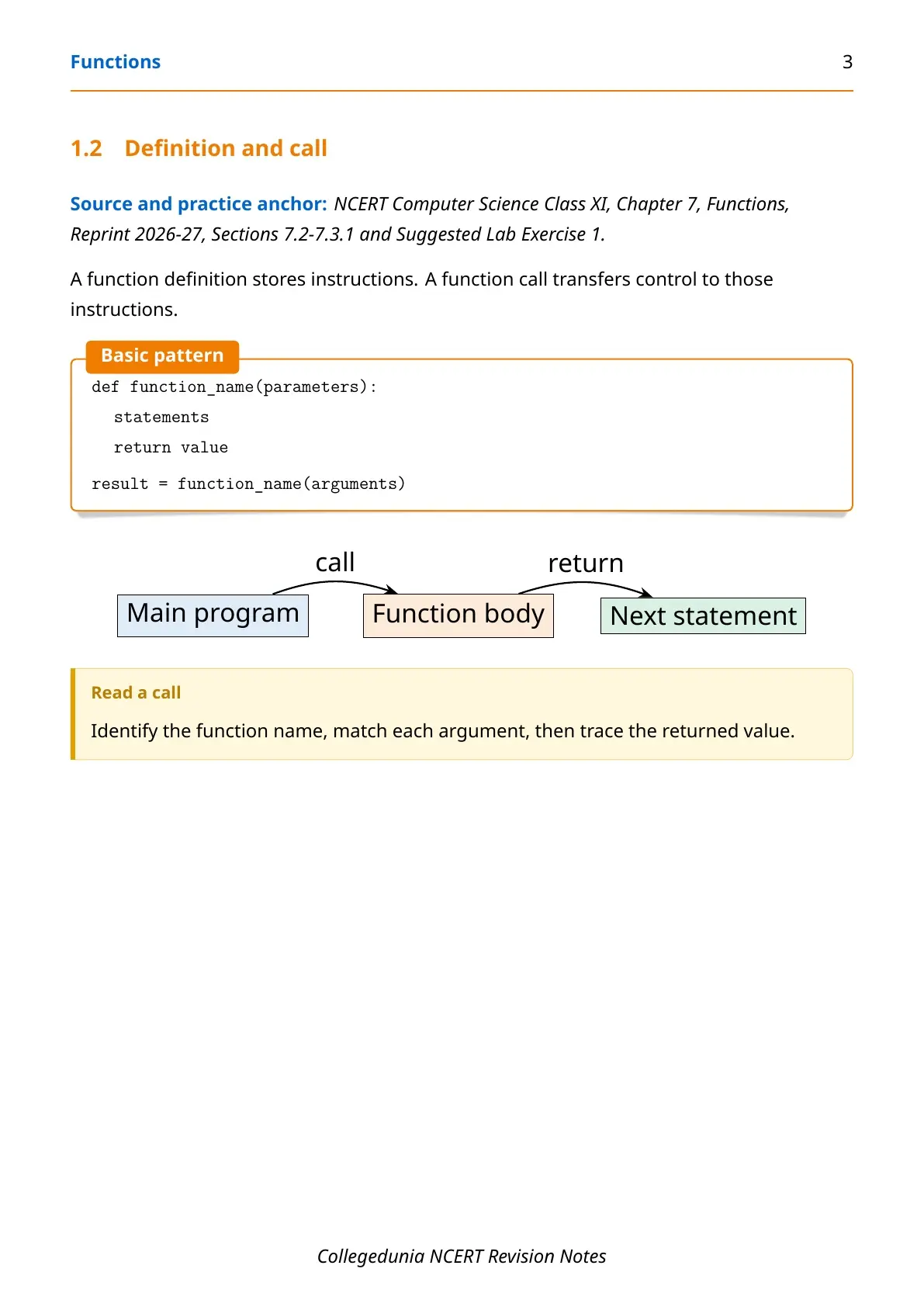
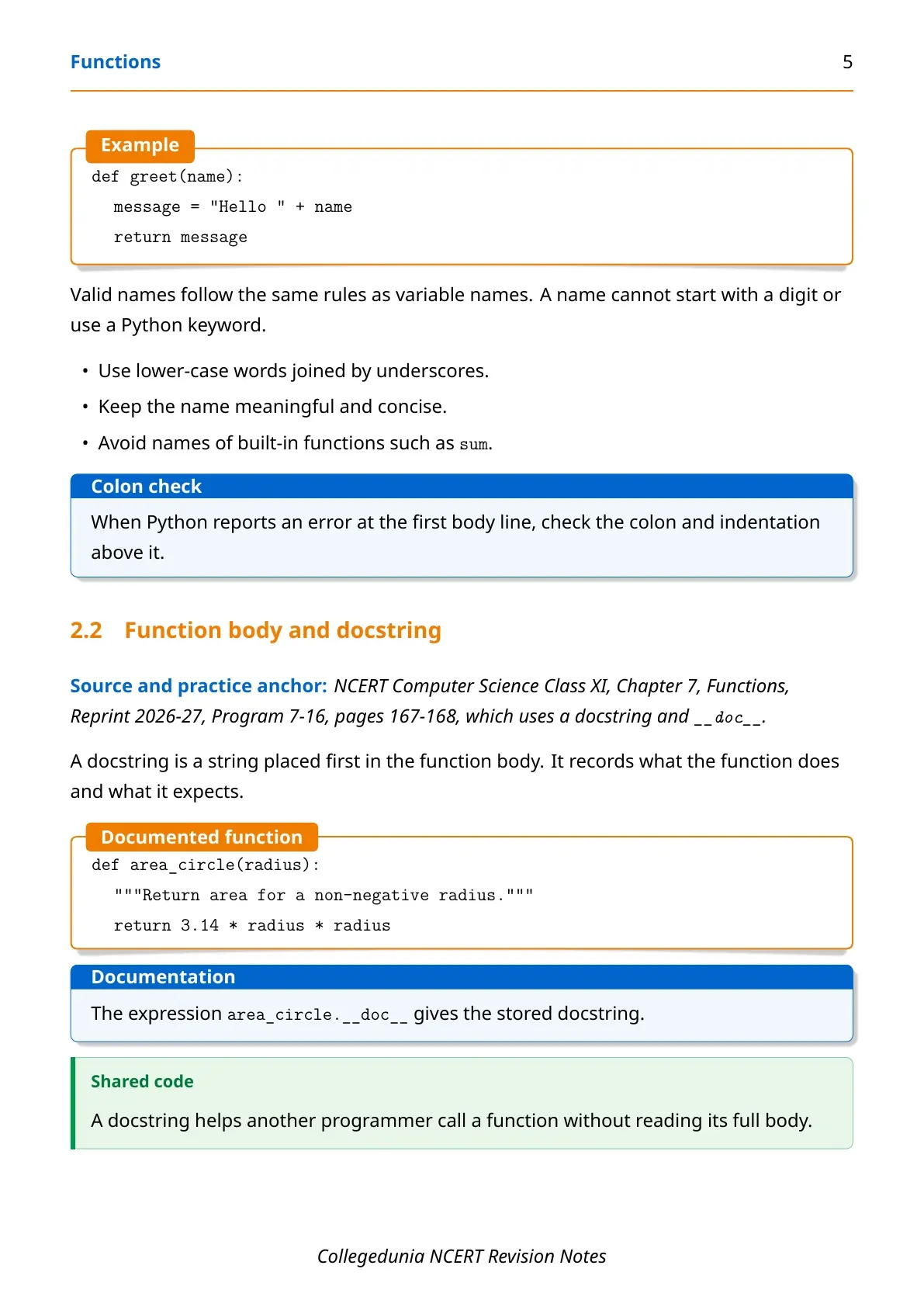
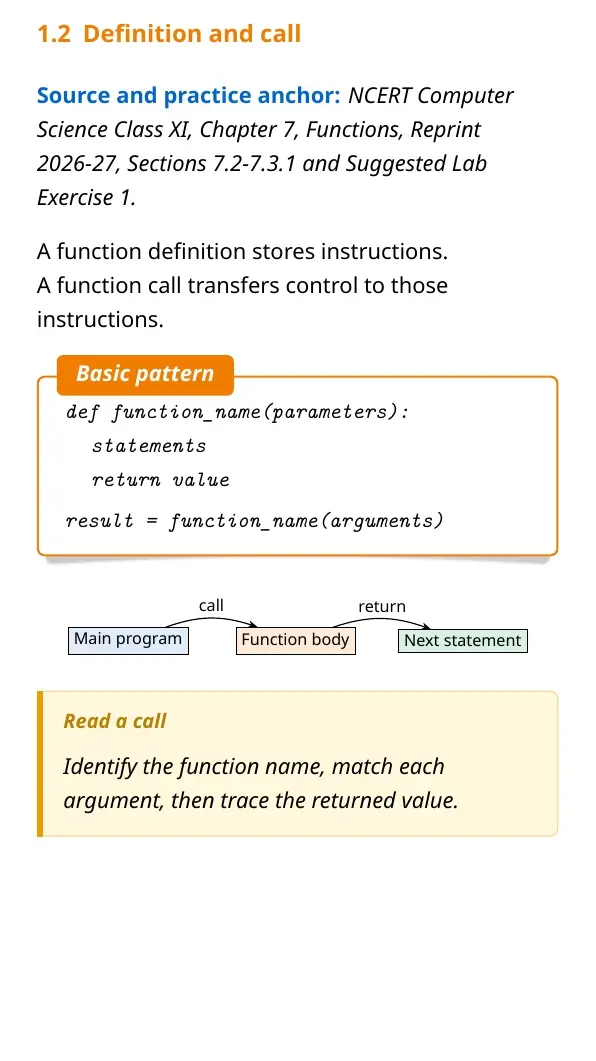
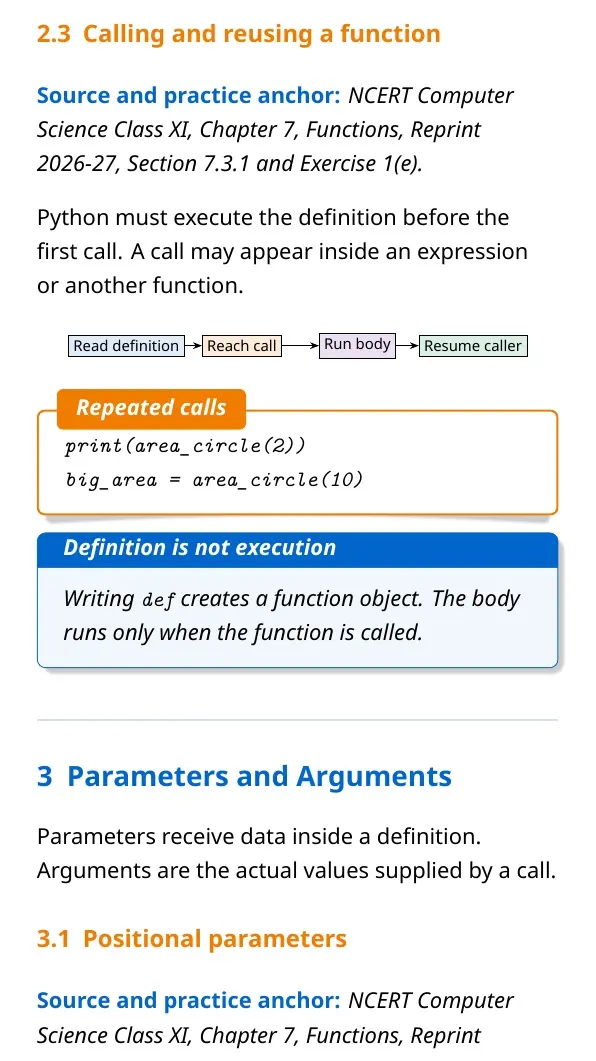
A function definition starts with def, followed by its name and parentheses. The indented statements form its body. A function runs only when the program calls it.
Python Functions Chapter Overview
Source: Magnet Brains on YouTube
Parameters, Arguments and Return Values in Functions
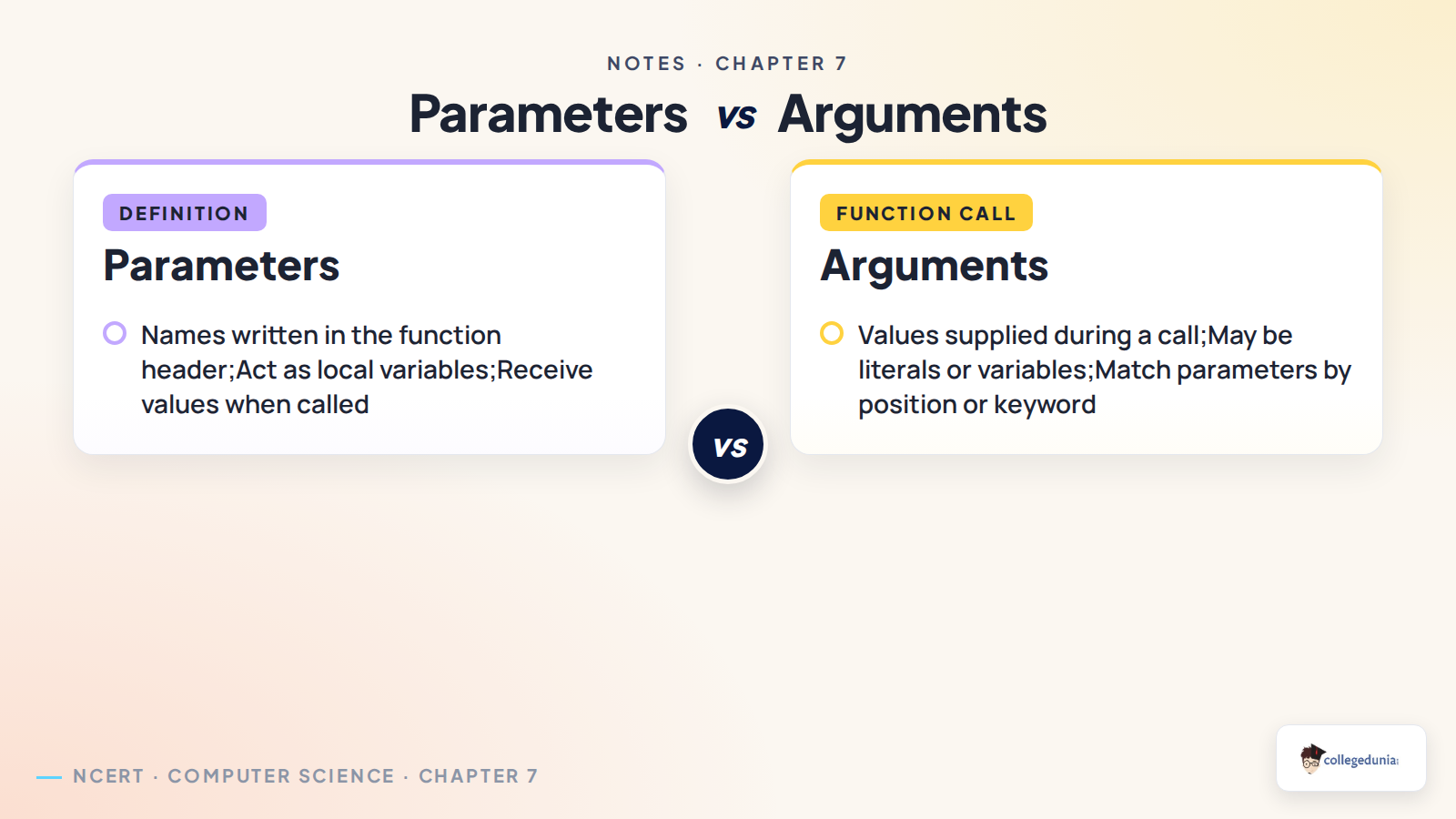
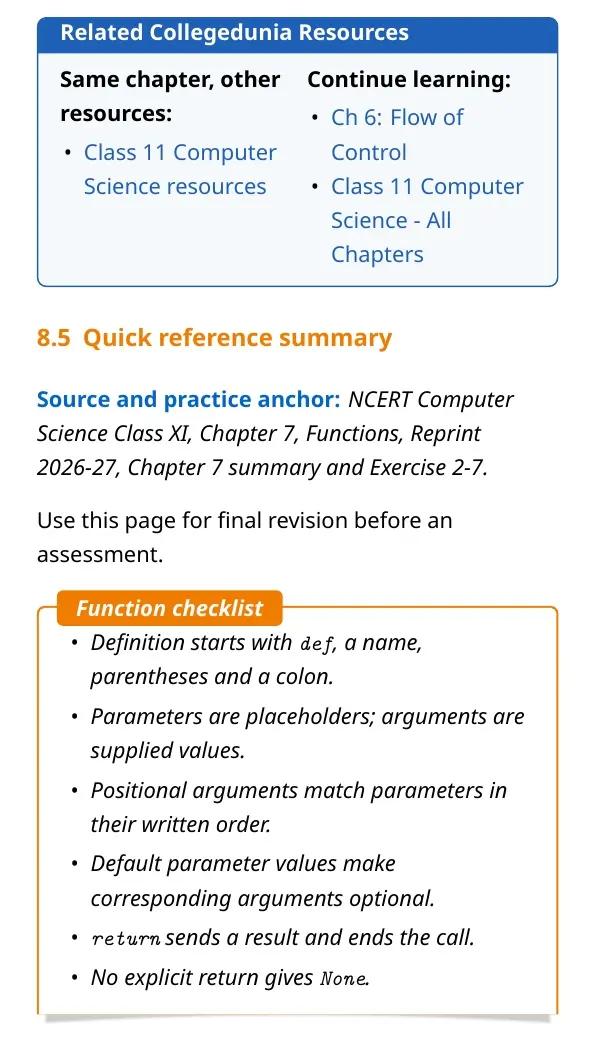
Parameters receive data inside a function definition. Arguments are the actual values supplied during a function call. Students should keep this difference clear in theory answers and output questions.
| Term | Meaning | Example |
|---|---|---|
| Parameter | Name written in the function header | name in def greet(name): |
| Argument | Value passed during a call | "Asha" in greet("Asha") |
| Return value | Result sent back to the caller | return total |
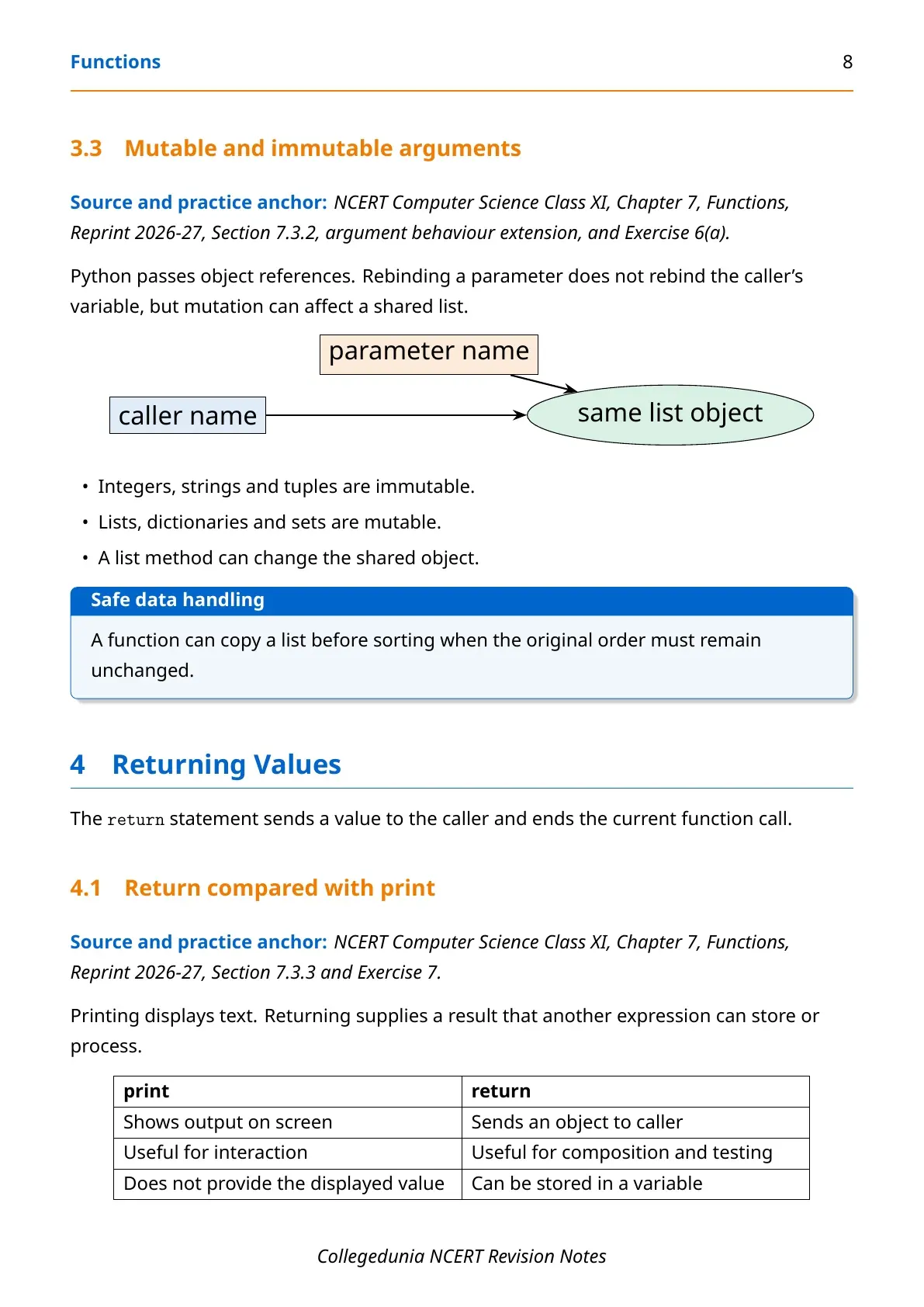
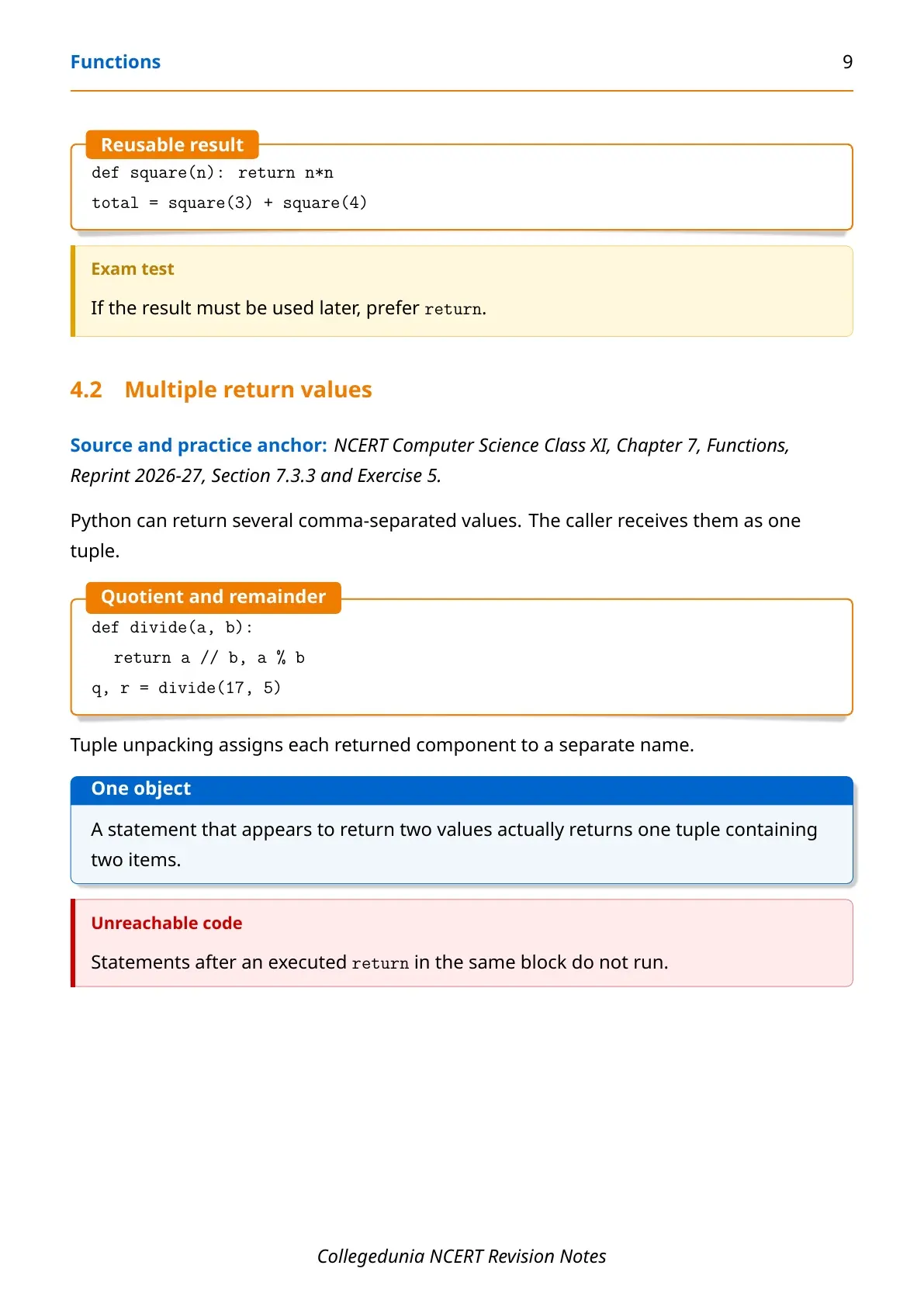
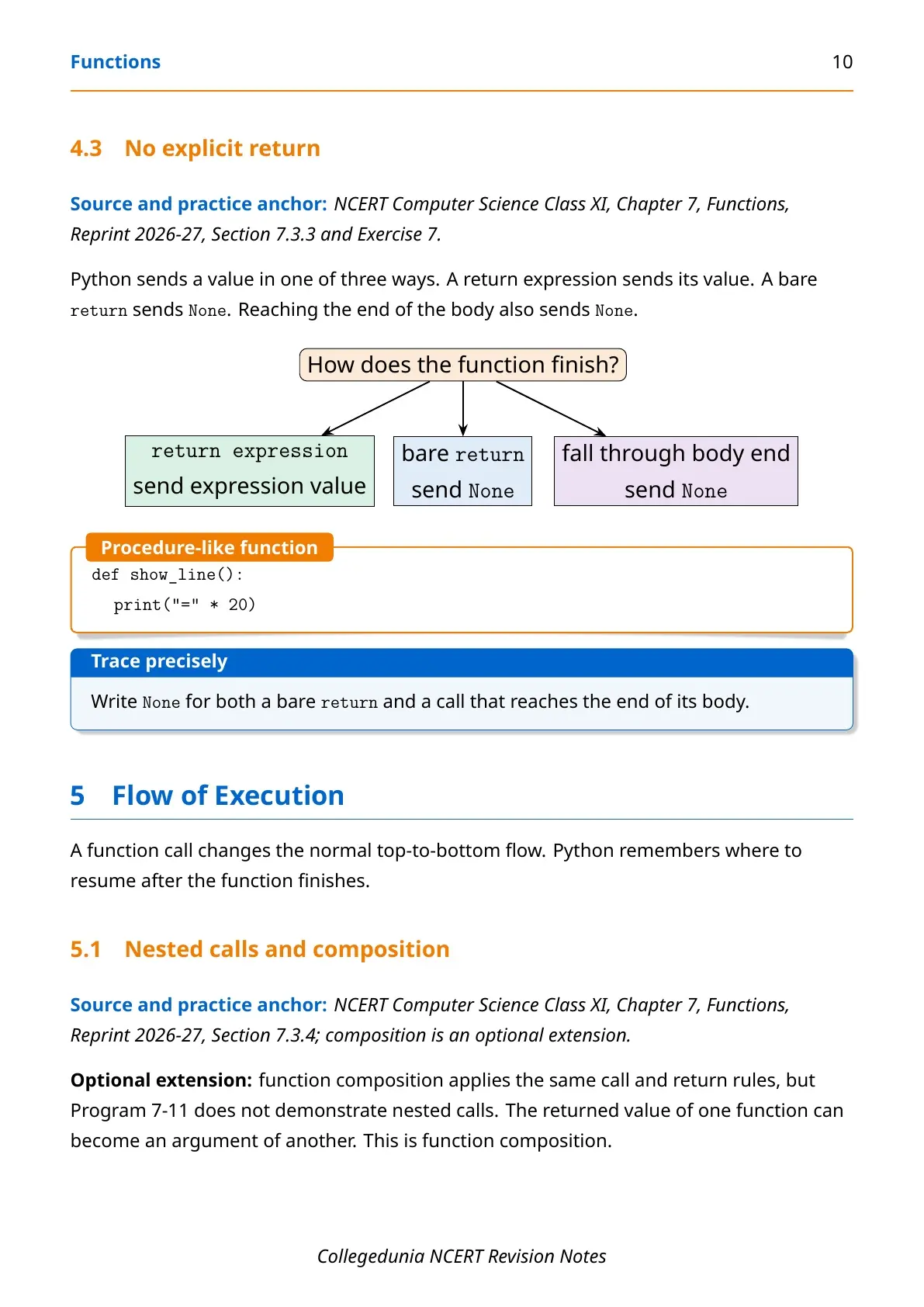
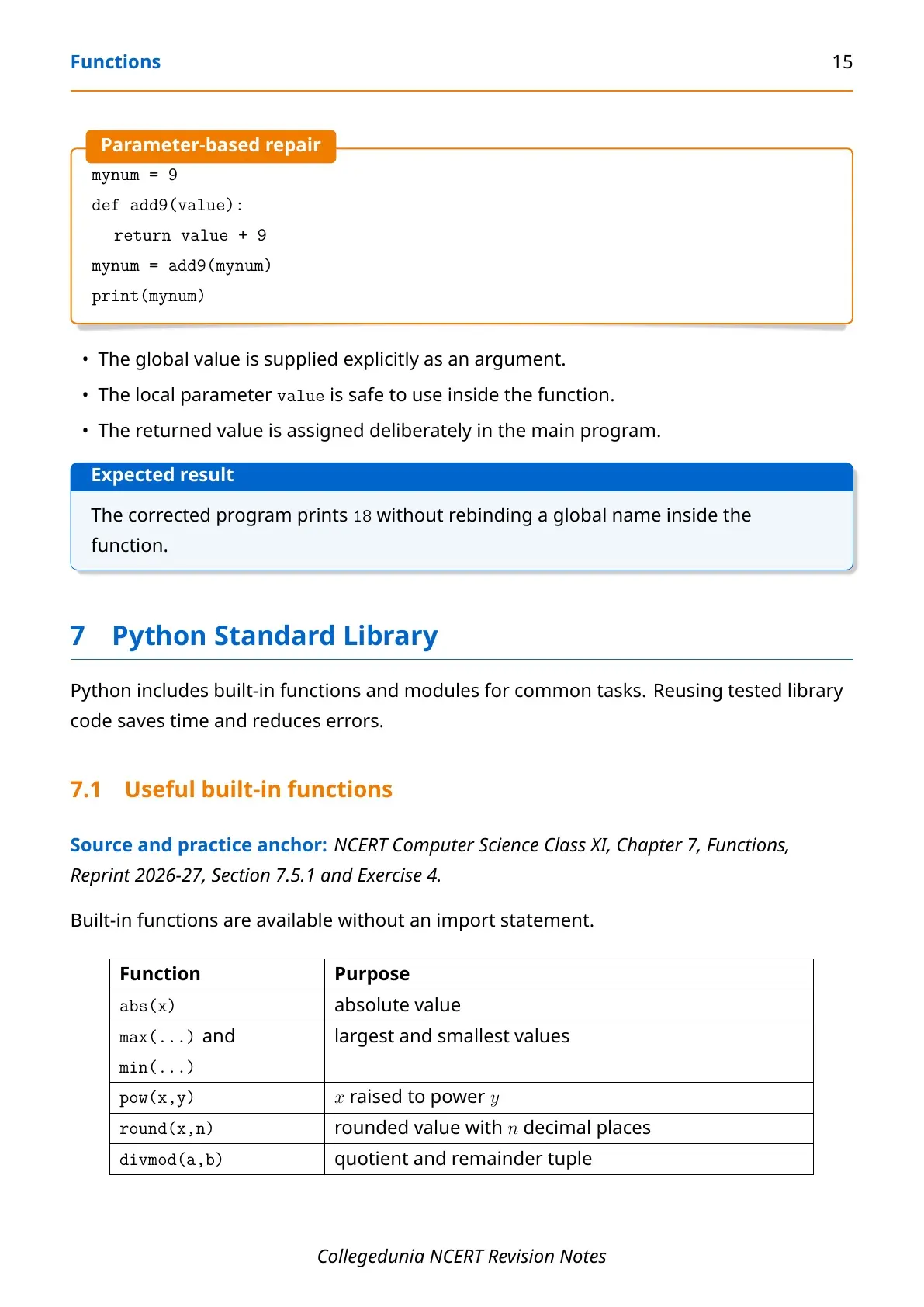
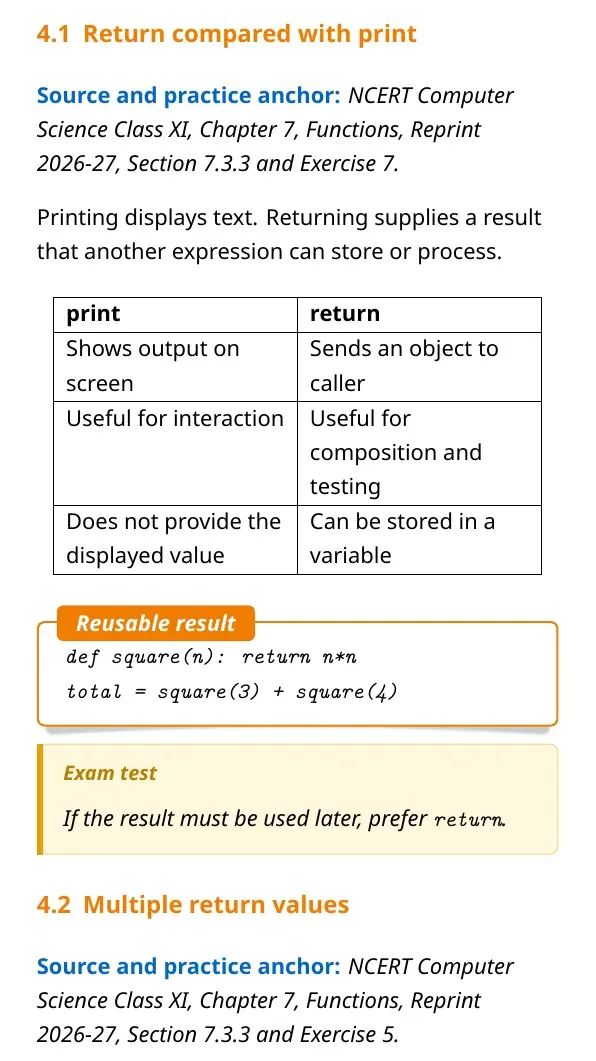
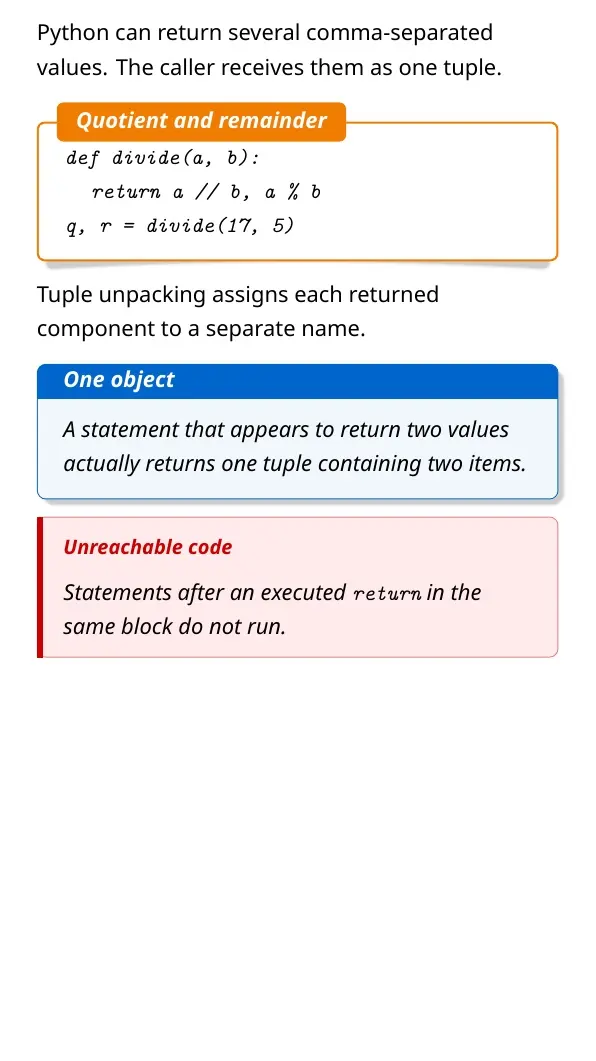
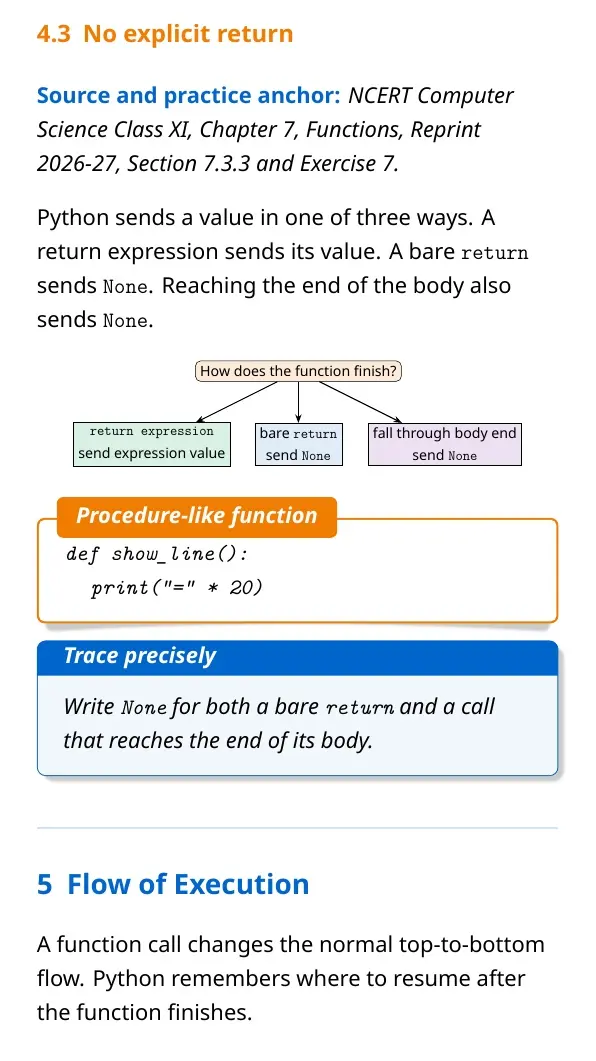
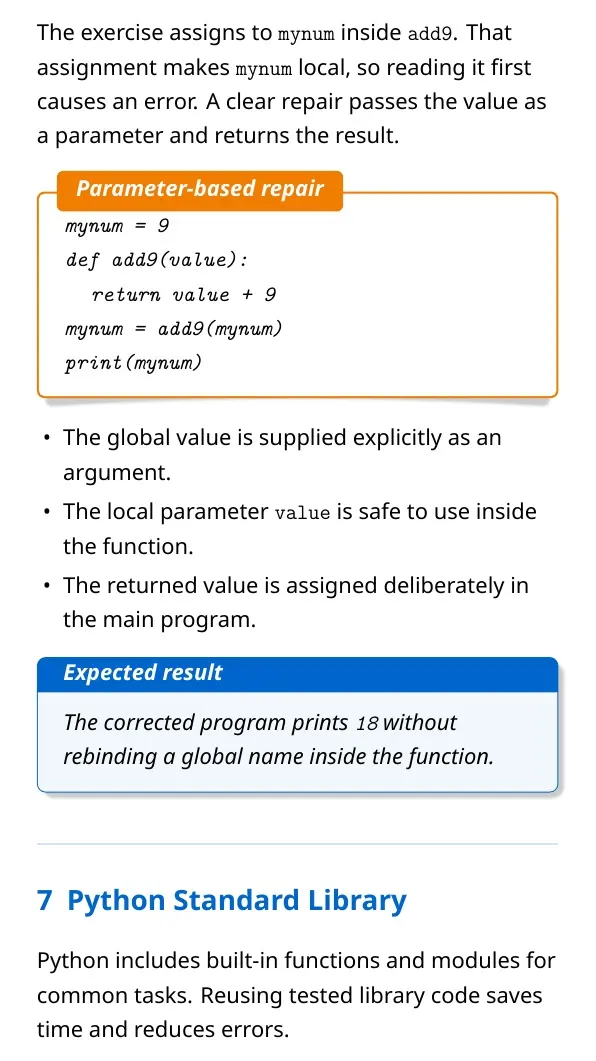
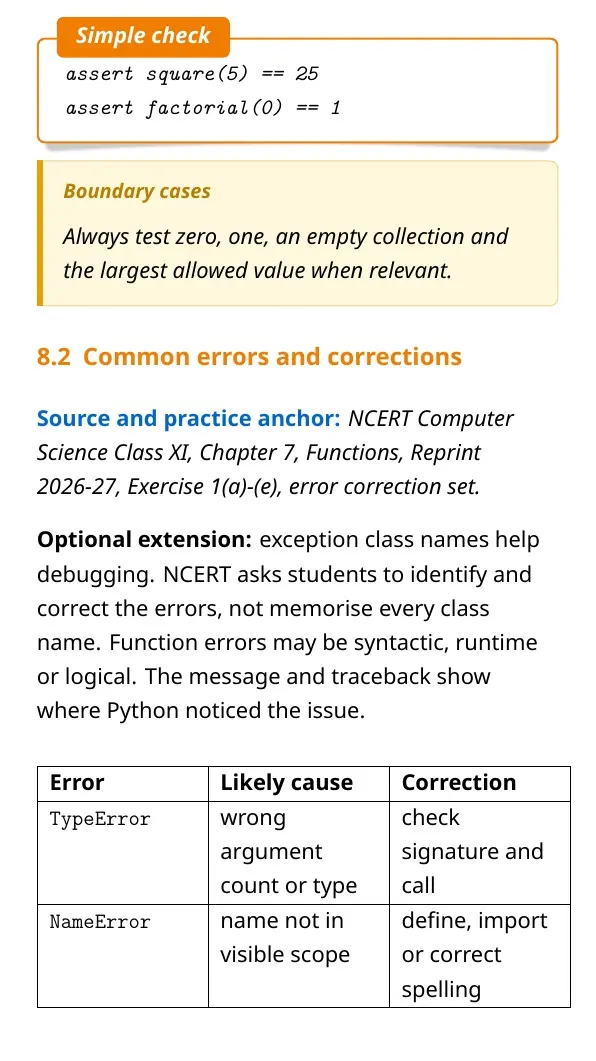
The return statement ends the current call and sends a result back. A function without an explicit return statement gives None. Printing a value is not the same as returning it.
Types of Arguments Used in Python Functions
Python lets a function receive values in several ways. The call must still match the function header. Wrong order or missing values can raise an error.
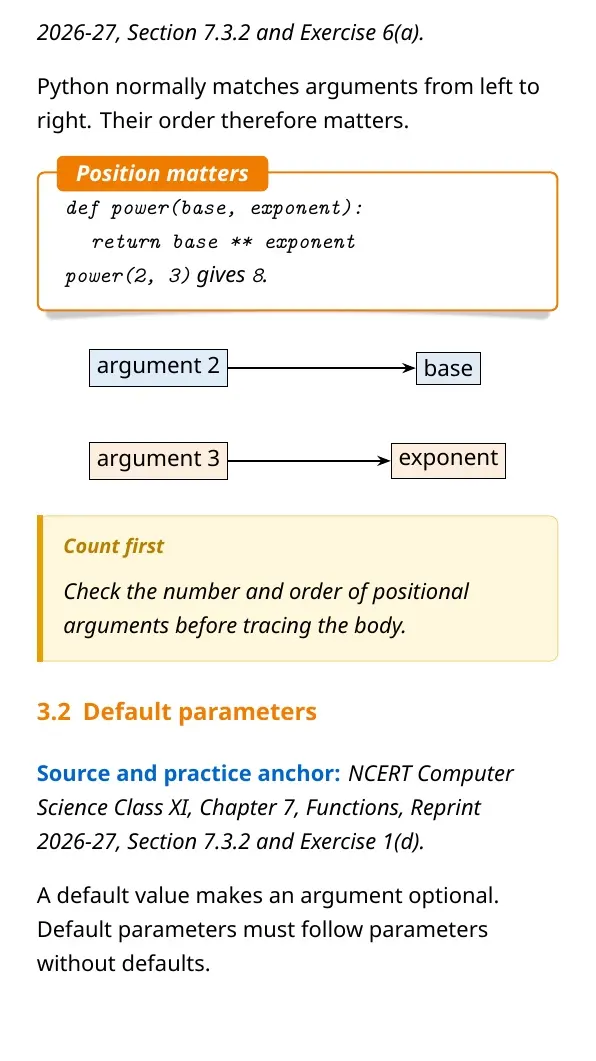
- Positional arguments: Python matches values by their order.
- Keyword arguments: The call names each parameter directly.
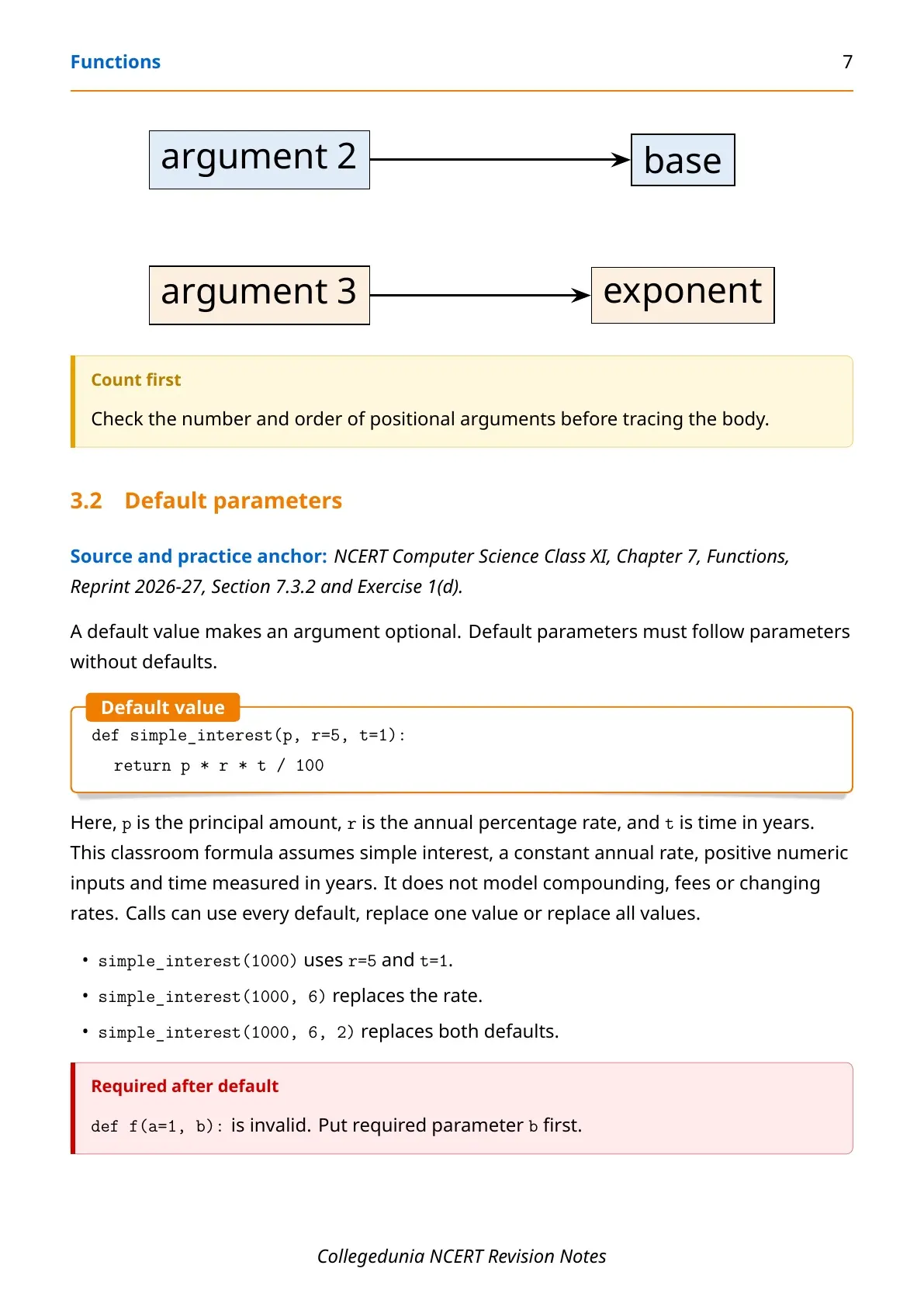
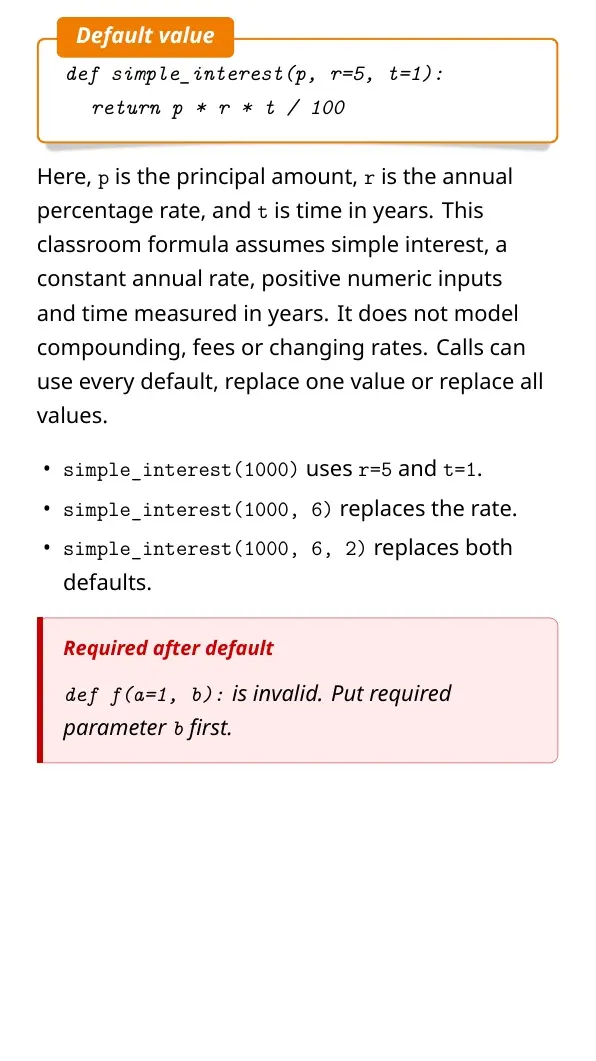
- Default arguments: The definition supplies a value when the caller omits it.
Place parameters with default values after parameters without defaults. This order keeps the function header valid and makes each call easy to read.
Variable Scope and Lifetime in Python Functions
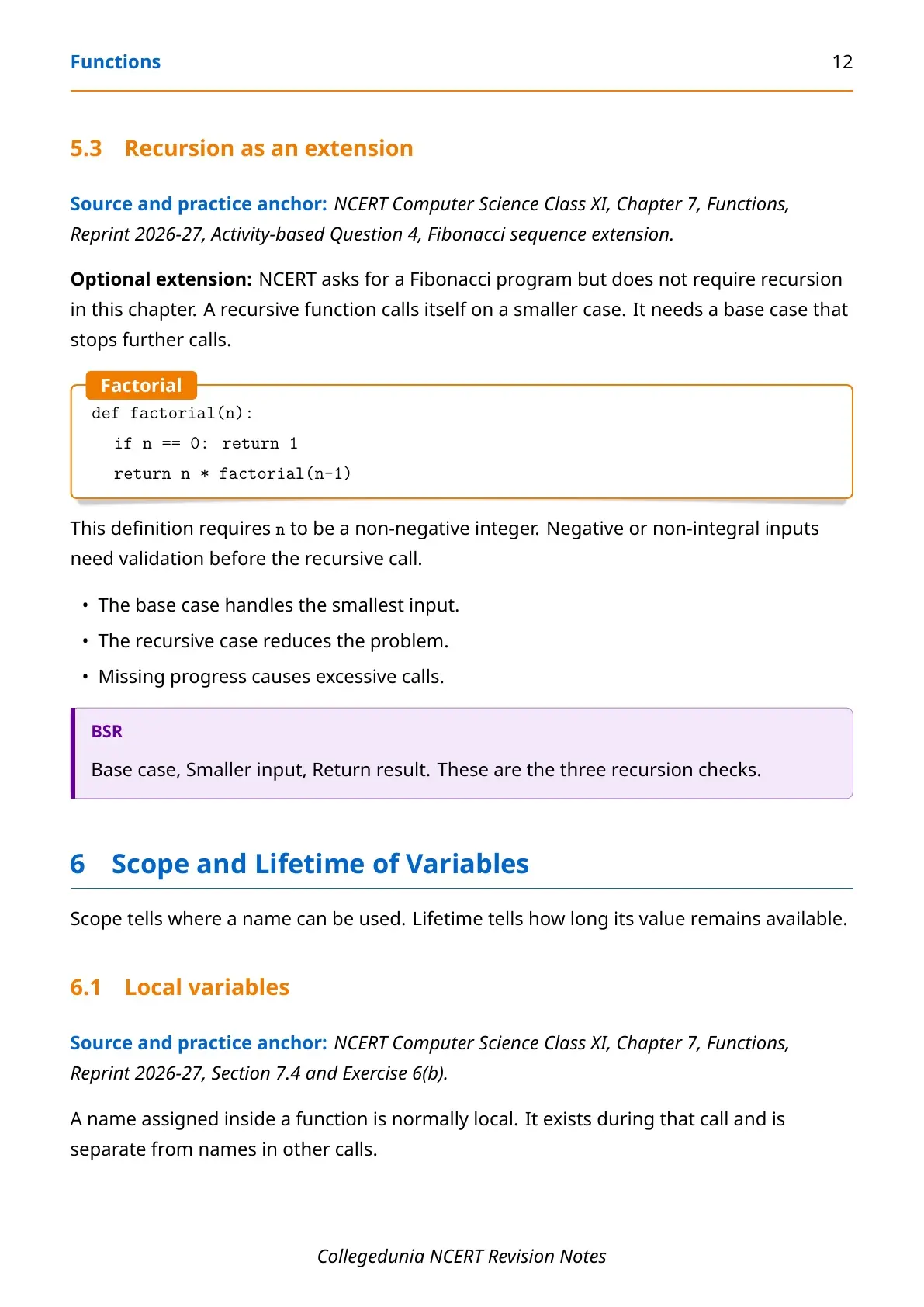
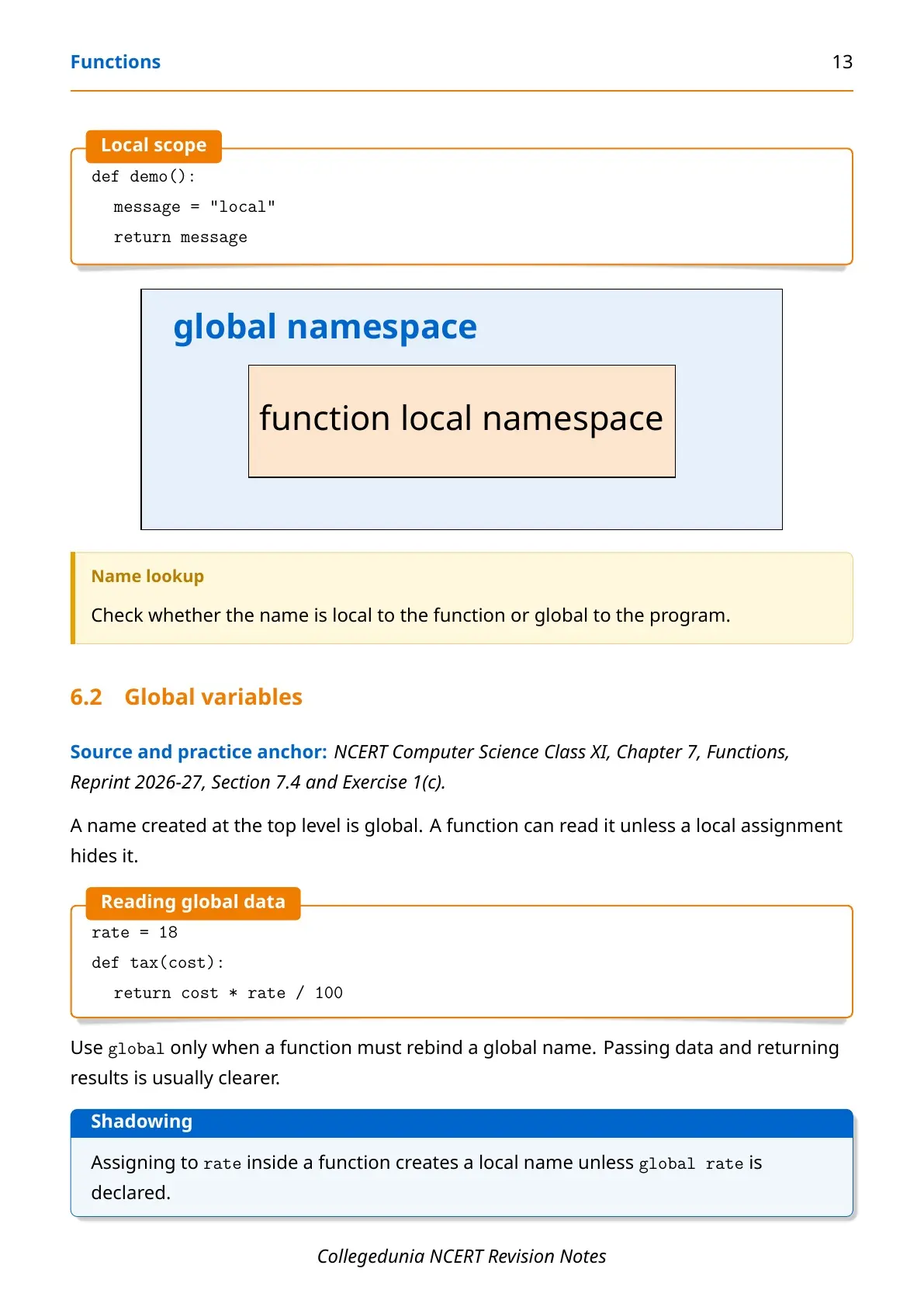
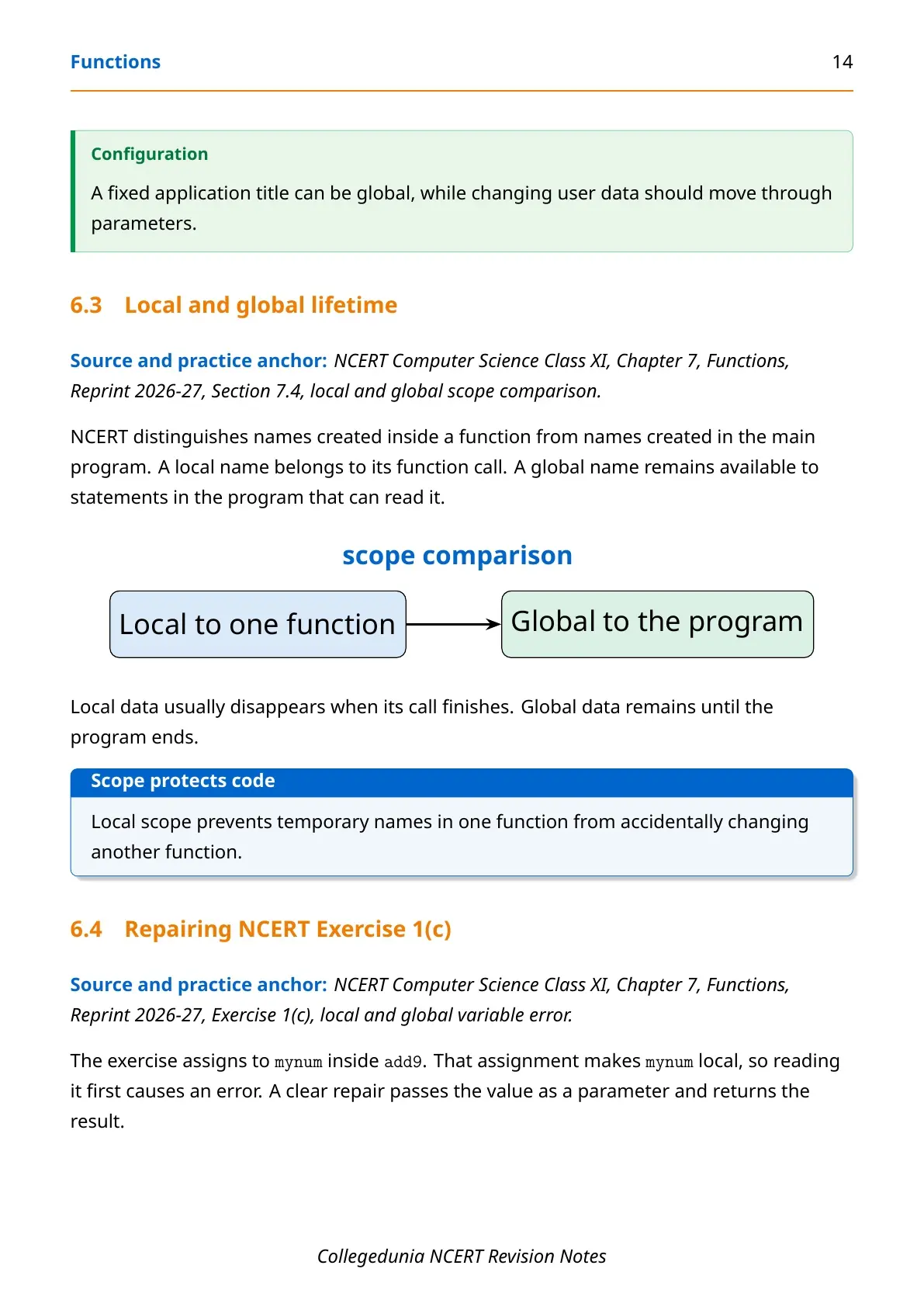
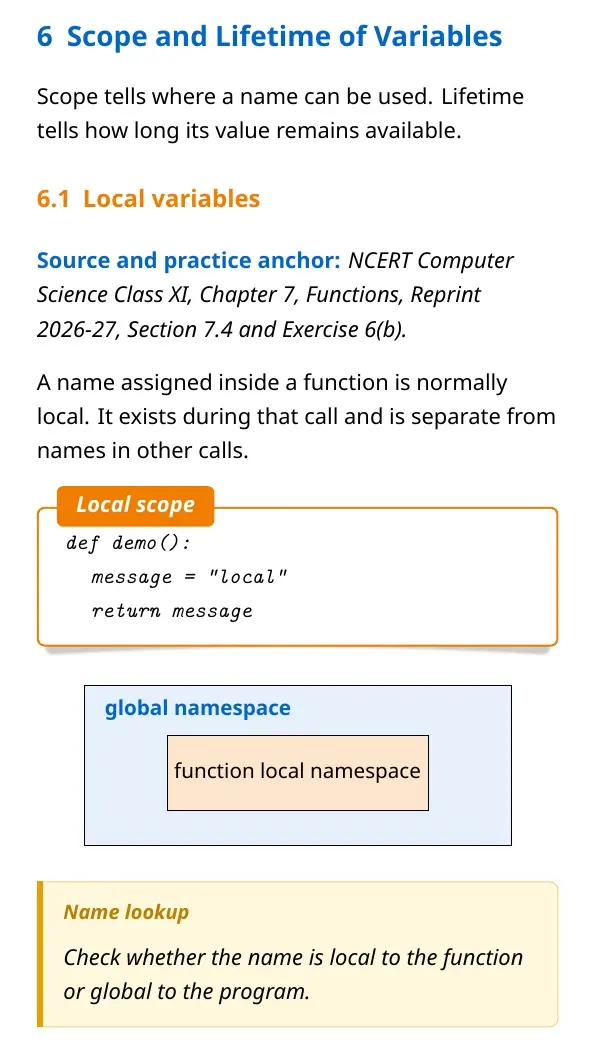
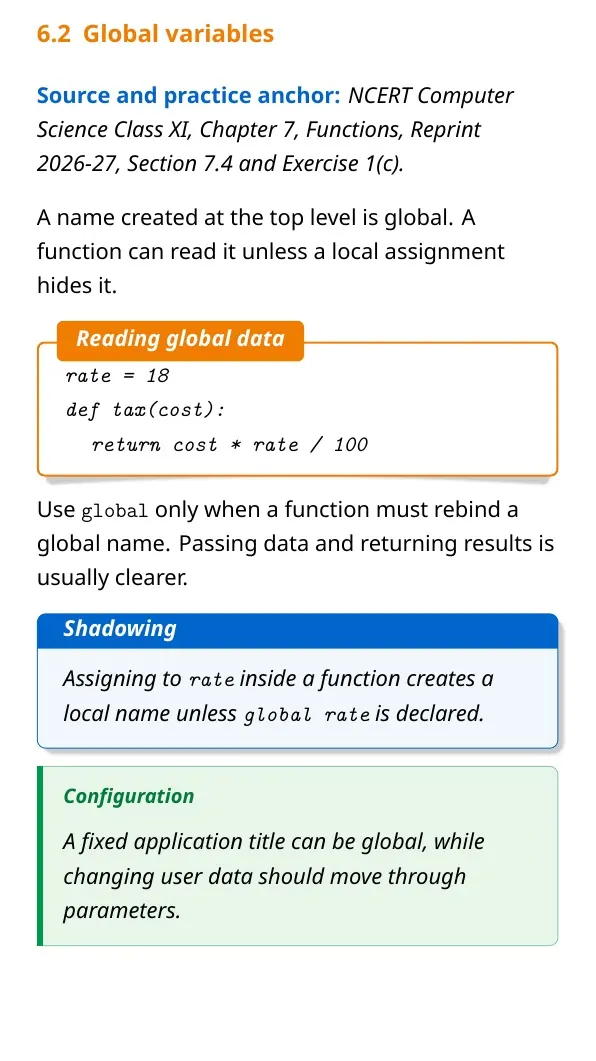
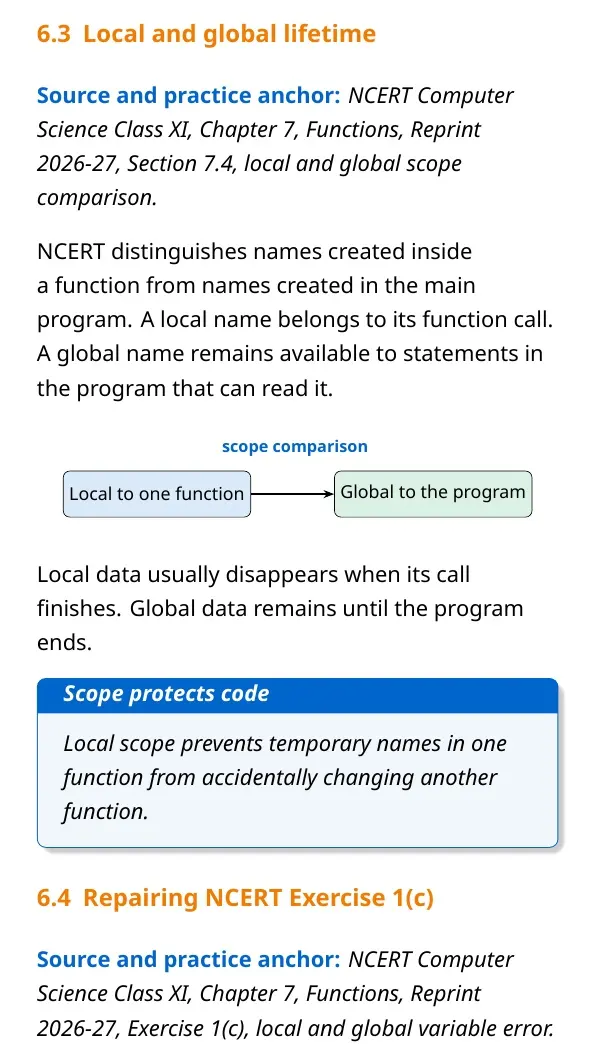
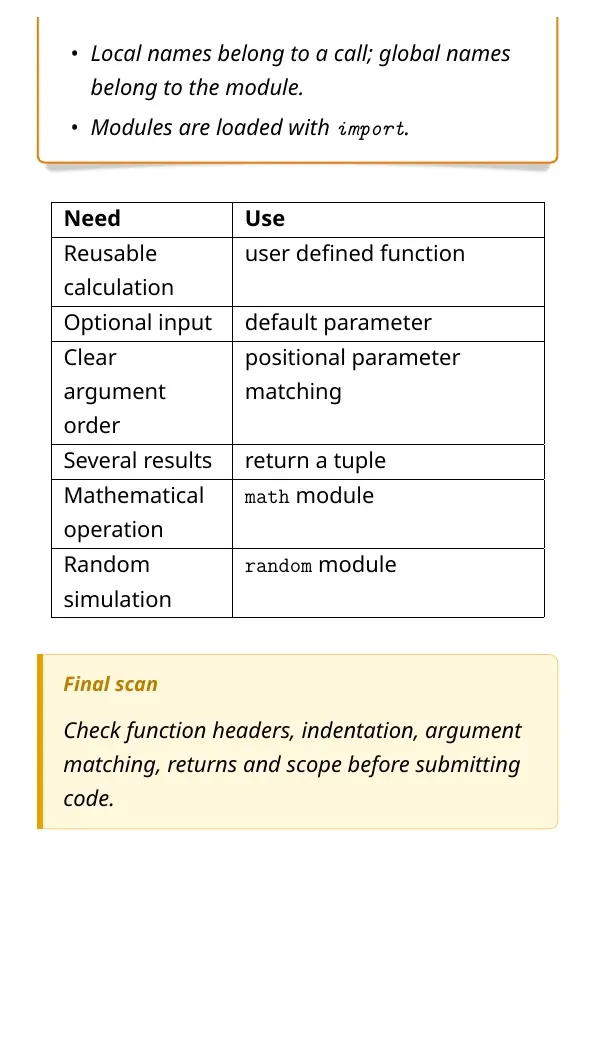
Scope tells where a variable can be used. A local variable belongs to one function call. A global variable is created outside functions and can be read across the program.
| Variable type | Created where | Available where |
|---|---|---|
| Local | Inside a function | Inside that function call |
| Global | Outside all functions | Across the program, subject to Python's scope rules |
A local variable usually stops existing after the function finishes. Avoid changing global values without a clear need. Local variables make functions safer and easier to test.
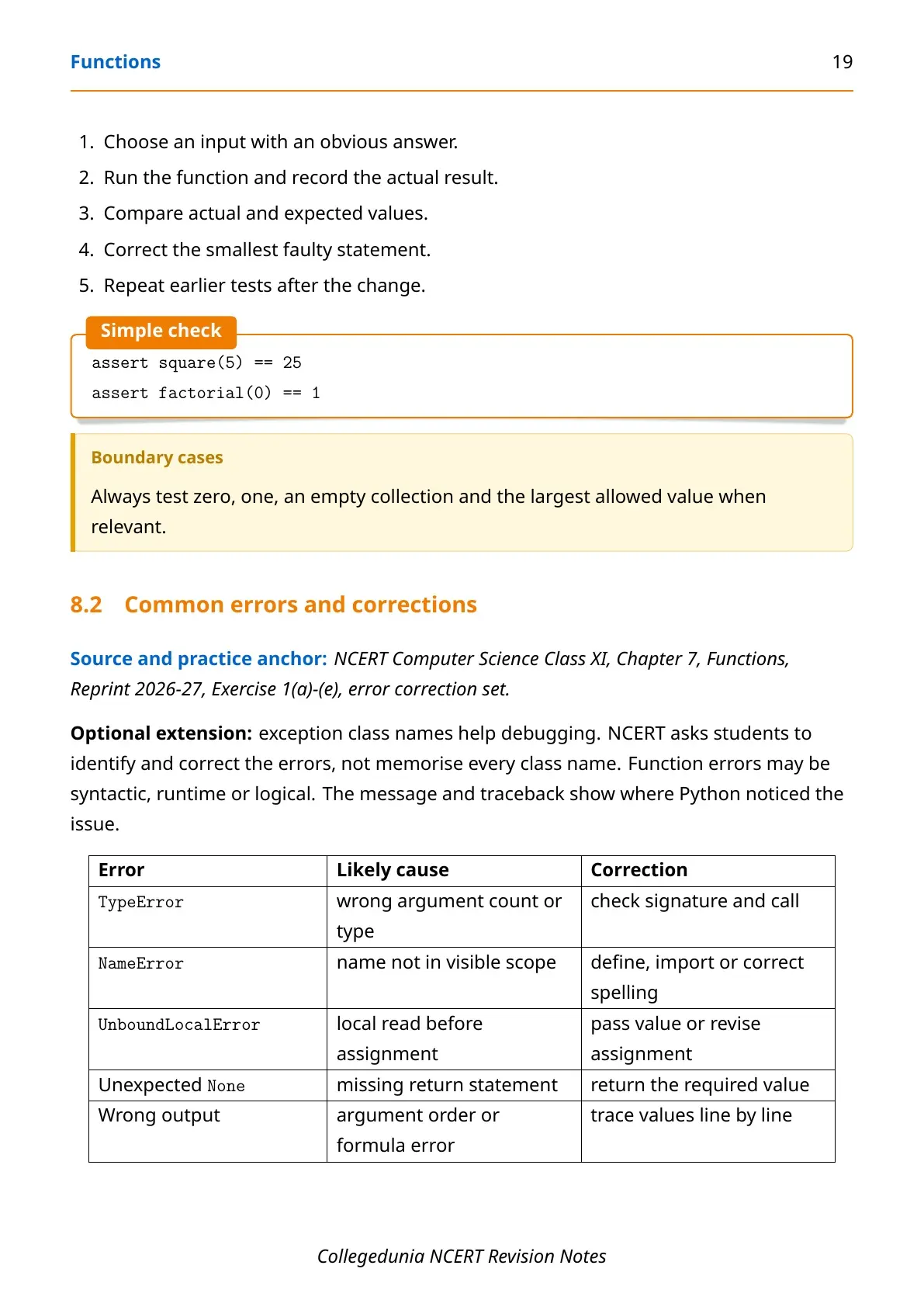
Common Errors While Writing Functions in Python
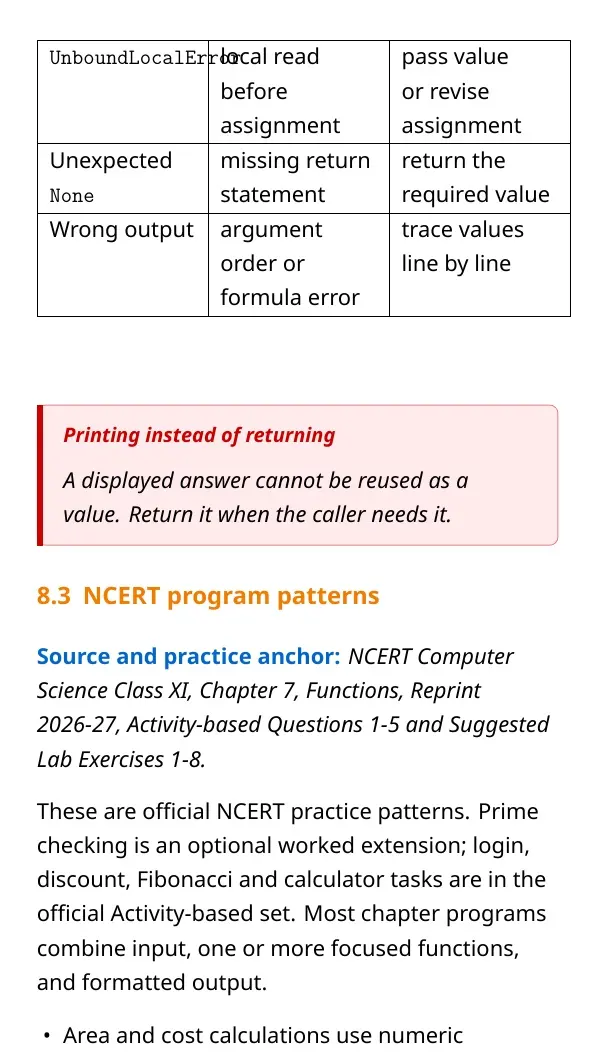
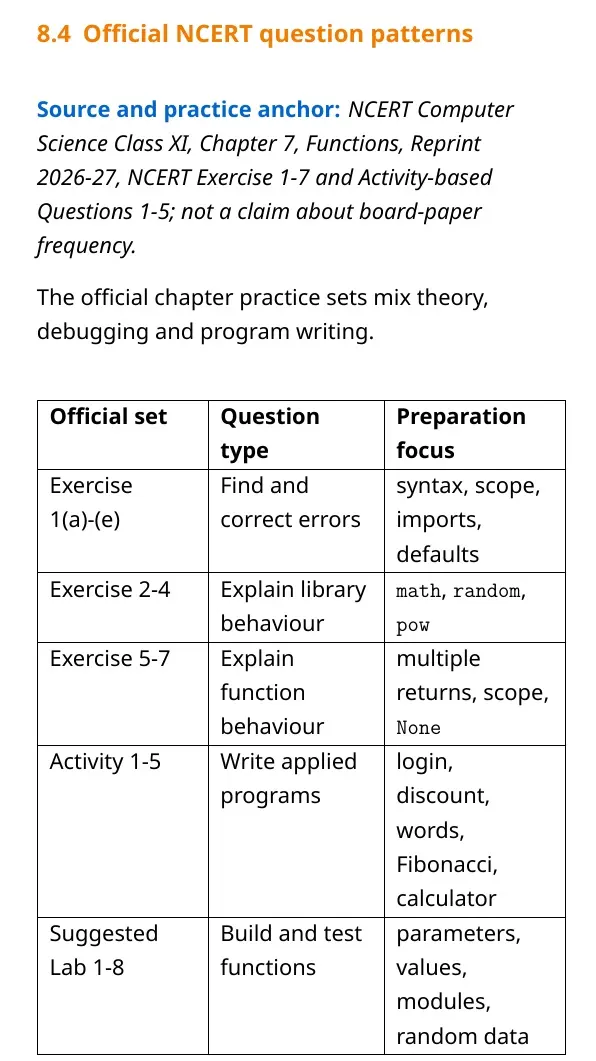
Function questions often test small syntax and logic details. Check the header, indentation and call before tracing the body.
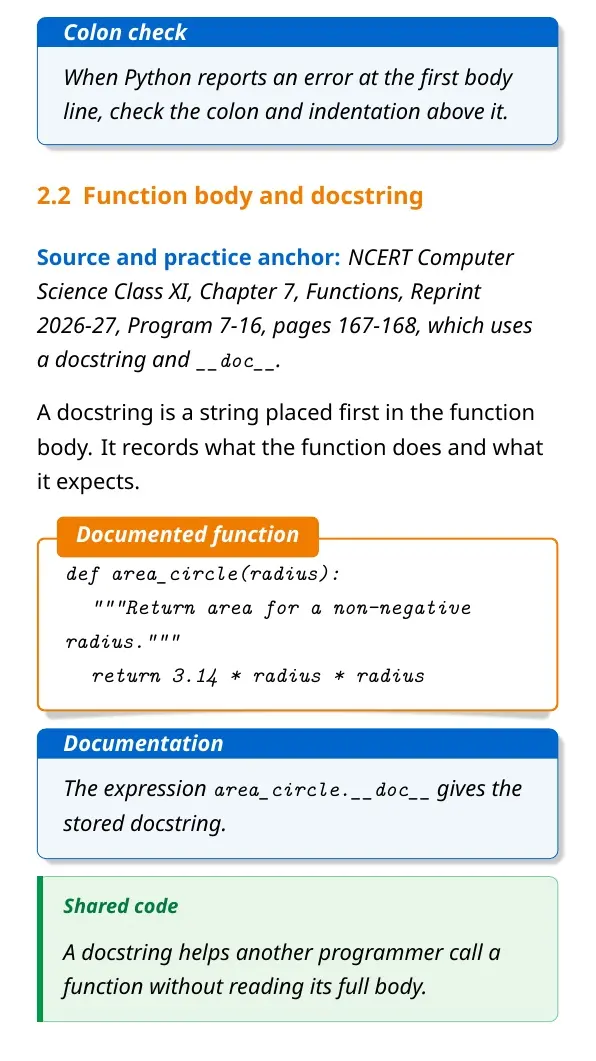
- Forgetting the colon after the function header.
- Writing the function body at the wrong indentation level.
- Passing too many or too few arguments.
- Using a local variable outside its function.
- Expecting
print()to send a value back.
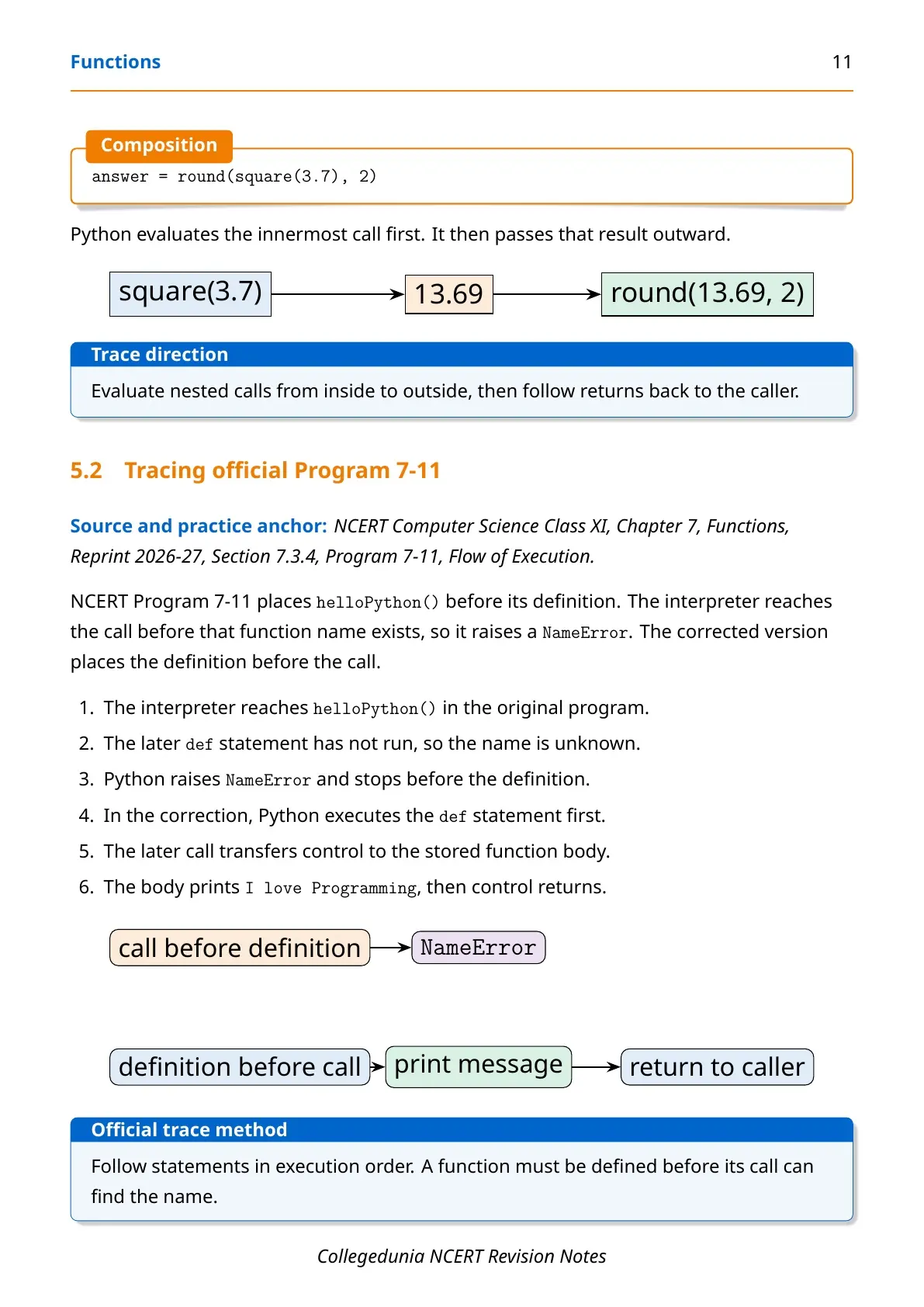
Tip: Trace each call in a separate box. Write parameter values first, then follow the body line by line.
How to Revise Functions for Class 11 Computer Science
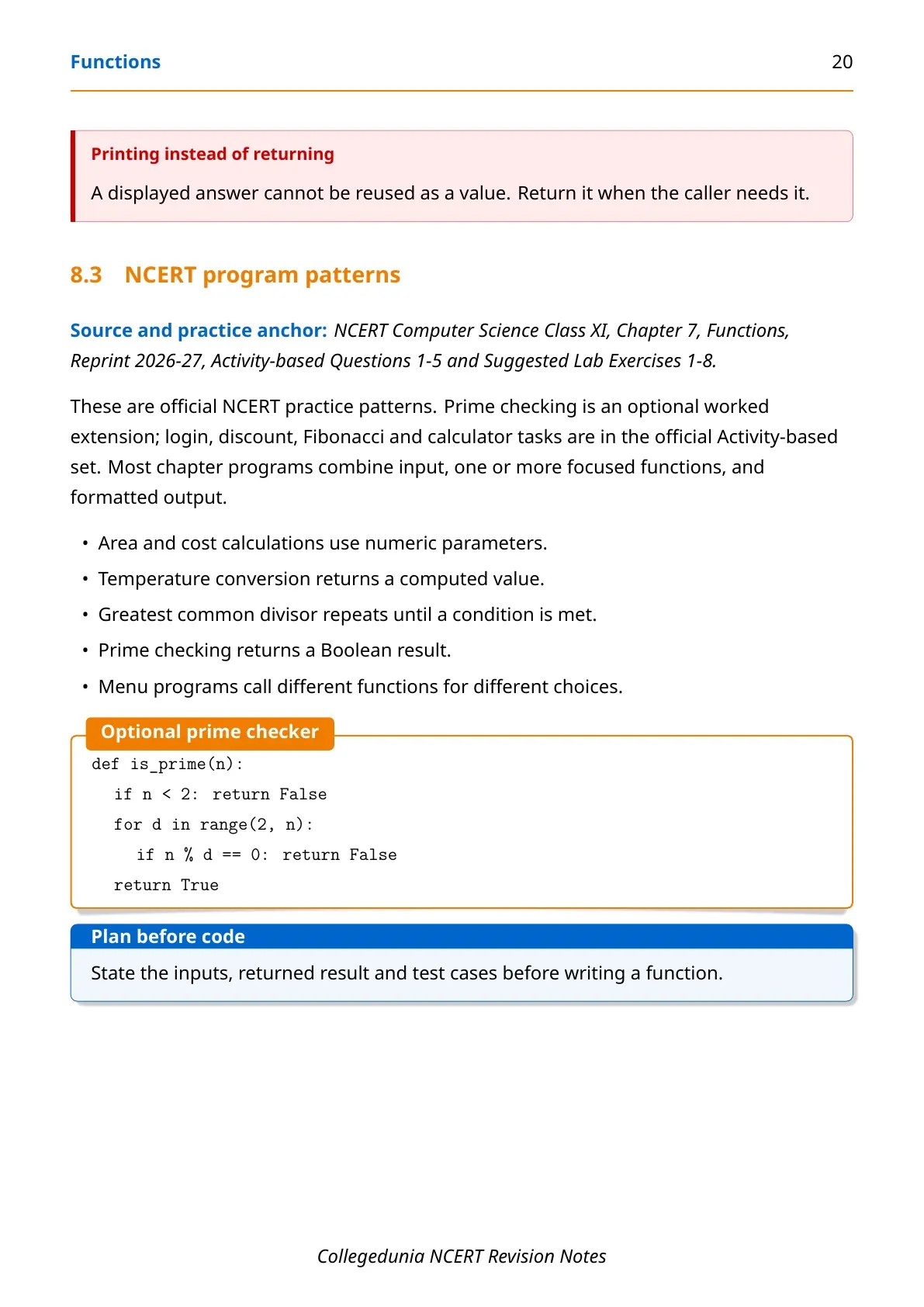
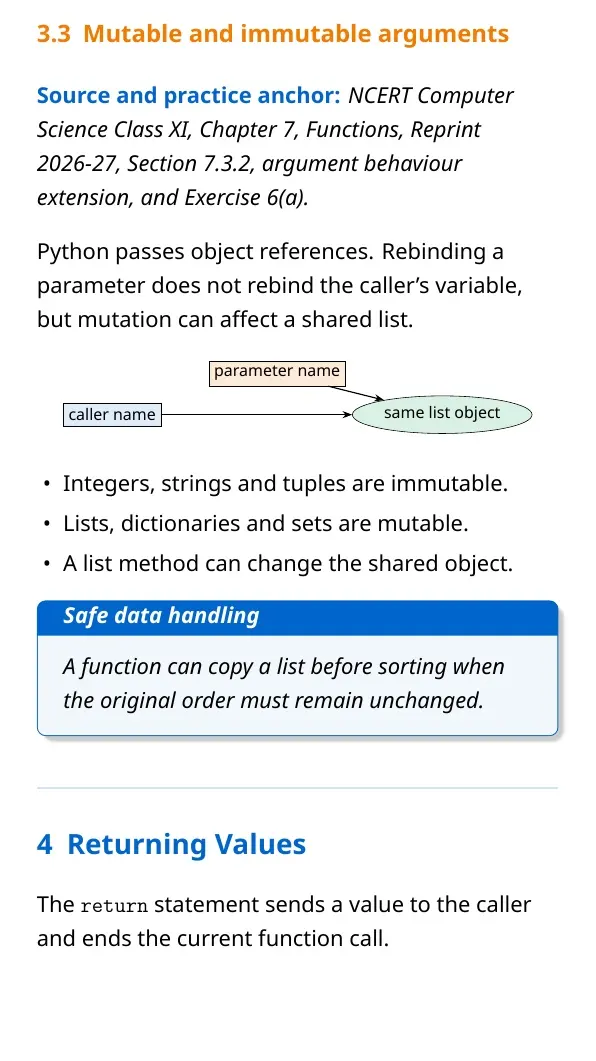
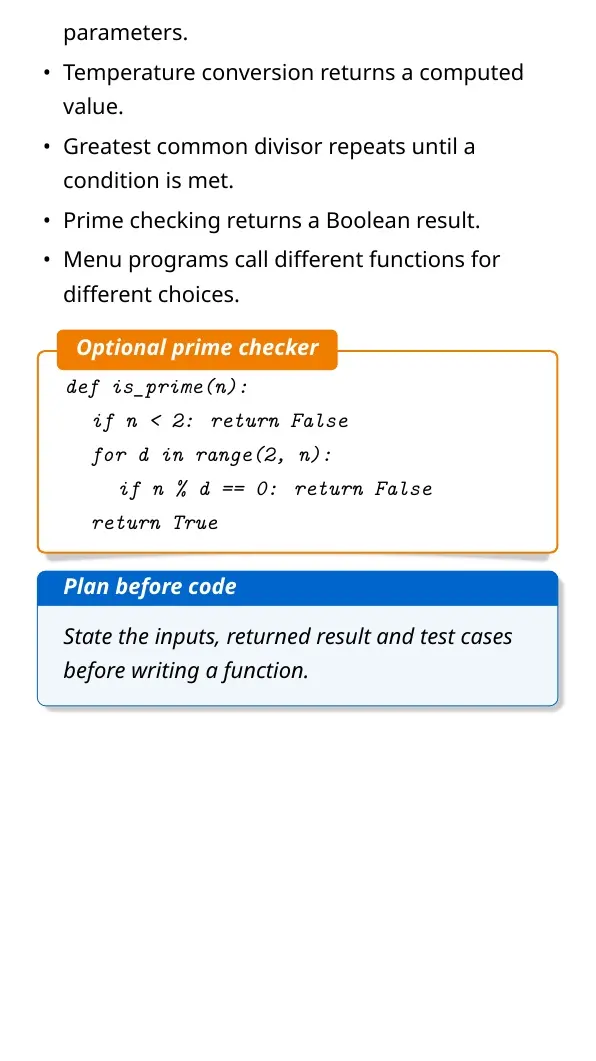
Start with the definition and call structure. Then compare parameter types and scope rules. End with short programs that calculate and return a value.
- Write one function with no parameters.
- Add positional, keyword and default arguments.
- Change a printed result into a returned result.
- Trace local and global variables in two calls.
Do not memorise code without tracing it. A short dry run shows when control enters the function and what value comes back.
Related Resources for Functions Class 11 Computer Science
| Resource | How it helps | Link |
|---|---|---|
| NCERT Book PDF | Read the official explanation and examples | Functions Class 11 Book PDF |
| NCERT Solutions | Check exercise answers and Python programs | Functions Class 11 NCERT Solutions |
| Handwritten Notes | Use a quick handwritten revision copy | Functions Class 11 Handwritten Notes |
Class 11 Computer Science Notes for All Chapters
| Chapter | Notes link |
|---|---|
| Chapter 5 Getting Started with Python | Getting Started with Python Notes |
| Chapter 6 Flow of Control | Flow of Control Notes |
| Chapter 7 Functions | Current chapter notes |
| Chapter 8 Strings | Strings Notes |
| Chapter 9 Lists | Lists Notes |
Functions Computer Science Notes FAQs
Ques. What is a function in Python?
Ans. A function is a named block of reusable code. It performs a task when the program calls it.
Ques. What is the difference between a parameter and an argument?
Ans. A parameter appears in the function definition. An argument is the actual value passed during a function call.
Ques. How is a user-defined function created in Python?
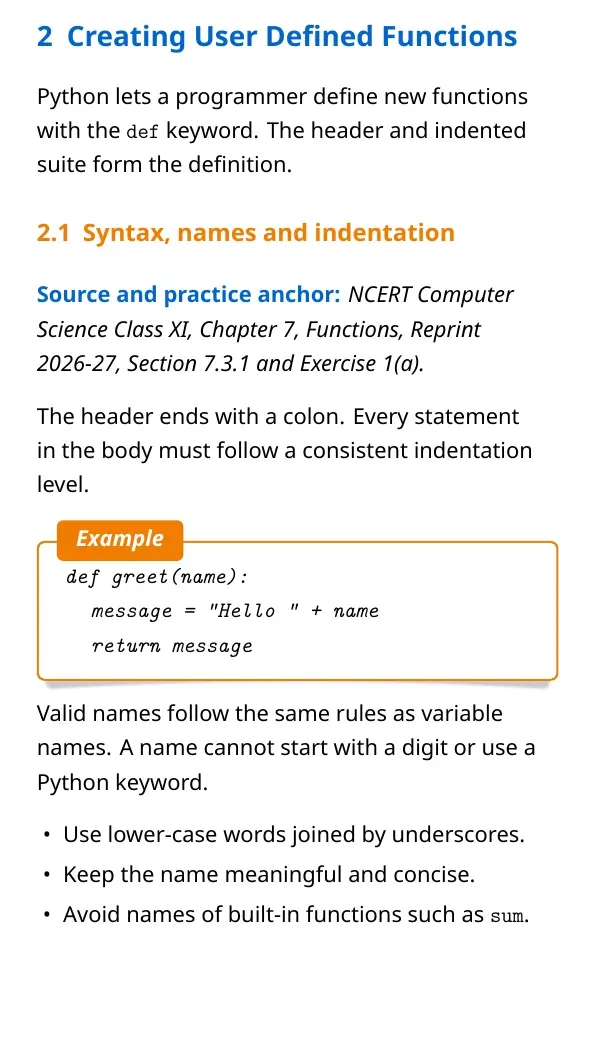
Ans. Use the def keyword, write the function name and parentheses, add a colon, then indent the body.
Ques. What does the return statement do?
Ans. The return statement ends the current function call and sends a value back to the calling statement.
Ques. What are local and global variables?
Ans. A local variable is created inside a function. A global variable is created outside functions and has wider scope.
Ques. Why are functions useful in a program?
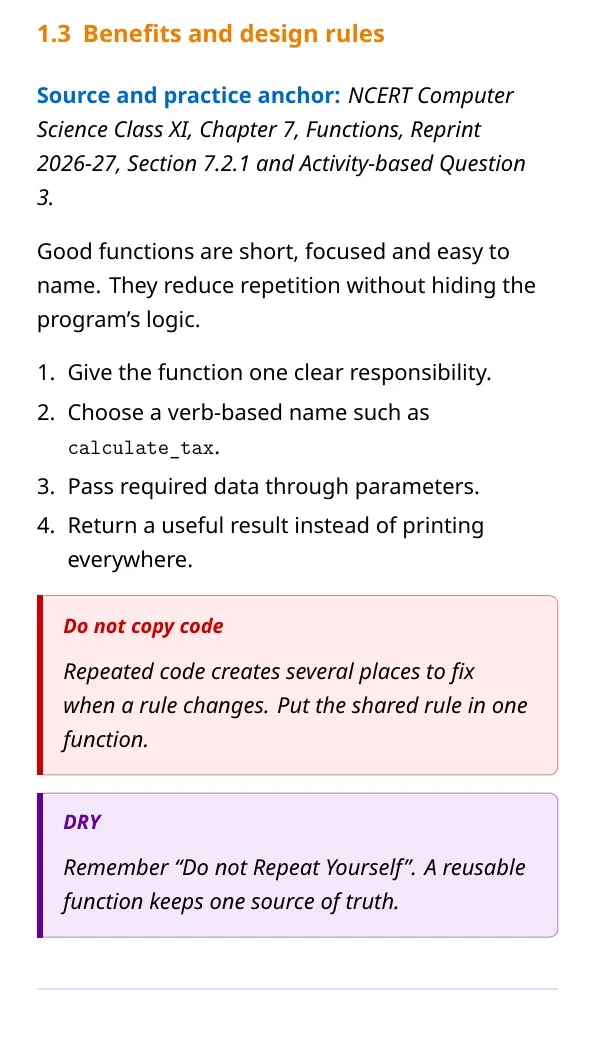
Ans. Functions reduce repeated code. They also split a large program into smaller parts that are easier to test.



Comments