


Content Writer | Updated On - Apr 27, 2026
Karnataka Examinations Authority (KEA) has released the provisional answer key for KCET 2026. Candidates can download subject-wise answer keys from cetonline.karnataka.gov.in.
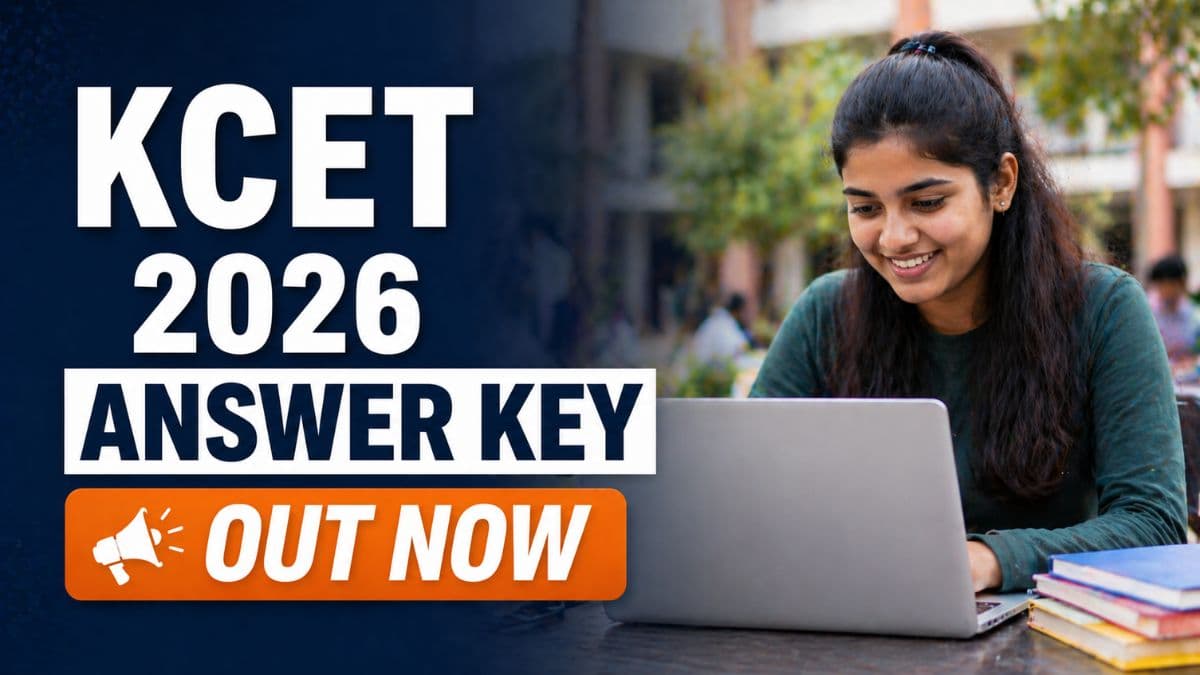
The Karnataka Examinations Authority (KEA) has released the provisional answer key for KCET 2026 (Karnataka Common Entrance Test) on April 25, 2026. Candidates who appeared for the engineering entrance examination can now download the subject-wise answer keys from the official website at cetonline.karnataka.gov.in. The answer key includes solutions for Physics, Chemistry, and Mathematics papers conducted on April 23 and 24, 2026. Candidates have until April 30, 2026 to submit objections against the provisional answer key through the official portal.
The KCET 2026 answer key has been released in multiple versions/codes to correspond with different question paper sets distributed during the examination. Candidates can download the answer key for their specific paper code and verify their answers. The answer key serves as an official reference for candidates to estimate their scores before the final result declaration. Candidates are advised to carefully check their paper code before downloading the corresponding answer key to ensure accuracy.
Read More: Check KCET Previous Year Question Paper with Solution PDF
| Event | Dates |
|---|---|
| Exam Dates | April 23-24, 2026 |
| Answer Key Release Date | April 25, 2026 |
| Objection Submission Deadline | April 30, 2026 |
| Official Website | cetonline.karnataka.gov.in |
| Objection Fee | No fee charged |
| Expected Result Date | May 2026 |
| Total Candidates Appeared | Approximately 3.3 lakh |
How to Download KCET 2026 Answer Key?
- Visit the official KEA website at cetonline.karnataka.gov.in on your web browser.
- Navigate to the "KCET 2026 Answer Key" section on the homepage.
- Click on the answer key download link to access the portal.
- Log in using your CET number and date of birth as registered during application.
- Select your subject (Physics, Chemistry, or Mathematics) from the available options.
- Select your paper code/version to download the corresponding answer key.
- The answer key PDF will be displayed on the screen showing question-wise correct answers.
- Download the PDF file and save it on your device for reference.
- Print a copy if needed for manual score calculation and verification.
- Compare your answers with the official answer key to estimate your score.
How to Raise Objections Against KCET 2026 Answer Key?
- Visit the official KEA website at cetonline.karnataka.gov.in.
- Log in to the candidate portal using your CET number and date of birth.
- Navigate to the "Raise Objection" or "Challenge Answer Key" section.
- Select the subject for which you want to raise an objection.
- Enter your paper code/version number.
- Select the question number against which you want to raise an objection.
- Provide a detailed explanation of your objection with supporting evidence or reasoning.
- Attach relevant documents or references if required to support your objection.
- Submit your objection before the deadline of April 30, 2026 at 11:59 PM.
- Keep a copy of your objection receipt for future reference and tracking.
Candidates are advised to carefully review the answer key and submit objections only for questions where they have strong evidence or reasoning to support their challenge. The objection should be specific and well-documented with proper justification. KEA's expert committee will evaluate all objections and make final decisions on answer key corrections. The final answer key and result will be released after the objection review process is completed. For any technical issues or queries regarding the answer key or objection process, candidates can contact KEA helpline or visit the official website for assistance.
Also Read:
- Top Engineering Colleges in Karnataka Accepting KCET 2026
- KCET 2026 Biology Question Paper with Solutions
- KCET 2026 Mathematics Question Paper with Solutions
- What is a good score in KCET?
Subscribe to Collegedunia to get the latest news and updates –
.jpeg?h=127&w=254&mode=stretch)

.jpeg?h=127&w=254&mode=stretch)

.jpeg?h=127&w=254&mode=stretch)

.jpeg?h=127&w=254&mode=stretch)
.jpeg?h=40&w=40&mode=stretch)

.jpeg?h=40&w=40&mode=stretch)
.jpeg?h=40&w=40&mode=stretch)


.jpeg?h=40&w=40&mode=stretch)
.jpeg?h=40&w=40&mode=stretch)


.jpeg?h=40&w=40&mode=stretch)
.jpeg?h=40&w=40&mode=stretch)



Comments