



Content Writer | Updated On - Apr 7, 2026
The AP ICET 2026 exam will be a Computer-Based Test (CBT) lasting 150 minutes. There are 200 Multiple Choice Questions (MCQs) with no negative marking, meaning students should attempt every question.
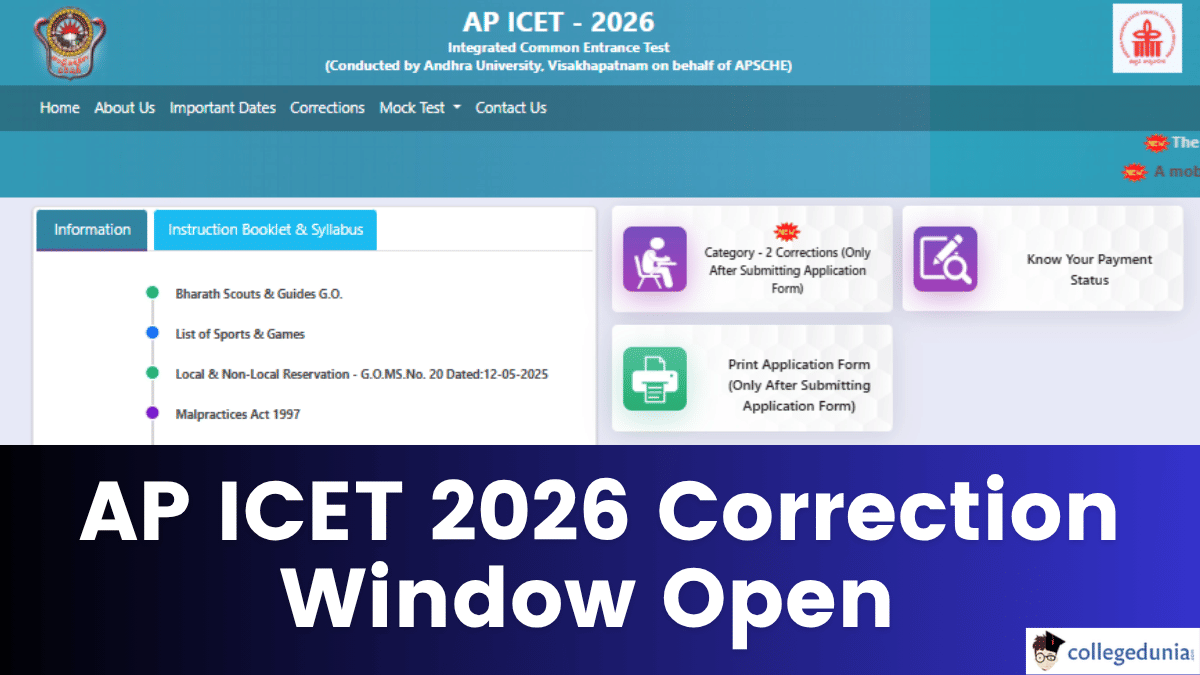
The Andhra Pradesh State Council of Higher Education (APSCHE) has opened the application correction window for the AP ICET 2026 today, April 6, 2026. This is the final opportunity for candidates to rectify errors in their submitted application forms before the hall tickets are released.
Applicants who have already registered for the entrance exam can now log in to the official portal to make necessary changes.
Also Check: AP ICET Eligibility 2026: Check Age Limit, Qualification, Reservations
AP ICET 2026 Important Dates
| S.No | Event / Particulars | Date / Timing |
|---|---|---|
| 1 | Correction Window Opens | April 6, 2026 |
| 2 | Release of Hall Tickets (Admit Cards) | April 15, 2026 |
| 3 | AP ICET 2026 Exam Date | May 2, 2026 |
| 4 | Exam Timings | Shift 1: 9:00 AM - 11:30 AM Shift 2: 2:00 PM - 4:30 PM |
| 5 | Release of Preliminary Answer Key | May 5, 2026 (5:00 PM) |
| 6 | Last Date to Submit Objections on Key | May 7, 2026 (5:00 PM) |
| 7 | Declaration of Results & Ranks | May 16, 2026 |
For more information, students can visit the official website, cets.apsche.ap.gov.in. For easy access, the link is given below.
Direct Link: AP ICET 2026 Correction Window Open
What Can Be Corrected in the APICET 2026 Form and How?
The correction process is categorized into two sections based on the nature of the information:
Category 1: Non-Editable by Candidates (Requires Email Request)
These details cannot be changed directly on the website. To correct these, the candidate must send an email to helpdeskapicet@apsche.org along with the relevant documents:
- Candidate Name: Submit SSC Marks List.
- Father’s Name: Submit SSC Marks List.
- Date of Birth: Submit SSC Marks List or equivalent.
- Signature: Submit a scanned copy of the new signature.
- Photograph: Submit a new scanned photograph.
- Qualifying Exam Hall Ticket Number: Submit the Degree/Certificate.
- Community / Reservation Category: Submit a certificate from a competent authority.
Category 2: Editable by Candidates (Direct Online Correction)
These details can be changed by the candidate directly on the official portal today:
- Type of Examination (MBA/MCA)
- Mother's Name
- Gender
- Aadhaar Card & EWS details
- Local Area Status & Non-Minority/Minority status
- Qualifying Exam Details (Year of passing, medium of instruction, etc.)
- Annual Income of Parents
- Study Details (Class 6 to Degree)
- Address for Correspondence
Go to cets.apsche.ap.gov.in. Look for the "Edit/Correction" link on the homepage. Enter the Payment Reference ID, Registration Number, Qualifying Exam Hall Ticket Number, Mobile Number, and Date of Birth. Modify the fields under Category 2. Review the changes and click on "Submit" to save the updated application.
Candidates are advised to check the official website at cets.apsche.ap.gov.in and collegedunia.com for the latest updates.
Read More:-
- APICET 2025 Question Paper (Available): Check Previous Year Question Paper with Solution PDF (2025-2016)
- APICET Exam Pattern 2026, Marking Scheme, Syllabus and Books
Subscribe to Collegedunia to get the latest news and updates –











.png?h=40&w=40&mode=stretch)





Comments