


| Updated On - Jun 9, 2026
IELTS Login is a secure online platform for candidates who are planning to study abroad. In India, IDP provides the portal facilities to the applicants. Applicants can log in to their IDP IELTS login portal and check for bookings, test details, results, and download the scorecard.
Any applicant appearing for the IELTS test needs to create an IELTS login account to book a test. This is the most feasible method for online booking for the IELTS test.
How to Create an IELTS Login Account in India 2026
To create an IELTS login account, applicants need to visit the IDP IELTS India website and look for registration. Here’s a complete step-by-step guide to creating an IELTS login account:
- Step 1: Visit the official IDP IELTS India website or go directly to the IELTS registration website.
- Step 2: Click on the “Register for test” and select your test type, IELTS Computer or paper-based. Select your preferred data, slot, and location.
- Step 3: If you are appearing for the first time for the IELTS test select “Create new user” and proceed.
- Step 4: Fill in your personal details, such as name as per your passport, date of birth, contact information, etc. Fill in all the details accurately and provide passport details as primary ID.
- Step 5: Upload the required documents, such as a passport copy.
- Step 6: Set up your email and create a password. Complete verification of email if required. Check for the confirmation email in your email.
- Step 7: Make the payment and confirm the booking. Once registered, your account credentials, such as email, username, and password, will be active for login.
Also Read
How to Access Your IELTS Login Portal
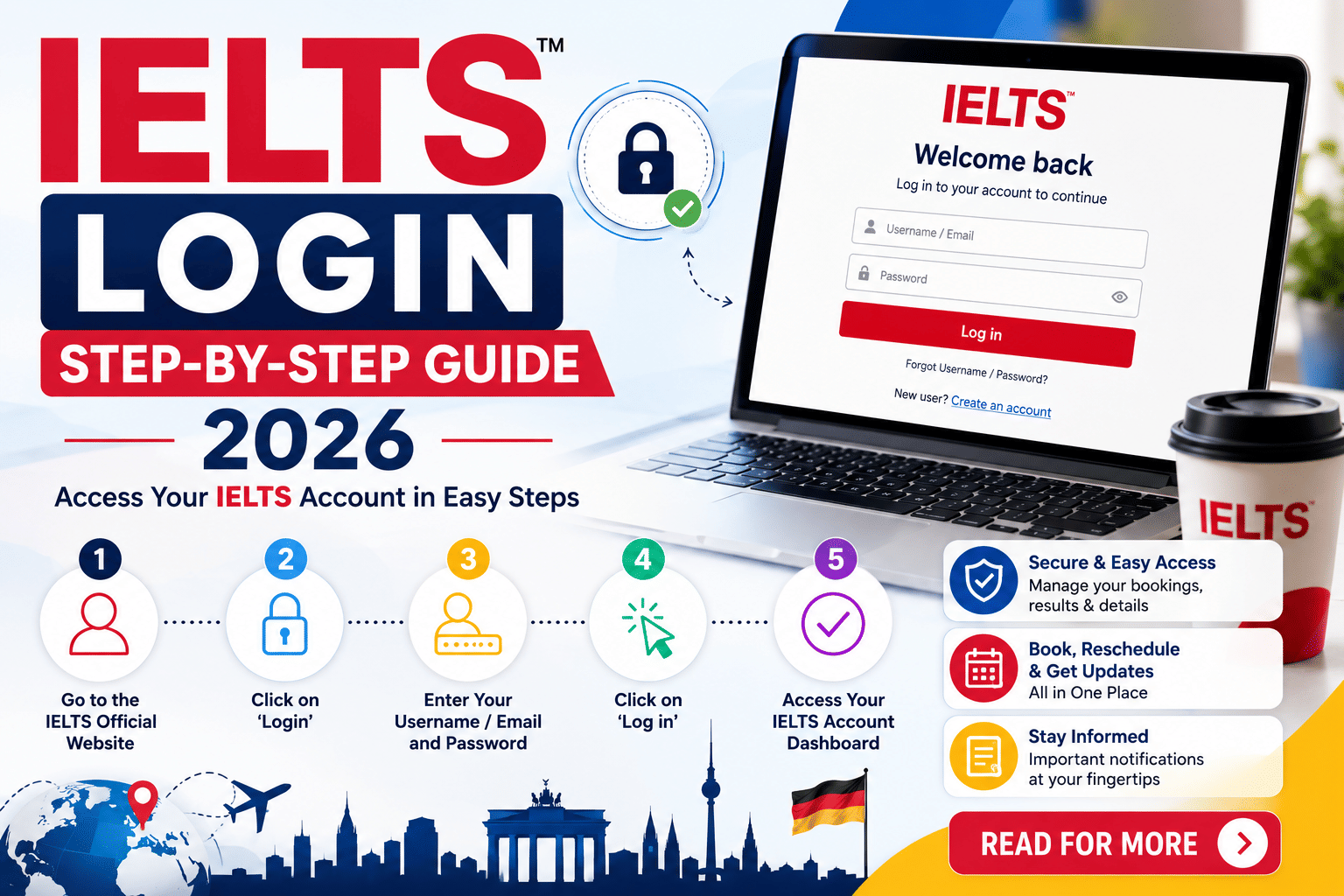
To access your IELTS login portal, applicants can follow these steps. Applicants can also reset their IELTS login passwords if they forget them. Here’s the complete guide to accessing the IELTS login portal:
- Step 1: Go to the official website of IDP IELTS Candidate login (https://www.ieltsidpindia.com/access/candidatelogin).
- Step 2: Enter the email address used for the registration or the username and password.
- Step 3: Click “login” to access the dashboard.
- Step 4: If you have forgotten your password, click on the forgotten password " link and reset it with the instructions sent to your inbox.
- Step 5: For those who are appearing for the IELTS test for the first time, complete any additional verification steps if required.
IELTS Login for Test Booking 2026
To book your IELTS test, applicants can follow these steps and get their desired slots and date. They need to log in to their IELTS account to check the availability.
- Step 1: Log in to your candidate portal through the official website of IDP IELTS.
- Step 2: Go to the “Book test” option and check the available dates, locations, and test formats.
- Step 3: Select your preferred test details and proceed with booking.
- Step 4: Use the same portal or page to reschedule or cancel your IELTS test.
- Step 5: Access preparation resources or other test-related information from the dashboard.
Note: In case of cancellation or rescheduling, applicants must check the IELTS Cancellation and rescheduling policy.
How to Check IELTS Results Using Your IELTS Login
Applicants who have taken the IELTS test can check their IELTS results by logging in to their IELTS login portal. Applicants can follow these steps to view their results:
- Step 1: Log in to your IDP Candidate login portal using your email or username.
- Step 2: Navigate to the “Results” or “Declared Results” section.
- Step 3: View your scores once they are released. It takes a maximum of 3-5 days for the computer-based results to be available and 13 days for the paper-based results.
- Step 4: Click “Download” or “Print” eTRF (electronic Test Report Form) directly from the portal.
Applicants generally receive an email from IDP IELTS when the test results are ready and declared.
Also Read
Common IELTS Login Problems and Solutions
While logging in to the IDP IELTS Login, applicants may face some problems, such as login errors due to incorrect details or network issues. Applicants need not panic in such situations. They can get assistance and help from the Helpline number of IELTS. Here is a detailed solution for technical errors:
- Forgot Password: If any applicant has forgotten their IELTS login password, they can restore it from the login page. You can click on “Forgot Password?”, enter your registered email, and reset via the link sent to your email.
- Login Errors or Account Issues: Applicants must ensure that credentials are correct while logging in. If you still face issues, clear your browser cache or try another browser. Verify your internet connection for a smooth login.
- Results Not Showing: If the applicant has not received their results in 3-4 days, they need to wait, as results are sometimes delayed due to technical reasons. Applicants are advised to check the portal again. Ensure you are logged into the correct account.
- Technical Problems: Applicants should use a compatible browser, enable JavaScript, or try incognito mode to avoid technical problems. Update contact details if emails are missing.
- IDP support: Applicants can contact the IDP support on the contact number 9228053999 or the email ID ielts.india@idp.com.
The IELTS Login portal is an essential tool for candidates, allowing them to book tests, manage appointments, access results, and download their eTRF from a single dashboard. Through the IDP IELTS candidate portal, applicants can complete registration, schedule their test, and track scores, which are usually available within 3-5 days for computer-based IELTS and 13 days for paper-based IELTS. Keeping login credentials secure ensures uninterrupted access to all IELTS-related services throughout the test journey.
FAQs
Ques. How do I create a new IELTS candidate account in India?
Ans. During the booking process on the official IDP website, select your test details, then choose “Create New User” and fill in your personal and passport details to register.
Ques. How can I update my personal details?
Ans. Log in to the portal and update your contact or other allowed information before the test. Changes may not be possible after the test.
Ques. What should I do if I can’t log in?
Ans. Check your credentials, clear browser cache, try another browser, or use the forgot password/username options. Ensure you are using the correct portal.
Ques. Why am I not receiving the password reset email?
Ans. Check your spam/junk folder. Ensure you entered the correct registered email. Contact support if the issue persists.








Comments