

![Veer Narmad South Gujarat University - [VNSGU]](https://img.collegedunia.com/public/college_data/images/logos/1394875080Veer%20Narmad%20South%20Gujarat%20University.png?h=71.7&w=71.7&mode=stretch)
.png?h=18&w=18&mode=stretch)
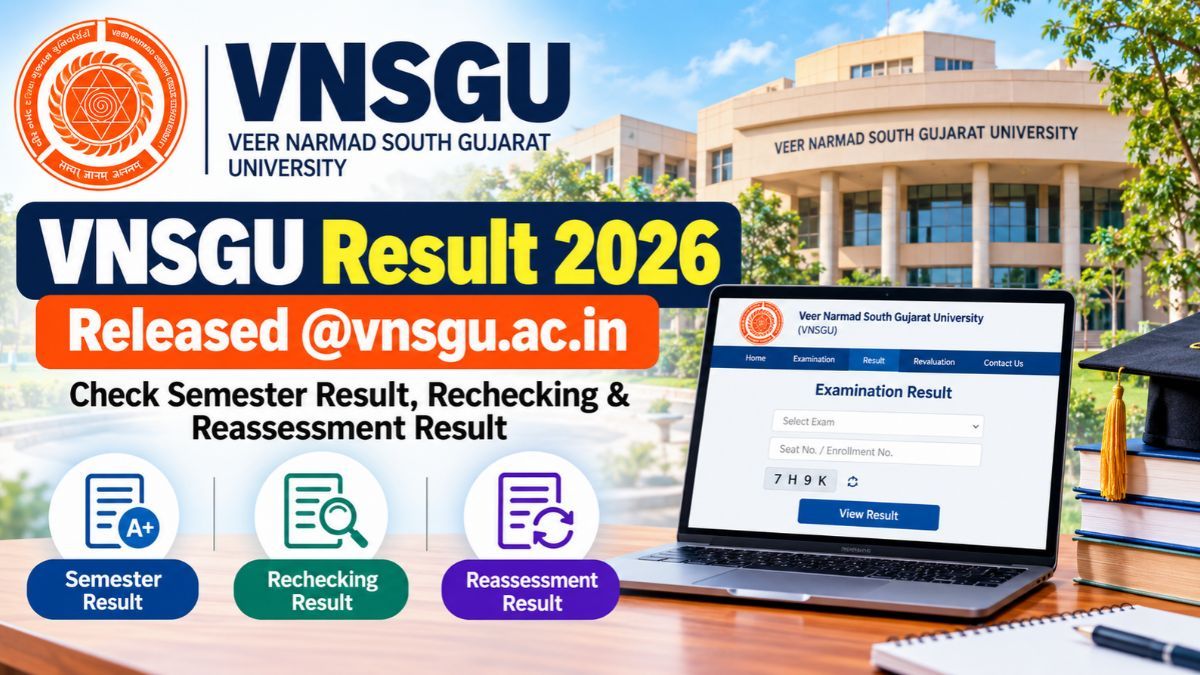
VNSGU Result 2026: Veer Narmad South Gujarat University (VNSGU) has released multiple UG and PG semester results for 2026. Students can check the VNSGU result through the university’s result portal by selecting their respective course and semester. The result list includes BA, BCom, BSc, BCA, BBA, MA, MCom and other programmes across different streams. Students can use the direct result links provided below to access their marks and result status.
VNSGU Result 2026: Direct Link
| Stream | Available Results | Result link |
|---|---|---|
| Arts | BA Sem 3 NEP, BA Sem 3, 4, 5, 6, FYBA-EXT, SYBA-EXT, TYBA-EXT, MA Part 1/2 EXT, MA Sem 4 | Click Here |
| Commerce | BCom Sem 1 to 6, new-pattern BCom Sem 3 to 6, MCom Sem 1 to 4, external BCom/MCom results | Click Here |
| Science | BSc Sem 4, 5 and 6 | Click Here |
| Computer Science & IT | BCA Sem 5 and 6 | Click Here |
| Management | BBA Sem 5 | Click Here |
| Rural Studies | Course-wise results are available through the VNSGU result section | Click Here |
| Education & Law | Course-wise results are available through the VNSGU result section |
Check: VNSGU Courses & Fees 2026
How to Check VNSGU Result 2026?
Students can follow the steps below to check their VNSGU semester result online:
- Visit the VNSGU official website.
- Go to the Examination or Result section.
- Select Result (Offline Students).
- Choose your respective stream, such as Arts, Commerce, Science, Computer Science & IT, Management, Rural Studies, or Education & Law.
- Select the course and semester for which you want to check the result.
- Enter the required enrolment number, seat number, or other login details, if asked.
- Submit the details to view your VNSGU Result 2026.
- Check your marks, grades and result status carefully.
- Download or print the result for future reference.
Also Read: VNSGU Course Admission 2026
Details Mentioned on VNSGU Result 2026
The VNSGU result generally contains important academic and examination details that students should check carefully. These may include:
- Student's name
- Enrolment number
- Seat/Roll number
- Course and programme name
- Semester and examination details
- Subject-wise marks
- Internal and external marks, where applicable
- Total marks
- Grades or grade points
- SGPA/CGPA, wherever applicable
- Result status such as Pass, Fail or ATKT
- Examination session/year
- University or examination authority details
Students should verify their name, enrolment number, subject-wise marks and overall result status after downloading the VNSGU Result 2026.
Read: VNSGU Placement 2026
VNSGU Result Notification
Students can visit the VNSGU Result Notification section to find out whether the university has announced the result for their particular examination.
VNSGU Result Notification:
old.vnsgu.ac.in/result_notification.php
The page provides course-wise and examination-wise result updates, along with details such as the examination session and result announcement date. Students can find notifications for various programmes, including B.Com, B.A. (External), B.C.A., M.A., M.Com., M.Sc. and other courses.
VNSGU Revaluation Result 2026
Students who believe their marks do not reflect their performance can apply for re-assessment or re-checking as per the rules applicable to their examination. VNSGU releases separate notifications for these processes after the declaration of the regular results.
- To check or apply for the VNSGU revaluation process, students should:
- Open the official VNSGU Re-Assessment/Re-Checking notification page.
- Find the notification related to their course and examination.
- Read the instructions and eligibility requirements carefully.
- Submit the application within the deadline mentioned in the notification.
- Pay the applicable re-assessment or re-checking fee, if required.
- Check the official notification page later for the revised result.
Once the process is completed, VNSGU publishes the re-assessment outcome separately. If there is any change in marks, the updated result is reflected accordingly.
VNSGU Re-Assessment/Re-Checking: https://vnsgu.ac.in/ra_rc_notification.php
VNSGU Result 2026 FAQs
Ques. Where can students check the VNSGU Result 2026?
Ans. Students can check their VNSGU Result 2026 through the university's official result portal. They need to select their respective stream, course and semester to access the result.
Ques. Which courses are covered under the VNSGU Result 2026?
Ans. VNSGU publishes results for various UG and PG programmes, including BA, BCom, BSc, BCA, BBA, MA, MCom and other courses.
Ques. Can students check the VNSGU result by name?
Ans. Students generally need to use the details requested on the respective VNSGU result page. The required information may vary according to the course and examination.
Ques. Is the VNSGU online result valid?
Ans. The online result can be used to check the student's marks and result status. Students should retain the official marksheet or grade card issued by the university for admission and other formal purposes.
Ques. What details are mentioned on the VNSGU result?
Ans. The result may include the student's name, enrolment number, seat/roll number, course, semester, subject-wise marks, total marks, grades, SGPA/CGPA and result status.
Ques. What should students do if there is an error in the VNSGU result?
Ans. Students should contact their college or the VNSGU examination department and follow the applicable procedure for result correction, re-assessment or re-checking.
Ques. Can students download the VNSGU Result 2026?
Ans. Yes. After viewing the result, students can download or print the result page for future reference.
Ques. Does VNSGU release results for different semesters separately?
Ans. Yes. VNSGU publishes course-wise and semester-wise results separately. Students should select the appropriate course and semester from the result list.
Ques. What if the VNSGU result link is not opening?
Ans. Students can try again after some time, use a different browser or check the university's official website for updated result links or notifications.


.png?h=132&w=263&mode=stretch)

.png?h=132&w=263&mode=stretch)



Comments